You typed a prompt. Seedance 2.0 came back with a block. No explanation, no workaround, just a flat rejection. If you've been there, you know exactly how jarring that moment feels, especially when the content you were going for was nothing more than glamour photography, swimwear, or artistic nudity. The filter doesn't distinguish. It flags, blocks, and moves on.
This happens because Seedance 2.0 operates under strict content policies tied to its parent company, ByteDance. Those policies are not going away. But there are real, high-quality alternatives available right now, and this article will walk you through them clearly so you can get back to creating the work you actually want to make.
What Seedance 2.0 Actually Is
The model and its origins
Seedance 2.0 is a video generation model developed by ByteDance, the same company behind TikTok. It's built on top of the Seedream image architecture, and it's designed to produce short video clips from text prompts or reference images. The quality is genuinely impressive. Motion is smooth, details are consistent, and the model handles complex prompt instructions better than most competitors.
That's exactly why the NSFW restrictions sting so much. The model is capable. Its policy is just conservative.

Who relies on it daily
Seedance 2.0 has built a strong following among creators producing social media content, short film experiments, fashion editorials, and AI art portfolios. The demand for photorealistic human subjects is enormous in these niches, and Seedance handles faces and bodies well. That means users working in adult content, glamour photography, or suggestive artistic work run into the filter constantly.
The restrictions aren't hidden in fine print. ByteDance explicitly prohibits any content classified as sexually explicit, which the model interprets broadly enough to flag swimwear, artistic nudity, and anything the detection system reads as suggestive.
Why Seedance 2.0 Restricts NSFW
ByteDance's content policy
ByteDance operates in a uniquely complex regulatory environment. The company faces scrutiny from governments in multiple countries, and its products are under constant pressure to demonstrate responsible content standards. Seedance 2.0, as a flagship AI product, carries that political weight directly. The content policy is not just about aesthetics. It's about regulatory survival.

The acceptable use policy prohibits:
- Sexually explicit or pornographic content
- Suggestive depictions of minors
- Content that could be flagged under obscenity laws in any of their target markets
- Intimate imagery without consent, including deepfakes of real people
The problem is that last broad category bleeds into everything else. The detection system can't reliably distinguish between artistic nudity in the tradition of classical photography and explicit content, so it defaults to blocking both.
Platform-level enforcement
The filter operates at inference time. Your prompt is analyzed before generation begins. The model uses a classifier trained on flagged content categories, and if your prompt or reference image crosses certain confidence thresholds, generation is refused outright.
There's no appeal process. There's no explanation of what specifically was flagged. You get a generic error, and that's it.
How the filter works
The classifier examines multiple signals simultaneously:
- Prompt-level analysis: Phrases are scored against a blocklist. Words associated with nudity, explicit anatomy, or sexual acts trigger automatic rejection.
- Semantic intent detection: The classifier attempts to infer the intent behind your prompt, not just the literal words. Describing a "sensual atmosphere" or "intimate pose" can trigger a flag even without explicit terminology.
- Image input screening: If you're using image-to-video mode, the reference image itself is analyzed. Swimwear, lingerie, or implied nudity in the source image can cause a rejection.
💡 The filters in Seedance 2.0 are applied server-side and cannot be bypassed through prompt engineering alone. Many workarounds that functioned in older models simply don't work here.
What Creators Actually Lose

The gray area problem
The biggest frustration isn't with explicitly adult content. Most creators understand why platforms block pornography. The problem is everything that lives in the gray area between "safe for work" and "explicit." Fashion photography with visible midriffs. Conceptual art involving the human body. Intimate portraits between couples. Classic editorial-style swimwear shoots.
These aren't fringe cases. They represent massive categories of legitimate commercial and artistic work. Advertisers, fashion brands, music video directors, and independent artists all produce this type of content professionally and legally. When an AI filter treats it as equivalent to explicit material, the tool becomes unreliable for an entire segment of the creative industry.
When fashion becomes flagged
Consider a prompt as innocuous as: "A woman in a red bikini on a sunlit beach, editorial photography style." A human editor at any mainstream magazine would approve that image without hesitation. Seedance 2.0 may reject it entirely, depending on how the classifier interprets "bikini" within the surrounding context.
The filter's over-reach forces creators into an exhausting cycle of rephrasing, testing, and rephrasing again. Time that should go into creation gets spent working around a detection system instead.
The Best Alternatives for NSFW-Friendly AI Art
There are several models available on PicassoIA that give you the creative control Seedance 2.0 doesn't. Most are text-to-image models, which gives you the still photography output that serves as the foundation for most glamour, fashion, and artistic work.
Flux 1.1 Pro and Flux 2 Pro
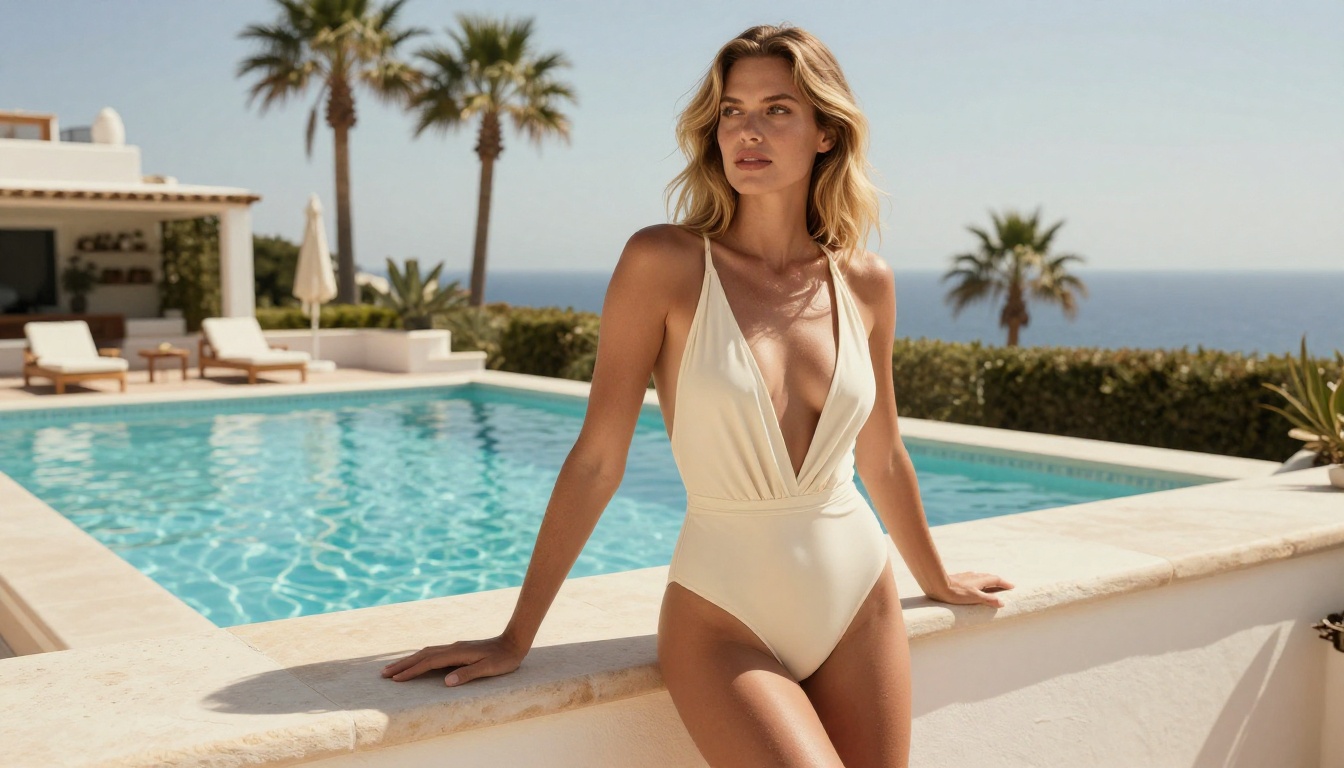
The Flux 1.1 Pro model from Black Forest Labs is one of the most capable text-to-image models for photorealistic human subjects. It handles facial detail, body proportions, and lighting with remarkable accuracy. For fashion, glamour, and artistic work, it's a reliable choice that doesn't carry the same heavy-handed filtering.
Flux 2 Pro takes that further, with improved prompt adherence and more consistent anatomy across complex compositions. Both models are available on PicassoIA and respond well to detailed prompts describing pose, lighting, and environment.
For high-volume creative projects, Flux 1.1 Pro Ultra delivers native ultra-high-resolution output. The detail in skin texture, fabric, and environmental elements is exceptional for editorial-quality work.
💡 When working with Flux models, include specific camera and lighting details in your prompts. Descriptors like "85mm f/1.4, volumetric golden hour light from the left, Kodak Portra 400 film grain" dramatically improve photorealism and give the model clear compositional direction.
Seedream 4 and Seedream 4.5
The Seedream 4 and Seedream 4.5 models are ByteDance's text-to-image offerings, sharing DNA with the Seedance video architecture but operating with considerably more flexibility on PicassoIA. These models produce stunning high-resolution imagery with accurate human anatomy and strong stylistic consistency.

Seedream 5 Lite is the fastest option in the family, ideal for rapid iteration when you're testing prompt variations before committing to a final render.
The irony is notable: while Seedance 2.0 (the video model) applies aggressive content filtering, the Seedream image models available on PicassoIA allow for significantly broader creative expression. If you were drawn to Seedance for its ByteDance-quality human rendering, Seedream gets you that same aesthetic in still photography without the same level of restriction.
Stable Diffusion 3.5 Large
Stable Diffusion 3.5 Large remains a cornerstone of open-access image generation. It's powerful, flexible, and produces photorealistic results across a wide range of subject matter. For creators who need consistent, repeatable output for glamour or fashion content, SD 3.5 Large is a dependable workhorse.
The model responds especially well to fine-tuning, which means you can layer additional stylistic control on top of the base model. The SDXL and SDXL Lightning 4Step variants on PicassoIA are available for faster output when speed matters more than maximum detail.
Realistic Vision v5.1
For straightforwardly photorealistic human portraits, Realistic Vision v5.1 is one of the most focused models available. It's trained specifically for photorealism, with strong performance on skin texture, facial detail, hair, and natural lighting scenarios. It's a lean tool built for one job, and it does that job very well.
Side-by-Side Model Comparison
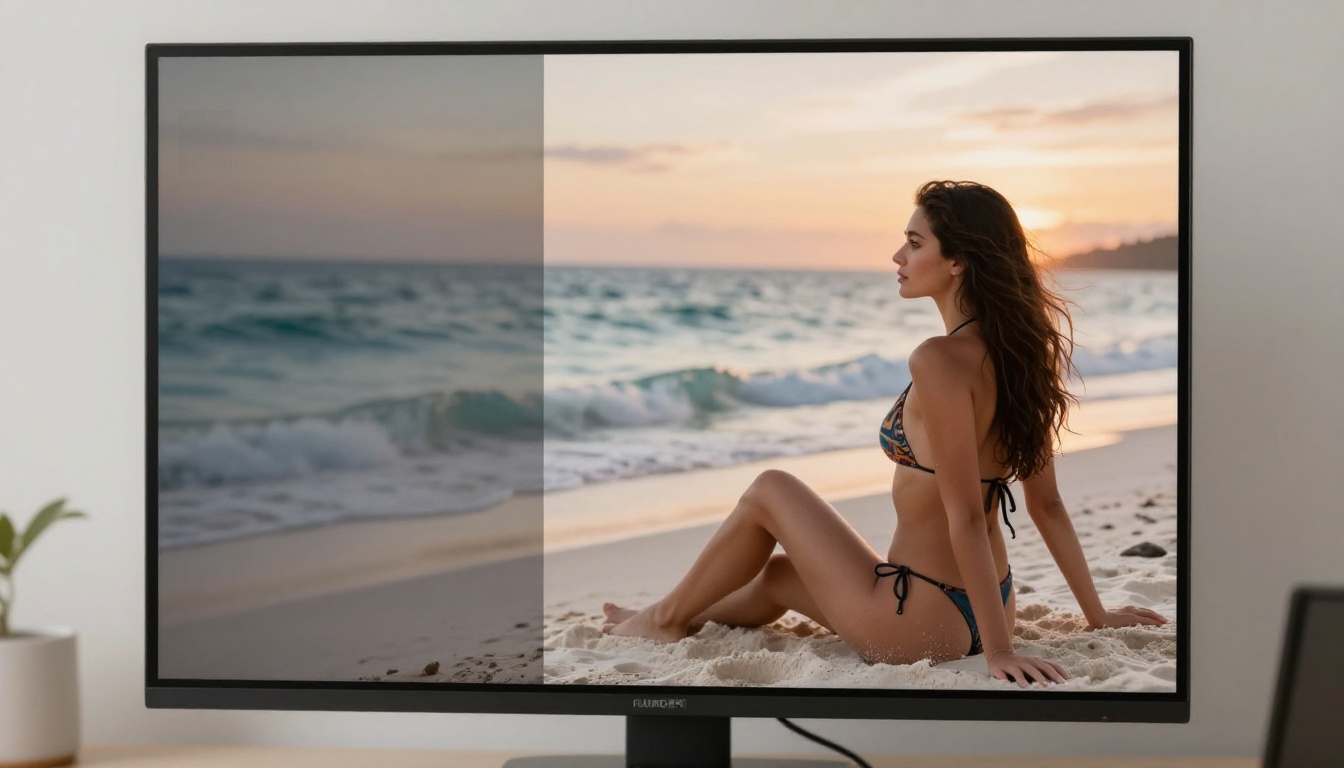
💡 Creative flexibility ratings refer to the models' ability to generate suggestive, glamour, or artistic content. None of these models should be used to generate pornographic or illegal content.
How to Use These Models on PicassoIA
PicassoIA hosts all the models listed above in one platform, without the fragmented API setup that most alternatives require. Here's how to get started immediately.
Step 1: Pick the right model
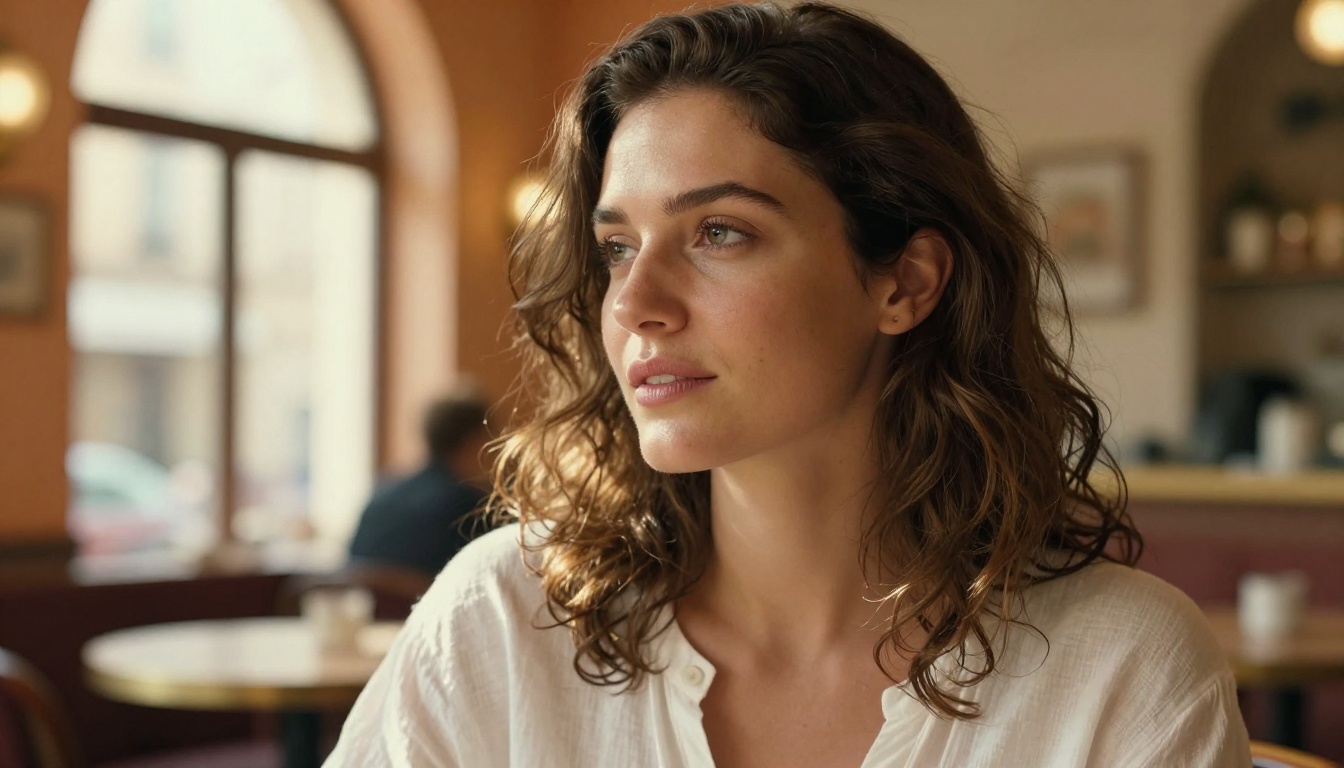
Navigate to the text-to-image collection on PicassoIA. For photorealistic glamour and fashion work, start with Flux 1.1 Pro. If you need ultra-high-resolution output for print or large-format use, go directly to Flux 1.1 Pro Ultra. For a ByteDance-quality aesthetic in still photography, try Seedream 4.5.
Step 2: Write a strong prompt
Prompt quality determines output quality more than model selection in most cases. Structure your prompt in layers:
- Subject description: Who or what is in the image, what they're doing, how they're posed
- Environment: Where the scene takes place, what surrounds the subject
- Lighting: Direction, quality, source, and color temperature of the light
- Camera specs: Focal length, aperture, film stock, shooting angle
- Atmosphere: Mood, texture details, color palette
Example: "A confident woman with dark curly hair, wearing a strappy black bikini, standing waist-deep in a clear turquoise ocean at golden hour. Warm backlight from the setting sun creates rim lighting on her shoulders and hair. Shot with Canon 85mm f/1.8, shallow depth of field. Water droplets visible on her skin. Film grain, Kodak Portra 400. Color palette: deep ocean blue, warm amber, natural skin tone."
Step 3: Adjust parameters
Most models on PicassoIA expose these generation controls:
- Guidance scale: Higher values push the model to follow your prompt more literally. For detailed, specific shots, try values between 7 and 10.
- Steps: More steps generally means higher quality but slower generation. For most work, 30 to 40 steps is the sweet spot.
- Seed: Lock a specific seed once you find a composition you like, then vary your prompt slightly to iterate.
- Aspect ratio: Use 16:9 for editorial and landscape shots, 4:3 for classic portrait proportions, 9:16 for vertical social content.
Step 4: Upscale with super resolution
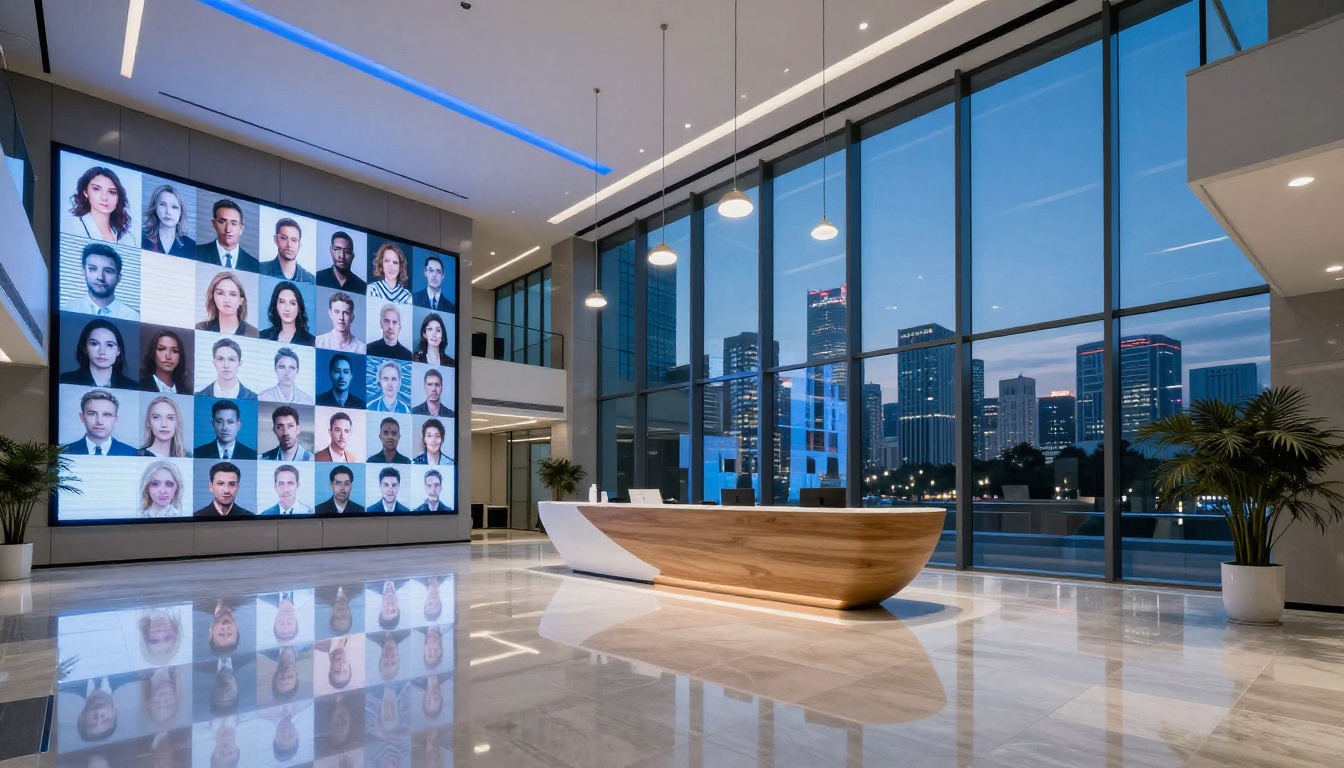
Once your image is generated, PicassoIA's super resolution tools can upscale the output 2x or 4x while preserving fine detail. This is especially useful for fashion and glamour work where skin texture and fabric details are critical for the final image quality.
Prompt Tips That Actually Work
Not all prompts perform equally across models. These patterns consistently produce strong photorealistic results across the Flux and Seedream families:
- Always specify lighting direction: "light from upper left," "backlit by sunset," "north-facing window light" all give the model useful compositional information.
- Include a film stock reference: "Kodak Portra 400," "Fuji Pro 400H," or "Kodak Ektar 100" each have distinct tonal characteristics that the models have internalized from training data.
- State what you don't want: Negative prompts (where supported) for "CGI, cartoon, illustration, watermark, text" consistently improve photorealism.
- Be specific about composition: "Low-angle shot," "aerial view," "close-up macro," and "wide establishing shot" are all understood and respected by these models in the output.
Start Creating Now
Seedance 2.0 is a powerful model running under a restrictive policy. For general video content, it's worth using. For anything that pushes toward suggestive, glamour, or artistic mature content, you'll hit a wall fast. The alternatives on PicassoIA, from Flux 2 Pro to Seedream 4 to Realistic Vision v5.1, give you the creative control that Seedance can't.
The quality ceiling on PicassoIA's model library is high. Whether you're shooting for editorial glamour, artistic portraits, or fashion campaigns, the tools are there. All that's left is writing the prompt.
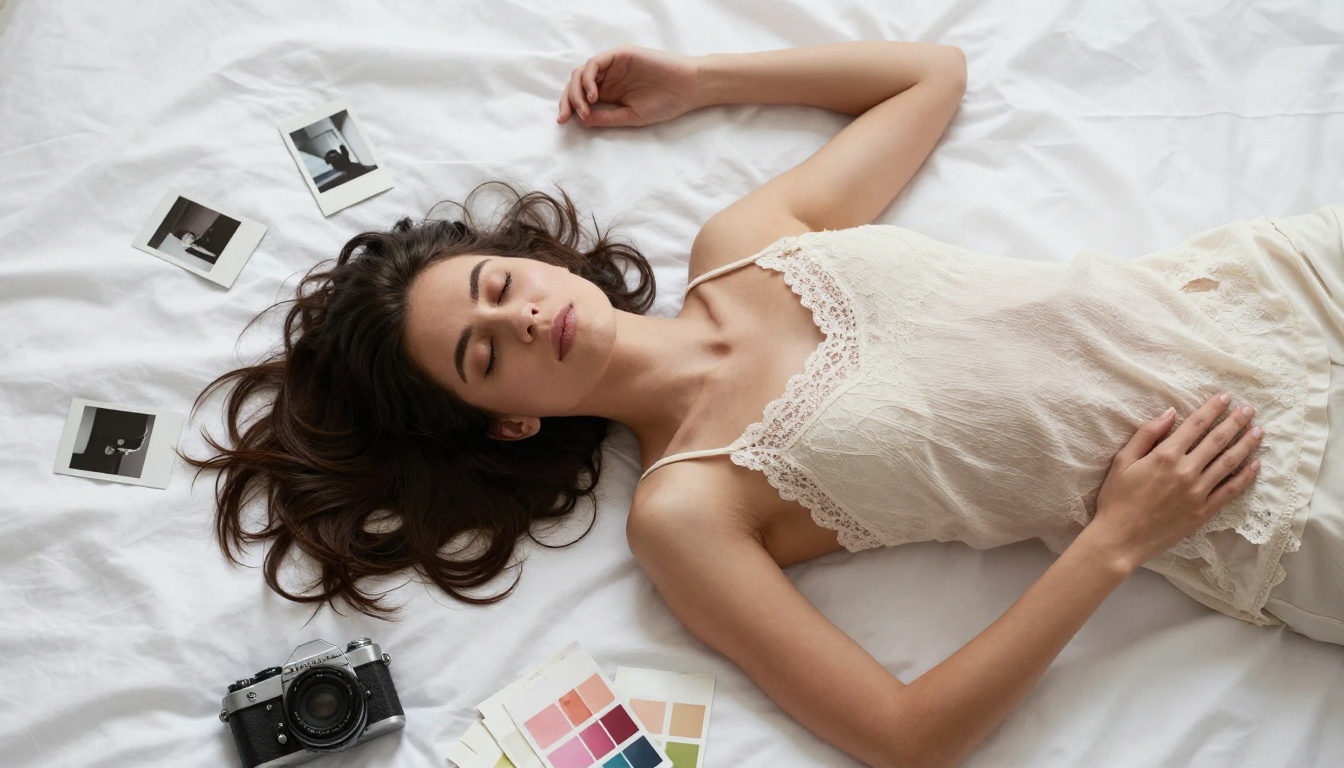
Head to PicassoIA and start generating the images you've been blocked from making. The platform puts 91 text-to-image models in one place, including every model mentioned in this article. Pick one, write a detailed prompt, and see what you've been missing.


