The year 2026 didn't arrive quietly for AI image generation. It arrived with a set of models that made professional photographers pause, designers reconsider their workflows, and marketers stop reaching for stock photo libraries. If you haven't kept up with what's changed, this article breaks down the 10 tools that reshaped what's possible and exactly where you can try each one right now.
What Shifted in 2026
The Photorealism Threshold
For years, AI-generated images had a tell. Hands looked wrong. Skin textures were too smooth. Backgrounds didn't match the lighting of the foreground. In 2026, those tells became rare exceptions rather than the rule. The models listed here crossed a threshold where, in controlled tests, human evaluators consistently misidentified AI output as real photography at rates above 70%.
That's not a philosophical statement about authenticity. It's a practical statement about usefulness: these tools produce images that work in real projects, not just as demos or proofs of concept.
Speed No Longer Means Compromise
The old tradeoff in AI imaging was brutal: fast models looked cheap, quality models were slow. In 2026, that tradeoff collapsed. Models like Seedream 5 Lite and Flux 2 Dev now generate production-ready images in seconds, not minutes.
| Model | Speed | Quality Tier | Best For |
|---|
| Flux 2 Pro | Fast | Flagship | Commercial photography |
| GPT Image 1.5 | Medium | Flagship | Instruction-heavy prompts |
| Imagen 4 Ultra | Slow | Ultra | Print, editorial |
| Qwen Image 2 Pro | Fast | High | Portraits, lifestyle |
| Ideogram V3 Quality | Medium | High | Text-heavy designs |
| Seedream 5 Lite | Very Fast | Mid-High | Volume production |
| Recraft V4 Pro | Medium | High | Brand and design work |
| Wan 2.2 Image | Fast | High | Cinematic stills |
| Grok Imagine | Fast | High | Candid realism |
| Flux 2 Max | Slow | Ultra | Maximum photorealism |
1. Flux 2 Pro (Black Forest Labs)
Flux 2 Pro is the model that signaled Black Forest Labs' intention to own the photorealism space. Released in early 2026, it builds on the Flux 1.1 architecture with a significantly improved understanding of real-world lighting physics, material rendering, and human anatomy.
What It Does Differently
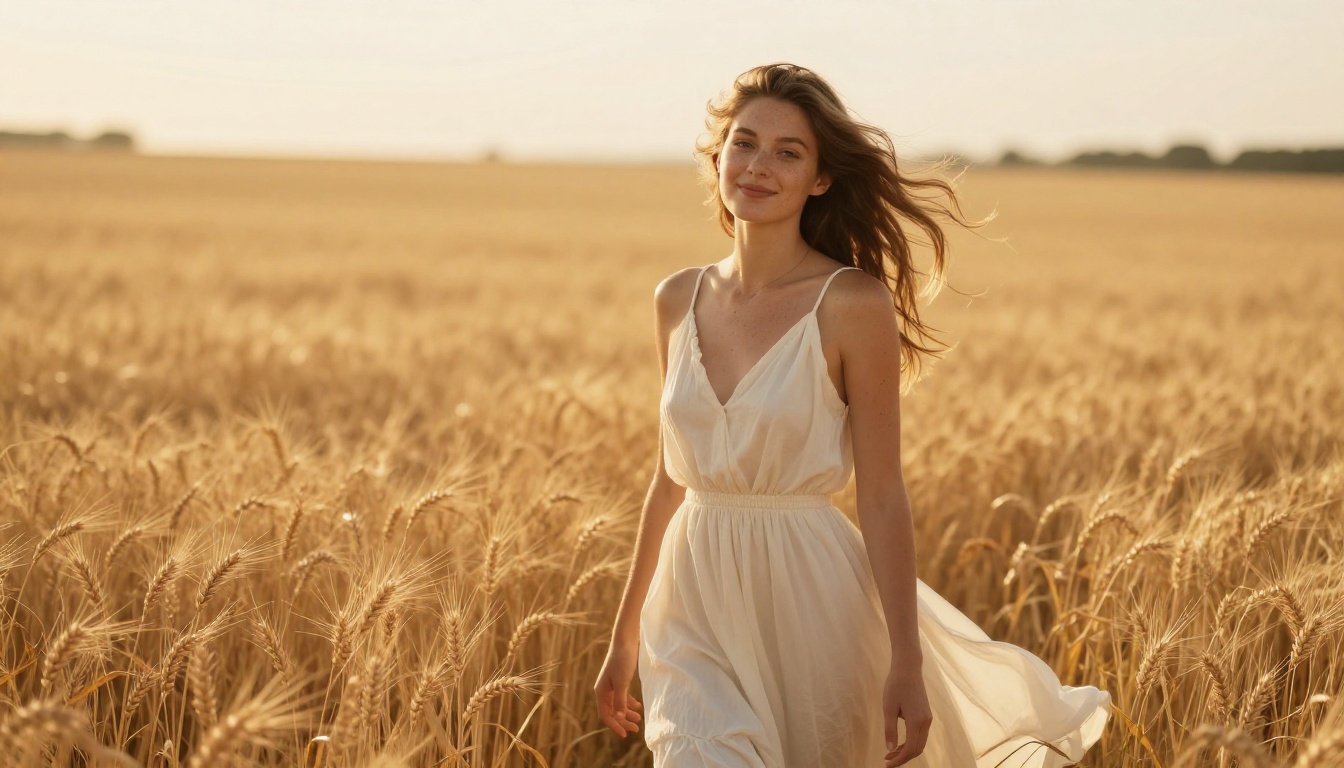
The biggest visible upgrade in Flux 2 Pro is how it handles light interaction with surfaces. Skin no longer reads as a uniform texture. You get actual subsurface scattering, visible pore variation, and natural color shifts in shadow regions. The same attention extends to fabric, hair, and background elements.
Prompts that previously required heavy engineering now produce consistent results with conversational language. Ask for "a woman reading in a coffee shop, late afternoon window light" and you get exactly that, without specifying every technical parameter.
💡 Worth noting: Flux 2 Max pushes even further for maximum quality, at the cost of generation speed. For most commercial work, Flux 2 Pro is the sweet spot.
Who It's For
- Commercial photographers needing lifestyle imagery at scale
- Marketing teams producing social and editorial assets
- Anyone whose previous workflow involved purchasing stock photography
2. GPT Image 1.5 (OpenAI)
GPT Image 1.5 is the most instruction-sensitive model on this list. Where other tools respond to visual descriptions, GPT Image 1.5 responds to intent. You can tell it "make the background warmer and shift the subject slightly left" and it interprets the compositional request rather than treating it as noise to filter.
Instruction Following, Redefined
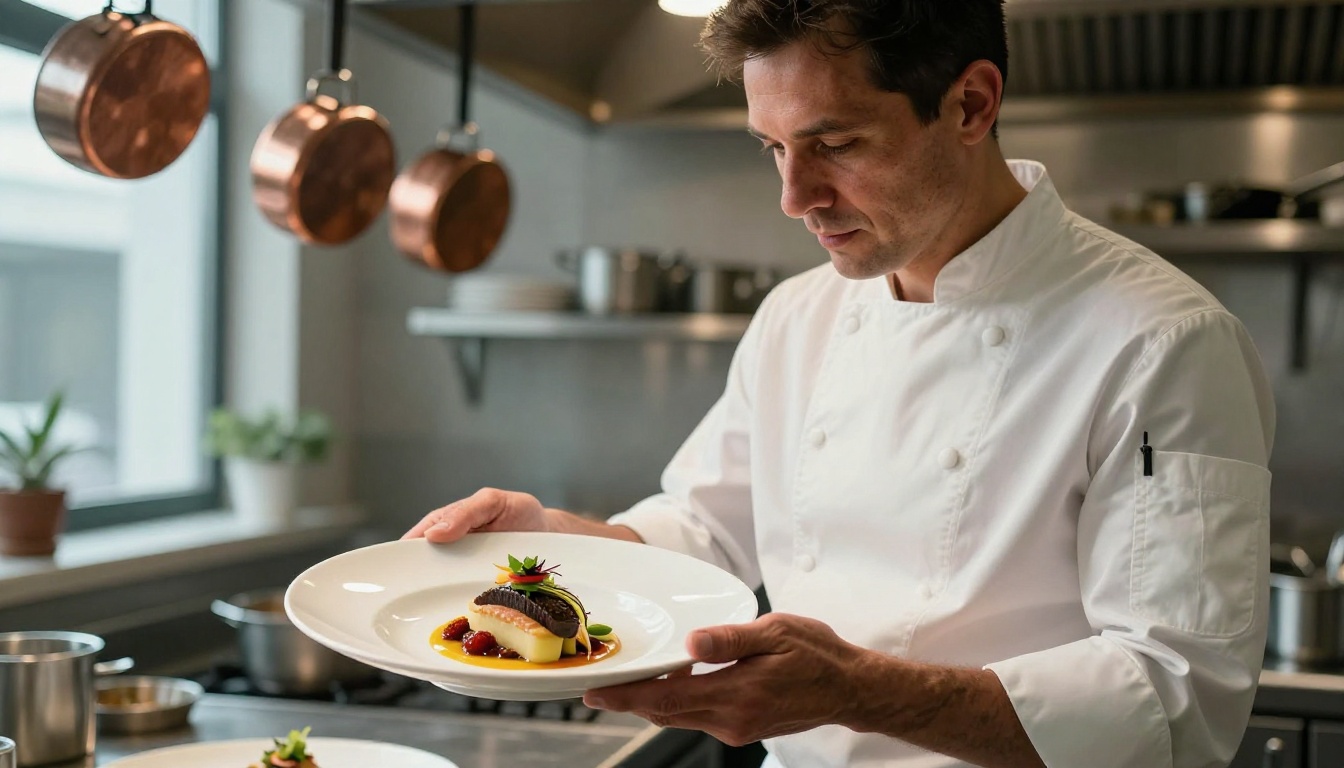
This model was built with a different assumption than most image generators: that the user knows what they want, and the model's job is to get there without requiring prompt engineering expertise. A prompt asking for "a busy restaurant where the chef is plating a dish in the foreground, soft-focus diners in the background, natural window light from the right" produces exactly that scene, with correct depth separation and coherent lighting throughout.
Strengths and Limitations
Strengths:
- Multi-element scene coherence without prompt overengineering
- Responds accurately to lighting direction instructions
- Strong face and hand rendering in complex scenarios
Limitations:
- Slightly slower than Flux 2 Pro at equivalent quality
- Less stylistic flexibility for non-photorealistic output styles
3. Imagen 4 Ultra (Google)
When pixel-level detail matters, Imagen 4 Ultra operates in a separate category. This model was built for outputs that hold up at print scale, editorial use, and large-format display. The standard Imagen 4 handles most daily use cases well, but the Ultra variant adds a secondary refinement pass that recovers micro-detail at levels no other model consistently matches.
When Detail Counts Most
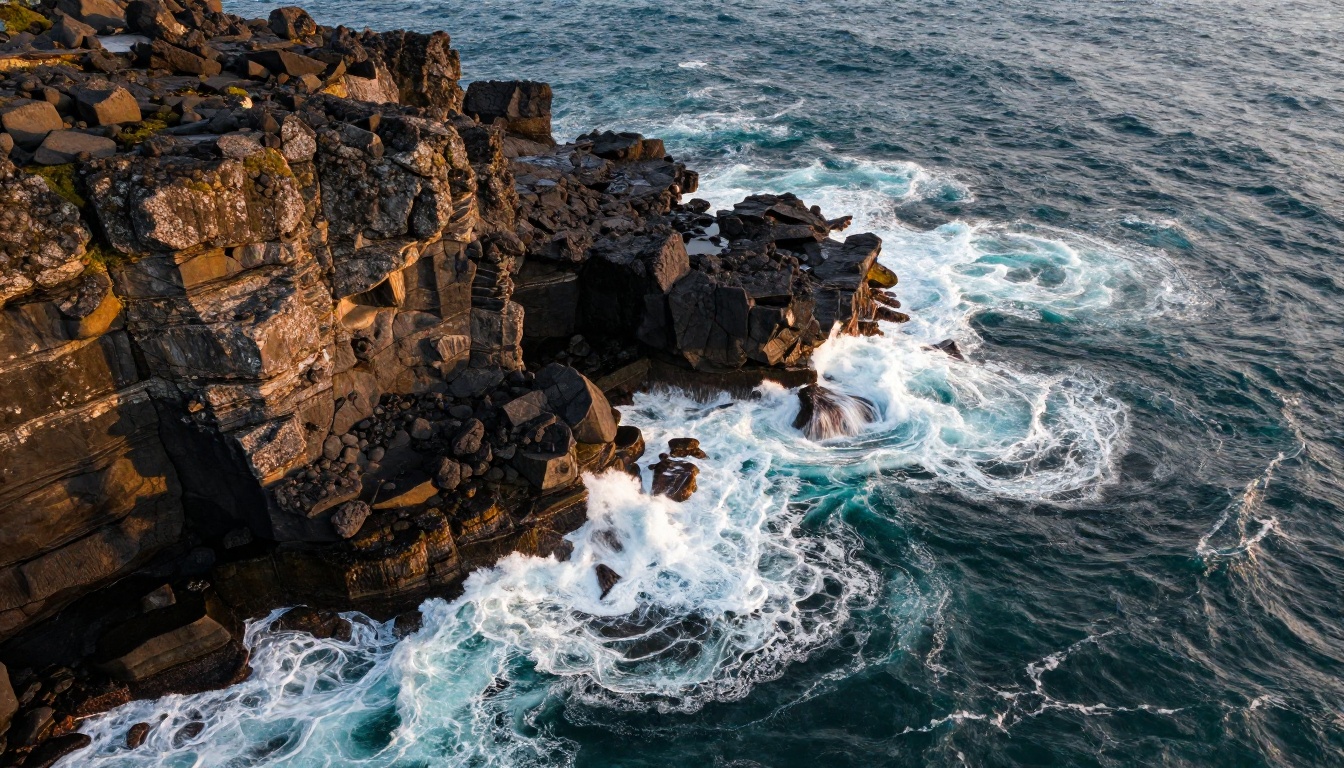
The practical difference shows most clearly in complex natural scenes: ocean water with individual wave physics, aerial landscape photography with geological texture, architectural shots where the mortar between bricks is individually distinguishable. For advertising, fashion editorial, or any output viewed at high resolution, this level of detail isn't optional.
💡 Speed note: Imagen 4 Fast delivers similar composition quality at roughly 3x the speed, trading some micro-detail for throughput. For web-resolution work, the Fast version is often the smarter choice.
4. Qwen Image 2 Pro (Alibaba)
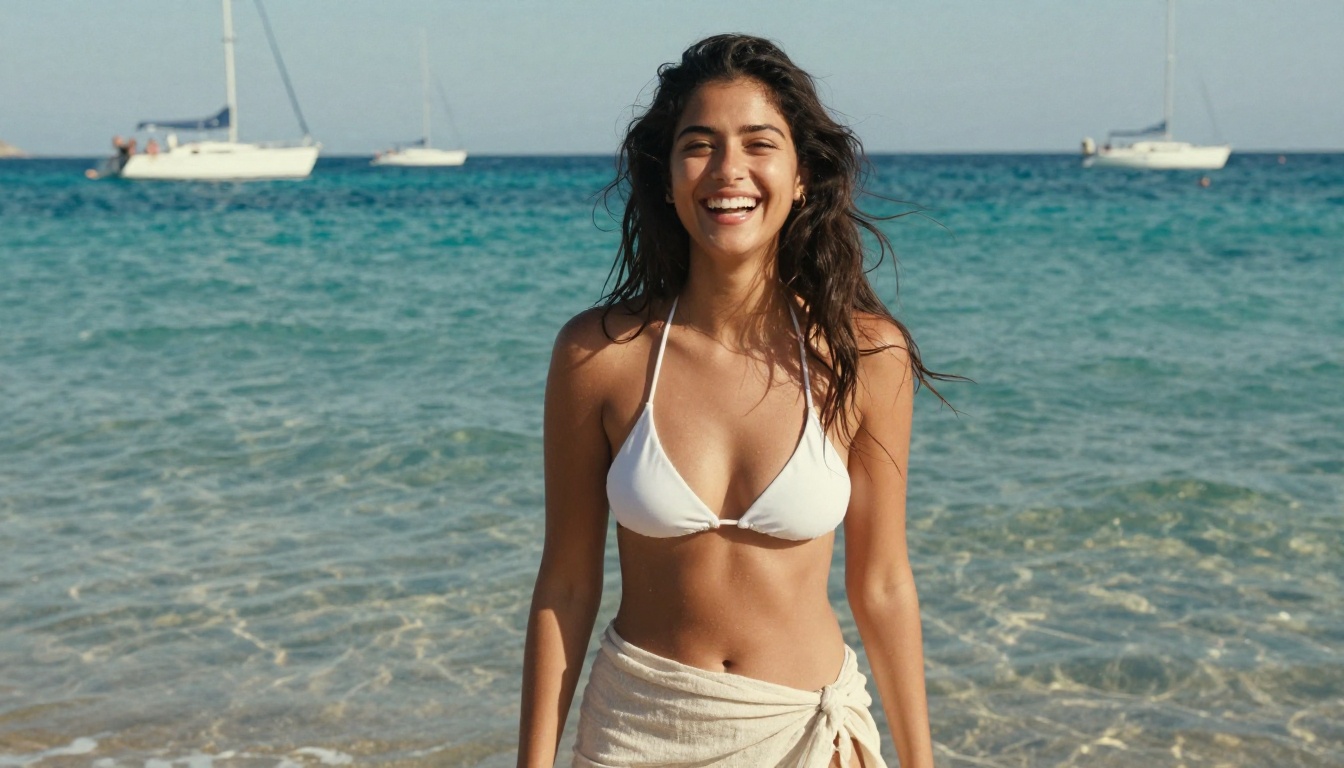
The story of Qwen Image 2 Pro is a story about what happens when you train a model on a genuinely diverse dataset. Where many Western-developed models struggle with non-European facial features, skin tones, and cultural contexts, Qwen Image 2 Pro handles them as first-class subjects.
The Open Weight Challenger
The base Qwen Image 2 model is available open-weight, which has driven rapid adoption in production pipelines that need on-premise deployment. The Pro version adds a refinement layer that closes the quality gap with closed models like Flux 2 Pro, while retaining the diversity advantage.
Where it stands out:
- Portrait photography across all ethnicities and skin tones
- Lifestyle and travel imagery with authentic cultural context
- Fashion and beauty content with accurate, inclusive representation
5. Ideogram V3 Quality
Text in AI images has been broken for years. Every model produced distorted letters, misaligned words, and typographic gibberish that required manual correction. Ideogram V3 Quality changed that in a meaningful way.
Text in Images, Finally Functional
Producing a mockup of a product label, a billboard design, or a storefront sign with readable text is now a realistic single-step operation. The model renders Latin, Cyrillic, and CJK characters with spatial accuracy and appropriate typographic styling that matches the scene context.
The Ideogram V3 Balanced variant offers a faster path to similar results when speed matters more than perfection. For production text-heavy work, V3 Quality remains the standard.
💡 Practical use: Product packaging mockups, advertising poster concepts, social media graphics with integrated typography, and retail signage renders are now viable without a separate design pass.
Top text-in-image applications:
- Logo and label mockups on physical products
- Billboard and out-of-home advertising concepts
- Branded social content with embedded copy
- Wayfinding and signage design prototypes
6. Seedream 5 Lite (ByteDance)
Seedream 5 Lite holds an unusual position: it produces images that comfortably sit in the high-quality tier at speeds that make volume production viable. ByteDance's engineering focus on inference optimization means you're not choosing between running one excellent image or running many mediocre ones.
Fast, Free, and Surprisingly Good
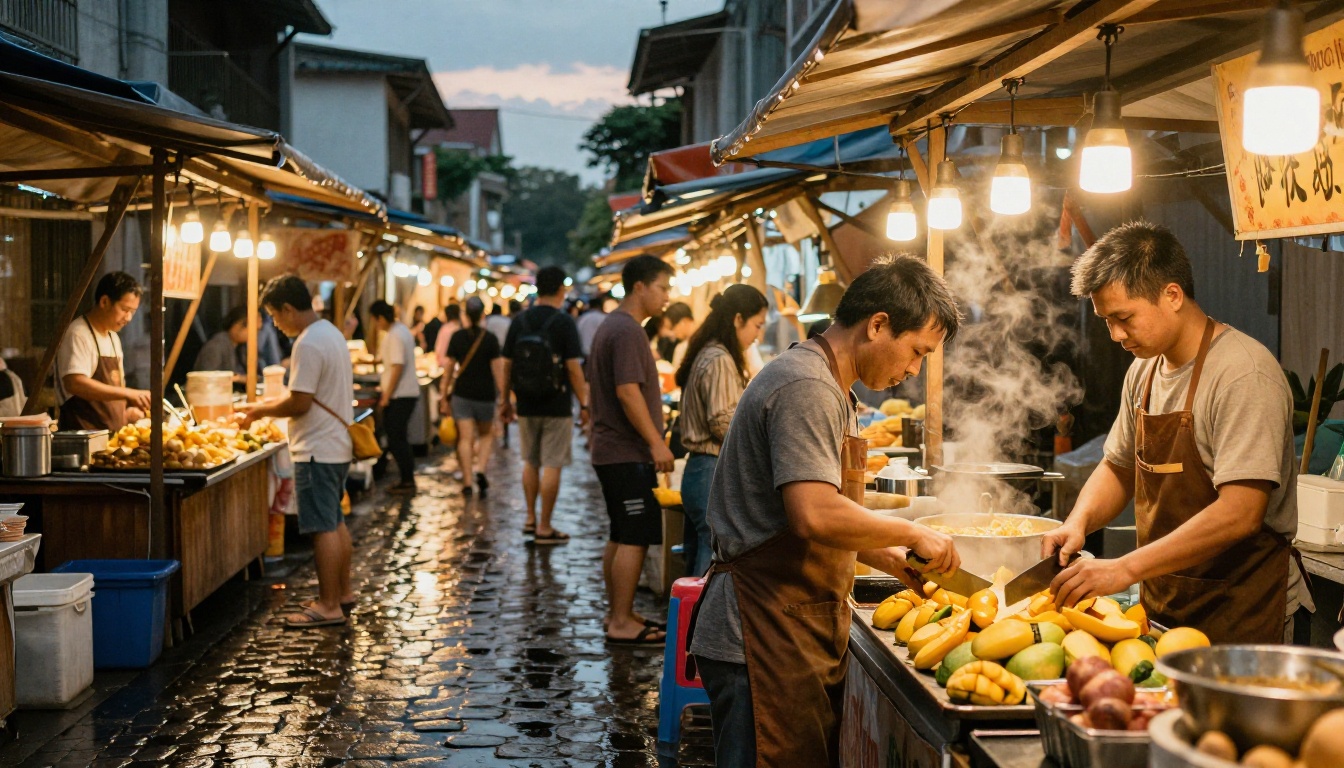
Seedream 5 Lite is one of the few models in 2026 where the free tier produces commercially viable output. Lighting is handled well, composition logic is strong, and the model has a particular strength in food, lifestyle, and cultural scene photography.
For teams that need consistent throughput without the per-generation cost of flagship models, this is the most practical choice in the current landscape.
Output speed comparison:
| Task | Seedream 5 Lite | Flux 2 Pro | GPT Image 1.5 |
|---|
| Portrait, simple prompt | ~4 seconds | ~8 seconds | ~12 seconds |
| Complex scene | ~7 seconds | ~14 seconds | ~20 seconds |
| Batch of 20 images | ~80 seconds | ~160 seconds | ~240 seconds |
7. Recraft V4 Pro
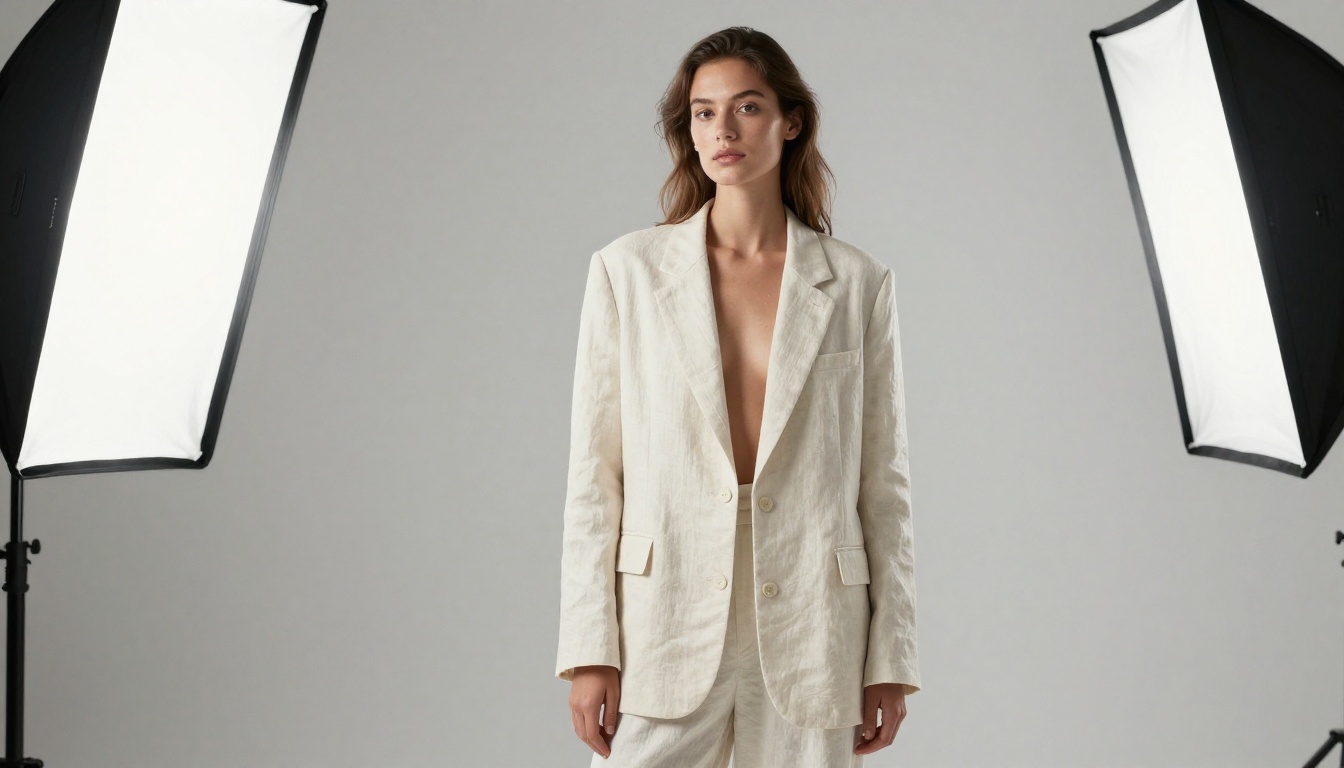
Recraft V4 Pro approaches image generation from the perspective of graphic design rather than photography simulation. The model has a strong internal sense of visual hierarchy, color theory, and compositional balance that produces images with an intentional, art-directed quality.
Design-First Output
Where photorealism models try to fool the eye into thinking an image is a photograph, Recraft V4 Pro produces images that look like they were art directed. That distinction matters enormously for brand work, where the goal isn't photographic authenticity but visual consistency and aesthetic intention.
The base Recraft V4 model handles lighter workloads well, with V4 Pro adding higher resolution output and improved consistency across multi-image production runs. For agencies and in-house brand teams, the consistency advantage alone justifies the upgrade.
Best use cases:
- Brand and product photography with controlled aesthetics
- Editorial illustration with photorealistic grounding
- Campaign imagery where visual style must remain consistent across dozens of assets
8. Wan 2.2 Image (PrunaAI)
Wan 2.2 Image brings the visual language of cinematic storytelling into still image generation. The model was originally developed as a frame generator for the Wan video architecture, and that heritage shows: it carries an unusually strong understanding of how to frame a scene the way a cinematographer would.
Cinematic Stills Without a Camera
Every image from Wan 2.2 Image reads like a frame from a well-shot film. Depth of field, lens perspective, natural subject-to-background separation, and cinematic color grading all appear without needing to be explicitly requested. For visual storytelling, editorial content, and any image where atmosphere is as important as subject accuracy, this model delivers a distinct result that others don't replicate.
💡 When to use it: If your prompt is scene-first rather than subject-first ("a rainy street at 3am in Tokyo" vs. "a woman standing on a street"), Wan 2.2 Image will consistently outperform models trained purely on photography datasets.
9. Grok Imagine (xAI)
Grok Imagine arrived in 2026 as xAI's serious entry into the image generation space. The model takes a realism-first approach, with particular attention to scenes that feel contemporary and documentary in nature.
The Newcomer's Advantage
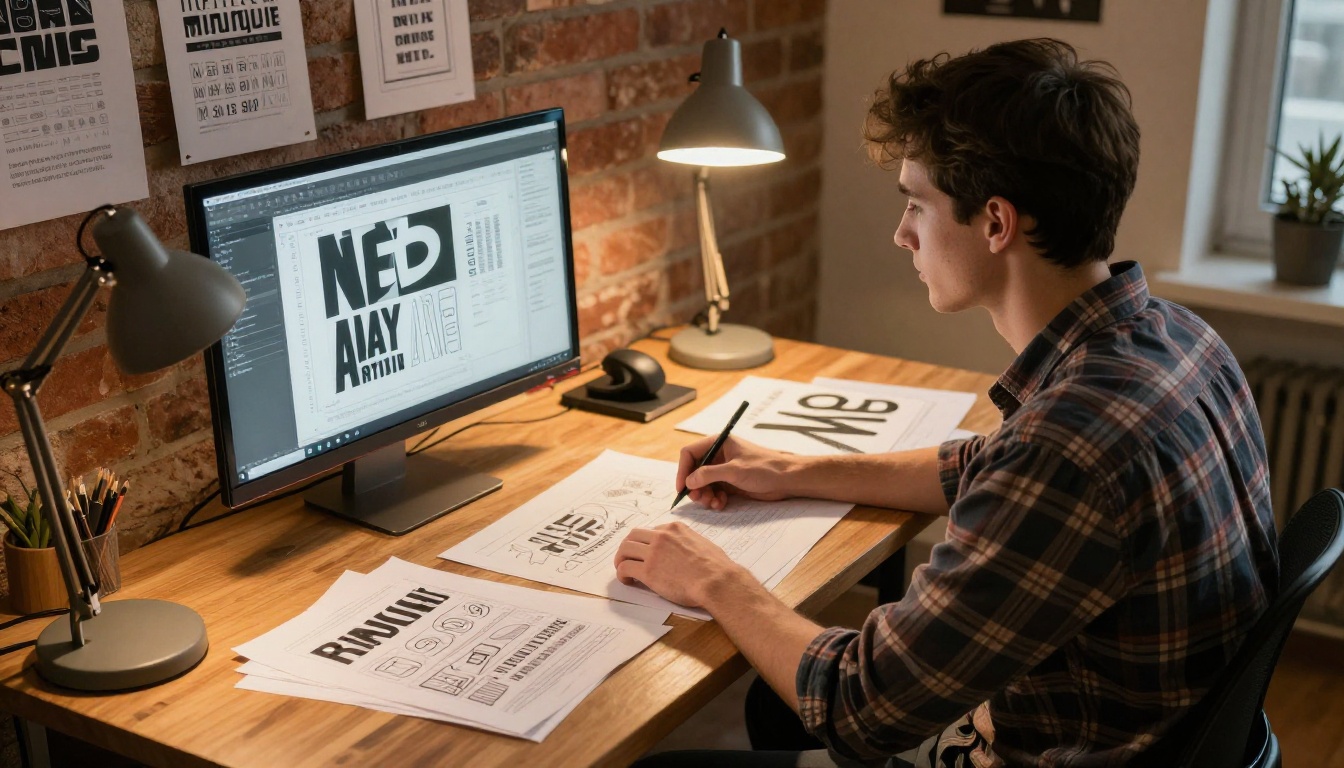
Being built later than most of its competitors gave Grok Imagine access to training approaches and architectural patterns that weren't available when older models were designed. The result is a model that handles certain difficult categories exceptionally well: candid human photography, working environments, and everyday scenes with authentic visual complexity.
Its handling of natural indoor lighting is particularly strong, a historically weak area for AI models that tend to produce either flat, overexposed interiors or artificially dramatic shadow work. Grok Imagine produces the kind of light you'd actually see in a real room at noon on a cloudy day.
Where Grok Imagine outperforms:
- Candid and documentary-style photography
- Working environments and professional scenes
- Authentic indoor lighting scenarios
- Contemporary lifestyle and editorial content
10. How to Use All 10 Right Now
You don't need separate accounts or subscriptions for each of these models. All ten are available on PicassoIA's text-to-image collection, which means you can test Flux 2 Pro, GPT Image 1.5, Imagen 4, and every other model on this list from the same interface, with the same prompt, side by side.

Try Them on PicassoIA
Here's how to get started:
-
Open the text-to-image collection at picassoia.com. You'll see all 91 available models organized by category.
-
Pick a model from this list. For a first run, Flux 2 Pro or Seedream 5 Lite are strong starting points since both deliver high quality quickly and handle a wide range of subjects.
-
Write a natural language prompt. Describe the scene, subject, lighting, and mood. No technical terminology required. "A woman standing at a rainy window, warm indoor light, film photography style" is enough for any of these models to produce a strong result.
-
Compare across models. PicassoIA lets you run the same prompt on multiple models. That comparison reveals immediately which model interprets your creative intent most accurately, more reliably than any benchmark score.
-
Iterate with parameter adjustments. Models like Ideogram V3 Quality and Recraft V4 Pro respond well to aspect ratio selection and style guidance. Start with 16:9 for landscape and editorial work, 9:16 for social content.
💡 Starting point: If you're not sure which model fits your project, Qwen Image 2 Pro handles the widest variety of subjects reliably. It's a consistent baseline that rarely produces unusable output, regardless of subject or lighting description.
The tools are there. Trying them costs nothing on the first run. Pick the one that fits your project and start creating images that actually work in the real world.


