The AI image generation space just got more interesting. Z-Image, a newly released open-source model, has been making the rounds in machine learning circles for one simple reason: it produces results that rival some of the most expensive proprietary systems available today, and it does so with publicly available weights that anyone can download, run, and fine-tune. That combination, free access plus serious output quality, is something the open-source community has been working toward for years.
If you've been tracking the evolution of text-to-image models, you already know how fast this space moves. Flux Kontext Dev, Stable Diffusion 3, Seedream 4.5, and Imagen 4 Ultra have all pushed boundaries in different ways. Z-Image enters this field with its own distinct approach, and it's worth taking seriously.
What Z-Image Actually Is
Z-Image is a text-to-image diffusion model built on an open-source architecture and released with fully accessible weights. Unlike models locked behind API paywalls or proprietary licensing agreements, Z-Image puts the actual model in your hands. You can run inference locally, build applications on top of it, or modify it for specialized tasks without permission from any vendor.
The name is straightforward: the Z denotes the model's latent-space approach to image synthesis, a nod to the latent variable Z used in variational frameworks. It's a bit of branding with roots in the technical design.

The Architecture Behind It
Z-Image uses a transformer-based diffusion backbone, departing from the older U-Net architectures that defined early Stable Diffusion releases. This architectural choice aligns with broader trends in the field: transformer-based diffusion models like Flux 2 Klein 9B have demonstrated superior scaling behavior and better long-range spatial coherence compared to U-Net equivalents.
Key technical properties:
- Latent diffusion in compressed space for faster inference without sacrificing output resolution
- Flow-matching training objective, which produces cleaner gradients and more stable training compared to standard DDPM approaches
- Native 1024x1024 resolution support with options to generate at higher resolutions through tiling
- Multi-modal conditioning that accepts both text prompts and image references as guidance signals
The training dataset reportedly draws from billions of image-text pairs with aggressive filtering for quality, diversity, and rights clearance, though specific dataset composition details remain partially undisclosed in the initial release.
Why Open Source Changes Things
When a model like this ships with open weights, the community can do things a closed API never allows. Researchers fine-tune it on domain-specific data within hours. Developers integrate it into applications without per-query cost structures. Artists adapt it for their personal aesthetic without negotiating commercial licenses.
This matters because most of the genuinely capable models in 2027 are still gated. GPT Image 2 from OpenAI produces stunning results but charges per generation. Imagen 4 Ultra from Google requires API access. Z-Image changes that equation for image synthesis.
💡 Open weights don't just mean free. They mean forkable, auditable, and adaptable at a level closed models fundamentally cannot be.
Z-Image vs. the Competition

Against Proprietary Models
Comparing Z-Image to proprietary options reveals a nuanced picture. On raw photorealism benchmarks, it sits in a competitive range with models that cost significantly more to run at scale.
The proprietary models still hold an edge in certain quality dimensions, particularly around text rendering and complex scene composition. But the gap is narrower than it was two years ago. For most production use cases, Z-Image's output is entirely sufficient.
Against Other Open Models
Within the open-source landscape, Z-Image competes directly with Stable Diffusion 3 and Flux Schnell LoRA. The comparison is instructive:
- Z-Image vs. SD3: Z-Image edges out on photorealism at comparable inference steps, especially for portraits and organic textures. SD3 retains advantages in stylistic flexibility and the depth of its fine-tuning ecosystem.
- Z-Image vs. Flux Schnell LoRA: Flux remains faster at low step counts due to distillation. Z-Image closes the quality gap when given 20 or more steps, particularly in high-detail scenes.
What Makes Z-Image Stand Out
Image Quality at a Glance
The three areas where Z-Image consistently impresses are:
1. Skin and organic texture rendering
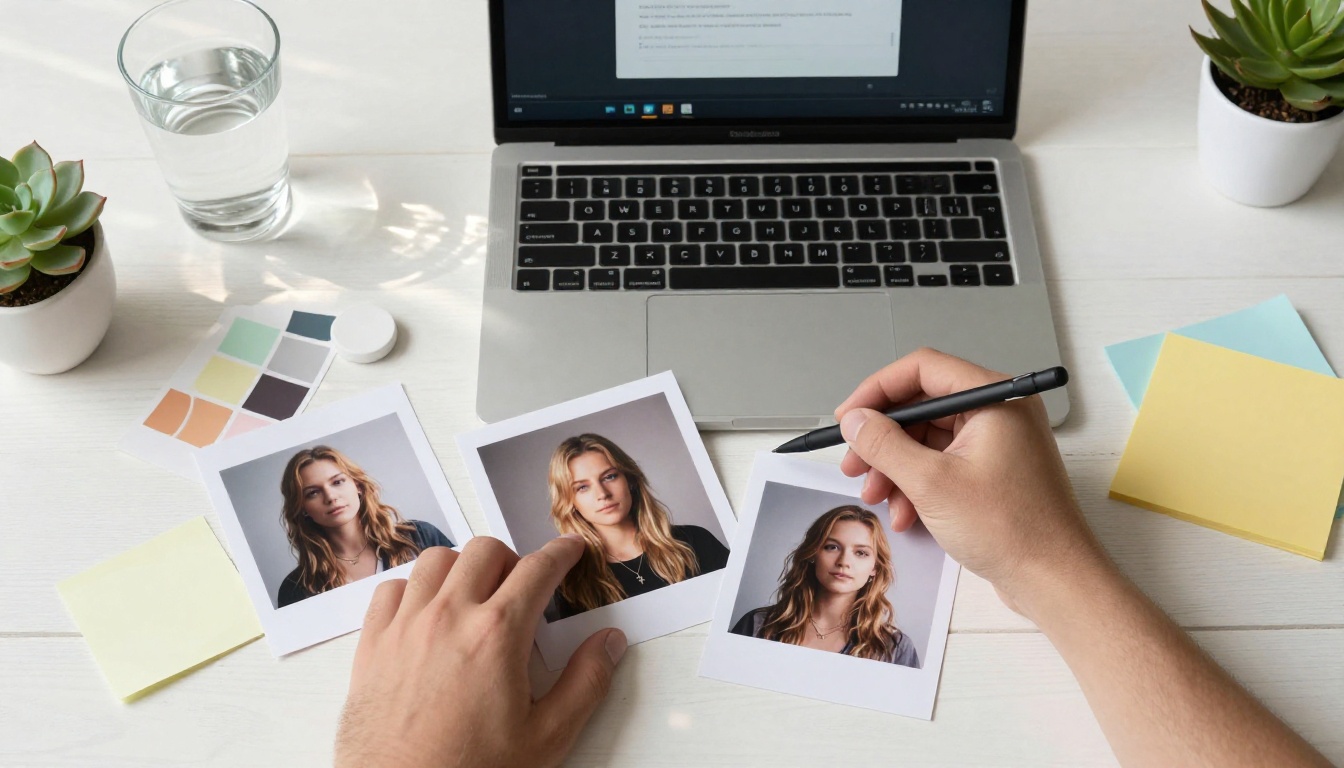
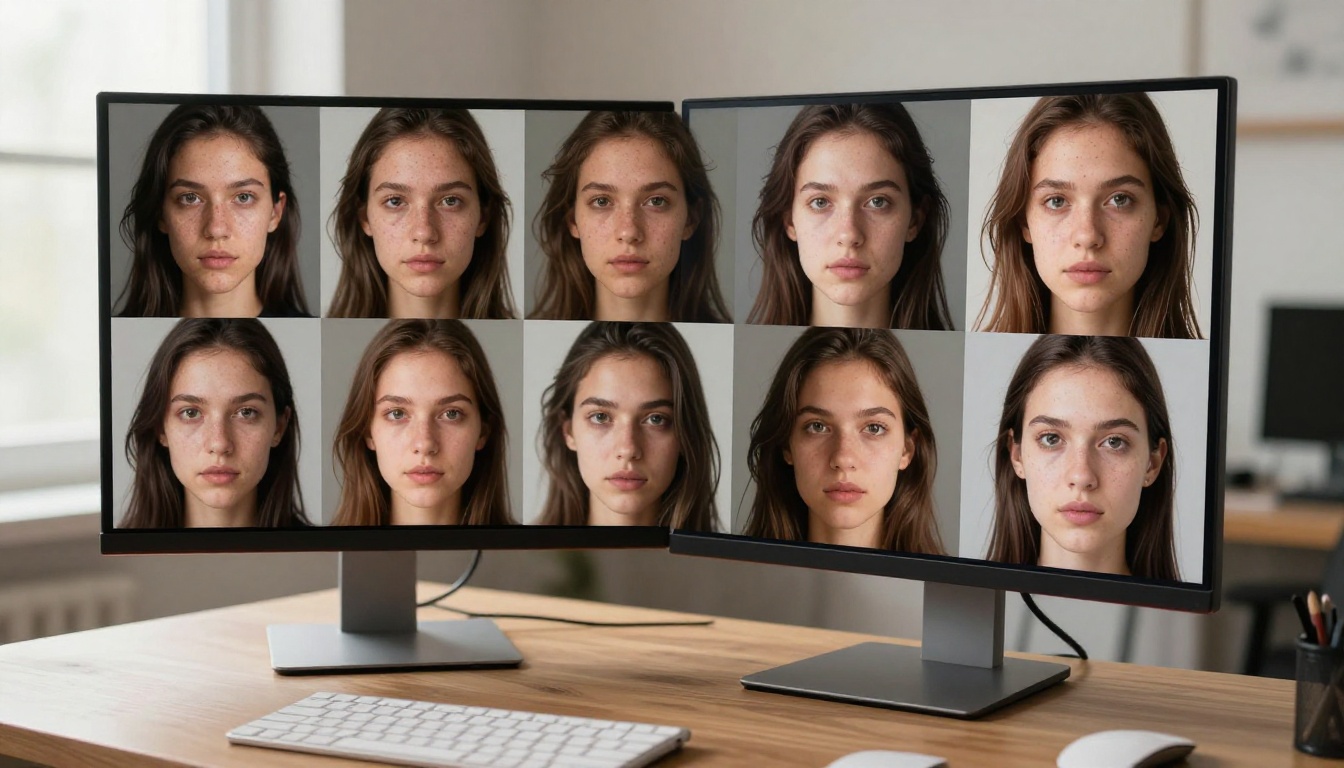
Portrait outputs show exceptional micro-detail, visible pores, realistic subsurface scattering, and natural hair strand separation. This is the hardest problem in photorealistic generation, and Z-Image handles it with fewer artifacts than most of its open-source predecessors.
2. Lighting coherence
Volumetric lighting, shadow placement, and specular highlights behave physically consistently across the frame. You won't see mismatched shadow directions or floating light sources that plagued earlier diffusion models.
3. Compositional clarity
The transformer backbone's global attention mechanisms produce images with a clear subject-background hierarchy. Negative space is used correctly, and depth cues are preserved throughout the generation process.
💡 The most revealing test for any image model is how it handles hands. Z-Image performs better than average here, though complex hand poses still produce occasional anatomical errors, as with all current models.
Speed and Efficiency
On a consumer-grade GPU with 12GB VRAM, Z-Image generates a 1024x1024 image in roughly 8 to 12 seconds at 30 inference steps using DPM++ 2M Karras scheduling. That's within the practical range for creative workflows.
At lower step counts (10 to 15 steps), quality degrades less than with older DDPM-trained models, which is a direct benefit of the flow-matching training objective. This makes Z-Image genuinely usable in real-time iteration scenarios where you're rapidly testing prompt variations.

Real-World Use Cases
For Content Creators
Content creators represent the largest potential user base for Z-Image. The model's photorealistic output makes it directly applicable to:
- Stock photography workflows: Generate reference shots, mood boards, and placeholder assets without licensing fees
- Social media content: Portrait-style images, lifestyle shots, and product visualization at a quality that passes visual inspection
- Editorial illustration: Conceptual imagery for articles, presentations, and visual storytelling where photorealism is the target aesthetic
- Brand asset creation: Consistent character and environment generation across multiple pieces through LoRA fine-tuning
For creators already using P Image or Recraft 20B, Z-Image adds another high-quality option to the rotation, particularly for shots requiring naturalistic human subjects.
For Developers
The open weights create significant value for application developers. Specific scenarios include:
- Custom fine-tuning pipelines: Train domain-specific LoRAs using the base weights for applications in healthcare imaging, product photography, real estate, or fashion
- Edge deployment: Quantized versions of Z-Image can run on devices with 8GB VRAM or less, opening up local inference applications that don't depend on cloud connectivity
- Integration with multimodal pipelines: Use Z-Image as a visual generation step in larger workflows that combine text generation, image analysis, and output creation
- A/B testing pipelines: Run generation experiments across prompt variants using the consistent architecture as a controlled variable

The Open-Source Advantage
Fine-Tuning and Customization
Open weights mean that Z-Image is a starting point, not a finished product. The AI community has already begun producing domain-specific fine-tunes and LoRA adapters that push its capabilities in targeted directions.
Fine-tuning approaches that work well with Z-Image's architecture:
- DreamBooth: Subject-specific personalization for consistent character generation across prompts
- LoRA (Low-Rank Adaptation): Lightweight style or subject tuning that adds as few as 2-4MB to the base model size
- Textual Inversion: Concept embedding for capturing specific aesthetic qualities without full model modification
- Full fine-tuning: Domain-specific retraining on curated datasets for specialized professional applications
The transformer backbone makes LoRA adaptation particularly clean, with fewer layer-specific quirks compared to U-Net fine-tuning.
Running It Locally
For developers who want full control, running Z-Image locally is straightforward with a modern consumer GPU. The recommended setup:
- Minimum: 10GB VRAM, 16GB system RAM
- Recommended: 12-16GB VRAM for native resolution without tiling
- Optimal: 24GB VRAM for high-resolution generation and batch processing
Tools like Automatic1111, ComfyUI, and InvokeAI have already added Z-Image support, making the setup process accessible to non-specialists who can use familiar GUI workflows.
💡 If you want to skip the local setup entirely, platforms like Picasso IA give you immediate access to powerful text-to-image models including Flux Kontext Dev, Seedream 4.5, and Hunyuan Image 2.1, no GPU required.
Where Z-Image Sits in 2027
Community Reception
The release generated significant activity on Hugging Face in its first week, with the model repository accumulating tens of thousands of downloads and community members rapidly sharing comparison outputs. The early reception was positive, particularly among users focused on portrait and lifestyle photography use cases.
Several community benchmarks placed Z-Image in the top tier of open-source models for photorealism, though different evaluation frameworks produce slightly different rankings. Benchmarks like FID (Frechet Inception Distance), CLIP alignment scores, and human preference studies tell different stories about model quality, and Z-Image's performance varies across metrics. It scores particularly well on human preference ratings for portrait images and outdoor scenes.
The fine-tuning community has already produced several hundred LoRA adapters covering aesthetic styles from film grain simulations to architectural photography specializations.
What's Next for Open Models
Z-Image represents part of a broader trend: the quality gap between open-source and proprietary image models is narrowing every quarter. Where DALL-E 3 once had a visible and significant lead over anything freely available, models like Z-Image, Flux 2 Klein 9B, and Stable Diffusion 3 have compressed that gap considerably.
What to watch in the coming months:
- Distilled variants: Faster, lower-step versions that trade some quality for 2x to 4x inference speed gains
- Video extension: The architecture's temporal extension potential for generating short clips from static prompts
- Multimodal conditioning: Enhanced image-to-image capabilities building on the existing reference input support
- ControlNet equivalents: Pose, depth, and edge conditioning adapters that extend Z-Image's controllability
Prompt Writing for Z-Image
Getting the best results from any diffusion model requires understanding how it interprets language. Z-Image responds well to structured, specific prompts that establish subject, environment, lighting, and camera characteristics in sequence.
What works:
- Specific lighting descriptions ("volumetric morning light from the left," "soft overcast diffused fill")
- Camera lens references ("85mm f/1.4," "35mm wide angle," "100mm macro")
- Material and texture specifics ("Kodak Portra 400 film grain," "pores visible on skin")
- Compositional framing ("low angle looking up," "aerial overhead," "tight close-up")
What to avoid:
- Vague aesthetic descriptors without technical grounding ("beautiful," "stunning," "amazing")
- Conflicting style signals in a single prompt
- Overloading a single prompt with too many subjects or environments
The flow-matching training makes Z-Image more robust to prompt complexity than older DDPM models, but specificity still produces better results than ambiguity.
Try It on Picasso IA Right Now
The open-source AI image landscape has never been more capable, and Z-Image is a genuine addition to the top tier of freely available generation models. Its transformer architecture, flow-matching training, and strong photorealism benchmark results place it in direct competition with models that cost money to access.
Whether you're a developer building applications, a creator producing visual content, or a researcher testing the limits of open model fine-tuning, Z-Image is worth adding to your working toolkit.
If you want to start generating photorealistic images immediately without configuring local environments or managing GPU resources, Picasso IA gives you access to over 90 text-to-image models in one place. Try Flux Kontext Dev for context-aware image editing, Seedream 4.5 for stunning 4K outputs, or Imagen 4 Ultra for maximum detail and fidelity. The quality is there. The only variable is what you choose to create.