The best free AI tools right now are not demos or stripped-down trials. Some of the most capable AI models in the world are accessible without a subscription, no credit card prompt at checkout, no hidden paywall waiting three clicks in. If you have a browser and thirty seconds, you can start generating images, composing music, and chatting with frontier-level language models today.
This article breaks down the 10 AI Tools You Can Use for Free Today across five creative categories: visuals, audio, text, video, and image editing. Every tool listed below is available on Picasso IA, a platform that puts all of them in one place so you never need to manage a dozen separate accounts.
What "Free" Really Means in 2027
Not every "free" AI tool is actually free. Many give you three generations before locking you behind a subscription. Others require signup with credit card details, or run on usage credits that disappear faster than you expect.
The tools in this list are genuinely free to use on Picasso IA, at no cost. The platform consolidates access to hundreds of AI models across image, video, audio, and language categories. You pick a model, type a prompt, and get results. That is the entire workflow.
💡 Tip: Free access is the ideal way to test which AI tool fits your creative process before committing to any paid plan.
| Category | Free Tool Available | Output Type |
|---|
| Image Generation | 91+ models | Images |
| AI Chat | GPT-4o, Llama 4, DeepSeek | Text |
| Background Removal | Bria Remove Background | Image |
| Text to Speech | ElevenLabs v3, Flash v2.5 | Audio |
| AI Music | Lyria 3, MiniMax Music 2.6 | Audio |
| Image Upscaling | Real ESRGAN, Google Upscaler | Image |
| Video Generation | Kling v2.6, Veo 3, Wan 2.7 | Video |
| Voice Cloning | Chatterbox, MiniMax Voice | Audio |
| AI Writing | DeepSeek R1, Gemini 2.5 Flash | Text |
| Video Enhancement | LTX 2 Pro, Seedance 1.5 Pro | Video |
1. AI Image Generation
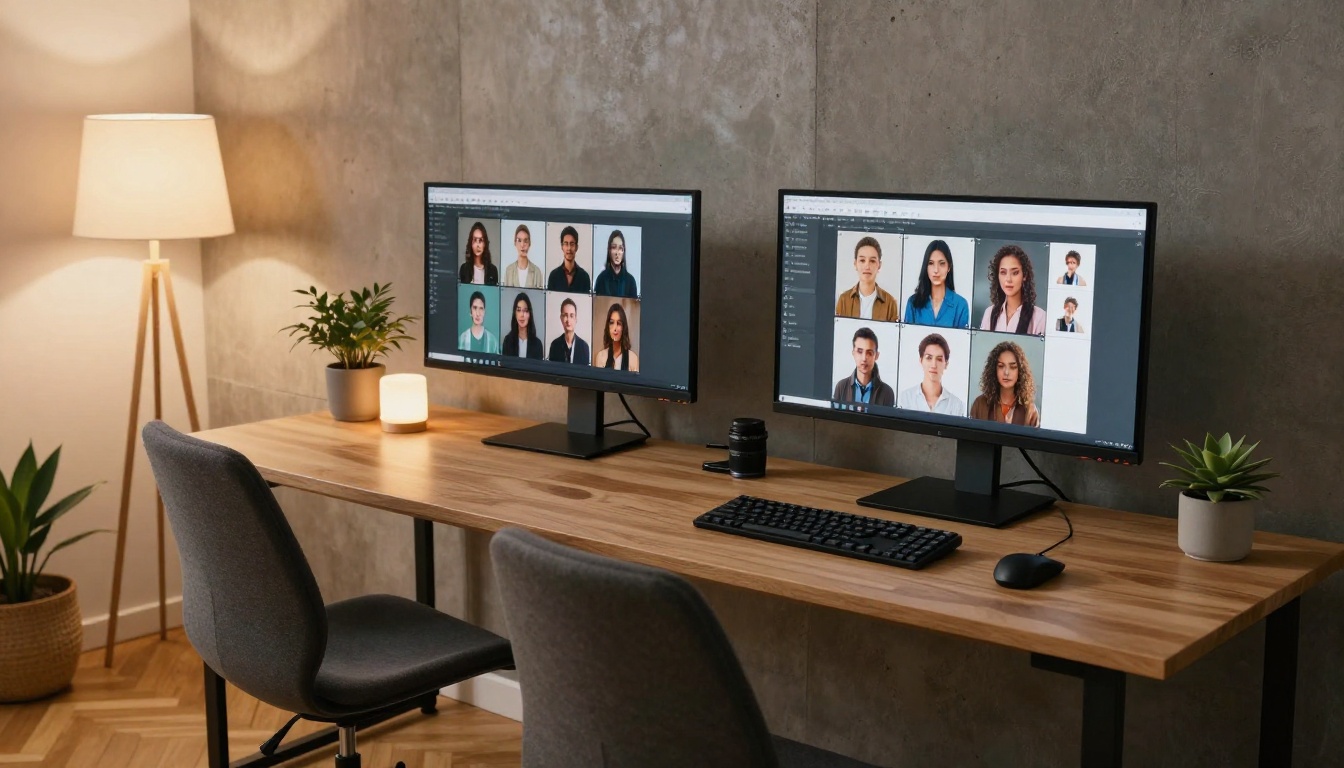
Text-to-image AI has gone from a novelty to a serious creative tool in the span of two years. Type a description, and a photorealistic or stylized image appears in seconds. The quality ceiling has risen dramatically, with modern models capable of producing outputs indistinguishable from professional photography at 8K resolution.
Picasso IA gives you access to 91+ text-to-image models without any paywall. That means you can experiment with different models, compare results side by side, and settle on the one that fits your style, all without spending anything.
What to use it for:
- Social media content and thumbnails
- Product mockups and concept visuals
- Blog illustrations and marketing assets
- Reference images for design projects
💡 Tip: Write prompts with specific lighting, camera lens, and composition details. "Portrait of a woman, 85mm f/1.8, golden hour light, film grain" produces dramatically better results than "portrait of a woman."
The sheer number of available models is what makes this free. Whether you want hyperrealistic photography, stylized illustration, or architectural renders, there is a model tuned for it. Photorealism, style transfer, ControlNet pose matching, and inpainting are all available on Picasso IA's image generation collection.
2. Background Removal
Cutting subjects out of photos used to require a graphic designer and Photoshop. The Bria Remove Background model on Picasso IA handles it in a single click, with hair-strand precision and clean edges on complex textures like fur, curly hair, and translucent fabric.
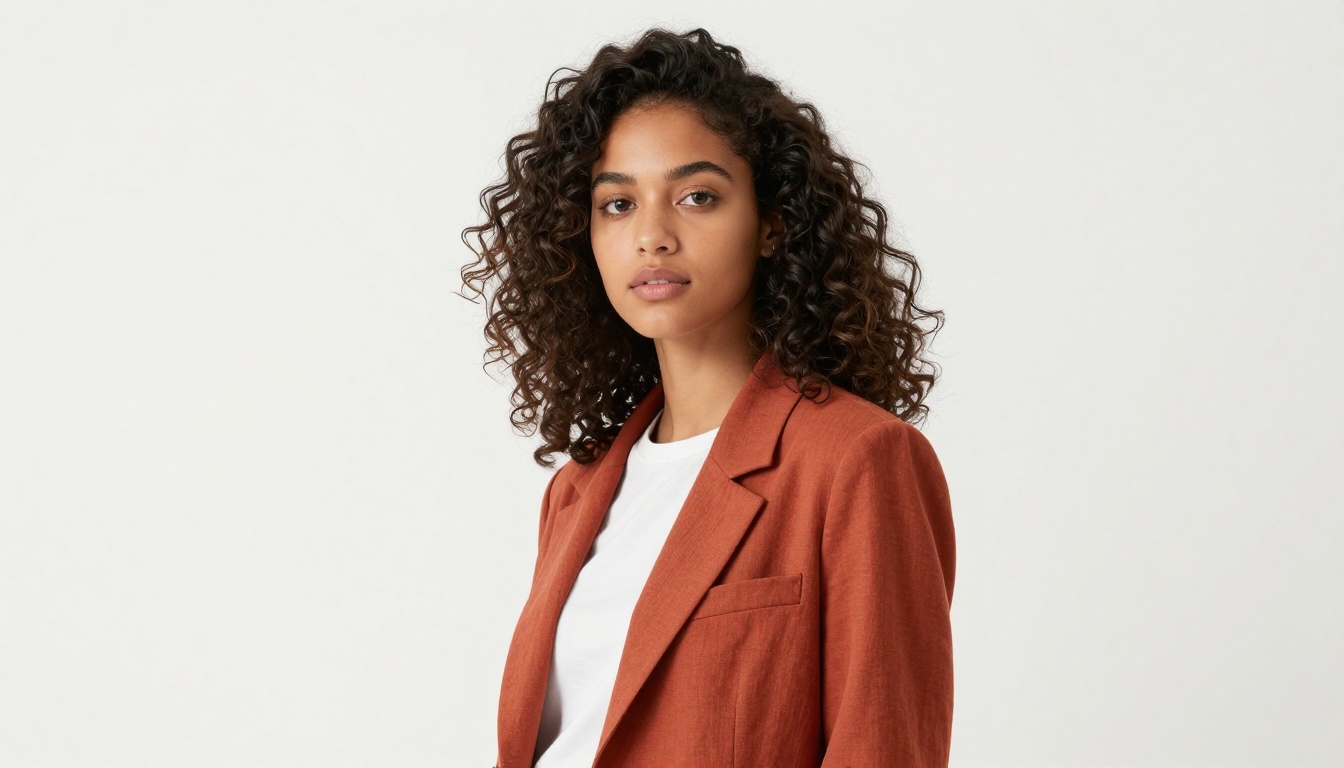
This is one of the most practical free AI tools for anyone creating content. E-commerce product shots, profile photos, marketing materials, and social posts all benefit from clean backgrounds, and this tool handles them automatically without manual selection or masking.
When it saves the most time:
- Product photography: Drop your item onto any background you choose
- Social profiles: Clean headshots without hiring a photographer
- Design mockups: Isolate subjects for compositing in other tools
- Team pages: Create consistent professional headshots from casual photos
3. Image Upscaling
Old photos, low-resolution screenshots, compressed JPEGs from years ago. Every creative project runs into assets that are too small for the job. AI upscaling fixes that by analyzing the image content and intelligently adding detail that was never in the original, not just resizing pixels.
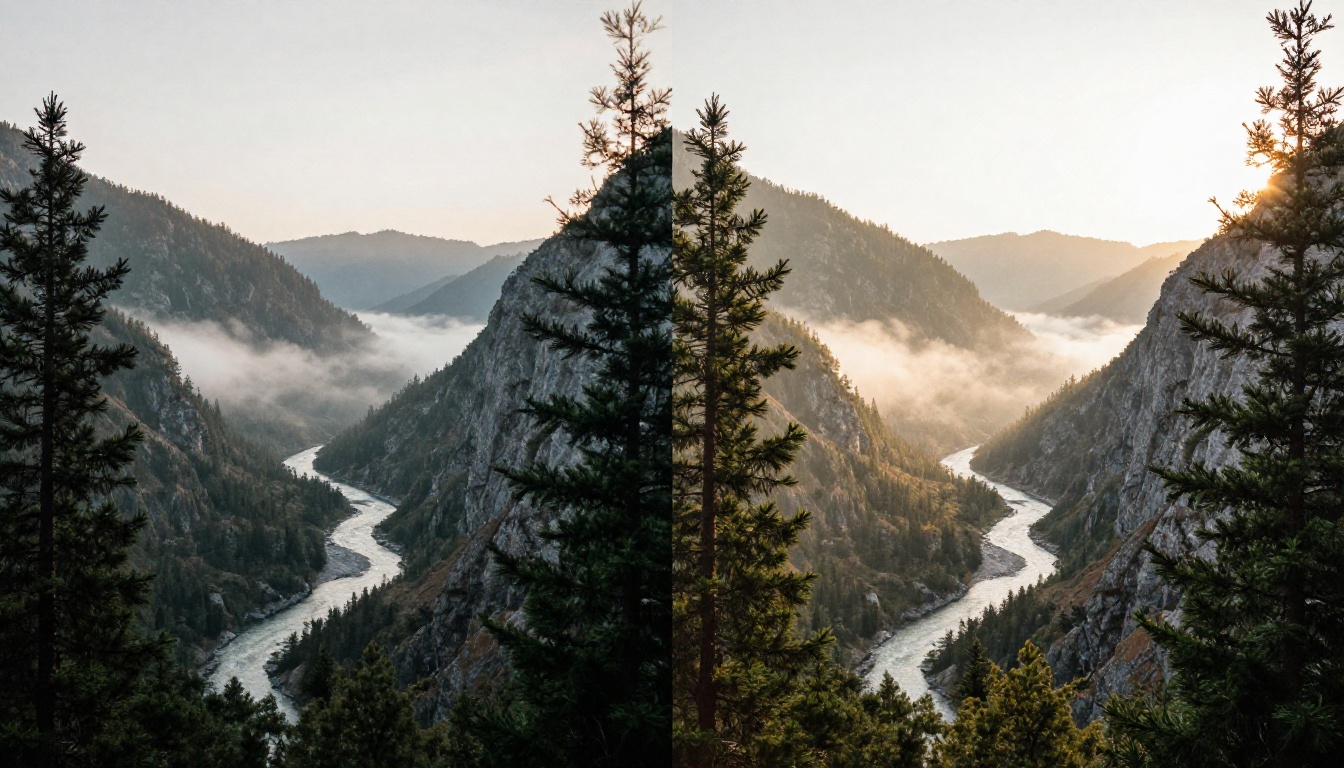
On Picasso IA, three free upscalers stand out:
- Real ESRGAN: The most widely tested free upscaler. Handles 4x enlargement with strong sharpness on textures, foliage, and architectural detail.
- Google Upscaler: Enlarges any photo up to 4x without loss of detail, backed by Google's image processing research.
- Crystal Upscaler: Tuned specifically for portrait photography. Adds natural skin texture and eye clarity at 4x enlargement.
💡 Tip: For portraits, Crystal Upscaler consistently outperforms general-purpose models. For landscapes and architectural photos, Real ESRGAN or Google Upscaler are the sharper choice.
4. AI Text to Speech
Converting written text to natural-sounding speech used to require expensive software or professional voice actors. The current generation of text-to-speech models produces audio that sounds genuinely human across dozens of languages and voice styles, with natural pauses, breath patterns, and emotional inflection.
Three standout free options on Picasso IA:
ElevenLabs v3: Widely considered the current benchmark for natural-sounding AI voices. The emotional range and subtle breath patterns are remarkably close to real speech. Works well for narration, explainer videos, and long-form content.
ElevenLabs Flash v2.5: The fast version of ElevenLabs, optimized for quick turnaround. Supports 32 languages and is the better pick when you need volume output rather than maximum quality on a single piece.
Minimax Speech 2.8 HD: Studio-quality output from Minimax. Particularly strong on long-form content where voice consistency over extended passages is critical.
Use cases where this saves the most time:
- YouTube voiceovers and narration without recording equipment
- Podcast production with consistent quality across episodes
- Accessibility features for websites and web applications
- Language learning content delivered in multiple authentic voices
5. Voice Cloning
Voice cloning takes text-to-speech a step further: instead of choosing from preset voices, you upload a short audio sample and the model learns to reproduce that specific voice. The results are convincingly accurate, including tone, pacing, and regional accent.
Two free voice cloning tools on Picasso IA:
Minimax Voice Cloning: Upload a sample, get a custom AI voice. Strong performance on diverse accents and varied tonal styles. A practical solution for creators who want consistency across long projects without re-recording.
Chatterbox by Resemble AI: Clones voices with emotion control built in. You can specify whether the delivery should sound calm, excited, or authoritative, and the model adjusts the cloned voice accordingly. The Chatterbox Turbo variant prioritizes speed if you need fast batch output.
💡 Tip: For best results, use 30 to 60 seconds of clean, consistent audio as your reference sample. Avoid background noise, music, or room echo in the reference clip.
6. AI Music Generation
Generating original music from a text prompt is one of the more surprising capabilities in this list. These models understand genre, tempo, instrumentation, and mood from a written description and produce full tracks, including vocals, melody, and rhythm, in seconds.
Three strong free options on Picasso IA:
Google Lyria 3: Google's music generation model. Produces full-length original tracks from descriptive prompts. Consistently strong across acoustic, electronic, and orchestral genres. If you need one free music tool, start here.
ElevenLabs Music: Composes AI songs from a text prompt. The output quality is polished enough for background music in videos, presentations, and podcasts. Simple to use and fast to generate.
MiniMax Music 2.6: Generates full songs including vocals. Prompt it with a genre description and style direction and it returns a complete track with structure, melody, and lyrics.
What you can actually do with AI-generated music:
- Background tracks for YouTube videos without copyright risk
- Podcast intro and outro music customized to your show's tone
- Ambient sound for product demos and presentations
- Placeholder music during video production before final audio is added
Free Tools for Text and Chat
7. AI Chat and Reasoning Models
Large language models are the most versatile free AI tools available. They write, summarize, analyze, code, brainstorm, and answer questions at a level that was only accessible to enterprise customers two years ago. The quality gap between free and paid LLMs has narrowed to the point that the free options are often the right choice.
Picasso IA offers free access to some of the strongest models available today:
GPT-4o by OpenAI: Sharp, reliable, and capable across a wide range of tasks. The default choice for most writing and analytical work. Handles both text and image inputs.
Llama 4 Maverick Instruct by Meta: Fully open-source and excellent for chat and drafting. One of the strongest free LLMs for everyday use, with no proprietary restrictions.
DeepSeek R1: A reasoning model that shows its thinking step by step. Particularly strong for math, logic, data analysis, and multi-step problem solving where transparency in reasoning matters.
Gemini 2.5 Flash by Google: Fast, multimodal, and capable of processing both text and images. The best free option when you need high-volume output or quick turnaround across many requests.
| Model | Best For | Speed |
|---|
| GPT-4o | Writing, general tasks | Fast |
| Llama 4 Maverick | Open-source, chat | Fast |
| DeepSeek R1 | Math, logic, reasoning | Medium |
| Gemini 2.5 Flash | Multimodal, quick tasks | Very Fast |
8. AI Writing With Focused Models
Beyond general chat, some free models are tuned for writing quality and coherence across long documents, which matters when you need consistent tone over thousands of words.
DeepSeek V3: One of the strongest free models for generating long-form text. Blog posts, articles, product descriptions, and reports all benefit from its consistent tone and accurate information retrieval over extended content.
Claude 3.5 Sonnet by Anthropic: Strong on nuance and long document processing. Handles complex multi-step instructions well and maintains voice consistency across multi-paragraph outputs.
Meta Llama 3 70B Instruct: Reliable open-source model for structured writing tasks. Particularly good at following detailed formatting instructions and producing organized content like lists, tables, and outlines.
💡 Tip: For long-form writing, break your request into sections rather than asking for everything at once. "Write a 500-word section on X in this tone" returns better results than "write a 5,000-word article."
9. AI Video Generation
Turning text prompts directly into video clips is now free and accessible. These models generate short, cinematic video clips from written descriptions, and the output quality from the best free options is genuinely usable in real creative projects.
Four strong free video generators on Picasso IA:
Kling v2.6: Generates cinematic video at up to 1080p from text prompts. Smooth motion, strong visual consistency between frames, and reliable performance on both realistic and stylized content.
Google Veo 3: Google's flagship text-to-video model with native audio generation built in. One of the few free models that generates both visuals and synchronized sound from a single prompt.
Wan 2.7 T2V: Produces 1080p video from text with strong motion quality. Also available in image-to-video format as Wan 2.7 I2V if you want to animate a still image.
LTX 2 Pro: Lightricks' 4K video generator. Delivers exceptional resolution and detail, making it one of the most capable free options for production-quality video clips.
What free video generation is actually useful for:
- Social media clips and short-form video content
- B-roll footage for YouTube and documentary projects
- Product demonstration sequences without on-set production
- Concept visualization and storyboarding before live shoots
10. AI Video Enhancement
Not every video starts from a text prompt. If you already have footage, AI video enhancement tools on Picasso IA can upscale resolution, smooth motion, and restore clips that were shot in low quality or damaged over time.
The Seedance 1.5 Pro model from Bytedance generates video with built-in audio, while the platform's video editing tools handle color correction, stabilization, and resolution upscaling on existing clips. Combined with image-to-video models like Wan 2.7 I2V, you have a complete free video production workflow without any paid software.
💡 Tip: For the best upscaling results on existing video, ensure your source footage is at least 480p. Very low-resolution inputs produce soft outputs even with AI enhancement.
With this many options, the practical question is which one to start with. The answer depends entirely on what you are creating:
Creating visual content (social posts, blog images, marketing):
Start with AI image generation. With 91+ free models on the platform, you can test styles rapidly until you find one that matches your brand or creative direction.
Producing written content (articles, scripts, copy, code):
GPT-4o or DeepSeek V3 are the most reliable free starting points for most writing workflows.
Working in audio (podcasts, voiceovers, music):
ElevenLabs v3 for voice narration, Google Lyria 3 for original music.
Making video content (YouTube, short-form clips, B-roll):
Kling v2.6 for generation, Crystal Upscaler or Real ESRGAN for sharpening reference images before feeding them into video models.
Starting from scratch with no experience:
Gemini 2.5 Flash for chat and questions, Bria Remove Background for a single-click practical win.
💡 Tip: The biggest mistake new users make is trying every tool at once. Pick one category, build your prompt-writing instincts there, then expand into other tools once you have a baseline for what good output looks like.
Try Creating Something Right Now

Every tool in this list is available right now on Picasso IA. No credit card. No waiting. No three-step signup flow before you see a single result. You open a model, type a prompt, and start creating.
The real value is not in any individual tool but in having all of them in one place. You can go from a text prompt to a generated image, remove its background, upscale it, feed it into a video generator, add AI voiceover, and set it to AI-generated music, all without switching platforms or managing multiple accounts.
If you have never tried AI image generation before, start with a scene you have had in your head. Describe the lighting, the mood, what the subject is doing, the camera angle you want. Type that into any of the 91+ image models on Picasso IA and it will show you in seconds what these tools are genuinely capable of.
The creative floor for free AI tools in 2027 is higher than the paid tier was two years ago. There has never been a better moment to start.


