The gap between professional photography and AI-generated images has nearly closed. In 2027, the tools available to creators, marketers, and developers produce results that routinely fool the human eye, and the best part is that many of them are free or cost just a few cents per image. Whether you need a photorealistic portrait for a campaign, abstract art for social media, hyper-detailed landscapes for a game, or uncensored content with full creative freedom, there is an AI image generator built for that exact job.
This article ranks the 15 best AI image generators available in 2027, covering real output quality, generation speed, pricing, NSFW freedom, and the specific use cases where each tool dominates. All of them run on a single platform, so you can test every model on this list without juggling separate accounts.
What Makes an AI Image Generator Worth Using in 2027
The bar has shifted significantly. A tool worth recommending in 2027 must clear several benchmarks that simply did not matter two years ago.
Output Quality is the Starting Point
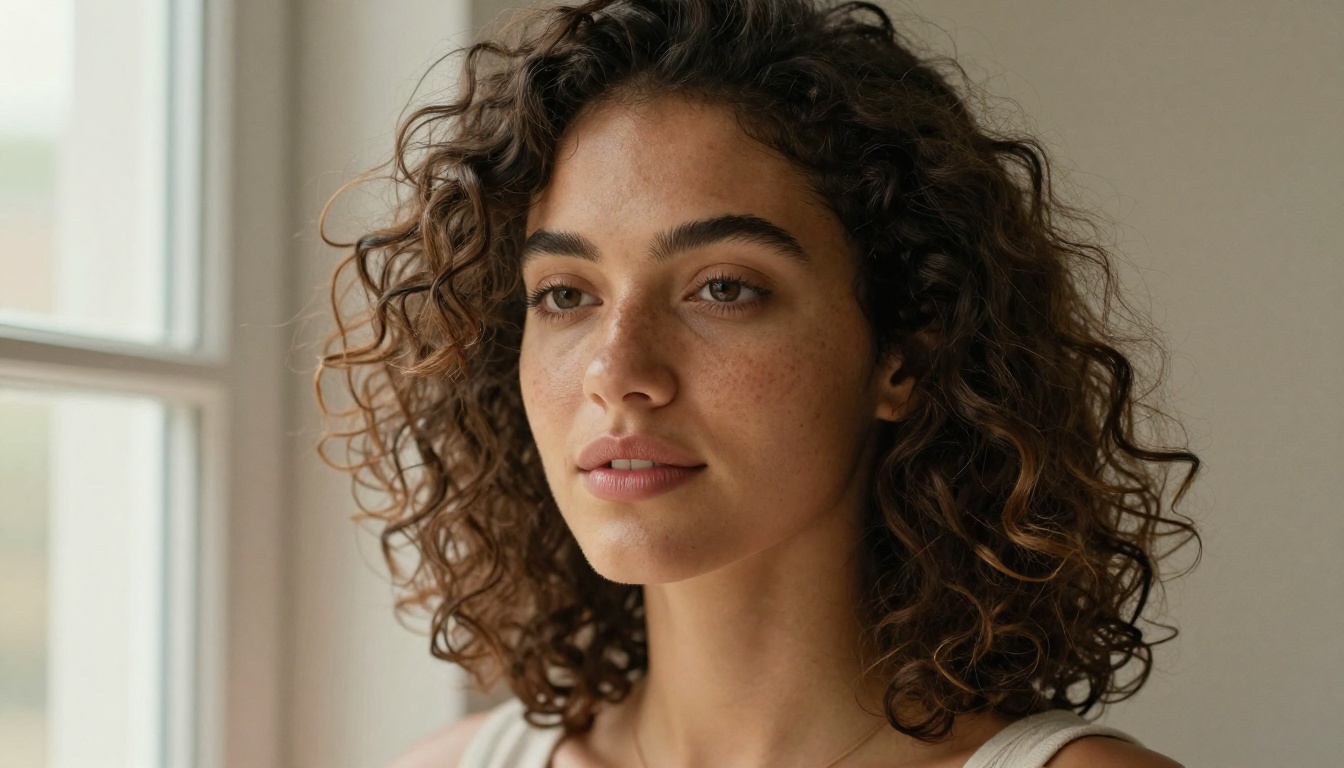
Resolution, coherence, and photorealism are non-negotiable. The best models produce 8K-equivalent detail, handle complex lighting scenarios, and render textures including skin, fabric, and water with convincing accuracy. Models that produce blurry faces or distorted hands are simply not competitive anymore.
Speed vs. Quality Trade-offs
Speed matters. A model that takes 60 seconds per image is a liability in a fast production workflow. The best tools in 2027 offer tiered options: a lightning-fast draft mode for iteration and a high-fidelity mode for final output. The fastest models on this list now return finished results in under three seconds.
Free Tiers That Actually Work
The definition of "free" has improved dramatically. The top generators now offer free tiers with enough daily credits to run real creative projects, not just one test image per day. A few even offer genuinely unlimited generation on paid plans.
NSFW and Uncensored Freedom
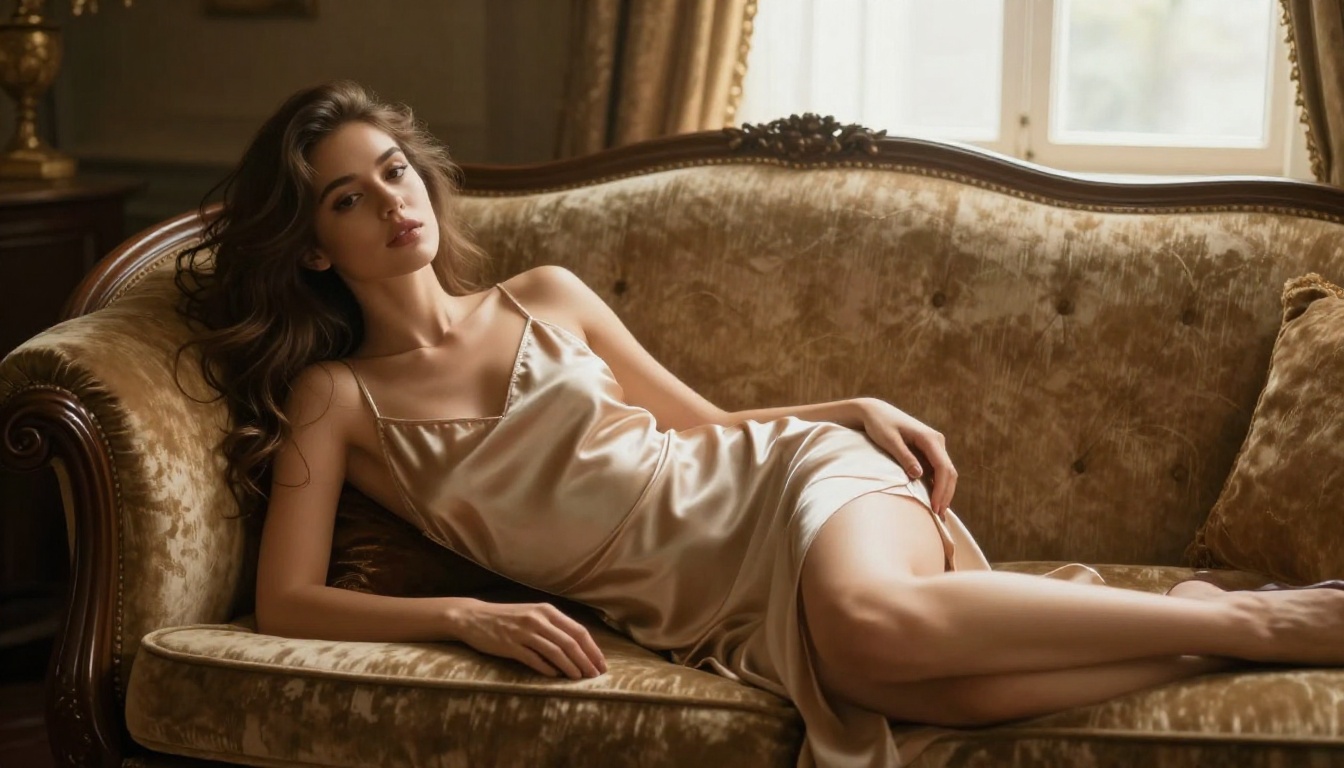
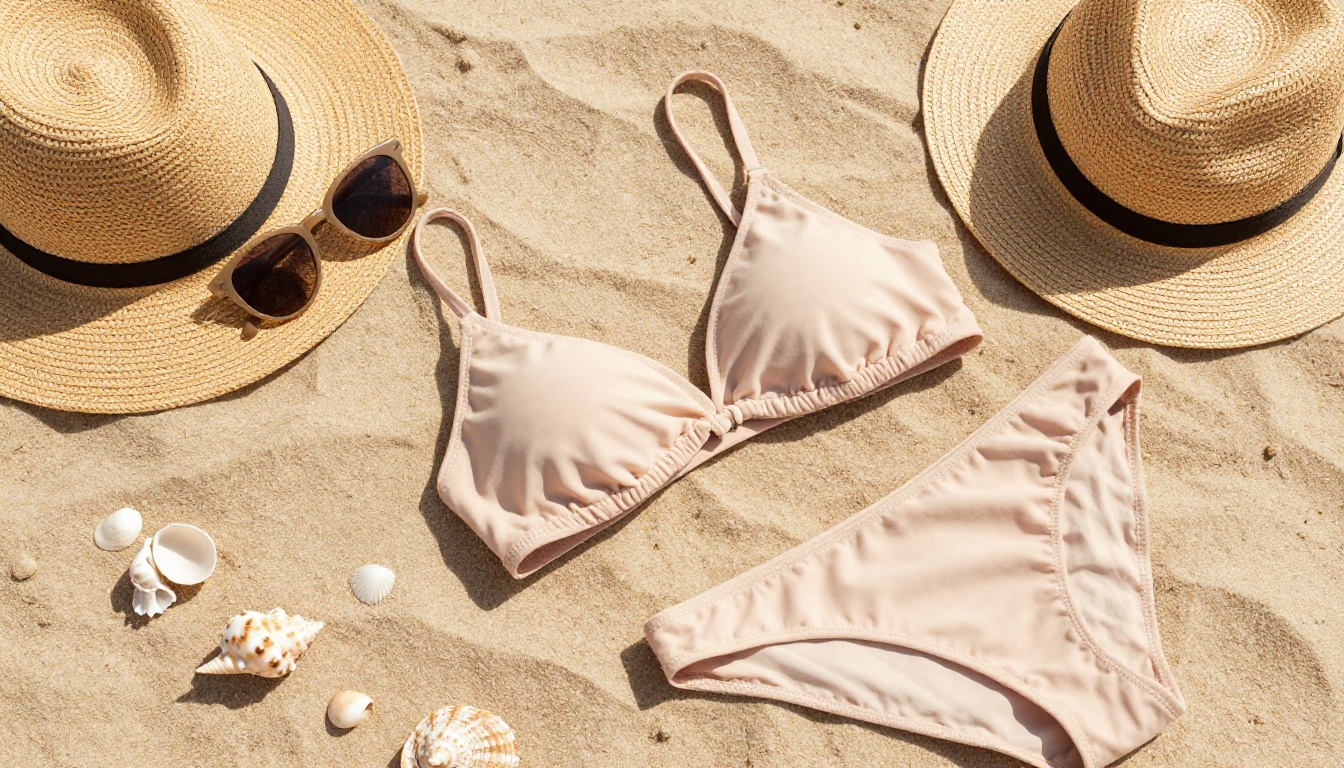
Many mainstream platforms block anything remotely suggestive. The standout models in 2027 take a different approach, allowing mature, glamour, and artistic NSFW content while keeping illegal material strictly off limits. For creators working on lingerie, swimwear, boudoir, or fashion concepts, this freedom is the difference between a usable tool and a dead end.
Each tool in this list was rated across four dimensions:
| Criterion | What We Measured |
|---|
| Output Quality | Photorealism, detail, prompt accuracy |
| Speed | Time per generation on standard settings |
| Pricing | Cost per image, free tier limits |
| Use Case Fit | Portrait, landscape, product, NSFW, editing |
💡 All 15 models in this list are available directly on PicassoIA, so you can test them without creating separate accounts.


The 15 Best AI Image Generators in 2027
1. Seedream 4.5: Best Overall for Realistic Content
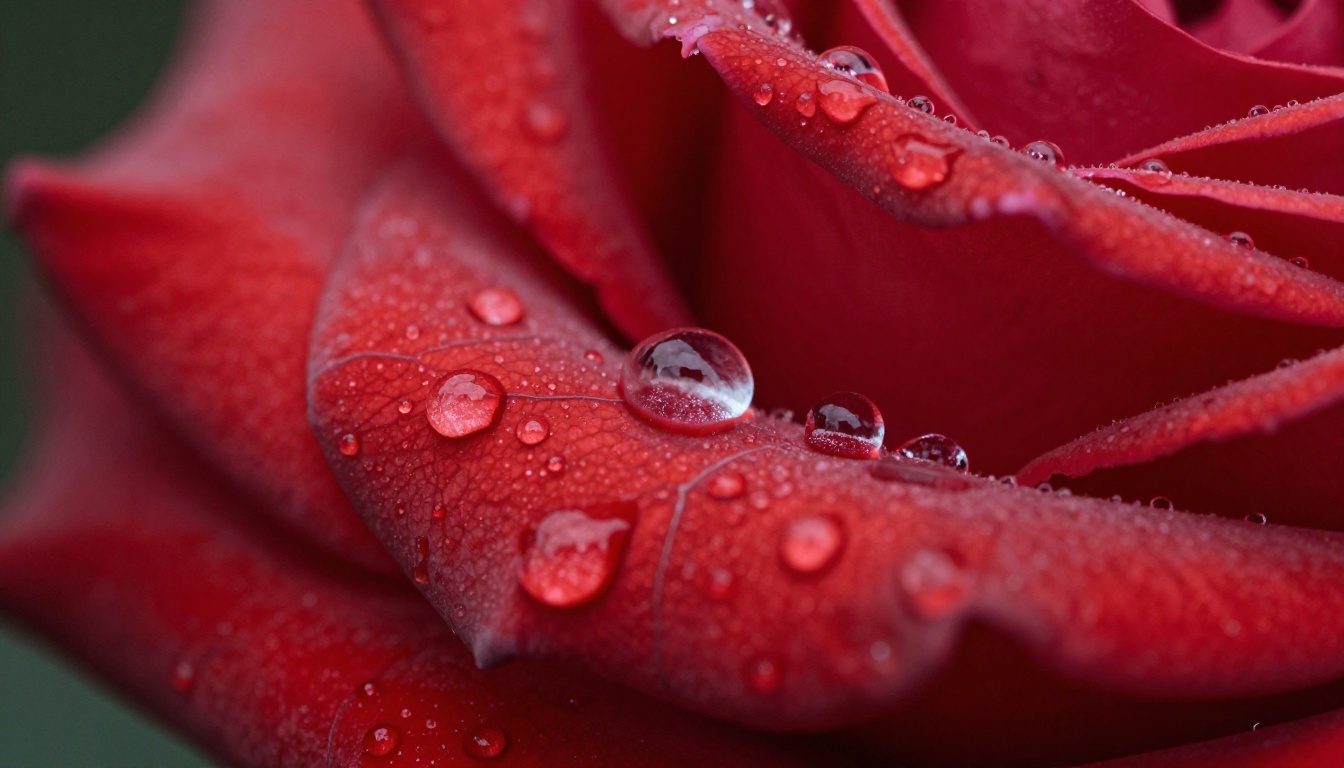
Seedream 4.5 sits at the top of this list for one simple reason: it does almost everything well. It generates strikingly realistic images at 2K and 4K, accepts NSFW prompts without choking on suggestive content, doubles as an image editor through its reference-image input, and returns most results in under three seconds. That combination of realism, freedom, and raw speed is rare.
What sets it apart:
- Photorealistic 2K and 4K output with dense, print-ready detail
- Accepts NSFW and mature content for glamour, swimwear, and artistic work
- Image editing through 1 to 14 reference images, not just text-to-image
- Sub-three-second generation for most prompts, with no watermarks
Pricing: Available on PicassoIA. Exceptional performance for both quick drafts and final commercial assets.
Best for: Creators who want one model that handles realistic portraits, product shots, batch variations, and uncensored content without switching tools.
💡 Seedream 4.5 is the fastest way to a realistic, uncensored image in 2027. Set the resolution to 4K for print work, or drop a reference photo in to edit instead of starting from scratch.
2. PicassoIA Image Editor Pro: Best for Unlimited Editing
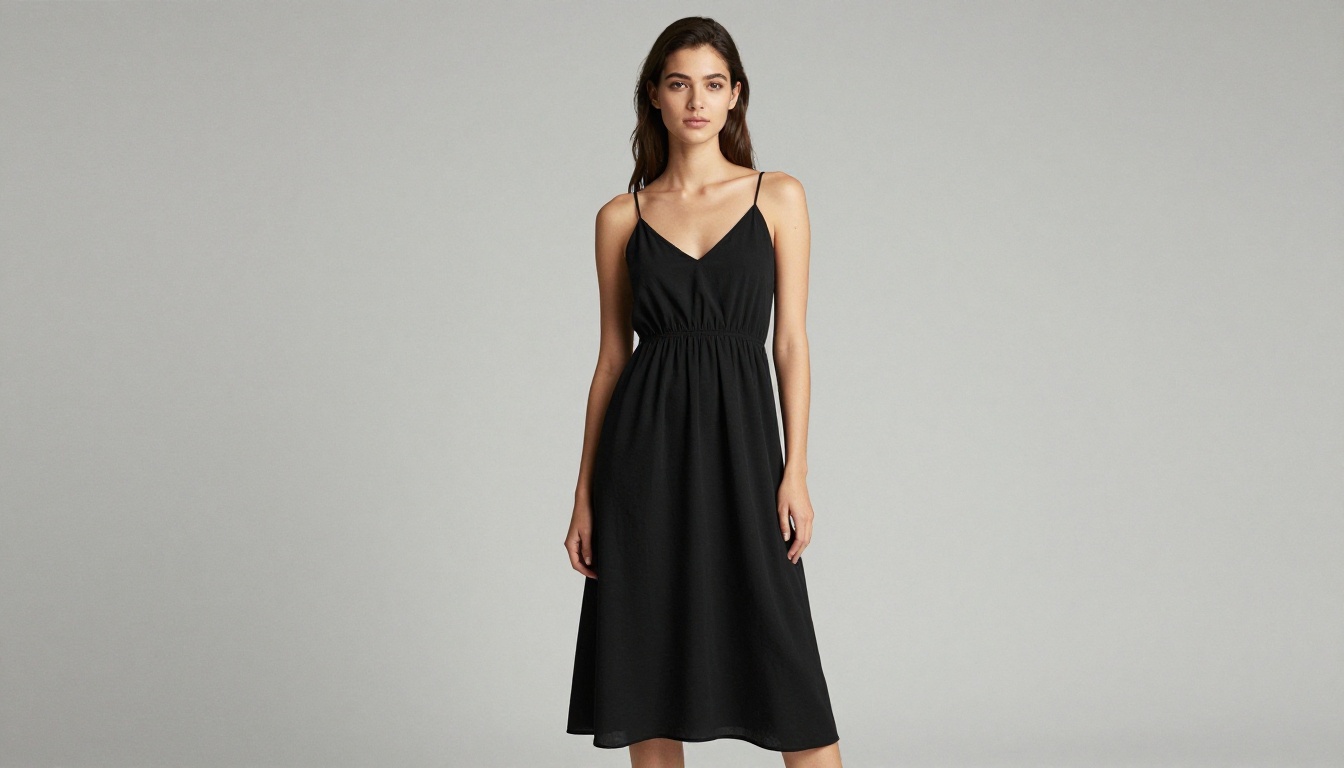
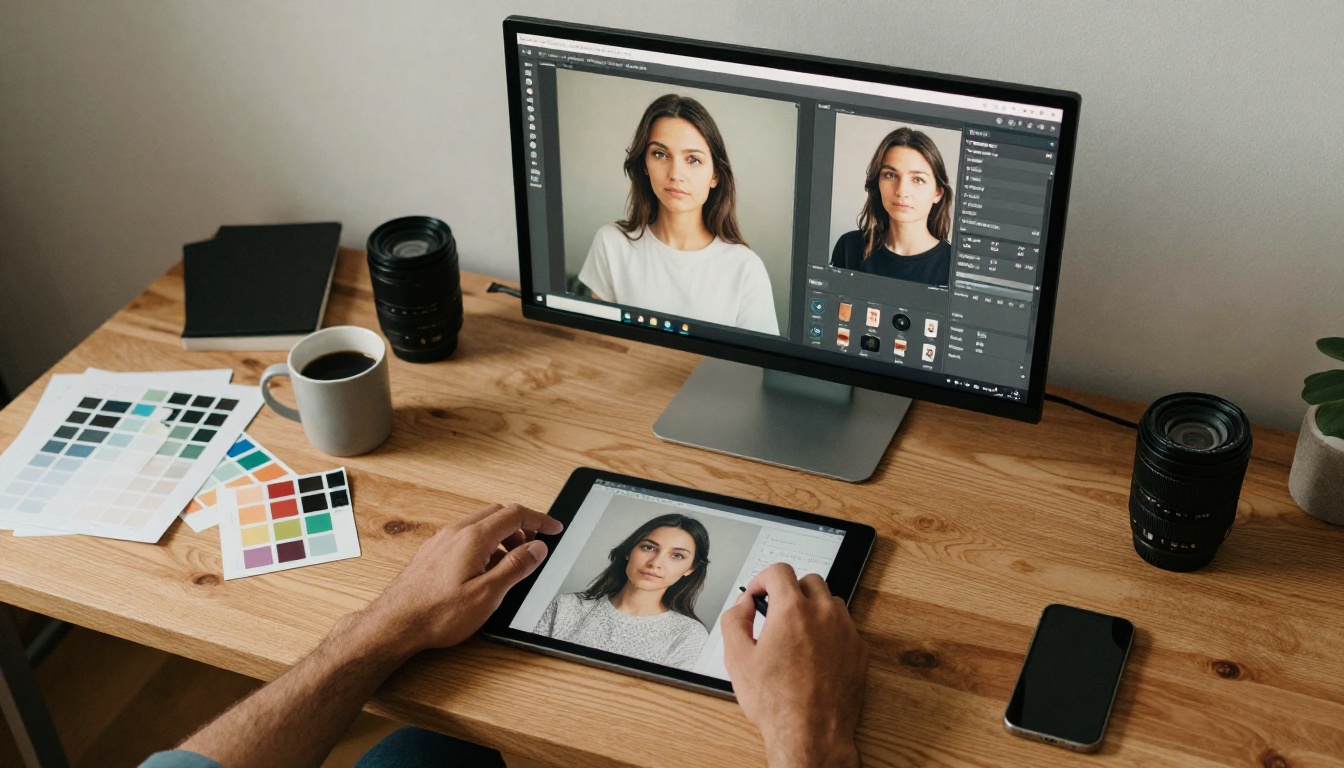
PicassoIA Image Editor Pro is the native image editing model from PicassoIA, and its single biggest advantage is that it is genuinely unlimited. Upload a photo, describe the change in plain language, and run as many img2img edits as you want with no per-edit cap and no daily quota. Most edits finish in under a second, and the model accepts NSFW content, which makes it a practical choice for swimwear, lingerie, and glamour retouching.
The unlimited model changes the math completely. On a typical pay-per-image editor like Nano Banana 2, volume gets expensive fast. On Image Editor Pro, that same volume is included in an Elite or Infinite subscription at no extra cost.
| Edits needed | Nano Banana 2 (pay per image) | PicassoIA Image Editor Pro |
|---|
| 100 edits | around $10 | Included, $0 extra |
| 1,000 edits | around $100 | Included, $0 extra |
| 2,000 edits | around $200 | Included, $0 extra |
Need 2,000 images? That is 2,000 images at no additional cost on an Elite or Infinite plan. Generating 1,000 images on a per-image editor would run roughly $100, while here you can generate as many times as you want for free.
What sets it apart:
- Truly unlimited img2img edits, no per-edit cap and no daily quota
- Sub-second results on most edits
- Accepts NSFW content for mature and glamour editing
- Up to three reference images per prompt for precise control
Pricing: Free trial of 3 generations with no credit card required. Unlimited editing is included in the Elite and Infinite subscriptions.
Best for: Anyone doing high-volume editing, outfit swaps, background replacement, batch retouching, or mature content who wants to stop paying per image.
💡 Start with the 3 free generations, no card needed. If you edit more than a handful of images a month, the unlimited Elite or Infinite plan pays for itself almost immediately.
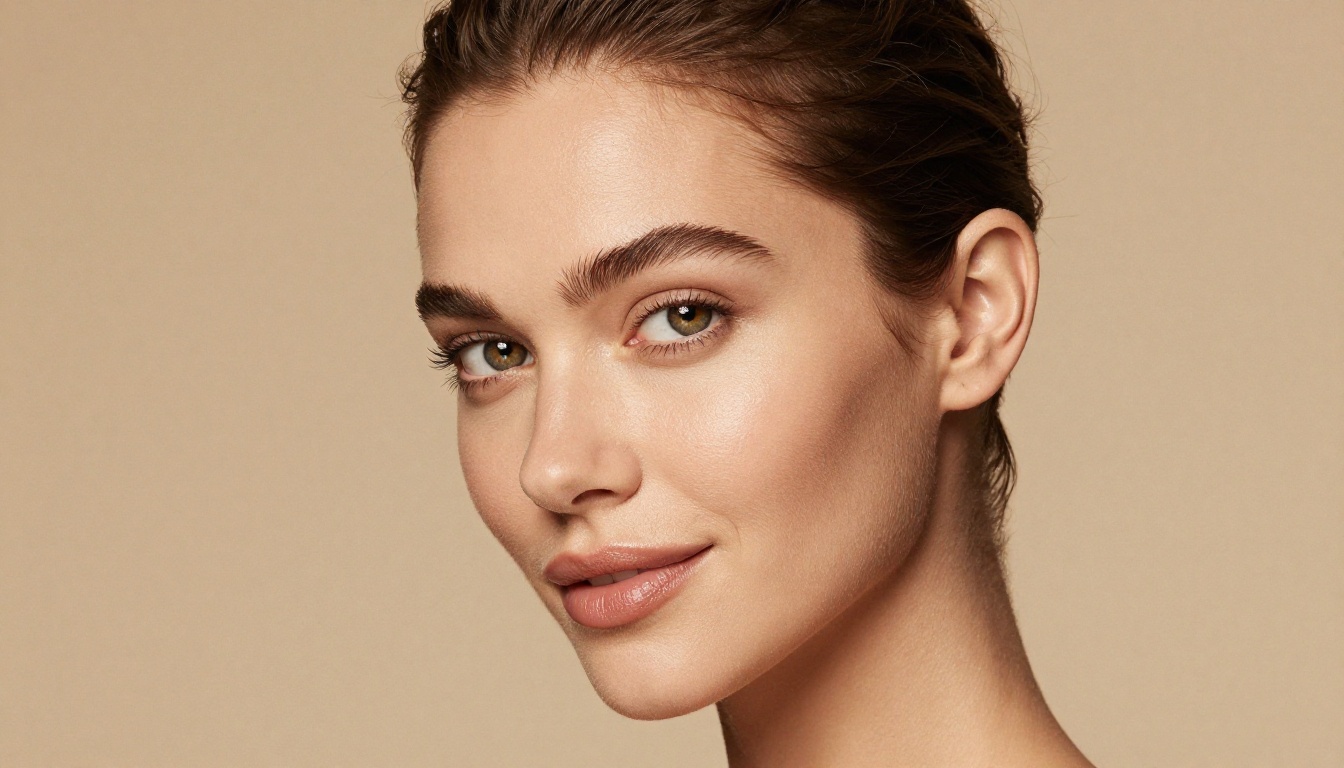
3. Flux 1.1 Pro Ultra: Best for Photorealism
Flux 1.1 Pro Ultra is the current benchmark for photorealistic AI image generation. Developed by Black Forest Labs, it generates images at up to 4 megapixels with a level of texture rendering that makes it nearly impossible to identify as AI-generated.
What sets it apart:
- Native 4MP output without upscaling
- Exceptional skin texture, hair strand detail, and fabric realism
- Handles complex lighting scenarios including mixed indoor and outdoor light
Pricing: Paid per generation, approximately $0.06 per image at full resolution. No free tier, but the output quality justifies the cost for commercial work.
Best for: Fashion, product photography, advertising campaigns, and any work where photorealism is the primary requirement.
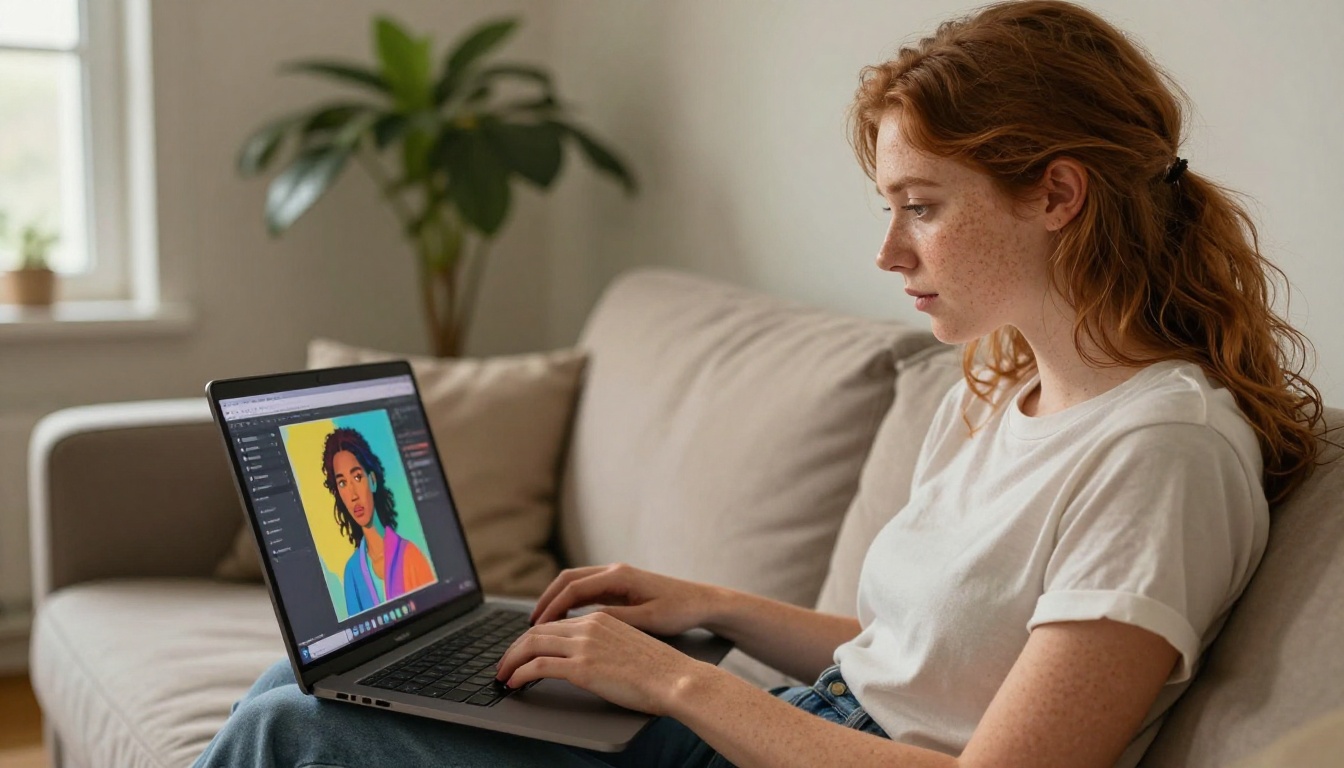
4. Flux Kontext Max: Best for Precise Edits
Flux Kontext Max operates differently from a pure text-to-image generator. It accepts an existing image and rewrites it based on text instructions, making it one of the most powerful AI image editors currently available.
What sets it apart:
- Edits specific elements without touching the rest of the image
- Handles style transfer, background replacement, and object addition
- Maintains subject consistency across multiple edits
Pricing: Paid tier with competitive per-use pricing. Available on PicassoIA.
Best for: Retouching, brand asset creation, and any workflow that starts from existing photos rather than blank prompts.
💡 If your workflow involves editing photos rather than creating from scratch, Flux Kontext Max replaces several traditional editing steps.
5. Ideogram v3 Quality: Best for Text in Images
Adding legible, stylized text to AI-generated images has been an unsolved problem for years. Ideogram v3 Quality fixes that. It renders text with remarkable accuracy, making it the top choice for posters, social media graphics, and typographic artwork.
What sets it apart:
- Accurate text rendering in multiple fonts and styles
- Strong composition sense for graphic design outputs
- Balanced creativity with structural control
Pricing: Free tier available. Paid plans unlock higher resolution and faster generation.
Best for: Social media content, poster design, infographic illustration, and brand visual assets.
Ideogram v3 Turbo offers a faster variant for high-volume text-heavy content with slightly reduced quality. Ideogram v3 Balanced sits between the two for most everyday needs.
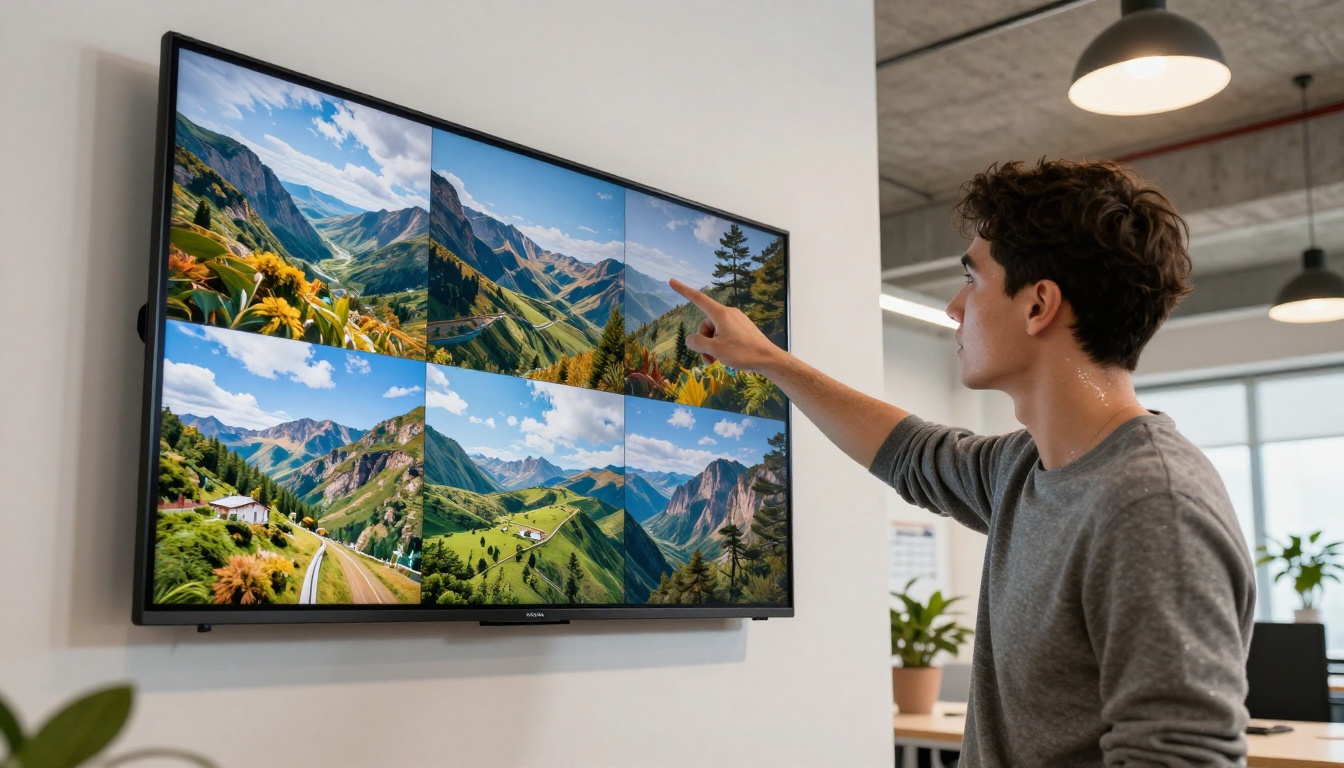
6. Flux 2 Pro: Best All-Rounder
Flux 2 Pro is one of the most versatile tools on this list. It generates high-quality images from text prompts or uses an input photo as a reference, giving it flexibility that neither pure text-to-image nor pure editing tools can match.
What sets it apart:
- Accepts both text prompts and image references
- Consistent subject identity across multiple generations
- Excellent at complex multi-element scenes
Pricing: Paid per use, competitively priced. Available on PicassoIA.
Best for: Concept art, character design, product visualization, and marketing teams that need consistent visual identity across campaigns.
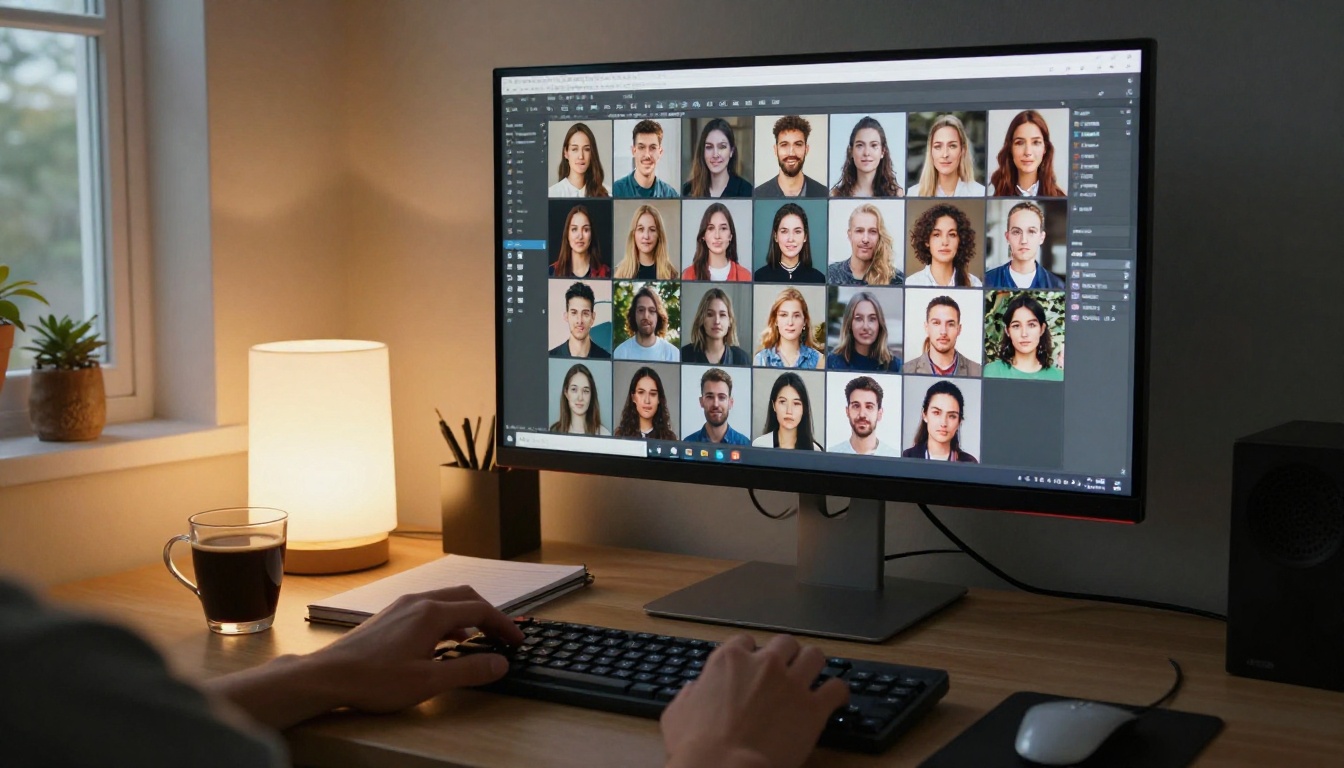
7. Qwen Image 2: Best Open Source Editor
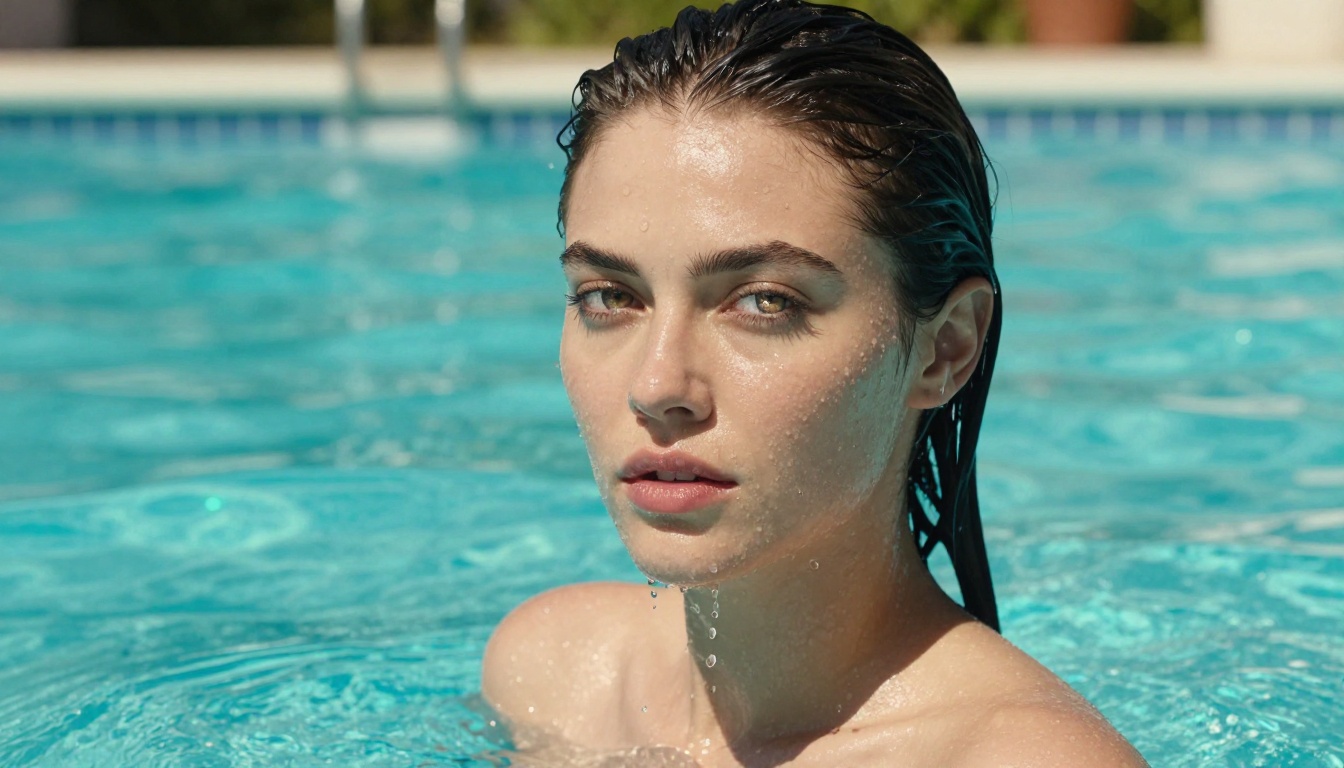
Qwen Image 2 is a dual-mode, open-source model that both creates images from text and edits existing photos from a written instruction. Because it is open source, it gives creators an unusual amount of freedom, and it pairs that with very detailed realism. Drop in a reference photo with an instruction, or write a prompt from scratch, and it returns a sharp result in seconds.
What sets it apart:
- Open source, with both text-to-image and image editing in one place
- Very detailed, realistic output across nine aspect ratios
- Sharp text rendering, including Chinese characters, inside the image
- Negative prompts and reproducible seeds for precise control
Pricing: Available on PicassoIA. Open weights allow self-hosting for those who want it.
Best for: Developers and creators who want open-source flexibility, detailed realism, and quick edits from a single model.

8. Grok Imagine Image: Best for Realistic Bikini Edits
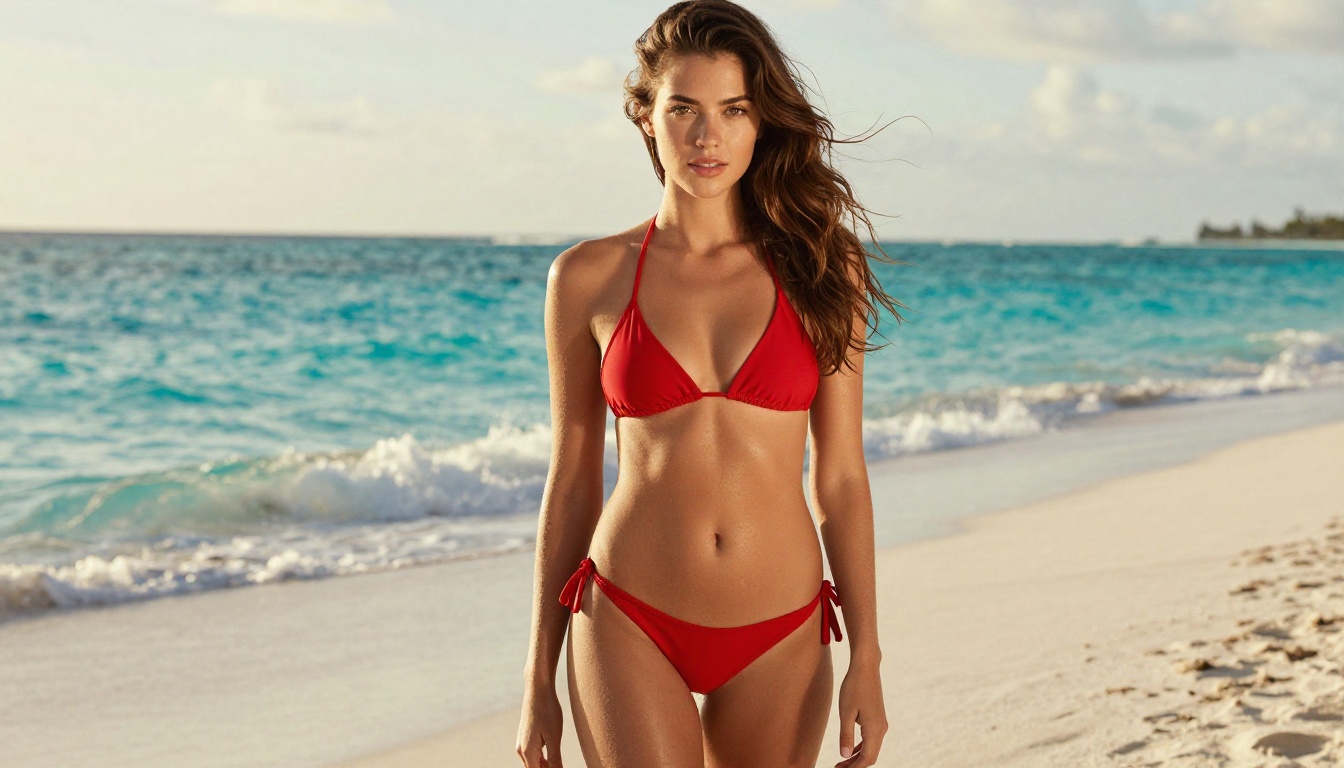
Grok Imagine Image creates detailed visuals from text and edits existing photos from a written description. Its standout trick is realistic outfit editing: feed it a photo and it can convert the subject into a bikini look in a remarkably believable way, matching lighting, skin tone, and body proportions so the result reads as a real photograph. On PicassoIA it runs with unlimited generations, so you can iterate through dozens of variations without hitting a credit wall.
What sets it apart:
- Realistic image editing, including believable bikini and swimwear conversions
- Unlimited generations on PicassoIA, no credits or caps
- 14 aspect ratios from square social posts to cinematic banners
- No watermarks, sharp enough for web and social publishing
Pricing: Unlimited generations on PicassoIA.
Best for: Swimwear and glamour concepts, outfit edits, and anyone running high volumes of realistic image variations.
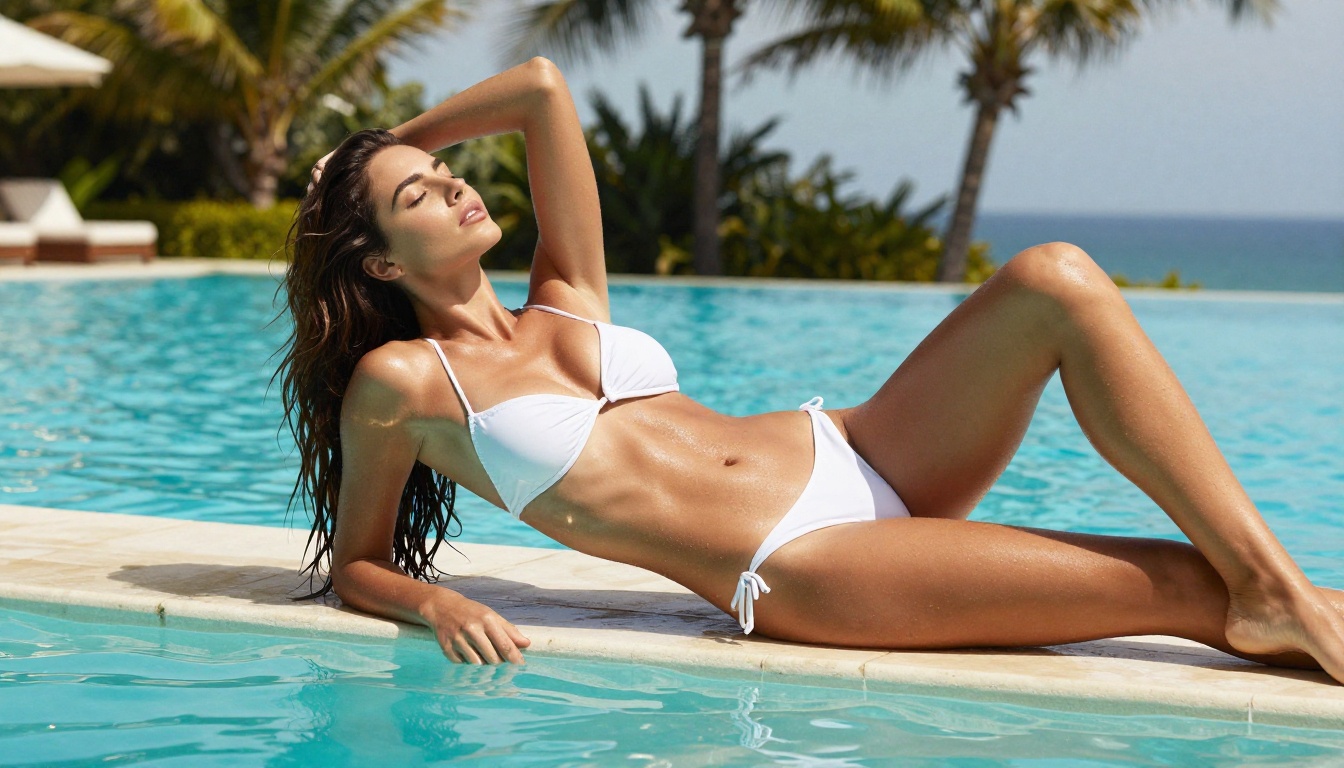
The realism holds up in motion too. Here is a still image animated into a short clip, the kind of result you can produce by pairing an image model with PicassoIA video generation:
9. Recraft v4: Best for Art-Directed Realism
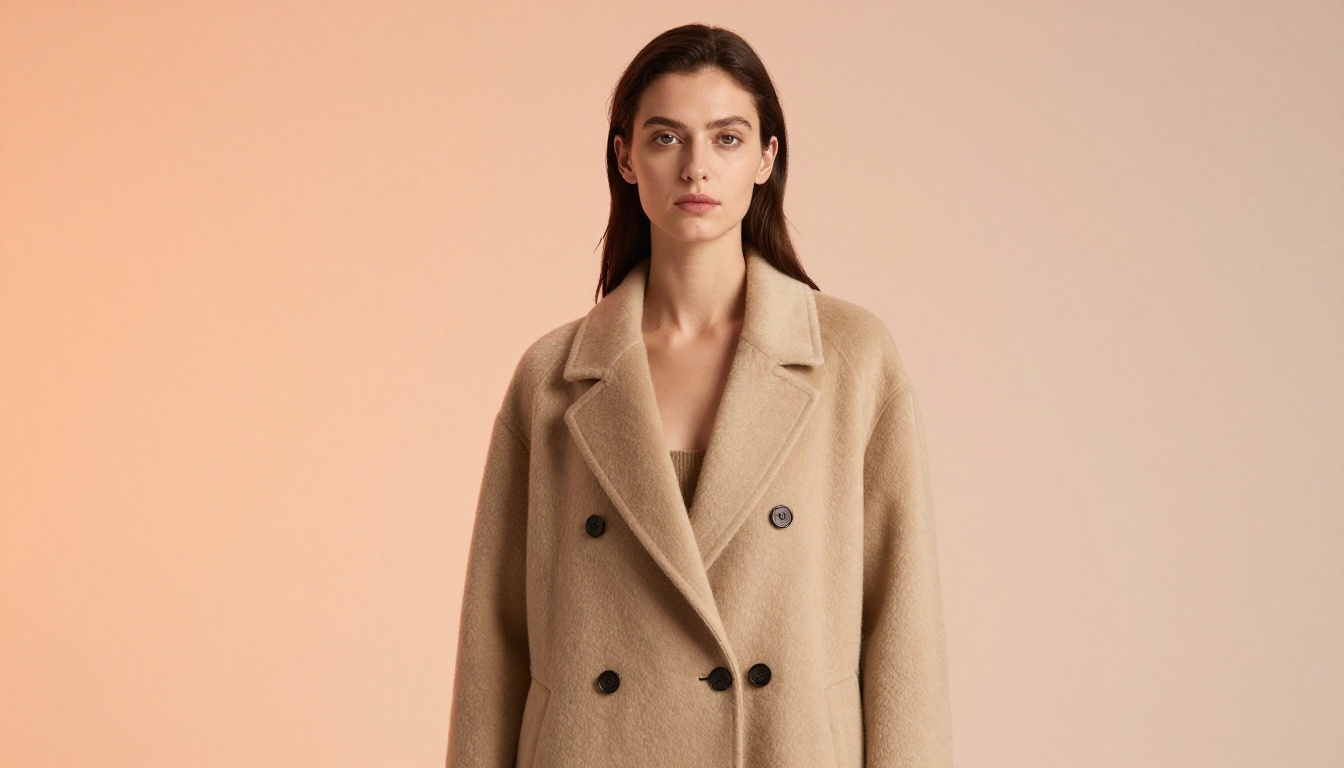
Recraft v4 is built around design taste, and it produces very realistic results with art-directed composition that looks intentional rather than auto-generated. The one trade-off is that it is text-to-image only, with no image editing mode, so it is a pure generator. For poster work, product visuals, and editorial compositions with readable text, it is hard to beat.
What sets it apart:
- Very realistic output with intentional, art-directed framing
- Integrated text rendering for legible headlines and labels
- 14 aspect ratio presets and prompts up to 10,000 characters
- Fast at standard resolution, cost-efficient to iterate
Pricing: Available on PicassoIA. Cost-efficient at standard resolution.
Best for: Posters, branding mockups, product photography concepts, and editorial layouts. Text-to-image only, so pair it with an editor like Image Editor Pro when you need to modify a result.
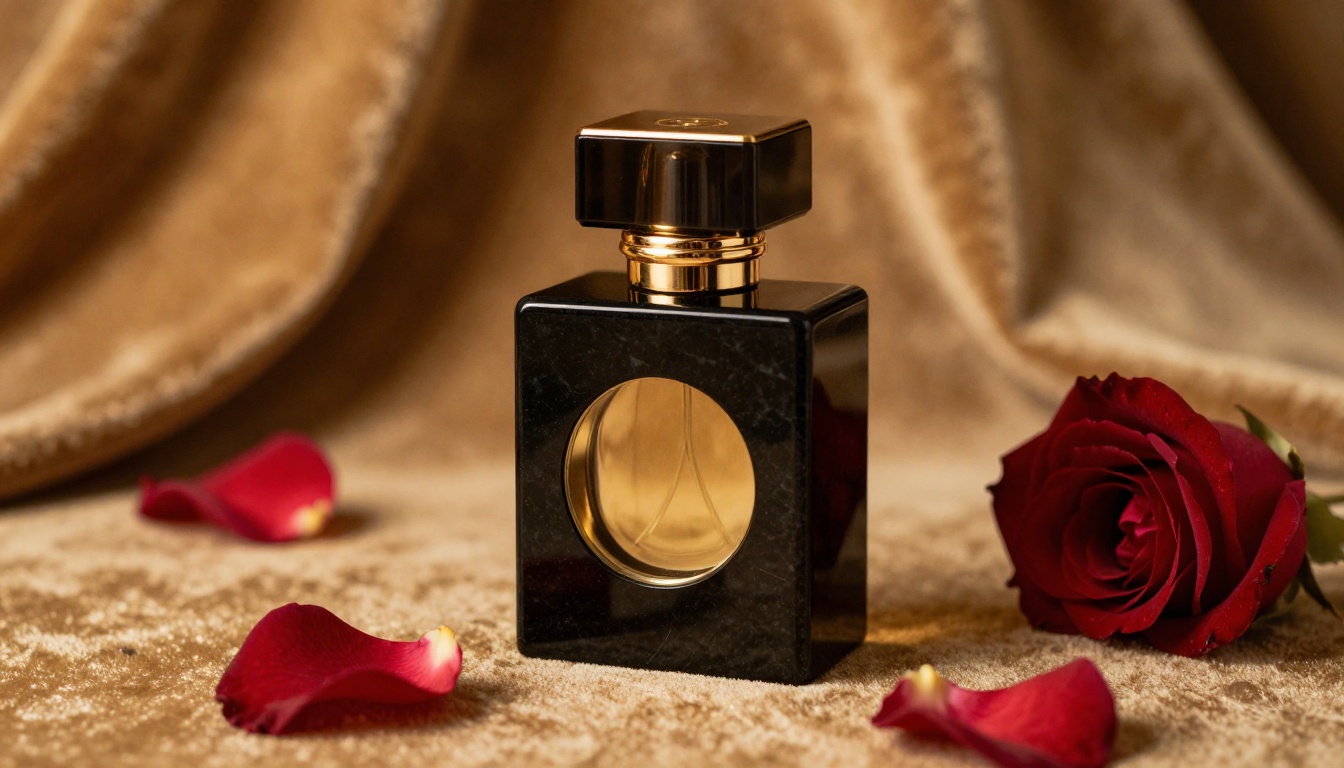
10. Stable Diffusion 3.5 Large Turbo: Best Open Weights
Stable Diffusion 3.5 Large Turbo represents the open-source frontier in 2027. Stability AI's latest release combines the creative flexibility that the SD ecosystem is known for with dramatically improved speed through its Turbo optimization.
What sets it apart:
- Fully open weights, allowing fine-tuning and custom deployment
- Fast generation without significant quality loss
- Massive community of LoRA models and extensions
Pricing: Free to use on PicassoIA. Self-hosting requires compute costs.
Best for: Developers building custom pipelines, researchers, and creators who need fine-grained control over model behavior.
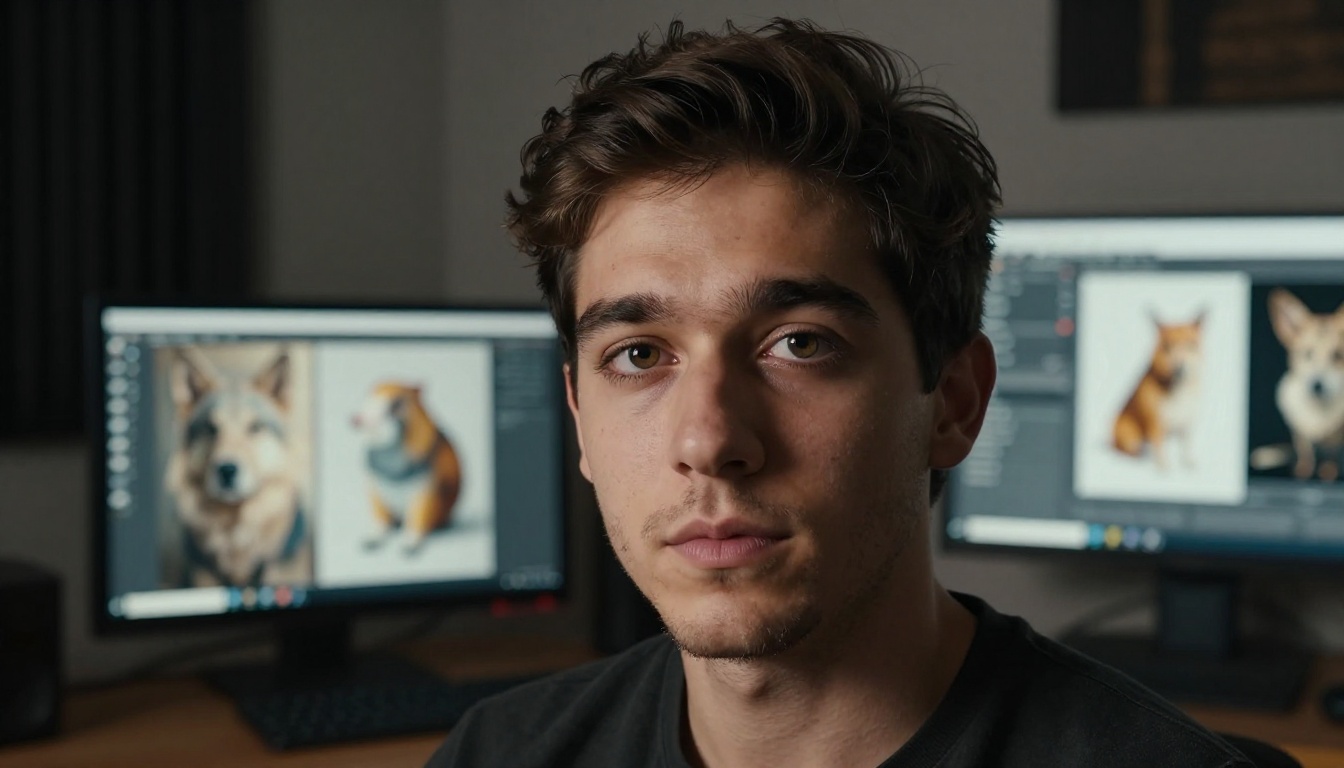
11. SDXL Lightning 4-Step: Fastest Free Generator
Speed records matter when you need 50 iterations before settling on a direction. SDXL Lightning 4-Step generates high-quality 1024px images in just four diffusion steps, making it among the fastest models available without hardware investment.
What sets it apart:
- Four-step generation, dramatically reducing wait time
- Quality that punches well above its speed class
- Free to use with no credit limits on PicassoIA
Pricing: Free.
Best for: Rapid ideation, mood boarding, and high-volume batch creation where speed matters more than absolute fidelity.
💡 Use SDXL Lightning for rapid iteration, then switch to Seedream 4.5 or Flux 1.1 Pro Ultra for your final production renders.
12. RealVisXL v3.0 Turbo: Best for Portraits
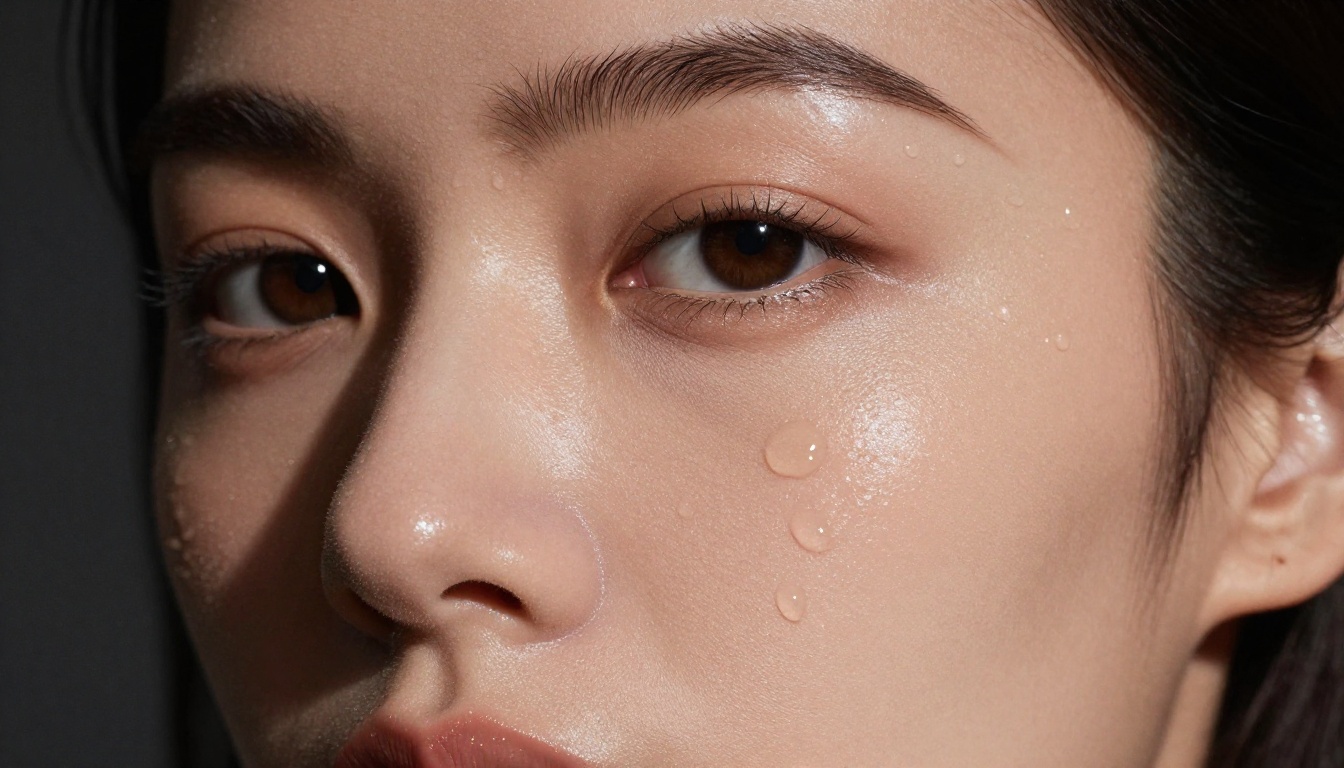
RealVisXL v3.0 Turbo is purpose-built for photorealistic human subjects. It produces portraits with exceptional anatomical accuracy, natural skin tones across all ethnicities, and convincing environmental integration.
What sets it apart:
- Best-in-class facial accuracy at its price point
- Handles diverse skin tones without bias artifacts
- Strong at environmental context, placing subjects believably in scenes
Pricing: Available on PicassoIA. Free tier with usage limits.
Best for: Headshots, character sheets, influencer content, and any work requiring convincing human subjects.
The RealVisXL v3 Multi Controlnet LoRA variant adds pose and depth control for full-body compositions and controlled character positioning.
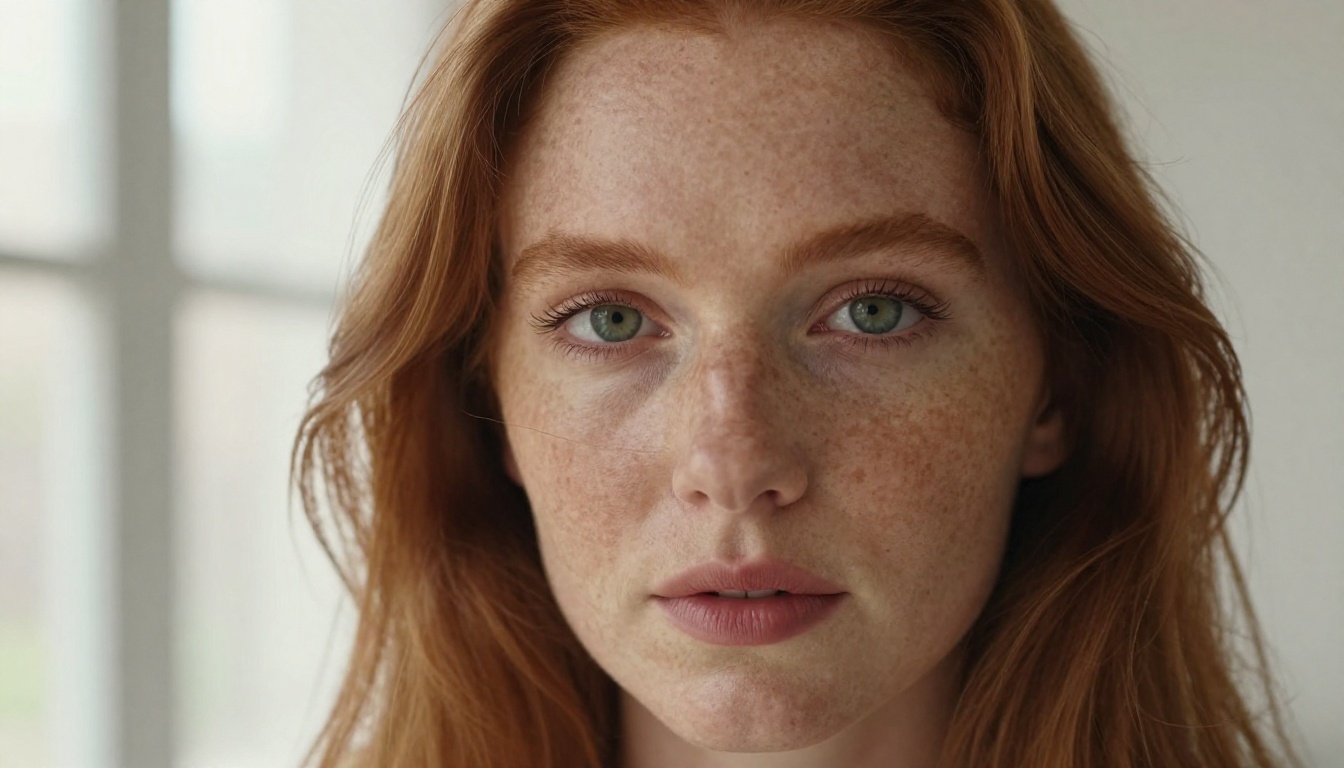

13. Playground v2.5: Best for Aesthetic Art
Playground v2.5 has a distinctive visual sensibility that makes it stand apart from photorealism-focused models. It produces images with a cinematic, polished aesthetic that feels intentionally artistic without crossing into obvious AI-look territory.
What sets it apart:
- Strong color grading and tonal control baked into the model
- High aesthetic coherence even with loose prompts
- Excellent for atmospheric and mood-driven compositions
Pricing: Free on PicassoIA.
Best for: Editorial photography aesthetics, portfolio pieces, mood boards, and art direction where style consistency matters.
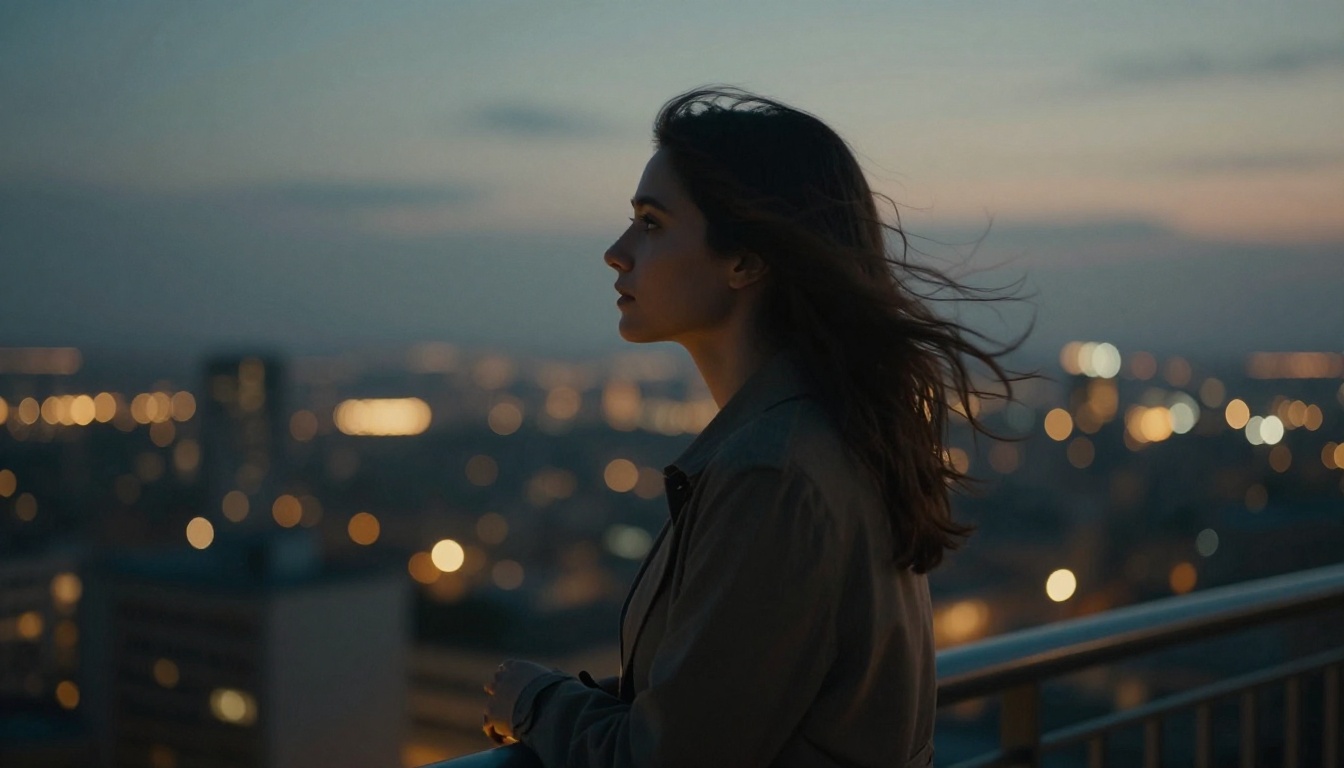
14. Flux Schnell: Best Free Starter Model
Flux Schnell is Black Forest Labs' free, fast model designed for accessibility. It does not match Flux 1.1 Pro Ultra in fidelity, but it produces remarkably good results for a free tool with near-instant generation times.
What sets it apart:
- Completely free to use
- Fast enough for real-time ideation
- Strong prompt adherence for a lightweight model
Pricing: Free.
Best for: Beginners, rapid prototyping, and anyone wanting to test AI image generation without spending money.
💡 Flux Schnell is a great entry point for anyone new to AI image generation. Once you know what you want, scale up to Seedream 4.5 or Flux 1.1 Pro Ultra.
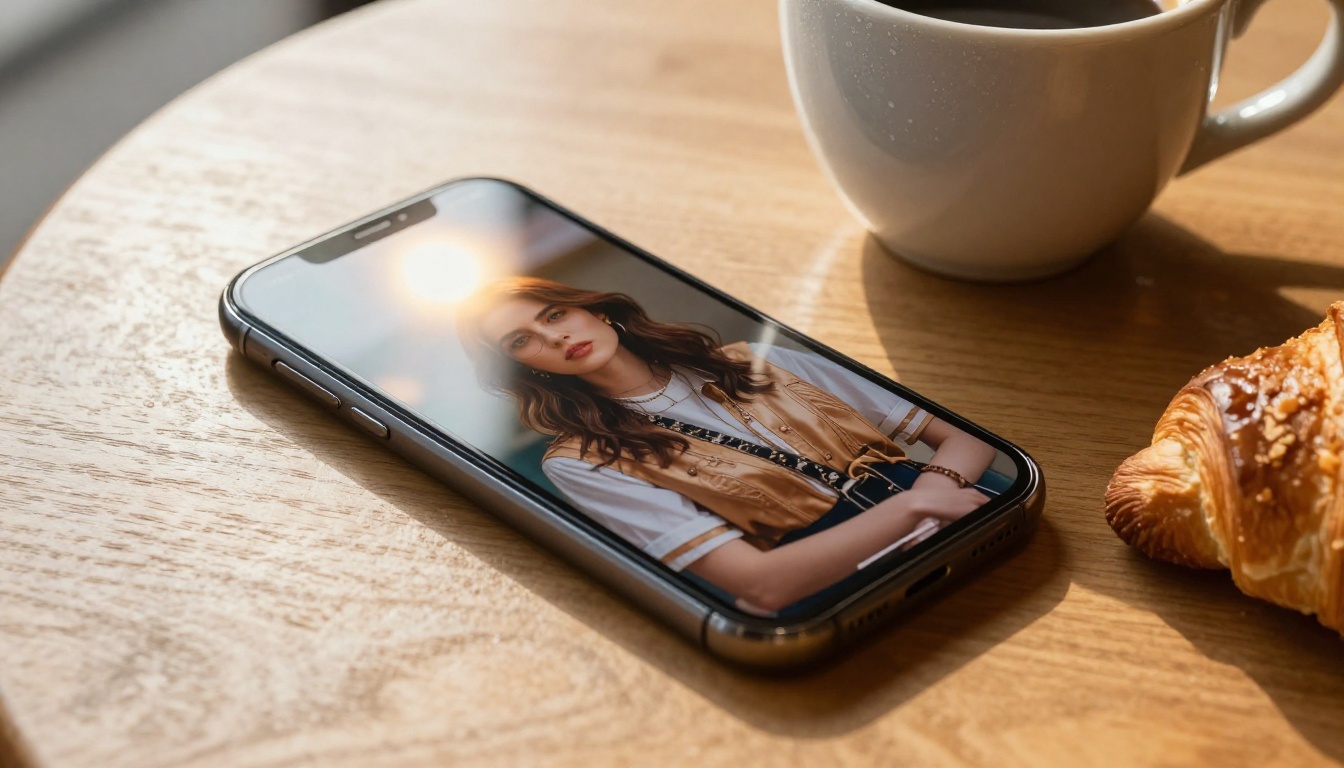
15. Realistic Vision v5.1: Best for Lifelike Humans
Realistic Vision v5.1 is a community-favorite model with an obsessive focus on human subjects. It excels at producing lifelike portraits with natural imperfections, which is precisely why it feels more authentic than overly polished outputs from some premium models.
What sets it apart:
- Natural imperfections: visible pores, subtle asymmetry, realistic hair strands
- Strong at environmental integration with human subjects
- Well-suited to casual and lifestyle photography aesthetics
Pricing: Free on PicassoIA.
Best for: Lifestyle brands, travel content, social media influencer aesthetics, and any work requiring authentic-feeling human imagery.
See These Models in Motion
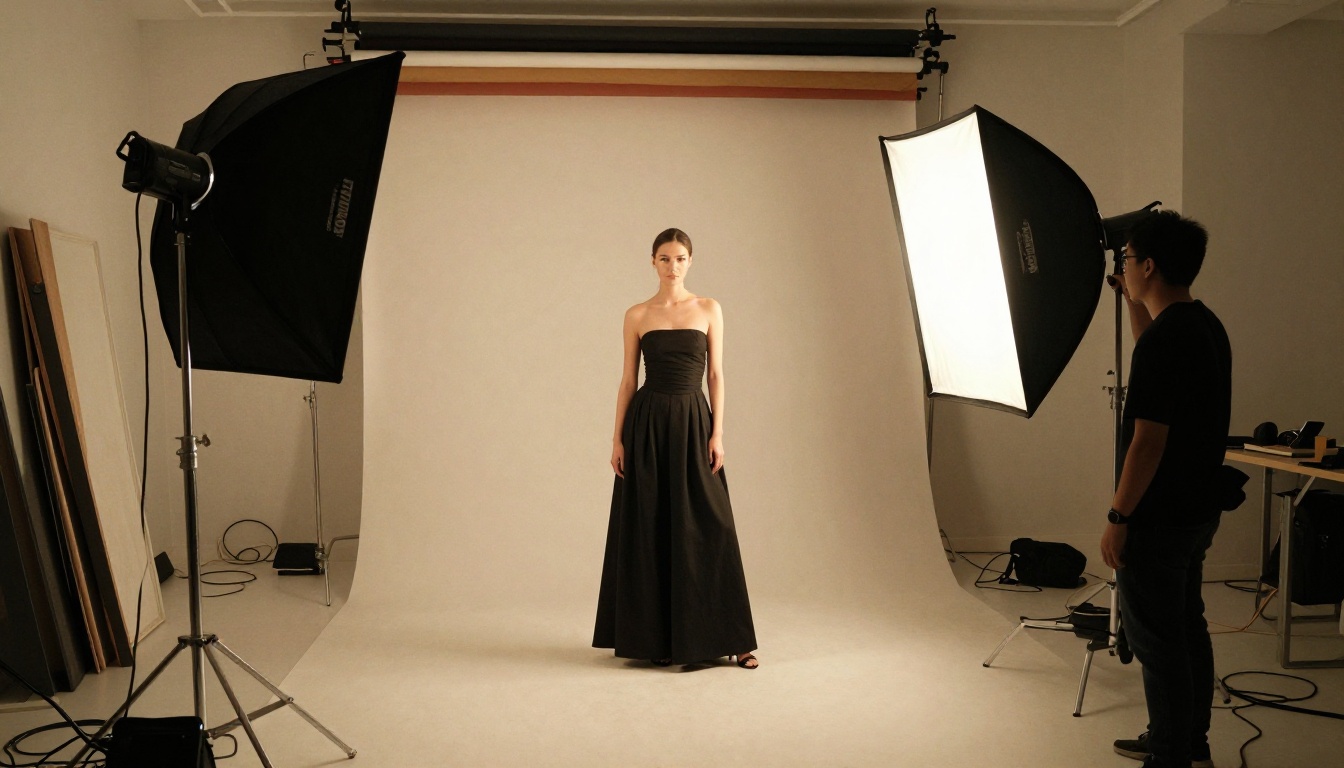
A still image is only the start. On PicassoIA you can take any generated picture and animate it with image-to-video models, turning a single frame into a short, realistic clip. Below is a studio fashion shot animated into a five-second video at 720p, motion, fabric, and lighting all driven from one source image.
Free vs Paid: Which One Do You Actually Need?
The honest answer depends on your output volume, quality threshold, and whether you need NSFW freedom.
| Use Case | Recommended Tier | Best Model |
|---|
| Realistic everyday content | Paid | Seedream 4.5 |
| Unlimited img2img editing | Paid (unlimited) | PicassoIA Image Editor Pro |
| Personal projects | Free | Flux Schnell |
| Social media content | Free | SDXL Lightning |
| Portraits and headshots | Free | RealVisXL v3.0 Turbo |
| Open source flexibility | Free | Qwen Image 2 |
| Realistic outfit and bikini edits | Unlimited | Grok Imagine Image |
| Graphic design with text | Free or Paid | Ideogram v3 Quality |
| Art-directed posters | Paid | Recraft v4 |
| Commercial advertising | Paid | Flux 1.1 Pro Ultra |
| Precise photo editing | Paid | Flux Kontext Max |
| Artistic and editorial | Free | Playground v2.5 |
The free options in 2027 are genuinely capable. If you are building a personal brand, running a blog, or creating social content, you may never need a paid plan. The paid tier becomes worthwhile when you need 4MP output, unlimited editing volume, NSFW freedom, or commercial licensing clarity.
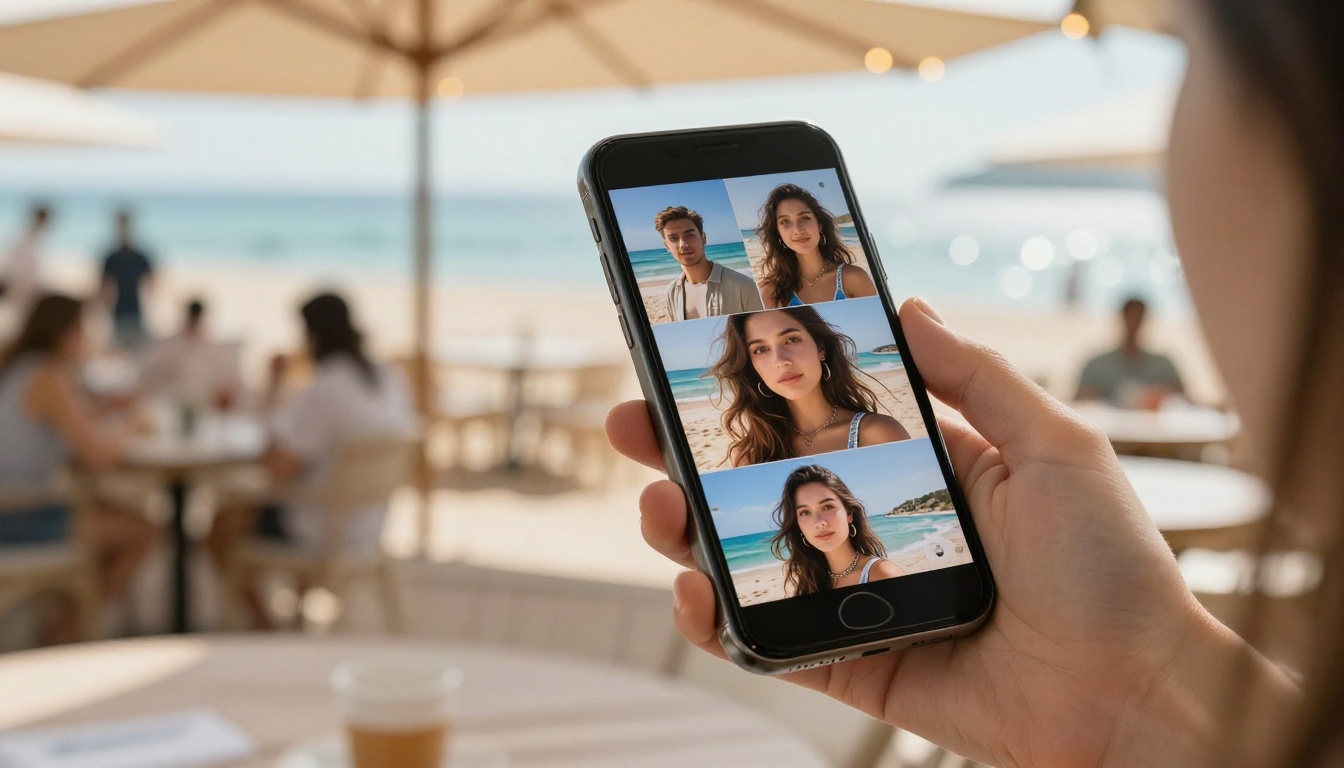
How to Use Seedream 4.5 on PicassoIA
PicassoIA gives you access to all 15 models in this list from a single platform, without managing separate API keys or accounts. Here is how to get started with Seedream 4.5 for fast, realistic results.
Step 1: Open the Model Page
Navigate to the Seedream 4.5 page on PicassoIA. You will see the prompt input field and generation settings ready to use.
Step 2: Write a Strong Prompt
The quality of your output depends heavily on prompt structure. Use this format:
[Subject and action] + [Environment and setting] + [Lighting conditions] + [Camera and lens details] + [Mood/atmosphere]
Example: "A woman in her early 30s with natural brown hair sitting at a wooden desk, morning sunlight from a left window, photographed with 85mm f/1.8, warm color temperature, film grain texture, photorealistic"
Step 3: Pick Resolution and Aspect Ratio
Set the resolution to 2K for fast web-ready results or 4K for print. For most content, 16:9 works well for horizontal images. Use 1:1 for social posts and 9:16 for vertical content or stories.
Step 4: Generate and Iterate
Run your first generation, then refine the prompt based on the result. Because most generations finish in under three seconds, you can run many variations quickly. Small changes to lighting descriptions or camera angle specifications produce significantly different outputs.
Step 5: Edit Without Starting Over
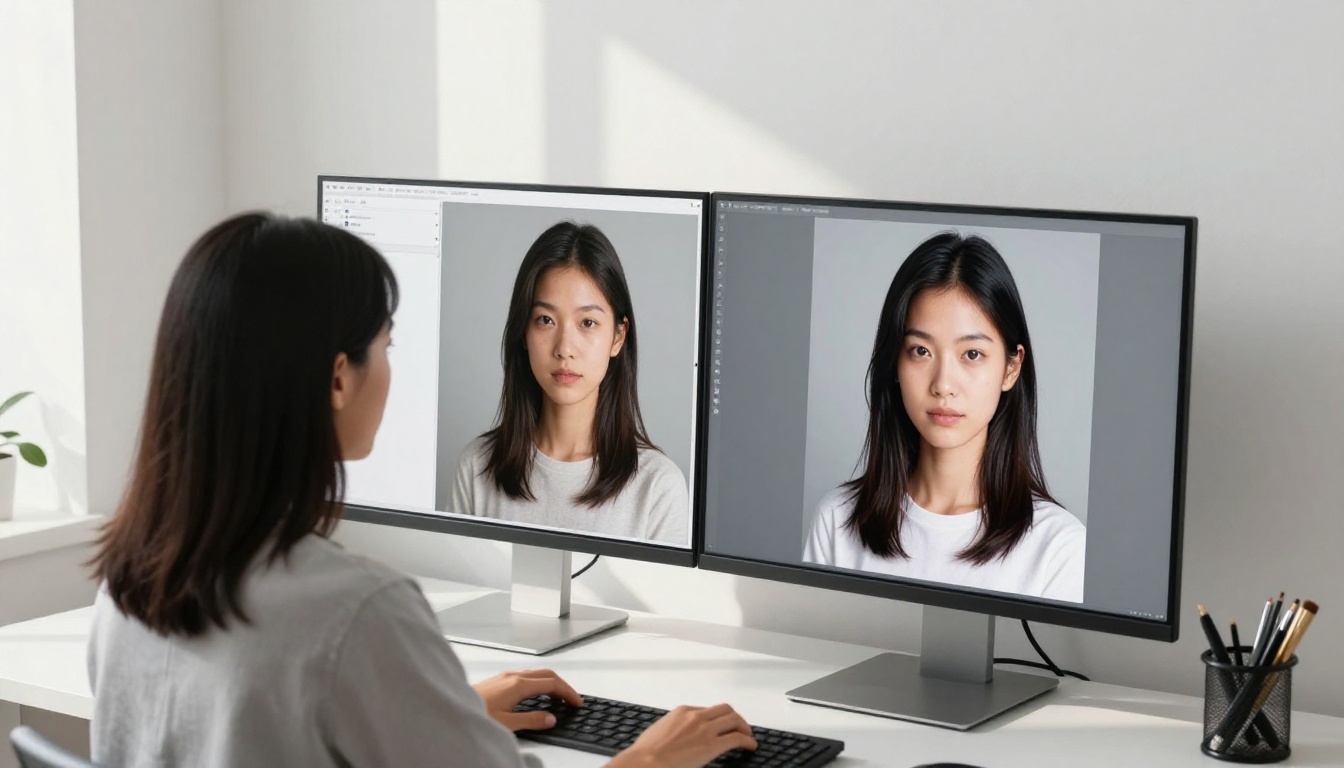
If the base image is close but needs a specific element changed, drop it into PicassoIA Image Editor Pro and describe the edit in plain language. Since editing is unlimited, you can refine as many times as you want at no extra cost.
💡 Pro tip: Describe camera lens specifications in your prompt (e.g., "85mm f/1.4 portrait lens") to dramatically improve photorealism and depth of field accuracy.
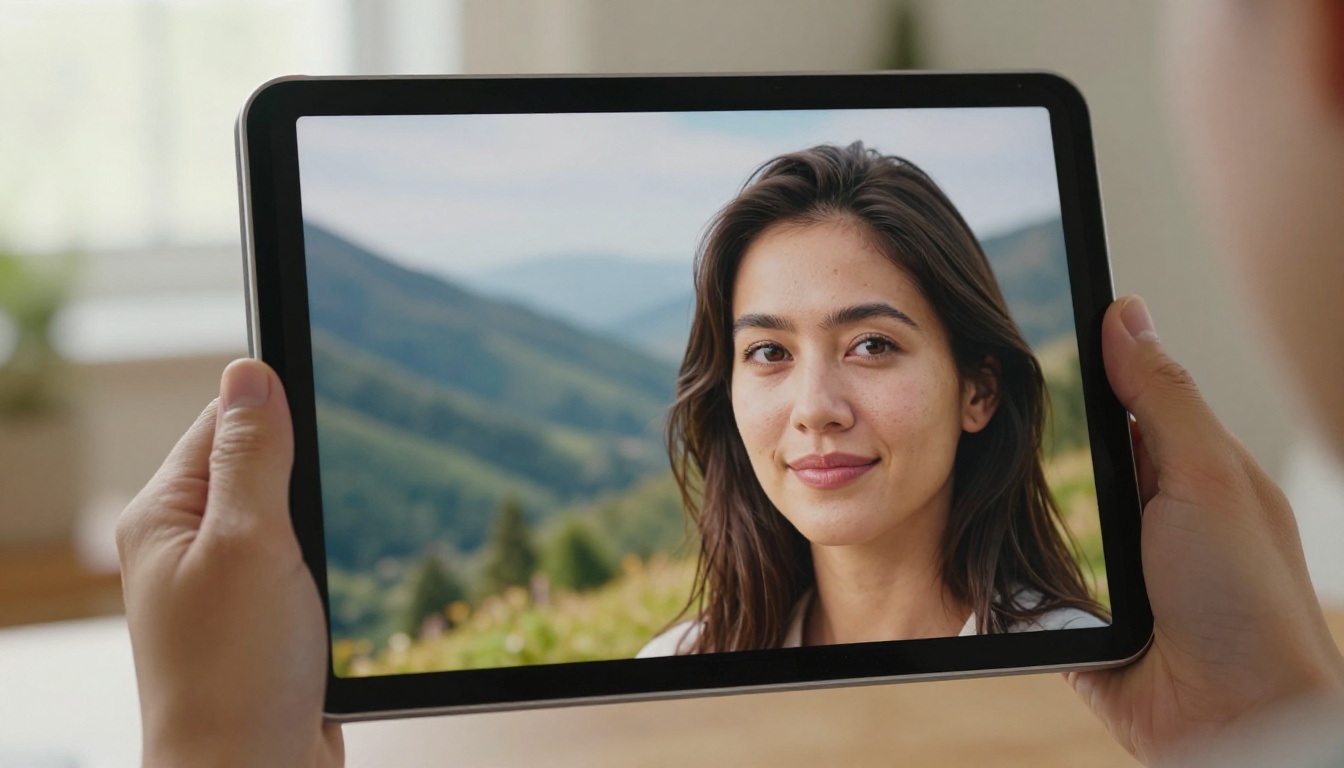
Picking the Right Model for Your Workflow
Different creative workflows have different requirements. Here is a quick decision map based on your output needs:
You want one realistic, uncensored all-rounder: Start with Seedream 4.5 for fast 2K and 4K results that accept NSFW prompts.
You need to edit at high volume: PicassoIA Image Editor Pro gives you unlimited img2img edits with a free 3-generation trial.
You want open-source flexibility: Qwen Image 2 creates and edits with detailed realism and open weights.
You need realistic outfit or bikini edits: Grok Imagine Image converts photos into believable swimwear looks with unlimited runs.
You need a realistic human subject: RealVisXL v3.0 Turbo or Realistic Vision v5.1 deliver authentic skin texture and natural imperfections.
You need text inside the image: Ideogram v3 Quality and Recraft v4 render legible typography reliably.
You want maximum fidelity for commercial use: Flux 1.1 Pro Ultra is the clear choice at 4MP native resolution.
Want NSFW Models Without Limits?
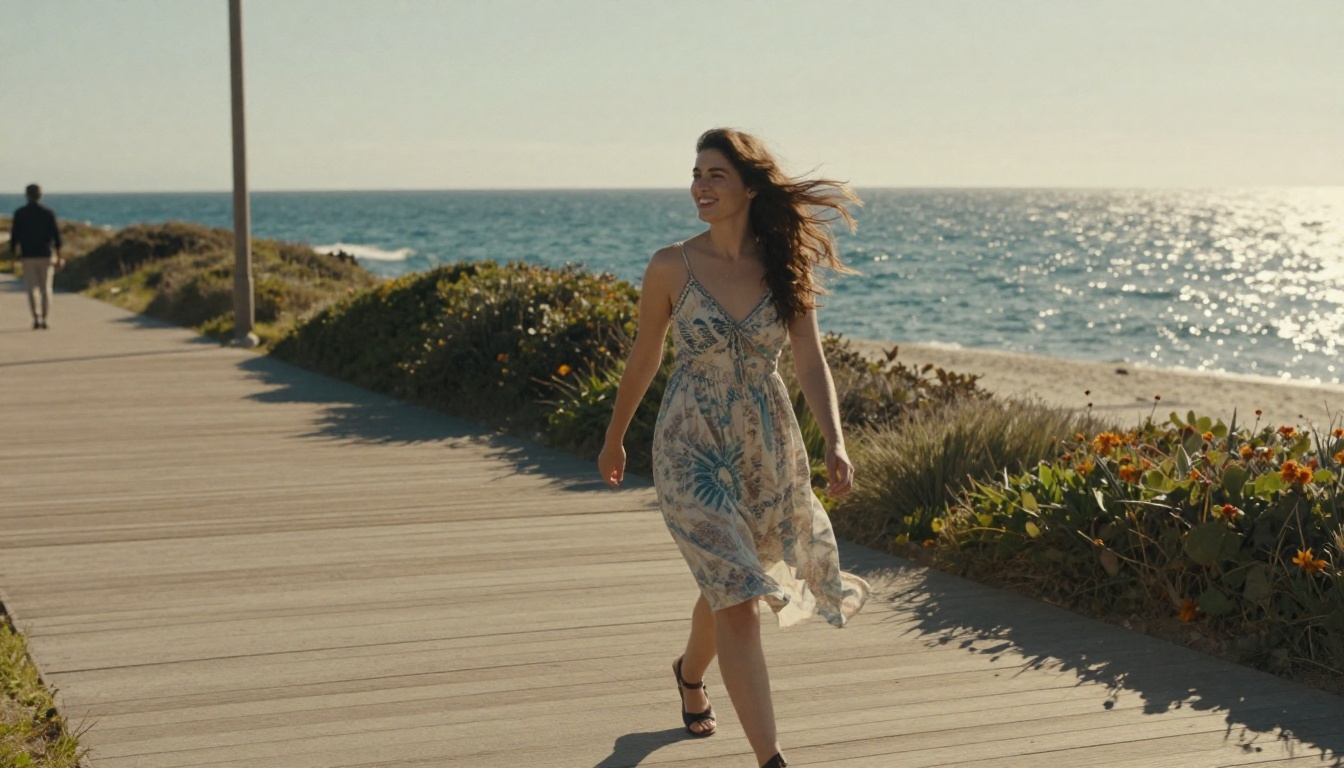
If your projects need full creative freedom, PicassoIA goes well beyond this list. You can browse the best NSFW AI models, glamour, swimwear, boudoir, and uncensored generation, all in one place at picassoia.com/en/all-models. Generate without limits, pair any image model with unlimited editing, and animate the results into video when you want them to move.

Start Creating with These Models Today
The 15 models in this list cover every major use case in AI image generation in 2027, from free starters and open-source editors to unlimited NSFW generation and 4MP commercial photorealism. All of them are accessible from a single platform without juggling multiple subscriptions or API integrations.
PicassoIA puts all of these generators in one place, including Seedream 4.5, PicassoIA Image Editor Pro, Qwen Image 2, Grok Imagine Image, Recraft v4, Flux 1.1 Pro Ultra, Flux Kontext Max, Ideogram v3 Quality, Flux 2 Pro, Stable Diffusion 3.5 Large Turbo, SDXL Lightning 4-Step, RealVisXL v3.0 Turbo, Playground v2.5, Flux Schnell, and Realistic Vision v5.1. For everything else, including the best NSFW models, see all models here.
Pick the model that fits your first project, run a few generations, and see the results for yourself. The tools have never been more accessible or more capable than they are right now.


