The search for free AI photo generators that actually allow adult content is more complicated than it should be. Most tools promise creative freedom, then block your prompts the moment things get suggestive. Filters, watermarks, tiny free tiers, and sudden subscription walls make the process frustrating for creators who just want realistic, artistic imagery without jumping through hoops. This article breaks down 10 tools that genuinely deliver, compares their real capabilities, and shows you exactly where to go for unlimited, unrestricted generation.
What Really Matters in a Free AI Generator
Creative Freedom First
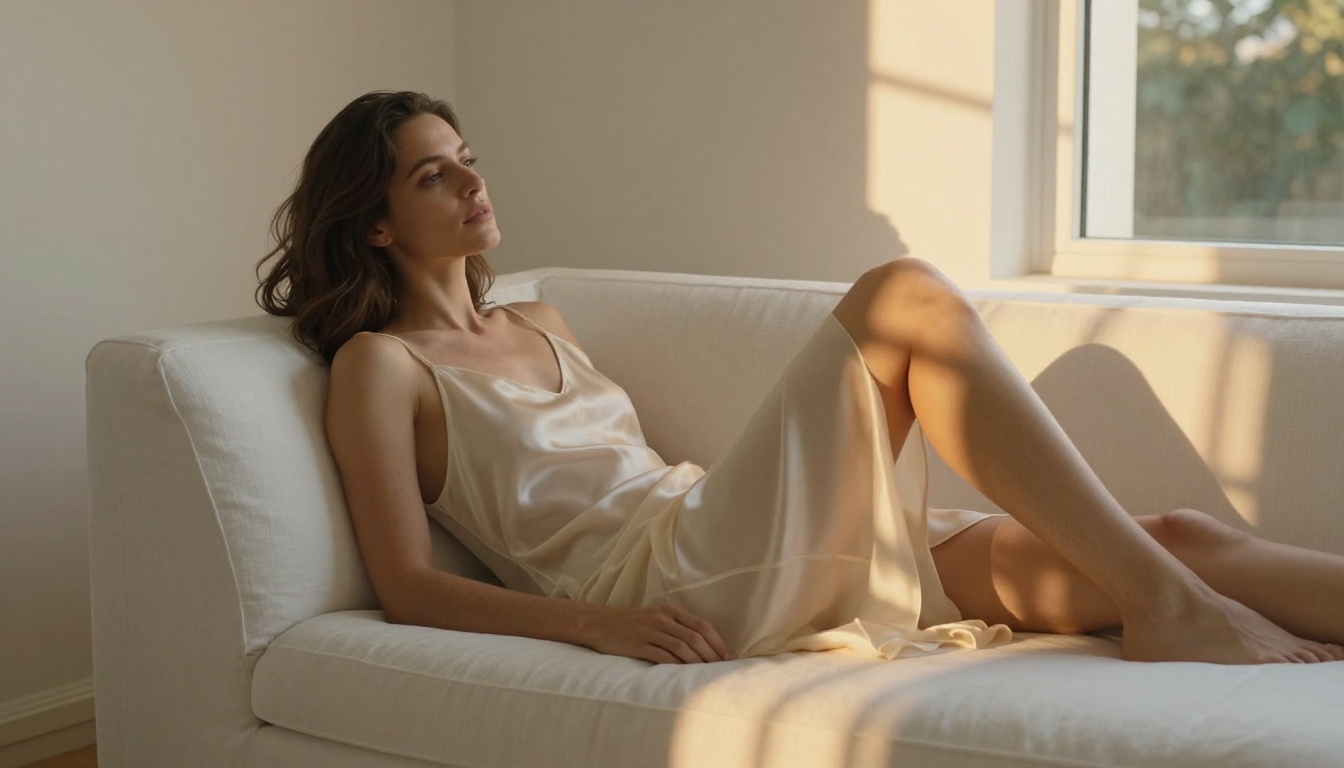
The single biggest differentiator for adult content generation is whether the platform actually lets you do it. Many tools advertise "no restrictions" and then quietly filter your prompts or deliver heavily censored results. The tools in this list were selected because their content policies are genuinely permissive, the outputs are realistic, and the free tiers are actually usable.
Not all "free" tiers are created equal. Some give you 5 daily credits. Others let you generate with watermarks. And a few platforms have genuinely unlimited free access for certain models. Knowing which is which saves time and frustration before you commit to any tool.
Speed and Quality
Two things you will sacrifice on free plans elsewhere: speed and output resolution. The best tools on this list generate photorealistic results at or above 1024x1024 in under 3 seconds. That matters when you are iterating on a concept and do not want to wait 45 seconds per image.
Quality breaks down into three layers: skin texture realism, lighting accuracy, and body proportion consistency. The top models on PicassoIA excel in all three. Budget tools tend to fail on skin texture first, producing that telltale AI smoothness that reads as synthetic immediately.
Hidden Limits to Watch For
💡 Important: Always check if "free" means free forever or free for your first 5 images. Many tools give you a small trial credit, then lock everything behind a subscription. PicassoIA stands out because its Image Editor Pro model includes truly unlimited generations on Elite and Infinite plans, not just a free trial.
The 10 Best Free AI Photo Generators
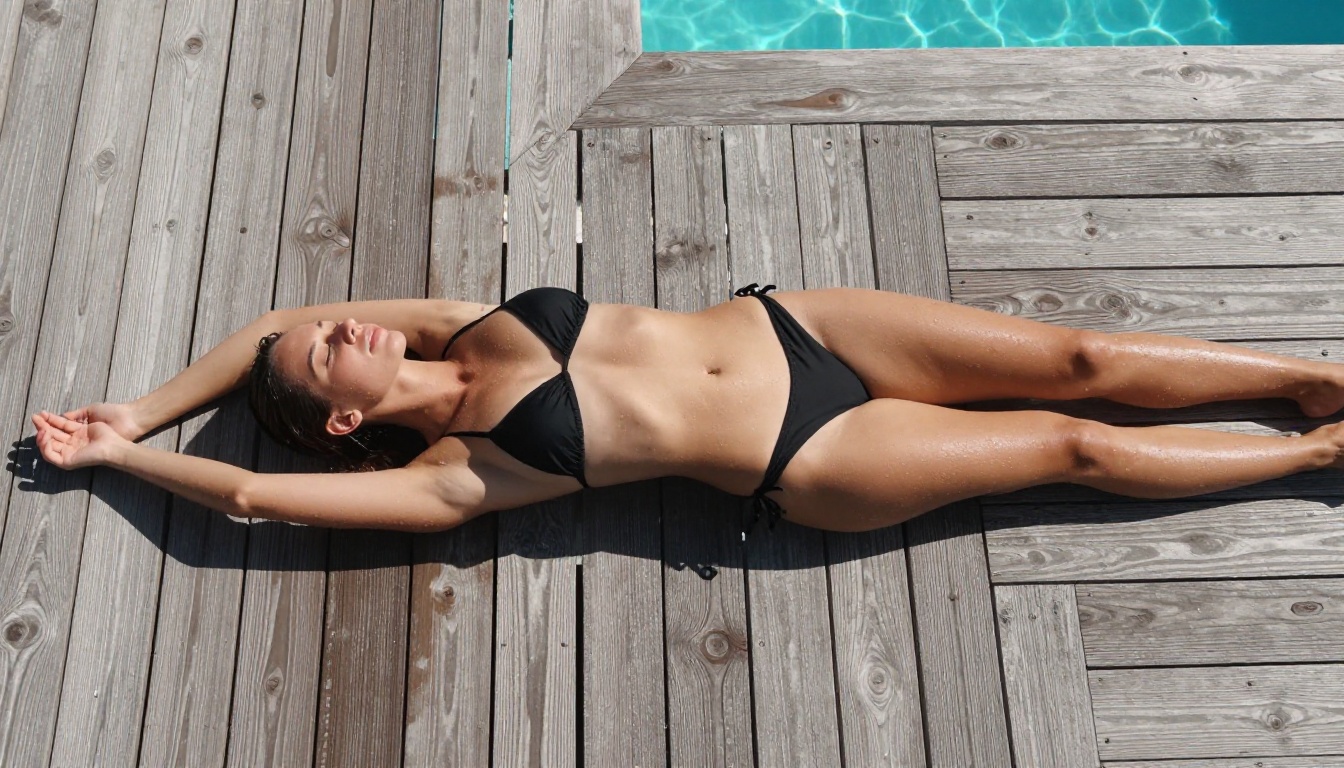
Here is the full comparison at a glance:
| # | Tool | Free Tier | NSFW Support | Speed | Best For |
|---|
| 1 | Seedream 4.5 (PicassoIA) | Free trial | Yes | ~3 sec | Best overall realism |
| 2 | PicassoIA Image Editor Pro | 3 free generations | Yes (unlimited on plan) | ~1 sec | Img2img, bulk creators |
| 3 | Qwen Image 2 | Free on PicassoIA | Yes | ~5 sec | Open-source editing |
| 4 | Grok Imagine Image | Free on PicassoIA | Yes | ~4 sec | Outfit transformation |
| 5 | Recraft V4 | Free on PicassoIA | Yes | ~5 sec | Text-to-image precision |
| 6 | P-Image (PrunaAI) | Free on PicassoIA | Yes | ~1 sec | Speed-optimized NSFW |
| 7 | Wan 2.2 Image | Free on PicassoIA | Yes | ~6 sec | No content filters |
| 8 | NightCafe | Free credits daily | Limited | ~10 sec | Community sharing |
| 9 | Tensor.Art | Free daily tokens | Partial | ~8 sec | Style variety |
| 10 | Bing Image Creator | Free (unlimited) | No | ~15 sec | Safe content only |
1. Seedream 4.5 Is the Best Overall Pick
Seedream 4.5 is the top recommendation for anyone creating adult AI photography. Built by ByteDance, it accepts NSFW prompts without complaint, supports image editing workflows, and delivers results in under 3 seconds on average. That combination of speed, realism, and content freedom is rare.
What Makes It Stand Out
The model does not just generate images from scratch. It also accepts an existing photo as input and edits it based on your text description. This makes it useful for modifying outfits, changing backgrounds, or adjusting poses on existing photos, all while maintaining photorealistic output.
Core capabilities:
- Generates photorealistic adult content from text descriptions
- Image editing mode accepts reference photos as input
- Outputs at high resolution with natural skin texture and lighting
- Sub-3-second generation in most cases
💡 Note: The newer Seedream 5 Lite does not support NSFW content. If you see both options on PicassoIA, always choose Seedream 4.5 for adult content work.
Prompt Tips for Better Results
Be specific about lighting, skin tones, and environment. Vague prompts produce average results. Prompts that describe the exact lighting direction, clothing texture, and camera angle produce far more realistic outputs. Think in terms of how a photographer would brief a shoot: focal length, light source direction, subject-to-camera distance.
2. PicassoIA Image Editor Pro Is Unlimited
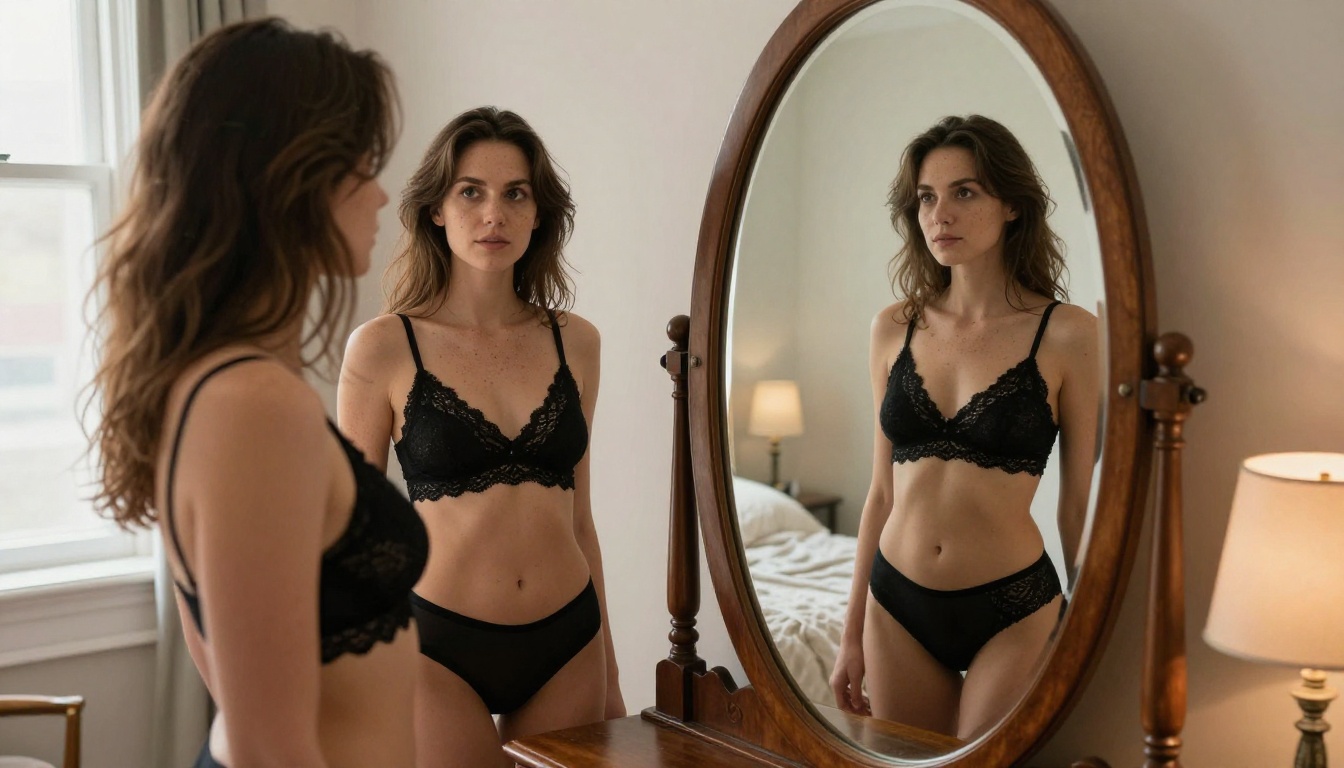
The biggest practical advantage of PicassoIA Image Editor Pro is not the quality. It is the economics. On the Elite and Infinite subscription plans, generations are unlimited. If you are a creator who needs 500 images this month, you pay the same flat rate as someone generating 10. Compare that to a model like Nano Banana 2, where 1,000 generations would cost approximately $100 extra.
The Math on Unlimited Generations
This is an image-to-image model, meaning it takes a reference image and transforms it based on your text prompt. Upload a photo, describe what you want changed (outfit, setting, expression, intensity), and the model renders the edit in under a second. The speed combined with unlimited volume makes it the practical choice for high-output creators.
What you get:
- 3 free generations, no credit card required
- Unlimited on Elite/Infinite plans
- Under 1 second per image
- Full NSFW support
- No watermarks on outputs
For anyone doing regular adult content creation at volume, this is the only option on this list that does not eventually charge per image beyond a free cap.

3. Qwen Image 2 Is Open Source Power
Qwen Image 2 is an open-source model available through PicassoIA. Being open source matters for adult content: the model was trained without the restrictive filters that commercial models embed by default, which means your prompts are not quietly sanitized before they reach the generation engine.
The model works well for creators who want detailed realism with precise prompt control. It accepts both text-to-image and image editing inputs. Outputs have strong photorealistic detail in faces, fabrics, and skin texture.
The main tradeoff is speed: Qwen Image 2 averages around 5 seconds per image. For batch work at scale, Seedream 4.5 or P-Image will be faster. For creators who prioritize prompt responsiveness and open-source transparency, Qwen Image 2 delivers.
4. Grok Imagine Image for Outfit Edits
Grok Imagine Image has one specific use case where it truly excels: realistic outfit transformation. Upload a photo of a person in regular clothing and prompt the model to render them in a bikini, lingerie, or other attire, and the results are remarkably convincing. The lighting, shadows, and skin transitions are handled better here than on most competing models.
Why the Physics Work Here
The model handles the physics of clothing and skin interaction in a way that avoids the uncanny valley artifacts common in cheaper tools. Seams, fabric folds, and body shape are preserved accurately during transformation.
Available through PicassoIA, you can access it alongside all other models in the same interface without managing multiple accounts. The companion video model, Grok Imagine Video, generates clips of up to 15 seconds with no watermarks.
5. Recraft V4 for Text-Only Creation
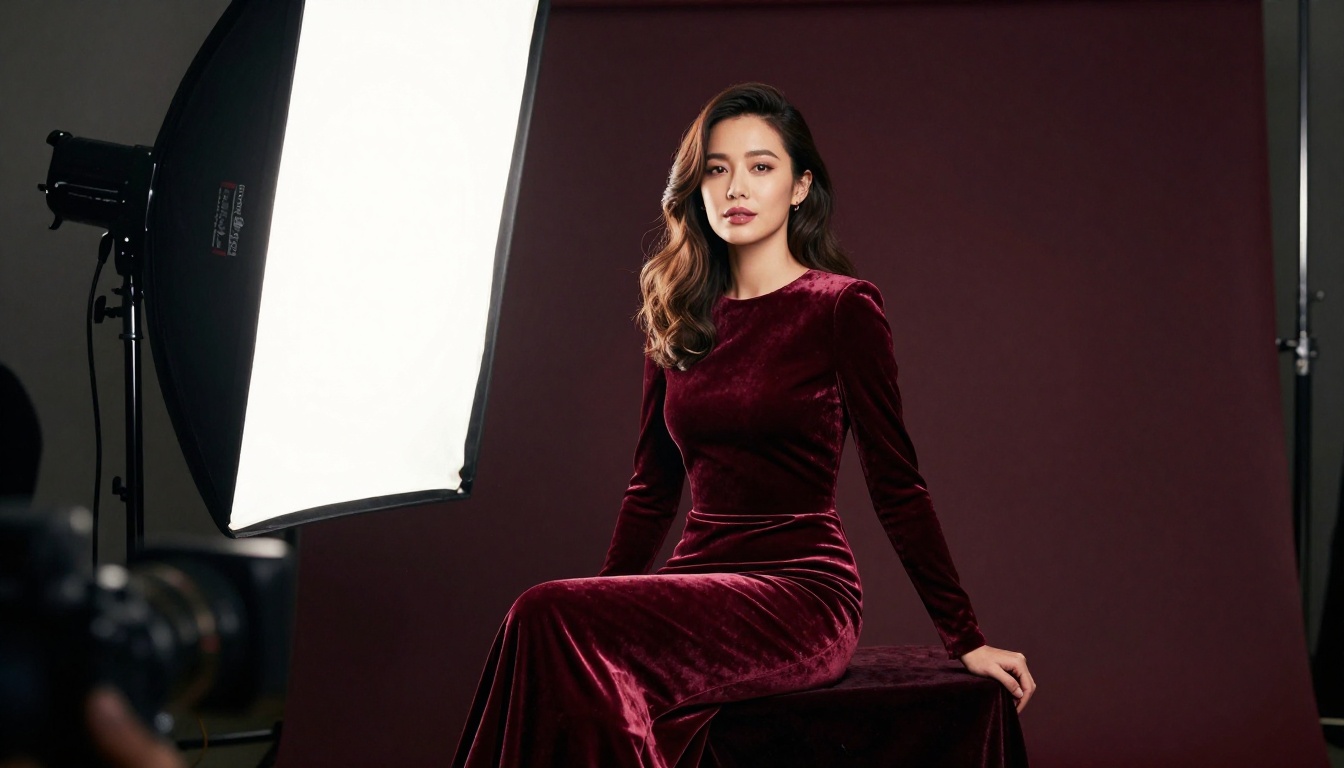
Recraft V4 takes a text-only approach. There is no image editing mode, no reference photo input, just pure text-to-image generation at high fidelity. For creators who prefer to build scenes from scratch through prompting rather than modifying existing images, Recraft V4 delivers very realistic results.
The model is particularly strong on consistent body proportions, accurate facial features, and natural-looking environments. If Seedream 4.5 is the all-rounder, Recraft V4 is the specialist for text-only workflows.
Best for: Creators building original character-based content, scene setting, and detailed environment photography from scratch without needing a source image.
6. P-Image by PrunaAI Is the Fastest
Speed is the reason to use P-Image. PrunaAI has optimized this model for fast inference without sacrificing visual quality. Images arrive in under 1 second in most cases. When you are iterating rapidly on prompt variations, trying 20 different framings in under 5 minutes, that speed advantage is significant.
The model supports full NSFW content generation from text prompts. Output quality is excellent for the speed tier, with natural skin tones and good detail on faces and hair. It may not match the absolute ceiling of Seedream 4.5 in photorealism, but for rapid creative work it is the most efficient option on this list.
P-Image is also the default generation model running behind the scenes on PicassoIA, which means its infrastructure is battle-tested for reliability under load.
7. Wan 2.2 Image Has No Content Filters
Wan 2.2 Image by PrunaAI generates highly realistic images from text descriptions without content filters. It is part of PrunaAI's broader Wan 2.2 ecosystem, which also includes image-to-video capabilities through the companion P-Video model that outputs up to 1080p with the safety filter off by default.
The model performs well on full-body shots with accurate anatomy and natural environments. If you need photorealistic content without the content filter interference that plagues mainstream tools, Wan 2.2 Image is a solid option when other models are under load or when you want the Wan architecture's specific rendering style.
8. NightCafe Has Daily Free Credits
NightCafe offers a daily free credit allowance that resets every 24 hours. NSFW support is partial and model-dependent: some of NightCafe's underlying models allow adult content while others do not, so results depend on which model you select on any given session.
The free tier is genuinely free, but limits are tight. For occasional use it works. Serious creators will hit the ceiling quickly.
Generation speed on the free tier is slower than PicassoIA, often 10 or more seconds per image. The community sharing aspect is a notable feature: published images earn community votes, which translate back into credits. For creators who do not mind sharing their outputs publicly, this partially offsets the credit limit.
9. Tensor.Art Has Wide Style Variety
Tensor.Art uses a token-based free system that resets daily. The platform hosts a large library of community fine-tuned models, and some of these support adult content without strict filtering. The variety of styles is notably broad.
The tradeoff is consistency: because Tensor.Art relies on community-uploaded models rather than a curated selection, quality varies significantly between models. Finding a reliable model for consistent adult content generation requires real testing time. Generation speed averages around 8 seconds on the free tier.
For creators who want to experiment with many different aesthetic styles and do not mind spending time finding the right model, Tensor.Art offers real variety. For consistent, reliable output quality, the curated models on PicassoIA are a better option.
10. Bing Image Creator Is Free but Restricted
Bing Image Creator is genuinely free with no generation limit, but it does not support NSFW content. It is included here for completeness because it consistently appears in searches for free AI image generators. If your content is fully safe-for-work (swimwear for fashion, artistic portraits in tasteful attire), Bing Image Creator is fast and high quality.
For anything beyond safe content, it will refuse your prompts or generate heavily altered, sanitized versions. It is worth being clear about this upfront rather than discovering it after several failed attempts and prompt rewrites.
The decision comes down to three questions:
- Volume: If you need hundreds of images, PicassoIA Image Editor Pro on an unlimited plan is the only economically sensible option. Every other tool on this list has a cost-per-image model beyond its free tier.
- Starting point: If you have reference photos to edit, Seedream 4.5, Grok Imagine Image, or Qwen Image 2 accept image inputs. If you are building from text only, Recraft V4 or P-Image are stronger fits.
- Speed: If iteration speed matters most, P-Image delivers under-1-second results that no other tool on this list can match.
💡 Simple starting point: Begin with Seedream 4.5. It is the most capable all-around model for adult AI photography, handles both text-to-image and editing, and generates fast. Switch to P-Image when you need speed, and to Image Editor Pro when you need volume.
The Best NSFW AI Models on PicassoIA
PicassoIA offers a full lineup of models with genuine creative freedom. Unlike most mainstream platforms, it does not quietly sanitize your prompts or block content after submission. You get what you prompt for.
- Seedream 4.5 — The best all-around NSFW model. Accepts adult content, supports image editing, and generates ultra-realistic results in under 3 seconds. (Its successor, Seedream 5 Lite, does not allow NSFW.)
- PicassoIA Image Editor Pro — Img2img with unlimited generations on Elite/Infinite plans. 1,000 images cost the same as 10 at no extra charge, vs. approximately $100 on models like Nano Banana 2. Accepts NSFW, under 1 second per image, 3-generation free trial with no credit card required.
- Qwen Image 2 — Open-source model that edits or creates any image in seconds with very detailed realism.
- Grok Imagine Image — Realistically converts any image to bikini format with accurate clothing physics.
- Recraft V4 — Very realistic text-to-image results for pure prompt-based creation.
- P-Image — NSFW text-to-image generation in under 1 second.
- Wan 2.2 Image — Highly realistic images from text descriptions without content filters.
See the full lineup of NSFW-capable models at picassoia.com/en/all-models.
Start Creating Your Own AI Photos
The fastest way to see which generator fits your specific work is to run a test prompt across each tool. Start with PicassoIA because you can access multiple models in one place without creating separate accounts or managing different subscriptions. Use the same prompt across Seedream 4.5, P-Image, and PicassoIA Image Editor Pro and compare the outputs side by side.
Most creators settle on a primary model after 3-5 tests. Once you find the one that matches your aesthetic and workflow, the unlimited plan on PicassoIA makes scaling straightforward without cost surprises.
Your first 3 generations on Image Editor Pro are free with no credit card required. Run a test today and see exactly what unrestricted, high-quality AI photo generation looks like in practice. The difference between a filtered tool and an uncensored one is immediately obvious from the first output.


