Picking an AI image generator in 2027 is harder than it should be. Every platform claims to produce "stunning, photorealistic results," yet the gap between the best and the worst is enormous when you actually compare outputs side by side. Quality differences that look minor in cherry-picked demos become very obvious the moment you try to generate a consistent portrait series or a clean product photo for a real client.
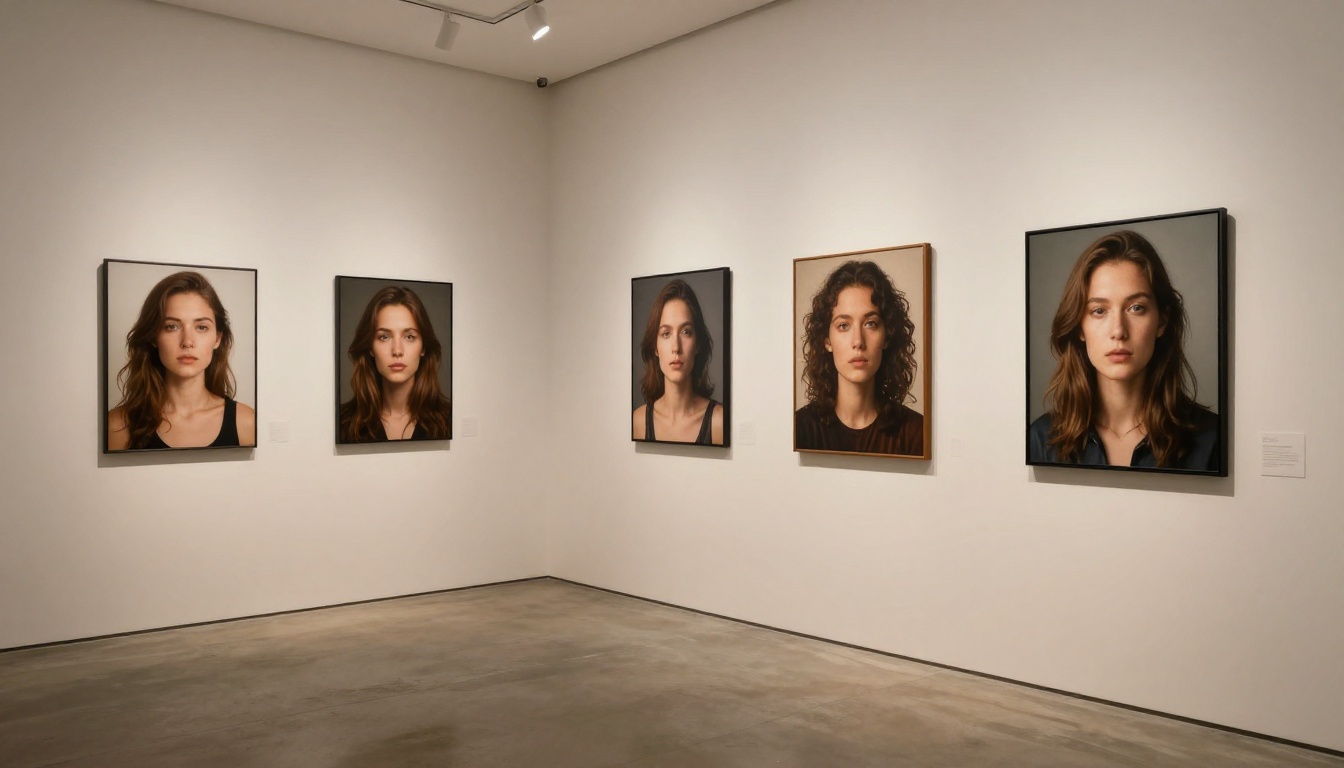
This ranking evaluates 15 AI image generators tested across the same set of prompts: photorealistic portraits, complex scenes, product images, and text-in-image tasks. Each tool is scored on output quality, pricing fairness, speed, and ease of use. The goal is simple: help you figure out where to spend your time and money without running the tests yourself.
How This Ranking Works
Before the list, here is exactly what each score accounts for:
- Output quality: Sharpness, realism, prompt accuracy, and consistency across multiple runs
- Pricing value: Cost per image, subscription tiers, and whether the free plan is actually usable
- Speed: Time from prompt submission to a downloadable image
- Ease of use: How much setup, prompt engineering, or technical knowledge is required
💡 Tools available on PicassoIA are noted throughout. PicassoIA gives you free, unlimited access to many of the top models, including Flux Pro, Flux Dev, Flux Schnell, and Ideogram v2, with no credit caps or subscriptions.
15 AI Image Generators Ranked
1. Flux Pro (via PicassoIA)
Quality score: 9.5/10 | Price: Free on PicassoIA
Flux Pro sits at the top of this list because it was built specifically to follow prompts with precision. When you describe a specific scene, the details actually show up in the output rather than being loosely interpreted. Portrait detail, fabric texture, and lighting direction are all handled better here than in anything below it on this list.
The guidance control is what separates Flux Pro from the competition. Set it low for organic, natural-feeling results. Push it to 5-6 when you need the model to follow a very specific detail in your prompt. Most tools do not give you this level of control without writing complex syntax.
The fact that it is free and unlimited on PicassoIA makes the pricing argument straightforward. Most tools charging $20 per month cannot match what Flux Pro produces consistently.
Best for: Product photographers, content creators, marketers needing reliable prompt adherence.
2. Midjourney
Quality score: 9.3/10 | Price: $10/mo (Basic) to $120/mo (Pro)
Midjourney remains the gold standard for artistic style and aesthetic polish. Its outputs have a distinctive look: rich, saturated, and painterly even at photorealistic settings. The v6.1 model produces some of the best portrait renders currently available from any commercial tool.
The downside is the pricing structure. You pay for GPU time, not images, which makes costs hard to predict across a busy week. The Discord-based interface also adds friction that newer platforms have solved with simpler web UIs.
Best for: Creative professionals, social media artists, and concept developers who want standout aesthetics.
3. DALL-E 3 (via ChatGPT)
Quality score: 8.8/10 | Price: $20/mo (ChatGPT Plus)
OpenAI's DALL-E 3 excels at understanding complex, multi-part prompts. It handles spatial relationships, object interactions, and scene composition better than most models. If you type a detailed scenario with three characters doing different things in a specific setting, DALL-E 3 generally gets it right on the first try.
Where it falls short is photorealistic skin texture and fine detail at image edges. For editorial portraits requiring high-frequency skin detail, results often look slightly processed compared to Flux Pro outputs.
Best for: Users already paying for ChatGPT Plus who need accurate, complex scene generation fast.
4. Flux Dev (via PicassoIA)
Quality score: 8.7/10 | Price: Free on PicassoIA
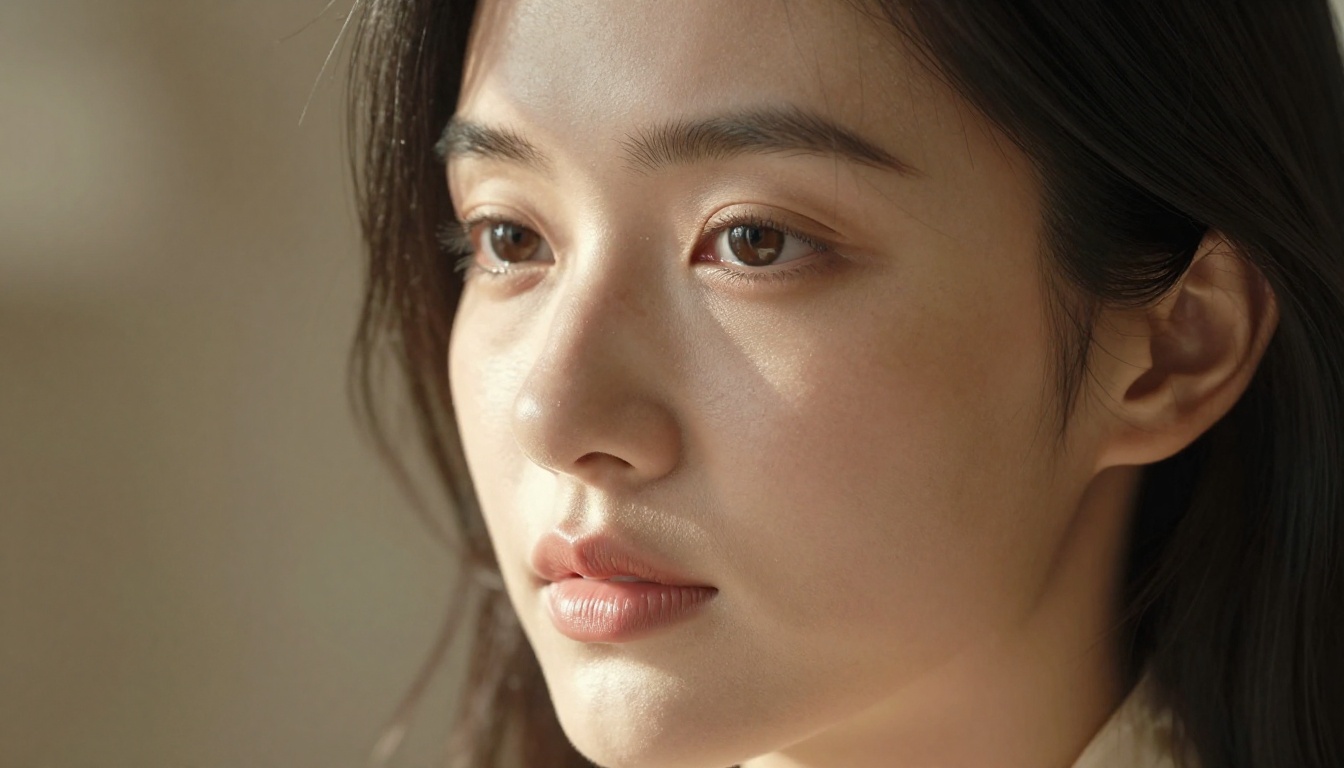
Flux Dev is the full 12-billion parameter model from Black Forest Labs. It is slower than Flux Schnell but produces noticeably richer detail, especially in complex scenes with multiple subjects and precise lighting requirements.
The img2img mode is a genuine advantage that most free tools do not offer. You can start from a reference photo and redirect it with a text prompt, which cuts iteration time significantly on client work where you need to stay close to an existing visual direction.
Best for: Detailed concept work, image-to-image editing, professional creative workflows.
5. Adobe Firefly
Quality score: 8.4/10 | Price: $5.99/mo (Firefly) to $54.99/mo (Creative Cloud)
Adobe Firefly's biggest selling point is legal safety. Every image it produces is trained on licensed content, which matters enormously for commercial use cases where copyright ownership needs to be clear. The Generative Fill feature in Photoshop, powered by Firefly, is the best AI photo editing tool currently available in any creative software.
Standalone image generation quality is good but not class-leading. Where Firefly wins is workflow integration for existing Adobe users who need to stay inside one application.
Best for: Agencies, brand teams, and commercial photographers who need legally clean outputs for clients.
6. Ideogram v2 (via PicassoIA)
Quality score: 8.3/10 | Price: Free on PicassoIA
Ideogram v2 solves the hardest problem in AI image generation: putting readable text inside an image. Every other model on this list struggles with legible words on signs, labels, or poster designs. Ideogram v2 does it consistently and accurately on the first try.
The inpainting feature is also strong. Upload a photo with a black-and-white mask and the model fills only the masked area, leaving everything else untouched. For retouching workflows, this beats manually painting replacement content in Photoshop.
Best for: Graphic designers, social media managers, anyone creating content with text-in-image requirements.

7. Stable Diffusion (via PicassoIA)
Quality score: 8.0/10 | Price: Free on PicassoIA
Stable Diffusion is the foundation that most of the AI image generation ecosystem is built on. It is open source, infinitely customizable, and has a massive community of fine-tunes and extensions.
On PicassoIA, you get Stable Diffusion without any technical setup. No Python environments, no GPU requirements, no configuration files. Just a prompt box and results. For users who want control over resolution, scheduler type, guidance scale, and inference steps, Stable Diffusion offers more technical parameters than any closed-source model at any price.
Best for: Developers, researchers, and technical users who want granular control over image generation parameters.
8. Leonardo AI
Quality score: 7.8/10 | Price: Free (150 tokens/day) to $24/mo (Artisan)
Leonardo AI built its reputation on game asset generation, and the quality for stylized characters, environments, and textures remains strong. It has since expanded into photorealism with competitive results, plus a suite of editing tools including inpainting and upscaling built directly into the interface.
The free tier is genuinely usable. 150 tokens per day gets you meaningful volume for personal projects. Subscription pricing is fair relative to output quality.
Best for: Game developers, concept artists, and creators who want a full creative suite in one platform.
9. Flux Schnell (via PicassoIA)
Quality score: 7.7/10 | Price: Free on PicassoIA
Flux Schnell is the fastest model in the Flux family. It processes a prompt in just four denoising steps and returns a finished image in under 5 seconds. For rapid iteration, concept drafting, and testing prompt directions before committing to a slower high-quality run, nothing on this list matches it.
Output quality takes a slight step back from Flux Dev and Flux Pro, but for ideation workflows the tradeoff makes obvious sense. Running 30 prompt variations in under 2 minutes is not possible with any other model here.
Best for: Creative directors in ideation phases, content teams that need fast visual iteration.
10. Playground AI
Quality score: 7.5/10 | Price: Free (500 images/day) to $15/mo (Pro)
Playground AI offers an interface closer to Photoshop than a typical AI generator, with canvas tools, layers, and a real-time editing workspace. Image quality sits slightly below the Flux family but well above the free tools lower on this list.
The 500 free images per day is the most generous free tier in the industry by a significant margin. For casual users, it may be all you ever need.
Best for: Designers who want a canvas-based workflow with AI image generation built directly in.
11. Canva AI (Magic Media)
Quality score: 7.0/10 | Price: Free (limited) to $13/mo (Pro)
Canva's AI image tools are deeply integrated into a design workflow that millions of people already use daily. The image quality itself is not at the level of dedicated AI image generators, but the ability to place a generated image directly into a Canva design, resize it, and add branded text layers in the same session saves real time.
For non-designers who need usable visuals fast without any technical knowledge or new tool to learn, Canva is the most practical option on this list.
Best for: Non-technical users, small business owners, and social media managers already inside Canva.
12. Bing Image Creator (Microsoft Designer)
Quality score: 6.8/10 | Price: Free
Powered by DALL-E under the hood, Bing Image Creator is completely free with a Microsoft account and requires zero setup. Output quality is solid for a free tool, though aggressive safety filters limit creative flexibility in ways that PicassoIA does not.
For quick, free image generation with no subscription commitment beyond a Microsoft login, it functions well enough.
Best for: Casual users who want zero commitment and only occasional image generation needs.
13. NightCafe
Quality score: 6.5/10 | Price: Free (5 credits/day) to $9.99/mo (Hobbyist)
NightCafe gives you access to multiple models including Stable Diffusion variants, and its community features make it popular for sharing and discovering AI art. Image quality varies significantly based on which underlying model you select for a given generation.
The credit system is opaque compared to straightforward subscription pricing, which adds friction when trying to estimate monthly costs before committing.
Best for: Hobbyists interested in AI art communities and experimenting across multiple model styles.
14. Lexica Aperture
Quality score: 6.3/10 | Price: Free (100 images/mo) to $16/mo (Pro)
Lexica is primarily a search engine for AI-generated images, and its database of community prompts is genuinely useful for learning how more experienced users write prompts for specific visual styles. The Aperture generation model produces clean, portrait-focused outputs.
Generation range is limited. It handles portraits reliably and struggles with complex multi-subject scenes or unusual compositions.
Best for: Prompt learners and portrait-focused creators who want a searchable inspiration library alongside generation.
15. DreamStudio (Stability AI)
Quality score: 6.0/10 | Price: Pay-as-you-go, approx. $0.009 per image
DreamStudio is Stability AI's official interface for Stable Diffusion. The credit-based pricing is among the cheapest per image on this list, and the SDXL model produces decent results for stylized content.
The platform feels dated compared to newer alternatives, and the credit math requires constant tracking. Since Stable Diffusion on PicassoIA is free and unlimited, DreamStudio's main appeal is largely gone.
Best for: Budget-conscious users who want Stable Diffusion results without running a local installation.
Side-by-Side Pricing Comparison
| Tool | Free Tier | Paid Starts At | Best Value |
|---|
| Flux Pro (PicassoIA) | Unlimited | Free | Yes |
| Flux Dev (PicassoIA) | Unlimited | Free | Yes |
| Flux Schnell (PicassoIA) | Unlimited | Free | Yes |
| Ideogram v2 (PicassoIA) | Unlimited | Free | Yes |
| Stable Diffusion (PicassoIA) | Unlimited | Free | Yes |
| Midjourney | None | $10/mo | For aesthetics |
| DALL-E 3 | Limited | $20/mo | ChatGPT users |
| Adobe Firefly | Limited | $5.99/mo | Commercial work |
| Leonardo AI | 150 tokens/day | $12/mo | Game assets |
| Playground AI | 500/day | $15/mo | Canvas workflows |
| Canva AI | Limited | $13/mo | Non-designers |
| Bing Image Creator | Free | Free | Casuals only |
| NightCafe | 5 credits/day | $9.99/mo | Hobbyists |
| Lexica Aperture | 100/mo | $8/mo | Portrait work |
| DreamStudio | Pay-as-you-go | ~$0.009/img | Legacy SD users |
Quality vs. Price: What the Data Shows
After testing all 15 tools across identical prompt sets, a clear pattern emerges:
- $0/month can get you top-tier results if you use the right platform. Flux Pro, Flux Dev, and Ideogram v2 on PicassoIA outperform paid tools costing $15 to $20 per month.
- Midjourney at $10/month still wins for pure artistic style and aesthetic polish, but loses on value when free alternatives match or exceed its photorealism.
- Adobe Firefly is worth paying for only if commercial licensing is a hard requirement for your client contracts.
- The bottom five on this list are best treated as supplementary tools rather than primary image generation platforms.
💡 The best strategy: use Flux Pro on PicassoIA as your primary generator, switch to Ideogram v2 specifically for text-in-image tasks, and keep Midjourney as a paid option only if you need its specific artistic character.
3 Mistakes That Kill Your Results
Regardless of which tool you use, these mistakes appear over and over in low-quality outputs:
- Vague prompts: "A woman in a park" produces generic results. "A 28-year-old woman with curly auburn hair sitting on a wooden park bench, dappled afternoon sunlight, 85mm f/1.4" produces something usable.
- Ignoring negative prompts: Most models accept a negative prompt field. Use it. Adding "blurry, overexposed, low quality, distorted hands, watermark" eliminates the most common AI image defects.
- Wrong aspect ratio: Generating a vertical portrait in 16:9 wastes resolution on empty background. Always pick the ratio that matches where the image will actually be used.
How to Use Flux Pro on PicassoIA
Since Flux Pro ranks first in this comparison, here is exactly how to get the best results from it:
Step 1: Open the Flux Pro page on PicassoIA. No account required to start generating immediately.
Step 2: Write a specific prompt. Include subject, environment, lighting direction, camera lens specification, and overall mood. The more precise your description, the closer the output matches your vision.
Step 3: Set your aspect ratio to match the intended output format. Use 4:5 or 1:1 for social media posts, 16:9 for headers and banners, 9:16 for vertical mobile content.
Step 4: Adjust the guidance value. A guidance of 3-4 produces natural-looking results. Push it to 5-6 when you need the model to follow a very specific visual detail precisely.
Step 5: Use the interval setting to control variation across runs. Keep it at 1 for consistent results when iterating on a specific composition. Raise it to 4-5 for more creative, varied interpretations of the same prompt.
Step 6: Download in PNG for maximum quality, or WebP for smaller file sizes with minimal visual difference. Both formats are watermark-free.
💡 Set a fixed seed number when iterating on prompt wording. This keeps the underlying composition stable across runs while you refine the language, making it much easier to see what each specific word change actually does to the output.

Which One Should You Actually Use?
The short answer based on your specific situation:
For most people reading this, the answer is straightforward. The top three models on PicassoIA, Flux Pro, Flux Dev, and Ideogram v2, handle the vast majority of real-world use cases without costing a single dollar. Start there before paying for anything else.
Try It Now
The fastest way to see which generator fits your workflow is to run your actual prompts through it, not read about it. PicassoIA gives you unlimited free access to Flux Pro, Flux Dev, Flux Schnell, Ideogram v2, and Stable Diffusion, all in one place with no credit caps, no subscriptions, and no watermarks.
Pick your use case, write the prompt you actually need for a real project, and see what comes back. That single test will tell you more than any ranking article can.


