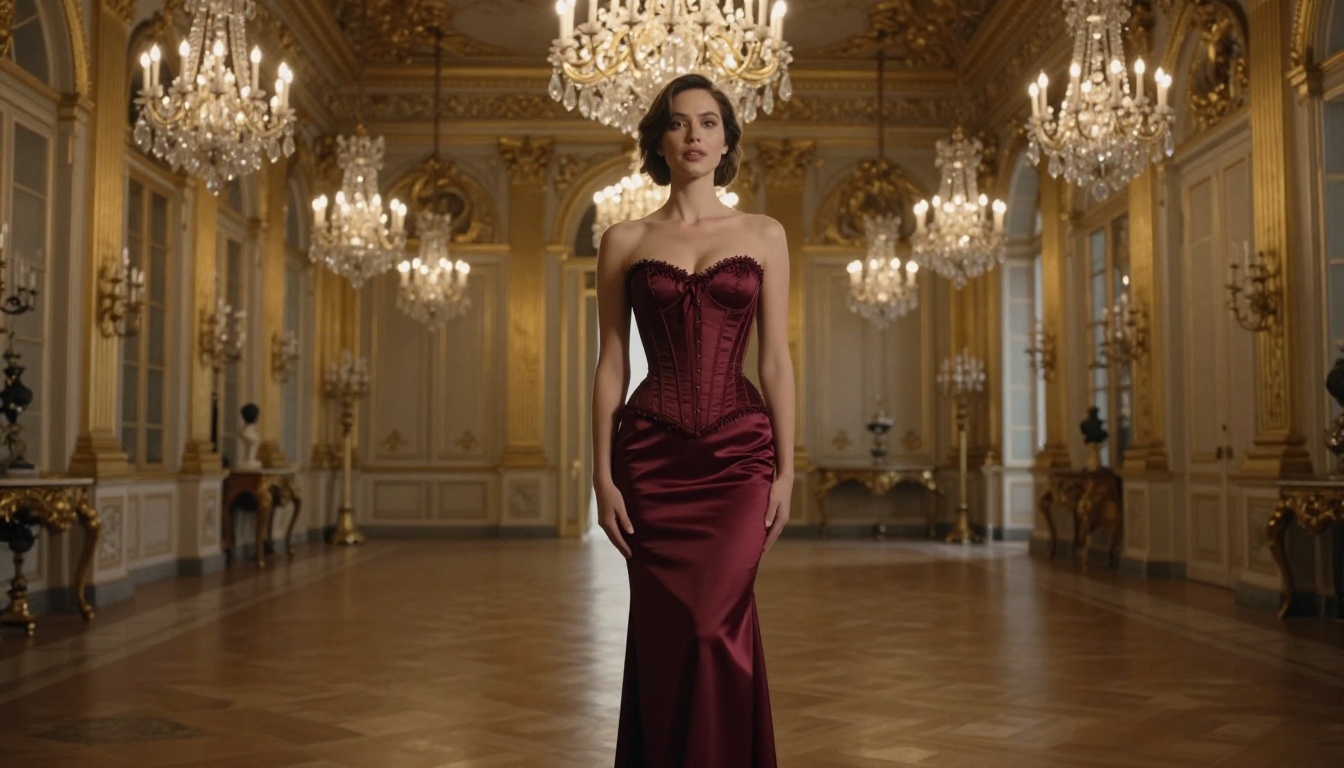
+18 AI Art Generator Free: Create Adult Art with AI
Want to create stunning 18+ adult art with AI for free? This article breaks down the best free NSFW AI art generators, shows you exactly which models produce the most photorealistic results, and gives you real step-by-step prompting strategies that work. No fluff, no paywalls to start.
Free, powerful, and capable of generating seriously attractive adult imagery: that is the reality of AI image generation in 2027. The models have caught up to professional photography in terms of raw realism, and access to the best ones no longer requires a credit card. Whether you want glamour portraits, artistic boudoir shots, or suggestive fantasy scenes, the right +18 AI art generator free setup can produce results that rival studio photography. This article cuts straight to what matters: which models actually work, how to write prompts that get results, and where to access all of it without spending a dollar.
The Real Difference Between Free 18+ AI Models
Not all free AI art generators are created equal. Some produce waxy, plastic-looking skin with uncanny valley faces. Others generate beautiful, ultra-realistic images with genuine photographic depth. The gap between the two comes down to architecture, training data, and the quality of the sampling pipeline.
Realism Is Non-Negotiable
When generating adult or suggestive imagery, realism is everything. A cartoonish or stylized result completely breaks the illusion. The models that dominate in 2027 for photorealistic output are those trained specifically on high-resolution photography datasets with NSFW-aware pipelines. Skin texture, lighting falloff, fabric drape, and facial geometry are the four pillars of believable adult AI art.
💡 Pro tip: Always specify your lighting source in the prompt. "Soft diffused window light from the left" produces dramatically more realistic results than just "good lighting."
What "Free" Actually Means Here
Some platforms call themselves free but throttle quality behind a paywall. True free access means you can generate full-resolution outputs without a subscription. Several models including flux-dev, flux-schnell, and sdxl are open-weight or freely accessible on platforms that do not gate resolution or output count. The free tier gives you real creative power, not a demo.
Best Free Models for Adult AI Art
There are roughly a dozen models worth your attention for this specific use case. Here are the ones that consistently deliver photorealistic, aesthetically compelling adult imagery.
Flux Dev: The Free Powerhouse
flux-dev from Black Forest Labs is the single best free model for adult AI art generation in 2027. It produces stunning skin detail, accurate proportions, and handles complex lighting scenarios that other models botch completely. The model responds beautifully to detailed prompts and is available at no cost.
For even higher output quality, flux-2-dev and flux-2-pro push realism further with improved anatomy accuracy and better handling of sheer fabrics and intimate clothing. If you want the absolute ceiling of the Flux family, flux-1.1-pro-ultra and flux-2-max are in a league of their own for photorealistic portraiture.
What Flux does better than anything else:
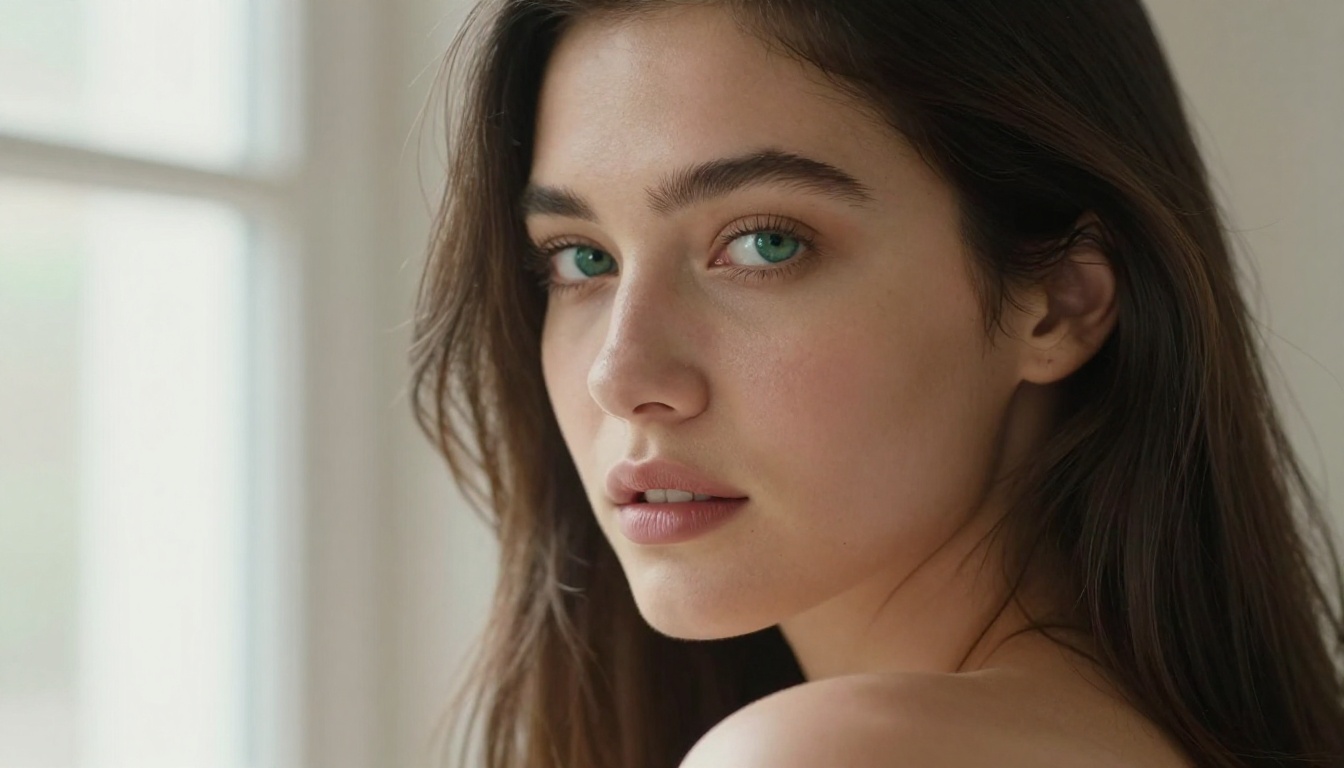
Natural skin texture with fine pore and hair detail
Accurate body proportions at complex angles
Believable fabric physics on lingerie and sheer clothing
Cinematic depth of field with realistic bokeh
Stable Diffusion 3.5: Still Relevant
stable-diffusion-3.5-large remains a strong option, particularly for users who want more stylistic control over anatomy and aesthetics. The turbo variant, stable-diffusion-3.5-large-turbo, is faster with only a marginal quality trade-off, making it ideal for iterating through many prompt variations quickly.
SD 3.5 handles facial features and expressive portraits exceptionally well. It tends to produce softer, more idealized skin compared to Flux's hyper-realistic output, which some users actually prefer for glamour and fashion-style content.
RealVisXL and Realistic Vision
realvisxl-v3.0-turbo was built specifically for photorealistic human generation. It is fine-tuned on photographic data and excels at close-up portraits and mid-range body shots. For adult AI art where you need a clearly photographic result rather than an artistic interpretation, RealVisXL is a reliable first choice.
realistic-vision-v5.1 is the older sibling and still delivers solid results, particularly in scenarios involving indoor studio photography aesthetics with controlled artificial lighting.
Prompt Engineering for Adult AI Art
The model matters, but your prompt is what separates a mediocre output from a stunning one. Most people write prompts that are too short, too vague, or structurally backwards.
The Anatomy of a Strong Prompt
Think of your prompt as a photographer's brief. You need to specify the subject, the environment, the lighting, the camera, and the mood, in that order.
Example: "A tall brunette woman in a form-fitting satin slip dress standing in a luxury hotel suite, warm amber side lighting from a bedside lamp, shot from a slight low angle with a 50mm f/1.8 lens, creamy bokeh background, Kodak Portra 400 grain, RAW photography, 8K, photorealistic"
That single prompt, fed into flux-dev, will produce output indistinguishable from a professional shoot.
What to Avoid in Your Prompts
Several words and phrases actively degrade the output quality of adult AI art:
"Sexy" or "seductive" as standalone descriptors: too vague, the model interprets them inconsistently
"Beautiful" without specifics: add details like "high cheekbones, almond-shaped eyes, natural lip color"
"Perfect body": models often overexaggerate, specify proportions instead
Stacking too many quality tags: "ultra HD, 4K, 8K, masterpiece, best quality" compete and confuse
💡 Instead of "beautiful model", write: "woman in her late 20s, 5ft 9in, athletic build, high cheekbones, natural makeup, long dark hair"
Negative Prompts That Work
Negative prompts tell the model what to avoid. For photorealistic adult content specifically, these negatives consistently improve results:
cartoon, illustration, painting, anime, 3D render, CGI
deformed hands, extra fingers, bad anatomy, watermark
PicassoIA gives you direct access to flux-dev and dozens of other top models through a clean, no-friction interface. Here is exactly how to generate adult AI art using it.
Step 1: Open the Model Page
Navigate to the flux-dev model page on PicassoIA. You will see the prompt input field, aspect ratio selector, and generation settings. No installation required, no account needed to start.
For faster iteration speed, switch to flux-schnell, the speed-optimized variant that generates results in seconds. Use it to test prompt variations, then switch back to flux-dev for final quality outputs.
Step 2: Write a Detailed Prompt
Apply the anatomy structure from the previous section. For adult content, always specify:
Physical description: height, build, hair color, eye color
Outfit: specific garment name, material, color, fit
Lighting: source direction, temperature (warm/cool), quality (soft/hard)
Camera: lens focal length, aperture, angle relative to subject
The more specific your prompt, the less the model has to guess, and the closer the output matches your vision.
Step 3: Fine-Tune Your Settings
In the settings panel:
Aspect ratio: Use 16:9 for full-scene compositions, 9:16 for portrait-style shots, 1:1 for close-up square crops
Steps (if adjustable): 28-35 steps for flux-dev produces noticeably better detail than the default 20
Guidance scale: 3.5-4.5 is the sweet spot for photorealistic outputs. Going above 7 introduces oversaturation
💡 Seed locking: Once you find a composition you like, lock the seed and vary only the prompt or outfit. This lets you generate variations of the same "character" consistently.
LoRA Models and Style Control
LoRA (Low-Rank Adaptation) models are fine-tuned overlays that push base models toward specific aesthetics. They are especially powerful for adult AI art because you can target a precise visual style, body type, or photographic look.
p-image-lora for Custom Styles
p-image-lora from PrunaAI allows LoRA-powered text-to-image generation, meaning you can layer specific style attributes on top of the base model output. For adult content, LoRAs trained on boudoir photography, fine art nude, or glamour fashion dramatically shift the output toward those aesthetic categories.
Similarly, flux-dev-lora brings that LoRA flexibility to the Flux architecture, which is particularly effective because Flux's high-quality base output means the LoRA refinements have better raw material to work with.
ControlNet for Pose Precision
One of the most common frustrations with NSFW AI art is getting the exact pose you want. Random generation almost never produces the specific angle or body position you have in mind. sdxl-multi-controlnet-lora solves this by letting you guide the model with a reference pose image or skeleton map.
For users who want full pose control over their adult AI art scenes, ControlNet is not optional, it is the difference between hoping and knowing.
Speed vs. Quality Tradeoffs
Every AI art workflow involves a tension between generation speed and output quality. Understanding this tradeoff helps you use the right model at the right moment.
Fast Models for Quick Iterations
When testing prompt ideas or exploring different compositions, speed is everything. These models deliver fast results at solid quality:
💡 Verdict:flux-dev wins across all three categories. For a free model, its output is indistinguishable from paid professional alternatives in most scenarios.
What to Expect From Free Tier Access
Free access on a well-built platform means you can generate full-resolution images without a subscription. What separates platforms from each other is not just model access but generation speed, queue priority, and the number of models available.
On PicassoIA, the free tier gives you access to over 90 text-to-image models. That includes all the Flux variants, the Stable Diffusion family, RealVisXL, Realistic Vision, and specialist models like sdxl-multi-controlnet-lora for pose control and p-image-lora for style customization.
Free tier at a glance:
Full-resolution image output (no watermarks, no compression)
Access to 90+ text-to-image models including all major free models
Where premium access adds value is in batch generation, priority queue (no wait during peak hours), and access to the absolute top-tier models like flux-2-max and flux-1.1-pro-ultra.
For most users starting out with adult AI art generation, the free tier is more than enough to produce professional-grade results.
Results You Can Actually Achieve
The ceiling on what free 18+ AI art generation can produce in 2027 is genuinely high. Here is what a skilled user with good prompting technique can create at no cost:
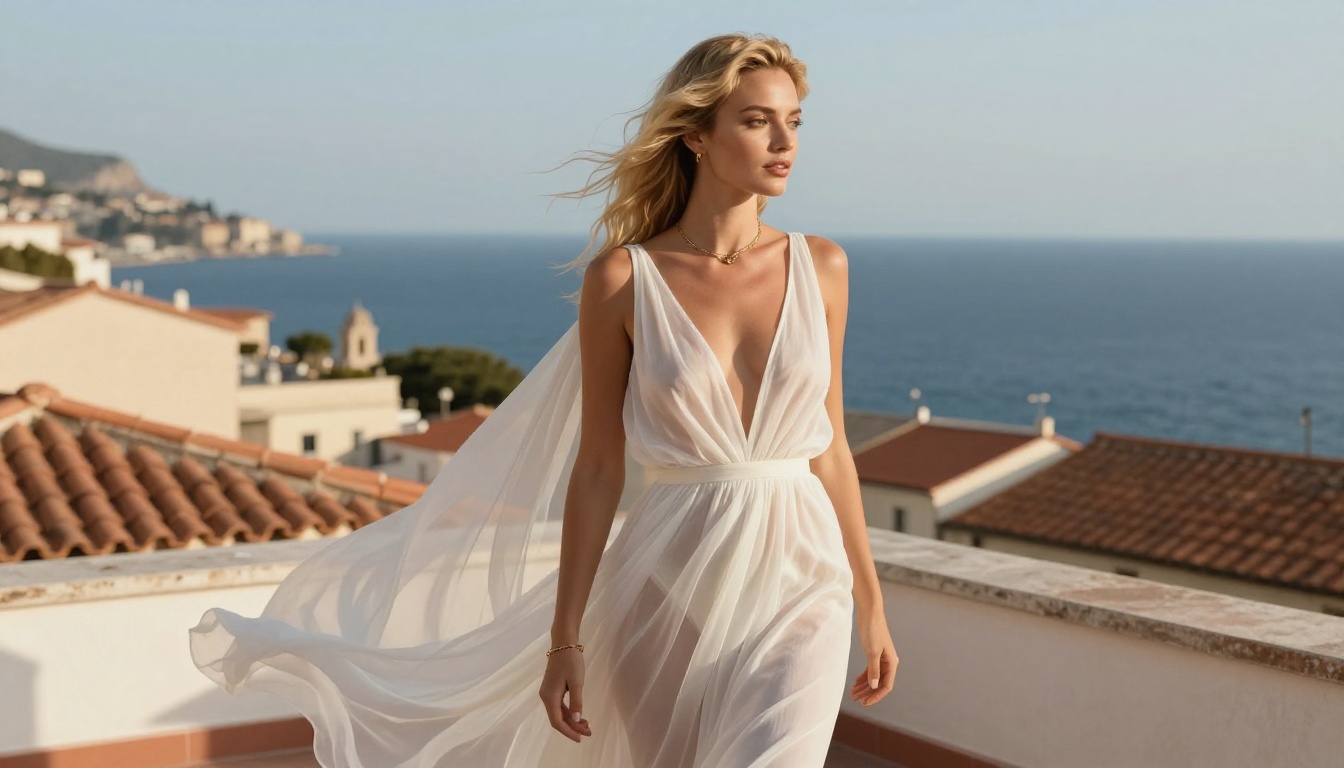
Glamour portraits with studio-quality lighting and natural skin texture
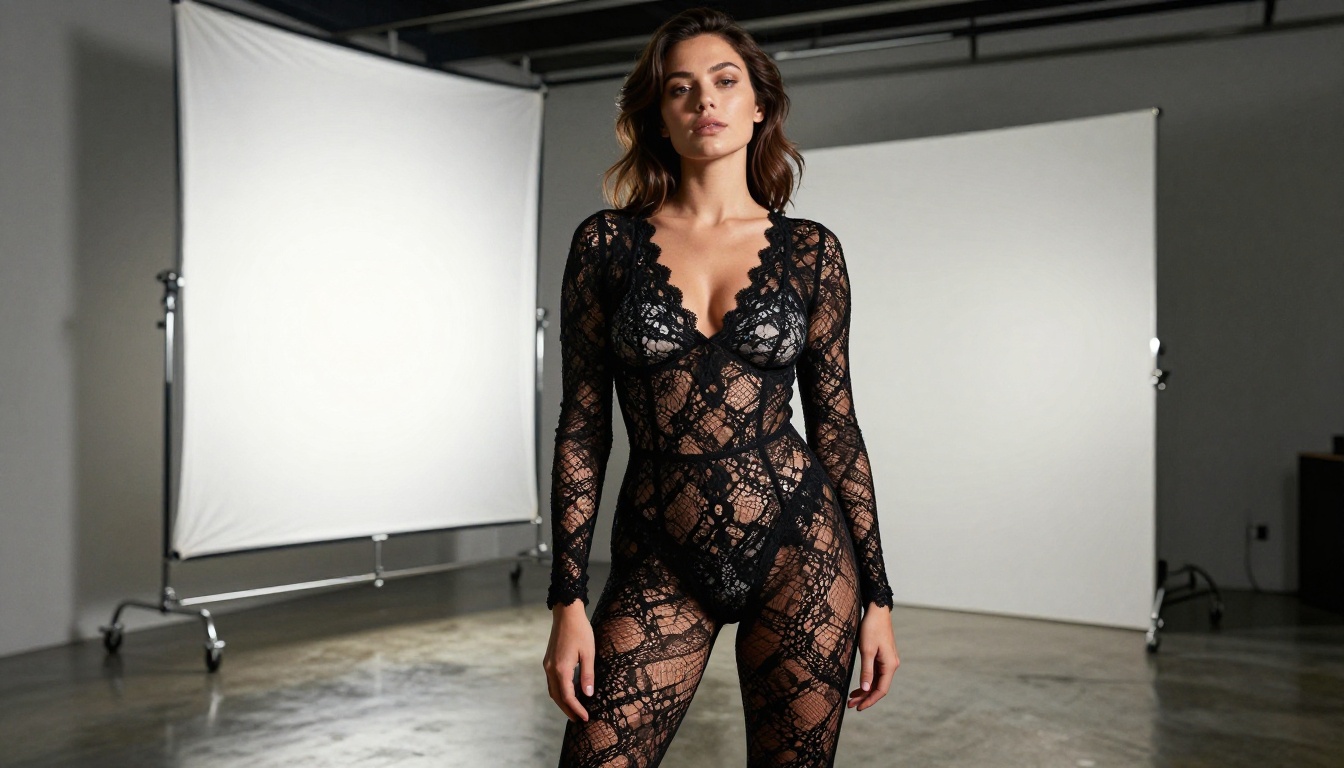
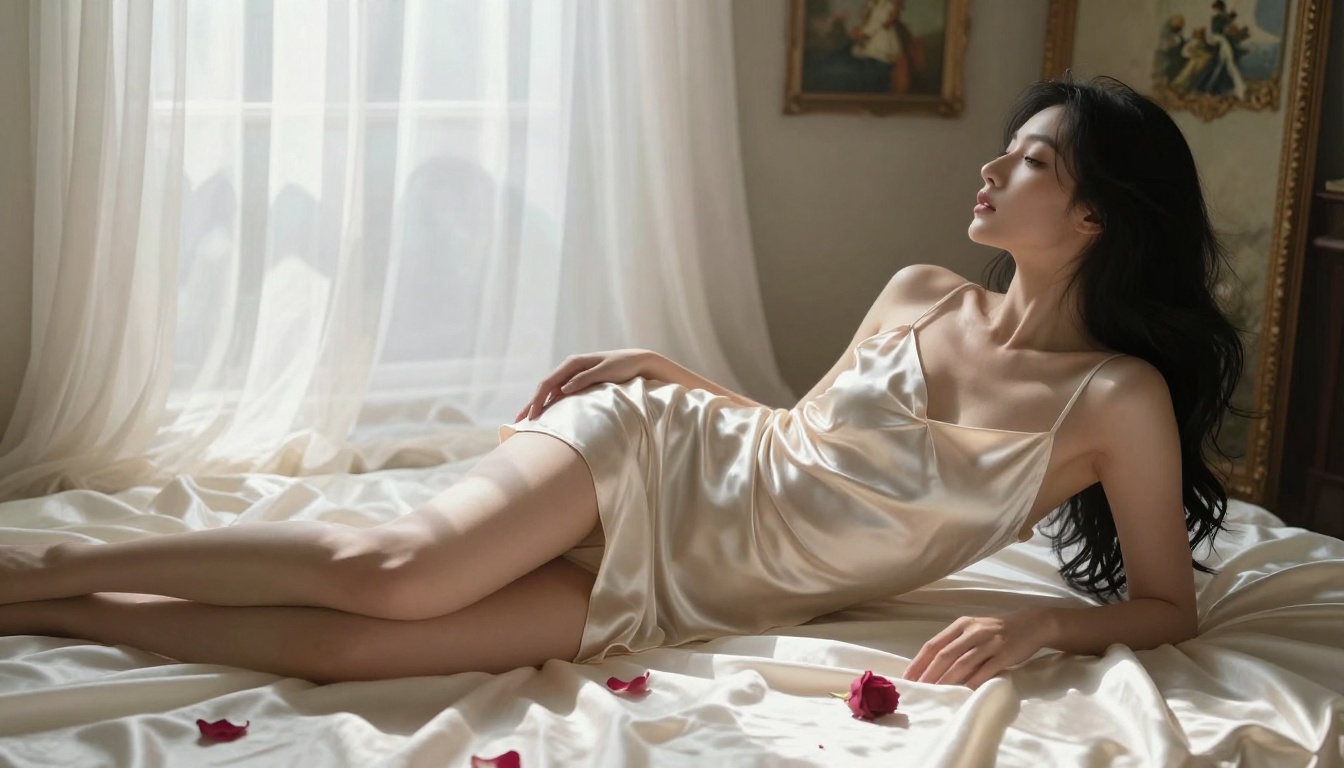
Boudoir scenes with realistic fabric drape, silk, lace, and sheer materials rendered convincingly
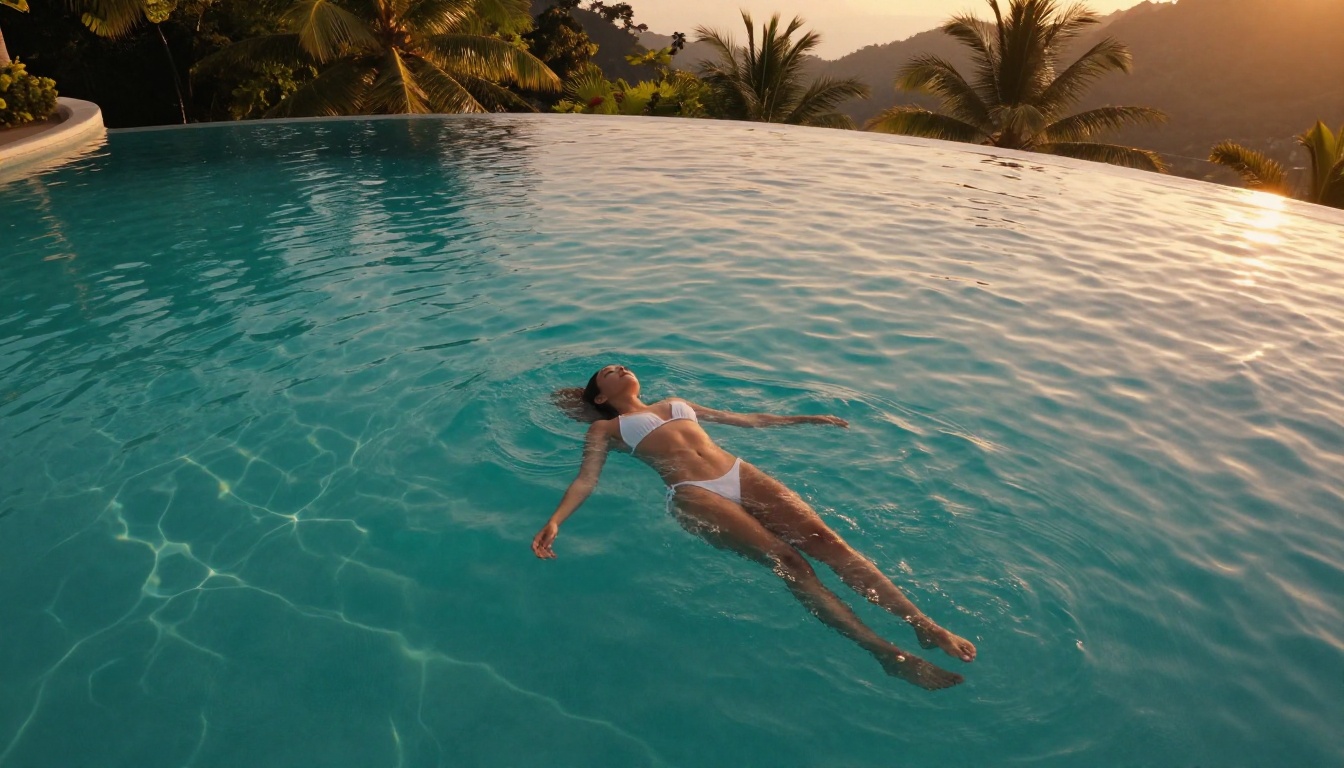
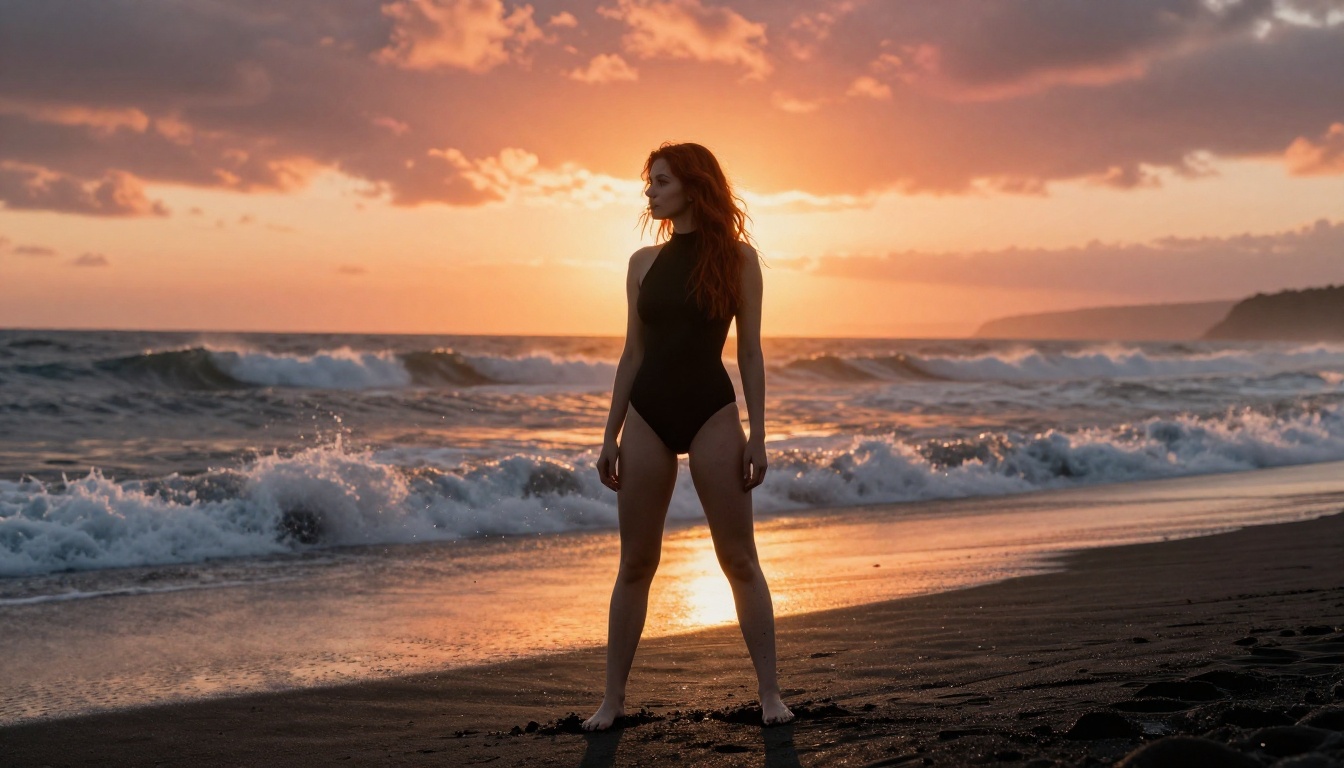
Outdoor lifestyle shots with accurate environment interaction (sand, water, natural light)
Fashion-forward editorial imagery with complex backgrounds and dynamic compositions
Character consistency across multiple generations using seed locking
The results are not limited by the model's capability so much as by prompt quality. Two users running the same model will get dramatically different results based entirely on how they describe the scene.
The single biggest lever is specificity. Replace "a woman in lingerie" with "a tall woman in her late 20s wearing a black lace bodysuit, standing in a dimly lit hotel room, warm amber light from a single bedside lamp, shot at 85mm f/1.4, Kodak Portra grain" and the output quality difference is enormous.
Create Your Own Images Now
You have everything you need: the best models, the prompt structure, the settings to tweak, and the platform to run it all on. The only thing left is to actually start generating.
Head to flux-dev on PicassoIA and run your first generation. Use the prompt anatomy from this article, specify your lighting, lock your seed once you find something you like, and start iterating. If you want faster drafts, switch to flux-schnell. If you want the highest possible quality for a final image, go to flux-2-max or flux-1.1-pro-ultra.