+18 AI Image Generator: Best Free and Paid Options in 2027
A detailed breakdown of the best +18 AI image generators available in 2027, including free options, premium paid plans, quality benchmarks, prompt flexibility, and which platforms actually let you create adult content without hidden restrictions or surprises.
Most people searching for adult AI image generators run into the same wall: platforms that promise creative freedom, then block anything remotely mature. The good news is that in 2027, that wall has come down significantly. There are now legitimate, high-quality tools, both free and paid, that give you real control over your output without constant moderation interruptions. This article breaks down exactly what to look for, which platforms are worth your time, and how to get the most realistic, high-quality results from each one.
What Makes an AI Generator "+18 Ready"
Content policies vary widely
Not all platforms treat adult content the same way. Some block it at the model level, others at the interface level, and a few give you full control via settings or account verification. This distinction saves you hours of trial and error.
The three main policy types:
Hard block: Model or platform refuses all suggestive content regardless of phrasing
Soft filter: Default safe mode with an optional toggle for verified adult users
Open by default: No content filter at the model level, full creative control
Platforms like PicassoIA sit in the second category, giving verified users access to models like Flux Dev and Realistic Vision v5.1 that handle mature, suggestive prompts with high realism.
Photorealism matters more at +18
Generic AI art tools generate stylized outputs that work fine for landscapes or concept art. Adult content is a different category. When the subject is a human figure, photorealism becomes the baseline expectation, not an optional feature. Models that produce cartoonish skin textures or plastic-looking faces simply do not cut it here. Look for models specifically trained or fine-tuned on high-quality photographic data.
Free +18 AI Image Generators Worth Trying
Free tools have improved dramatically. Two years ago, getting realistic adult-adjacent content from a free model required deep technical knowledge and local setups. Today, platforms like PicassoIA put serious models in your browser at zero cost.
Flux Schnell: Fast and surprisingly capable
Flux Schnell is the free-tier entry point from Black Forest Labs. It generates images in under 5 seconds and handles a wide range of prompts, including glamour and fashion-style adult content. The outputs are not the highest resolution available, but for quick iterations and prompt testing, it is genuinely excellent.
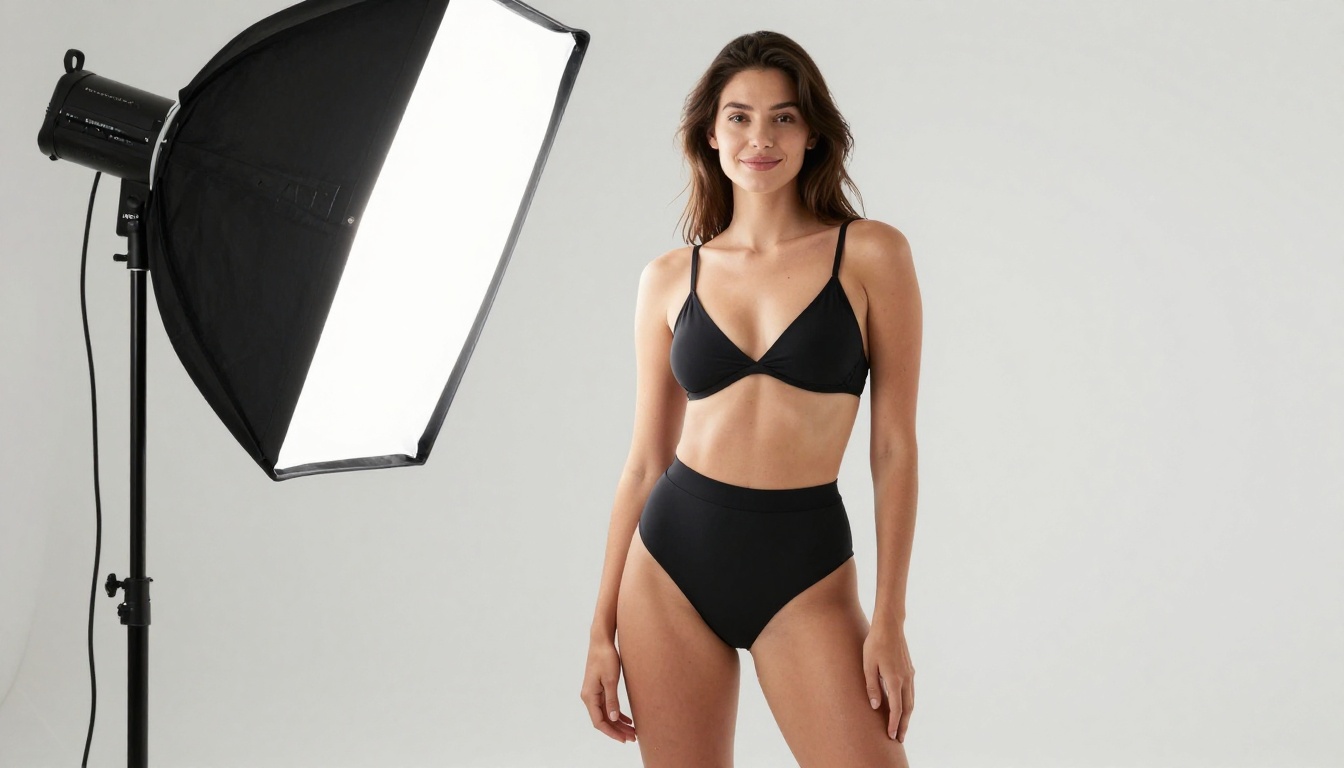
What works well: Fashion, lingerie, editorial-style shots, bikini photography
Where it falls short: Fine skin details at high zoom, complex poses with multiple subjects
Stable Diffusion 3.5 Medium: The community favorite
Stable Diffusion 3.5 Medium sits at the intersection of quality and speed. It runs efficiently on PicassoIA's infrastructure without burning through credits fast. The model handles suggestive prompts well when you give it detailed, directive language about lighting, pose, and environment.
💡 Pro tip: Add "natural skin texture, photorealistic, Kodak Portra 400" to any Stable Diffusion prompt for a significant boost in skin realism.
Realistic Vision v5.1: Built for realism
This is the model most adult content creators reach for first. Realistic Vision v5.1 was specifically fine-tuned on photographic human imagery and it shows. Skin tones, hair detail, and body proportions are consistently accurate. It runs as a free option on PicassoIA and handles suggestive content without excessive sanitizing.
DreamShaper XL Turbo: Creative range
DreamShaper XL Turbo is worth having in your toolkit for its creative flexibility. It handles a broader stylistic range than purely photorealistic models, making it useful when you want outputs that feel more editorial or artistic rather than strictly documentary. Think glossy magazine spreads rather than raw photography.
Paid Plans: Where Quality Gets Serious
Free models plateau at a certain level. When you need commercial-quality outputs, fine control over anatomy and lighting, or consistent character results across multiple generations, paid models pull ahead significantly.
Flux 1.1 Pro Ultra: The new benchmark
Flux 1.1 Pro Ultra generates at ultra-high resolution with exceptional prompt adherence. For adult content specifically, the improvement over free-tier models is dramatic. Skin texture renders at a level of detail that holds up to extreme crop and zoom. Lighting responds to directional descriptors in a way that feels like working with a real photographer.
Specs:
Up to 4 megapixel output
Industry-leading text-to-image prompt accuracy
Excellent handling of complex poses and environments
Flux 2 Max: The 2027 upgrade
Flux 2 Max is Black Forest Labs' latest flagship. It pushes the photorealism ceiling further, particularly in areas that tripped up earlier models: hands, feet, facial symmetry, and realistic fabric behavior. If anatomical accuracy matters for your work, this is the model you want.
GPT Image 1.5: The wildcard
GPT Image 1.5 brings OpenAI's image generation capability into the adult content conversation. It is not the most permissive model, but produces extraordinarily coherent scenes with near-perfect compositional logic. Where it shines: generating realistic environments that frame subjects naturally, handling wardrobe and interior detail with impressive accuracy.
Ideogram v3 Quality: When text meets realism
Ideogram v3 Quality is the choice when you need both visual impact and legible text in the image. For adult content creators building brand materials, thumbnails, or content that includes titles and labels, Ideogram handles text-in-image better than any competitor.
How to Use Flux Dev on PicassoIA
Flux Dev is one of the most capable openly accessible models for adult image generation. Here is how to get the best results from it on PicassoIA.
Step 1: Open the model page
Go to Flux Dev on PicassoIA. If your account has adult content access enabled, you will see the full prompt interface without restrictions.
Step 2: Write a strong prompt
Flux Dev responds exceptionally well to structured, layered prompts. Use this formula:
Example: "Beautiful woman in her late 20s in a red silk dress, seated near a window, golden hour sunlight from the left, blurred city background, 85mm f/1.4, Kodak Portra 400"
Step 3: Set your parameters
Aspect ratio: 16:9 for editorial, 9:16 for vertical portrait
Steps: Higher steps (30-40) produce finer detail at the cost of speed
CFG scale: 7-9 is the sweet spot for Flux Dev on realistic prompts
💡 Tip: Add specific lighting descriptors like "volumetric morning light from the left" or "soft diffused studio strobe" rather than just "good lighting." Flux Dev interprets directional light instructions accurately.
Step 4: Refine anatomy details
If a first generation has issues, which is common with hands or complex poses, add direct descriptors to your prompt. Phrases like "correct hand anatomy, five fingers clearly defined, natural finger spacing" reduce anatomical errors significantly on subsequent generations.
Free vs. Paid: The Real Differences
The gap between free and paid has narrowed but has not disappeared. Here is where it actually matters.
Factor
Free Models
Paid Models
Max resolution
512x512 to 1024x1024
Up to 2048x2048+
Skin texture detail
Good at normal view
Holds up to extreme crop
Prompt adherence
~80% accuracy
90-95% accuracy
Anatomy (hands/feet)
Frequent errors
Significantly improved
Generation speed
5-30 seconds
3-15 seconds
Daily usage limits
10-50 images
Unlimited or high cap
Commercial rights
Varies
Usually included
For casual or personal use, free models on PicassoIA deliver results that would have required expensive local hardware setups just two years ago. For professional, commercial, or high-volume work, paid models pay for themselves quickly in time saved on corrections.
What to Look For in a +18 AI Generator
Image quality and skin realism
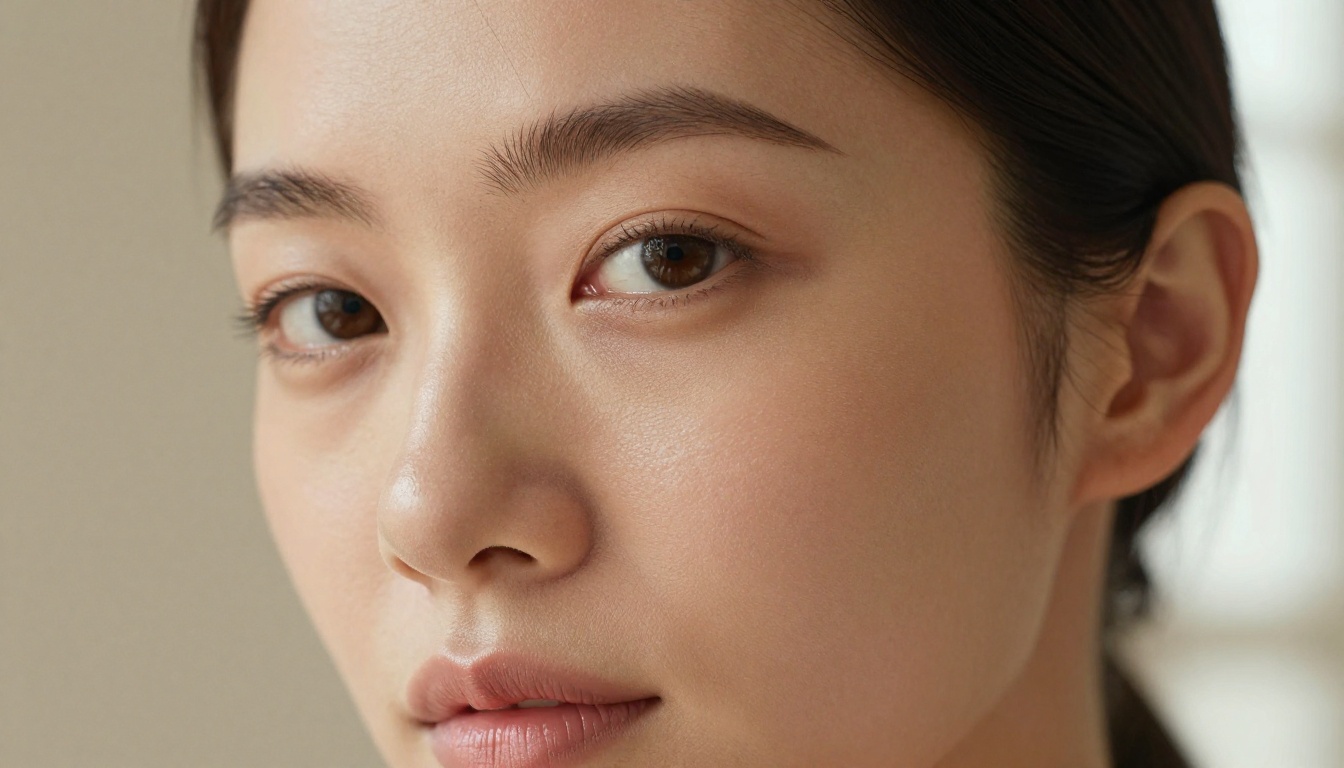
The single most important factor. Test any platform by generating a close-up portrait first. If the skin looks plasticky, over-smoothed, or airbrushed by default, the model is not going to serve adult content well. Look for:
Natural pore and texture visibility
Accurate tonal variation across different skin areas
Realistic catch lights and micro-shadow in facial features
Prompt flexibility and response accuracy
A good model for adult content needs to respond accurately to specific descriptors about pose, clothing state, body type, and environment. Models like Flux 2 Pro and Seedream 4 handle complex multi-part prompts without ignoring half the instructions.
Red flags in prompt response:
Ignoring specific clothing descriptors
Defaulting to a standard pose regardless of instructions
Generating the wrong environment despite explicit scene description
Privacy and data handling
Always check whether a platform stores your prompts and outputs. For adult content specifically, data privacy is not optional. Reputable platforms are transparent about what they retain and for how long. PicassoIA handles this with clear privacy practices, and generated images can be downloaded immediately.
Generation speed and daily limits
Speed matters when you are iterating. A model that takes 45 seconds per image creates real friction in a creative workflow. Most modern platforms, including PicassoIA with its models like p-image and z-image-turbo, generate in under 10 seconds.
Daily limits on free plans are the bigger constraint. 10-50 images per day sounds like a lot until you are deep in a creative session and burning through iterations fast.
The PicassoIA Advantage for Adult Content
PicassoIA aggregates over 91 text-to-image models in a single interface, which changes the workflow fundamentally. Instead of maintaining accounts on five different platforms with different pricing models, you test models side by side and switch instantly based on what each generation calls for.
91 text-to-image models in one place
The range is comprehensive. From free rapid-iteration models like Flux Schnell to premium ultra-realistic engines like Flux 1.1 Pro Ultra and Imagen 4, the platform covers every quality tier. You can prototype on free models and render final outputs on paid ones without changing platforms.
LoRA support for character consistency
p-image-lora and Flux Dev LoRA support LoRA fine-tuning, which means you can maintain consistent character appearance across multiple generations. For adult content creators working on series or branded content, character consistency is the single biggest challenge solved by LoRA workflows.
Super-resolution for finishing
Once a base image is generated, PicassoIA's super-resolution tools can upscale it 2x to 4x, dramatically improving fine detail before final export. This is especially valuable for outputs intended for print or high-resolution digital display where small imperfections become visible.
Beyond images: video and more
If your creative work extends into video, PicassoIA's 87 text-to-video models, lipsync tools, and video restoration tools let you build full multimedia projects without leaving the platform. For adult content creators, this opens paths to animated sequences and short-form content that static images cannot achieve.
Start Creating Your Own Images
The gap between knowing what you want and generating it has narrowed to the size of a well-written prompt. Whether you are starting with free models to test your creative direction or jumping straight to paid options for commercial-grade output, the tools are there and they are better than they have ever been.
Start with a free account, experiment with prompts, and find the model that matches your aesthetic. Once you know what works, upgrading to a paid plan removes the only remaining barrier: generation limits. The creative potential is there. Use it.