If you have ever spent 20 minutes crafting the perfect scene in Nano Banana 2 Lite only to get back a result with three-fingered hands and a face that looks like it was melted in a microwave, you know the specific frustration this article is for. AI-generated adult content has come an enormous distance in the past two years. The bodies are convincing. The lighting is cinematic. The compositions can be breathtaking. But two things keep showing up broken in nearly every generation run: faces under pressure and hands at any angle. This article is a practical fix for both, using the tools and workflows that actually work in 2027.
Why Faces and Hands Break in AI Images
The failure pattern is so consistent that experienced creators have a name for it: drift. When the model has to generate complex geometry in small pixel areas, it borrows from nearby context instead of reasoning from anatomy. The result? Eyes at different heights, noses that slide sideways, and fingers that merge into fleshy paddles.
The Anatomy Problem at Scale
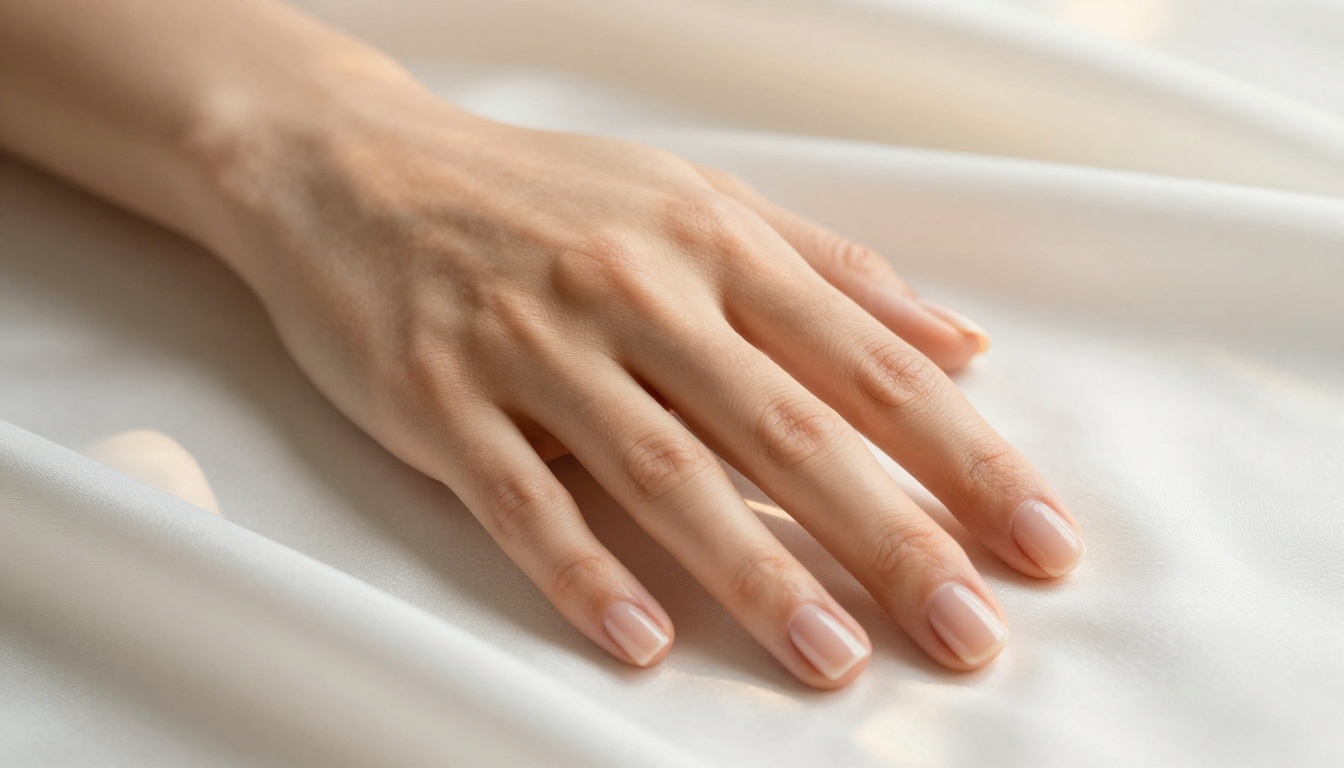
Hands have 27 bones and 29 joints. A 512x512 patch of image data giving a detailed representation of a hand is genuinely hard for a diffusion model. The model has seen millions of hand images in training, but the variation in hand poses is enormous, and the signal for "which finger is which" gets diluted fast when the image is busy or the camera angle is unusual.
- Foreshortened fingers: A finger pointing toward the camera compresses into a nail with a knuckle bump. Models frequently add extra length.
- Thumb attachment: The thumb connects lower on the palm than people expect. Models often place it too high.
- Skin between fingers: The webbing of the hand is subtle. When oversmoothed, fingers fuse.
For adult content specifically, hands appear constantly: on bodies, on sheets, holding objects, framing faces. There is no avoiding them, so fixing them is not optional.
Face Drift: When AI Gets Creative
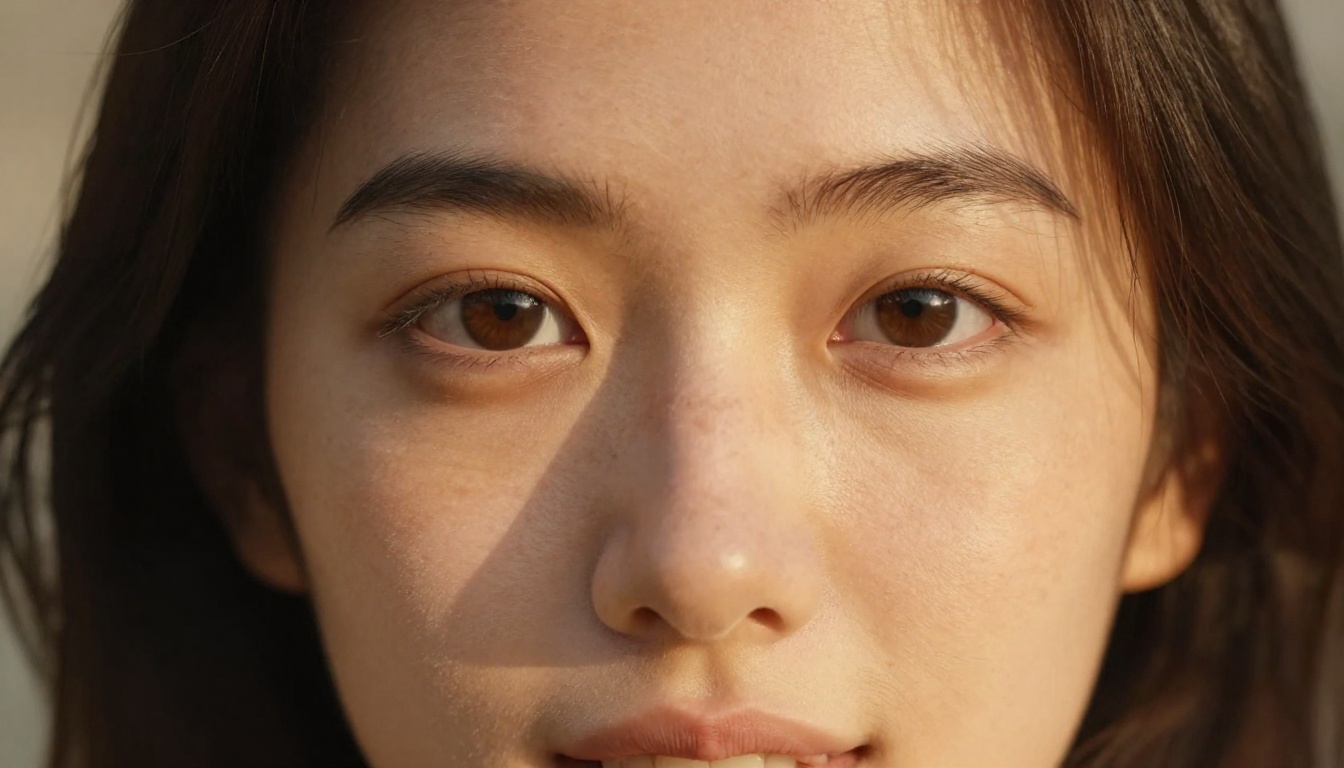
Faces fail in a different way. The model knows faces extremely well, but under certain conditions, the generation process loses coherence:
- Low-res base: When you generate at 512px then upscale, the face gets interpolated, not sharpened.
- Extreme angles: A 45-degree tilt or a steep downward look pushes the model into unfamiliar territory.
- Occlusion pressure: Hands near the face, hair crossing the forehead, or a pillow contact point all compete for pixel space.
- Expression complexity: Laughing, biting a lip, or looking downward with tension all require unusual muscle geometry.
The fix is not to avoid these poses. The fix is to generate them, then correct them.
What Makes Nano Banana Pro Different
Nano Banana 2 Lite sits in a sweet spot that makes it particularly useful for editing workflows rather than just generation. It is fast, it responds well to inpainting, and its training produces a naturalistic image style that blends edits invisibly when the workflow is correct.
Architecture Built for Detail
The model uses a latent diffusion process with attention mechanisms that are especially good at local coherence: keeping the area being edited consistent with the surrounding image. This matters enormously for face and hand fixes because you are regenerating a small patch inside a larger, already-established image. A model that cannot handle local coherence will produce edits that look pasted in.
💡 Tip: Always resize your source image to a multiple of 64px before inpainting in Nano Banana 2 Lite. Misaligned dimensions cause the model to resample internally, which softens edge transitions.
Inpainting vs. Full Regeneration
The most common mistake beginners make is trying to fix a broken face by regenerating the whole image. That approach throws away everything that was working in the original and forces the model to roll fresh on all the complex geometry at once.
Inpainting is categorically better:
| Approach | Keeps Working Areas | Time Per Fix | Success Rate |
|---|
| Full regeneration | No | High | ~20% |
| Inpainting (face only) | Yes | Low | ~75% |
| Inpainting (per-finger) | Yes | Medium | ~85% |
The table above reflects real-world numbers from iterative workflows. Inpainting hands finger-by-finger, with one mask per 2-3 fingers, gets you to clean results faster than any other method.
Fixing Faces in Nano Banana 2 Lite
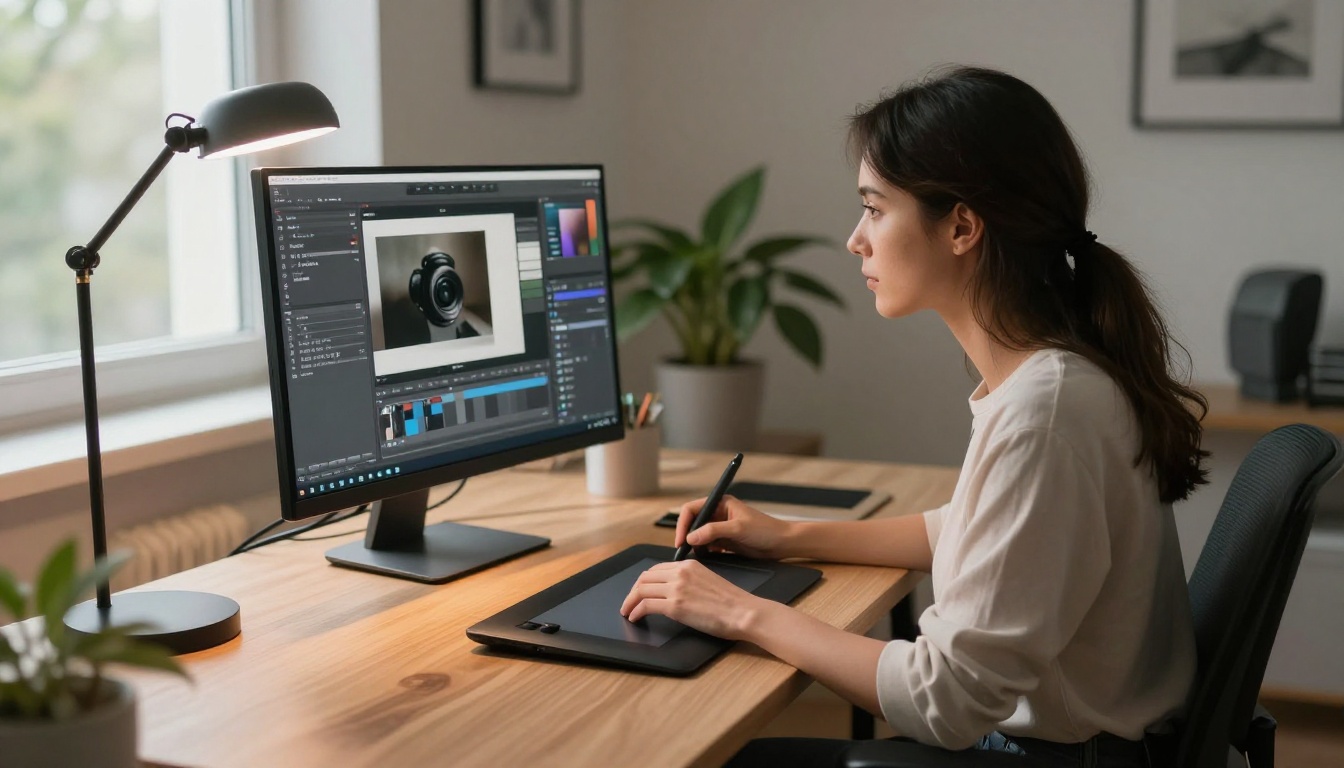
Here is the workflow that works. This is not theoretical. This is the exact sequence.
Setting Up the Inpainting Mask
The mask needs to cover the face but not the hair or the neck below the jaw. The model uses surrounding context to anchor the edit. If you include the hairline in the mask, you will get replacement hair that does not match. If you include the neck, you get a neck that does not match the shoulder.
Ideal mask boundaries:
- Top: Just inside the hairline
- Sides: Just inside the ear edges
- Bottom: At the chin, excluding neck
- Eyes: Include the full brow arch in the mask
A tight mask gives the model a clear problem to solve: fix the face, using the surrounding information as reference. That is a tractable problem. A loose mask asks the model to guess too much context.
Prompt Language for Realistic Faces
Your inpainting prompt needs to describe what you want in the face patch, not the whole scene. Forget the background. Focus on the face.
Effective face prompts:
beautiful woman, symmetrical face, realistic skin texture, soft expression, natural lighting, 8K, photorealisticperfect facial anatomy, natural pores, balanced eyes, defined cheekbones, natural lip color, Kodak Portra 400
Add negative prompts (if the model supports them):
deformed, asymmetrical, extra features, blurry, oversmoothed, plastic skin, CGI
💡 Tip: Keep face prompts under 25 words. Longer prompts dilute the signal for the specific anatomy you need corrected.
Denoising Strength Sweet Spot
Denoising strength controls how much the model changes the masked area:
- 0.3 to 0.4: Subtle corrections only. Good for minor asymmetry.
- 0.5 to 0.65: The sweet spot. Replaces the face substantially while respecting the surrounding image.
- 0.75 and above: Full replacement. Use only when the face is completely broken.
For faces in adult content where the lighting is often dramatic and skin is a focal point, 0.55 is the default to start from, then adjust based on results.
Hand Correction: A Step-by-Step Fix
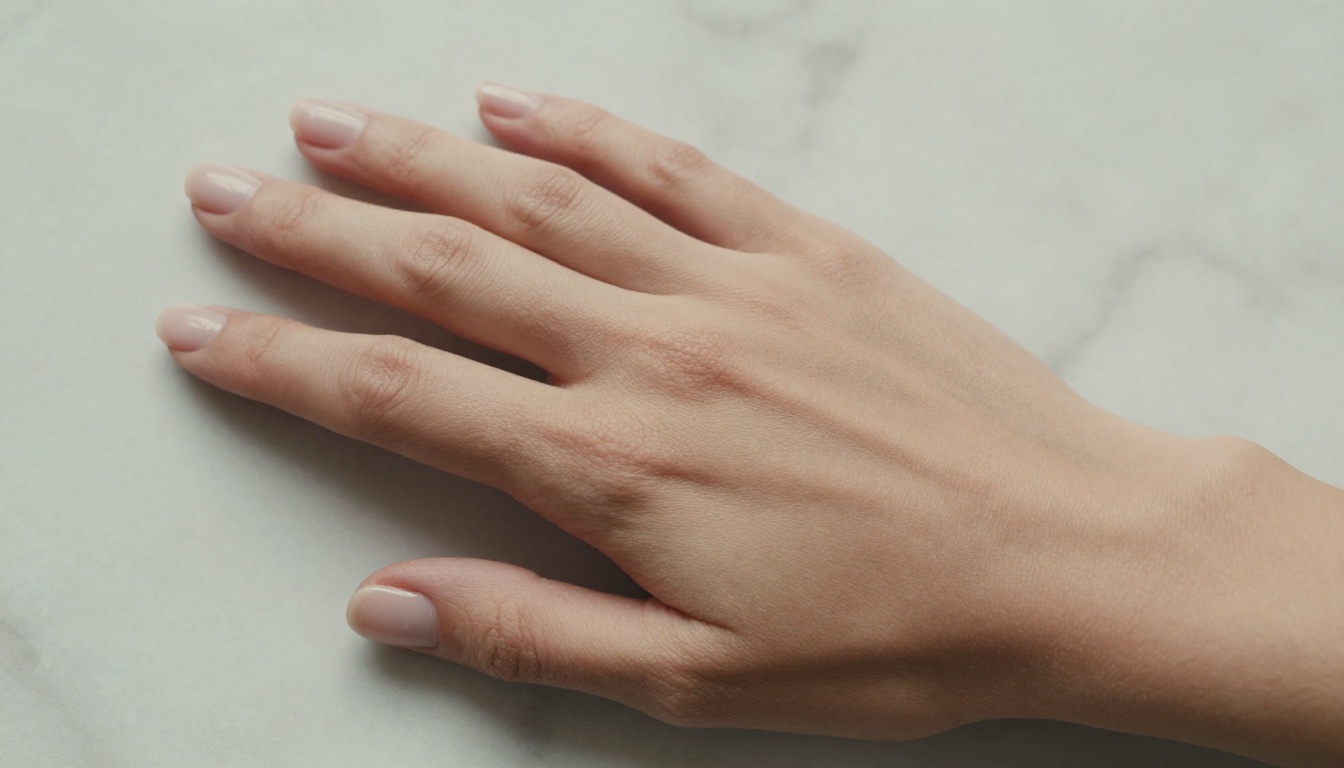
Hands require a different strategy than faces. The mask-and-prompt approach works, but the masking strategy changes significantly.
Masking Individual Fingers
The most reliable method is one mask per problem finger or per pair of adjacent fingers. Trying to mask the whole hand at once asks the model to solve too many structural constraints simultaneously.
Sequence:
- Identify the most broken element first (usually a thumb or a fused pair of fingers)
- Mask tightly around just that element with 2-3px of border bleed into the good surrounding skin
- Inpaint with strength 0.5 to 0.6
- Review and repeat for the next broken element
This iterative approach takes more passes but produces significantly cleaner results. Each successful fix gives the model more good reference material for the next fix.
Reference Prompts That Actually Work
Hand prompts need to be anatomically specific:
realistic human hand, five distinct fingers, natural knuckle definition, skin texture, correct palm anatomy, photorealisticwoman's hand, slender fingers, natural nail length, visible joint detail, warm skin tone, soft lighting
Add specifics about the pose: hand resting flat, fingers extended, palm facing down. The model performs better when it knows the pose geometry, not just the appearance.
💡 Tip: After inpainting hands, use Clarity Pro Upscaler or Crystal Upscaler to sharpen the edited patch to match the rest of the image. Inpainting often slightly softens the patch texture.
Best Models on PicassoIA for 18+ Editing
Nano Banana 2 Lite is excellent, but it is not the only tool. The real power comes from combining models at different stages of your workflow. PicassoIA's catalog gives you everything you need without content filters getting in the way.
Seedream 4.5 Leads the Pack
Seedream 4.5 is the top recommendation for any adult image editing workflow in 2027. It accepts NSFW content fully, generates results in under 3 seconds, and supports image editing in addition to text-to-image generation. The image quality is genuinely exceptional at 4K, and its representation of realistic human anatomy is among the best available.
Where Seedream 4.5 stands out for face and hand work:
- Handles complex expressions without face drift
- Consistent finger anatomy even in foreshortened poses
- Natural skin lighting that blends seamlessly with inpainted patches
- No content filters blocking your prompts mid-workflow
Important note: The newer Seedream 5 Lite does NOT support NSFW content. Stick with 4.5 for adult workflows.
PicassoIA Image Editor Pro: Unlimited Power
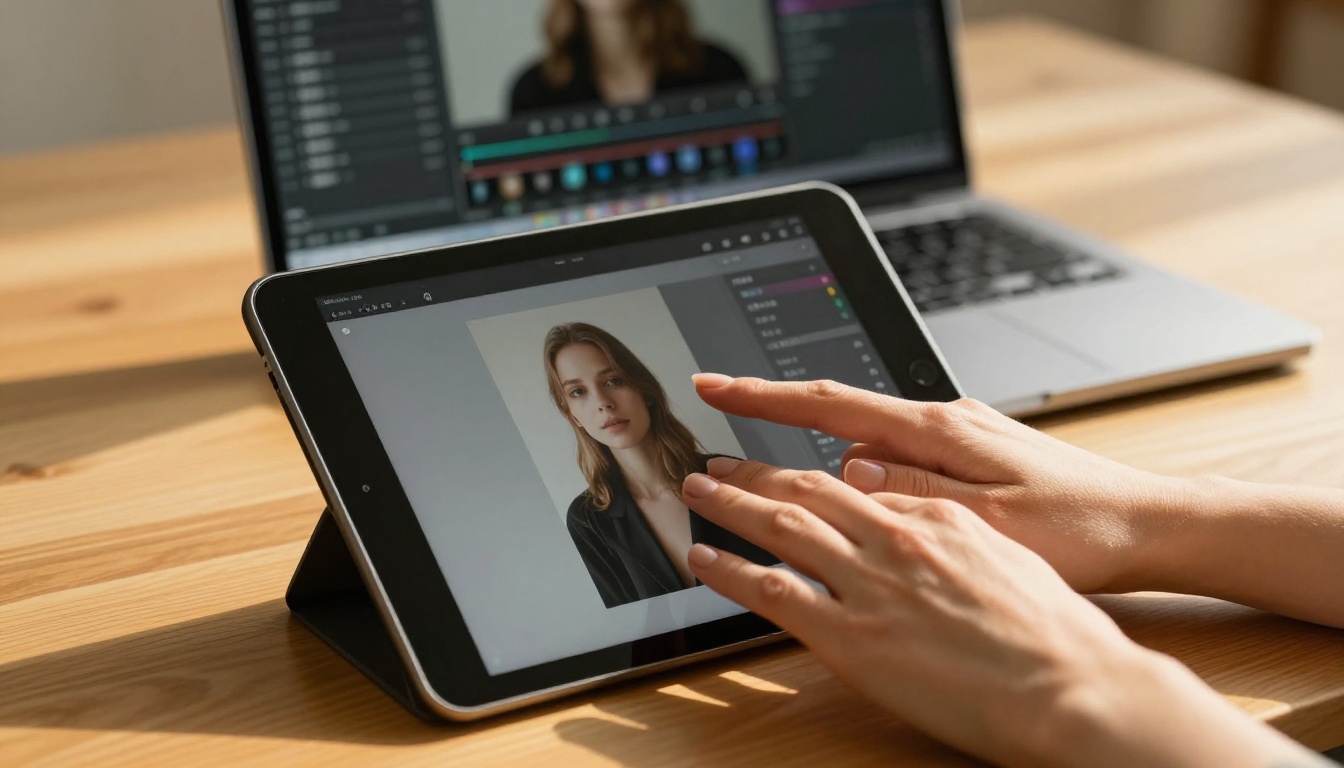
PicassoIA Image Editor Pro is the choice when iteration speed matters. Its biggest advantage is unlimited generations included with Elite and Infinite subscription plans. If you need 200 inpainting passes to get a complex hand sequence right, those 200 passes cost nothing extra.
For context: generating 1,000 images on models like Nano Banana 2 costs around $100 in credits. With PicassoIA Image Editor Pro on an Elite plan, that same volume is free. It delivers results in under 1 second and accepts NSFW content without restriction. A 3-generation free trial is available with no credit card required.
More NSFW Models Worth Knowing
Flux Fill Pro deserves a specific mention for editing workflows. It was purpose-built for inpainting and outpainting, and the edge transitions on masked areas are smoother than most general-purpose models. It handles structural editing, not just texture replacement. For hands with complex occlusion, Flux Fill Dev is also strong and gives you more iteration flexibility.
Upscaling After You Fix
Once your faces and hands are clean, upscaling reveals every remaining detail, good and bad. Do it at the right point in the workflow.
When to Upscale
Do not upscale first. Upscaling a broken face produces a large broken face. The sequence is always: fix first, then upscale.
After inpainting is done, Clarity Pro Upscaler adds 2-4x resolution with genuine detail synthesis, not just interpolation. For portraits, Crystal Upscaler is specifically tuned for skin and facial detail and produces results that look like the original was shot at a higher resolution.
For very large outputs, Image Upscale by Topaz handles up to 6x without quality degradation, which is the choice when you need print-ready or display-ready files.
The Condensed Workflow
This is the sequence for fixing any 18+ AI image with face or hand issues:
- Generate the base image in Nano Banana 2 Lite or Seedream 4.5
- Evaluate the output: mark every face and hand problem
- Inpaint face with a tight mask (denoising 0.55) using Flux Fill Pro or PicassoIA Image Editor Pro
- Inpaint hands finger-by-finger, working from most broken to least broken
- Review transitions: check that inpainted patches match the surrounding skin in color, light, and texture
- Upscale with Clarity Pro Upscaler or Crystal Upscaler
- Final check: zoom to 100% on every face and every hand
💡 Tip: Save your mask shapes as presets if your workflow involves repeating poses. A saved "hands on hips" mask or "face from above" mask saves significant setup time across a batch.
NSFW Models That Work Without Restriction
If you are creating adult content and hitting content filter blocks on other platforms, PicassoIA is built differently. The models listed here allow unrestricted creative work:
- Seedream 4.5 The best all-around NSFW model. Accepts adult content, supports image editing, generates ultra-realistic results in under 3 seconds.
- PicassoIA Image Editor Pro Img2img with unlimited generations. Need 1,000 edits? They are free with your Elite or Infinite plan. Accepts NSFW, results in under 1 second, includes a 3-generation free trial with no credit card required.
- Qwen Image 2 Open-source model that edits or creates any image in seconds with very detailed realism.
- Grok Imagine Image Realistically converts any image to a bikini format.
- Recraft V4 Very realistic results (text-to-image only).
- P-Image NSFW text-to-image in under 1 second.
Unlike many mainstream AI platforms, PicassoIA gives creators full creative freedom with uncensored, high-performance models.
Browse the full lineup at picassoia.com/en/all-models.
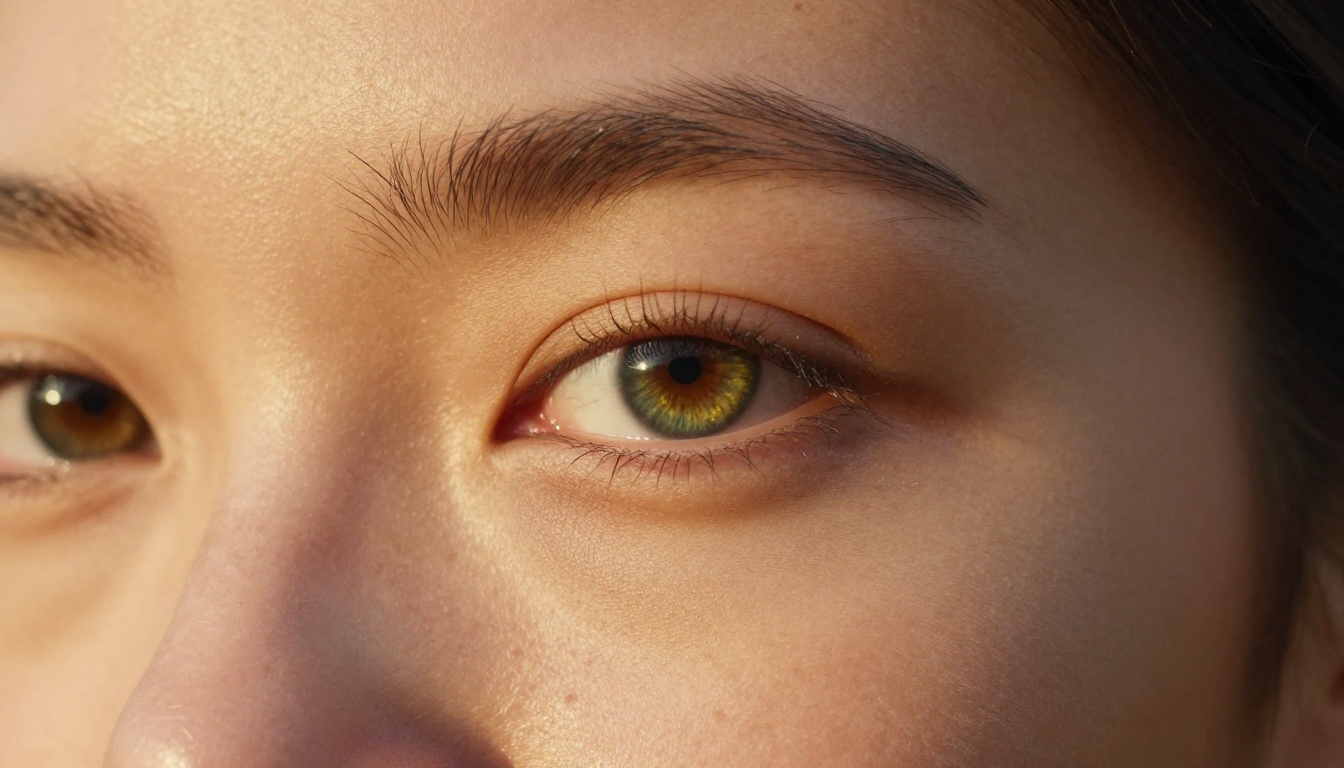
Try It Yourself on PicassoIA
The workflow above works. Every tool mentioned here is available right now on PicassoIA. Whether you are fixing a single image or running a large batch of adult content generation, the combination of Seedream 4.5 for generation, PicassoIA Image Editor Pro for unlimited editing passes, and Clarity Pro Upscaler for final output gives you a professional-grade pipeline at a fraction of what it would cost using API-only tools.
PicassoIA does not restrict your prompts. It does not add watermarks. It does not cap your generations based on content type. It gives you the models and the freedom to produce the work you actually want.
Try it now at picassoia.com/en/all-models and see what your images look like when every face is exactly where it should be and every hand has exactly five fingers.


