You've generated the video. You've watched it back. And something is just... off. The person moves like they're underwater. The hair behaves like a solid object. The shadows appear to fall from three different suns at once. This is one of the most frustrating experiences in AI content creation, and it happens to nearly everyone starting out with text-to-video tools.
The good news: the reasons AI video looks fake are specific, repeatable, and fixable. There are four of them, and once you understand what's actually going wrong, your output quality improves dramatically. This isn't about switching to a better model or spending more credits. It's about understanding what these models actually need from you.
Why So Many AI Videos Still Look Off
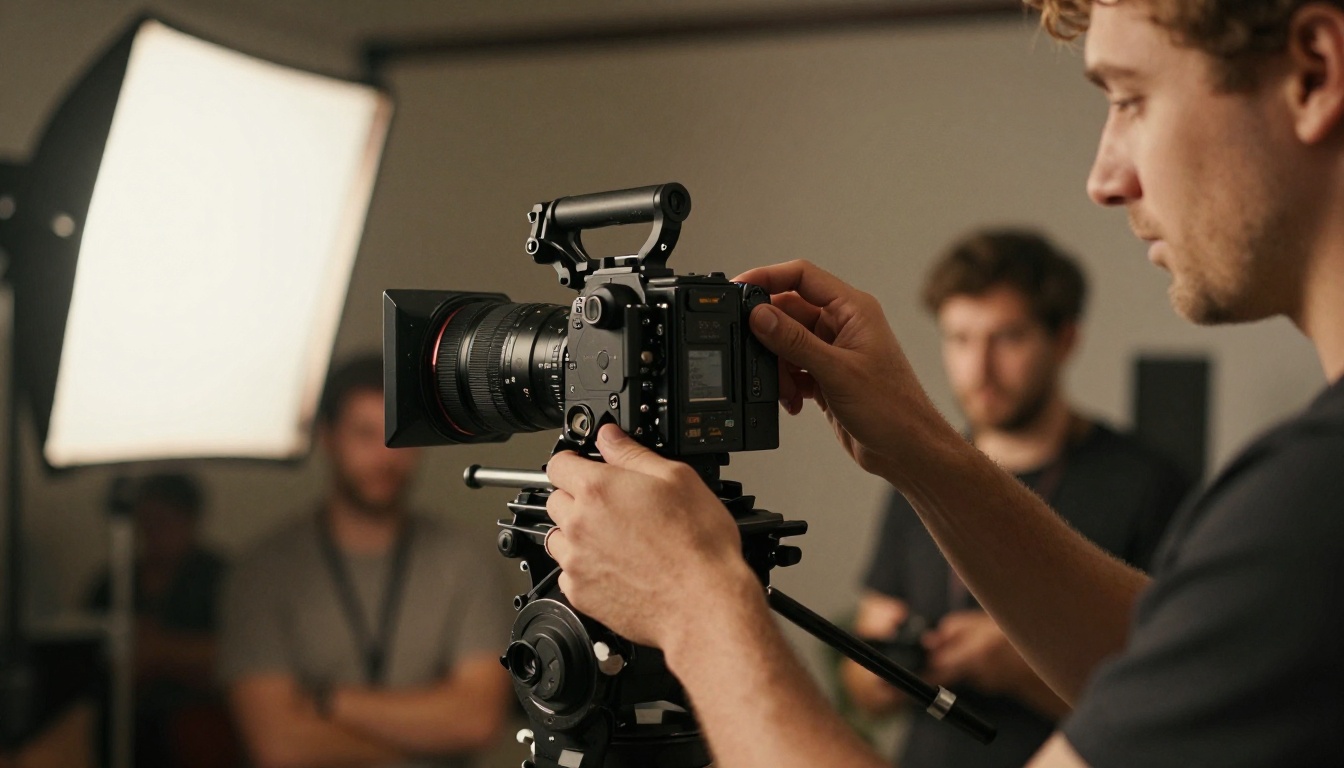
Most people assume the problem is the model. They upgrade, try a different tool, and get nearly the same result. The issue is rarely the model itself. Current text-to-video AI is genuinely powerful. Kling v3 Video, Seedance 1.5 Pro, and Wan 2.7 T2V can all produce footage that, under the right conditions, borders on indistinguishable from real film. The ceiling is high. The floor, however, is where most outputs land.
The problems that make AI video look fake fall into four consistent categories: motion physics, surface texture, lighting consistency, and temporal stability. Each one has a root cause. Each one has a fix.
The Uncanny Valley Is Real
The uncanny valley is the perceptual discomfort triggered when something almost looks human but doesn't quite land. Video makes this worse than static images because motion amplifies every imperfection. A slightly wrong hand position is jarring for one frame. Across 96 frames of animation, it becomes viscerally uncomfortable to watch. The brain processes the visual signal continuously, and every deviation from expected human behavior registers as wrong, even when the viewer can't articulate why.
It's Not the Model, It's the Input
AI video models don't read your intent. They process your words. A vague prompt produces a vague output. The model fills in missing information with statistical averages, which is exactly why you get that generic, hollow, artificially-rendered quality. Specificity is the single most powerful tool you have, and it costs nothing.
Reason 1: Broken Physics and Unnatural Motion
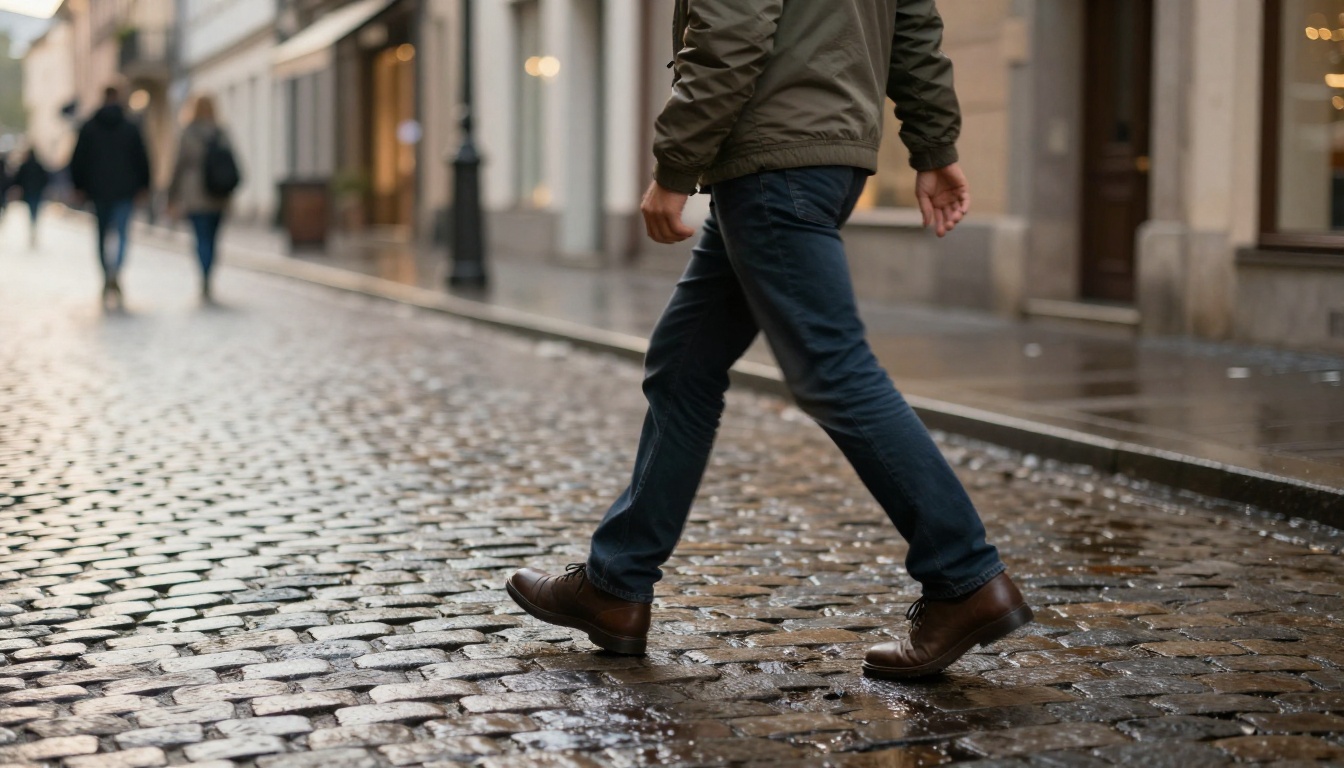
This is the most common and most obvious problem. Cloth that floats instead of draping. Hair that moves as one rigid block. A running character whose feet never quite make contact with the ground. These aren't random glitches; they are a direct result of how diffusion-based video models work.
AI models learn from patterns in training data. They understand that "a person walks" should result in leg movement. But they don't simulate physics from first principles. They approximate it statistically. When the approximation fails, you get motion that looks like it was animated by someone who has read about walking but never actually done it.
When Gravity Forgets to Show Up
The most telling sign of fake physics is cloth and hair behavior. Real fabric has weight. It responds to momentum and gravity differently depending on its weave, density, and cut. A heavy wool coat swings with a delayed lag and significant weight. A silk blouse responds to almost every micro-movement. AI models, especially with vague prompts, default to a kind of average fabric behavior that doesn't convincingly match any real material.
Hair is even worse. It's one of the hardest things to render convincingly because individual strands have near-zero mass but collectively create complex emergent motion patterns. Prompt for "a woman running" and you'll almost certainly get hair that moves as a single smooth shape, like a piece of molded plastic attached to the scalp.
Prompt for Motion, Not Just Appearance
💡 Don't describe what the scene looks like. Describe what it feels like physically. Include mass, momentum, and the lag that follows real-world movement.
Instead of: "A woman in a red dress walking in a park"
Try: "A woman in a flowing silk dress walking slowly through a park, fabric gently swaying with each step, natural momentum creating a slight delayed movement in the hem, real-world weight visible in the material as it settles after each stride"
| Weak Motion Prompt | Strong Motion Prompt |
|---|
| "A man running" | "A man jogging at moderate pace, natural heel-to-toe strike, arms swinging with slight rotation in the torso, slight bounce in the shoulders with each footfall" |
| "Her hair blowing in the wind" | "Hair catching a gentle crosswind from the left, individual strands separating and overlapping, natural resistance as the wind briefly shifts direction" |
| "The flag waving" | "A flag in moderate wind, fabric rippling from the attachment point outward, tension visible at the pole, natural frequency of oscillation as gusts pass" |
| "Leaves falling from trees" | "Leaves detaching from branches and spiraling downward with irregular tumbling motion, each one responding differently to subtle air currents, collecting on the ground at varied angles" |
The difference in output quality from this single change is often the most dramatic improvement a creator can make. Physical description is almost always under-specified in prompts, and the models are designed to use it when it's there.
Reason 2: Skin, Hair, and Texture Problems
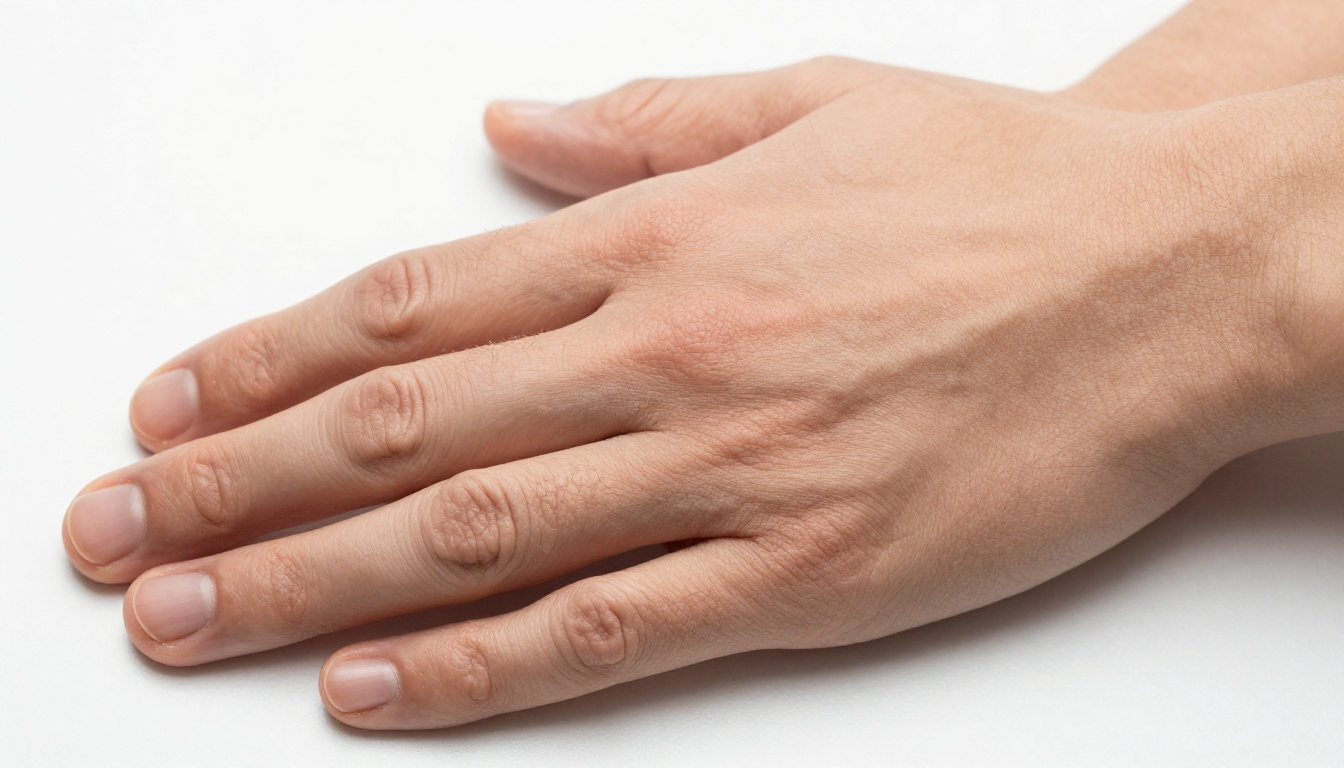
Texture is where AI video betrays itself most often in close and medium shots. The problem has a specific name in the industry: the wax figure effect. It's that look where a person's skin appears smooth, slightly reflective, and uniformly lit, like a high-quality mannequin rather than a human being. The facial geometry might be excellent. The proportions might be perfect. But the surface reads as fabricated.
Real skin is extraordinarily complex. It has pores, fine hair, micro-shadows, subsurface light scattering, oil and moisture variation, small imperfections, and color shifts based on blood flow and underlying vascular structure. AI models compress all of this into a statistical average. The result is skin that's technically "correct" but feels deeply wrong in a way that most viewers will sense but not be able to name.
The Wax Figure Effect
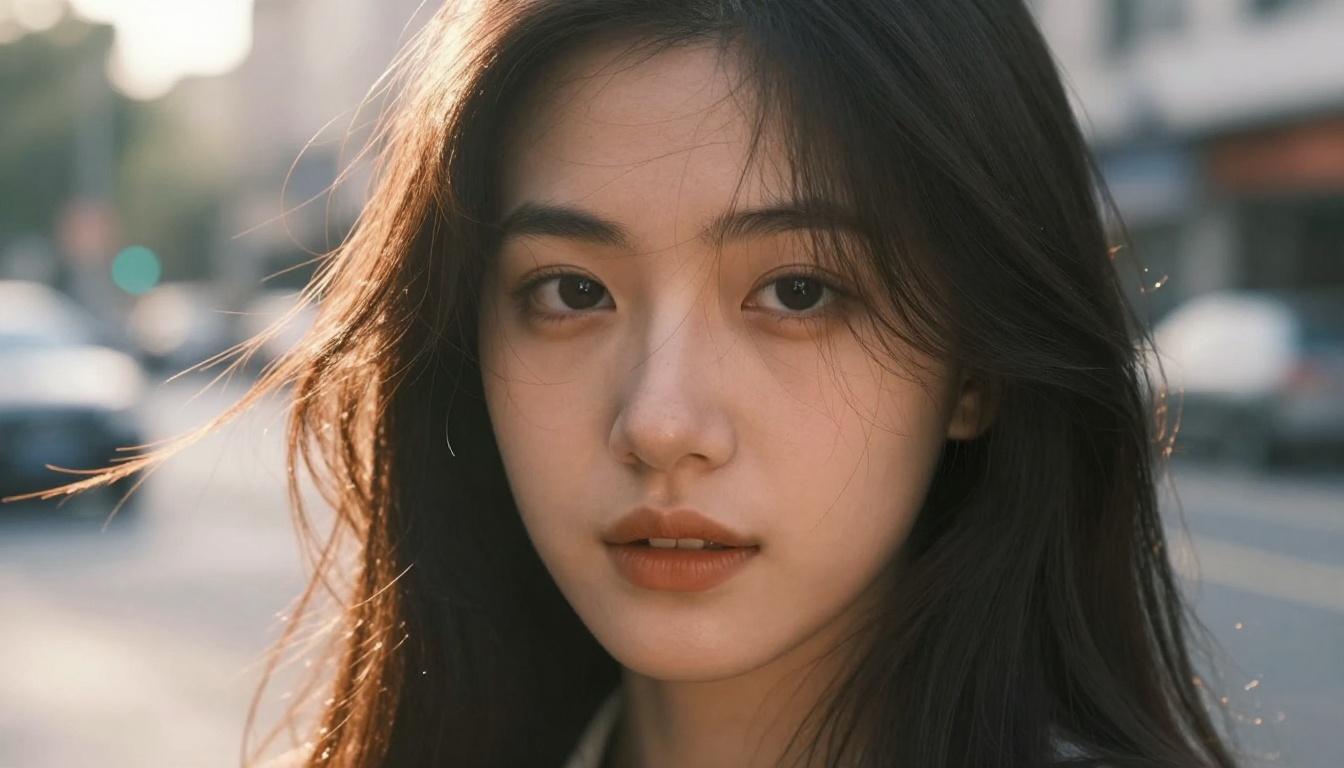
The wax figure effect comes from two places working together:
- Over-smoothing: The model averages out texture variation rather than preserving the micro-imperfections that signal real human skin
- Missing subsurface scattering: Real skin lets light pass slightly through the upper dermal layers, creating a subtle warm internal glow. Without this, faces look opaque and flat, like a painted surface rather than biological tissue
This problem is significantly worse with close-up shots. Wide and medium shots have enough spatial complexity to hide surface failures. The moment you move into a close-up, every weakness in texture rendering becomes immediately apparent and reads as artificial.
How to Prompt for Real Texture
Add explicit texture language to your prompts. This signals to the model that surface detail matters and should be preserved rather than smoothed over.
💡 Add these phrases to close-up prompts: "visible skin pores", "natural skin variation", "fine facial hair", "subsurface light scattering effect", "authentic skin imperfections", "natural oil and moisture on skin surface", "realistic capillary blush"
For hair specifically, describe individual strands rather than the overall shape. "Dark brown hair with natural highlights catching the light, individual strands visible, slight frizz at the hairline, natural oil sheen on the crown" will consistently outperform "dark brown hair" by a significant margin. The model needs permission to render complexity rather than defaulting to a simplified representation.
Reason 3: Wrong Lighting and Bad Shadows
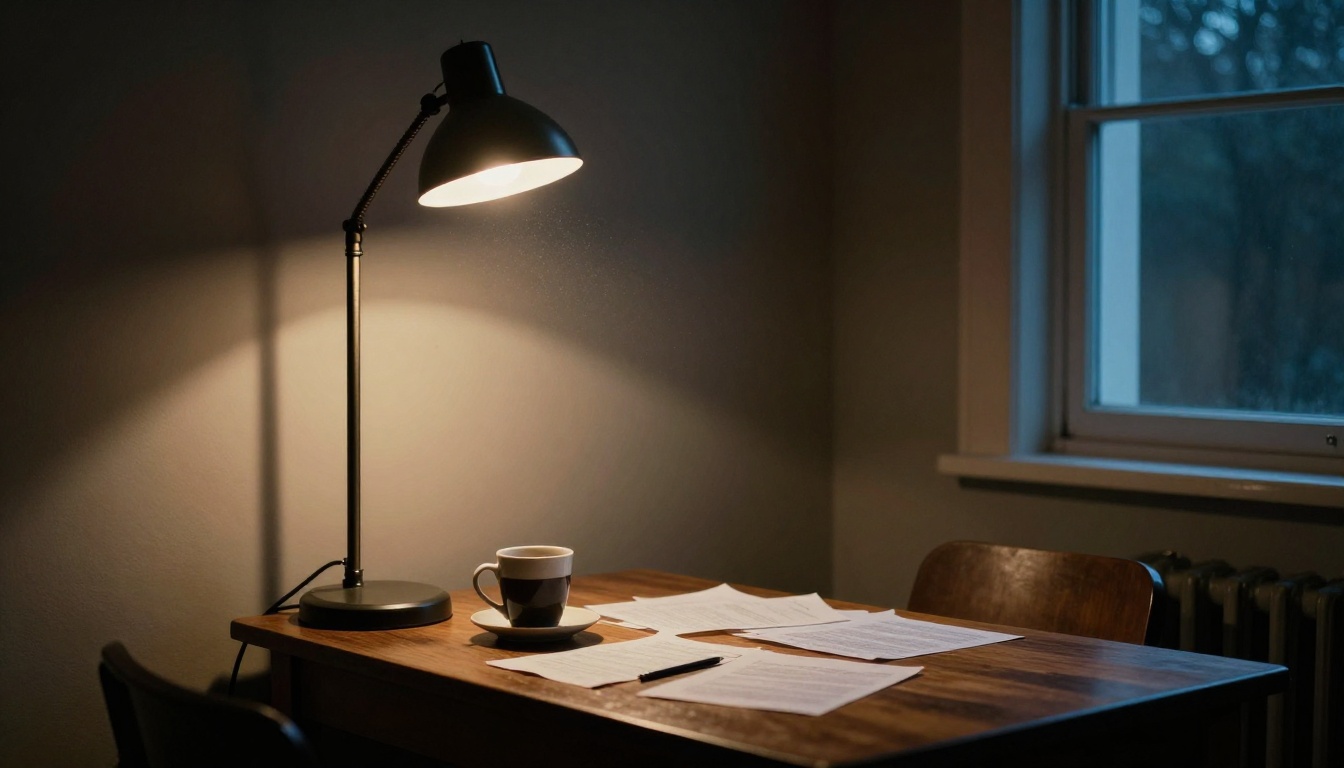
Lighting is where AI video fails in a way that most viewers can't consciously identify but immediately feel. The shadows fall in the wrong direction. A face is evenly lit from all sides in a scene that should have strong directional light. Reflections on surfaces don't match the light sources visible in the frame. These inconsistencies don't scream fake. They whisper it, persistently, for the entire duration of the clip. The subconscious processing of light physics is one of the most deeply trained aspects of human visual perception, and AI breaks it in subtle but constant ways.
Why AI Gets Light So Wrong
AI models don't have a light simulation engine running under the hood. They learn lighting entirely from training data, which means they develop strong biases toward certain lighting patterns: three-point portrait lighting, soft overcast outdoor light, clean studio setups. These are overrepresented in training data because they produce pleasing, well-exposed images.
The moment you describe a more unusual or specific lighting scenario, the model tends to drift back toward its comfortable averages. Ask for harsh midday sidelight and you'll often get soft, flattering light. Ask for a single candle as the only source in the scene and you'll frequently still get soft, even illumination as if a large softbox was placed just off camera. The model knows what "candle" means but defaults to what it has learned makes an image look good.
Scene-Based Lighting Prompts That Work
The fix is to describe light sources physically, not aesthetically. Don't say "dramatic lighting" or "moody atmosphere." Those are subjective outputs, not physical descriptions. Say "single tungsten practical light source directly above, casting strong downward shadows, no ambient fill from other sources, deep shadow fill from below."
💡 Lighting prompt structure: [Number and type of light source] + [Position and direction] + [Color temperature in Kelvin] + [Shadow behavior] + [Secondary or fill light if any]
| Desired Look | Physical Prompt Description |
|---|
| Warm sunset | "Sun at 10 degrees above horizon to the right, 2700K orange-amber light raking across surfaces at low angle, long shadows extending to the left, slight atmospheric haze" |
| Practical indoor | "Single overhead tungsten bulb, 2400K warm amber, hard shadows directly beneath all objects, slight ambient bounce from white-painted walls reducing shadow depth slightly" |
| Flat overcast | "Uniform overcast sky as a diffused 5500K light source from above, minimal shadow depth, slight green-reflected fill from grass below subject" |
| Dramatic sidelight | "Single large window to the left, 5500K daylight, strong horizontal shadows across face and body, right side in near-total shadow, no fill light" |
Reason 4: Temporal Flickering and Frame Drift
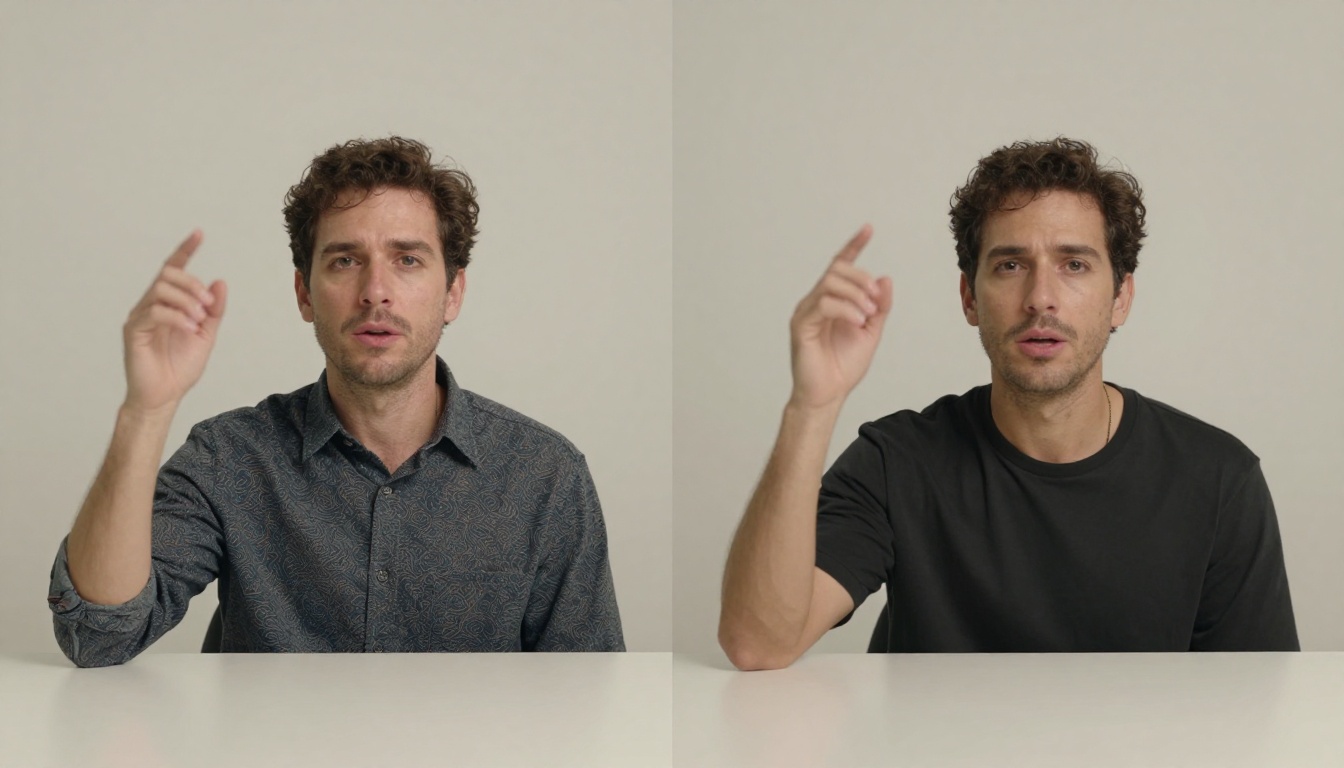
Temporal consistency is the least understood problem but often the most damaging to perceived quality. It refers to a video's ability to maintain visual coherence between consecutive frames. When it fails, you see flickering: skin color shifts subtly between frames, hair details change position slightly, background elements ripple at the pixel level. At best it looks like a compression artifact. At worst it reads like a scene that was composited together from mismatched elements.
What's Actually Happening
Video models generate frames with some degree of independence. They maintain consistency through learned conditioning mechanisms, but these aren't perfect, and they degrade under certain conditions. Fine details in high-frequency visual areas, specifically hair, fabric texture, complex backgrounds, and faces in motion, are particularly prone to small variations between frames. When played back at 24 frames per second, these variations create a shimmering or strobing effect that registers immediately as artificial.
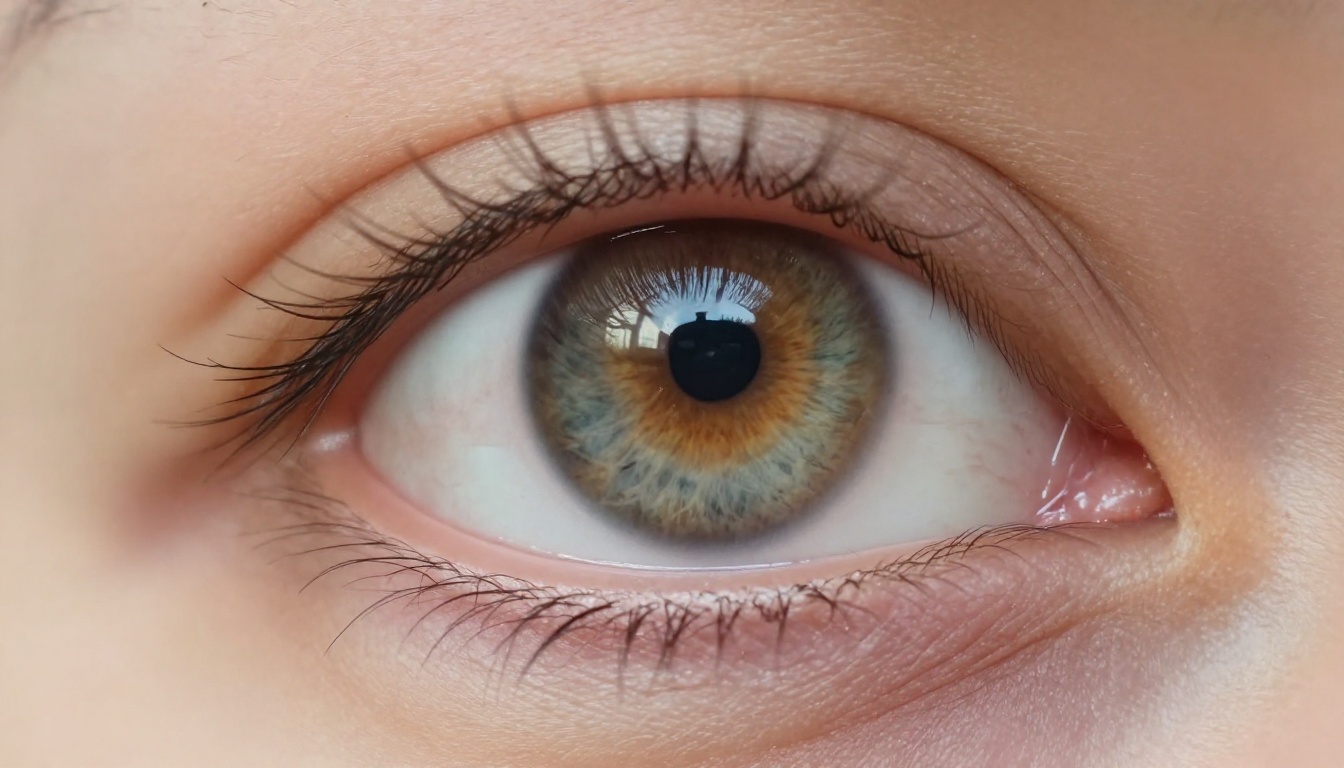
Eyes are a particularly revealing area for temporal flickering. The iris pattern, the position of the catchlight, and the precise shape of the pupil can all shift slightly between frames in ways that read immediately as artificial. This is partly why AI characters often have a glassy, slightly dead quality to their gaze even when the facial geometry is technically accurate. The eye is one of the most attention-attracting features in any scene, and temporal instability there is nearly impossible to overlook.
Picking the Right Model for Consistency
Not all models handle temporal consistency equally. Models trained with longer training runs and larger architectures designed specifically for cinematic output tend to be significantly better at maintaining frame-to-frame coherence. Fast and lite variants of most models sacrifice temporal stability to reduce computation time and cost.
💡 For temporal stability, longer generation times usually correspond to better consistency. If a model offers a "fast" and a "pro" tier, the pro tier will typically handle flickering better on fine surface detail.
Prompt strategies that improve temporal consistency:
- Describe stable, slower motion rather than rapid chaotic movement
- Avoid scenes with many independently moving elements competing for attention
- Use longer, more specific clip prompts rather than vague open-ended descriptions
- Specify camera behavior explicitly ("camera completely static" or "slow smooth dolly right at constant speed") rather than allowing the model to improvise camera movement
Models That Actually Deliver Realism
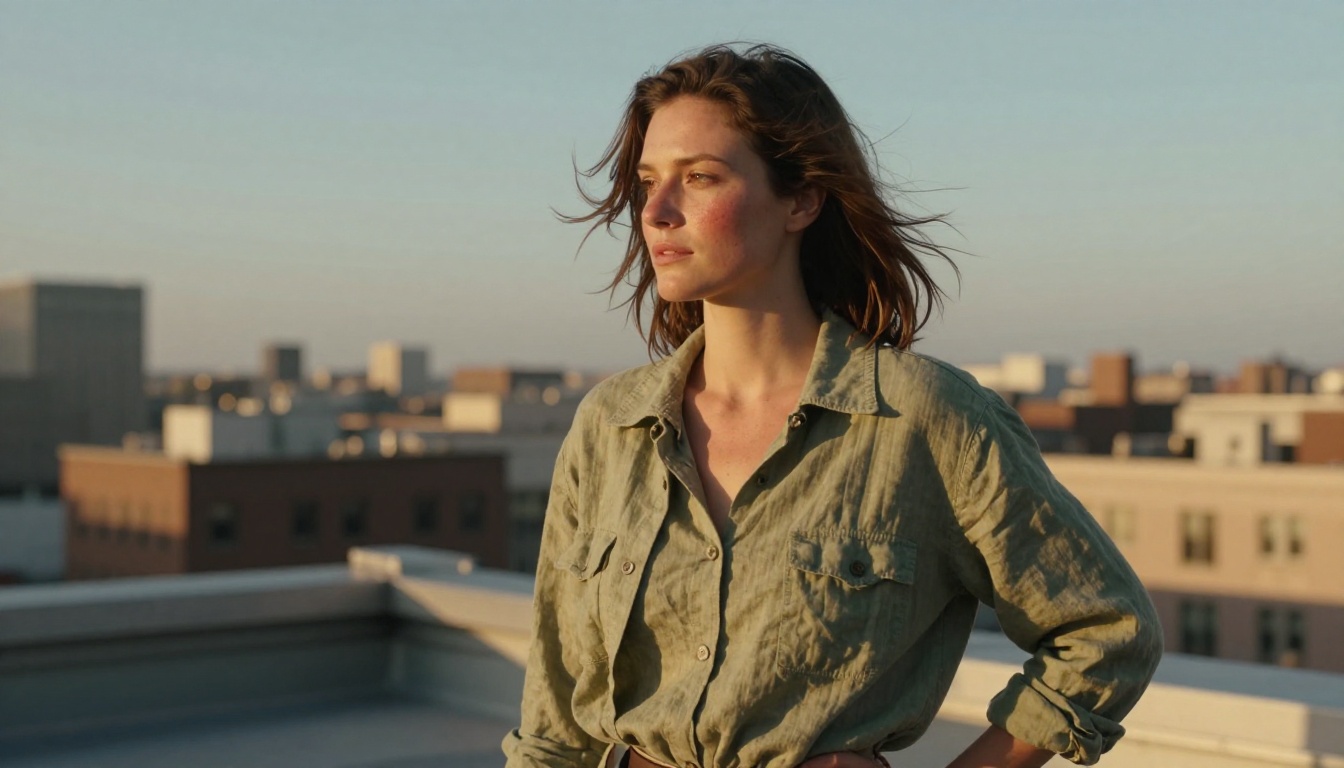
Understanding the four problems is useful. Having the right tools to act on that understanding is what actually changes your output. These models consistently produce results with fewer of the artifacts described above, though the prompting principles still apply regardless of which model you choose.
Seedance 1.5 Pro for Cinematic Output
Seedance 1.5 Pro by ByteDance is one of the strongest current performers for photorealistic human subjects. It includes native audio generation, which eliminates one of the most common additional editing steps. Its handling of skin texture and hair motion is notably better than many competitors at the same speed tier, and it responds particularly well to explicit physical description in prompts. The more specific your lighting and texture language, the better the output adheres to what you described.
Kling v3 for Motion Quality
Kling v3 Video by Kwai is the current standard-setter for natural motion physics. Its cloth behavior, character locomotion, and secondary motion details, like hair following a moving head rather than animating independently of it, are consistently among the best available. If physics-based motion problems are your primary frustration, Kling v3 should be your first choice. Combine it with the detailed motion prompts from the Reason 1 section and the results are reliably strong. Kling v3 Omni Video extends this further for text-to-video at 1080p.
Other Strong Contenders
Several other models offer specific advantages for particular use cases:
- Veo 3: Google's model with native audio integration. Temporal consistency is among the best available and it handles outdoor scenes with complex natural lighting particularly well.
- Wan 2.7 T2V: Excellent 1080p output with strong prompt adherence. A reliable all-rounder for scenes that prioritize resolution and fine detail.
- Hailuo 2.3: Strong for cinematic compositions with dramatic lighting. Handles complex shadow scenarios better than most at its tier.
- LTX 2.3 Pro: 4K output at impressive quality levels. When resolution is the priority and generation time is not a constraint, this delivers exceptional fine surface detail.
- Sora 2: OpenAI's model has strong world modeling, meaning it handles physics more reliably by default even with less detailed prompts. A good starting point for users still building their prompting practice.
- Pixverse v5: Fast generation at solid 1080p quality. Well-suited for rapid iteration when testing multiple prompt variations before committing to a full generation.
| Model | Best For | Output |
|---|
| Seedance 1.5 Pro | Photorealistic humans, skin and hair texture | Up to 1080p with audio |
| Kling v3 Video | Motion physics, cloth and hair behavior | Up to 1080p |
| Veo 3 | Temporal consistency, outdoor lighting | Up to 1080p with audio |
| LTX 2.3 Pro | Fine detail, high resolution output | Up to 4K |
| Wan 2.7 T2V | All-round quality, prompt fidelity | Up to 1080p |
| Sora 2 | World physics modeling, accessible prompting | Up to 1080p with audio |
Start Creating Better AI Video Right Now
The four problems covered here, broken physics, surface texture failures, lighting inconsistencies, and temporal flickering, each have practical solutions you can apply to your very next generation. The common thread through all of them is specificity. Vague prompts produce average outputs that look like average AI video. Detailed, physically accurate descriptions give the model the information it needs to produce results that hold up to scrutiny.
The fastest path to improvement is to pick one of these four areas, apply the corresponding prompt strategy to your next generation, and compare the output directly to a previous attempt with the same scene. The difference is often significant enough to shift your entire mental model of how these tools work.
A quick checklist before you generate:
- Does your prompt describe physical forces, weight, and momentum, not just appearance?
- Have you specified skin and surface texture explicitly for any close-up shots?
- Have you described your light sources as physical objects with position, direction, and color temperature?
- Have you told the camera what to do, or left it undefined?
All the models referenced in this article are available on Picasso IA, where you can run them directly from your browser without any local setup, installation, or GPU requirements. If you've been settling for AI video that looks artificial, the tools and the knowledge to change that are both right there. The next video you generate doesn't have to look fake.


