There's a moment, somewhere between uploading your first AI-generated image and watching it outperform photos you spent hours shooting, when it hits you: this is not fair. Not unfair in a bad way. Just staggeringly, almost guiltily efficient. The tools below are the reason creative workflows that once required teams, studios, and serious budgets now happen on a laptop in under a minute.
These are not novelty apps. These are production-grade AI systems that professionals are quietly slipping into their workflows and never going back. If you haven't used them yet, you're about to feel like you've been doing things the hard way.
The Standard Has Shifted
Not long ago, generating a convincing portrait required a camera, lighting equipment, a model, a photographer, and hours of post-processing. Writing a product description meant either doing it yourself or hiring a copywriter. Removing a background from a photo was a Photoshop job that took 20 minutes if you were good at it.
All of that changed. Fast. What follows are the 5 AI tools currently making the biggest difference for creators, marketers, freelancers, and anyone who produces visual content at scale.
Why it feels like cheating: You describe a photo. It generates that photo. At professional quality. In seconds.
Flux 2 Pro by Black Forest Labs is the current benchmark for text-to-image generation. It doesn't just make images that look "AI-ish." It generates images that look like they were shot on a professional camera, with correct lighting, believable textures, and accurate perspective.
The gap between Flux 2 Pro and older generators is significant. Earlier tools produced images with soft, waxy skin textures, distorted hands, and that unmistakable AI aesthetic. Flux 2 Pro largely eliminates those tells. Hand anatomy is accurate. Fabric drapes correctly. Skin has actual pores.
What Makes It Different
- Dual input modes: Generate from a text prompt or from a reference photo you upload
- High fidelity at speed: 4MP output without the waiting times of earlier pro models
- Consistent anatomy: Far fewer distortions on faces, hands, and bodies
💡 Tip: The more specific your prompt, the better the output. Instead of "woman in a cafe," try "35mm film photograph of a woman in her late 20s sitting at a marble cafe table, afternoon light from the left, wearing a cream linen blouse, relaxed expression."
| Prompt Type | Output Quality |
|---|
| Vague prompt ("a sunset") | Generic, average |
| Detailed prompt (lens, lighting, subject) | Professional, distinctive |
| Reference photo + prompt | Near-perfect style match |
The practical applications are enormous: product mockups, lifestyle photography for e-commerce, social media content, marketing visuals. Content creators who used to budget thousands for photo shoots are now producing entire visual libraries in hours.
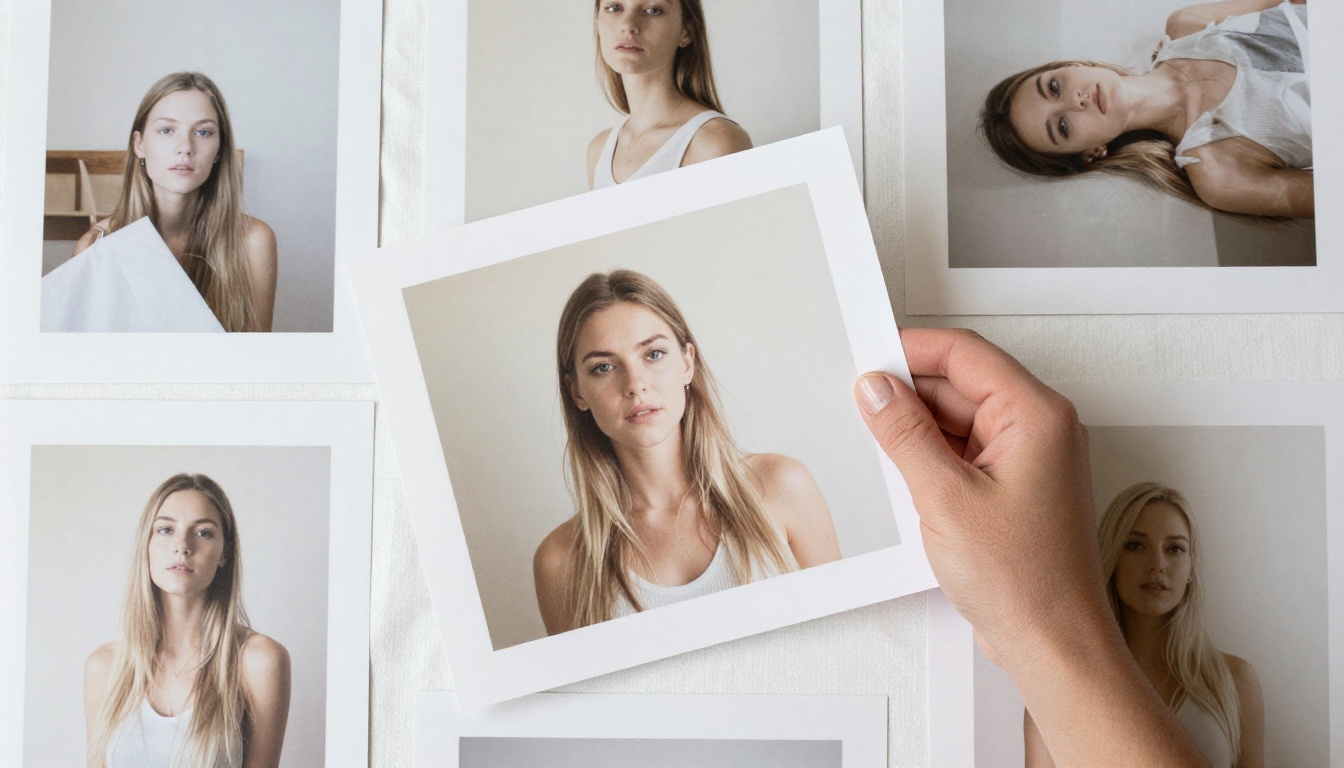
Why it feels like cheating: Google built an image generator that renders fine details other models simply cannot.
Imagen 4 Ultra is Google's highest-tier text-to-image model, and it targets a specific problem: the fine details that other generators blur over. Individual hair strands rendered separately. Fabric weave patterns that hold up under close examination. Skin texture with visible pores and natural micro-imperfections.
For product photographers, beauty brands, and fashion creatives, this is the specific quality level that separates AI content from content that actually gets used commercially. Imagen 4 Ultra produces images where the close-up crop is as believable as the wide shot.
Where It Excels
- Portrait photography: Ultra-fine detail on hair, eyelashes, and skin
- Product shots: Clean, sharp edges with accurate material rendering (glass, leather, metal)
- Complex scenes: Multiple subjects with distinct, consistent lighting per element
Imagen 4 Ultra vs the Competition
| Feature | Imagen 4 Ultra | Standard Generators |
|---|
| Fine hair detail | Individual strands | Blurred clumps |
| Fabric texture | Visible weave | Flat, approximate |
| Skin realism | Pores, micro-texture | Smooth and waxy |
| Scene lighting | Per-element accuracy | Global, approximate |
For any project where image quality is the difference between "good enough" and "actually publishable," this is the tool to reach for.
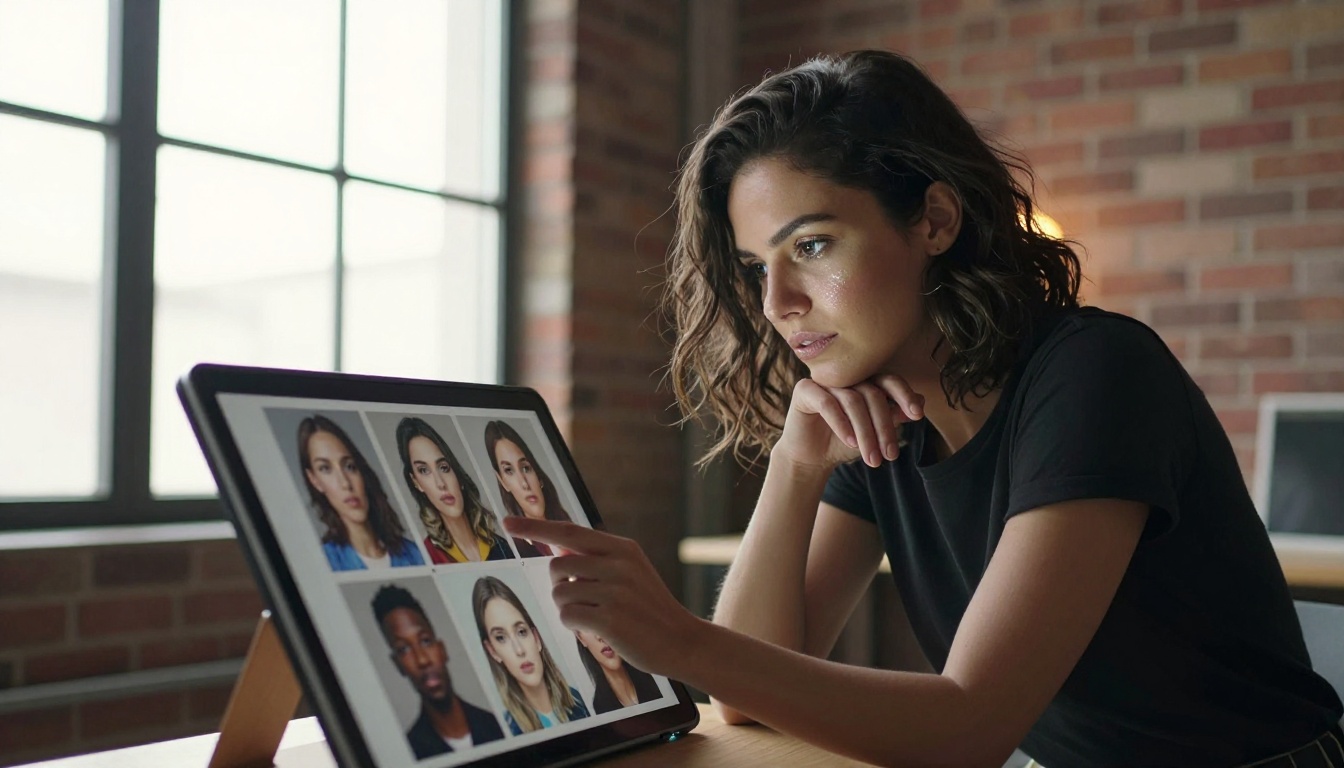
Tool 3: Flux Kontext Max
Why it feels like cheating: You can edit any photo, including photos you didn't generate, using a sentence.
This is the one that stops people cold. Flux Kontext Max doesn't generate images from scratch. It rewrites existing images based on text instructions. Upload any photo, type what you want changed, and the model executes that edit while preserving everything else.
Change the color of a shirt. Swap a background from an office to a beach. Remove a person from a group photo. Add an object that wasn't there. Make it daytime. Make it winter. The instructions can be granular or broad, and the model interprets them in context.
Real-World Use Cases
- E-commerce: Photograph a product once, then generate 20 different lifestyle backgrounds
- Social media: Adapt a single hero image to multiple seasonal campaigns
- Portrait retouching: Change clothing, adjust background, shift the mood of an entire shoot
- Marketing testing: A/B test different visual versions of the same creative without a reshoot
💡 Tip: Flux Kontext Max preserves the original image's lighting and perspective. If you edit a product on a white background, the generated replacement background will correctly integrate the original lighting, not create a jarring mismatch.
What used to require a retoucher, multiple shooting days, or a Photoshop expert now takes about 30 seconds per variation. This is the tool reshaping e-commerce photography workflows faster than any other.
Why it feels like cheating: It takes your blurry, low-resolution photo and returns a sharp, detailed 6x enlargement.
Image Upscale by Topaz Labs is the standard by which every other upscaling tool is measured. It doesn't just stretch pixels. It uses AI to invent the detail that should be there based on what it knows about real-world textures, faces, fabrics, and structures.
Upload a 500px image from 2010. Receive a 3000px image with visible pores on a face that was a blur of pixels in the original. Upload a compressed JPEG from an old phone camera and get a clean, printable photograph. The process isn't stretching. It's reconstruction.
Numbers That Matter
| Input Resolution | Max Output | What Gets Added |
|---|
| 500px | 3000px (6x) | Full texture reconstruction |
| 1080px | 6480px (6x) | Enhanced fine detail |
| 4K photo | Ultra 4K | Sharpening and noise removal |
Who Actually Needs This
Photographers with archives of old work at low resolution. E-commerce teams dealing with product images from suppliers that arrive at 600x600px. Social media managers who need to repurpose old campaign assets at modern display sizes. Print professionals who receive files too small to print at the required size.
The alternative used to be reshooting. Now it's a 30-second upload.
💡 Tip: Image Upscale handles noise removal simultaneously with upscaling. If your source image is both small and compressed, the output will be both larger and cleaner. No need to run a denoiser separately.
Why it feels like cheating: One upload. Perfect cutout. No Photoshop. No manual masking.
Remove Background by Bria is the fastest path from "image with a background" to "clean cutout ready for production." The model handles hair, transparent objects, complex edge detail, and subjects against backgrounds that match the subject's color. Situations that used to require 20 minutes of careful manual masking in Photoshop now resolve in under 3 seconds.
This one earns its place on the list not because of glamor but because of the volume of time it eliminates. E-commerce teams processing hundreds of product images per week. Social media managers who need clean assets daily. Designers who work with photography-heavy layouts. For all of these use cases, the old workflow was: open Photoshop, pen tool, mask, refine edge, export. The new workflow is: upload, download.
Where Precision Matters
| Subject Type | Manual Masking Time | AI Removal Time |
|---|
| Simple product on white | 5 to 10 minutes | 3 seconds |
| Person with curly hair | 20 to 30 minutes | 3 seconds |
| Transparent glass product | 45+ minutes (often poor result) | 5 seconds |
| Pet with fur detail | 25 to 40 minutes | 3 seconds |
The precision on hair and fur specifically is where this tool earns its reputation. Fine, wispy strands against complex backgrounds, the hardest case in manual masking, are handled cleanly.
💡 Tip: For best results on transparent objects like glassware or bottles, use a white or light gray source background. The model reads transparency better when there's contrast between the object's translucency and the background color.
The real power shift happens when these tools run in sequence. Here's what that looks like in practice:
Scenario: E-commerce product launch
- Generate 10 lifestyle shots of your product in different settings with Flux 2 Pro
- Upscale all outputs to print-ready resolution with Image Upscale
- Create a clean product cutout with Remove Background
- Drop that cutout into 5 different seasonal campaign backgrounds using Flux Kontext Max
- Run final high-detail renders of hero images through Imagen 4 Ultra for print materials
What used to be a 3-day photo production with a team is now a morning's work for one person.
How to Choose the Right One
Not every project needs every tool. Here's a quick filter:
If you're not sure where to start, begin with Flux 2 Pro. The speed and quality of output is enough to change how you think about visual content production on its own.
💡 Tip: If you're new to AI image generation, write prompts like a photographer briefing a team. Specify the subject, the environment, the lighting direction, the mood, and the camera details. The more specific the brief, the better the result.
Other Models Worth Knowing
Beyond the core five, the AI image space has expanded to cover almost every visual need:
- Flux Schnell: When you need results in literal seconds for rapid iteration or prototyping
- Ideogram v3 Quality: When your image needs accurate, readable text embedded in it (posters, signage, mockups)
- Seedream 4: 4K output at volume, excellent for high-frequency content production
- Recraft v4: When you need consistent brand aesthetics across a batch of images
- Real ESRGAN: A fast, accessible alternative for upscaling without the Topaz precision requirements
The category of AI image tools has moved well past novelty. These are professional instruments, and the creators using them now are producing work at a volume and quality that wasn't achievable twelve months ago.
The Honest Picture
None of these tools eliminate the need for creative judgment. Flux 2 Pro still needs a well-written prompt to produce a great image. Flux Kontext Max still needs clear instructions to edit effectively. Imagen 4 Ultra still produces better results when you know what you want.
What they eliminate is the production bottleneck. The gap between having an idea and having a finished asset has collapsed. That's what makes them feel like cheating: not that they do the thinking, but that they remove every obstacle between the thinking and the result.
The people who benefit most from these tools aren't the ones who use AI as a replacement for craft. They're the ones who use it as an accelerant for ideas they already have.
Your Turn to Try
Every tool on this list is available right now, without a waitlist, without a steep learning curve, and without the kind of setup that used to gate this technology behind specialized knowledge.
Picasso IA puts all of them in one place. Flux 2 Pro, Imagen 4 Ultra, Flux Kontext Max, Image Upscale, and Remove Background are all accessible from a single platform, with no switching between apps, no managing separate accounts, and no paywalls blocking your first experiments.
Pick one image you've been meaning to create or one task you've been putting off, and try the relevant tool. The first output is usually enough to permanently reset your expectations about what's possible.
What you can produce in the next hour would have taken a team of three people a full day twelve months ago. That's not a figure of speech. That's the actual state of the tools right now.


