Waiting for your AI video to finish rendering is the most frustrating part of modern content creation. You type a prompt, hit generate, and then you wait. Sometimes two minutes. Sometimes five. If you're using Sora 2, you're getting exceptional quality, but that queue time adds up fast when you're iterating on multiple scenes. The good news is that the AI video space has moved quickly, and several tools now produce results that match or rival Sora 2's output, in a fraction of the time. These are the 5 AI video tools faster than Sora 2 that actually deliver on that promise.

Why Sora 2 Feels Slow
The Waiting Problem in AI Video
Sora 2 is genuinely impressive. The video quality, the motion coherence, the way it handles complex scene transitions, all of it is ahead of where most models were just twelve months ago. But there's a cost: generation times are long, especially at higher resolutions. For a creator producing one or two showcase videos a week, that's manageable. For someone iterating rapidly, testing prompts, or producing content at volume, those minutes accumulate into hours lost.
The problem isn't Sora 2 being bad. The problem is that the bar for "fast" has risen dramatically in the AI video space. Models that once felt snappy now feel slow compared to the latest distilled and turbo variants shipping in 2025.
What "Fast" Really Means
When evaluating speed in AI video tools, there are three distinct things people usually mean:
- Queue time: How long before generation even starts
- Generation time: How long the actual inference takes
- Iteration speed: How quickly you can test variations
The tools below win on all three fronts for most use cases. They're not just fast in raw seconds. They're architecturally built for rapid iteration, which matters far more when you're in a creative workflow.
Real-Time Is Not a Gimmick
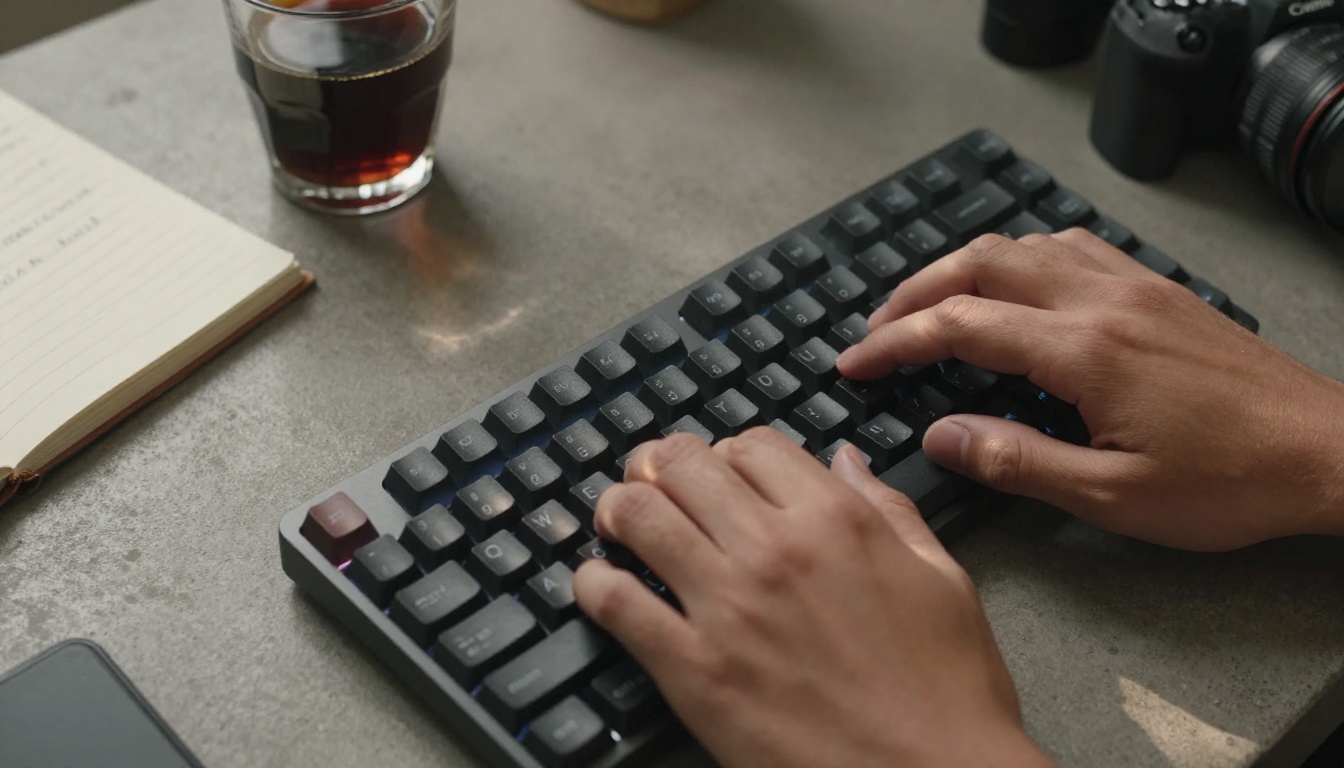
LTX 2 Distilled from Lightricks is one of the most interesting releases in the AI video space this year. "Distilled" refers to a training technique that compresses a larger model's capabilities into a smaller, faster architecture without dramatically sacrificing output quality. The result is a model that generates video at near real-time speeds, something that felt like science fiction eighteen months ago.
What sets this apart from simply lowering quality settings to speed things up is that LTX 2 Distilled was trained specifically to be efficient. It isn't a dumbed-down version of LTX Video. It's a fundamentally different architecture that prioritizes throughput.
💡 Pro Tip: LTX 2 Distilled works best with descriptive, scene-focused prompts. Give it camera angle, lighting, and subject details and it produces significantly more coherent motion.
Best Use Cases for LTX 2 Distilled
This model is ideal for:
- Rapid prompt testing before committing to a slower, higher-fidelity model
- Social media content where 30-60 second turnaround matters more than 4K output
- Storyboard visualization when you need to show a concept, not a final product
- High-volume batch creation where iteration speed is the primary constraint
If you need the absolute highest possible fidelity and have time to wait, other models might edge it out. But for speed-first workflows, LTX 2 Distilled is hard to beat. Lightricks also offers LTX 2.3 Fast for those needing 4K output with competitive generation times.

Speed Without the Compromise
Wan 2.5 T2V Fast is the explicitly speed-optimized variant of Wan Video's 2.5 text-to-video architecture. The Wan family of models has become a reference point for open-weight video generation, and the "Fast" variants strip away the compute overhead that makes the base models slower to return results.
The quality retention at fast-inference settings is genuinely impressive. You're getting 720p to 1080p output with good motion consistency and reasonable adherence to complex prompts. The gap between Wan 2.5 Fast and full Wan 2.5 in terms of visual quality is meaningful only at very large resolutions or extreme motion complexity.
For everyday creative work, the speed advantage makes the trade-off obvious. Wan 2.5 T2V Fast typically completes in under 60 seconds for most prompt configurations. That's a significant edge over Sora 2's typical generation window.
When to Pick Wan 2.5 Fast
| Scenario | Best Pick |
|---|
| Rapid concept visualization | Wan 2.5 T2V Fast |
| Final delivery at 1080p+ | Wan 2.5 T2V (standard) |
| Large prompt batches | Wan 2.5 T2V Fast |
| Cinematic motion complexity | Consider alternatives |
| Social platform clips | Wan 2.5 T2V Fast |
The Wan ecosystem is extensive, including Wan 2.2 T2V Fast for those who want proven older architecture at comparable speed, and Wan 2.6 T2V for maximum quality when speed is secondary.

Cinematic Output at Turbo Speed
Kling v2.5 Turbo Pro sits in a different category than the previous two tools. Where LTX 2 Distilled and Wan 2.5 Fast optimize for raw generation speed, Kling's Turbo Pro variant is built to deliver cinematic-quality output at reduced latency. It's the model you use when you need speed but can't sacrifice visual quality.
The Kling v2.5 architecture from Kwaivgi has been one of the most consistent performers for realistic motion, human subjects, and dynamic scenes. The Turbo Pro variant accelerates inference without the visual degradation that plagued early "fast" model variants from other labs.
💡 Pro Tip: Kling v2.5 Turbo Pro handles camera motion prompts particularly well. Specifying pan direction, zoom behavior, and focus subject in your prompt will noticeably improve output consistency.
What Makes Kling Turbo Different
The distinction between Kling's standard and turbo variants is architectural. Rather than simply reducing inference steps (which tanks quality), the Turbo models use a different sampling strategy that preserves visual coherence while shortening the compute path.
For creators producing content with real people, product showcases, or narrative sequences, Kling v2.5 Turbo Pro is a strong default. The Kling family extends to Kling v2.6 and Kling v3 Video for those wanting the absolute latest in the lineup. The v2.5 Turbo Pro hits the sweet spot of speed, quality, and reliability that most creators need day-to-day.
ByteDance's Answer to Speed
ByteDance's video generation models have been quietly building a strong reputation in 2027, and Seedance 1 Pro Fast is the clearest demonstration of what the company is capable of in this space. It's the accelerated version of Seedance 1 Pro, which produces 1080p video with remarkably stable motion and strong prompt adherence.
The "Fast" variant retains most of Seedance 1 Pro's quality profile while cutting generation time significantly. For motion that needs to feel fluid and natural, Seedance consistently outperforms models that prioritize raw visual detail over temporal coherence.
What does "temporal coherence" mean in practice? It means objects don't flicker between frames. People's faces don't morph unexpectedly. Camera movements feel smooth rather than jittery. These are the things that make AI video look professional rather than experimental.
Who Should Use Seedance Fast
Seedance 1 Pro Fast is particularly well-suited for:
- Marketing video production where motion quality directly affects brand perception
- Product demo clips where smooth, stable object presentation matters
- Social ads requiring fast iteration with polished output
- Creative directors who need quick client-ready drafts
ByteDance continues developing this line, with Seedance 2.0 Fast now available for those needing the latest architecture. The generational improvement is visible, though Seedance 1 Pro Fast remains the more cost-effective option for most workflows.

Minimax's Speed Play
Hailuo 2.3 Fast from Minimax rounds out this list as one of the most accessible high-speed video generators available right now. Minimax has built Hailuo to be accessible to creators who aren't deep in prompt engineering, making it a strong default for those who want good results without spending time optimizing every parameter.
The 2.3 Fast variant delivers up to 1080p output with quick turnaround, and its strength lies in how it handles varied subjects. Whether you're prompting landscapes, human subjects, abstract scenes, or product visuals, Hailuo 2.3 Fast produces consistent, usable footage quickly.
💡 Pro Tip: Hailuo 2.3 Fast responds well to aspect ratio and duration specifications in your prompt. Mentioning "16:9, 5-second clip" alongside your scene description helps the model allocate its compute more efficiently.
Results Worth Waiting Less For
The full Hailuo 2.3 is available at standard speed for situations where maximum quality is the priority. But for most creative workflows, the Fast variant delivers 90% of the quality at roughly 50% of the wait time, which is a trade-off most creators will take without hesitation.
Minimax also offers Hailuo 02 for those needing access to a slightly older but highly stable architecture. The Minimax ecosystem is one of the more robust options for creators who want variety within a single family of models.

How They Stack Up
Here's a direct comparison across the five tools:
The pattern is clear. Speed and quality are no longer mutually exclusive in the 2027 AI video landscape. Each of these five models delivers results that are indistinguishable from Sora 2 output in most practical use cases, and they do it faster.
Choosing Based on Your Workflow
Not all fast models fit every workflow. Here's a quick decision framework:
Beyond Video: The Full Picture
AI video tools don't exist in isolation. The most effective creators combine fast text-to-video generation with other AI capabilities to produce finished content at scale. On PicassoIA, the same platform that gives you access to all five models above also provides:
- Text-to-Image generation with 91+ models for creating source visuals before animating them
- Super Resolution for upscaling generated footage to higher output resolutions
- AI Video Enhancement for stabilizing, restoring, and upscaling video that was generated at lower quality settings
- Lipsync for syncing generated avatar videos to audio tracks
- Background Removal for isolating subjects from AI-generated video content
💡 Workflow Tip: Generate your scene quickly with LTX 2 Distilled or Wan 2.5 T2V Fast, then run it through AI Video Enhancement to bring the output up to delivery quality. You get speed and quality without paying for a slow high-fidelity generation upfront.
This kind of pipeline thinking is what separates creators who use AI video tools effectively from those who treat each model as a standalone solution.
The Speed Advantage Is Real
The gap between Sora 2 and these five models isn't about one being better than the other in absolute terms. It's about matching the right tool to the right moment in your creative process. Sora 2 remains excellent for final deliverables where you have time to wait. But the 5 AI video tools faster than Sora 2 listed here are what you should reach for during ideation, iteration, and high-volume production.
Speed in AI video generation is now a feature, not a compromise.

Start Creating Faster Today
Every model mentioned in this article is available on PicassoIA right now. You don't need to sign up for multiple platforms, manage different API keys, or learn a new interface for each tool. PicassoIA gives you access to LTX 2 Distilled, Wan 2.5 T2V Fast, Kling v2.5 Turbo Pro, Seedance 1 Pro Fast, Hailuo 2.3 Fast, and dozens of other video generation models through a single interface.
Pick one, write your first prompt, and see how fast AI video creation can actually be when you're using the right tool for the job. The difference between waiting five minutes and waiting forty-five seconds is not trivial when you're doing it fifty times a day.


