Face swapping used to demand hours of compositing work, expensive software licenses, and a working knowledge of Photoshop blend modes. Today, you can swap a face in seconds using nothing but your browser. Whether you are creating fun content for social media, building professional portrait composites, or running a commercial photo production, the right AI face swap tool makes the difference between a convincing result and an obvious digital mess.
This breakdown covers the five tools that actually deliver, each ranked by what they do best, how realistic the output looks, who they are built for, and what it actually costs to get started.
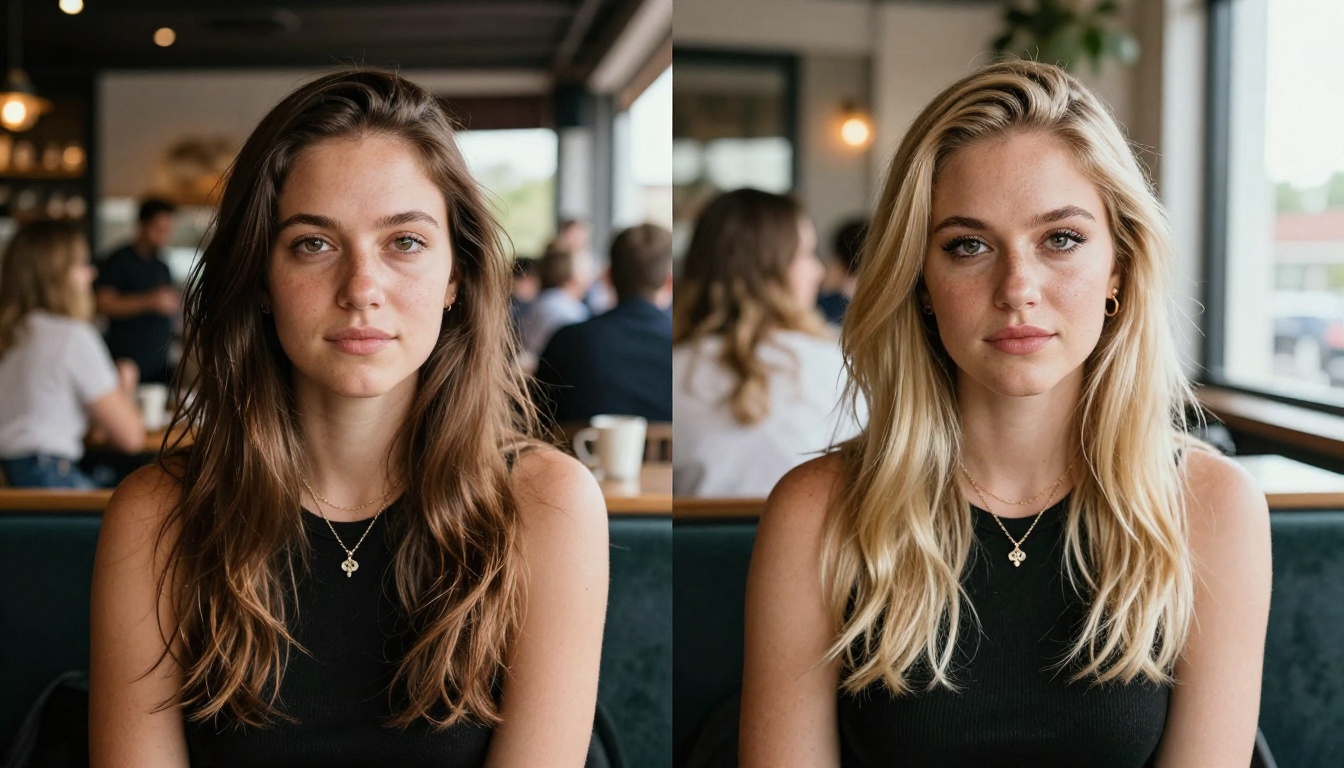
Not all AI face swap tools are equal. The gap between a great result and a broken one comes down to a handful of critical technical capabilities that separate serious tools from novelty apps.
Skin tone matching is the first thing your eye catches when something looks wrong. The AI must sample accurate color values from the source face and remap them to the target lighting environment. A face that was photographed under warm studio strobes will look ghostly if pasted onto a subject in cool outdoor shade without color correction.
Facial landmark alignment determines whether the eyes, nose, and mouth land in the right place. Most modern tools use 68-point or 478-point facial meshes to anchor the swap geometry. The more precise the landmark detection, the less warping and distortion in the final result.
Edge blending along hairlines and jawlines is where most budget tools fall apart. The seam where the swapped face meets the original hair, ears, and neck is the hardest region to blend convincingly. Tools that handle this well use alpha matting or semantic segmentation to feather the transition zone rather than applying a hard crop.
Expression preservation matters more than people realize. The best swaps transfer the identity of the source face while keeping the expression, head pose, and emotional tone of the target image intact. When the source expression bleeds through, the result looks like a mask rather than a swap.
💡 Pro Tip: The most realistic face swaps happen when source and target photos share similar lighting direction and camera angle. A front-lit source face swapped onto a dramatically side-lit target will always look off, regardless of which tool you use.
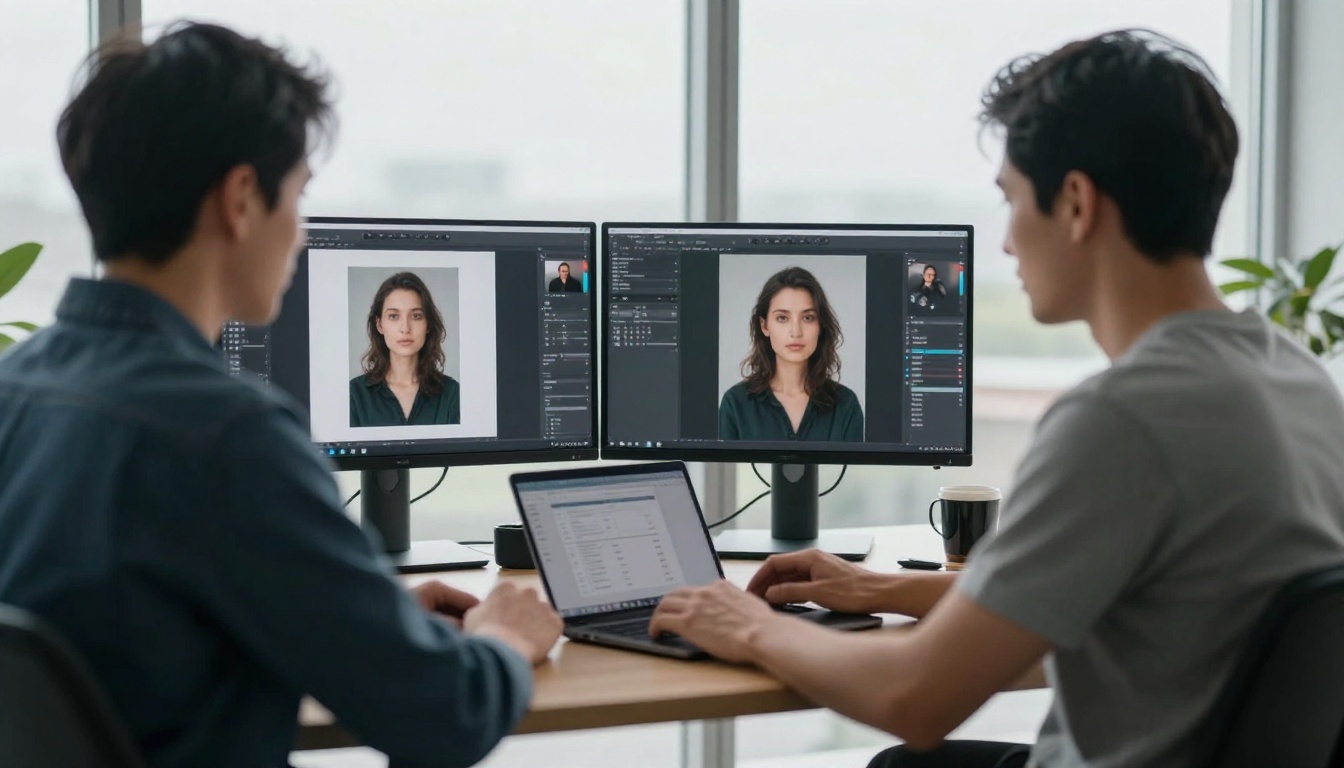
1. PicassoIA Face Swap AI
PicassoIA's Face Swap AI sits at the top of this list because it combines browser-based accessibility with output quality that competes directly with installed desktop software. No download. No GPU requirement on your end. No queue times measured in hours. The swap processes in your browser and a realistic result is ready within seconds.
Why the Output Quality Holds Up
The face detection engine behind PicassoIA handles partial occlusions better than most competitors. Hair crossing the face, partial sunglasses, hats touching the forehead — scenarios that break cheaper tools — are handled by reading facial landmarks from both images simultaneously and warping the geometry before blending color. That processing order, geometry first then color, is what separates photorealistic swaps from results that look digitally composited.
Beyond face swapping itself, PicassoIA gives you access to a full ecosystem of complementary AI tools in the same platform. After your swap, you can pipe the result directly into Flux Kontext Pro for prompt-guided touch-ups, fixing specific regions like hairlines or skin tone transitions using text instructions. If you need higher resolution output, Flux 1.1 Pro Ultra can render a 4-megapixel photorealistic version of the scene. For full image rewrites after a swap, Flux Kontext Max lets you adjust lighting, change backgrounds, or refine any element with text prompts.
How to Use PicassoIA Face Swap
- Open PicassoIA and navigate to Face Swap AI under the Face and Body tools
- Upload your source photo — the face identity you want to transfer
- Upload your target photo — the image you want to apply the face to
- Click Generate and wait 10 to 30 seconds for processing
- Download the result directly, or continue editing with other PicassoIA tools
Who Uses PicassoIA Face Swap
| User Type | Use Case | Quality Result |
|---|
| Social media creators | Profile swaps, content mashups | Excellent |
| Photographers | Client composites, lookbook edits | Professional |
| Marketing teams | Campaign visual adaptation | High |
| E-commerce brands | Model photo consistency | Very Good |
| Hobbyists | Personal creative projects | Great |
💡 For the sharpest swaps, use source photos where the face is fully visible, front-facing, and shot in clear even lighting. The AI handles 3/4 angle shots well, but frontal alignment produces the most accurate landmark mapping.
Pricing: Free tier with daily generation limits. Paid plans unlock higher resolution output, faster processing, and expanded daily usage.
2. Reface App
Reface built its reputation on GIFs and short video swaps on mobile. The core strength is speed — you can swap your face onto a celebrity, a movie character, or a trending meme format in under five seconds. For social content and entertainment use, that speed matters more than any technical capability.

How Reface Processes Swaps
Reface uses a GAN-based face detection and a proprietary motion-transfer model for video swaps. For still photos, a fast segmentation pipeline extracts the face region, remaps geometry, and composites it onto the target in a single forward pass. The result quality for social content is consistent. For professional photography composites with complex lighting or detailed backgrounds, the tool shows its limitations more clearly.
The template library is the real selling point. Reface maintains thousands of celebrity and pop culture templates that are pre-optimized for face swap alignment, which shortcuts the process considerably for entertainment use.
Best For
- Mobile-first users who want instant results on iOS or Android
- Social media content where speed and shareability matter more than pixel perfection
- Short video swaps onto clips, GIFs, and trending formats
- Casual entertainment with friends and family
Strengths: Massive template library, genuinely fast, excellent UX for non-technical users, strong video support
Weaknesses: Lower resolution ceiling, limited control over swap parameters, watermark on free tier, not suitable for professional composites
3. DeepFaceLab
DeepFaceLab is the tool behind most of the high-quality deepfake videos in public circulation. It is fully open source, runs locally on your GPU, and gives you granular control over every stage of training and synthesis. For professional video production where result quality must withstand frame-by-frame scrutiny, nothing else comes close.
What DeepFaceLab Actually Does
Unlike browser tools that use pre-trained models, DeepFaceLab trains a custom model specifically for your face pair. You feed it hundreds — ideally thousands — of source and target frames extracted from video footage. The network trains for hours or days depending on your GPU tier, building a specialized understanding of exactly how those two faces relate geometrically, in terms of color, and under varying lighting conditions.
This training-based approach produces temporal consistency across video frames that pre-trained inference models cannot match. Each frame does not need to be processed independently; the trained model has internalized how the face behaves over time.
💡 Reality Check: DeepFaceLab requires a dedicated NVIDIA GPU with at least 6GB VRAM, a configured Python environment, and significant patience. Expect 8 to 24 hours of training time for decent video quality on consumer hardware, and several days for cinematic-grade results.
Who Should Use DeepFaceLab
- Film and video producers working on projects where swap quality must hold up on a large screen
- Visual effects artists who need full control over the synthesis pipeline
- AI researchers studying face synthesis architectures at a deep level
- Long-form projects where the quality ceiling justifies the time investment
Strengths: Unmatched quality potential, total control, free and open source, active community
Weaknesses: Steep learning curve, hardware-intensive, slow setup, completely impractical for quick projects
4. Akool
Akool targets businesses and content teams who need face swap at scale. The platform is built API-first, meaning you can integrate face swap directly into your production pipeline, CMS, or creative workflow without any manual steps in a browser interface.
Business Use Cases
The commercial applications for API-accessible face swap are broader than most people expect:
- E-commerce fashion brands swapping consistent model faces across entire product catalogs without additional photo shoots
- Marketing agencies creating personalized ad creative at volume, adapting visuals for different regional markets
- Film and TV production for stunt double substitution and reshoots that do not require talent availability
- HR and training platforms creating consistent presenter assets across video modules
Akool's face swap quality is strong for video specifically. The model handles motion blur, varying compression quality across source footage, and mixed lighting scenarios with reasonable stability. The API integration is what makes it commercially viable — processing thousands of images per month through a UI would be completely impractical.
| Feature | Akool | PicassoIA | Reface | DeepFaceLab |
|---|
| API Access | Yes | Yes | No | No |
| Video Support | Yes | Yes | Yes | Yes |
| Batch Processing | Yes | Planned | No | Manual |
| Free Tier | Limited | Yes | Yes | Yes |
| Browser-Based | Yes | Yes | Mobile | No |
| Local Processing | No | No | No | Yes |
Pricing: Subscription-based with metered API access. Enterprise plans with SLA guarantees and dedicated support are available.
5. FaceFusion
FaceFusion is an open-source face swap framework that positions itself as a more accessible alternative to DeepFaceLab. The critical difference: where DeepFaceLab requires custom model training for each face pair, FaceFusion uses pre-trained models that work immediately on any new face pair without any training step.

The Three-Stage Pipeline
FaceFusion's processing pipeline is well-designed and worth understanding:
Stage 1 — Face Detection: RetinaFace or a similar landmark detector identifies facial geometry in both source and target images, building the coordinate map for identity transfer.
Stage 2 — Identity Transfer: A pre-trained model (typically SimSwap or InSwapper) applies the source identity to the target geometry. This step happens in seconds rather than hours because the model is already trained.
Stage 3 — Face Enhancement: GFPGAN or CodeFormer runs a restoration pass on the swapped region. This is where FaceFusion separates itself from simpler tools. The restoration model recovers high-frequency skin detail, sharpens edges, and removes the low-resolution texture artifacts that make many face swaps look obviously synthetic.
The post-swap enhancement stage is genuinely impactful. Without it, even good swaps look slightly soft and artificial. With it, the perceptual quality jumps significantly.
💡 FaceFusion processes everything locally on your machine, which means your photos never leave your hardware. For users with privacy concerns about uploading personal photos to cloud services, this is a meaningful advantage.
Who Should Use FaceFusion
- Technical users who want DeepFaceLab-tier quality without the training overhead
- Developers building face swap into their own applications or pipelines
- Privacy-conscious users who need local processing without cloud uploads
- Open-source enthusiasts who want visibility into and control over the actual code
Strengths: No training required, fast inference on modern GPUs, excellent enhancement pipeline, strong community, completely free
Weaknesses: Still requires Python and CUDA setup, GPU strongly recommended for reasonable speed, occasional artifacts on complex multi-person scenes

Here is a direct comparison across the metrics that actually matter for your specific use case:
| Metric | PicassoIA | Reface | DeepFaceLab | Akool | FaceFusion |
|---|
| Output Quality | Excellent | Good | Outstanding | Very Good | Very Good |
| Processing Speed | Seconds | Seconds | Hours to Days | Seconds | Minutes |
| Ease of Use | Very Easy | Very Easy | Hard | Easy | Moderate |
| Photo Swaps | Yes | Yes | Yes | Yes | Yes |
| Video Swaps | Yes | Yes | Yes | Yes | Yes |
| Free Option | Yes | Yes (watermark) | Yes | Limited | Yes |
| Installation Required | No | App download | Yes | No | Yes |
| Data Privacy | Cloud | Cloud | Local | Cloud | Local |
| API Available | Yes | No | No | Yes | No |
| Best For | All users | Social content | Pro video | Business | Technical users |
Three Common Face Swap Mistakes
Most people who get disappointing results are making one of these three avoidable errors:
Mismatched lighting direction: Swapping a frontally-lit face onto a dramatically side-lit target produces an uncanny result no matter how good the tool is. Match your source photo lighting to the target as closely as possible before uploading.
Low resolution source photos: Face swap algorithms need enough pixel data to extract accurate identity information. A 400x400 pixel selfie cropped from a group photo does not give the model enough to work with. Use the highest resolution source image available.
Ignoring the refinement step: Most people download the first output and call it done. Running the result through a separate enhancement or editing step, whether that is Flux Kontext Pro for targeted corrections or a super-resolution model to sharpen detail, consistently produces better final results than any single-step process.
The right choice depends on exactly what you need the swap for.
Pick PicassoIA if you want the fastest path from two photos to a realistic result, with the option to refine outputs using Flux Kontext Pro, upscale to 4MP with Imagen 4 Ultra, or generate entirely new scenes with Flux Pro. It is the only tool here that connects face swap directly into a broader creative platform with 90-plus AI models.
Pick Reface if you are on mobile, you need entertainment-focused swaps fast, and print-quality resolution is not a requirement.
Pick DeepFaceLab if you are producing a film or commercial video project where the result must survive frame-by-frame inspection, and you have the GPU hardware and time to invest in training.
Pick Akool if you are running a business that needs face swap at scale with API integration, batch processing, and commercial licensing.
Pick FaceFusion if you want strong quality without training overhead, prefer local processing for privacy, and are comfortable configuring a Python environment.
💡 The platform ecosystem matters. A face swap is almost never the final step. Adjusting lighting, fixing skin tone consistency, refining hairline edges — all of that comes after the swap. Having complementary tools in the same platform, like SDXL for style matching, Flux Dev for detail refinement, or Stable Diffusion for background regeneration, saves serious time compared to juggling five separate applications.
Start Creating Right Now

Face swap technology has moved past novelty. Photographers use it for client composites when reshoots are not possible. Content creators use it to maintain consistent character identity across a shoot. Brands adapt campaign visuals for different regional markets without rehiring talent. The practical applications are real, and the tools above make them accessible to anyone.
PicassoIA puts face swap in your browser with zero setup required and a free tier that lets you see the quality before committing to anything. Beyond swapping, the platform gives you access to over 90 text-to-image models including Flux 2 Pro and Seedream 4 for generating source material from scratch, video generation tools, background removal, super resolution for upscaling results, and lipsync for video content. Everything your creative process needs is in one place.
Try your first face swap today. Upload any two photos and you will have a result in under a minute. Then experiment with the editing and enhancement tools to see how much further you can push the quality. The best creative work usually starts with one small experiment that opens into something you did not expect.


