The internet moves fast, but nothing moves quite like a free AI tool that actually delivers. This April, five tools broke through the noise and landed in feeds everywhere: design groups, Reddit threads, TikTok comment sections, and creative communities worldwide. These aren't just hyped products. They produce real results, cost nothing to try, and are available right now. Here's what went viral, why it spread, and what you can actually do with each one.
The Viral AI Wave of April 2025
Why Free Is the Great Equalizer
When a tool is free, the barrier to entry disappears. No credit card, no free trial countdown, no friction. Someone posts a result, thousands try it, and within 48 hours, a model goes from obscure to everywhere. That's exactly what happened this month with these five free AI tools.
💡 The pattern is always the same: one stunning output hits social media, the comments ask "what tool is this?", and the link gets shared a thousand times in a single day.
What's different about this batch is the quality. Past viral moments were often about novelty over substance. These tools produce images that make even skeptics stop scrolling. The output from each one speaks for itself, which is the only reason anything truly goes viral in a space this crowded.
What Actually Makes These Tools Stand Out
Not every AI tool goes viral for the same reason. Some win on speed. Some win on quality. Some win because they finally solve a problem that has annoyed users for years. In this month's lineup, you'll find all three categories represented.
| Tool | Why It Went Viral | Best For |
|---|
| Flux Schnell | Sub-second generation speed | Rapid concept testing |
| Grok Imagine | Free access from xAI | Wide audience reach |
| Ideogram v3 Turbo | Perfect text rendering in images | Designers and marketers |
| Seedream 4 | Free 4K resolution output | High-resolution creators |
| Imagen 4 Fast | Google-level photo realism | Natural lifestyle photography |
All five are available to try right now on PicassoIA without any account requirements. Let's get into each one.
The One That Generates in Under a Second
Flux Schnell by Black Forest Labs didn't go viral because of groundbreaking output quality. It went viral because of something far more addictive: speed.
Most AI image generators make you wait 5 to 20 seconds per image. That wait, brief as it sounds, creates friction. You type a prompt, click generate, and your brain wanders. The creative flow breaks.
Flux Schnell doesn't do that. It produces results in under a second on most hardware. You type, you see. The iteration speed alone is transformative for anyone who has sat through hundreds of slow generations before.
What Flux Schnell Does Best
- Rapid prototyping: test ten prompt variations in the time it takes other tools to generate one
- Concept sketching: quickly visualize ideas before committing to a slower, higher-quality model
- High volume output: need 50 variations of a concept? Flux Schnell makes that realistic in minutes
- Workflow speed: plug it into creative pipelines where turnaround time is critical
💡 Pro tip: Use Flux Schnell to find the right composition and mood, then feed your winning prompt into Flux 1.1 Pro or Flux 2 Pro for the final high-resolution version.
The reason it spread so fast on social media is simple: people started posting "I generated 100 images in 2 minutes" threads, and the results spoke for themselves. Free, fast, and functional is a rare combination in any software category. In the AI image space, it's almost unheard of.
Who Should Use It
Flux Schnell is the starting point for creative exploration. If you've ever had an idea you wanted to visualize quickly, this is the tool. Designers use it for client mood boards. Writers use it to put faces to characters. Marketers use it to test dozens of visual directions in an afternoon. The speed changes how you think about what's worth trying.

xAI Opened the Doors Wide
Grok Imagine Image from xAI hit differently because of who built it. When Elon Musk's AI company made its image generator freely accessible, the internet paid attention. What followed was a flood of tests, comparisons, and genuinely impressive outputs across social platforms.
The tool produces photorealistic portraits, product shots, and stylized scenes with a rendering quality that feels polished right out of the box. Users noted it handles skin tones and facial detail with more nuance than many competitors at any price point.
Why Creators Kept Coming Back
The virality wasn't just about the brand name. The actual image quality held up to scrutiny. What users found particularly strong:
- Facial realism: natural skin texture, realistic eyes, human-proportioned features
- Lighting consistency: shadows and highlights behave like real photography
- Prompt adherence: the model follows complex, multi-element prompts accurately
- Scene variety: portraits, landscapes, abstract concepts, product shots all handled with consistency
What made it truly shareable was how accessible it felt. Write a description, get a result. That simplicity drove millions of first-time AI image users to try it and immediately post their results.
Real-World Uses Right Now
Grok Imagine Image works particularly well for:
- Social media content where photorealistic portraits perform best in feeds
- Product mockups for e-commerce before professional photo shoots
- Character references for writers, game designers, and storytellers
- Content creation at scale without a photography budget
The viral moment for this tool was also a cultural moment. A free, high-quality image generator from one of the most watched tech companies in the world was always going to get attention. That it actually delivered on quality made it stay in the conversation.
The Text Problem Was Real
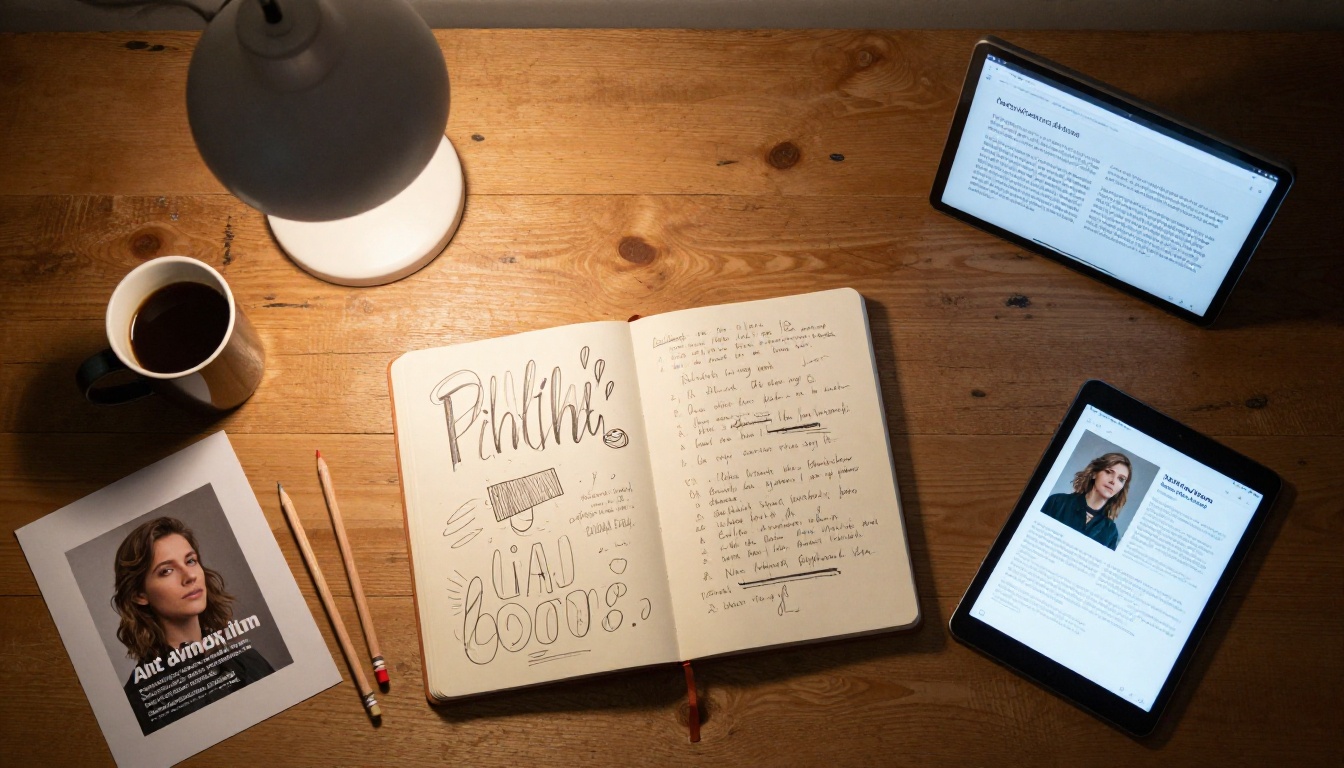
For years, one thing guaranteed to make AI image generators look amateur was asking them to put readable text inside an image. The results were almost always garbled, misspelled letter-soup that required manual editing in Photoshop afterward.
Ideogram v3 Turbo changed that. When posts started circulating showing clean, correctly spelled text integrated naturally into AI-generated scenes, people couldn't believe what they were seeing. The reaction online was immediate: "Wait, the text actually says what I asked for?"
Typography That Actually Works
Ideogram v3 Turbo isn't just generating text that's legible. It's doing it with typographic intent: matching font weight to the mood of the image, placing text with compositional awareness, and integrating letters into scenes in ways that look like they were designed there, not dropped in afterward.
💡 Tip: When prompting Ideogram, put the exact text you want in quotation marks. For example: a coffee shop chalkboard sign reading "Fresh Brewed Daily" in hand-lettered style. The model treats quoted text as literal content to render accurately.
Who This Tool Is Built For
This is not just a nice-to-have for general users. It's a genuine workflow upgrade for specific professions:
- Marketers creating social media graphics with callouts and copy baked in
- Brand designers prototyping posters, banners, and merchandise concepts before production
- Content creators who need quote cards, announcement images, or branded thumbnails
- Small business owners who need basic signage mockups without hiring a graphic designer
The free tier of Ideogram v3 Turbo produces results that would cost real money to replicate manually. That economic reality is a large part of why it went viral.
ByteDance Released Something Serious
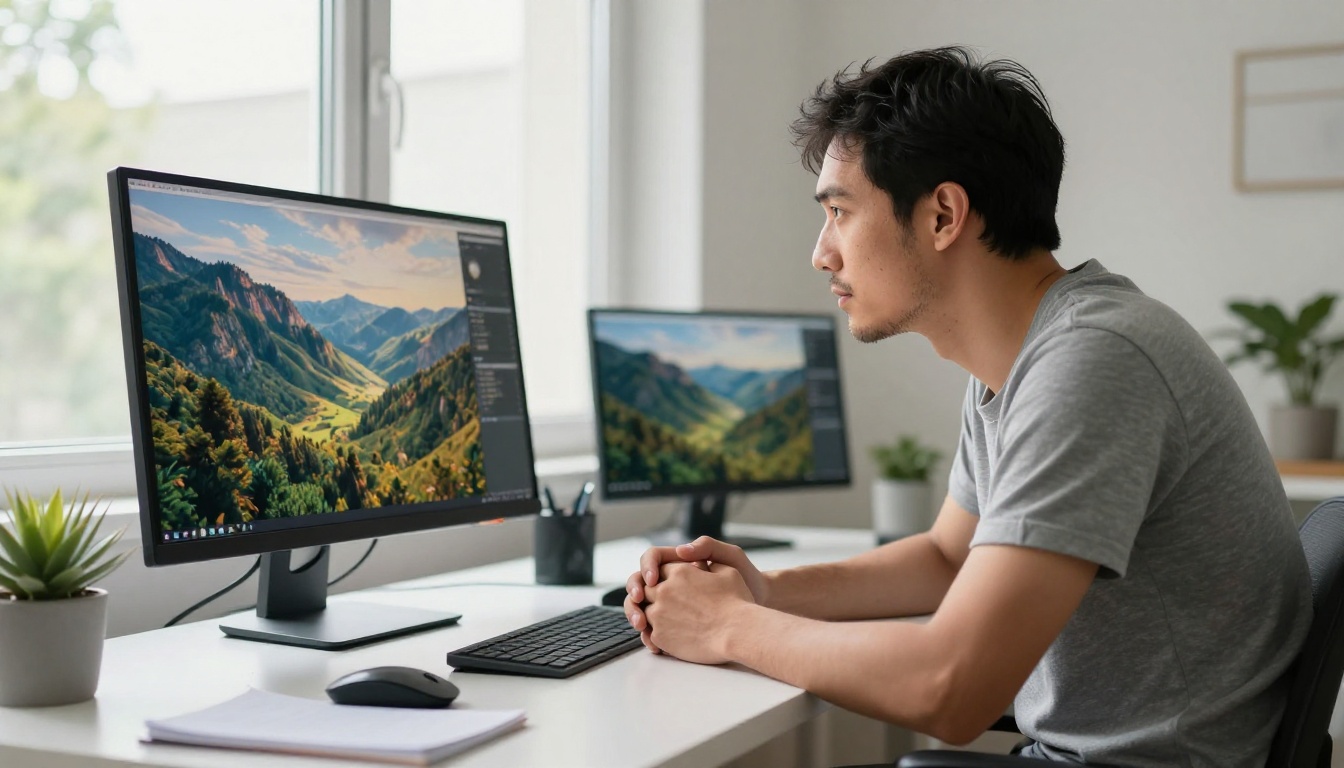
Seedream 4 from ByteDance arrived quietly but spread fast once creators saw the output resolution. This tool generates images at 4K quality, completely free. No paid tier required for the high-resolution output.
The conversation online shifted when photographers and digital artists started posting side-by-side comparisons between Seedream 4 outputs and actual stock photography. The resemblance was close enough to start a serious conversation about what free AI generation can now produce.
What 4K AI Output Actually Means in Practice
Most free AI tools produce images at 512x512 or 1024x1024 pixels. These are fine for web use but fall apart when printed, displayed on large screens, or used in professional contexts. Seedream 4 breaks that ceiling:
- Print-ready resolution without post-generation upscaling
- Fine texture detail visible in fabric, skin, foliage, and architectural surfaces
- Complex scenes at full quality: cityscapes with individual windows, forests with leaf texture
The detail retention in complex scenes is where Seedream 4 visibly outperforms lower-resolution competitors. It's not just more pixels. It's more information per pixel.
Prompting for Maximum Quality
To get the most out of the model's 4K capability:
- Be specific about materials: "rough-hewn granite," "polished brushed steel," "weathered reclaimed oak"
- Include lighting detail: "overcast afternoon light," "direct noon sun casting hard shadows," "blue hour twilight"
- Name your lens: "captured on 50mm f/1.4," "wide angle 24mm lens with slight vignette"
- Add resolution intent: "8K, ultra-sharp, high detail, photorealistic RAW photography"
The more physical information you give Seedream 4, the more it rewards you with surface texture and spatial depth that lower-resolution models simply cannot produce at the same quality level.

Google's Speed Play
Imagen 4 Fast brings Google's image generation capability to a fast-inference tier. When people talk about what makes Google's approach distinctive, it comes down to photographic accuracy: the way light behaves in a scene, the physical plausibility of objects in space, and the consistency of proportions across complex prompts.
The viral moment for Imagen 4 Fast came when users started generating images of people in everyday environments and found the results indistinguishable from casual smartphone photography. Not hyper-polished studio shots. Real, lived-in, natural-feeling scenes.
Where Imagen 4 Fast Wins
The model's particular strengths, compared against the other four tools in this list:
| Strength | What Makes It Distinctive |
|---|
| Natural lighting | Handles outdoor, indoor, and mixed light with physical accuracy |
| Human portraits | Realistic facial structure, natural expressions, correct proportions |
| Everyday scenes | Kitchens, streets, cafes, offices feel authentic not staged |
| Color accuracy | Colors match real-world tone curves with no artificial saturation |
For anyone creating lifestyle content, travel imagery, or people-centric marketing visuals, Imagen 4 Fast delivers results that feel genuinely candid rather than artificially composed. That naturalness is hard to achieve and is precisely why this model spread so fast among content creators.
Pairing It With Other Models
Imagen 4 Fast works beautifully in combination with other tools available on PicassoIA:
- Use Flux Kontext Pro to edit specific elements in an Imagen 4 Fast output without starting from scratch
- Apply background removal to isolate subjects and use them in composite images
- Run outputs through super resolution tools to push dimensions even further for print or large-format use
How to Use All Five on PicassoIA
Getting to the Tools Fast
All five models are available in PicassoIA's text-to-image collection with no signup required. The path from "I want to try this" to "I have an image" takes about 30 seconds:
- Go to PicassoIA's text-to-image collection
- Search by model name or browse by category
- Type your prompt in the input field
- Adjust the aspect ratio if needed (16:9 for wide compositions, 9:16 for vertical social content)
- Click generate and watch it render
No account setup, no credit card, no waitlist. That frictionless access is a core part of why all five of these tools spread so fast when people discovered they were free.
What to Prompt for Best Results
The biggest difference between average outputs and results worth sharing is prompt construction. Three habits move the needle more than anything else:
1. Describe light first. "Warm golden hour light streaming from the left through fabric curtains" is worth more than ten adjectives about your subject. Lighting defines the emotional feel of an image before anything else.
2. Specify your camera. "Shot on 85mm f/1.4, shallow depth of field, natural bokeh background" signals to the model that you want photographic output rather than an illustration. This single addition dramatically shifts the output style of any model.
3. Add texture references. "Natural skin texture, visible fabric weave, weathered wood grain" tells the model to render surfaces with physical detail rather than smoothing everything into a clean, artificial look.
Mixing Models for Better Workflows

One of the most powerful ways to work on PicassoIA is not to pick a single model and commit to it for everything, but to use different models for different stages of a project:
- Draft fast: Flux Schnell for rapid concept testing before committing to a direction
- Finalize quality: Seedream 4 or Imagen 4 Fast for the final high-resolution output
- Add text: Ideogram v3 Turbo whenever the output needs readable copy baked directly into the image
- Polish portraits: Grok Imagine Image when a human subject needs to look genuinely photoreal
This modular approach, using each model for what it does best, produces results that no single tool could achieve alone.
Comparing All 5 Side by Side
Here is how these five viral tools compare across the dimensions that matter most to users right now:
| Tool | Speed | Output Quality | Text Rendering | Best Use Case |
|---|
| Flux Schnell | Fastest (under 1s) | Good | Limited | Rapid concept testing |
| Grok Imagine | Fast | Excellent | Moderate | Portraits and lifestyle content |
| Ideogram v3 Turbo | Fast | Very Good | Best available | Text-heavy design work |
| Seedream 4 | Moderate | 4K Excellent | Moderate | High-resolution output |
| Imagen 4 Fast | Fast | Excellent | Good | Natural photography feel |
💡 Bottom line: there is no single "best" tool in this group. Each one dominates in its lane. The real advantage comes from knowing which lane fits your current project.
All five tools have something in common beyond being free: they represent a genuine step forward in what's accessible to anyone with a browser. Twelve months ago, results like these required paid subscriptions, professional setup, or access to closed beta programs. Today they're a prompt away.
Start Creating Right Now
The best way to understand what these tools can do is not to read more about them. It's to open one, type something you're genuinely curious about, and generate an image.
Free AI image generation is at a point right now where the gap between idea and visual output is nearly zero. You don't need design skills, technical setup, or a budget. You need a prompt and about 30 seconds.
PicassoIA brings all five of these viral models together in one place, alongside more than 86 other text-to-image models spanning every style and use case imaginable. Whether you're building content for a brand, experimenting with visual storytelling, creating assets for a project, or simply curious what your ideas look like as images, the tools are waiting.
Try Flux Schnell if you want to iterate at speed. Try Ideogram v3 Turbo if your images need readable text. Try Seedream 4 if you want 4K resolution from a free tool. Try Imagen 4 Fast for natural, candid photography results. Try Grok Imagine Image for stunning portraits with real photographic quality.
Then share what you created. That's how the next viral moment starts.


