Free AI video trials are brutal. You sign up with big expectations, burn through your credits on three mediocre clips, and wonder what went wrong. The worst part is the suspicion that you're missing something obvious, that other people are getting great results from the same tools and you're just doing it wrong.
You probably are doing something wrong. But it's fixable, and it has nothing to do with which platform you chose.
The problem is that most people approach free AI video trials the way they'd approach an unlimited paid plan. They open the platform, type something vague, run it, feel disappointed, try again, and repeat until their credits or patience run out. When you have a finite number of generations, or even an unlimited-but-rate-limited free tier, that approach produces predictably bad results.
These 5 ways to get more from free AI video trials are practical adjustments, not abstract tips. Each one addresses a specific point of failure that drains trial value before you've had a chance to actually see what the tool can do.
What Free AI Video Trials Actually Give You
Before talking about how to use them better, it helps to understand what you're actually working with. Free trial structures vary significantly across platforms, and what looks like a generous offer can be misleading without knowing the specifics.
Credits vs. Unlimited Tiers
Most platforms offer one of two trial structures. The first is a credit system, where each generation costs a fixed amount and you start with a limited pool. The second is an unlimited free tier with rate limits, output quality caps, or resolution restrictions.
The distinction matters more than it seems. With credits, every failed generation is a direct cost. With unlimited tiers, failure is cheap, but the output quality usually sits below the threshold you'd actually want to publish or share. Knowing which structure you're working with changes which strategies apply.
Some platforms offer a hybrid: a small credit allocation on top of a limited free tier. These are worth treating as credit-first, since the free tier's output usually isn't what you're actually evaluating.
Resolution Caps and Watermarks
Free tiers routinely restrict output to 480p or 540p, add watermarks, or shorten maximum video duration. Some platforms give you full resolution but limit how many generations you can run per day or per hour.
💡 Tip: Always check the resolution and watermark policy before your first generation. A video you can't actually use isn't a free trial. It's a demo.
Understanding these constraints before you start shapes every decision that follows. A 480p watermarked output is fine for testing motion and prompt quality. It's not a deliverable. Treating it as both wastes the part of your trial that could produce something real.
Way 1 - Write Prompts That Actually Work
Bad prompts are the single biggest reason free trials feel useless. Most people describe a scene when they should be describing motion. The difference sounds subtle. In practice, it's the difference between a video that barely moves and one that looks like it was shot on location.
The Anatomy of a Strong Video Prompt
AI video models don't paint a picture and then animate it. They predict what a plausible sequence of frames looks like given your text. That means your prompt needs to tell the model what's happening, not just what's there.
A weak prompt: A woman walking on a beach at sunset
A stronger prompt: A woman in a light linen dress walks slowly toward the water along a wide sandy beach, gentle waves rolling in from the right, late afternoon sun casting long shadows to her left, camera slowly dollying in from behind
The second prompt gives the model:
- A subject with a defined action
- A setting with spatial direction cues
- Lighting information
- A camera movement
That last point is particularly significant. Most text-to-video models respond directly to camera motion cues like "slow dolly," "gentle pan left," "static wide shot," or "handheld tracking shot." Including one of these in your prompt can substantially improve the perceived quality of the output because the model has an explicit spatial instruction to follow rather than guessing.
Motion-First vs. Scene-First Prompting
If you're working with a credits-based trial, consider writing your prompt from the perspective of motion first. What's the most important thing that moves in this clip? Start there and build the environment around it, rather than starting with the environment and hoping the model infers motion.
| Prompt Style | Best For | Risk |
|---|
| Motion-first | Credits-based trials, action clips | Can lose environment detail |
| Scene-first | Establishing shots, landscapes | Motion may be sluggish or absent |
| Camera-first | Cinematic clips, controlled compositions | Model must infer subject action |
One practical habit: before each generation, ask yourself "what is the one thing moving in this clip, and how is it moving?" Write that sentence first. Then add environment, lighting, and camera. This forces the motion into the foundation of the prompt where the model weights it most heavily.
Way 2 - Use Image-to-Video, Not Just Text-to-Video
This is the most underused approach during free trials. Instead of asking a text-to-video model to invent both the scene and the motion from scratch, give it a starting image and let it focus entirely on the animation.
Why Starting With a Still Image Wins
When you provide an image as the first frame, the model already knows what the scene looks like. It doesn't need to invent it. That shift in cognitive load produces two reliable benefits: the motion tends to be smoother, and the output tends to look much closer to what you actually wanted.
For trial users, this translates directly into fewer wasted generations. You can generate a still image first (often free or very cheap), verify it looks exactly right, and then animate it with significantly higher confidence. If the image is wrong, you fix the image before spending a video credit.
Best I2V Models to Test
On PicassoIA, several image-to-video models stand out specifically for trial use, where the goal is maximum output quality per generation:
- Wan 2.7 I2V: Animates any image into HD video with strong motion quality and realistic physical behavior, particularly good at fluid and organic motion
- P Video Animate: Photo animation with a simple workflow, well-suited to portraits, product shots, and static compositional scenes
- Grok Imagine Video 1.5: Image-to-video with native audio generation in the same pass, useful when you need both visual and sound output without a separate step
- Kling v2.1: Reliable I2V output with clean motion, particularly consistent for human subjects and facial expressions
The I2V workflow consistently produces better results per generation than pure text-to-video for most use cases. If you're burning through trial credits without satisfying results, switching to I2V is often the fastest single adjustment you can make.
Way 3 - Pick the Right Model for Your Use Case
Not all AI video models are equal, and the best model for cinematic output is rarely the best model for a quick preview. Matching model to purpose at each stage of your workflow is how you avoid spending premium credits on test runs.
Fast Previews vs. Cinematic Output
When you're in the idea stage, you want fast generation and low credit cost. Speed-optimized models give you a rough sense of whether a concept works before you commit to a quality generation. They won't produce your final output, but they tell you in seconds whether your prompt direction is viable.
Once you've validated the concept with a fast model, switching to a higher-quality model for the final output gets you the result you need without burning premium credits on failed iterations.

Audio-Native Models Worth Testing
A notable development in AI video generation is models that produce synchronized audio alongside the video in a single pass. Veo 3 and Veo 3.1 Lite from Google generate ambient sound, dialogue, and music that matches the visual content without a separate audio production step.
If your use case involves content where audio matters, such as social media clips, product demos, or any video that needs to stand on its own without added post-production, audio-native models can save significant time during a trial. You're solving two outputs in one generation, which stretches the effective value of every credit you spend.
Way 4 - Plan Your Generations Before You Click
This is the discipline most people skip entirely. The gap between someone who walks away from a free trial with three solid clips and someone who burns 20 credits on nothing useful almost always comes down to pre-generation planning done before opening the platform.
Batch Your Ideas, Not Your Clicks
Write out 5 to 10 prompt ideas before you open the platform. For each one, note:
- What model you plan to use
- What resolution you need (test vs. final)
- Whether this is an exploratory test or a final output generation
- What the success condition is, so you know when to stop iterating
This takes about 10 minutes and prevents the most common trial mistake: opening the platform with no plan, typing something vague, watching it disappoint you, typing something slightly different, and repeating until the credits are gone.
Keeping a simple text file with your prompt ideas and results also builds a personal reference library over time. After five or six trials across different platforms, you'll have a clear picture of which prompt structures work consistently and which models suit your content style.
The 3-Video Rule for Testing
When you're testing a concept, run it with three specific variations before deciding it doesn't work:
- Prompt variation: Same concept, different motion description
- Model variation: Same prompt, different model
- Seed variation: Same prompt and model, different seed value
If all three fail in similar ways, the concept itself probably isn't well-suited to AI video generation yet. If one succeeds, you've identified exactly what combination works, and you can replicate it confidently on future runs.
💡 Credit math: Three test generations on a fast model costs far less in credits or time than five random generations on a premium model. Test cheap, finalize with quality.
Way 5 - Upscale After, Not During
Most free trial users default to requesting the highest available resolution on every generation. This is one of the more consistent ways to burn trial value without getting better results. Higher resolution costs more credits, takes longer to generate, and can actually produce worse motion because the model has more spatial detail to maintain consistently frame-to-frame.
How Post-Processing Stretches Trial Value
Generate at 480p or 540p during the testing phase. When you've confirmed the motion, composition, and timing are exactly what you want, then scale up. Better still: generate the final version at 720p and run it through a dedicated video upscaler rather than asking the video generation model to handle both the content creation and the resolution simultaneously.
Dedicated video upscalers are purpose-built for spatial detail recovery and consistently produce sharper results than asking a generative model to output at 4K from scratch. The generative model's job is motion and content. The upscaler's job is resolution. Separating those jobs gets you better results from both.
On PicassoIA, Video Upscale by Topaz Labs supports 4K output at up to 120fps with frame interpolation, recovering significant detail from 720p source footage. Upscale v1 by Runway is a strong alternative for 4K improvement of existing clips without the frame interpolation step.
The Real Quality Ceiling
Most people assume the quality ceiling in free AI video trials is set by the free tier restrictions. In practice, the ceiling is usually set by three things: prompt clarity, model-to-task fit, and whether post-processing was applied. All three are within your control regardless of which tier you're on. The platform restriction is rarely what's limiting the output.
Free Models on PicassoIA Worth Starting With
PicassoIA includes several models with genuinely free and unlimited access, no trial expiry and no credit counter. These are the best starting points if you're evaluating the platform's capabilities or just want to run through iterations without restrictions.
Seedance 2.5 Lite
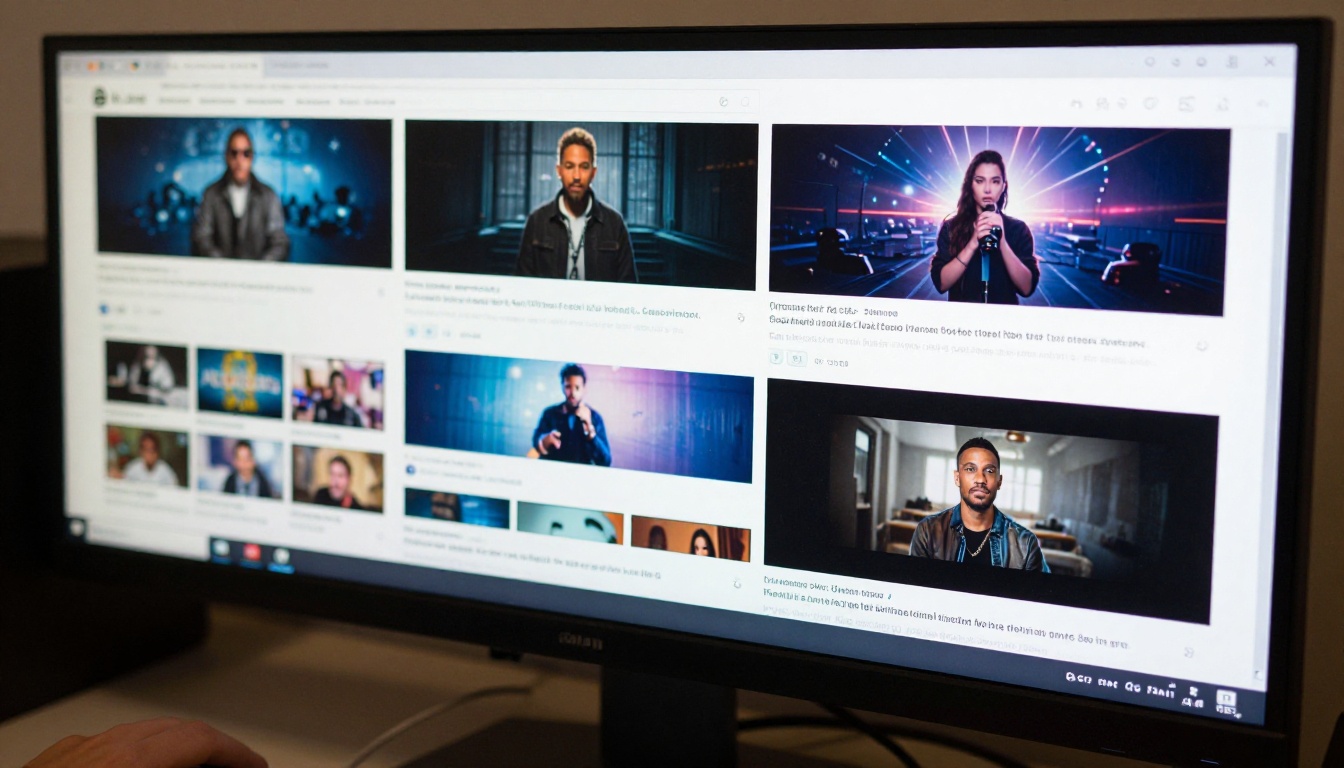
Seedance 2.5 Lite is a free, unlimited text-to-video and image-to-video generator supporting clips up to 10 seconds. It runs on the same underlying architecture as the paid Seedance tiers, so the motion quality is solid rather than visibly downgraded from what the platform is actually capable of.
For anyone who wants to run through a high volume of prompt iterations without credit anxiety, this is the right starting point. There's no daily cap and no watermark on outputs, which makes it genuinely useful rather than just a preview of the paid tier.
PicassoIA Video
PicassoIA Video is the platform's own free unlimited generator, accepting both text prompts and image inputs. It's optimized for speed and accessibility rather than cinematic quality, which makes it the right tool for the 3-video rule testing approach described above.
Use it to iterate fast and identify what works, then move to a quality model like Kling v3 Video or Seedance 2.5 for the final output.
Ray Flash 2 720p
Ray Flash 2 720p from Luma AI is a free generator that outputs at 720p resolution, above the quality cap most free tiers impose. Generation speed is fast and the motion handling is particularly consistent for outdoor scenes, natural movement, and wide establishing shots.
It's a good example of why reviewing the full model catalog before you start matters. A free model at 720p is often better than a paid model at 480p for the same use case, and you won't know that without looking.
Wan 2.1 I2V 720p
Wan 2.1 I2V 720p rounds out the free tier with image-to-video capability at 720p resolution, no credits required. For anyone following the I2V workflow described in Way 2, this model lets you run the entire test-and-iterate loop at no cost before moving to premium models for final outputs.
Start Creating Right Now
If you've been sitting on a free trial waiting until you figure out the right way to use it, this is it. Pick one model from the list above, write a motion-first prompt, and run it. That first generation teaches you more than any amount of reading can.
PicassoIA has over 120 text-to-video and image-to-video models, plus free unlimited options that don't expire. Whether you're testing concepts for a client project, producing social content, or just curious about what these tools can actually produce, the five strategies above will get you to a usable result faster than starting without a plan.
The full model catalog is at picassoia.com/en/all-models. Filter by category, check which models are free, and start with one that fits what you're actually trying to make.
The credits you don't waste on bad prompts are the credits that produce something worth keeping.


