Scroll through any AI image community for five minutes and a pattern appears: some images collect thousands of saves, reposts, and comments while the rest disappear in seconds. The difference is almost never the model. It is almost always the prompt. Specifically, six repeatable structural tricks that show up in every image that stops a scroll.
These are not vague tips about being "more descriptive." They are precise, copyable formulas you can drop into any prompt today and see immediate results.

The gap between generic and viral
"A beautiful woman in a city at night" is a complete prompt. It is also forgettable. It lacks the sensory specificity that makes a viewer stop, zoom in, and save.
Viral AI images share three things: they feel real, they carry emotion, and they have something worth looking at twice. Generic prompts produce generic images because they leave every creative decision to the model. The tricks below take those decisions back.
💡 The more specific your prompt, the less the model has to guess. Every vague word in your prompt is a coin flip you're handing over.
What "going viral" actually means for AI images
Virality in AI image communities is not random. Images that consistently perform well share a visual language: cinematic framing, emotional subtext, tactile textures, and a sense of a story frozen mid-moment. That language is reproducible with the right prompt structure.
The three questions every viral AI image answers:
- What is happening in this exact millisecond?
- How does this scene feel?
- What detail rewards a second look?
If your prompt does not answer all three, the image will scroll by.
Trick 1: Name the Camera, Not Just the Subject
The lighting formula that wins every time
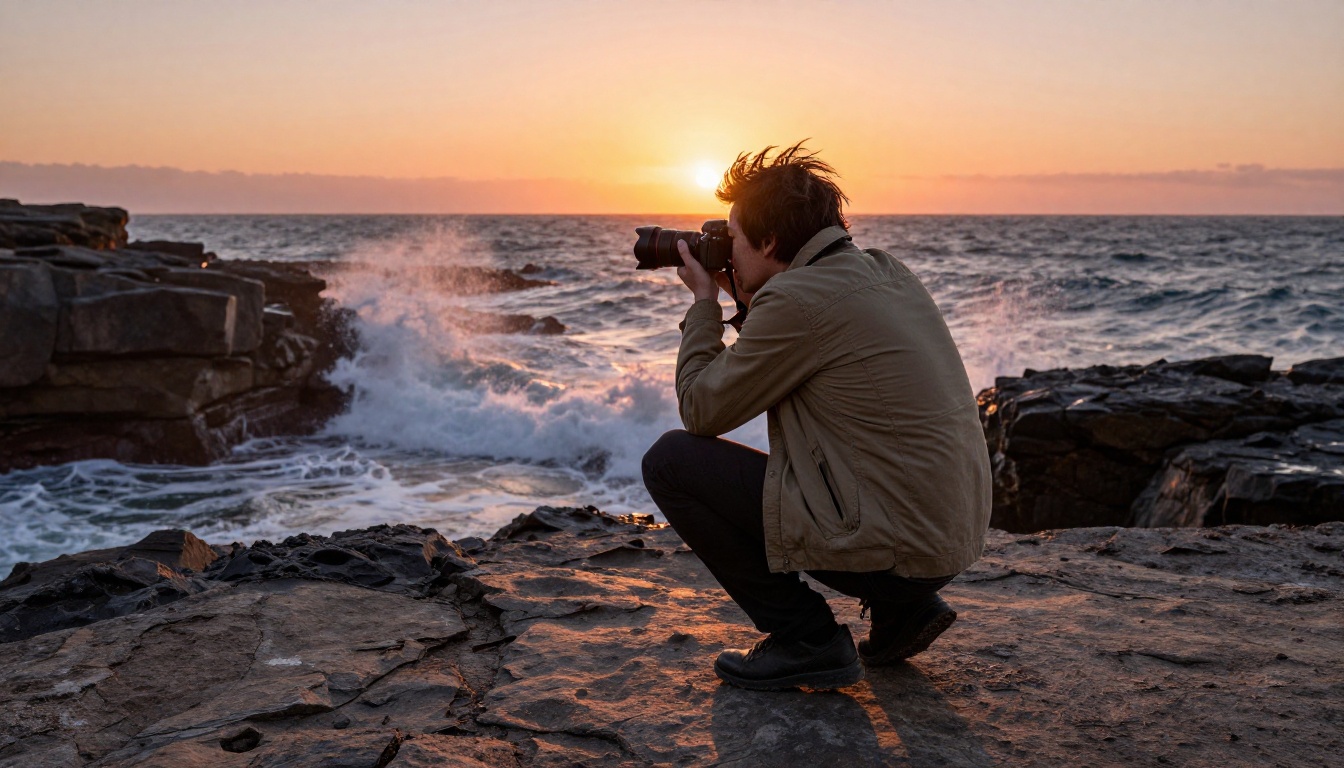
The single fastest way to go from forgettable to shareable is to stop describing what is in the image and start describing how it is lit. Lighting is the emotional bedrock of any photograph, real or AI-generated.
The formula:
[Light source] + [Direction] + [Quality] + [Secondary fill light]
| Weak Prompt | Strong Prompt |
|---|
| "sunset lighting" | "warm golden hour sun from the left, casting long shadows across wet pavement" |
| "good lighting" | "diffused overcast window light from above, warm practical lamp fill on the right" |
| "dramatic" | "single-source candle light from below, deep shadows, rim light from a doorway behind" |
Add film stock to every photorealistic prompt. "Kodak Portra 400" tells the model to warm skin tones, add subtle grain, and lean toward analog realism. "Fuji Pro 400H" pushes toward cooler pastel tones. These are not decorative words. They carry encoded aesthetic information that shifts the entire output.
Real lighting strings to copy directly
"volumetric morning light from the east, long shaft of sun through venetian blinds, warm amber on wood floors, Kodak Portra 400 grain""soft diffused overcast light, no hard shadows, cool tones with warm practical fill from a television screen, Fuji Superia 400""harsh overhead midday sun, bleached concrete, sharp blue shadows, film grain, Mediterranean summer heat"
Each of these strings will produce dramatically different emotional registers from the same subject. Test one subject with all three to see how much lighting alone controls the mood.
Trick 2: Give the Scene Emotional Weight
More than a face expression
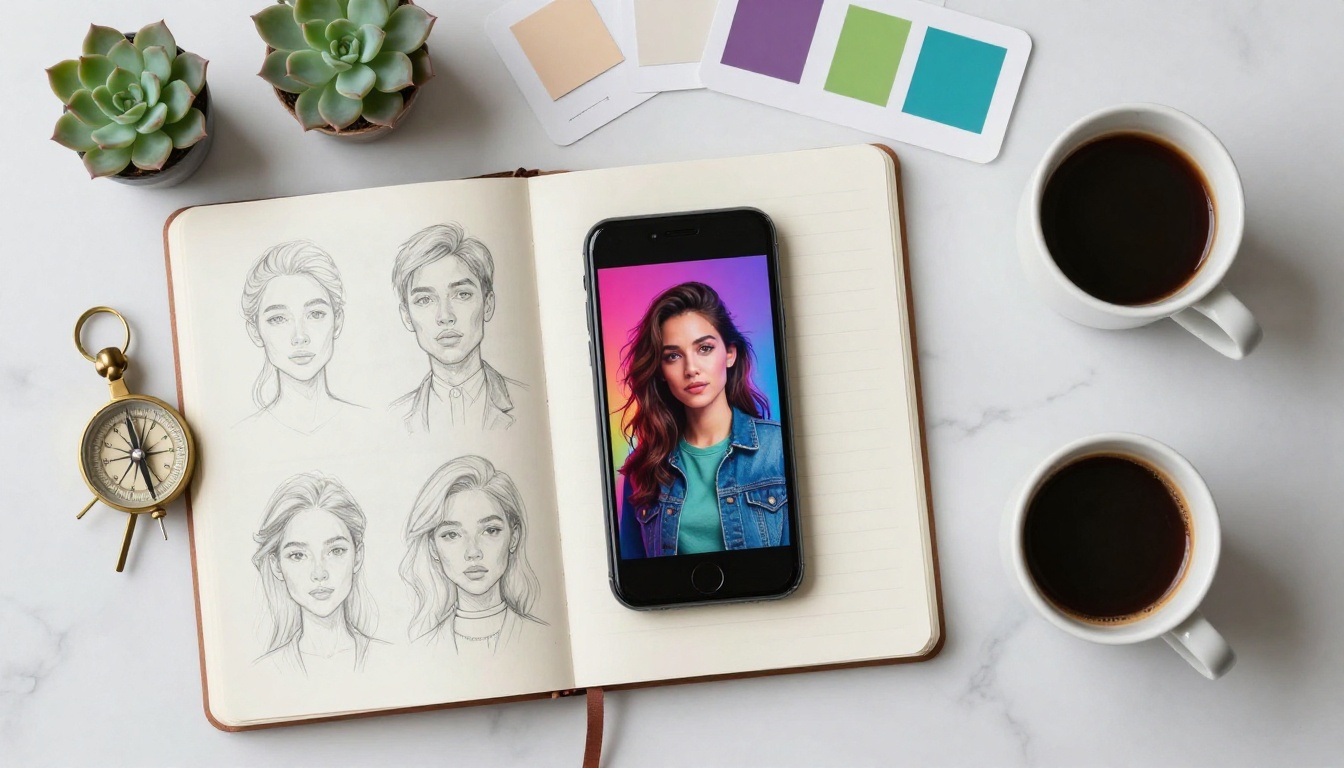
Prompting for an emotion in a face works. Prompting for an emotion in the entire scene is what goes viral.
Instead of "a woman looking sad," try: "a woman sitting alone at a diner booth after midnight, half-eaten slice of pie, coffee going cold, hands wrapped around the mug, rain on the window behind her." You have not written the word "sad" once. You do not need to.
💡 The image should feel something before the viewer consciously decides how to interpret it. That pre-conscious emotional hit is what drives saves.
Atmosphere stacks for each emotional register
Melancholy: empty spaces, abandoned objects, fading light, overcast sky, solo figures, long shadows
Joy: warm golden light, motion blur on laughter, overexposed highlights, summer textures, multiple people close together
Tension: deep shadows, tight framing, single practical light, figure in partial silhouette, negative space above
Intimacy: shallow depth of field, soft focus on hands or eyes, muted tones, close physical proximity, whisper-level detail
Pick one emotional register per image and build the entire environment around it. Mixing registers produces images that confuse the viewer and destroy shareability. A joyful composition with dramatic shadows reads as incoherent, not complex.
Trick 3: Specify the Exact Moment

Time of day as a mood weapon
The hour in a prompt is one of the most underused tools in prompt writing. Not "daytime" or "night" but the precise, named moment:
- Blue hour (15 minutes after sunset): coolest tones, equal ambient and artificial light, zero harsh shadows
- Golden hour (first 30 minutes after sunrise): maximum warmth, long horizontal shadows, glowing edges on surfaces
- Magic hour dusk: deep pink and purple in the upper sky, warm amber just above the horizon
- Late afternoon (3pm summer): harsh diagonal shadows, bleached colors, hot concrete atmosphere
- Overcast noon: perfectly diffused light, no shadows, clinical clarity, colors pop without warmth
Each of these is a complete mood instruction. The model knows exactly what to do with "blue hour dusk in a Mediterranean city" in a way it cannot execute on "nice evening lighting."
"Frozen in time" language
Viral images feel like they captured an impossible millisecond. Use language that implies a specific split-second:
- "hair mid-flip, caught by the wind"
- "water droplet frozen mid-splash on sunlit marble"
- "smoke curling upward from an extinguished match, still connected"
- "footprints in wet sand, wave just beginning to erase the closest one"
- "eyes half-closed mid-laugh, catching the light"
This language triggers the model to capture motion at peak expression, which makes images feel cinematic and alive rather than posed and static. Static images scroll. Kinetic images stop thumbs.
Trick 4: Add a Story Without Writing One

Objects that tell stories
Every object in a well-crafted prompt carries narrative weight. A half-drunk glass of wine on a nightstand tells a different story than a full one or an empty one. Specificity creates subtext, and subtext creates the kind of engagement that drives real sharing.
High-subtext objects to add to any scene:
- A handwritten note (unread, folded, or torn in half)
- A pair of shoes left by a door
- A phone lying face-down on a table
- A single lit candle beside an unlit second one
- A packed suitcase near an unmade bed
- A wilting flower in an otherwise fresh bouquet
- A jacket on a chair that belongs to someone not in the frame
None of these require explanation. They arrive with meaning attached. The viewer's brain fills in the rest, and that active interpretive work is what drives saves and reposts. People share images that make them feel like they figured something out.
Environmental storytelling
The background is not decorative. It is narrative. A woman in a red dress looks completely different against:
- A clean white wall (isolation, elegance, studio calm)
- A crumbling building facade (contrast, tension, beauty in decay)
- A crowded street where everyone ignores her (loneliness, invisible beauty)
- An empty ballroom at dawn (aftermath, memory, something ended)
Use the environment to extend the story beyond the subject. Every viral image has a question embedded in it: what just happened? or what happens next? Build both into the prompt and the image answers itself.
Trick 5: Control the Camera Angle
Low-angle vs aerial: when to use each
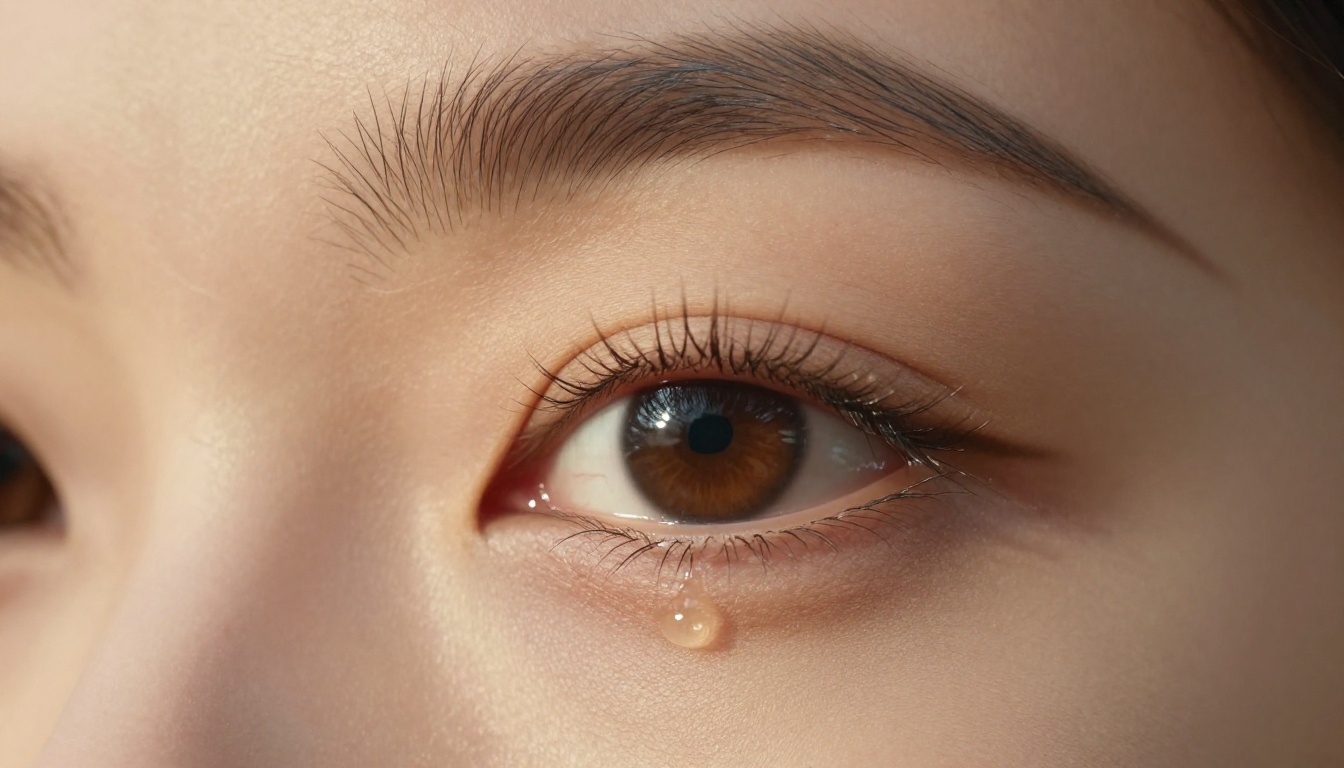
Camera angle is the most direct way to control how a viewer feels about the subject. It is also the most commonly omitted element in weak prompts.
| Angle | Effect | Best Used For |
|---|
| Low angle, looking up | Power, scale, dominance | Architecture, dramatic portraits, authority figures |
| Eye level | Intimacy, realism, connection | Portraits, candid street scenes, lifestyle |
| Slightly above | Vulnerability, softness | Emotional scenes, fashion, beauty |
| Aerial / bird's eye | Context, isolation, pattern | Landscapes, crowds, flat-lay compositions |
| Dutch tilt (slight rotation) | Unease, tension, instability | Action, conflict, disorienting narratives |
Most AI prompts default to "eye level straight on" because that is the invisible default. Choosing any other angle immediately separates your output from 90% of what gets generated.
Lens choice and depth of field
The lens is the final layer of camera control, and it is one the model responds to precisely:
- 85mm f/1.4: Portrait standard. Flatters faces, compresses background, produces creamy bokeh
- 35mm f/2.0: Documentary feel. Natural perspective with slight environmental context
- 24mm f/8: Wide environmental storytelling. Subject in full context, front-to-back sharpness
- 100mm macro: Extreme close-up texture. Skin pores, fabric weave, surface grain
Write the lens directly into the prompt. "Shot with an 85mm f/1.4 lens, shallow depth of field" is not a technical flourish. It is an instruction the model uses to produce a very specific visual result. GPT Image 2 in particular follows lens specifications with impressive accuracy.
Trick 6: The Texture Stack
Why texture makes images feel real
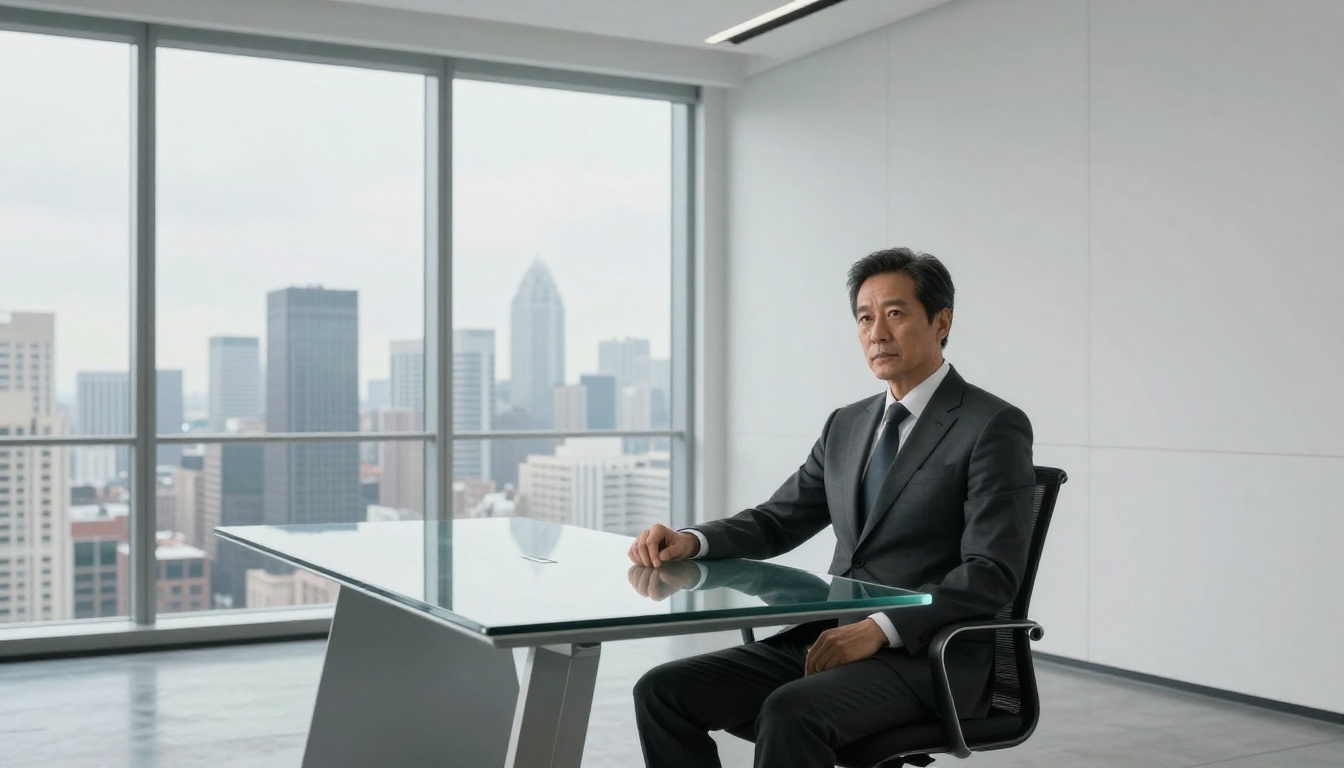
The fastest way to spot an AI image used to be texture: AI-generated skin looked plastic, fabric looked painted, surfaces were smooth in the wrong places. Models have improved enormously, but they still default to "clean" unless instructed otherwise.
Viral photorealistic images have texture stacked at three distinct levels:
- Micro-texture: Skin pores, fabric threads, paper grain, hair follicle detail
- Surface texture: Worn leather, brushed concrete, weathered wood, polished marble veining
- Atmosphere texture: Film grain, subtle lens vignette, chromatic aberration at image edges
The 3-layer texture formula
Build these layers in order for any photorealistic prompt:
[Subject with micro-detail] + [Surface material description] + [Film stock and atmosphere]
Example build:
- Baseline: "a woman in a leather jacket"
- Layer 1: "a woman in a worn black leather jacket with visible grain and stress creases at the elbows"
- Layer 2: "standing against a brushed concrete wall with faint graffiti traces and moisture stains near the base"
- Layer 3: "shot on Kodak Portra 800, slight film grain, soft lens vignette at the corners, shallow focus"
The final result reads like documentary photography. That quality level is what gets saved.
💡 Film grain is your most powerful single realism modifier. A prompt with "subtle 35mm film grain" will consistently outperform the exact same prompt without it.
Quick texture reference by material:
| Surface | Prompt Language |
|---|
| Skin | "visible pores, fine hair detail, natural subsurface scattering" |
| Fabric | "fabric weave texture, thread detail, natural wrinkle and drape" |
| Concrete | "brushed concrete, aggregate visible, faint moisture stains" |
| Wood | "wood grain direction, knot detail, slight surface sheen" |
| Metal | "brushed metal grain, fingerprint traces, edge highlight" |
Which Models Handle These Tricks Best

Top picks for photorealism
Not every model interprets detailed prompts equally. For the tricks above, particularly lighting descriptions, texture stacking, and lens specifications, some models respond significantly better than others.
GPT Image 2 is currently the most capable model for following complex, multi-layered prompts with high fidelity. It handles lighting descriptions, film stock instructions, and lens specifications with accuracy that other models only approximate. For prompts that use all six tricks simultaneously, this is the first choice.
Seedream 4.5 produces 4K output with strong adherence to compositional instructions. For the camera angle and depth of field tricks specifically, it renders lens characteristics with notable precision and consistency across multiple generations.
Hunyuan Image 3 handles emotionally complex scenes particularly well. Its interpretation of atmospheric lighting and environmental storytelling is among the strongest available, making it ideal for Tricks 2 and 3.
Flux Kontext Fast is the iteration model. When testing variations of a lighting formula or texture stack, running them through Flux Kontext Fast first lets you validate the direction before committing to a heavier generation. Fast enough to run 10 variations in a sitting.
Best for stylized and creative prompts
Recraft 20B handles style direction with exceptional precision. When the prompt specifies a visual register (documentary, editorial, glamour, fashion), Recraft 20B commits fully to that register rather than averaging between styles.
Flux Schnell LoRA with custom weights lets you apply a consistent visual style across a series of images. For creators building a recognizable aesthetic, this produces the most coherent output across multiple generations.
Flux Fast is the starting point for experimentation. Fast, free, and responsive enough for rapid prompt testing before moving to premium models.
Model comparison at a glance
Your Next Image Is One Prompt Away

The six tricks above are not theoretical. They are the structural patterns behind images that actually stop scrolls: precise lighting instructions, layered emotion, frozen-moment language, narrative objects, deliberate camera angles, and stacked texture.
The fastest way to see the difference is to take any prompt you have used before and apply all six layers to it. Not one or two. All six. The gap between before and after is almost always large enough to see on the first generation.
A full prompt built with all six tricks:
"A woman in her thirties sitting alone at a rain-streaked window in a late-night diner, hands wrapped around a coffee mug that is going cold, half-eaten slice of pie beside her, a folded note on the table she hasn't opened yet. Blue-hour light from the street outside mixing with warm tungsten lamp from above, long reflections in the wet glass. Shot from eye level at 50mm f/2.0, shallow depth of field, fine skin pore texture, worn vinyl booth texture, Kodak Portra 800 film grain, soft vignette. --ar 16:9 --style raw"
Every single one of the six tricks is in that prompt. Compare the output to "a woman sitting in a diner at night" and the difference is the entire point.
You can run all of these experiments on Picasso IA with access to over 90 text-to-image models in one place. Start with Flux Fast for rapid iterations, then move to GPT Image 2 or Seedream 4.5 when you have a prompt formula worth committing to.
Take the lighting formula from Trick 1, pick one emotional register from Trick 2, and start there. The rest of the six layers build naturally once those two are locked in.
💡 Build a personal prompt library. Every time a combination produces something worth sharing, save the exact prompt text. Your prompt library compounds in value over time in a way that any single image cannot.


