The race to produce the most photorealistic, creative, and capable AI image generators has never been more competitive. In 2027, the gap between the top tools and the rest has widened dramatically, with a handful of models producing outputs that are genuinely indistinguishable from photographs. Whether you are a designer, content creator, marketer, or just someone who wants to visualize an idea, picking the right AI image generator shapes everything from your workflow to your final output quality.
This breakdown covers the 7 best AI image generators available right now, ranked on real output quality, photorealism, text rendering, speed, and practical value for creative work.
Ranking AI image generators in 2027 is not as simple as running a few prompts and calling it done. The field has matured enough that subtle differences in lighting rendering, skin texture, depth of field simulation, and compositional coherence separate the leaders from the pack.
Our criteria:
- Photorealism score: How convincingly does the output pass as a real photograph?
- Prompt adherence: Does the model produce what you actually described?
- Text rendering: Can it place legible, accurate text within images?
- Speed: How long from prompt to result?
- Commercial viability: Can outputs be used in professional or commercial work?
- Accessibility: Is there a free tier or affordable access?
With those benchmarks set, here are the 7 best tools right now.
#1 Flux 2 Pro Wins on Raw Photorealism
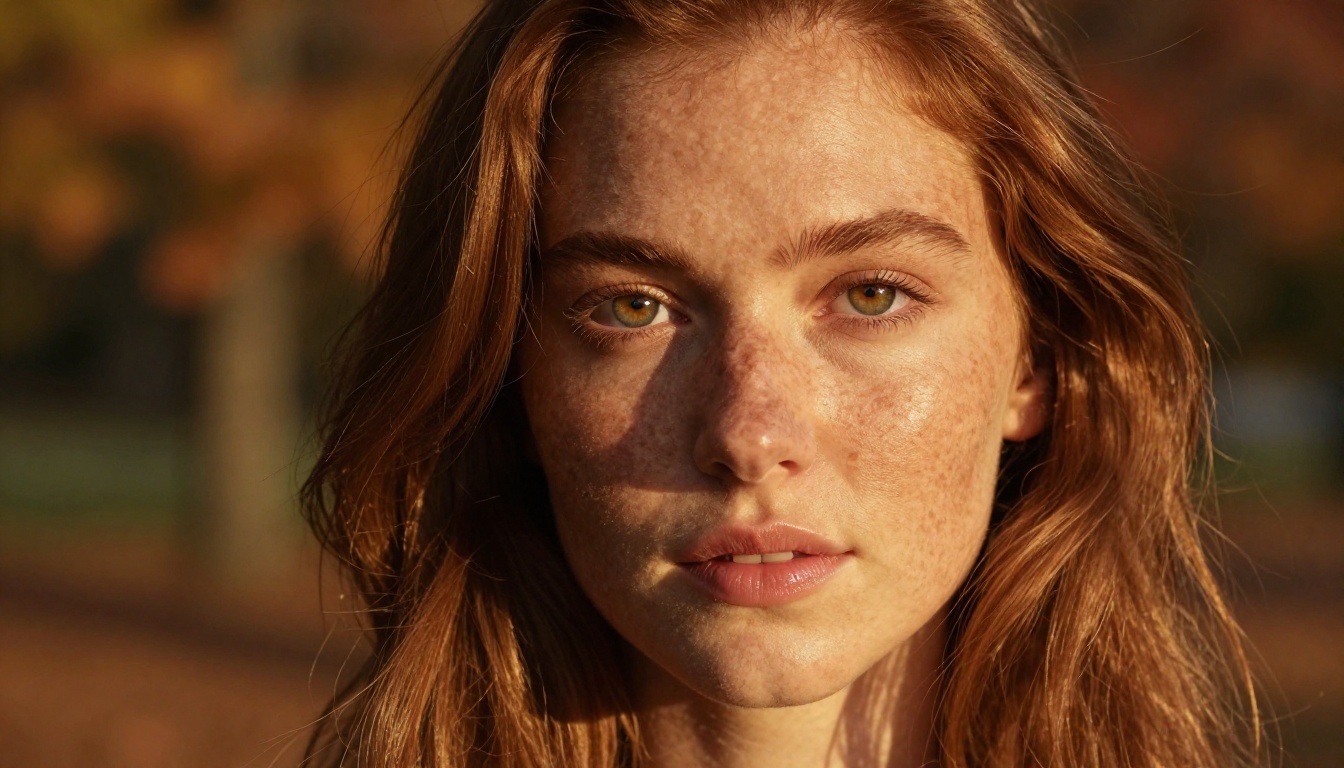
Flux 2 Pro from Black Forest Labs sits at the top of nearly every photorealism benchmark in 2026, and using it makes clear why. The model renders human subjects with an almost unsettling level of accuracy: individual pores, realistic catchlights in the eyes, coherent hair strands, and natural skin tone variation. Shadow fall-off across faces follows real-world physics, not the soft uniformity that plagued earlier generation models.
What separates it from older Flux versions
Flux 2 Pro represents a substantial jump over Flux 1.1 Pro and even Flux 1.1 Pro Ultra. The improvements are most visible in complex scenes: crowds, architectural interiors, and multi-subject compositions no longer show the object-boundary blurring that was a tell in earlier outputs. Material surfaces, whether silk, stone, or skin, render with distinct tactile quality.
Flux Dev and Flux Schnell remain excellent options for draft iterations and rapid prototyping within the same model family.
Best use cases for Flux 2 Pro
- High-fidelity portrait photography for editorial or commercial use
- Architectural visualization with photorealistic material rendering
- Product photography mockups where surface quality matters
- Cinematic stills and film production concept art
Pro tip: Flux 2 Pro responds exceptionally well to camera specification prompts. Specifying lens focal length, aperture, and film stock (e.g., "85mm f/1.4, Kodak Portra 400") produces dramatically more photorealistic and consistent results than generic prompts.
Flux 2 Pro at a glance:
| Feature | Rating |
|---|
| Photorealism | ★★★★★ |
| Prompt adherence | ★★★★★ |
| Text rendering | ★★★☆☆ |
| Speed | ★★★★☆ |
| Free tier | Yes, via PicassoIA |
#2 Imagen 4 Ultra for Landscape and Detail
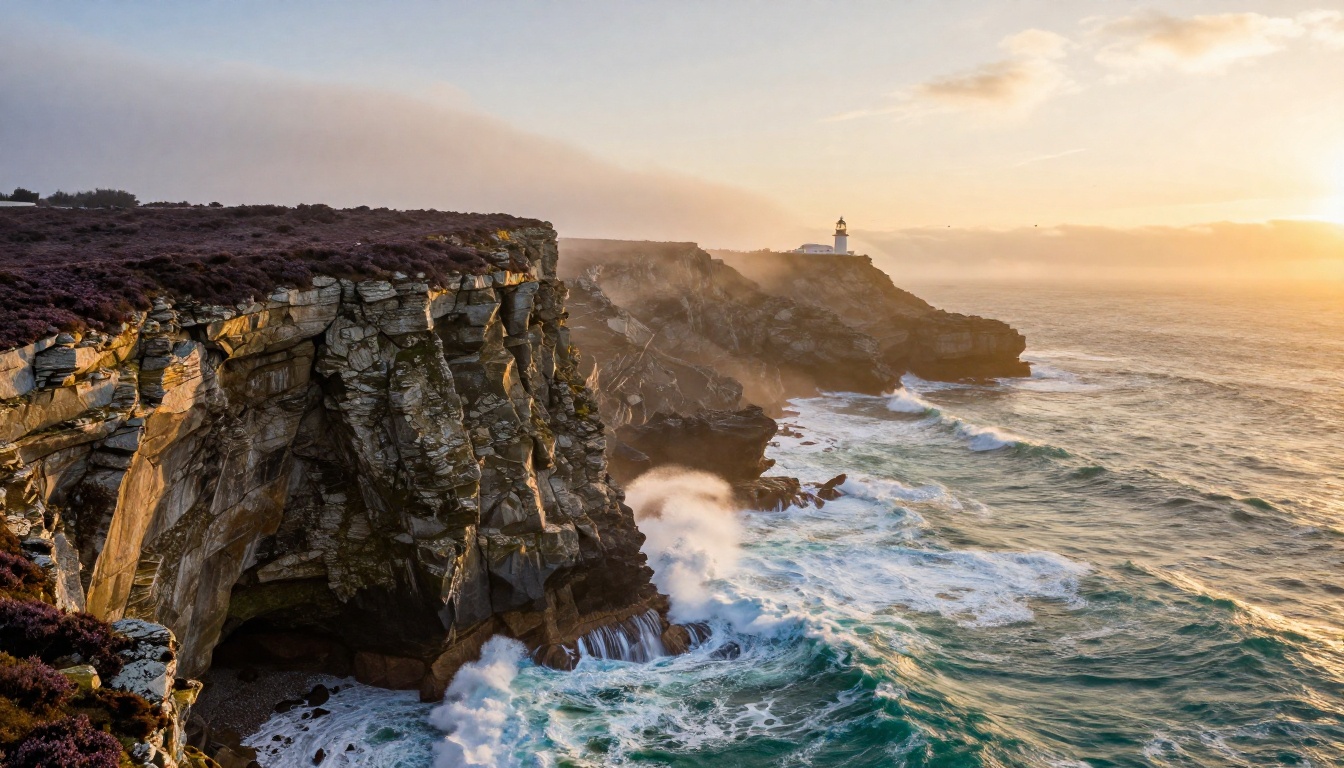
Google's Imagen 4 Ultra sets the benchmark for environmental and landscape rendering in 2027. Where Flux 2 Pro excels with human subjects, Imagen 4 Ultra's strength lies in the richness of its non-human outputs: foliage, water, atmospheric haze, architectural detail, and complex natural environments.
Where Imagen 4 Ultra pulls ahead
The model's handling of light is exceptional. Volumetric rays, caustic reflections on water, and the nuanced color shift from golden hour to blue hour are rendered with a sophistication that makes competing models look slightly artificial. Aerial compositions and wide-angle environmental shots are where the difference between Imagen 4 Ultra and the competition becomes most visible.
Imagen 4 Fast offers a quicker version of the same architecture for workflows where iteration speed matters more than absolute quality ceiling.
Who should use Imagen 4 Ultra
- Travel and tourism content creators
- Real estate and architectural visualization professionals
- Stock photography producers targeting nature and landscape categories
- Brand teams building visual identity around natural environments
Pro tip: Imagen 4 Ultra responds better to atmospheric descriptors than technical camera specs. Phrases like "soft morning mist," "raking late afternoon light," and "overcast diffused illumination" yield noticeably richer environmental outputs than lens specifications alone.
Imagen 4 Ultra at a glance:
| Feature | Rating |
|---|
| Photorealism | ★★★★★ |
| Prompt adherence | ★★★★★ |
| Text rendering | ★★★☆☆ |
| Speed | ★★★☆☆ |
| Free tier | Yes, via PicassoIA |
#3 GPT Image 1.5 for Instruction-Following
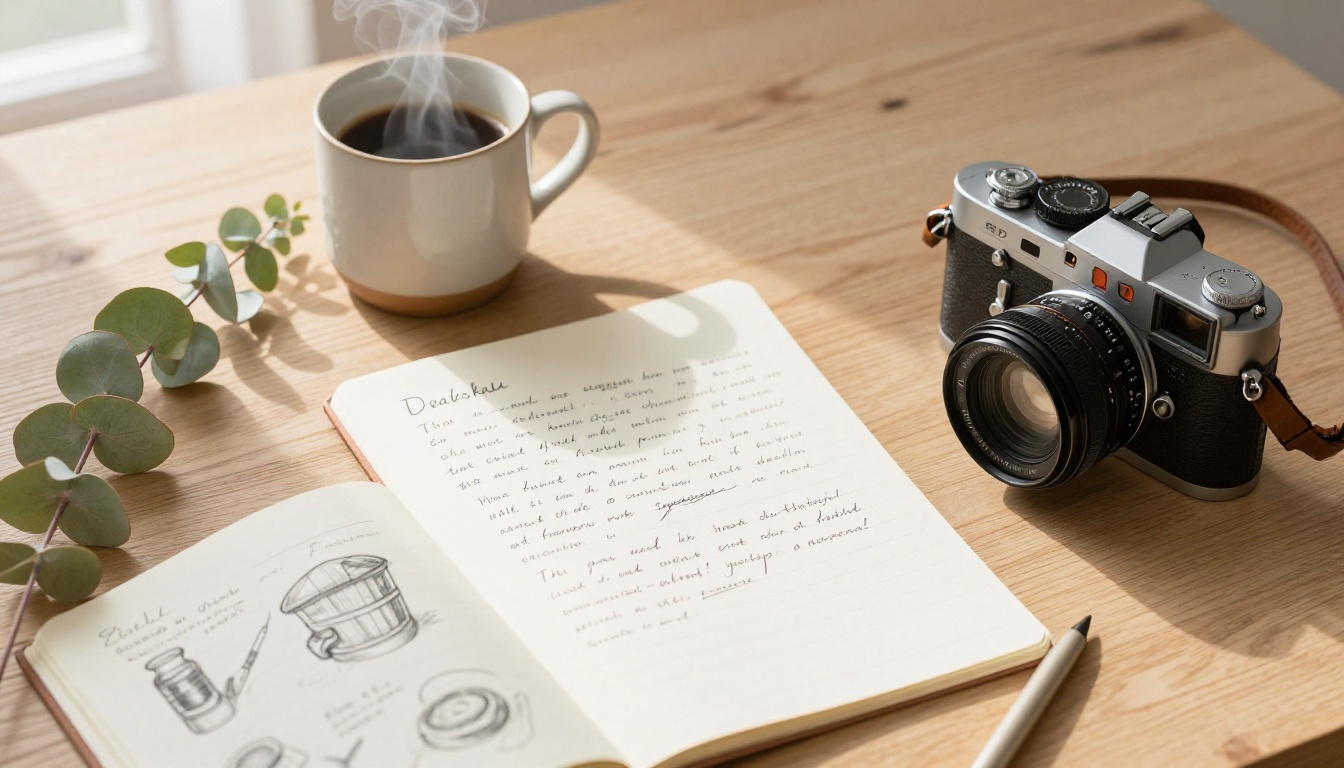
GPT Image 1.5 from OpenAI takes a fundamentally different approach to image generation than diffusion-based models. It treats image generation as a reasoning task, interpreting complex, multi-part prompts with a coherence that pure diffusion models frequently miss.
Why prompt fidelity matters
If you have ever written a detailed 150-word prompt and received an output that ignored half of it, you understand what prompt adherence really means. GPT Image 1.5 handles multi-subject scenes, specific spatial relationships, and detailed attribute combinations more reliably than almost any other model. Asking for "a left-handed woman holding a red umbrella with a yellow handle, standing in front of a blue door, with a tabby cat on the step beside her" and getting exactly that is genuinely novel in 2026.
The model also produces clean transparency layers, making it particularly valuable for product design, UI mockups, and any workflow that involves compositing outputs into other visual environments.
Where GPT Image 1.5 fits
- Content teams requiring very specific visual compositions
- E-commerce product imagery with precise attribute control
- Design workflows integrating AI-generated elements into existing layouts
- Social media assets requiring consistent brand attribute rendering
Pro tip: GPT Image 1.5 benefits from structured prompts that specify scene elements in clear priority order. Lead with your primary subject, then environment, then lighting, then secondary details. This mirrors how the model internally reasons about the scene and reduces misinterpretation.
GPT Image 1.5 at a glance:
| Feature | Rating |
|---|
| Photorealism | ★★★★☆ |
| Prompt adherence | ★★★★★ |
| Text rendering | ★★★★☆ |
| Speed | ★★★★☆ |
| Free tier | Yes, via PicassoIA |
#4 Ideogram v3 Quality Owns Typography

Text rendering in AI-generated images was, until recently, a running joke. Distorted letters, hallucinated characters, and garbled typography were the reliable output of even the best models when asked to include words. Ideogram v3 Quality changed that conversation entirely.
What makes Ideogram v3 special for text
Ideogram v3 Quality renders accurately spelled, stylistically consistent typography with a reliability no other model matches. Product mockups, poster designs, book covers, signage, and branded imagery that require legible text are now viable AI generation tasks. The model handles serif, sans-serif, script, and display typefaces with coherent letterform rendering across the entire output.
Ideogram v3 Turbo and Ideogram v3 Balanced offer faster variants within the same family for use cases where absolute text accuracy can yield slightly to speed requirements.
Best scenarios for Ideogram v3 Quality
- Book cover and editorial design mockups
- Poster, flyer, and event graphic creation
- Brand identity concepts featuring logotype treatments
- Social media templates with embedded text content
Pro tip: Enclose exact text in quotation marks within your prompt. Specifying "a minimalist poster with the words 'SPRING EDIT' in bold condensed sans-serif" reliably outperforms unquoted text specification and reduces character hallucination significantly.
Ideogram v3 Quality at a glance:
| Feature | Rating |
|---|
| Photorealism | ★★★★☆ |
| Prompt adherence | ★★★★☆ |
| Text rendering | ★★★★★ |
| Speed | ★★★☆☆ |
| Free tier | Yes, via PicassoIA |
#5 Recraft v4 Pro for Commercial-Ready Outputs
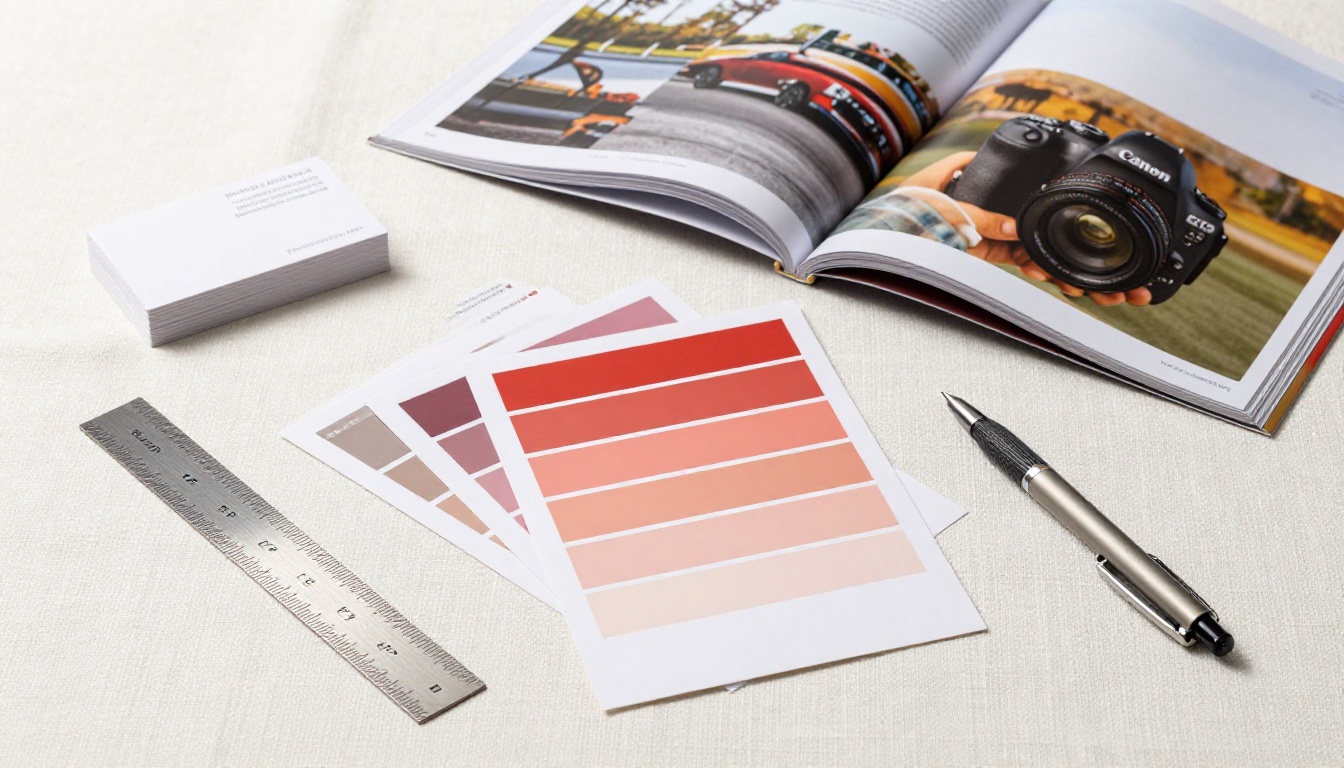
Recraft v4 Pro is built with a different audience in mind than most AI image generators: professional designers and brand teams who need outputs that slot directly into production workflows without extensive post-processing or cleanup.
Why designers choose Recraft v4 Pro
The model was trained with commercial design principles baked in. Its outputs show consistent compositional balance, controlled color palettes, and clean edge definition that make them significantly easier to work with in applications like Figma, Adobe Illustrator, or InDesign. Brand asset creation, style system development, and marketing collateral production are where it genuinely earns its place in a professional toolkit.
Recraft v4 provides the same core quality at the standard tier, while Recraft v4 Pro SVG extends the capability to scalable vector output for logos, icons, and print assets that need to scale without quality loss.
Who benefits most from Recraft v4 Pro
- Brand design studios producing client-facing visual assets at scale
- Marketing teams generating campaign imagery across multiple formats
- Social media agencies requiring consistent, on-brand visual output
- Packaging designers needing clean, compositable product imagery
Pro tip: Recraft v4 Pro handles style reference prompts exceptionally well. Describing the visual language of a brand category ("clean Scandinavian minimalism," "warm artisan food photography," "bold athletic streetwear") rather than abstract aesthetic adjectives produces more actionable and consistent outputs across a campaign.
Recraft v4 Pro at a glance:
| Feature | Rating |
|---|
| Photorealism | ★★★★☆ |
| Prompt adherence | ★★★★★ |
| Text rendering | ★★★★☆ |
| Speed | ★★★★☆ |
| Free tier | Yes, via PicassoIA |
#6 Seedream 4.5 Produces True 4K Detail

ByteDance's Seedream 4.5 addresses a problem that has quietly frustrated professional users of AI image generation: resolution. Most AI image generators produce outputs that look impressive at web scale but fall apart under the scrutiny of large-format printing, billboard output, or high-DPI display environments.
The resolution difference in practice
Seedream 4.5 generates images at true 4K resolution with micro-detail preservation that holds up at 200% zoom: individual textile fibers in clothing, pore-level skin detail, realistic grain in wooden surfaces, and filament-level grass and plant rendering. For any use case where the final output will be printed large or displayed at high resolution, this distinction matters enormously.
Seedream 4 and Seedream 5 Lite complete the family for users who need varying trade-offs between resolution ceiling and processing time.
Where Seedream 4.5 is the right choice
- Large-format print production: posters, banners, billboards
- High-DPI screen wallpapers and display content
- Stock photography with print licensing requirements
- Fine art reproduction and gallery-quality prints
Pro tip: Seedream 4.5 responds well to explicit surface texture specifications. Describing material properties directly ("rough-hewn granite with visible quartz inclusions," "raw silk with visible weft and warp weave") produces texture fidelity that smaller-output models simply cannot match at equivalent zoom levels.
Seedream 4.5 at a glance:
| Feature | Rating |
|---|
| Photorealism | ★★★★★ |
| Prompt adherence | ★★★★☆ |
| Text rendering | ★★★☆☆ |
| Speed | ★★★☆☆ |
| Free tier | Yes, via PicassoIA |
#7 Stable Diffusion 3.5 Large for Open-Source Workflows

Stable Diffusion 3.5 Large occupies a unique position in this ranking: it is the only fully open-source model here, and that distinction matters for a meaningful segment of users. Researchers, developers, enterprise teams with data privacy requirements, and anyone running local workflows on their own hardware have a different set of priorities than users of hosted commercial APIs.
Why open source still wins in specific contexts
Data sovereignty, offline capability, full pipeline control, no per-generation cost at scale, and the ability to fine-tune on proprietary datasets are advantages that no API-based model can match. Stable Diffusion 3.5 Large delivers all of that alongside image quality that genuinely competes with commercial models on a wide range of creative tasks.
Stable Diffusion 3.5 Large Turbo provides a faster inference variant for pipelines where generation throughput is a primary constraint, and Stable Diffusion 3.5 Medium covers mid-tier hardware requirements without sacrificing the open model weight access.
Who runs Stable Diffusion 3.5 Large
- Machine learning researchers building on open model weights
- Enterprise teams with data governance or compliance requirements
- Developers integrating image generation into applications without API dependency
- Studios fine-tuning on proprietary visual datasets for brand-specific and consistent outputs
Pro tip: Stable Diffusion 3.5 Large benefits significantly from LoRA fine-tuning. If you have a consistent character, product, or visual style you need across many outputs, investing in a LoRA trained on reference images cuts prompt complexity dramatically and improves cross-generation consistency.
Stable Diffusion 3.5 Large at a glance:
| Feature | Rating |
|---|
| Photorealism | ★★★★☆ |
| Prompt adherence | ★★★★☆ |
| Text rendering | ★★★☆☆ |
| Speed | ★★★★☆ |
| Open source | Yes |
All 7 Models Side by Side
Here is how the 7 tools compare across the dimensions that actually matter for creative professionals in 2026:
How to choose between them:
- You shoot portraits or fashion content: Flux 2 Pro
- You produce travel, nature, or environmental content: Imagen 4 Ultra
- You need precise scene composition and complex prompts: GPT Image 1.5
- You are designing anything with legible text: Ideogram v3 Quality
- You are a designer working in a professional brand context: Recraft v4 Pro
- Your work ends up printed or displayed at large format: Seedream 4.5
- You need full pipeline control, privacy, or fine-tuning capability: Stable Diffusion 3.5 Large
3 Common Mistakes When Choosing a Model
Most people pick an AI image generator based on a social media post or a single impressive output they saw online. That is how you end up using the wrong tool for your actual workflow.
Mistake 1: Optimizing for the viral demo, not your use case. A model that produces stunning abstract compositions might be terrible at the specific type of content you actually need. Test your real prompts, not the curated examples shown on the model's landing page.
Mistake 2: Ignoring commercial licensing. Not all AI-generated images carry the same rights. Some models produce outputs with restrictions on commercial use. Before building a production pipeline, verify the licensing terms for your specific use case and market.
Mistake 3: Treating prompt quality as optional. Every model on this list responds to prompt quality. Vague prompts produce mediocre results from even the best model. Specific prompts with clear subject, environment, lighting, and compositional direction consistently produce better outputs than shorter descriptions, regardless of which model you use.
Run Your Prompts Across All 7 Models

Every model covered in this article, from Flux 2 Pro to Stable Diffusion 3.5 Large, is accessible through PicassoIA without switching between platforms, managing separate API keys, or setting up local environments. You can run the same prompt through multiple models and compare outputs directly, which is genuinely the fastest way to find which tool produces the results your specific workflow needs.
Access to Imagen 4 Ultra, Ideogram v3 Quality, Recraft v4 Pro, Seedream 4.5, and GPT Image 1.5 through a single interface means no context-switching overhead. Write your prompt once, run it across models, and pick the output that actually works for your project.
The best AI image generator is the one you have tested against your real prompts. Stop guessing based on benchmarks and start running your actual creative briefs through the tools that matter to you.


