The tools sitting inside your browser right now can do things that would have seemed physically impossible five years ago. We're talking about photorealistic portraits from three lines of text, alpine landscapes that outperform professional photography, and detailed character illustrations rendered in under a second, all completely free, no subscription required.
These aren't hobbyist toys. The 7 free AI image generators in this article are the same engines powering commercial campaigns, stock libraries, and independent creative studios worldwide. The only difference between you and the people charging for this work is that they know which tools to use.
Here's exactly what each one does, why it's worth your time, and where you can start right now.
The jump in quality over the past 18 months has been staggering. Models that once required high-end GPUs and command-line setup now run instantly in a browser tab. Open weights, faster inference chips, and fierce competition between labs have pushed the technology into genuinely spectacular territory.
The Speed Shift Nobody Expected
The bottleneck used to be compute time. Generating a single image could take 30 seconds to several minutes. Today's fastest models, particularly Flux Schnell and SDXL Lightning 4-Step, produce results in under a second. That's not a minor improvement. That's a completely different creative workflow.
When generation is instant, you stop treating each image like a precious asset. You iterate. You test. You try wild prompts and throw away 80% of the output without worrying about wasted time. This shift in pace has changed how people use these tools more than any quality improvement has.
What "Free" Actually Means in 2027
Free access to AI image tools varies by platform. Some cap daily generations. Some require credits. Others are genuinely unlimited for base models. Every tool in this list is accessible without payment at PicassoIA, where you can run every model mentioned here directly in your browser with no downloads and no local GPU required.
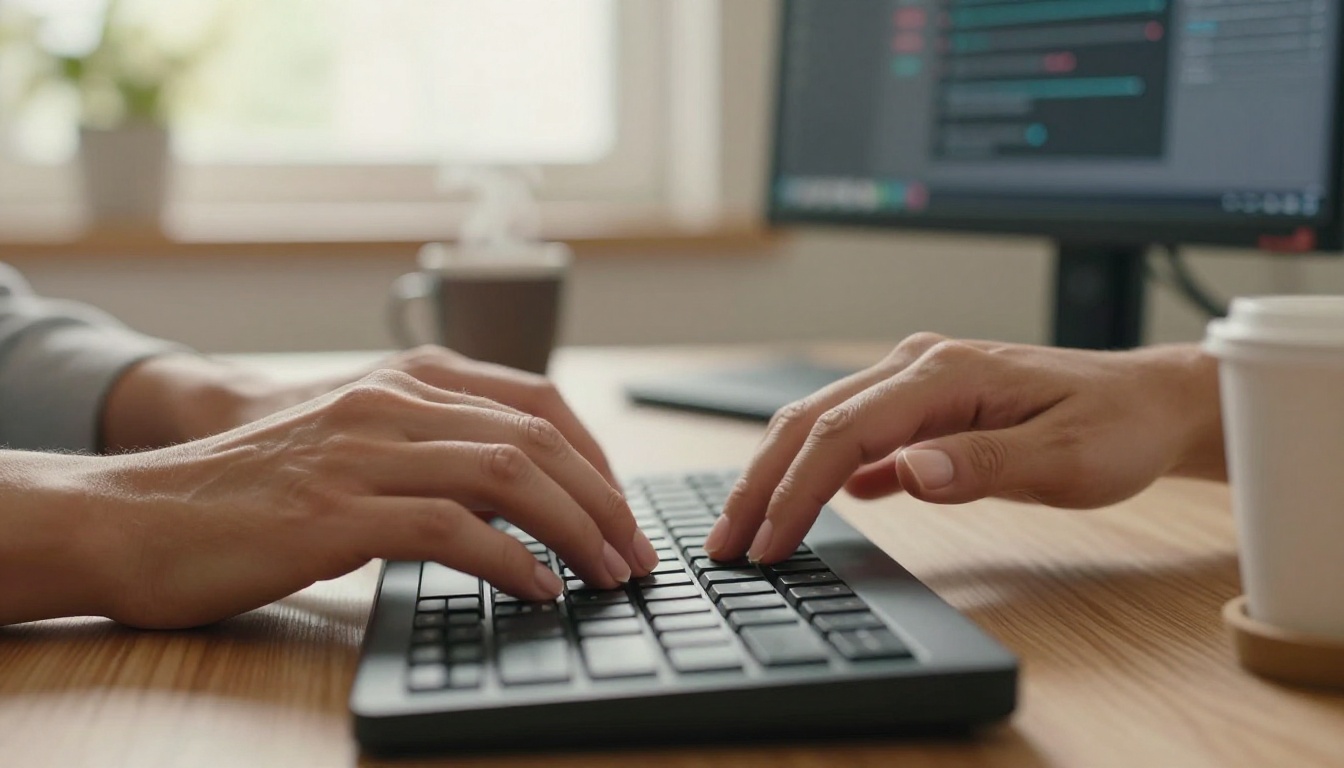
Flux Schnell by Black Forest Labs is the fastest text-to-image model available to the public right now. It was designed specifically to run at inference speeds that feel instant, and it delivers on that promise completely.
What Flux Schnell Does Best
The model handles photorealistic scenes, architectural visualizations, and natural portraits with a consistency that's hard to believe at its speed. Prompt adherence is tight, meaning what you type maps closely to what you get. Colors come out vibrant without oversaturation. Detail retention in faces and textures is exceptional for a model running this fast.
| Feature | Flux Schnell |
|---|
| Generation Speed | Under 1 second |
| Photorealism | Excellent |
| Prompt Accuracy | Very High |
| Best For | Rapid iteration, portraits, landscapes |
| Access | Free on PicassoIA |
Best Use Cases for Flux Schnell
- Social media content: Create 20 variations of a concept in minutes
- Product visualization: Test backgrounds and lighting scenarios rapidly
- Portrait generation: Natural skin tones and facial detail without extra effort
- Concept testing: Validate ideas before committing to longer generation models
💡 Pro Tip: Flux Schnell responds exceptionally well to camera and lighting descriptions. Adding "85mm f/1.8, volumetric morning light from left" to any portrait prompt dramatically raises output quality.
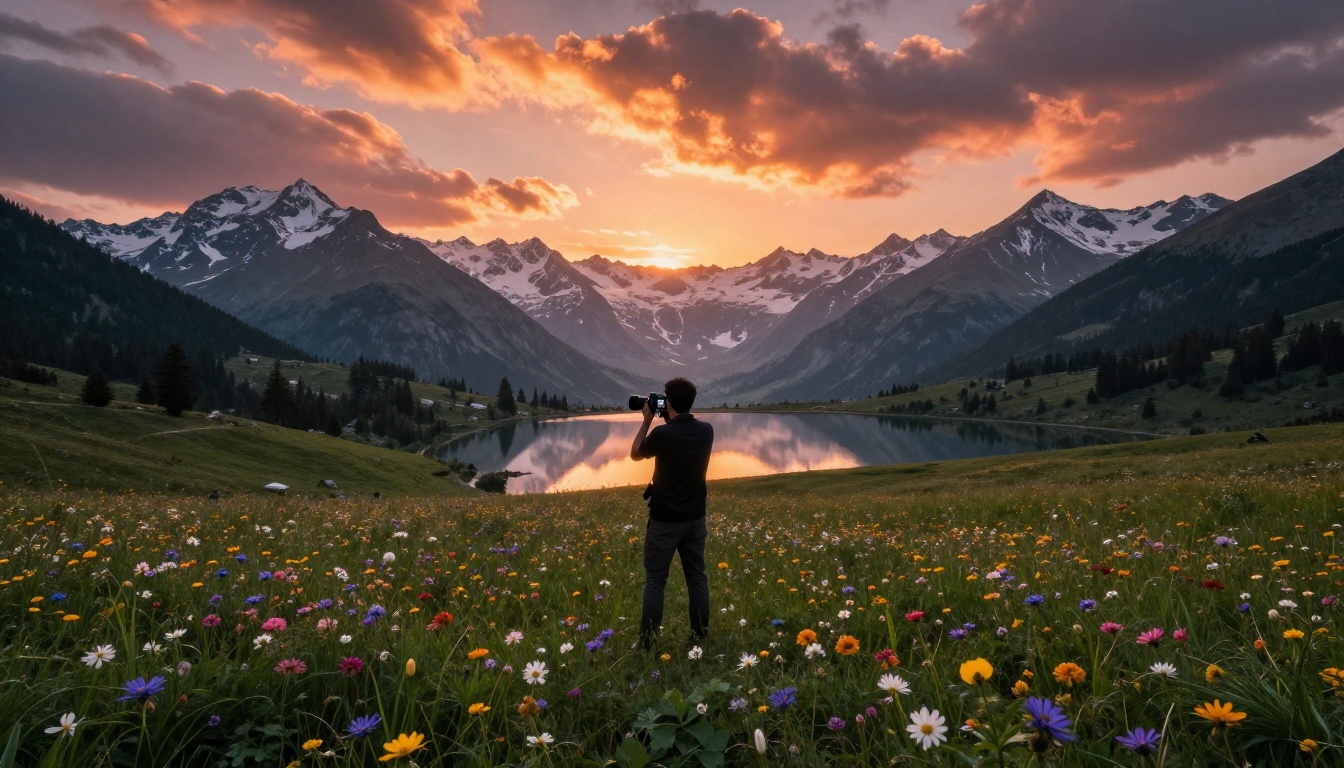
Stable Diffusion by Stability AI is the model that started the open-source image generation movement. Released in 2022, it remains one of the most-used AI image tools in the world for one simple reason: it does everything.
Why It Still Matters in 2027
Stable Diffusion has the deepest ecosystem of any image model. Thousands of community-trained checkpoints, LoRAs, and embeddings have been built on top of its architecture. If you want a specific aesthetic, a specific character style, or a specific technical output, someone has already trained a variant for it.
For general-purpose use, the base model produces detailed, high-quality images across virtually every category: portraits, landscapes, architecture, product shots, concept art. The learning curve is slightly steeper than newer models because prompt engineering matters more here, but the ceiling for quality is correspondingly higher.
💡 Style tip: Stable Diffusion responds strongly to artist names and style references in prompts. Pairing subject descriptions with lighting references like "Gordon Parks photography style" or "Vermeer lighting" dramatically shifts output tone.

SDXL by Stability AI is the successor to Stable Diffusion, built on a larger architecture that produces noticeably higher resolution and detail in its base outputs.
The Quality Difference You'll Notice
The most visible improvement in SDXL over its predecessor is image coherence. Complex scenes with multiple subjects, detailed backgrounds, and intricate textures hold together better. Text rendering improved. Faces at smaller sizes within scenes stopped distorting. Compositional logic became stronger.
For anyone creating content that needs to hold up at large display sizes, SDXL's native 1024x1024 base resolution (compared to SD 1.5's 512x512) is a significant practical advantage.
💡 Quick win: SDXL Lightning 4-Step is a distilled version that generates SDXL-quality images in 4 diffusion steps instead of 50. Same output quality, a fraction of the time.
Imagen 4 is Google's text-to-image model, and it does something the other tools on this list don't quite match: it generates images that are genuinely difficult to distinguish from real photography.
When Imagen 4 Outperforms the Rest
The model was trained with an emphasis on photorealistic fidelity, and it shows in outputs that handle:
- Natural light physics: Shadows, reflections, and caustics behave realistically
- Material surfaces: Metal, glass, fabric, and skin all render with material-accurate texture
- Atmospheric depth: Haze, fog, and distance blur follow real optical logic
- Human anatomy: Hands, fingers, and facial proportions that are consistently accurate
For commercial photography replacement, product visualization, and architectural rendering, Imagen 4 is the strongest free option available. Run it at Imagen 4 Fast for speed or Imagen 4 Ultra for maximum fidelity.
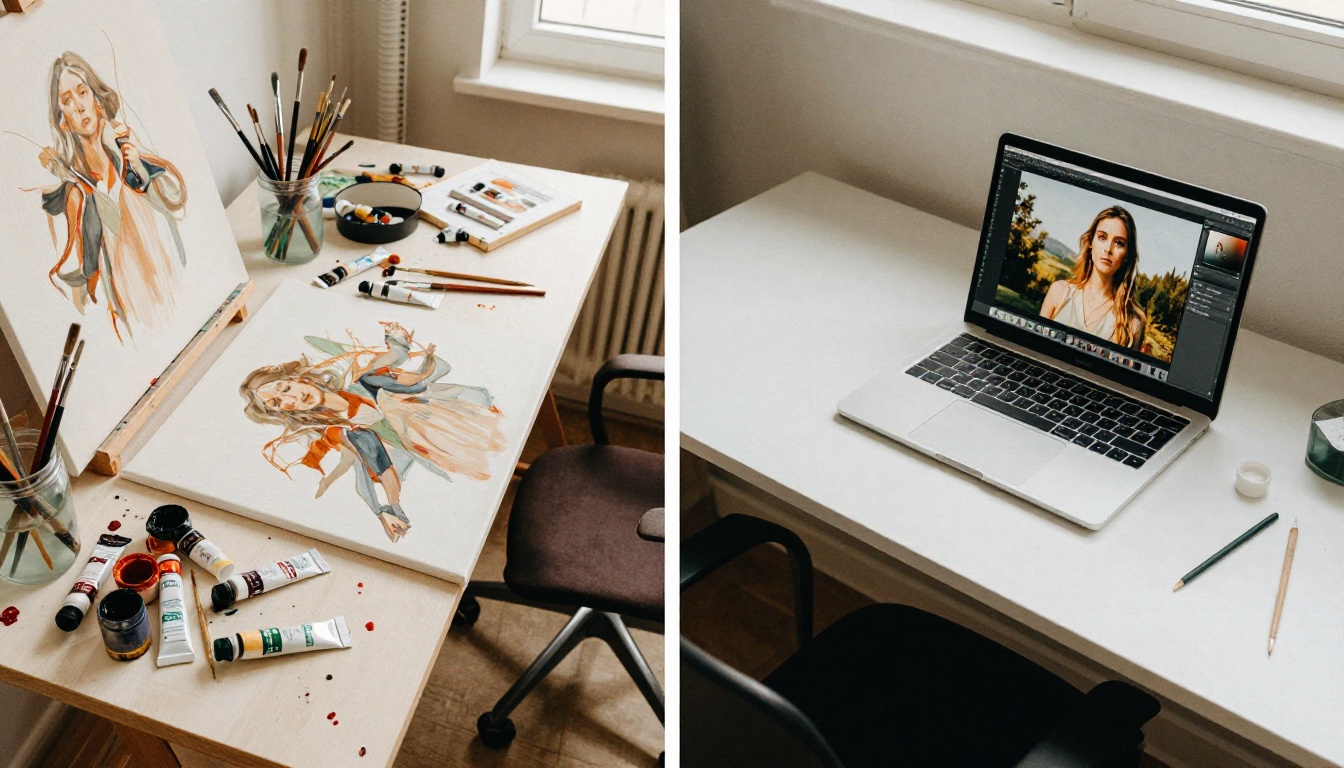
GPT Image 1.5 is OpenAI's image generation model, and its standout feature is instruction-following accuracy. Tell it to place an object on the left side of the frame with a specific background color and a particular lighting direction, and it will do exactly that.
Where GPT Image 1.5 Outperforms the Competition
Most image models treat prompts as loose suggestions. GPT Image 1.5 treats them as precise specifications. This makes it particularly valuable for:
- Branded content: Specific color palettes, layout requirements, and compositional rules actually stick
- Instructional imagery: Technical diagrams, explainer visuals, and step-by-step illustrations
- Iterative editing: Describe changes to an existing concept and the model applies them logically
- Text in images: Readable, correctly spelled text rendered naturally within the scene
💡 Workflow tip: GPT Image 1.5 handles follow-up refinements better than most models. Start with a rough prompt, generate, then describe specific changes rather than rewriting the entire prompt from scratch. Small adjustments to existing generations beat starting over every time.
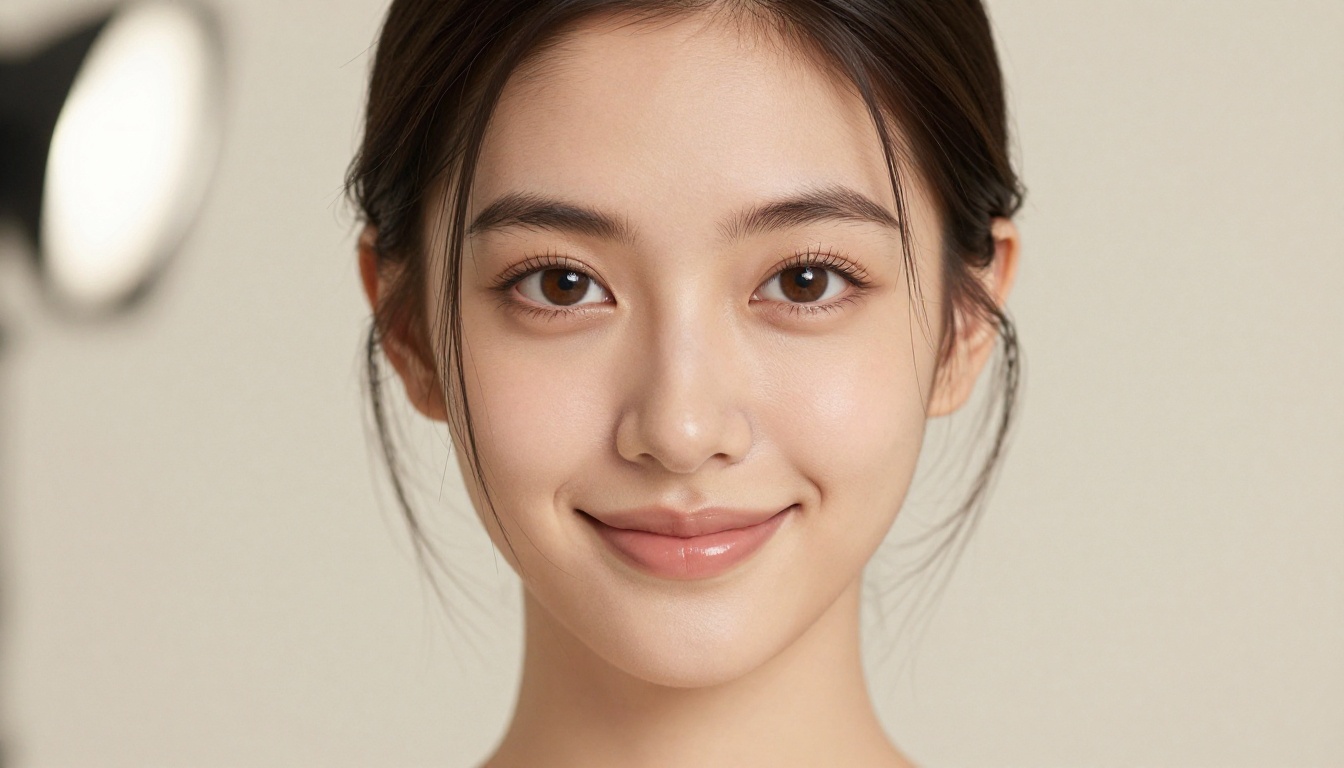
Tool #6: Ideogram v3 Turbo (Text in Images, Actually Fixed)
For years, the biggest weakness of AI image generators was text. Ask any model to include readable words in an image and you'd get distorted, misspelled, or completely illegible outputs. Ideogram v3 Turbo changed that.
Why Text Was Always AI's Weakest Point
Traditional diffusion models work by treating images as patterns of pixels, not semantic structures. Text characters are semantically dense, they carry meaning that pixel pattern matching struggles to reproduce reliably. Ideogram's architecture specifically addresses this limitation, making legible typography a native capability rather than an afterthought.
The result is a model that creates posters, labels, signage, social graphics, and typographic designs with accurately rendered text built right in.
What you can make with Ideogram v3 Turbo:
- Poster designs with readable headlines and body copy
- Product labels and packaging mockups
- Social media graphics with styled text overlays
- Logo concept exploration
- Infographic illustrations with labeled callouts
You can also try Ideogram v3 Quality for higher-fidelity outputs when text precision is critical, or Ideogram v3 Balanced for a middle ground between speed and accuracy.
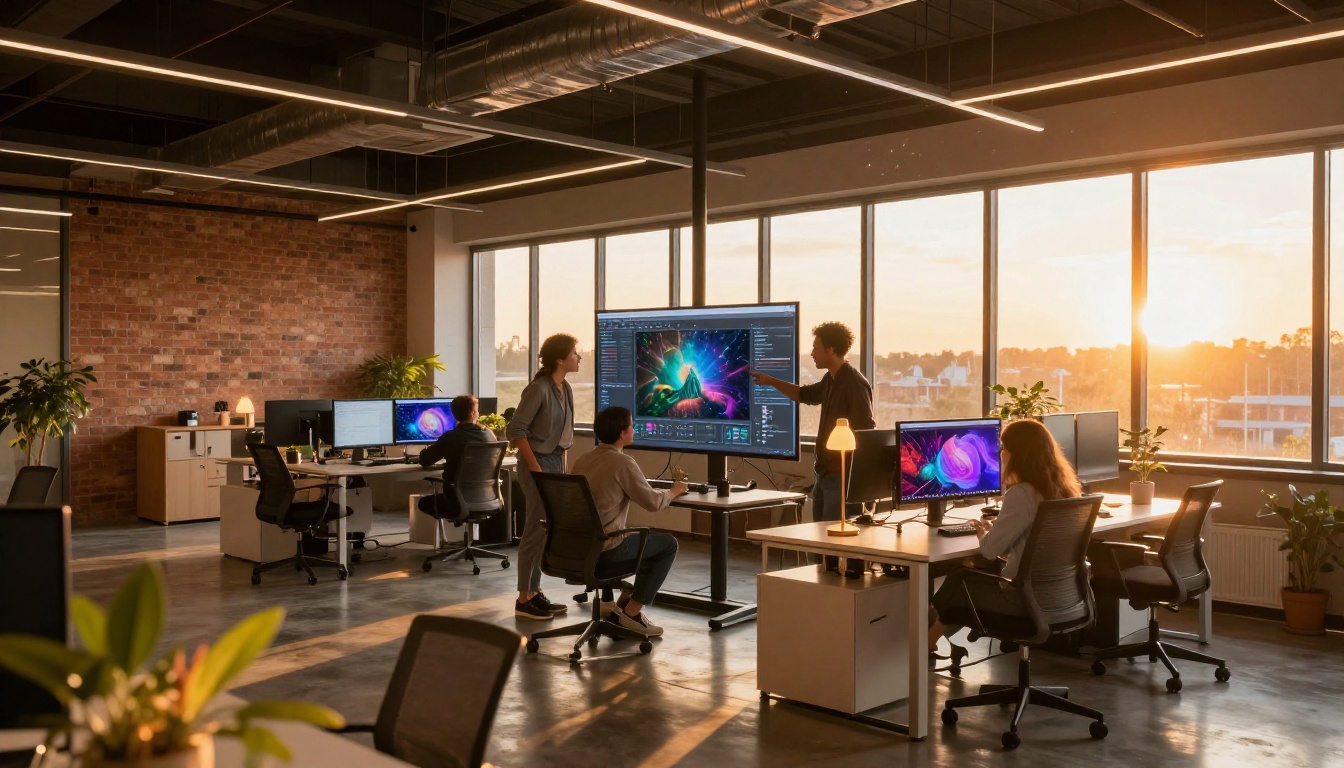
Flux Dev is the full-capability sibling of Flux Schnell. Where Schnell was optimized for speed, Dev was optimized for output quality. It takes longer to generate (still well under a minute), but the results are a clear step above in detail, composition, and photorealism.
Flux Dev vs Flux Schnell: The Real Difference
Both models come from Black Forest Labs and share the same underlying architecture. The differences are meaningful in practice:
| Aspect | Flux Schnell | Flux Dev |
|---|
| Speed | Under 1 second | 10 to 30 seconds |
| Detail Level | High | Very High |
| Complex Scenes | Good | Excellent |
| Best For | Rapid iteration | Final output quality |
| LoRA Support | Limited | Full LoRA ecosystem |
For final deliverables, client presentations, or any output that needs to stand on its own, Flux Dev is the right choice. For generating 50 rough concepts in 10 minutes to select from, Flux Schnell wins every time.
If you want to push quality even further, Flux 1.1 Pro and Flux 1.1 Pro Ultra produce 4MP photorealistic outputs that are among the best available anywhere. Both are accessible on PicassoIA.
How to Use Flux Schnell on PicassoIA
Since Flux Schnell is available directly on PicassoIA at no cost, here's exactly how to start generating images right now.
Step 1: Open the Model Page
Go to the Flux Schnell page on PicassoIA. No account creation is required to begin. The interface loads directly in your browser, no installation or download needed.
Step 2: Write Your Prompt
The prompt box accepts plain English descriptions. For best results, structure your prompt in three parts:
- Subject: What is in the image and what is it doing
- Environment: The setting, background, and surrounding details
- Technical specs: Camera, lighting, style (e.g., "85mm f/1.8, volumetric golden hour light from left, Kodak Portra 400")
Example prompt: "A young woman reading a book in a sunlit cafe, warm afternoon light streaming through large windows, bokeh background of other patrons, 85mm f/1.8, photorealistic, Kodak Portra 400"
Step 3: Adjust Parameters
Flux Schnell on PicassoIA exposes a few parameters worth adjusting:
- Aspect Ratio: 16:9 for widescreen, 1:1 for social squares, 9:16 for vertical content
- Seed: Fix a seed number to reproduce a successful result with slight variations
- Steps: Fewer steps means faster generation with slightly less detail. For Flux Schnell, 4 to 6 steps is the sweet spot
Step 4: Iterate Fast
The core workflow advantage of Flux Schnell is its speed. Don't try to write the perfect prompt upfront. Generate, look at the result, identify what to change, edit two or three words, and generate again. Ten iterations in two minutes will get you closer to a perfect output than any amount of prompt planning before you start.
💡 Power move: Generate 5 to 10 images with the same prompt using different random seeds before making any prompt changes. Natural variation between seeds often produces the composition you were after without any editing.

With 7 strong options on this list, the right answer depends entirely on what you're making. Here's a straight comparison:
Start Creating Something Today
The hardest part of using these tools isn't learning to prompt. It isn't understanding the models. It's the moment where you stop reading about them and actually open the interface for the first time.
Every tool on this list is available right now at PicassoIA, in your browser, without an account or payment. The platform puts 91 text-to-image models, text-to-video generation, background removal, super resolution upscaling, and AI music generation all in one place.
Pick one tool from this list. Open it. Write a description of something you'd actually want to see. Generate it.
You'll know within 30 seconds whether this changes how you work creatively. It almost certainly will.


