Your Instagram feed is only as good as the visuals in it. Whether you post travel shots, fashion lookbooks, product reveals, or lifestyle content, the images you put out determine whether people scroll past or stop to look. Professional photography is expensive, time-consuming, and not always possible. That is where AI image generators come in, and in 2027, the best ones have closed the quality gap so completely that most viewers cannot tell the difference between an AI-generated photo and one shot on a professional camera.
This article breaks down the 9 best AI image generators for Instagram creators, all accessible through PicassoIA, a platform with over 90 text-to-image models in one place. No subscriptions to juggle, no separate apps to manage.
What Instagram Creators Actually Need
Before getting into the tools, it helps to know what actually matters for Instagram performance.
Resolution and Ratios That Work
Instagram displays images at different ratios depending on placement. Feed posts work best at 1:1 (square) or 4:5 (portrait). Stories and Reels are 9:16. The right AI tool generates high-resolution images that hold up when cropped, resized, and compressed by Instagram's algorithm.
💡 Pro tip: Always generate at the highest available resolution and downscale. Instagram compresses images significantly, so starting at 4K or 8K gives you a quality buffer.
Speed vs. Output Quality
Some creators need a polished image for a brand campaign. Others need 10 images for a week's content calendar by tomorrow morning. The right AI tool depends entirely on your workflow rhythm. Below, we break down each model by its strengths so you can match the tool to your specific use case.
1. Flux Dev: Portraits That Feel Real
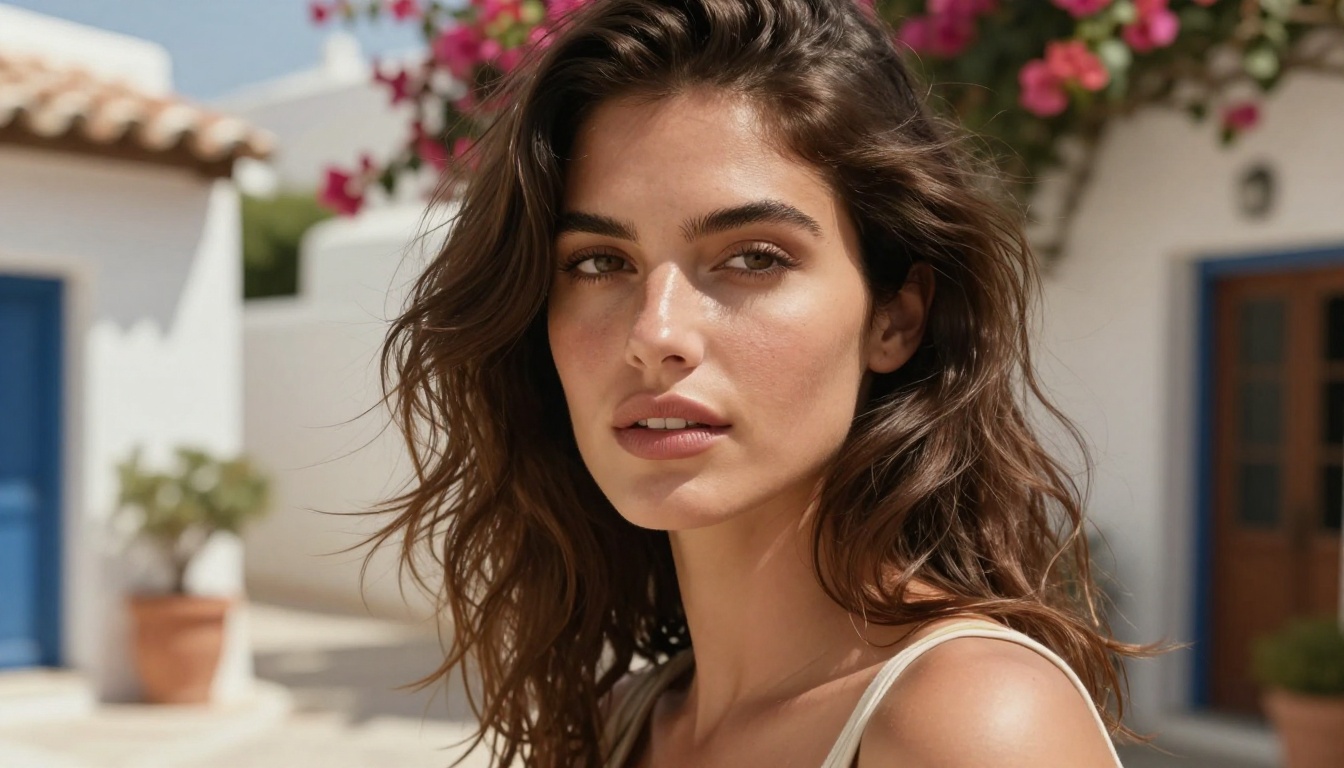
Flux Dev is the go-to model for Instagram creators who build their content around people. Developed by Black Forest Labs, this model produces portraits and lifestyle shots with a level of skin realism that puts it ahead of most alternatives in its class.
Why Creators Love It
The model handles lighting nuance exceptionally well. You can specify "golden hour from the left" or "soft overcast window light" in your prompt and the output respects that instruction accurately. The result is the kind of warm, natural-looking photo that performs well on Instagram because it does not look generated.
Best for: Portrait photography, lifestyle content, beauty and wellness creators
Strengths:
- Realistic skin texture and hair detail
- Accurate lighting direction from prompts
- Strong composition instinct across varied subject matter
Limitations: Slightly slower generation time compared to turbo variants
💡 Tip: Pair Flux Dev with PicassoIA's Super Resolution upscaling to get 4x resolution output before posting to Instagram.
2. Flux 1.1 Pro: The High-End Option
For creators who need campaign-quality output, Flux 1.1 Pro is the professional version of the Flux architecture. It produces images with tighter detail, better prompt adherence, and superior coherence across complex scenes.
When to Use It
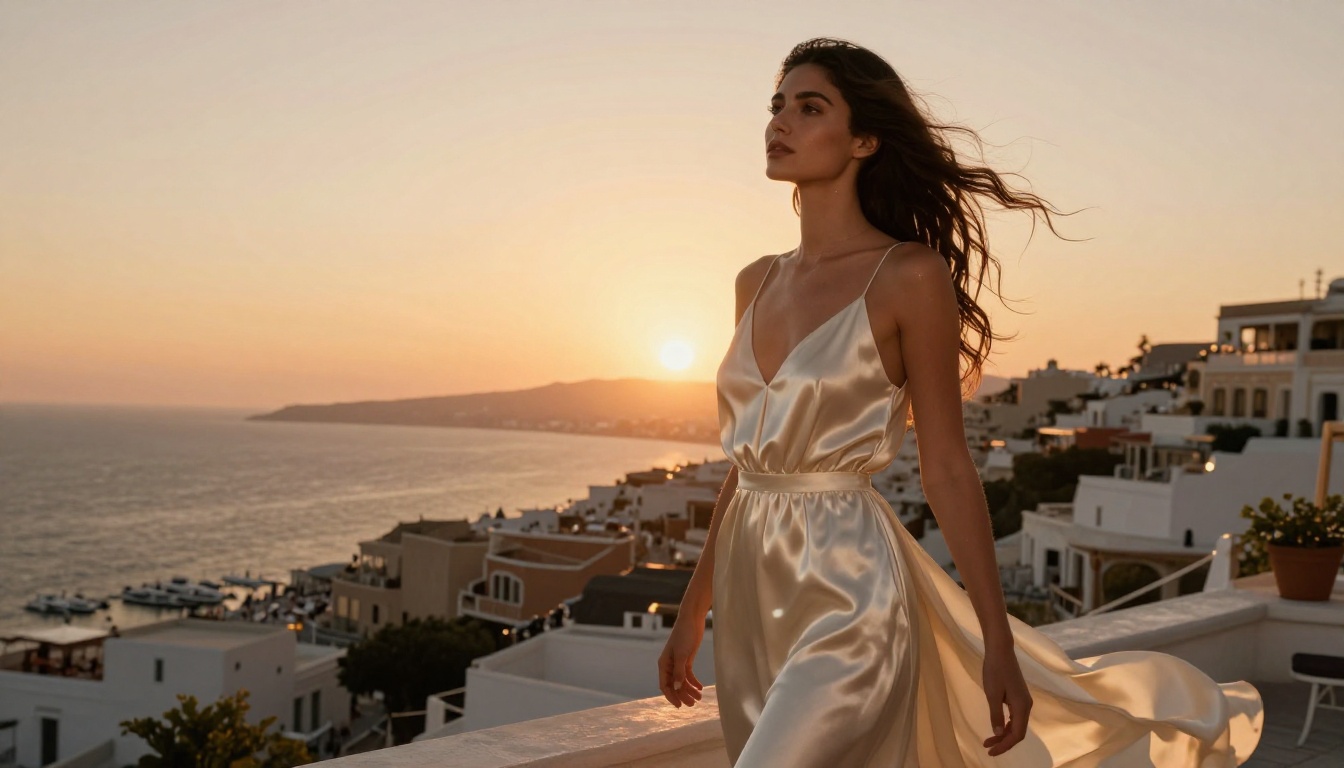
This model excels when your post needs to carry visual weight, like an announcement image, a product launch visual, or a hero shot for a brand collaboration. The output is clean, sharp, and consistently Instagram-ready without heavy post-processing.
Best for: Brand collabs, fashion creators, product photographers
| Feature | Flux Dev | Flux 1.1 Pro |
|---|
| Speed | Fast | Moderate |
| Detail level | High | Very High |
| Prompt accuracy | Strong | Excellent |
| Best use | Daily content | Campaign shots |
3. Ideogram v3: When Your Image Needs Text
Most AI image generators struggle badly with typography. Letters get distorted, words blur together, and any text in the image looks broken. Ideogram v3 was built specifically to solve this problem and it does it better than anything else currently available.
Typography Built for Instagram
If you create quote graphics, infographic-style posts, announcement images, or any content where words need to appear inside the visual, Ideogram v3 is the only model in this list that handles it reliably. The text renders crisply, in the correct position you describe, with the right visual weight.
Best for: Quote creators, motivational accounts, event announcements, brand templates
Strengths:
- Accurate text rendering inside images
- Strong layout and poster composition
- Works well for call-to-action visuals
💡 Use case: Generate a quote overlaid on a sunrise background with your brand color style described in the prompt. Ideogram v3 handles the entire composition in one step.

4. Recraft v4: Built for Brand Aesthetics
Recraft v4 stands out for its ability to produce images with a consistent, polished visual language. For creators building a recognizable brand identity on Instagram, consistency matters as much as raw quality.
Feed Cohesion at Scale
Recraft v4 lets you describe an aesthetic style in your prompt and the model maintains that visual language across multiple generations. This means you can create a series of images that look like they belong together on your feed, which is exactly what Instagram's algorithm rewards with higher reach.
Best for: Brand accounts, business creators, aesthetic feeds, product-based businesses
Strengths:
- Consistent visual style across image series
- Clean composition ideal for product reveals
- Strong at minimalist and editorial aesthetics
Limitations: Less versatile for expressive or chaotic visual styles
5. Stable Diffusion 3.5: Creative Without Limits
Stable Diffusion 3.5 from Stability AI gives creators the most creative freedom of any model on this list. As a large open architecture model, it responds to highly specific and creative prompts without defaulting to generic outputs.
For Creators Who Push Boundaries
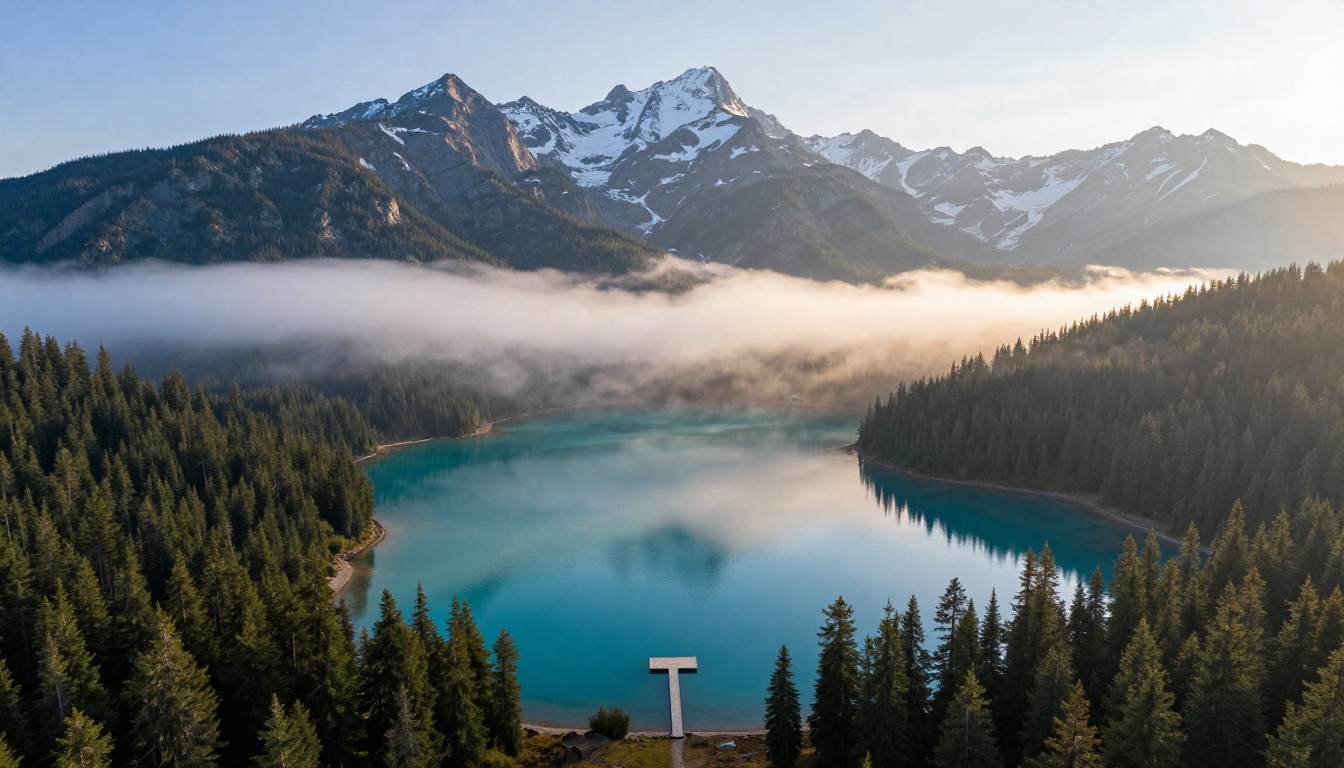
If your Instagram content has a signature artistic style, whether that is dark academia, surreal landscapes, or cinematic storytelling, Stable Diffusion 3.5 gives you the control to execute that vision with precision.
Best for: Art directors, creative accounts, niche aesthetics, concept photography
Strengths:
- Responds well to complex, layered prompts
- Wide range of visual styles supported
- Strong at moody, cinematic, and editorial output
💡 Pro tip: Combine Stable Diffusion 3.5 with PicassoIA's ControlNet feature for pose-controlled generation. Describe exactly how you want a subject positioned and the model follows the structure.
6. Google Imagen 4: The Photorealism Standard
Google Imagen 4 is the most photorealistic model available on PicassoIA. Developed by Google DeepMind, it sets the benchmark for images that look like they were taken with a high-end camera rather than generated by software.
Why It Works for Instagram
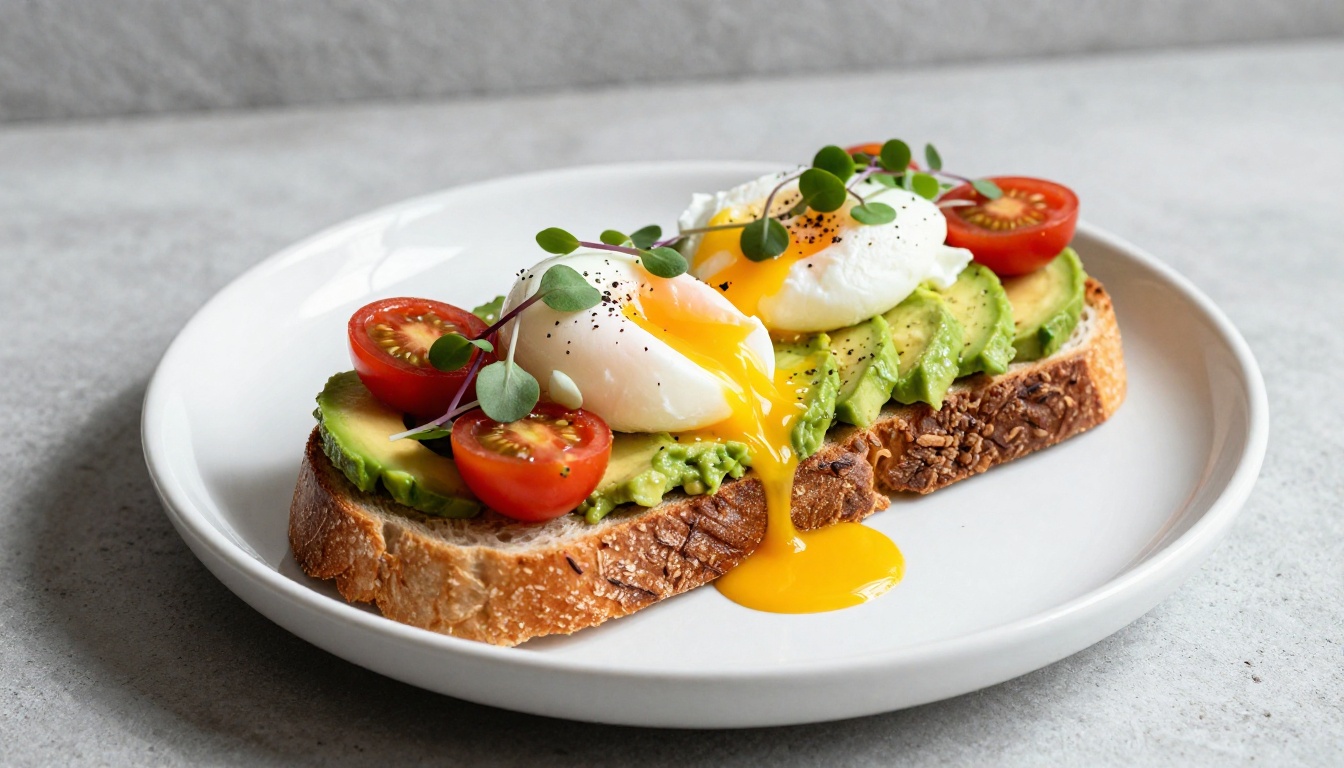
Instagram rewards authenticity in visual content. Images that look too artificial get lower reach than those that pass as real photographs. Imagen 4 produces output with natural-looking light falloff, realistic depth of field, and accurate material textures that make generated images look completely credible.
Best for: Food creators, travel bloggers, real estate accounts, lifestyle photographers
Strengths:
- Industry-leading photorealism
- Accurate material and texture rendering
- Handles complex lighting setups from natural language prompts
7. Playground v2.5: Aesthetic-First Photography
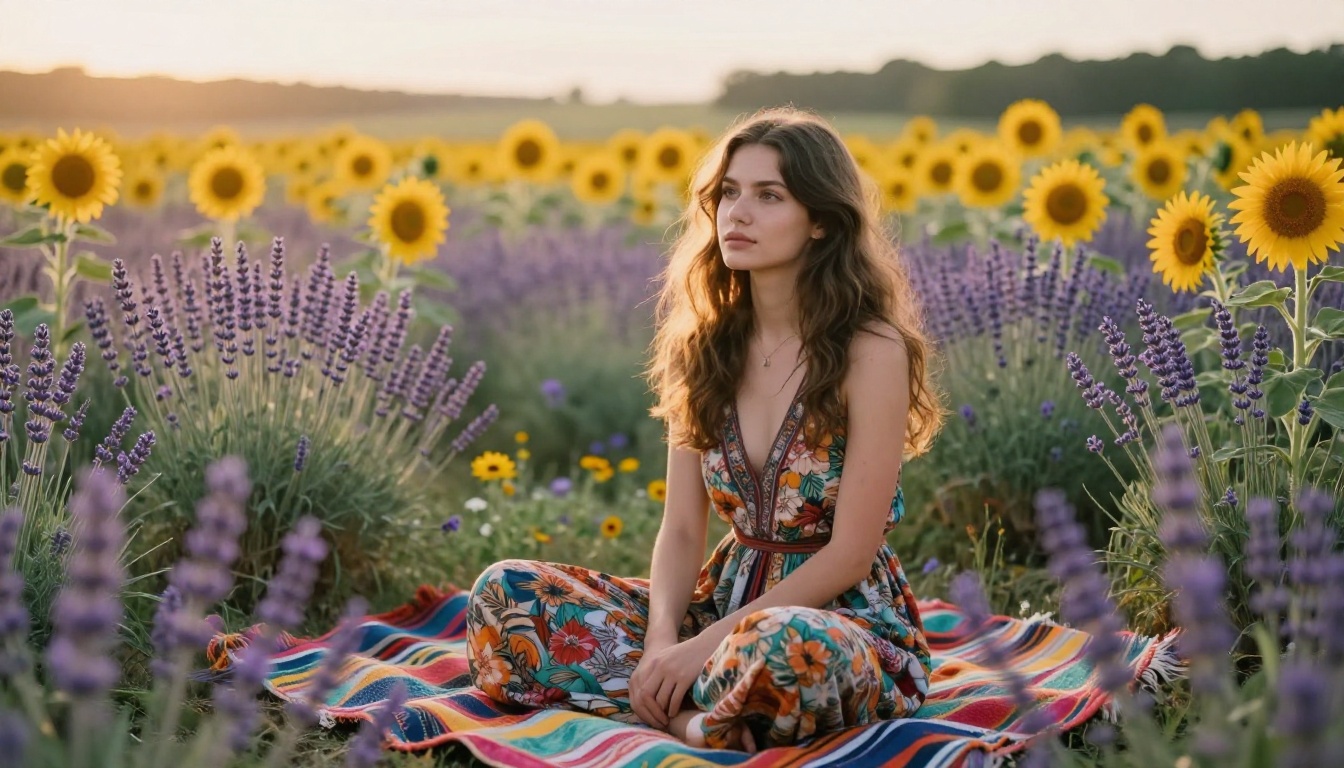
Playground v2.5 was trained specifically on aesthetically pleasing images, which makes it a strong choice for Instagram content where visual appeal is the primary objective.
The Aesthetic Advantage
Unlike models optimized purely for accuracy or photorealism, Playground v2.5 leans into beautiful composition, pleasing color palettes, and visually satisfying arrangements. The output tends to look Instagram-ready without additional editing or color grading.
Best for: Lifestyle creators, fashion bloggers, wellness accounts, aesthetic feeds
Strengths:
- Naturally pleasing color grading baked into outputs
- Strong composition without heavy prompt engineering
- Works well for soft, warm, and feminine aesthetics
💡 Use case: Describe a summer morning coffee scene and Playground v2.5 will produce an image that looks like it was styled by a professional set designer.
8. GPT Image 1.5: Prompt It Your Way
GPT Image 1.5 from OpenAI brings the natural language strengths of GPT to image generation. You can write prompts in plain conversational English rather than mastering technical photography terminology, and still get high-quality results every time.
For Creators Who Are New to AI
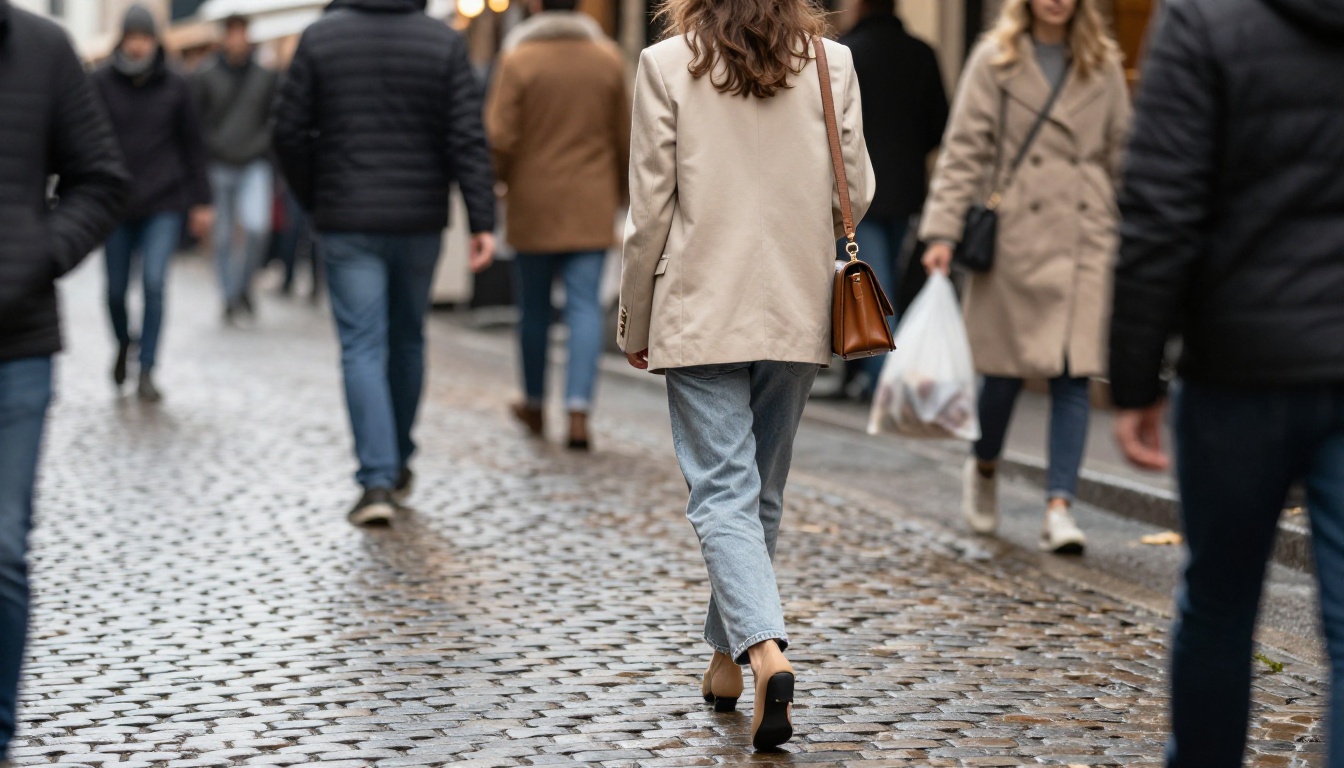
Not every Instagram creator wants to spend time learning prompt engineering. GPT Image 1.5 bridges that gap by interpreting casual, descriptive prompts accurately. Write "a woman laughing at a rooftop brunch in summer" and get a result that actually matches that description, with natural light and believable detail.
Best for: Beginners to AI tools, creators who post frequently, influencers managing their own content
Strengths:
- Natural language prompt interpretation
- Consistent quality across different content types
- Strong at everyday lifestyle and social scenes
Limitations: Less precise control over technical parameters like specific lens type and exact lighting angle
9. Luma Photon: Speed Without Sacrifice
Luma Photon is the fastest high-quality model on this list. For creators who post daily or need to fill a content calendar quickly, Photon generates strong results in a fraction of the time other models take, without a dramatic drop in output quality.
Content at Volume
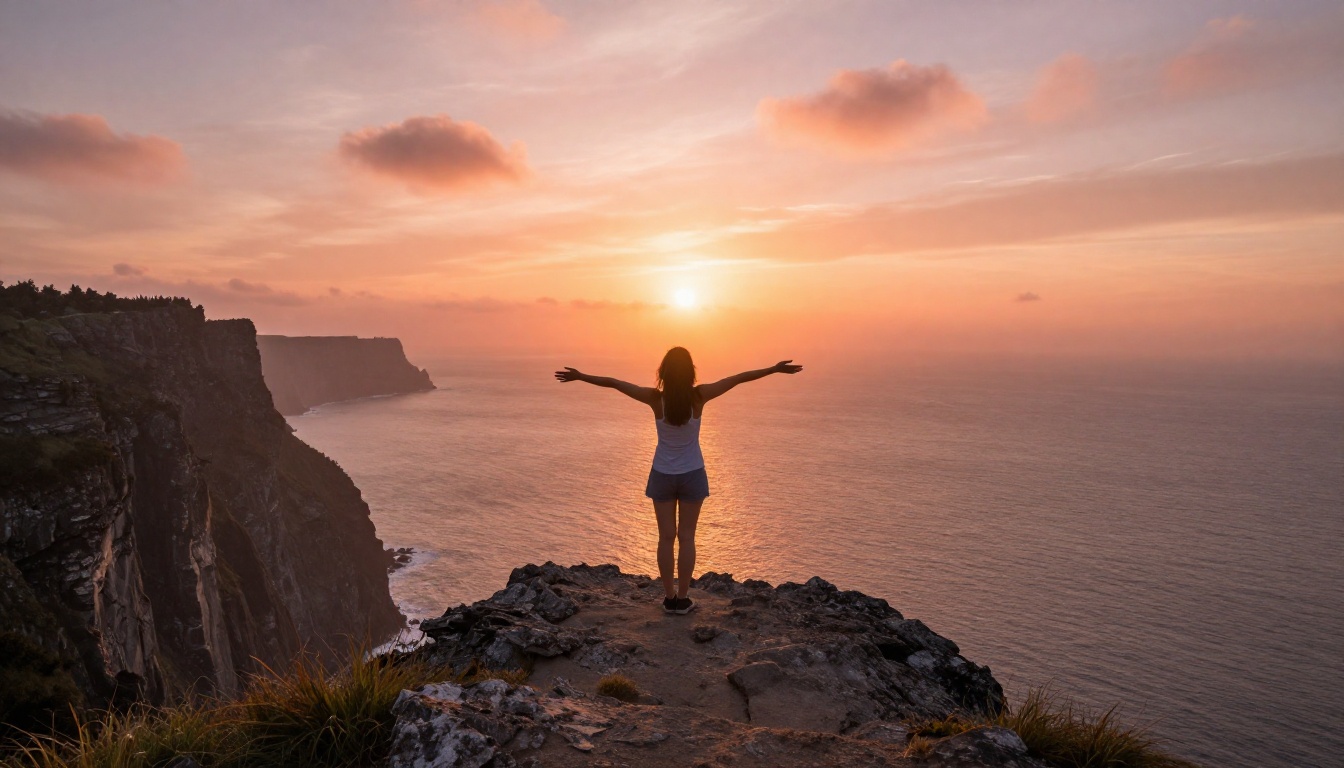
Instagram rewards consistency. Accounts that post regularly build audiences faster than those that post sporadically. Luma Photon makes that consistency achievable by removing the time bottleneck from image generation, so you can produce a week's worth of content in under an hour.
Best for: Daily posters, content agencies, creators managing multiple accounts
Strengths:
- Fastest generation time of all top-tier models
- Reliable quality with simple, short prompts
- Ideal for batch content production sessions
💡 Workflow tip: Use Luma Photon for your daily Instagram posts and reserve Flux 1.1 Pro or Google Imagen 4 for hero shots and campaign visuals.
Full Model Comparison
Here is a side-by-side view of all 9 models to help you pick the right one for your content type.
How to Use These Models on PicassoIA
All 9 models above are available directly on PicassoIA without separate accounts or API setup. Here is how to use them for Instagram content.
Step 1: Open the Model Page
Go to PicassoIA and navigate to the Text to Image collection. Use the search or browse by model name to find the one you want. Each model page includes example outputs and parameter tips.
Step 2: Write Your Prompt
Describe your image in as much detail as you want. For the most accurate results, include:
- Subject: who or what is in the image
- Setting: where the image takes place
- Lighting: time of day, direction, quality of light
- Camera style: lens type, angle, depth of field
- Mood: warm, moody, editorial, fresh, dramatic
Step 3: Generate and Download
Click generate, review the output, and refine your prompt if needed. Once you have the image, download it at full resolution and post directly to Instagram.

💡 For even more precision: Use PicassoIA's ControlNet models to control the pose, depth, or edge structure of your generated image. This is particularly useful for fashion creators who want to maintain a consistent body pose across a series of posts.
Which Model Is Right for You?
Here is a quick pick based on your content type:
- You post portraits or people-focused content -> Start with Flux Dev
- You need campaign-quality images -> Use Flux 1.1 Pro or Google Imagen 4
- You create quote or text-based posts -> Ideogram v3 is your tool
- You are building a brand aesthetic -> Recraft v4 gives you visual consistency
- You post every single day -> Luma Photon keeps up with your pace
- You are new to AI image tools -> GPT Image 1.5 accepts plain English prompts with no learning curve
Start Posting Better Content Now
The gap between professional photography and what these AI tools generate has closed to the point where Instagram audiences cannot tell the difference. The creators using these tools are not cheating the system. They are working smarter, producing more content, and building audiences faster than those who are not.
All 9 models above are available on PicassoIA right now. No prior experience with AI tools required, no design skills, no camera equipment. Write what you want to see, generate it, and post it.
Try generating your first Instagram image on PicassoIA today. Start with one image, compare three different models on the same prompt, and let the results show you which model fits your content style best.


