Three tools dominate every designer's browser bookmarks right now. Adobe Firefly brings the weight of Creative Cloud behind it. Canva has the largest template library in the world. Freepik sits on 50 million stock assets and has quietly added serious AI capabilities. If you are choosing between them for real work, the answer depends on what you actually do every day, not on which brand runs the biggest advertising campaigns. This breakdown goes beyond the feature lists and looks at where each tool genuinely delivers, and where each one hits a wall.
The reason this comparison matters is that these three tools are not actually solving the same problem. They look similar on the surface (all three generate images, all three offer templates, all three have a free tier), but underneath they are built around very different assumptions about who is using them and why.
Adobe Firefly: Built for the Creative Suite
Firefly is Adobe's AI play, and the integration shows throughout the experience. The tool is deeply woven into Photoshop, Illustrator, and Adobe Express. If you already pay for a Creative Cloud subscription, Firefly feels like a natural extension of tools you already use: generative fill, text effects, vector recoloring, background replacement. The output is designed to be commercially safe because Adobe trained Firefly on licensed Adobe Stock images and public domain content, which matters significantly when you are producing work for paying clients who need to own their visuals without legal ambiguity.
The downside is that Firefly is not really a standalone product. Outside of Adobe Express, it requires other Adobe applications to unlock its full value. If you are not already inside the Creative Cloud ecosystem, the onboarding cost is high in both financial terms and learning curve. Firefly alone at $4.99 per month sounds reasonable until you realize that Photoshop (where generative fill actually lives) adds $22.99 per month more.
Canva: Design for Everyone
Canva built its reputation on drag-and-drop templates, and that remains its single biggest strength today. Over one million templates covering every format imaginable, from Instagram Stories to pitch decks to product catalogs to event invitations. The AI features including Magic Media, Magic Expand, and Magic Edit arrived later and feel somewhat separate from the template-driven core experience.
What Canva does better than any other tool is lower the floor for people who have no design background. A marketing coordinator who has never opened Photoshop can produce a usable social post in under five minutes. That is a genuine capability that teams with non-designer members depend on. But when you push past the templates and try to build something truly custom, the limitations surface quickly. Layer control is shallow, typography options are constrained compared to professional tools, and the AI image quality does not match dedicated generation platforms.
Freepik: The Stock Library That Grew Up
Freepik started as a stock photo and vector resource. It still is one of the largest on the internet, with over 50 million assets across photography, vectors, PSD files, icons, and illustrations. In the past two years it added Pikaso, a text-to-image generator built on Stable Diffusion and Flux architecture. The positioning is unusual and actually useful: generate what you need with AI, then combine it with the stock library to build a finished design.
For content creators who need visual variety fast, including blog headers, presentation backgrounds, ad creatives, and social thumbnails, Freepik's combination of AI generation and stock assets covers real ground. The Pikaso image quality is solid and better than Canva's Magic Media, though it falls behind dedicated AI image tools on photorealism and prompt fidelity.
AI Image Quality: The Real Test
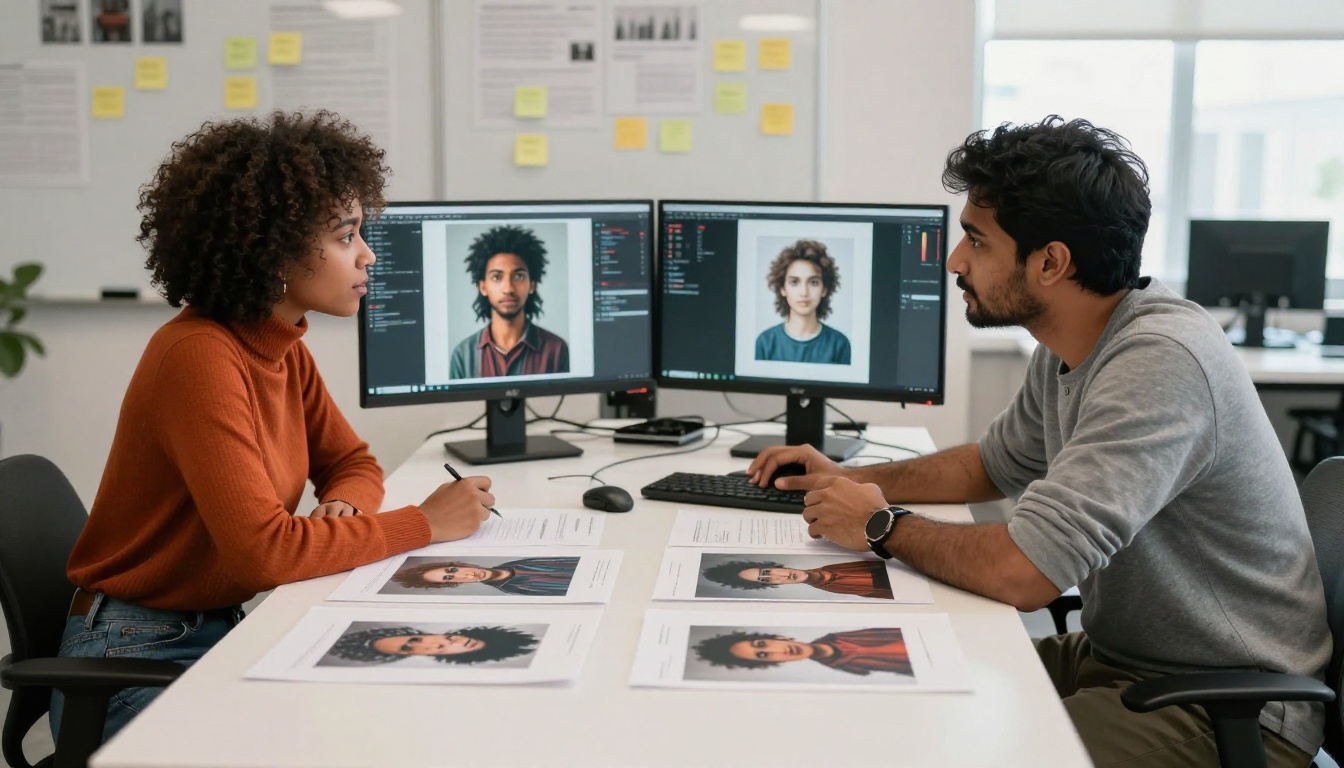
This is where the three tools diverge most sharply, and where the marketing language breaks down fastest when you sit down and actually use them.
What Firefly Actually Produces
Firefly's image generation is conservative by design. The outputs are clean, well-composed, and commercially cleared. Portraits look like high-quality stock photography. Product shots have correct lighting and proportions. But the ceiling is lower than dedicated AI image generators: you won't get deep photorealistic skin texture, cinematic lens effects, or the stylistic range that purpose-built generation platforms achieve. The model is optimized for broad safety rather than maximum quality, and that trade-off is visible in complex scenes, atmospheric lighting, and anything requiring fine fabric or material texture.
The credit system adds friction. Free users receive 25 generative credits per month, which disappears in a single creative session when you're experimenting with prompt variations.
Canva Magic Media Results
Magic Media, Canva's text-to-image feature, is powered by external models including Stable Diffusion variants. The results are inconsistent. Simple prompts produce acceptable results. Detailed scene descriptions often return images that look like AI generation from a couple of years ago: slightly off anatomy, plastic skin tones, flat lighting, generic compositions. For adding a decorative background behind a template, it works. For producing a hero image or campaign visual that represents a brand, it is not competitive with the current state of the field.
💡 Canva's AI is optimized for quick template decoration, not photorealistic generation. Use it for backgrounds and accents, not for primary campaign visuals where quality is visible.
Freepik Pikaso Output
Pikaso performs meaningfully better than Canva's Magic Media on photorealism, particularly for portrait photography and product imagery. The interface is clean, and the integration with Freepik's stock library means you can use AI-generated elements alongside professional photography within the same creative workflow. The main limitation is consistency across multiple generations. If you need a set of five images that feel like they were produced in the same visual session for a coherent brand campaign, Pikaso's generation-to-generation variation becomes a real problem. That inconsistency is a known weakness of bundled AI tools that are not built specifically around controlled generation.
Template Libraries and Stock Assets
Canva's Depth Is Unmatched
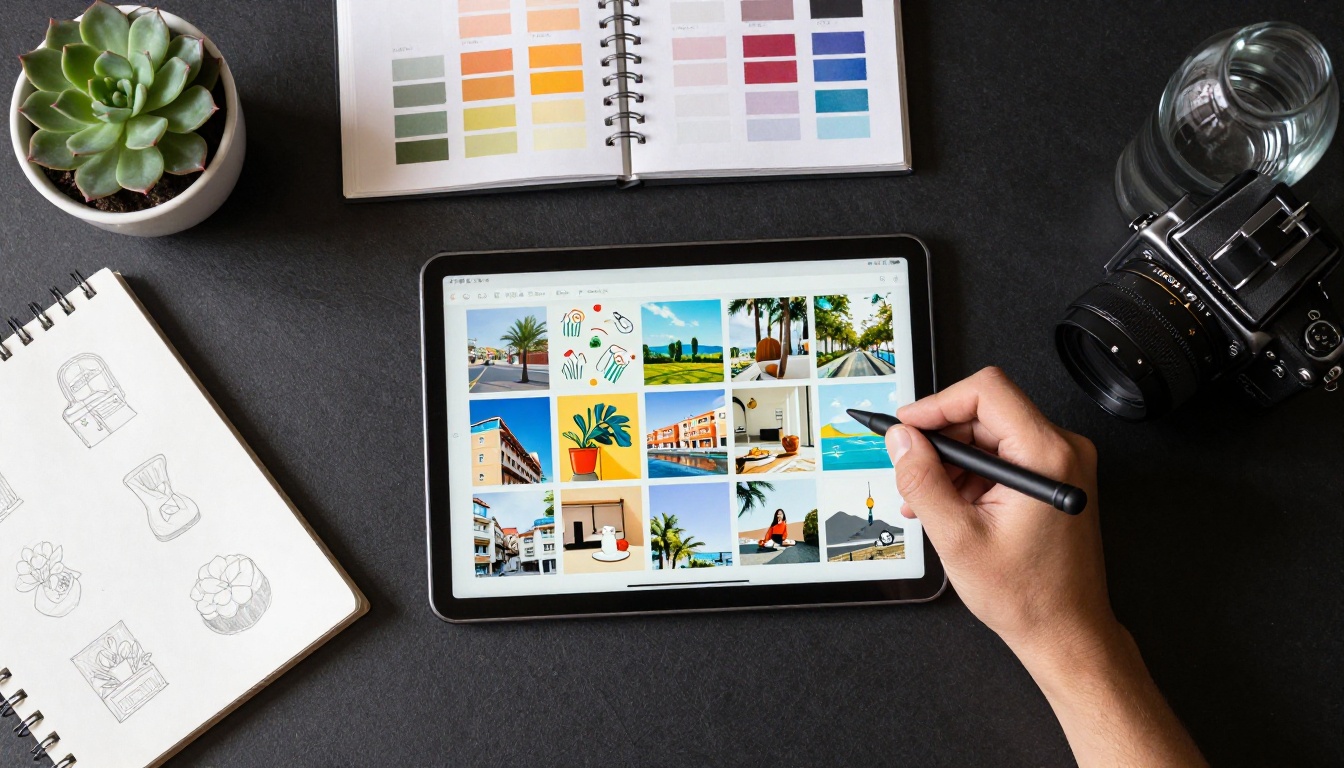
Canva's template library has no competition on volume. Over one million templates across every format and industry category, updated regularly, searchable by topic, format, style, and color scheme. For teams that need to produce high-volume social content, internal business presentations, email headers, or event materials without a dedicated designer on staff, this depth is genuinely difficult to argue against.
The liability is the aesthetic pattern. When every team at your company uses Canva, and your competitors also use Canva, the visual language of your work starts to look identical to the market around you. The recognizable "Canva aesthetic" is a real phenomenon, and it is a problem for any brand trying to build a distinctive visual identity that stands apart from the noise.
Freepik's Raw Asset Volume
Freepik's stock library covers territory that Canva does not: vectors, editable PSD templates, icon sets, illustrations at every style level, and professional photography across a wider range of subjects than Canva's in-editor stock. The quality range is wide, from exceptional to generic, and finding the strong assets within the catalog requires practice and good search technique. For designers who want raw ingredients to customize rather than pre-assembled templates to swap out, Freepik provides more raw material at a lower cost per asset than Adobe Stock.
Adobe's Ecosystem Breadth
Firefly does not have a consumer-facing template library in the Canva sense, but it connects to the Creative Cloud Asset Library, Adobe Stock, and the vast ecosystem of templates built for InDesign, Illustrator, and Photoshop over decades. For professional designers already working inside that ecosystem, the breadth of available resources is enormous. The barrier is that all of it requires Creative Cloud knowledge and subscriptions to access meaningfully.
Pricing That Actually Matters
| Tool | Free Tier | Pro Cost | AI Credits |
|---|
| Adobe Firefly | 25 gen credits per month | $4.99/mo standalone | 100 credits/mo on Pro |
| Canva | Thousands of free templates | $15/mo per user | Unlimited Magic Media on Pro |
| Freepik | 10 downloads per day | $12/mo | 100 AI images/mo on Premium |
Free Tier Comparison
Canva's free tier is the most generous for template access: thousands of usable templates and basic design tools with no time limit or trial expiry. Freepik's free tier is restricted but workable for occasional download needs. Firefly's 25 monthly credits disappear immediately for anyone experimenting seriously. If you are evaluating tools without a budget, Canva gives you the most room to assess whether it fits your workflow.
Pro Plans: What You Actually Get
For content teams producing high volume, Canva Pro at $15 per month bundles unlimited templates, brand kit storage, background removal, and all Magic AI features in one payment. Freepik Premium at $12 per month makes strong sense for individual creators who need both stock asset access and AI image generation without juggling two subscriptions. Adobe Firefly at $4.99 per month looks affordable on paper, but standalone Firefly without the Creative Cloud apps that make it useful is a limited purchase. The actual working cost for Firefly in a professional context is closer to $55 to $85 per month when you factor in the applications that put it to work.
Hidden Costs to Watch
Canva charges extra for certain premium elements and templates even on paid plans. Many of the high-quality assets in the Canva library carry "Pro only" or per-element fees that accumulate. Adobe's credit system means high-volume AI use requires upgraded plan tiers. Freepik's download limits apply even on paid plans, and the "premium only" designation covers a significant portion of the highest-quality assets in the library.
💡 Run a real trial month on each tool using actual projects before committing. The tool that reduces friction in your specific workflow is worth more than the tool with the most features on a pricing page.

Who Wins for Each Use Case
Social Media Creators
Canva wins this category clearly. The template depth, format variety, one-click resizing across platform dimensions, and brand kit features make it the fastest path from brief to published post. Magic Media handles quick AI background and accent generation without forcing you to leave the editor. For social-first content teams posting at high frequency, nothing else in this comparison comes close on workflow speed.
Brand Designers and Agency Work
Adobe Firefly (inside Creative Cloud) is the professional standard. If you're building brand identities, campaign visuals, or print collateral that needs commercial clearance and precise control over every creative decision, Firefly's integration with Photoshop and Illustrator is what the industry runs on. The generative fill in Photoshop in particular changes retouching and compositing workflows in ways that have real time savings on professional projects.
Content Marketers and Bloggers
Freepik covers this ground best. The combination of stock assets for reference and background use, Pikaso for custom AI generation, and template resources for quick formatting gives a content team most of what it needs without paying for multiple subscriptions. The cost per useful asset is lower than Adobe Stock, and the AI generation fills gaps that pure stock libraries leave open.
Freelancers Handling Everything
No single tool from this comparison wins for the freelancer who does everything. Most experienced freelancers working across different client needs end up using all three in different contexts: Canva for quick client deliverables and presentations, Freepik for stock research and raw assets, and a dedicated AI image tool for custom visual generation. The "all-in-one" promise that each platform makes breaks down when you push any of them past their core strength.

Where All Three Fall Short
The AI Quality Ceiling
None of these three tools produce AI images at the quality level of dedicated text-to-image platforms running frontier models. Firefly's commercial safety training imposes a stylistic ceiling that makes outputs look polished but predictable. Canva's Magic Media is several model generations behind current state-of-the-art image generation. Freepik's Pikaso is the strongest of the three but still limited in prompt fidelity, material texture, and the kind of cinematic lighting control that professional photography requires.
For anyone who needs truly photorealistic AI images with full control over lighting angle, depth of field simulation, surface texture, and compositional detail, all three tools hit their limit on the same kinds of prompts. Complex scenes with multiple subjects, detailed environmental backgrounds, or highly specific lighting setups all expose the bundled model limitations that template-first tools inherit.
Customization Is Shallow
Templates are a starting point, not a destination. The more you customize away from the base template structure, the more friction you encounter in all three tools. Canva's layer system is shallow compared to Photoshop. Freepik's editor is basic even with the Pikaso AI integrated into it. Adobe Express, Firefly's consumer-facing product, has layout and typography constraints that professional print or digital work quickly bumps against. None of these tools are built for the kind of precise, multi-layer, multi-asset creative control that complex campaign work requires.

Going Beyond with PicassoIA
The gap between bundled AI tools and dedicated generation platforms is where the real creative opportunity sits. PicassoIA gives you direct access to the frontier models, the ones that Canva and Freepik are running limited versions of behind their simpler interfaces, alongside 91 text-to-image models covering every style and technical requirement.
Models That Actually Deliver
GPT Image 2 produces photorealistic images with natural lighting, accurate anatomy, and material texture that no bundled design tool matches. Portraits, product shots, and lifestyle photography at quality levels that Firefly's training constraints do not reach.
Flux Redux Dev generates consistent image variations from a reference image, which directly addresses the consistency problem that makes Freepik's Pikaso difficult to use for brand work. Needing five images that feel like they came from the same session is a basic professional requirement that Flux Redux handles where Pikaso falls short.
Seedream 4.5 generates native 4K images from text prompts with exceptional fabric texture, environmental lighting, and subject detail. Campaign visuals that need to hold up at large print sizes or high-resolution digital displays require this level of native output quality.
Hunyuan Image 2.1 handles complex multi-subject scene prompts without the composition errors and anatomy problems that plague simpler models. Large-format marketing images with detailed environments and multiple human subjects stop being a prompt lottery and become a reliable output.
Qwen Image Edit Plus handles targeted image editing, changing specific elements in a scene without altering everything around them. This is the kind of precise control that Firefly's generative fill promises and sometimes delivers in Photoshop, accessible directly without the Creative Cloud subscription stack.

The Real Workflow Upgrade
The comparison between Firefly, Canva, and Freepik is ultimately a comparison between tools that all make the same core trade-off: accessibility at the cost of ceiling. They are built to be usable by everyone, which means the outputs carry the stylistic signature of tools built to be usable by everyone. That is a useful thing in the right context and a liability in others.
The designers and marketers producing work that visually stands apart are using direct model access. Full prompt control, no credit system throttling experimentation, no template aesthetic bleeding into custom work. PicassoIA's catalog includes the models actually being used at the frontier of commercial AI image production, updated as the field moves forward rather than sitting on a fixed base model that optimizes for safe outputs.
💡 The visible difference between "generated in Canva" and "generated with frontier models on a dedicated platform" is something clients who review a lot of creative work notice. Closing that gap is worth one afternoon of experimentation.
Adobe Firefly belongs in the Creative Cloud professional toolkit, particularly for retouching and compositing workflows in Photoshop. Canva belongs in the hands of non-designer teams who need to move quickly from brief to published without design training. Freepik belongs in the asset research and stock phase, supplemented by Pikaso for custom generation when the stock library does not have what you need.
None of the three replaces a dedicated AI image generation platform for visual work where quality is the deciding factor.
That is where the real creative work happens now. Take GPT Image 2 out with a detailed prompt for the exact image your campaign needs. Run Flux Redux Dev on a reference image and generate a consistent visual series from it. Try Seedream 4.5 on a concept that needs 4K detail. The gap between what you get on PicassoIA and what the bundled tools produce is immediate and significant, and experiencing it firsthand is the fastest way to understand why serious visual work is moving to dedicated platforms.
Your next image does not have to look like it came from a shared template library. It can look like it was made by a photographer, art director, and retoucher working together, because that is what the best current models now produce. Start with PicassoIA and generate something that actually represents what your brand is capable of.