If you're stuck choosing between Adobe Firefly and Midjourney, you're not alone. Both tools are generating real buzz in the AI image world, but they serve completely different types of users, workflows, and budgets. This breakdown cuts through the noise to help you pick the one that actually fits what you do.
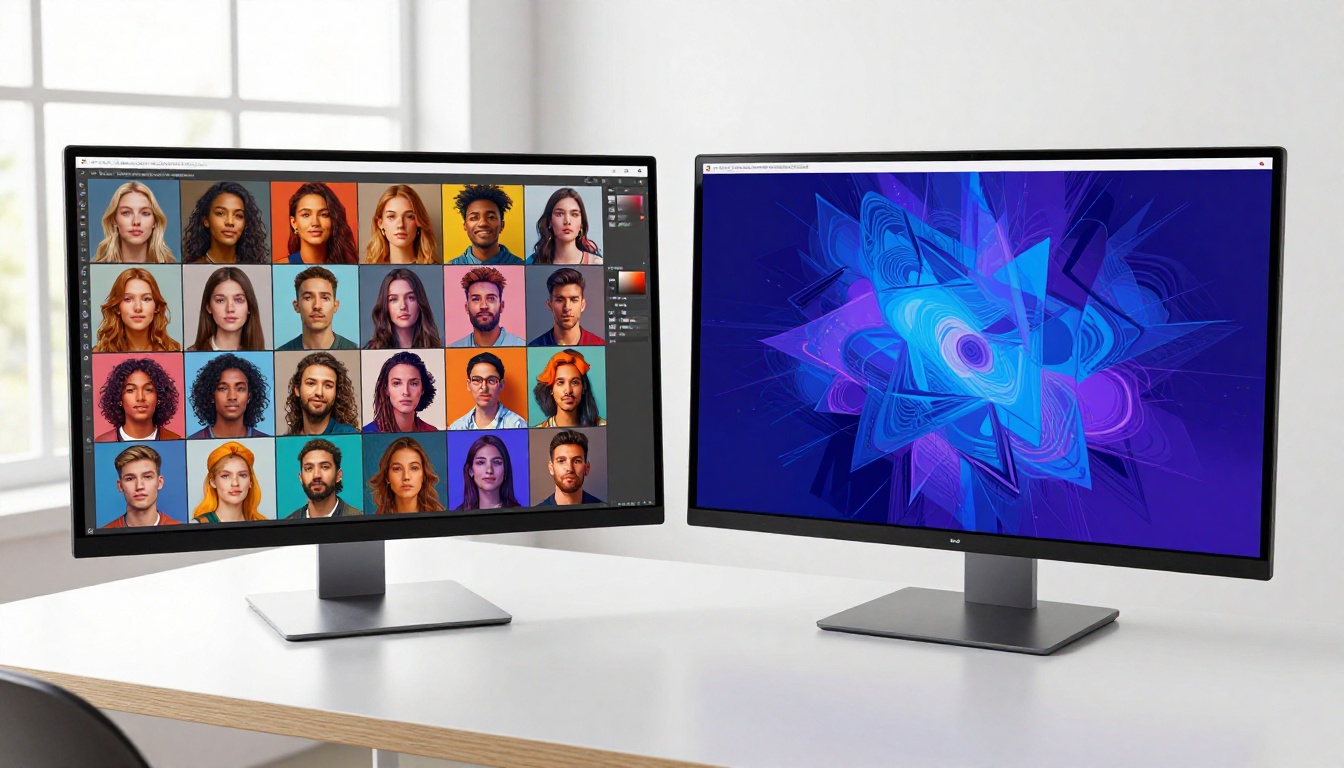
At first glance, Adobe Firefly and Midjourney look like they're competing in the same lane. They're not. These tools were built with fundamentally different goals, different audiences, and different philosophies about what AI image generation should be.
What Firefly Actually Does
Adobe Firefly is Adobe's native AI image engine, deeply embedded into the Creative Cloud ecosystem. You'll find it inside Photoshop, Illustrator, Adobe Express, and Adobe Stock. Its core strength is integration, not isolation. Firefly's Generative Fill in Photoshop lets you paint over a region and describe what you want, and it fills it in seamlessly. Generative Expand pushes image borders outward. Text Effects lets you apply visual styles to typography directly inside Illustrator.
Firefly is trained exclusively on Adobe Stock images and licensed public domain content. That matters because it means every image Firefly produces is commercially safe by design. No copyright landmines, no grey zones.
The flip side? Firefly's raw output quality, when judged on artistic merit alone, doesn't always match what dedicated image generation platforms produce. It's a workflow tool first. A creative powerhouse second.
What Midjourney Actually Does
Midjourney is purpose-built for generating striking, stylized images. It started as a Discord bot and still runs primarily through Discord today, though a web interface has been available since late 2023. You type a prompt, and Midjourney returns four image variations with a distinct aesthetic that has become instantly recognizable: dramatic lighting, rich color, painterly detail, and a cinematic quality that feels less like a stock photo and more like concept art.
Midjourney does not run inside another app. It is its own environment. You don't edit inside Midjourney. You generate, refine with parameters like --style, --ar, and --stylize, then take the output elsewhere if you need further editing.
The result is a tool that produces visually impressive images fast, but requires you to work around its limitations rather than with a native toolset.
Image Quality Face-Off
This is where most people focus their attention, and where the comparison gets genuinely interesting.
Photorealism vs Artistic Style
Midjourney has long been the gold standard for stylized output. When you want a moody portrait, a fantasy landscape, or a product mockup that looks like a painting, Midjourney delivers with very little prompting effort. Its default aesthetic leans toward the dramatic and the refined.
Firefly, on the other hand, has made major leaps in photorealism since its initial release. Firefly Image 3, the current generation, produces realistic portraits, product renders, and scene compositions that hold up well in professional contexts. It still tends toward a polished, slightly artificial look compared to the rawer depth Midjourney achieves.
Who Wins on Details
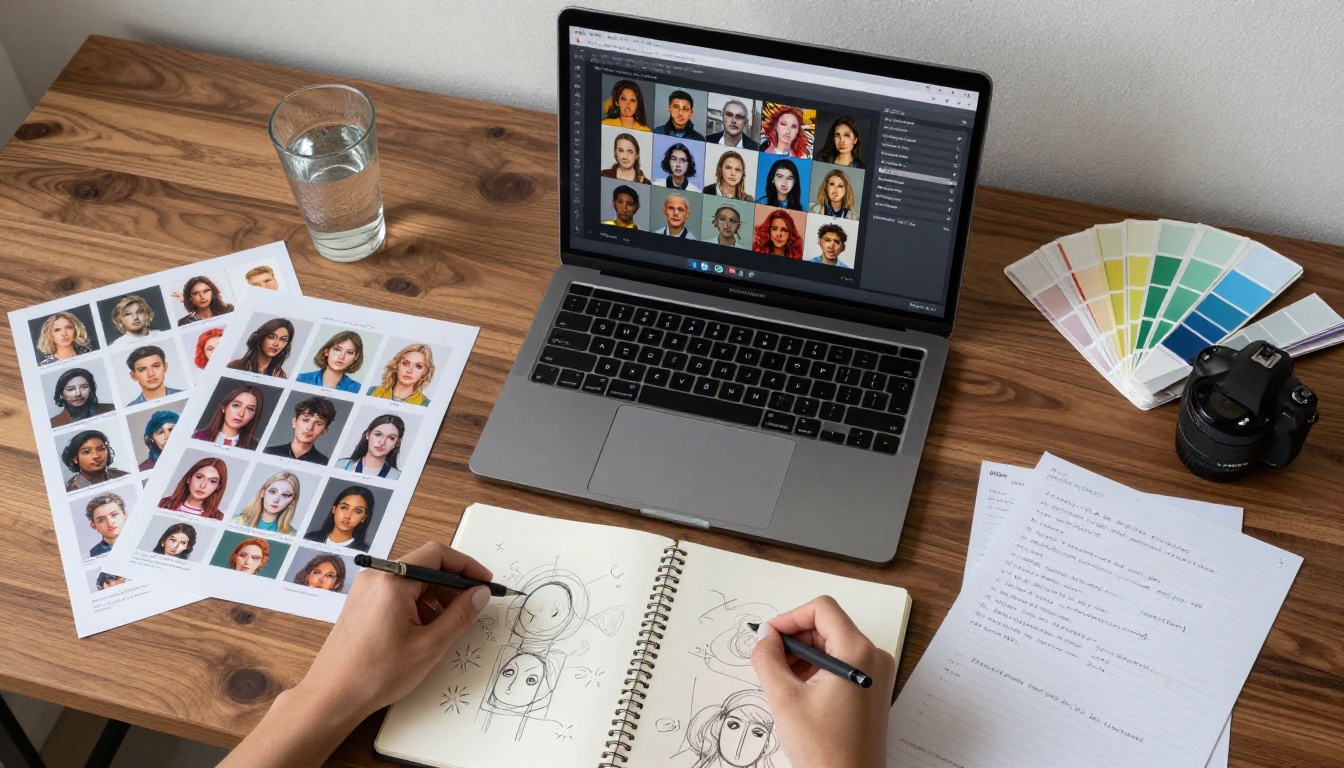
For fine-grained control over what appears in an image, Firefly wins clearly. The ability to use reference images, apply style references, use subject references, and work inside Photoshop with layer-level precision gives Firefly a huge advantage in controlled production environments.
Midjourney's Image Prompt feature lets you reference an existing image for style or composition, and its --cref character reference parameter introduced in 2024 was a major step forward for consistency. But it still requires patience with prompting and a willingness to iterate through variations. There's no pixel-level control. What you get is what Midjourney decided to give you.
💡 Quick take: If visual drama matters more than precision, go Midjourney. If you need output that fits inside a specific workflow with editable layers and brand consistency, Firefly is your tool.
Pricing That Actually Matters
Price is often the deciding factor, especially for freelancers and small teams.
Firefly's Credit Model
Adobe Firefly is bundled with Creative Cloud plans. If you already pay for Photoshop or Illustrator, you get a monthly Generative Credits allowance included. The free tier gives you 25 credits per month. Credits refresh monthly and replenish when you upgrade or when Adobe runs promotions.
The catch: high-quality generations like Firefly Image 3 with Enhanced detail cost more credits per generation than standard output. Power users can burn through their monthly allotment quickly.
Midjourney's Subscription Tiers
Midjourney operates on a pure subscription model with no free tier as of 2024.
| Plan | Monthly Price | Fast GPU Hours |
|---|
| Basic | $10/mo | 3.3 hrs |
| Standard | $30/mo | 15 hrs |
| Pro | $60/mo | 30 hrs |
| Mega | $120/mo | 60 hrs |
At the Basic tier, you can generate roughly 200 images per month. The Standard tier at $30 is where most regular users land. Annual billing saves 20%.
💡 For infrequent users, Firefly bundled with Creative Cloud is essentially free. For dedicated AI art generation volume, Midjourney's Standard plan offers better throughput for the price.

Creative Control and Workflow
Firefly Inside Adobe Apps
The biggest selling point of Firefly isn't the standalone Firefly.adobe.com web app. It's the integration inside tools you already use. In Photoshop, Generative Fill is non-destructive. In Illustrator, you can apply AI-generated textures to vector shapes. In Adobe Express, you can build social content with AI backgrounds and effects in minutes.
This is how professionals in marketing, advertising, and brand design typically work. They don't leave their existing workflow. Firefly comes to them.
Additionally, Firefly's Reference Image feature lets you upload a photo and instruct the AI to match its style, color palette, or subject matter. Structure Reference controls spatial composition. These are serious tools for teams that need brand-consistent output at scale.
Midjourney's Discord Interface
Midjourney's Discord-first design is both its most praised and most criticized feature. On the positive side, it creates a live creative community. You generate images in shared channels or via DM, see what others are making, and draw inspiration constantly.
On the negative side: for anyone who finds Discord confusing or unprofessional, the interface is a genuine friction point. Commands like /imagine, parameter flags like --ar 16:9, and the variation buttons under each image output take time to get comfortable with, and casual users often find them annoying.
The newer web interface at midjourney.com is cleaner and more accessible, with image history, project organization, and a real search function. But it still lacks the layered editing capabilities that Firefly users take for granted.
Commercial Use and Licensing
Firefly's Legal Safety Net
This is Firefly's strongest card. Adobe built Firefly on licensed content from Adobe Stock and openly licensed sources. Every image generated through Firefly is covered by Adobe's Indemnification Policy, meaning Adobe will defend paying customers in copyright disputes arising from Firefly-generated content used commercially.
For agencies, brands, and businesses, this is enormous. You can put Firefly output on a billboard, in an ad campaign, or on a product label without legal anxiety. No other major AI image platform currently matches this level of coverage.
Midjourney's Grey Area
Midjourney's commercial rights situation is more complicated. Pro, Mega, and higher tier subscribers can use images commercially, but Midjourney's training data has been the subject of ongoing legal scrutiny, including class-action lawsuits from artists. The tool does not offer any indemnification against copyright claims.
That doesn't mean you can't use Midjourney commercially; millions of people do. But it means your legal exposure is higher, and enterprise legal teams often flag it as a risk.
💡 For commercial production work where legal sign-off matters, Firefly is the safer choice by a wide margin.

Who Should Pick Which
Both tools are genuinely good. The right one depends entirely on what you're trying to do.
Best for Designers and Marketers
If your work lives inside Adobe Creative Cloud, Firefly is not even a close call. The integration with Photoshop, Illustrator, and Express means you're generating inside your existing documents. The commercial safety coverage protects client work. The reference image system gives you brand consistency.
Firefly also makes sense for: content teams producing social media assets at volume, marketing agencies with legal obligations around image licensing, and anyone who needs AI generation built into a multi-step editing workflow.
Firefly is right for you if:
- You already pay for Creative Cloud
- Client work requires commercially safe images
- You need layer-level editing after generation
- Brand consistency is non-negotiable
Best for Artists and Creators
Midjourney is for people who want to generate standalone images with strong visual impact and are willing to invest time in prompting craft. If you're building an art portfolio, creating concept art, generating illustrations for personal projects, or selling AI-generated prints, Midjourney's output ceiling is genuinely higher for artistic styles.
It's also better for people who don't use Adobe products at all, since the Creative Cloud subscription cost that bundles Firefly is itself significant.
Midjourney is right for you if:
- You prioritize visual impact over workflow integration
- You work outside the Adobe ecosystem
- You generate images as standalone outputs, not inside other documents
- You want a community of other AI artists around you
💡 The honest summary: Firefly is a production tool that generates images. Midjourney is an image generation tool that professionals adapt into their production pipelines. Different starting points, different ideal users.

The PicassoIA Alternative Worth Trying
Neither Firefly nor Midjourney is the only option in this space. If you want access to multiple top-tier AI image models in one place, without locking into Adobe's ecosystem or Midjourney's subscription model, PicassoIA offers a compelling alternative.
The platform gives you access to some of the most powerful open and proprietary models available today, including:
- GPT Image 2: OpenAI's latest image generation model, capable of producing detailed, instruction-following images with strong prompt adherence
- Flux Redux Dev: Black Forest Labs' variation model for creating compelling image riffs from a reference photo, similar to Midjourney's variation workflow
- Seedream 4.5: ByteDance's model for stunning 4K-quality images from text prompts with exceptional color fidelity
- Wan 2.7 Image Pro: A 4K image generation model with exceptional detail and photorealistic rendering
- Hunyuan Image 2.1: Tencent's 2K image generator with strong prompt comprehension and natural lighting
The ability to switch between models means you're not betting everything on one tool's aesthetic or quality ceiling. You can use Flux Redux Dev for variations, GPT Image 2 for instruction-heavy prompts, and Seedream 4.5 for volume output at high resolution.
Where Firefly locks you into the Adobe ecosystem and Midjourney locks you into Discord, PicassoIA gives you model flexibility from a single browser tab. No subscriptions per model. No separate accounts. One platform, dozens of options.

Create Your Own Images Right Now
The real way to settle this comparison is to try both, and to try what's beyond both. Firefly and Midjourney are strong tools, but the AI image generation space moves fast, and the best output often comes from having options rather than being locked into one platform's vision of what a good image looks like.
PicassoIA puts dozens of models at your fingertips, from portrait-focused generators to 4K landscape creators, all in a single interface without complex onboarding or Discord commands. Whether you're building brand visuals, creating content for social media, or experimenting with creative imagery for personal projects, there's a model on the platform that fits what you're after.
Head to PicassoIA and start generating. Pick GPT Image 2 for your first prompt if you want precise, instruction-following results. Try Wan 2.7 Image Pro if you want cinematic 4K output. You'll have a working image in under a minute, and you might not look at the Firefly vs Midjourney debate the same way again.