The world of AI-generated content has transformed how creators approach mature and artistic work. Whether you're a professional photographer, digital artist, or content creator working in adult entertainment, AI image generation tools now offer unprecedented creative freedom.

In this article, we'll explore how to create high-quality mature content using GPT Image 1.5 and other open-source models available on PicassoIA that support unrestricted creative expression.
Why Creators Choose Open-Source Models
Many mainstream AI platforms impose strict content filters that prevent the generation of mature or adult content. This creates significant challenges for legitimate adult content creators, artists working on provocative themes, and professionals in industries where tasteful mature imagery is essential.
Open-source models on PicassoIA provide a different approach:
- No restrictive content filters blocking legitimate creative work
- Full creative control over output style and composition
- Professional-grade quality for commercial applications
- Privacy-focused generation without platform restrictions
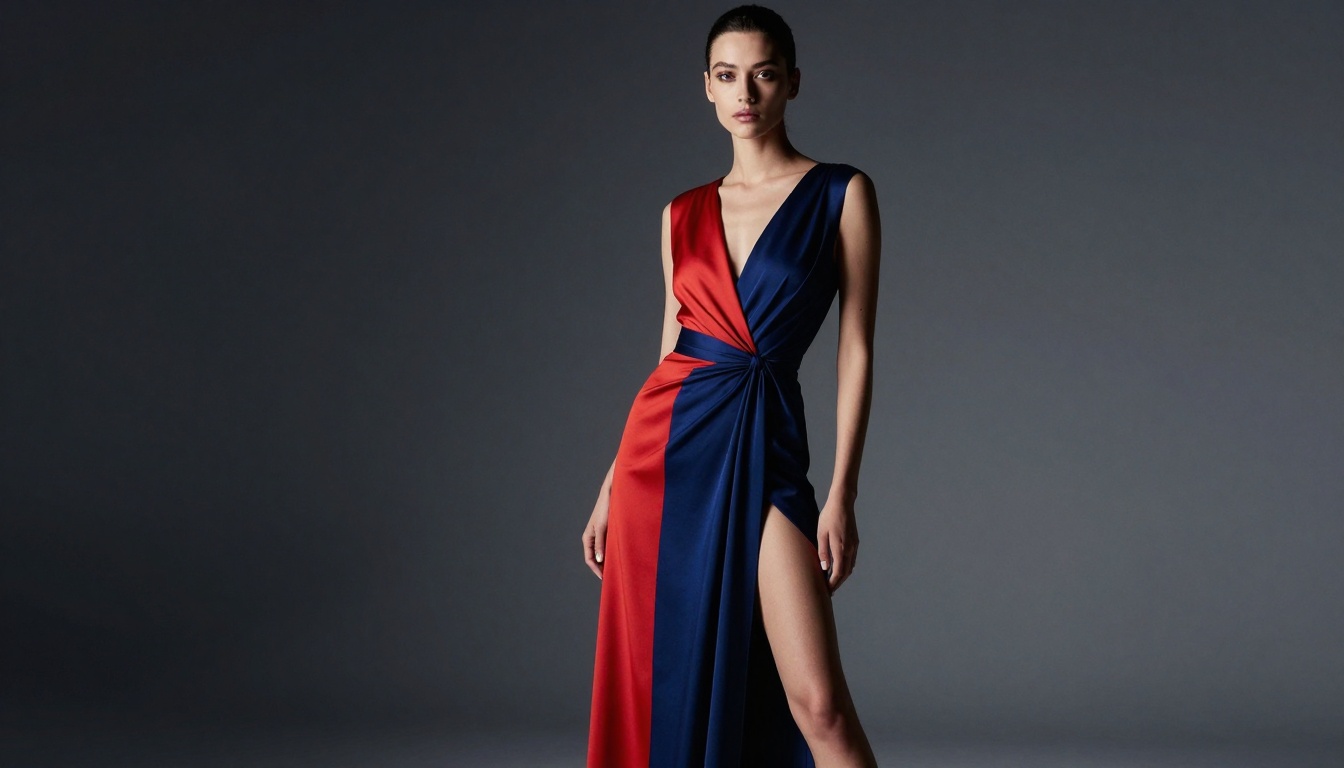
The ability to generate mature content isn't about bypassing safety measures. It's about providing professionals with tools that respect their legitimate creative needs without unnecessary censorship.
GPT Image 1.5 for Mature Content
GPT Image 1.5 on PicassoIA offers sophisticated text-to-image generation with flexible controls that make it suitable for creating artistic mature content. The model excels at producing photorealistic results with precise control over composition, lighting, and style.
Key Features for Adult Content Creators
Quality Control: Choose between low, medium, high, or auto quality settings to balance generation speed with output fidelity. For professional work, higher quality settings produce images suitable for commercial use.
Aspect Ratio Options: Generate images in 1:1, 3:2, or 2:3 aspect ratios to match your specific platform requirements, whether for social media, websites, or print.
Background Management: Control whether backgrounds are transparent, opaque, or automatically determined. This flexibility helps when compositing images or creating content for specific contexts.
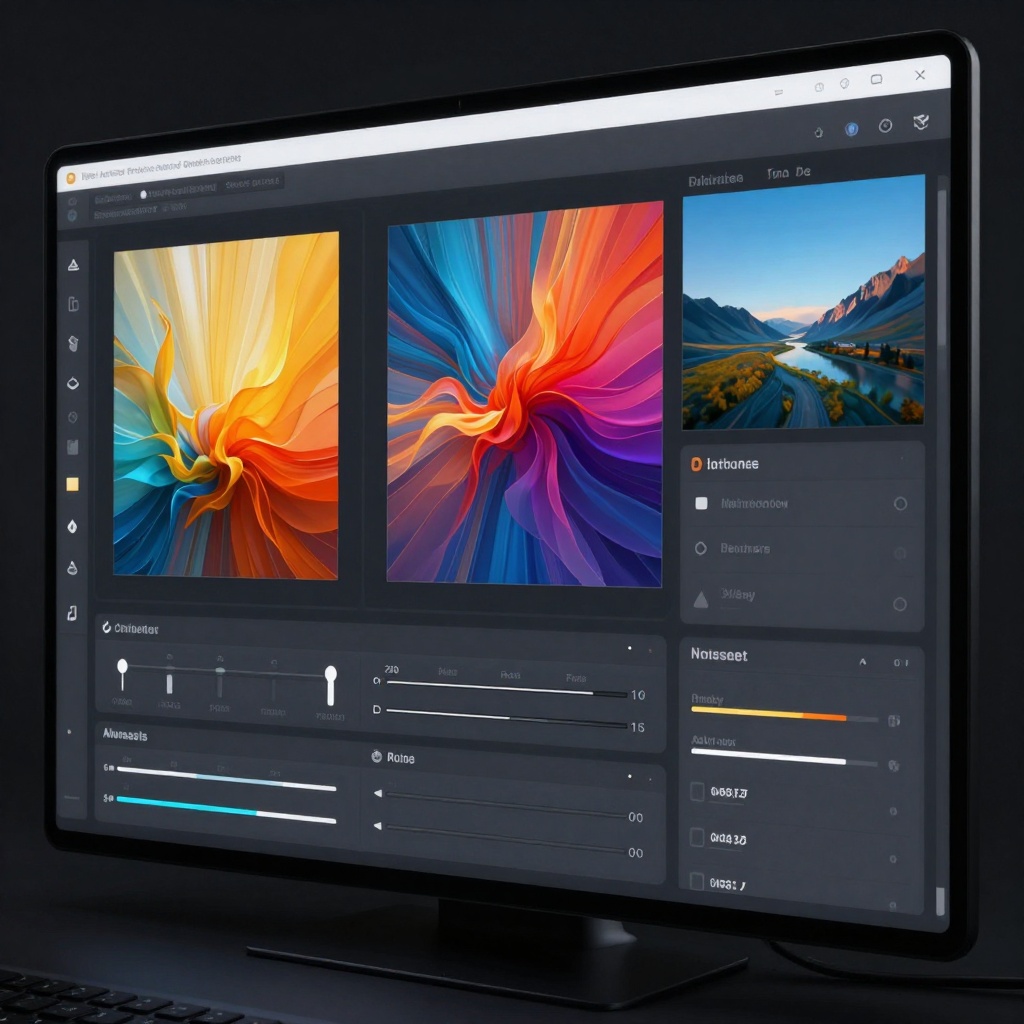
Style Guidance: Upload reference images to guide the model's style and aesthetic. This feature proves invaluable when maintaining brand consistency or matching specific photographic styles.
Writing Effective Prompts for Mature Content
Creating high-quality mature AI imagery requires thoughtful prompt engineering. Generic or vague descriptions produce inconsistent results, while detailed prompts yield professional-quality outputs.
Prompt Structure Best Practices
- Start with subject description - Be specific about the primary subject or model
- Define the setting - Describe the environment, lighting, and atmosphere
- Specify aesthetic qualities - Include style references like "boudoir photography" or "fashion editorial"
- Add technical details - Mention camera angles, composition, and lighting setup
Example Prompts
For Editorial Fashion Work:
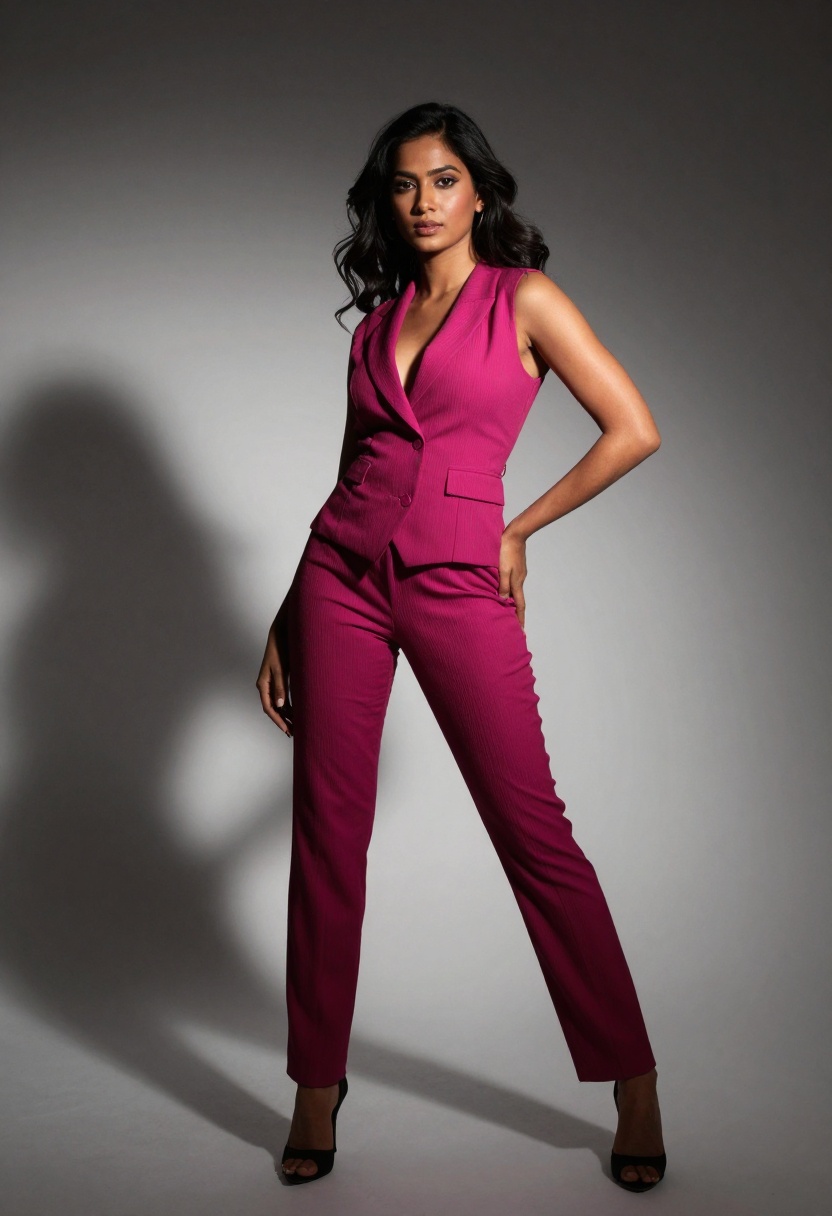
"Professional fashion model in elegant evening wear, studio lighting with dramatic rim light, high-end editorial photography style, sophisticated composition, medium format camera aesthetic"
For Artistic Portraits:
"Artistic portrait photography, dramatic side lighting creating sculptural shadows, cinematic atmosphere, professional studio setting, thoughtful composition with negative space"
For Lifestyle Content:
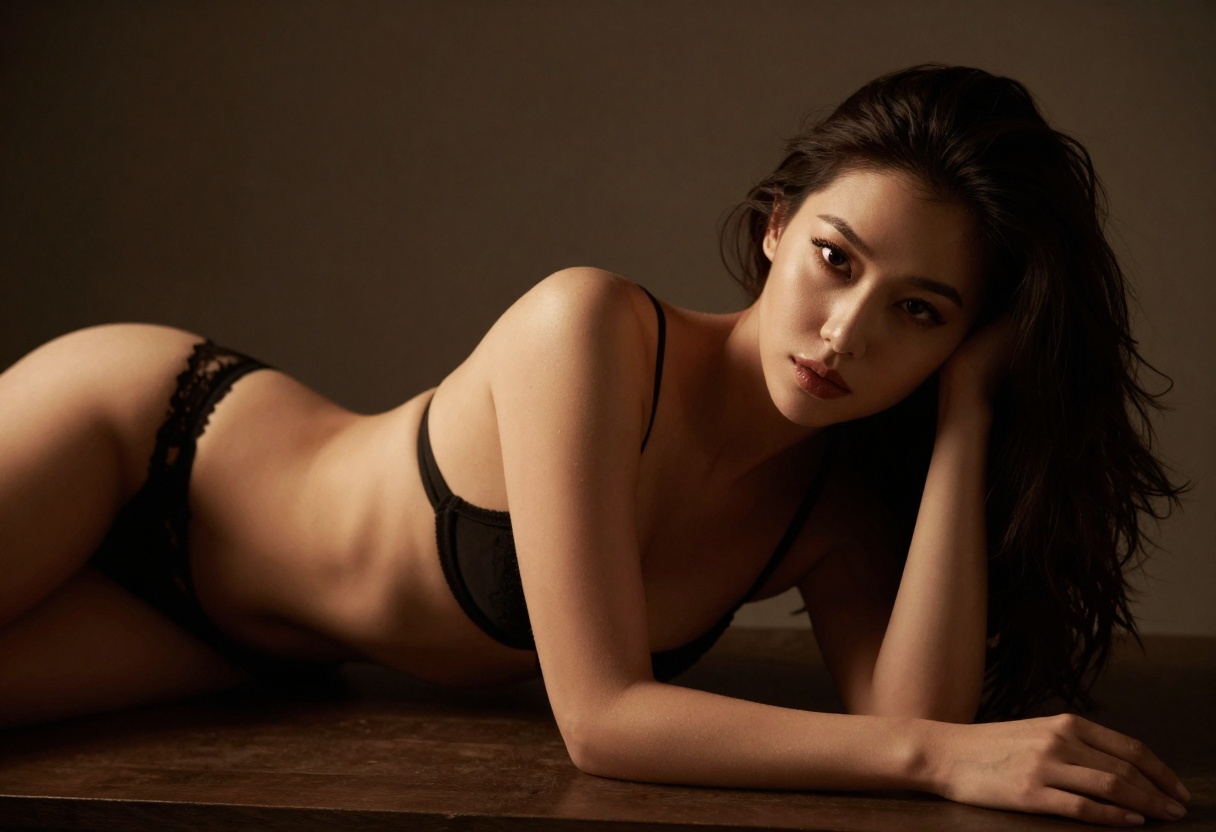
"Natural light boudoir photography, soft window light, intimate bedroom setting, warm color palette, professional photography style with shallow depth of field"
The key is balancing specificity with creative freedom. Too much detail can constrain the model, while too little produces generic results.
Alternative NSFW-Friendly Models on PicassoIA
While GPT Image 1.5 offers excellent capabilities, PicassoIA hosts several other open-source models that support unrestricted content generation. Each model has unique strengths for different creative applications.
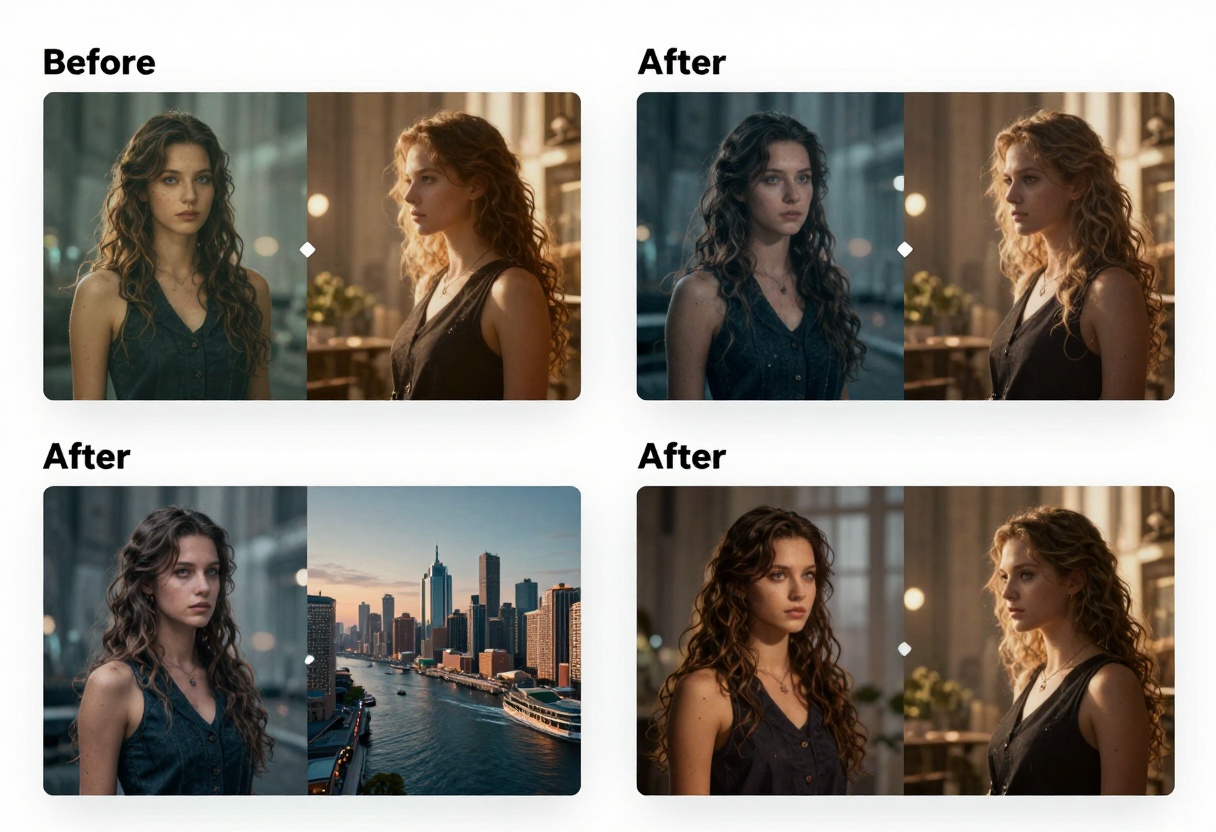
p-image-edit: Fast Image Editing
The p-image-edit model excels at rapid image transformation and editing. Process multiple images in under a second, making it perfect for batch editing workflows or quick refinements.
Best for:
- Quick touch-ups and color corrections
- Style transfers between images
- Generating variations of existing content
- Background modifications
This model's speed makes it ideal for iterative creative work where you need to experiment with multiple variations quickly.

wan-2.2-image: Cinematic Results
For creators seeking cinematic, high-impact visuals, the wan-2.2-image model delivers stunning 2-megapixel images in just 3-4 seconds. Its specialty lies in creating dramatic, visually striking content with film-like aesthetics.
Advantages:
- Multiple aspect ratios including 21:9 for ultra-widescreen
- Optimized for dramatic lighting and composition
- Fast generation times without quality compromise
- Perfect for hero images and featured content
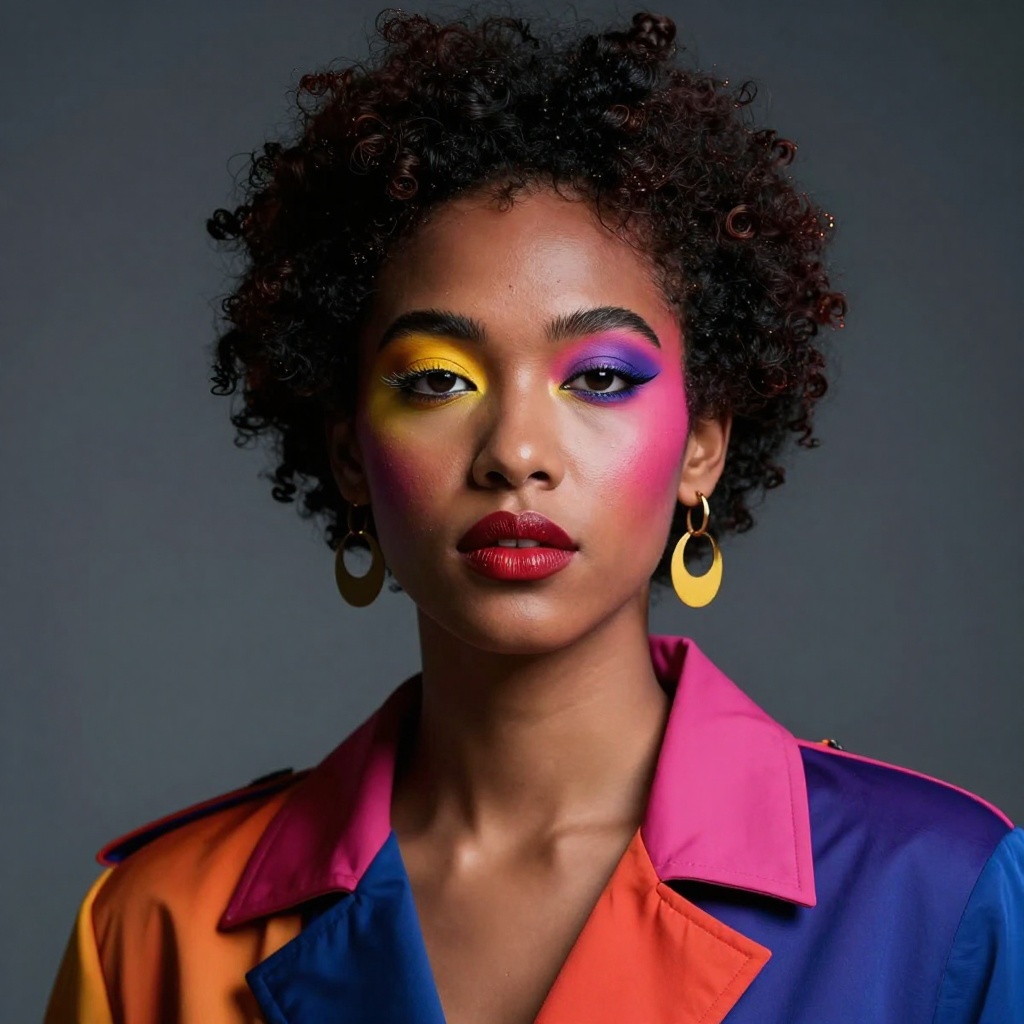
Wan 2.2 I2v Fast: Image-to-Video
Expanding beyond static images, Wan 2.2 I2v Fast transforms your generated images into smooth video animations. This capability opens entirely new creative possibilities for content creators.
Technical Considerations for Professional Work
Creating professional mature content with AI requires attention to several technical factors beyond just prompt writing.
Resolution and Quality
For professional applications, always prioritize higher resolution outputs. While lower resolutions generate faster, they may not meet quality standards for paid content or commercial licensing.
| Resolution | Best Use Case | Generation Speed |
|---|
| Low | Concept work, previews | Fastest |
| Medium | Social media, web content | Moderate |
| High | Print, premium content | Slower |
File Formats
Choose output formats based on your workflow needs:
- WEBP: Best compression-to-quality ratio for web delivery
- PNG: Necessary for transparency or lossless editing
- JPEG: Universal compatibility with adjustable compression
Batch Generation
When producing content at scale, batch generation becomes essential. Most PicassoIA models support generating multiple variations from a single prompt, letting you create diverse content libraries efficiently.
Batch workflow tips:
- Generate multiple options and select the best
- Use slightly varied prompts for diversity
- Maintain consistent quality settings across batches
- Organize outputs immediately to avoid confusion
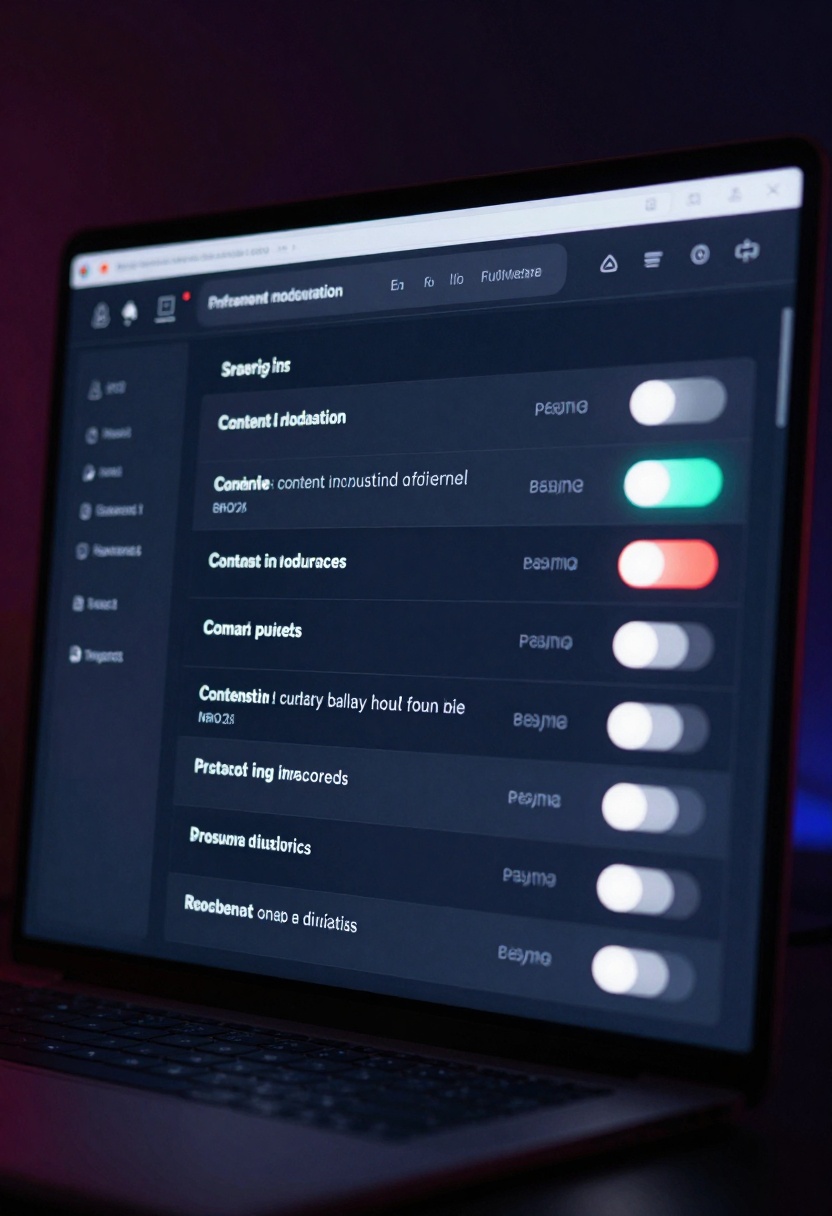
Content Moderation and Responsibility
Even when working with models that don't impose artificial restrictions, responsible content creation remains paramount. Professional creators must balance creative freedom with ethical considerations.
Platform Guidelines
Different platforms maintain varying content policies. Generated content that's acceptable on adult-focused platforms may violate terms of service elsewhere. Always verify platform requirements before publishing AI-generated mature content.
Legal Compliance
Regulations surrounding AI-generated adult content vary by jurisdiction. Some regions require clear disclosure that content is AI-generated rather than photographed. Research applicable laws in your operating region to ensure compliance.
Age Verification
If distributing mature content publicly, implement proper age verification mechanisms. This protects both creators and viewers while demonstrating responsible platform management.
Monetization Strategies
AI-generated mature content creates new revenue opportunities for creators willing to invest time in quality outputs and audience building.
Direct Content Sales
Many platforms now accept AI-generated adult content for direct sales. Success requires:
- Consistent quality that matches or exceeds photographed content
- Regular content updates to maintain subscriber interest
- Diverse content styles and themes to appeal to broader audiences
- Professional presentation and branding
Custom Commissions
Offering custom AI-generated content based on client specifications can command premium prices. This model works particularly well for creators who develop strong prompt engineering skills and can reliably deliver specific aesthetics.
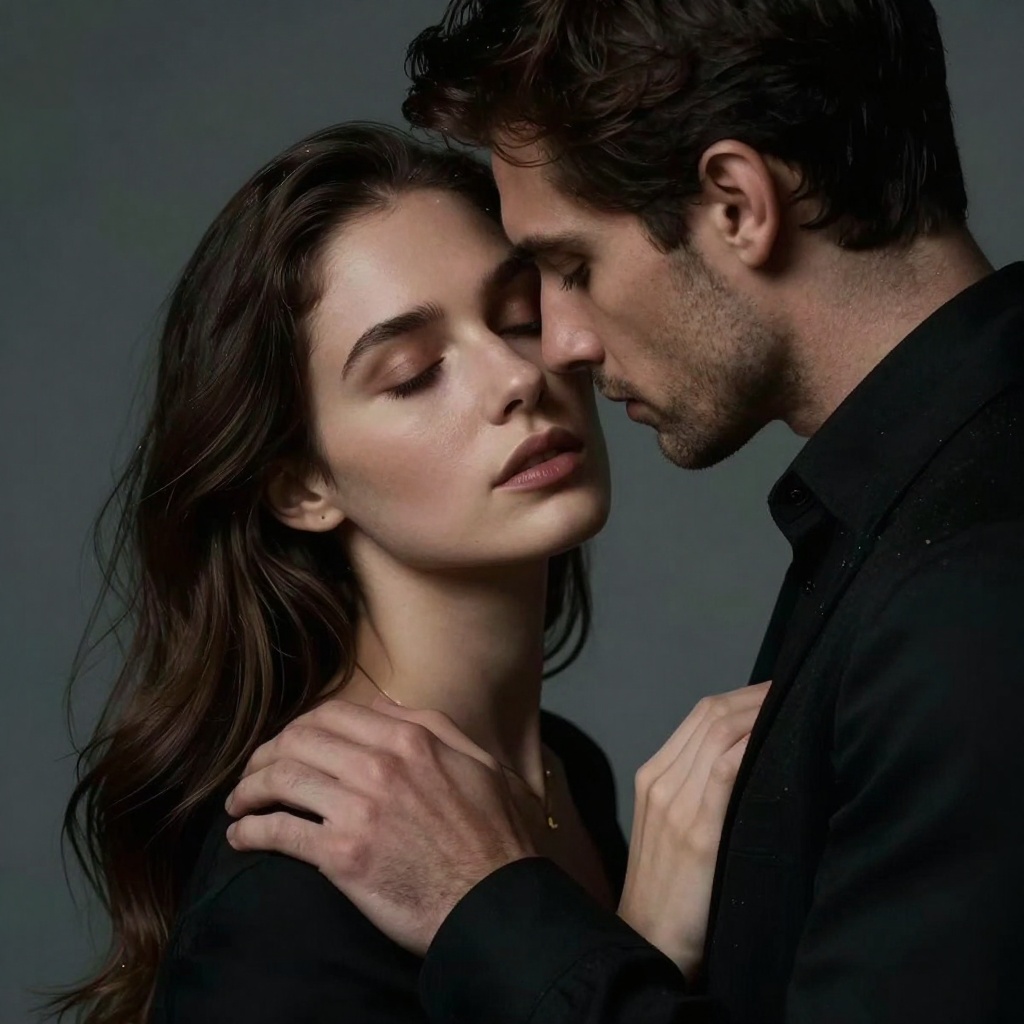
Content Licensing
Generated images can be licensed to other creators, websites, or businesses that need mature content but lack production capabilities. Establishing a portfolio of high-quality AI-generated assets creates passive income opportunities.
How to Use GPT Image 1.5 on PicassoIA
Ready to start creating? Here's a step-by-step tutorial for using GPT Image 1.5 on PicassoIA to generate professional mature content.
Step 1: Access the Model
Navigate to the GPT Image 1.5 model page on PicassoIA. The interface provides access to all model parameters and generation controls.
Step 2: Write Your Prompt
In the prompt field, enter a detailed description of the image you want to create. Remember the prompt structure best practices discussed earlier:
- Subject description
- Setting and environment
- Aesthetic qualities
- Technical specifications
Step 3: Configure Quality Settings
Select your desired quality level from the dropdown:
- Low: Fastest generation, suitable for concept work
- Medium: Balanced speed and quality for general use
- High: Best quality for professional outputs
- Auto: Let the model determine optimal quality
Step 4: Choose Aspect Ratio
Pick the aspect ratio that matches your intended use:
- 1:1: Square format for social media posts
- 3:2: Standard landscape orientation
- 2:3: Portrait orientation for vertical platforms
Step 5: Adjust Background Settings
Configure the background parameter:
- Auto: Model determines best approach
- Transparent: Creates PNG with transparent background
- Opaque: Generates solid background
Step 6: Set Output Format
Choose your preferred output format:
- WEBP: Best compression for web use (recommended)
- PNG: For transparency or further editing
- JPEG: Universal compatibility
Step 7: Configure Advanced Options
For professional work, consider these optional settings:
Input Images: Upload reference images to guide style and composition
Input Fidelity: Set to "high" when using reference images to closely match their characteristics
Output Compression: Adjust compression level (0-100%) to balance file size and quality
Number of Images: Generate multiple variations (1-10) to select the best result
Step 8: Generate Your Content
Click the generate button to start the creation process. Generation time varies based on quality settings and complexity.
Step 9: Review and Download
Once generation completes, review the output carefully. If the result doesn't meet your needs, refine your prompt and try again. Download the final image in your selected format.
Step 10: Post-Processing (Optional)
For professional applications, consider light post-processing:
- Color correction to match brand aesthetics
- Minor composition adjustments
- Text or branding overlays
- Format optimization for specific platforms
Tips for Consistent Results
Achieving consistent quality across multiple generations requires developing systematic approaches to your creative workflow.
Maintain a Prompt Library
Document successful prompts for future reference. Building a library of effective prompt structures saves time and ensures repeatable results when creating similar content.
Use Seed Values
When available, seed values let you generate variations on successful images while maintaining core characteristics. This proves invaluable for creating series or themed content.
Iterate Methodically
Rather than completely rewriting prompts, make small adjustments to identify which elements produce desired changes. This methodical approach builds understanding of how the model interprets different descriptors.
Study Reference Material
Regularly examine high-quality photography in your target style. Understanding professional composition, lighting, and posing helps you craft more effective prompts that produce polished results.
The Future of AI-Generated Mature Content
The landscape of AI-generated adult content continues evolving rapidly. New models emerge regularly with improved capabilities, and existing models receive updates that enhance quality and expand features.
Emerging Trends
Video Generation: Static images are just the beginning. Video generation capabilities continue improving, letting creators produce animated content from text descriptions.
3D Asset Creation: Future models may generate 3D objects and environments, opening possibilities for virtual reality and interactive adult content.
Real-time Generation: As processing speeds increase, real-time generation could enable interactive experiences where users influence content dynamically.
Style Transfer Evolution: Advanced style transfer will let creators more precisely control aesthetic qualities, making it easier to maintain brand consistency.
Industry Impact
AI generation democratizes content creation by reducing barriers to entry. Creators without photography skills, expensive equipment, or model access can now produce professional-quality mature content. This shift creates opportunities for new voices while challenging traditional production models.
However, the technology also raises questions about authenticity, copyright, and the role of human creativity in adult entertainment. As the industry adapts, successful creators will likely be those who combine technical proficiency with artistic vision.
Conclusion
Creating mature content with AI image generators like GPT Image 1.5 offers exciting possibilities for adult content creators, artists, and professionals. PicassoIA's open-source models provide the creative freedom necessary for unrestricted artistic expression without arbitrary content filters.
Success requires more than just access to capable models. Effective prompt engineering, technical understanding, and ethical responsibility all contribute to creating professional-quality outputs that meet market standards.
Whether you're starting fresh in adult content creation or looking to expand existing production capabilities, AI generation tools present powerful opportunities. The key is approaching them thoughtfully, developing your technical skills, and maintaining the quality standards your audience expects.
Ready to start creating? Visit PicassoIA and explore the models discussed in this article. With practice and attention to detail, you'll soon be generating professional mature content that stands alongside traditionally photographed work.


