When time matters most in video editing, traditional software becomes a bottleneck. The demand for quick video clips across social platforms has created a new category of AI-powered editing tools that work at the speed of thought rather than the pace of manual adjustment.

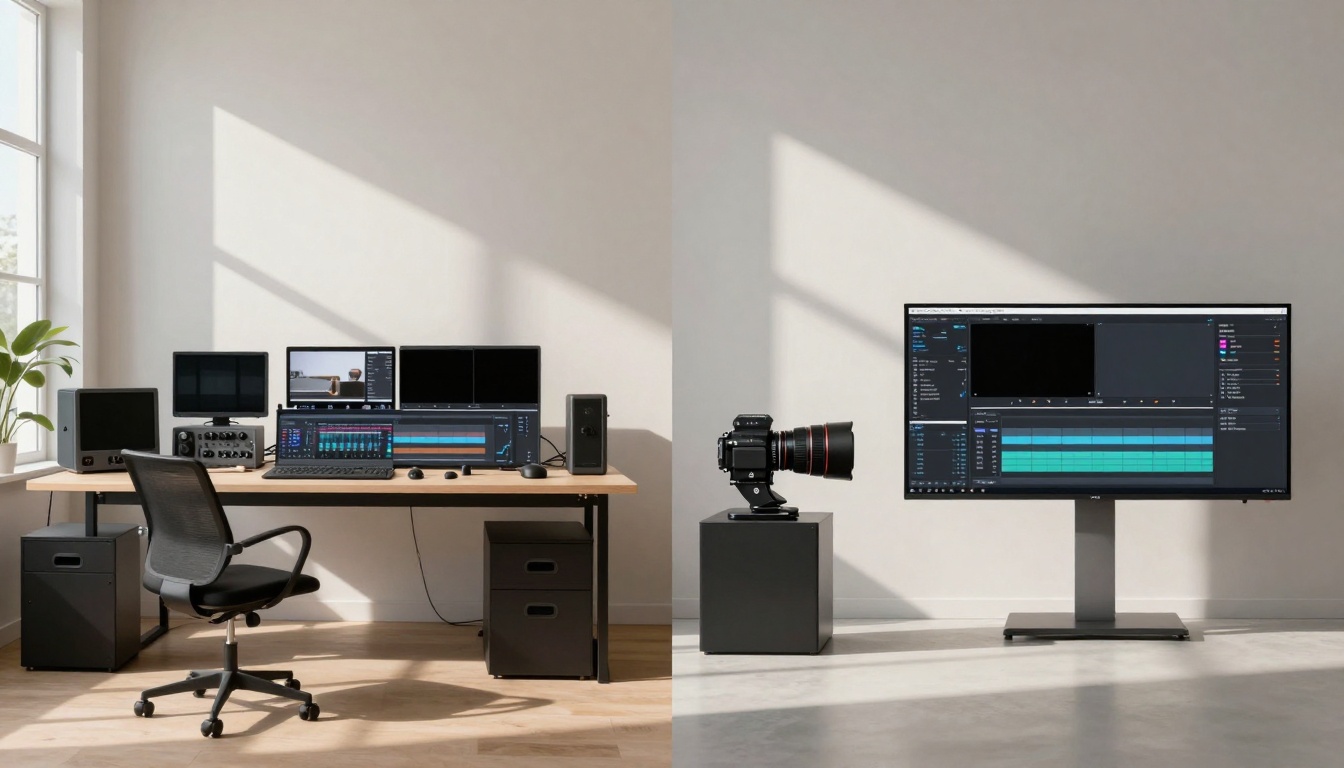
Professional workspace showing efficient AI video editing setup
The Need for Speed in Video Editing
Social media algorithms reward consistency and frequency. Posting daily requires editing workflows measured in minutes, not hours. Traditional editing suites like Premiere Pro or Final Cut demand technical expertise and time investments that simply don't align with the pace of platform demands.
💡 Key Insight: The best AI editors don't just automate tasks—they understand context. They can identify the most engaging segments of your footage and suggest optimal trimming points based on content analysis rather than simple time markers.
What Defines a "Quick" Video Clip?
| Characteristic | Traditional Editing | AI-Powered Editing |
|---|
| Processing Time | 30-60 minutes | 2-5 minutes |
| Learning Curve | Weeks to months | Minutes to hours |
| Automation Level | Manual adjustments | Context-aware suggestions |
| Mobile Workflow | Limited or nonexistent | Full-featured mobile apps |
| Batch Processing | Manual per clip | Simultaneous multi-clip |
The shift isn't just about faster tools—it's about different thinking. AI editors approach video as data to be analyzed and optimized, not just frames to be manually adjusted.
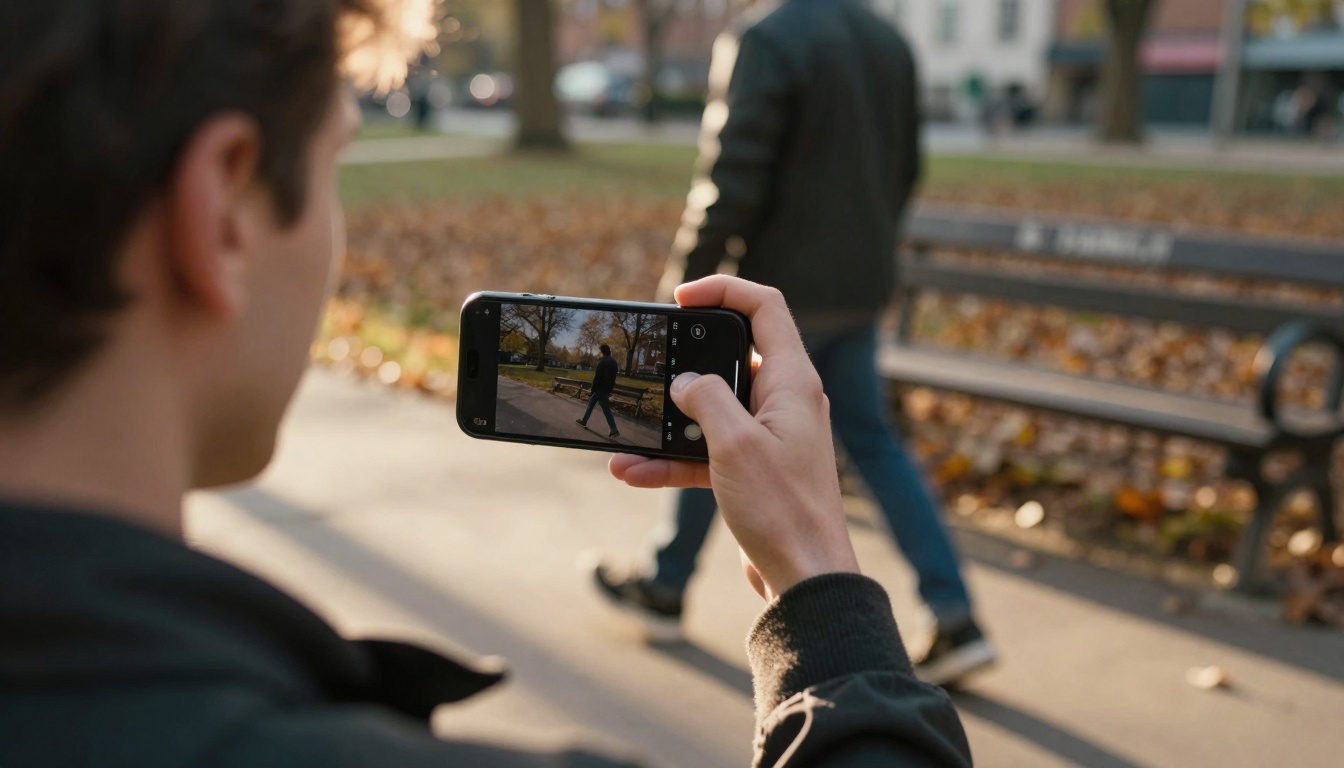
Mobile content creation in natural environments
Core Features of Top AI Video Editors
Automated Trimming Intelligence
The most time-consuming aspect of quick video editing is deciding what to cut. AI editors analyze your footage for:
- Audio peaks (laughter, emphasis points, emotional moments)
- Visual interest (movement, composition changes, subject focus)
- Content coherence (logical segment boundaries)
- Engagement markers (based on platform-specific analytics)
Tools like trim-video on PicassoIA specialize in this precise automation, using machine learning to identify optimal cut points without manual timeline scrubbing.
Smart Caption Generation
Captions aren't just accessibility features—they're engagement multipliers. AI editors that excel at quick clips include:
- Speech-to-text accuracy (95%+ accuracy rates)
- Timing synchronization (captions that match speech rhythm)
- Style customization (platform-optimized text formatting)
- Multi-language support (automatic translation options)
autocaption demonstrates how specialized tools can handle this entire workflow automatically, generating properly timed captions with minimal user input.
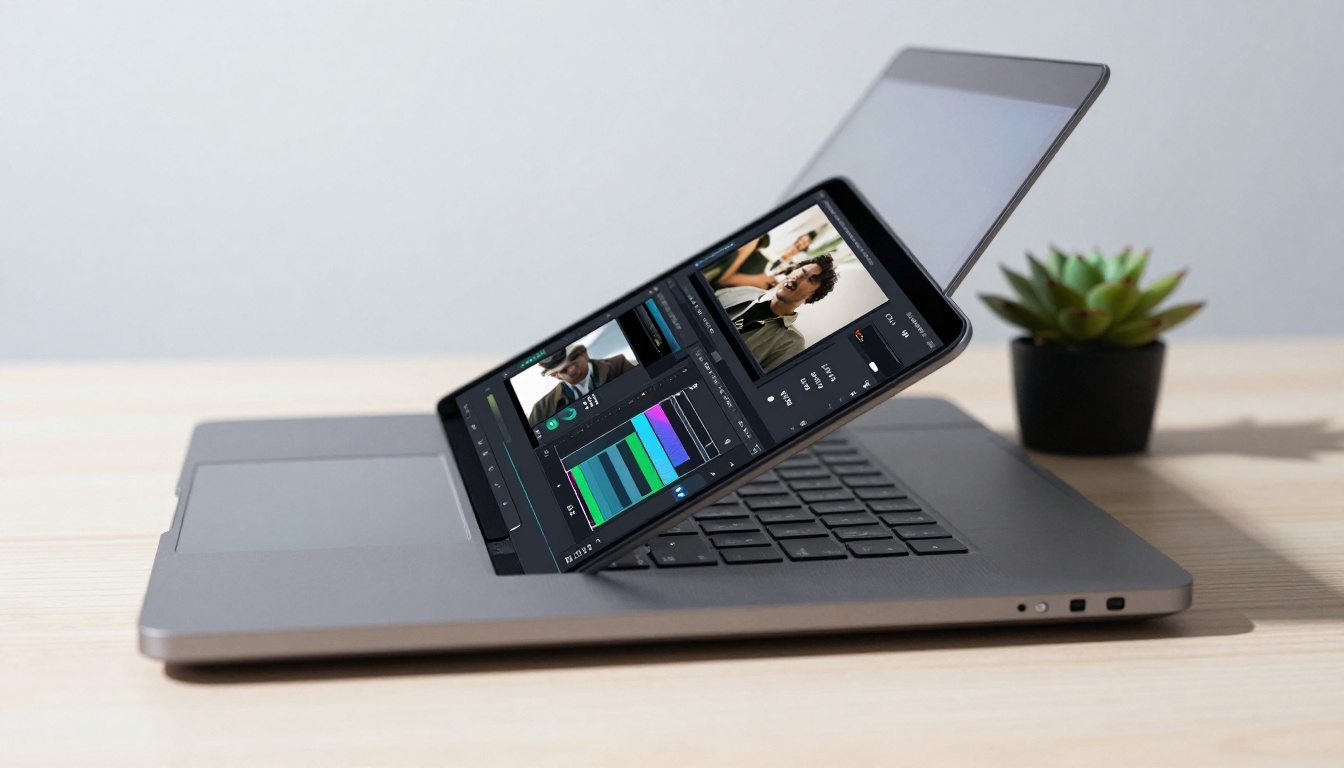
Clean interface showing AI-powered editing suggestions
One-Click Optimization Suites
The difference between amateur and professional-looking clips often comes down to consistent optimization. Top AI editors bundle:
- Color correction (automatic white balance and exposure adjustment)
- Stabilization (smoothing shaky footage without manual tracking)
- Audio enhancement (noise reduction and volume normalization)
- Format optimization (platform-specific resolution and aspect ratio)
These bundled features eliminate the need for separate plugins or manual adjustment layers that slow down the editing process.
Batch Processing Capabilities
When you need multiple clips edited consistently, batch processing becomes essential. The best tools allow:
- Template application (apply the same edits across multiple files)
- Queue management (process clips in background while you continue editing)
- Consistency enforcement (maintain brand colors, captions styles, transitions)
- Cloud synchronization (edit across multiple devices seamlessly)
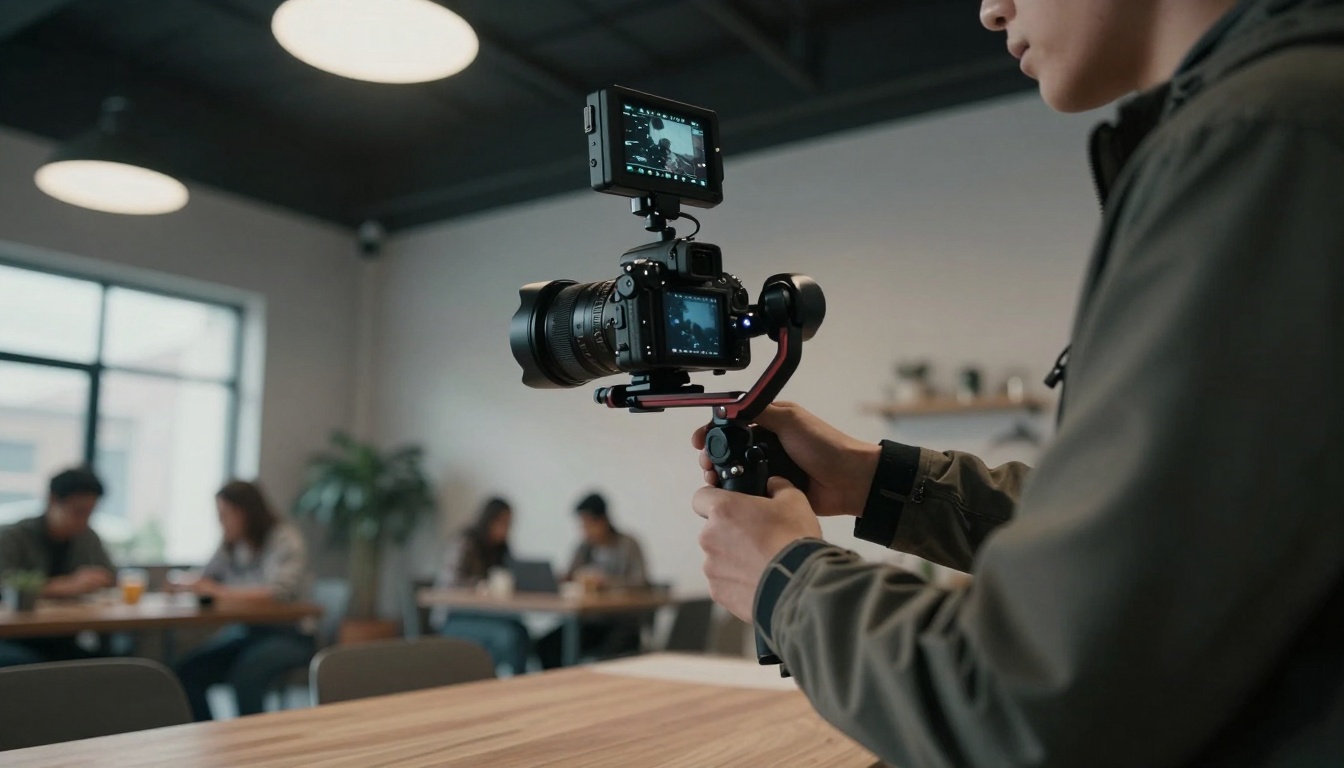
Professional equipment paired with AI editing efficiency
TikTok & Instagram Reels
For vertical short-form content, the best AI editors prioritize:
- 9:16 aspect ratio optimization
- Beat-synced transitions (music-aware editing)
- Trend-aware templates (current platform styles)
- Mobile-first workflow (edit directly on smartphone)
YouTube Shorts
YouTube's algorithm responds differently, requiring:
- Higher resolution standards (minimum 1080p)
- Longer retention hooks (first 3 seconds optimization)
- SEO-aware captions (keyword placement in on-screen text)
- Cross-promotion integration (links to longer content)
LinkedIn & Professional Platforms
Business-focused content demands:
- Clean, professional aesthetics (minimal effects, clear messaging)
- Text-heavy optimization (captions as primary content delivery)
- Brand consistency (logo placement, color scheme maintenance)
- Accessibility compliance (proper caption timing and readability)
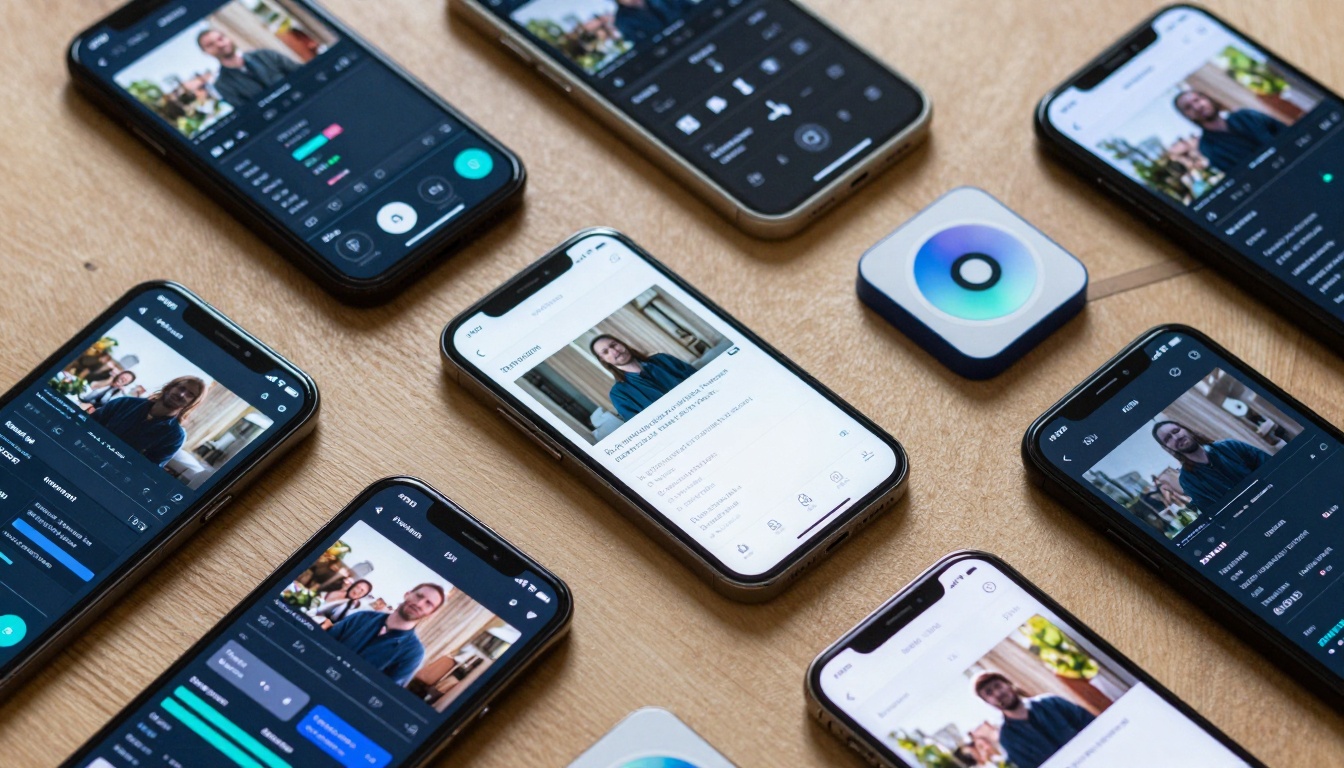
Comparison of different mobile editing interfaces
The PicassoIA Advantage for Quick Video Editing
PicassoIA hosts several specialized models that excel at quick video editing tasks. The platform's strength lies in specialization—each tool focuses on a specific aspect of the editing workflow:
Specialized Editing Tools
- video-split - Automatically divides longer footage into optimized short clips
- modify-video - AI-powered style transfer and aesthetic adjustments
- video-merge - Seamlessly combines multiple short clips with intelligent transitions
Audio Enhancement Integration
Format Optimization Tools
- vid2webp - Converts videos to optimized web formats
- reframe-video - Adjusts aspect ratios for different platforms
- featured-vid - Compression optimization for faster loading
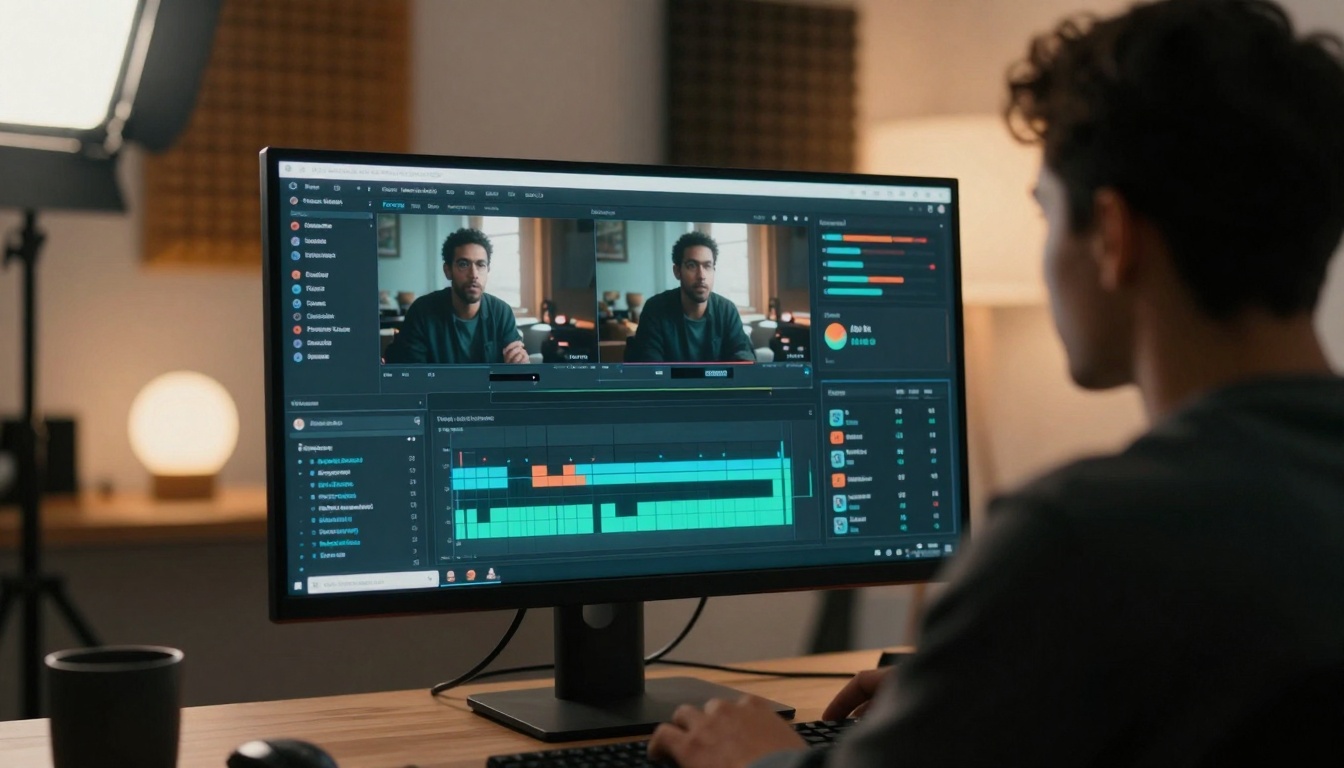
Data-driven review of edited content performance
Workflow Integration Strategies
Mobile-First Editing Flow
- Record directly in-app when possible (maintains maximum quality)
- Use cloud sync to continue editing on desktop
- Apply platform templates before manual adjustments
- Batch process similar content types together
- Schedule publishing directly from the editing interface
Team Collaboration Workflows
For content teams producing volume:
- Centralized asset libraries (consistent branding elements)
- Approval workflow automation (review and comment integration)
- Version control (track changes across iterations)
- Analytics integration (edit based on performance data)
Content Repurposing Systems
Maximize ROI from single recordings:
- Automated clip extraction (identify reusable segments)
- Format adaptation (adjust for different platforms)
- Caption repurposing (reuse transcribed content as blog posts)
- Performance-based optimization (edit future content based on what worked)
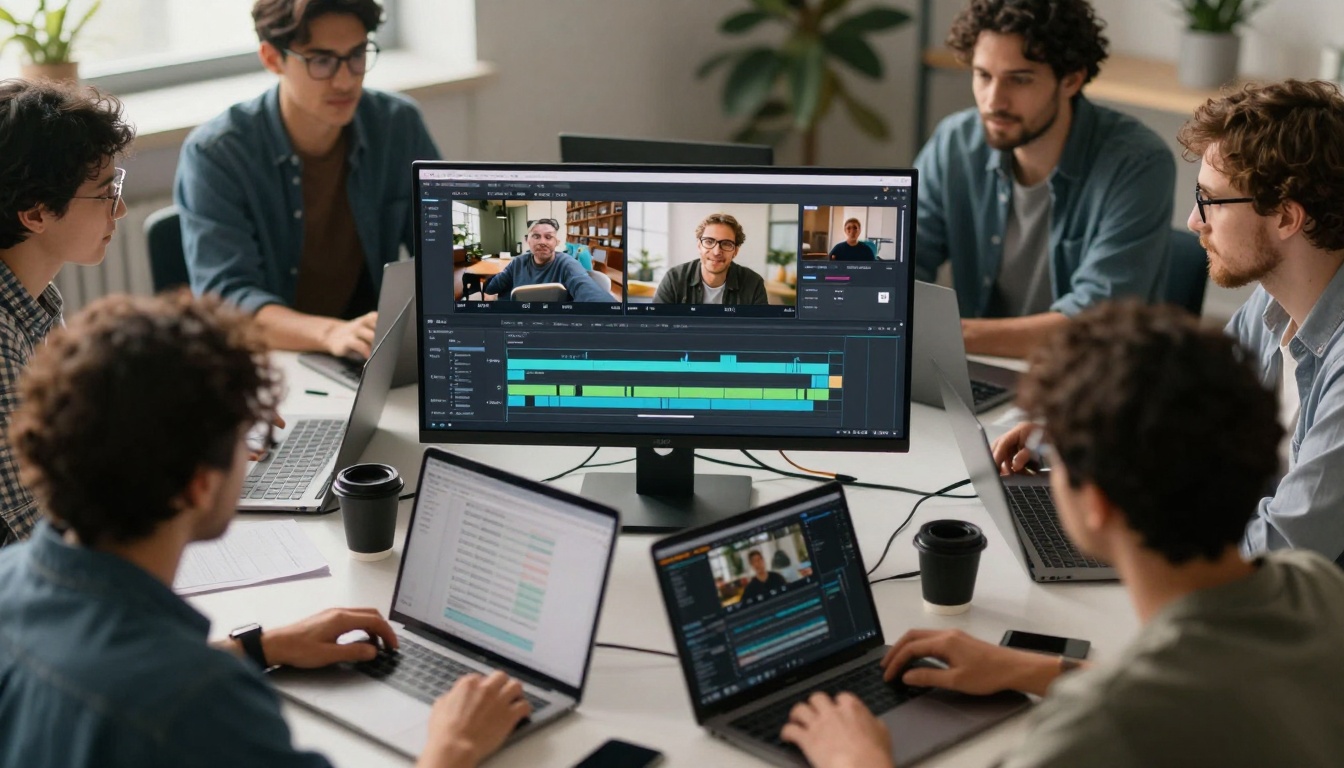
Team workflow for processing multiple videos simultaneously
Getting Started with trim-video
The trim-video model exemplifies efficient AI editing:
- Upload your footage directly to the model interface
- Set trimming preferences:
- Maximum clip duration (15-60 seconds for social media)
- Content type (interview, tutorial, product demo, etc.)
- Platform destination (TikTok, Instagram, YouTube, etc.)
- Review AI suggestions: The model analyzes audio peaks, visual interest, and content coherence to propose optimal cut points
- Adjust parameters: Fine-tune the automation with simple sliders for aggression (how much to cut) and pacing (clip rhythm)
- Export optimized clips: Download individually or as a batch with consistent formatting
Advanced Workflow with video-split
For longer recordings that need segmentation:
- Upload source video (up to 10 minutes for optimal processing)
- Define segmentation rules:
- Time-based (equal segments)
- Content-based (scene/chapter detection)
- Engagement-based (AI-predicted interest points)
- Apply consistent edits across all segments (color correction, stabilization, captions)
- Generate thumbnails automatically for each segment
- Export as playlist or individual files
Quality Enhancement with modify-video
When basic editing needs aesthetic polish:
- Select style presets (cinematic, vibrant, moody, professional)
- Adjust intensity (subtle enhancement vs. dramatic transformation)
- Preview changes in real-time before committing
- Compare versions side-by-side
- Save as template for future use
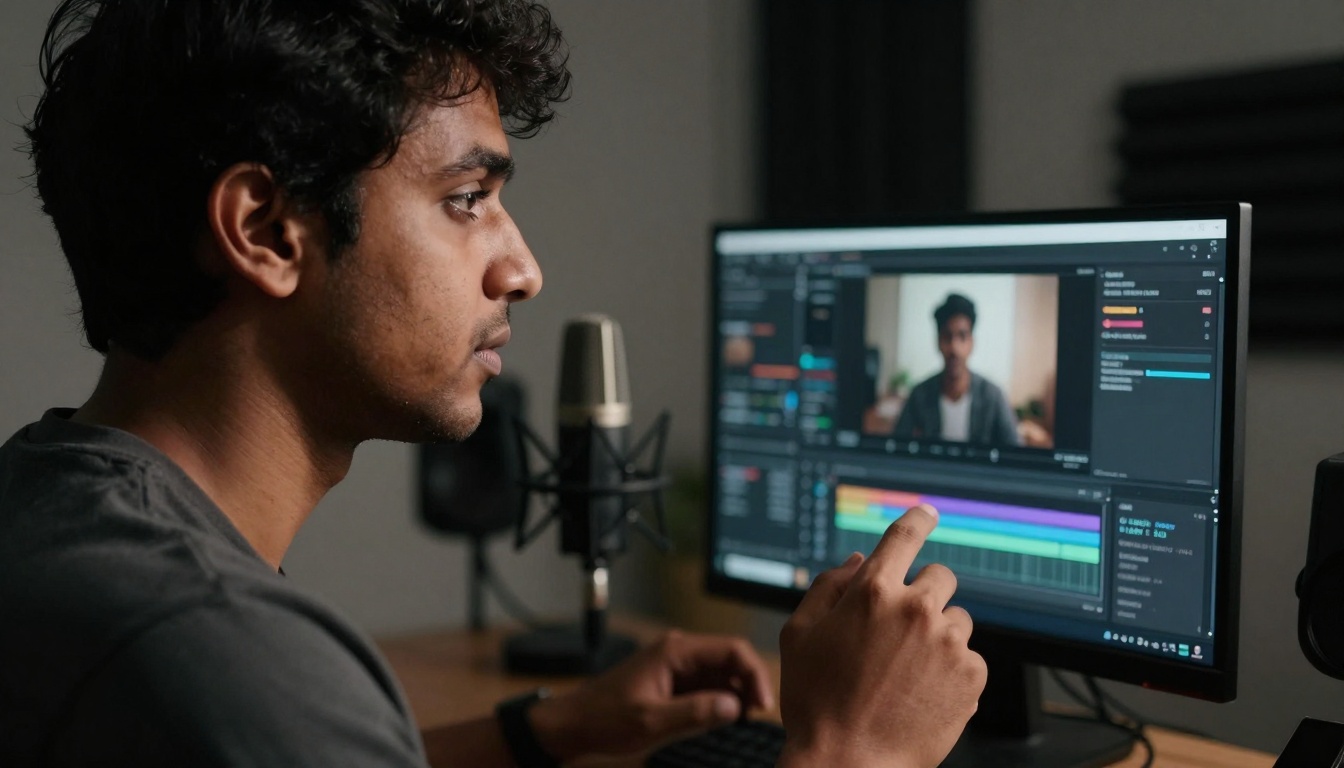
Hands-free editing through voice commands
Common Mistakes in AI Video Editing
Over-Automation Pitfalls
While AI excels at repetitive tasks, human judgment remains essential for:
- Brand voice consistency (AI doesn't understand your unique tone)
- Contextual appropriateness (humor, seriousness, formality levels)
- Strategic messaging (key points that must be emphasized)
- Creative risk-taking (breaking from algorithmic suggestions)
Quality Control Blind Spots
Always verify:
- Audio sync accuracy (especially with automated captions)
- Color consistency across multiple clips in a series
- Text readability (font size, contrast, screen time)
- Platform compliance (terms of service, content guidelines)
Workflow Integration Errors
Avoid disconnects between:
- Recording quality and editing capabilities (garbage in, garbage out)
- Mobile and desktop workflows (inconsistent results)
- Team member expectations (unclear quality standards)
- Publishing schedules and editing capacity
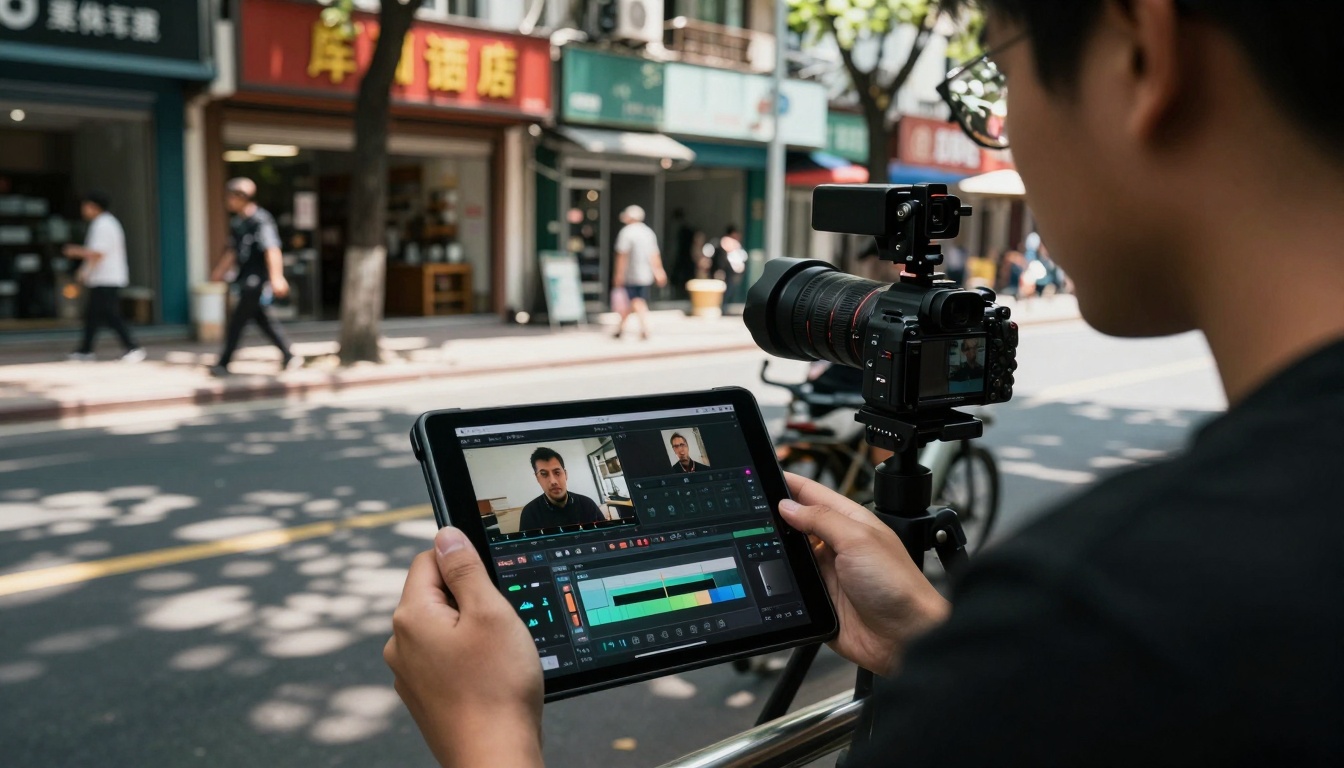
On-the-go editing maximizes productive time
Future Trends in AI Video Editing
Real-Time Processing
The next evolution moves from edit-then-publish to edit-while-recording:
- Live correction (stabilization, color, audio during recording)
- Predictive editing (AI suggests cuts before you stop recording)
- Context-aware optimization (adjusts based on lighting/environment)
- Platform-specific capture (records in optimal format for destination)
Personalized Automation
AI that learns your specific style:
- Pattern recognition (identifies your editing preferences)
- Template generation (creates custom presets from your work)
- Quality prediction (forecasts engagement before publishing)
- Workflow optimization (suggests process improvements)
Integrated Content Ecosystems
Single platforms handling:
- Recording (with built-in optimization)
- Editing (AI-assisted workflow)
- Publishing (multi-platform distribution)
- Analytics (performance-informed future edits)
- Monetization (direct revenue integration)
Visual timeline of editing technology progression
Practical Implementation Guide
Daily Content Creation Routine
Morning (15 minutes):
- Review scheduled content from previous day
- Batch process any new recordings from overnight
- Apply platform-specific optimizations
- Schedule midday posts
Afternoon (10 minutes):
- Edit quick reaction content from morning events
- Add captions and optimize for engagement
- Prepare evening content
Evening (20 minutes):
- Process day's best footage into multiple formats
- Create weekly content preview
- Plan next day's recording schedule
Weekly Optimization Session
Every Monday:
- Analyze previous week's performance data
- Adjust editing templates based on what worked
- Update brand consistency elements
- Train AI on successful patterns
Monthly Strategy Review
End of month:
- Compare platform performance trends
- Update content mix based on engagement
- Test new editing techniques
- Refine automation rules
Start Creating with AI Video Editing
The barrier to professional-quality video content has never been lower. With tools like those available on PicassoIA—trim-video, autocaption, and modify-video—you can transform raw footage into polished social media clips in minutes rather than hours.
The real question isn't whether AI editing tools work—it's which combination delivers the optimal workflow for your specific content needs. Test different models, experiment with workflows, and measure what actually saves you time while maintaining quality standards.
Your first optimized clip is waiting to be created. The tools are ready, the automation is proven, and the platforms are hungry for consistent, engaging content. What will you create first?


