The landscape of video production has shifted dramatically in recent years. What once required expensive equipment, specialized training, and weeks of labor can now be accomplished with intelligent software that understands visual storytelling. AI video editors represent the most significant advancement in content creation since the transition from film to digital.

Professional video editor working with AI-enhanced tools in a modern studio environment
These systems don't just automate repetitive tasks—they enhance creative decision-making, suggest improvements based on cinematic principles, and execute complex edits that would challenge even seasoned professionals. The barrier between idea and execution has never been lower.
Why AI Video Editors Matter Now
Video content consumption has exploded across every platform. Social media algorithms prioritize video, businesses use it for marketing, educators incorporate it into lessons, and creators build entire careers around visual storytelling. The demand for high-quality video has never been greater, yet the resources to produce it remain scarce for most.
💡 The Efficiency Paradox: Traditional video editing requires approximately 1 hour of editing time for every 1 minute of finished content. AI tools reduce this ratio to 10:1 or better, depending on the complexity of the project.
Three factors make this the ideal moment to adopt AI video editing:
- Processing Power: Modern computers and cloud services can handle the computational demands of AI video analysis
- Training Data: Millions of hours of professionally edited content have trained these systems on what "good" editing looks like
- Accessibility: What was once exclusive to Hollywood studios now fits on a laptop
Core Capabilities of Modern AI Video Editors
Automated Scene Detection and Organization
AI systems excel at analyzing raw footage and identifying logical breakpoints. They detect scene changes based on visual composition, audio shifts, and subject movement. This automated organization saves hours of manual logging and provides a structured starting point for any edit.
What happens behind the scenes:
- Visual analysis of frame composition and color patterns
- Audio waveform analysis for natural breakpoints
- Subject tracking to maintain continuity
- Metadata extraction from camera files
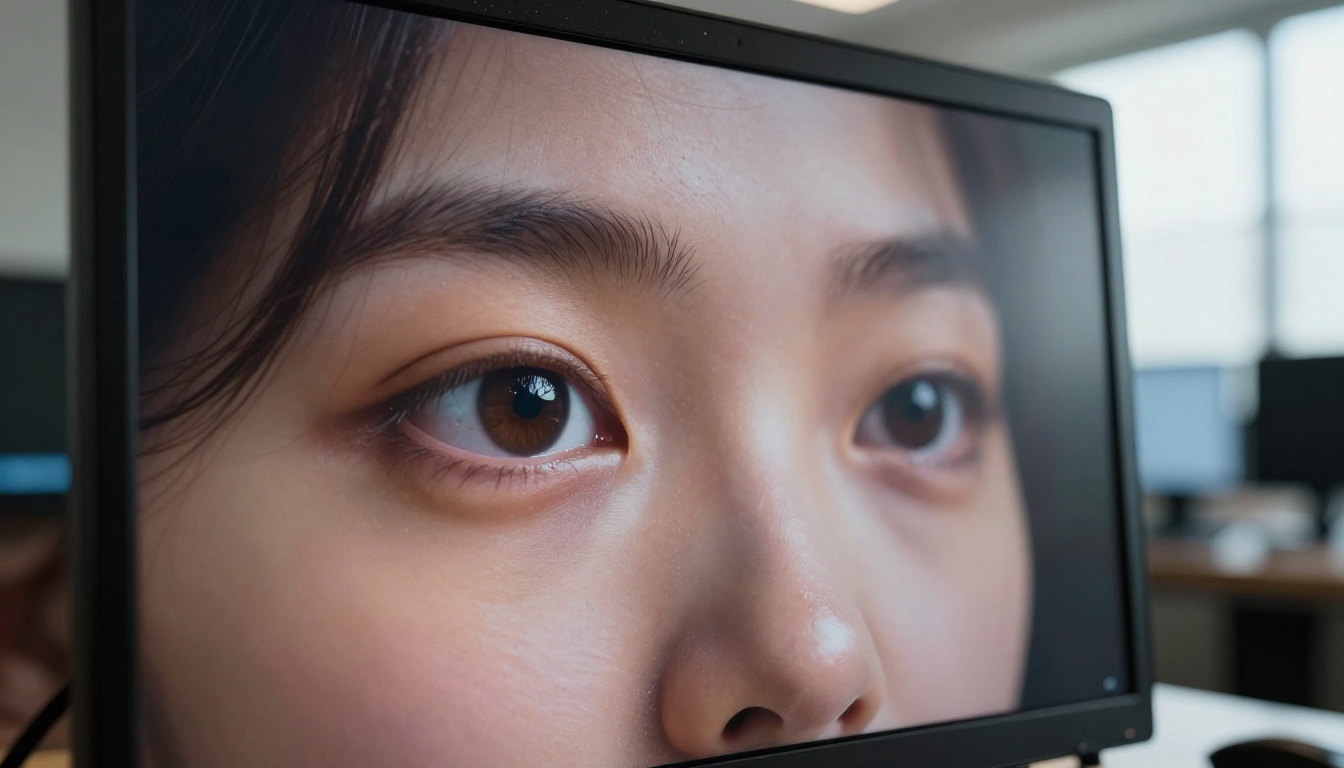
Extreme close-up showing the precision of AI-generated video details
Intelligent Trimming and Pacing
The rhythm of a video determines viewer engagement. AI editors analyze successful videos in your target genre and apply similar pacing principles. They identify redundant segments, awkward pauses, and unnecessary repetitions, suggesting cuts that maintain narrative flow while reducing runtime.
Common pacing adjustments AI makes:
- Removing verbal fillers ("um," "ah," lengthy pauses)
- Tightening reaction shots to optimal duration
- Balancing talking head segments with b-roll
- Creating natural rhythm between action and explanation
Automated Color Correction and Grading
Consistent color across different shots, cameras, and lighting conditions represents one of the most technically challenging aspects of video editing. AI color tools analyze each frame and apply corrections to match a target look or maintain continuity.
Color tasks AI handles:
- Exposure balancing across shots
- White balance correction
- Skin tone consistency
- Matching different camera profiles
- Applying cinematic LUTs (Look-Up Tables)
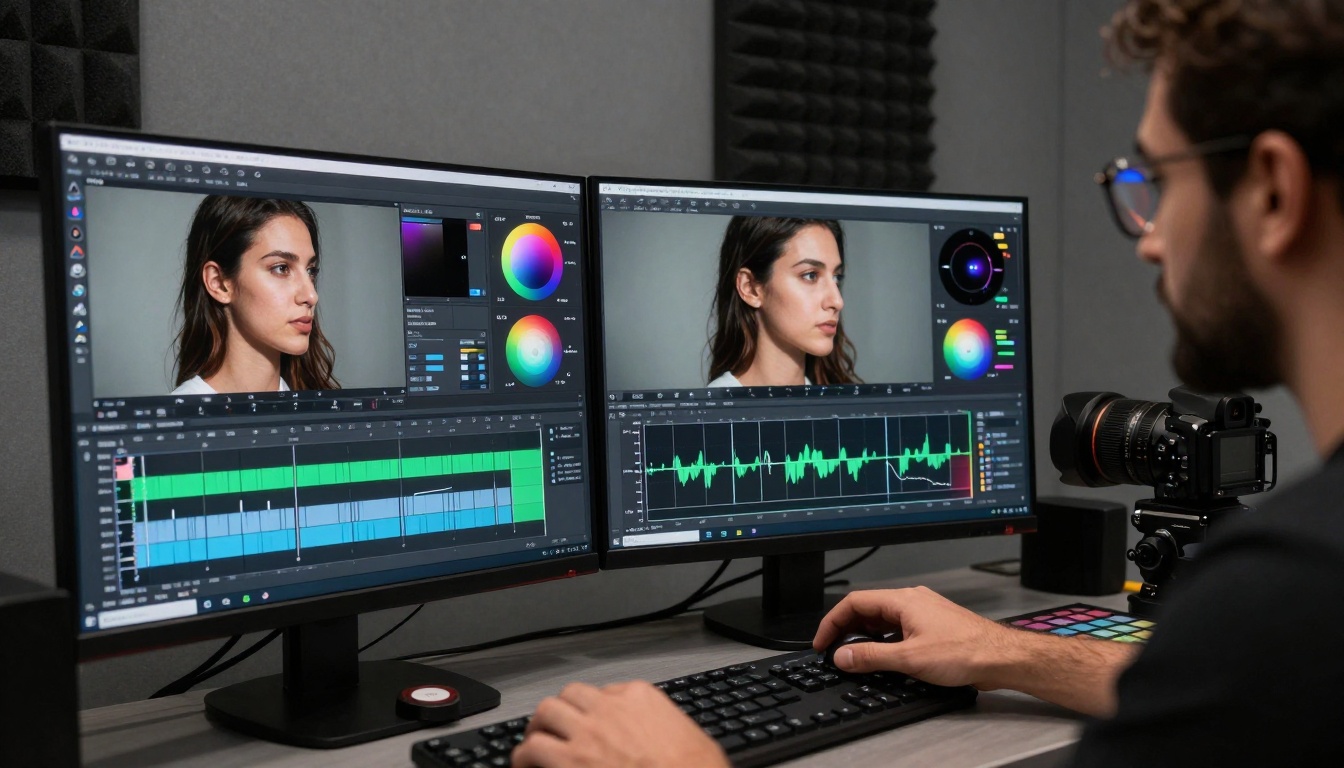
Professional colorist using AI-assisted tools for precise color matching
Smart Audio Enhancement
Clean, balanced audio often makes more difference to perceived quality than visual elements. AI audio tools remove background noise, normalize levels, enhance speech clarity, and even generate missing audio elements.
Audio improvements AI provides:
- Background noise removal (air conditioning, traffic, wind)
- Dialogue isolation and enhancement
- Automatic leveling between speakers
- Music bed generation matching video mood
- Sound effect suggestion and placement
Text and Graphics Integration
AI systems can analyze video content and suggest appropriate text overlays, lower thirds, and graphics. More advanced systems generate these elements automatically, matching the visual style of your footage.
Graphics capabilities include:
- Automatic subtitle generation with timing
- Lower third creation with styled text
- Animated graphic elements matching motion
- Logo placement and animation
- End screen template generation
Step 1: Initial Organization and Analysis
Begin by importing all footage into your AI editor. Modern systems like those available on PicassoIA's video editing collection can automatically:
- Sort clips by scene or take
- Identify the best takes based on focus and framing
- Flag technical issues (shaky footage, poor audio, exposure problems)
- Create a rough assembly based on detected narrative structure
Pro tip: Allow the AI to make initial selections, but review its choices. The system learns from your corrections, improving future suggestions.
Creative team collaborating around AI video editing tools
Step 2: Structural Editing with AI Assistance
With clips organized, use AI tools to establish the basic structure:
- Timeline Assembly: Let the AI create a first pass edit based on detected narrative arcs
- Pacing Analysis: Review the AI's rhythm suggestions and adjust to match your intent
- Transition Planning: AI can suggest appropriate transitions between scenes based on content relationship
Critical consideration: AI excels at technical editing but needs human guidance for emotional storytelling. Use its structural suggestions as a foundation, then layer in creative decisions.
Step 3: Refinement with Precision Tools
This stage combines AI automation with manual control:
Visual Refinement:
- Use AI-powered stabilization for shaky shots
- Apply automated color matching across sequences
- Implement AI rotoscoping for complex masking
- Generate missing visual elements with AI fill
Audio Refinement:
- Let AI clean and balance all audio tracks
- Use AI dialogue enhancement for interview footage
- Generate ambient sound beds matching scene content
- Implement AI music generation for original scores
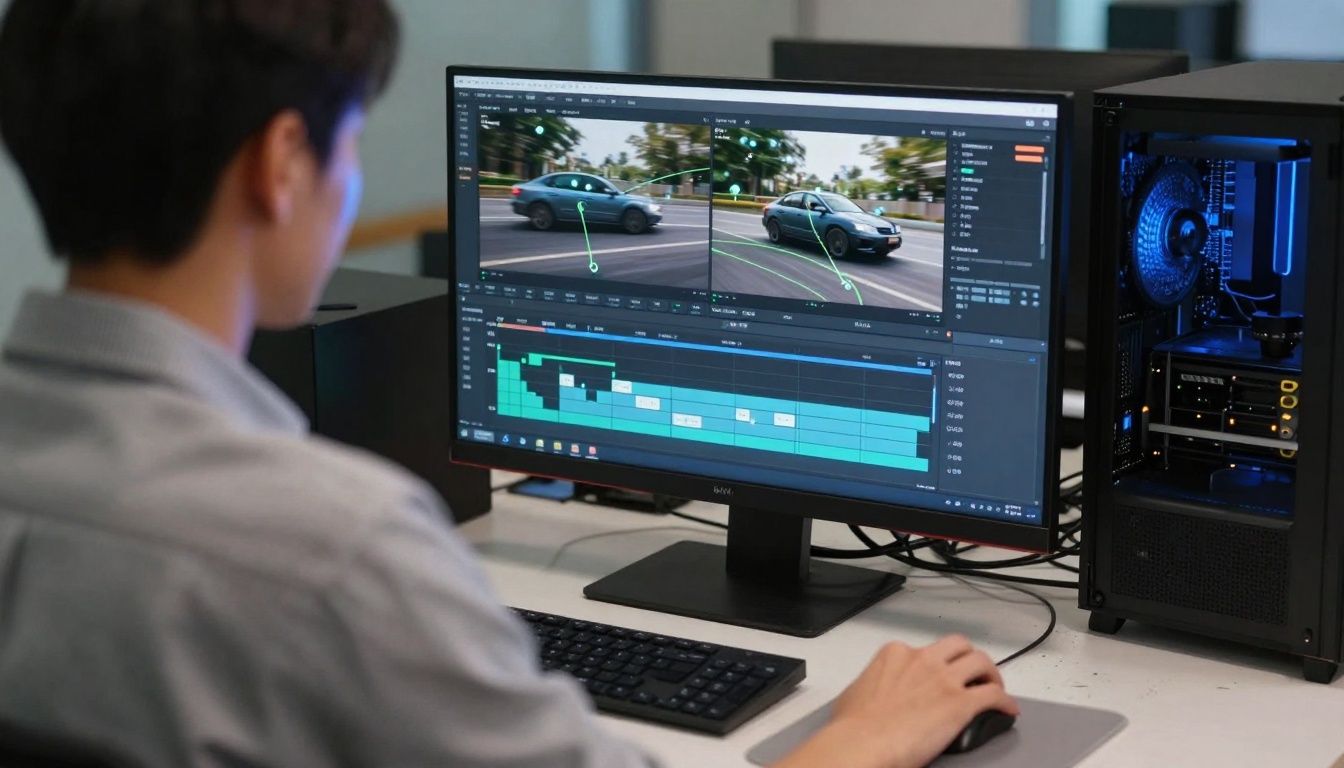
AI-powered motion tracking interface showing complex subject following
Step 4: Polish and Export
Final touches transform good edits into professional content:
AI Polish Tools:
- Automated sharpening and detail enhancement
- Noise reduction without losing texture
- Format optimization for target platforms
- Compression balancing for quality/file size
Export Intelligence:
- AI analyzes your platform destination (YouTube, Instagram, etc.)
- Recommends optimal export settings
- Creates multiple versions for different uses
- Adds platform-specific metadata automatically
AI-Powered Video Upscaling
Older footage or content shot at lower resolutions can be dramatically improved with AI upscaling tools like Real-ESRGAN Video available on PicassoIA. These systems:
- Increase resolution while maintaining detail
- Reduce compression artifacts
- Enhance color depth and dynamic range
- Preserve film grain and texture when desired
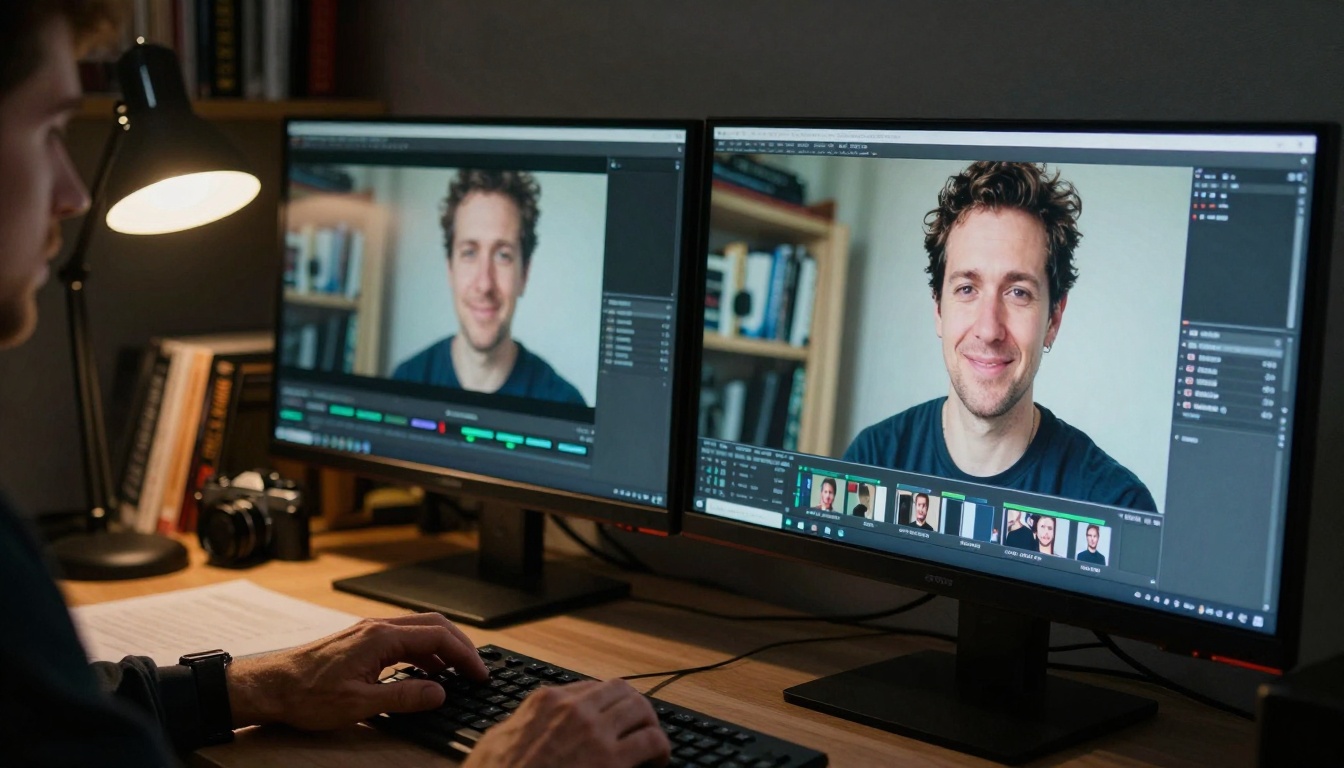
Before/after comparison showing AI video enhancement results
Automated Video Summarization
For long-form content like lectures, presentations, or events, AI summarization tools extract key moments and create condensed versions. These systems:
- Identify important segments based on audio and visual cues
- Maintain narrative coherence in shortened form
- Preserve essential information while removing redundancy
- Create chapter markers for easy navigation
AI-Generated B-Roll and Visuals
When you lack supporting footage, AI can generate relevant b-roll, animations, or illustrative visuals. Tools like text-to-video generators create supplemental content that matches your narrative.
Common uses:
- Explainer animations for complex concepts
- Background visuals for talking head segments
- Transition elements between scenes
- Product demonstrations when physical shooting isn't possible
Intelligent Subtitling and Captioning
Accessibility requirements and viewer preferences make quality subtitles essential. AI captioning tools:
- Generate accurate transcripts with timing
- Identify different speakers
- Add relevant sound descriptions ([SFX], [MUSIC])
- Style captions to match video aesthetic
- Export in multiple formats (SRT, VTT, etc.)
Advanced Techniques: Pushing AI Video Editing Further
Style Transfer and Visual Effects
Apply consistent visual styles across footage using AI analysis of reference images or descriptions. This goes beyond simple filters to create cohesive visual narratives.
Style transfer applications:
- Match documentary footage to archival film looks
- Apply consistent animation styles to mixed media
- Create branded visual identities across content
- Generate specific period-appropriate aesthetics
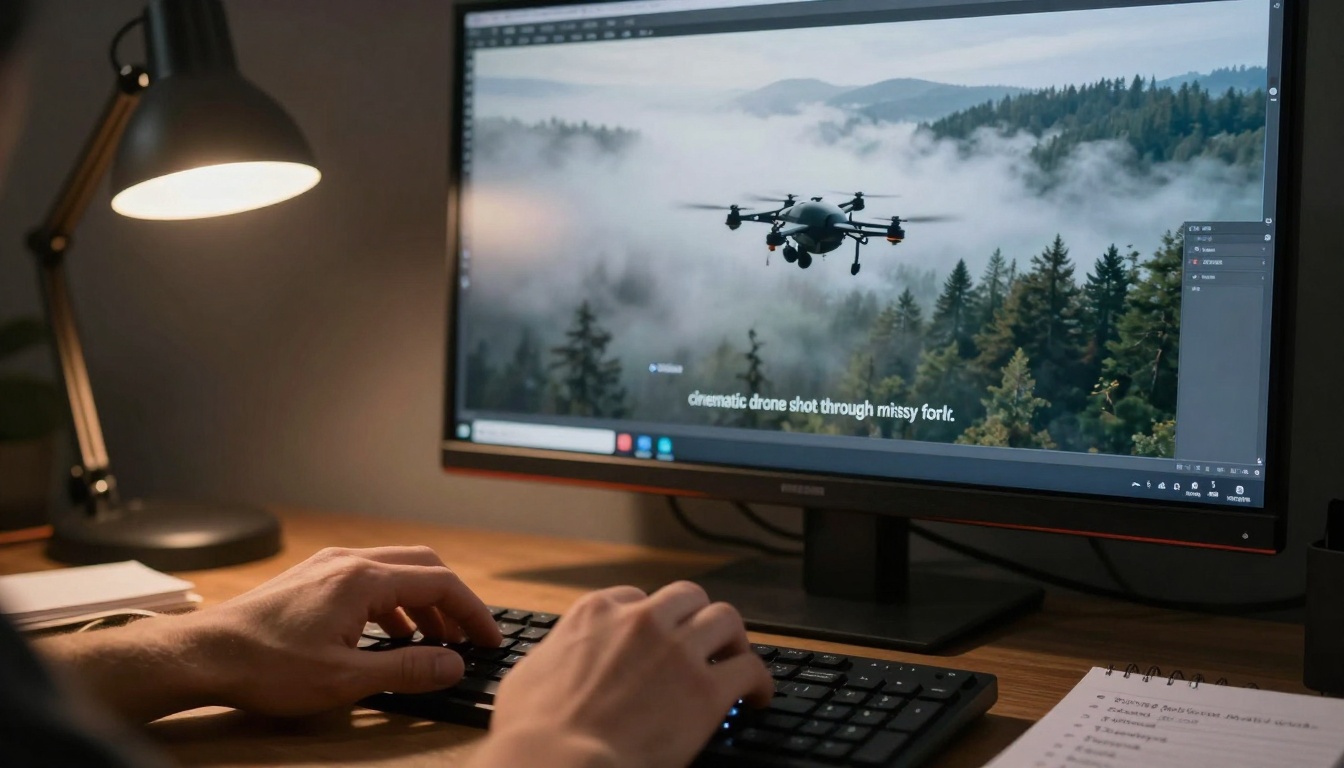
Direct translation from text prompt to generated video content
Multi-Camera Editing Automation
For events, interviews, or performances shot with multiple cameras, AI can:
- Sync footage from all angles automatically
- Suggest optimal angle switches based on subject movement
- Create smooth multi-camera edits
- Balance color and exposure across different cameras
AI-Assisted Storytelling
Beyond technical editing, some systems analyze narrative structure and suggest:
- Emotional arc development
- Pacing adjustments for maximum engagement
- Music selection matching scene emotion
- Graphic placement emphasizing key points
Real-Time Editing and Live Production
AI tools now operate in real-time for live streaming and production:
- Automatic camera switching
- Live graphics insertion
- Real-time caption generation
- Instant replay creation with analysis
Platform Considerations
Different AI video editors excel in specific areas:
| Tool Type | Best For | Example Platforms |
|---|
| All-in-One Suites | Complete workflows from start to finish | Adobe Premiere Pro (with Sensei), DaVinci Resolve (AI features) |
| Specialized AI Tools | Specific tasks like upscaling or rotoscoping | PicassoIA's specialized models |
| Cloud-Based Editors | Collaboration and accessibility | Runway ML, Descript |
| Mobile AI Editors | Quick social content creation | CapCut, InShot |
Technical Requirements
AI video processing demands substantial resources:
Minimum System Recommendations:
- CPU: 8-core processor or better
- GPU: NVIDIA RTX 3060 or equivalent with 8GB VRAM
- RAM: 32GB for comfortable operation
- Storage: NVMe SSD with ample space for cache files
Cloud-based alternatives eliminate hardware requirements but introduce subscription costs and potential latency.
Cost vs. Capability Analysis
AI video tools range from free mobile apps to enterprise-grade solutions:
Free/Open Source Options:
- Basic AI features in tools like Shotcut or OpenShot
- Community-developed plugins and scripts
- Limited but functional for simple projects
Professional Tier ($20-100/month):
- Comprehensive AI toolkits
- Regular updates and improvements
- Technical support and tutorials
- Suitable for most creators and small businesses
Enterprise Solutions ($300+/month):
- Custom AI model training
- Priority processing
- Advanced collaboration features
- API access for integration
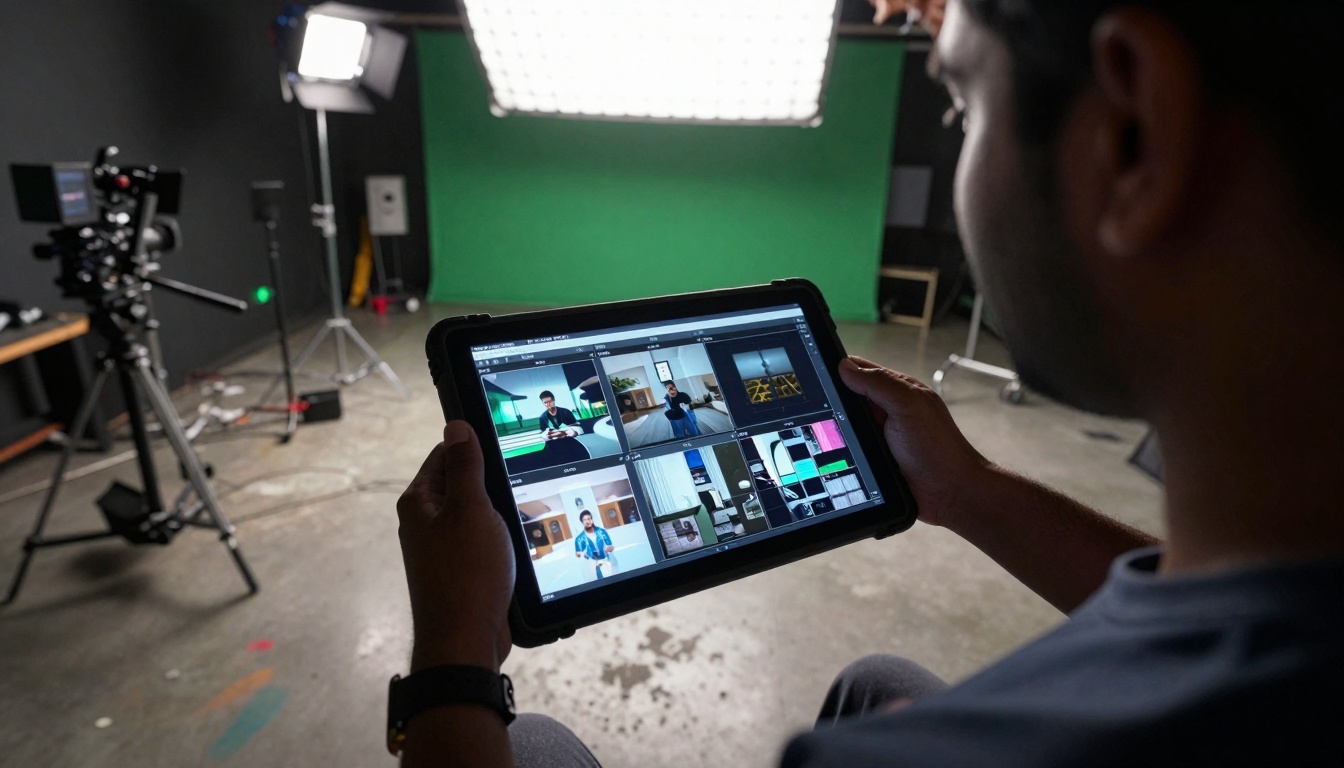
Pre-production planning with AI-generated storyboard frames
Common Challenges and Solutions
Maintaining Creative Control
The most frequent concern about AI editing is loss of creative vision. Address this by:
Setting Clear Parameters:
- Define style guides before AI processing
- Establish "do not touch" elements that remain manual
- Create reference edits for the AI to emulate
- Use iterative refinement rather than fully automated workflows
Human-in-the-Loop Approach:
- Let AI handle technical tasks (stabilization, color matching)
- Make creative decisions manually (pacing, emotion, story)
- Use AI for execution of approved creative choices
- Final review with human judgment
Quality Consistency Issues
AI systems sometimes produce inconsistent results across different footage types. Mitigate this by:
Batch Processing with Validation:
- Process similar footage types together
- Review a sample before full batch approval
- Adjust parameters based on sample results
- Maintain processing logs for future reference
Quality Control Checklist:
Learning Curve and Workflow Integration
Introducing AI tools disrupts established workflows. Smooth the transition with:
Phased Implementation:
- Week 1: Use one AI feature for a specific task
- Week 2: Add a second feature while mastering the first
- Week 3: Begin combining features into workflow
- Week 4: Evaluate time savings and quality improvements
Training Resources:
- Platform-specific tutorials and documentation
- Community forums for troubleshooting
- Professional training courses for advanced features
- Practice projects with low stakes before client work
Future Developments in AI Video Editing
Next-Generation Capabilities
The trajectory of AI video editing points toward increasingly sophisticated capabilities:
Predictive Editing: Systems that analyze raw footage and predict the final edit based on genre conventions and creator style.
Emotional Analysis: AI that detects emotional content in footage and suggests edits that enhance or modulate viewer response.
Collaborative AI: Multiple AI systems working together—one handling technical aspects, another focusing on narrative, a third managing pacing.
Personalized Outputs: Systems that create different versions of the same content tailored to specific audiences or platforms.
Integration with Other AI Systems
Future AI video editors won't operate in isolation. They'll connect with:
Text-to-Video Generators: Tools like Sora-2-pro and Veo-3.1 that create footage from descriptions
Audio AI Systems: Separate tools for music generation, sound design, and voice synthesis
Image AI Platforms: Systems for generating stills, graphics, and visual elements
Language Models: For scripting, captions, and narrative development
Ethical and Creative Considerations
As AI capabilities grow, important questions emerge:
Originality and Authenticity: How much AI assistance maintains creative authenticity?
Style Imitation vs. Innovation: Balancing learning from existing work with creating something new
Transparency Standards: When and how to disclose AI involvement in content creation
Skill Development: Maintaining core editing skills while leveraging AI assistance
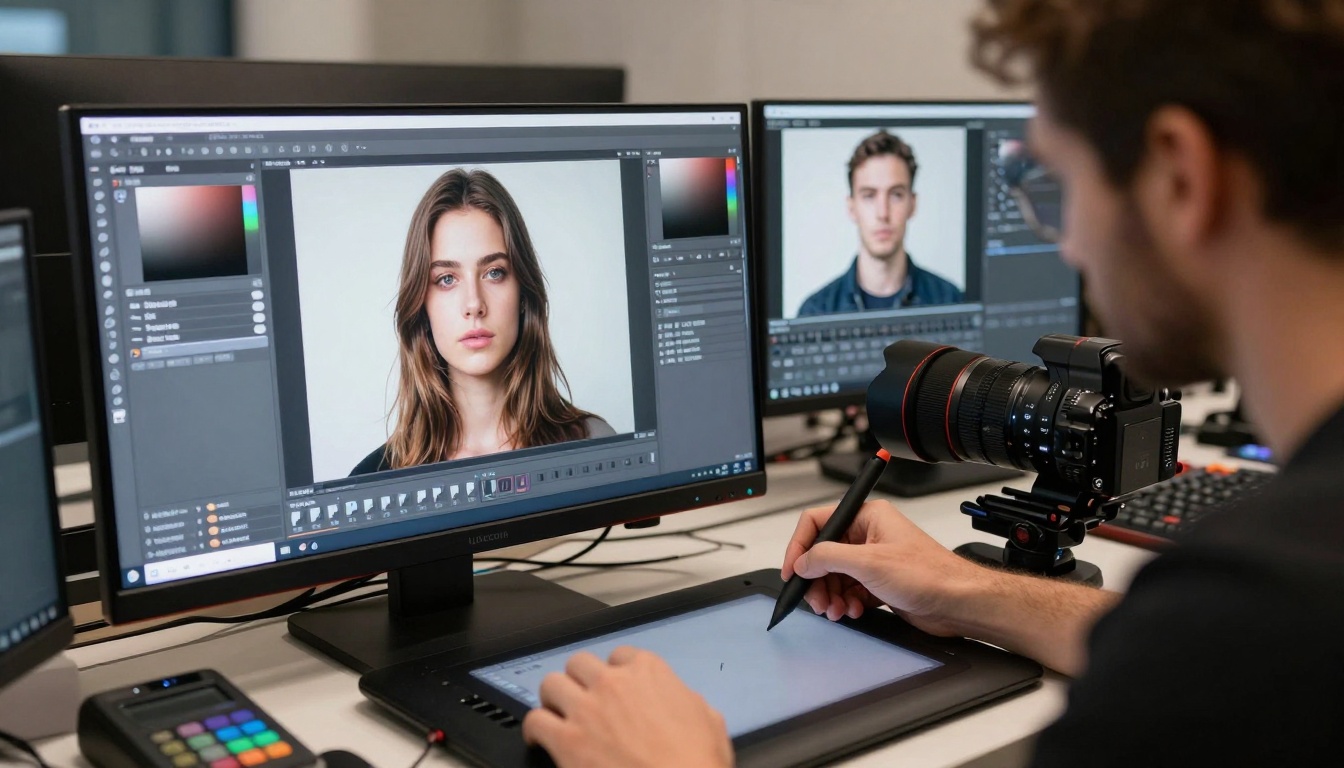
Precision rotoscoping work enhanced by AI edge detection
Getting Started with AI Video Editing
First Project Recommendations
Begin with a manageable project that highlights AI strengths:
Ideal Starter Projects:
- Interview cleanup: Remove ums/ahs, balance audio, add lower thirds
- Event highlights: Automatic selection of key moments from longer footage
- Social media clips: Create platform-optimized versions from main content
- B-roll enhancement: Color grade and stabilize supplemental footage
Avoid for First Projects:
- Complex narrative edits requiring subtle emotional pacing
- Projects with mixed media types (animation/live action)
- Client work with strict style guidelines
- Time-sensitive deliverables
Building Your AI Toolkit
Assemble a collection of tools that address your specific needs:
Essential Foundation:
- Primary editing software with AI features
- Specialized upscaling/restoration tool
- Audio enhancement system
- Text/graphics generation platform
Advanced Additions:
- Style transfer and visual effects tools
- Multi-camera editing automation
- Real-time processing capabilities
- Custom model training access
Skill Development Path
Progress from basic to advanced AI editing competence:
Phase 1: Assisted Editing (1-3 months)
- Learn what your AI tools can do automatically
- Develop workflow for reviewing AI suggestions
- Master manual override and adjustment techniques
Phase 2: Directed Editing (3-6 months)
- Guide AI with specific instructions and parameters
- Combine multiple AI tools in sequence
- Develop quality control procedures
Phase 3: Creative Partnership (6+ months)
- Use AI to explore creative possibilities beyond initial concepts
- Develop custom workflows combining AI and manual techniques
- Teach the system your personal style preferences
Real-World Applications and Case Studies
Content Creators and Influencers
For individuals producing regular content, AI editing provides:
Time Savings: What took 8 hours now takes 2
Consistency: Maintain visual style across hundreds of videos
Scalability: Produce more content without quality drop
Experimentation: Try new styles without extensive manual work
Example Workflow:
- Record multiple takes of talking points
- AI selects best takes and creates rough cut
- Manual review and pacing adjustments
- AI adds graphics, color grades, and cleans audio
- Final export with platform optimization
Small Business Marketing
Businesses with limited resources benefit from:
Professional Results: AI creates polished content from simple recordings
Brand Consistency: Maintain visual identity across all content
Rapid Production: Respond quickly to trends and opportunities
Cost Efficiency: Reduce or eliminate external editing costs
Common Business Uses:
- Product demonstration videos
- Customer testimonial editing
- Tutorial and how-to content
- Event promotion and recaps
- Team introduction and culture videos
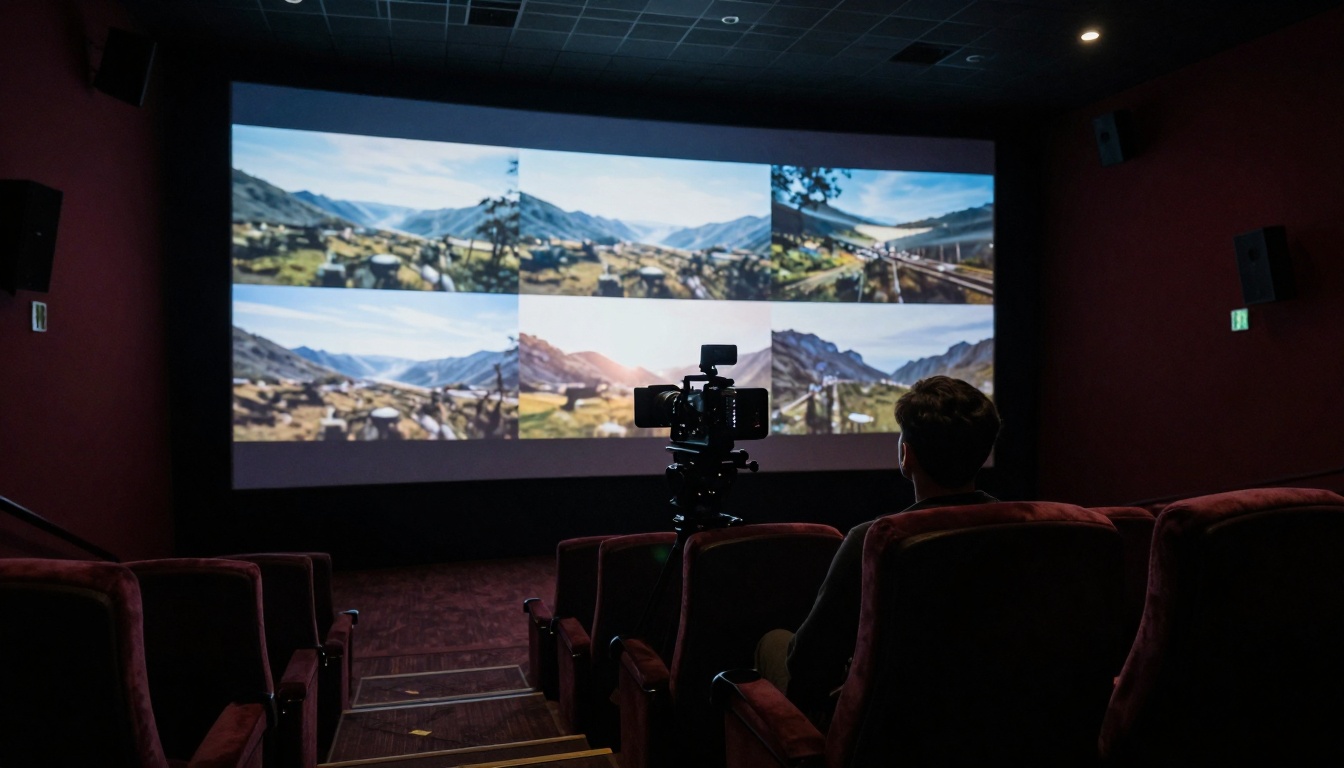
Final review of AI-enhanced video in professional theater setting
Educational Content Production
Educators and trainers use AI editing to:
Increase Engagement: Professional editing keeps students attentive
Improve Accessibility: Automatic captions and clear audio
Scale Production: Record once, create multiple versions
Maintain Quality: Consistent presentation across courses
Educational Applications:
- Lecture recording enhancement
- Demonstration video production
- Student project assistance
- Flipped classroom content creation
- Professional development materials
Non-Profit and Community Organizations
Groups with limited budgets leverage AI to:
Amplify Impact: Professional videos increase message reach
Document Events: Capture and share important moments
Tell Stories: Compelling narratives for fundraising and awareness
Train Volunteers: Clear instructional content
Non-Profit Workflow:
- Capture footage with available equipment (often smartphones)
- AI stabilizes, enhances, and organizes content
- Manual narrative structuring
- AI adds graphics, music, and finishing touches
- Platform-specific optimization for target audiences
The Human-AI Collaboration Balance
The most effective video editing happens when humans and AI systems each focus on their strengths:
Human Strengths:
- Emotional intelligence and storytelling
- Creative vision and artistic direction
- Context understanding and cultural relevance
- Ethical judgment and decision-making
AI Strengths:
- Technical precision and consistency
- Pattern recognition across large datasets
- Rapid processing of repetitive tasks
- Objective analysis of technical quality
Optimal Division of Labor:
- Humans plan the creative vision and emotional arc
- AI executes the technical implementation
- Humans review for emotional impact and storytelling
- AI refines based on feedback and adjustments
This collaborative approach produces results superior to either working alone—combining human creativity with AI efficiency and precision.
Your Next Steps with AI Video Editing
The technology exists, the tools are accessible, and the benefits are measurable. What separates those who benefit from AI video editing and those who don't is simply starting.
Immediate Actions You Can Take:
- Audit your current workflow: Identify the most time-consuming manual tasks
- Research available tools: Explore platforms like PicassoIA's video editing collection for specialized solutions
- Start with one feature: Pick one AI capability and integrate it into your next project
- Measure the impact: Track time savings and quality improvements
- Expand gradually: Add more AI tools as you become comfortable
The transition to AI-assisted editing represents less a revolution than an evolution—another tool in the creative toolkit, like the transition from linear to non-linear editing decades ago. The fundamental skills of storytelling, pacing, and emotional resonance remain human domains. The technical execution of those visions becomes increasingly collaborative.
Video creation has always been about communication—sharing ideas, stories, and information visually. AI tools don't change this purpose; they simply provide more efficient means to achieve it. The perfect video isn't defined by its production method but by its ability to connect with viewers, convey meaning, and achieve its intended purpose.
Whether you're creating content for millions or communicating with a small team, AI video editors offer pathways to better results with less effort. The question isn't whether to use these tools, but how to use them most effectively for your specific needs and creative vision.
The technology continues advancing, the tools become more sophisticated, and the creative possibilities expand. Your journey with AI video editing begins with the decision to explore what these systems can do for your specific projects and goals.


