Social media demands constant fresh visuals, but creating them takes time. With AI image generation, you can produce professional Instagram posts, Facebook ads, Twitter banners, and YouTube thumbnails in minutes. This guide shows exactly how to use fast AI tools to create stunning social media visuals without design skills or expensive software. Learn which models work best for different platforms, how to craft effective prompts, and optimize your workflow for maximum efficiency.
Social media platforms constantly demand fresh, engaging visuals. Traditional content creation methods - photography, graphic design, hiring professionals - take time and resources many businesses don't have. This creates a constant pressure: how do you maintain visual consistency across platforms while keeping up with posting schedules?
AI image generation changes this equation completely. Instead of spending hours on a single Instagram post, you can create dozens of professional-quality images in minutes. The technology has reached a point where AI-generated visuals are indistinguishable from professionally shot photography for social media purposes.
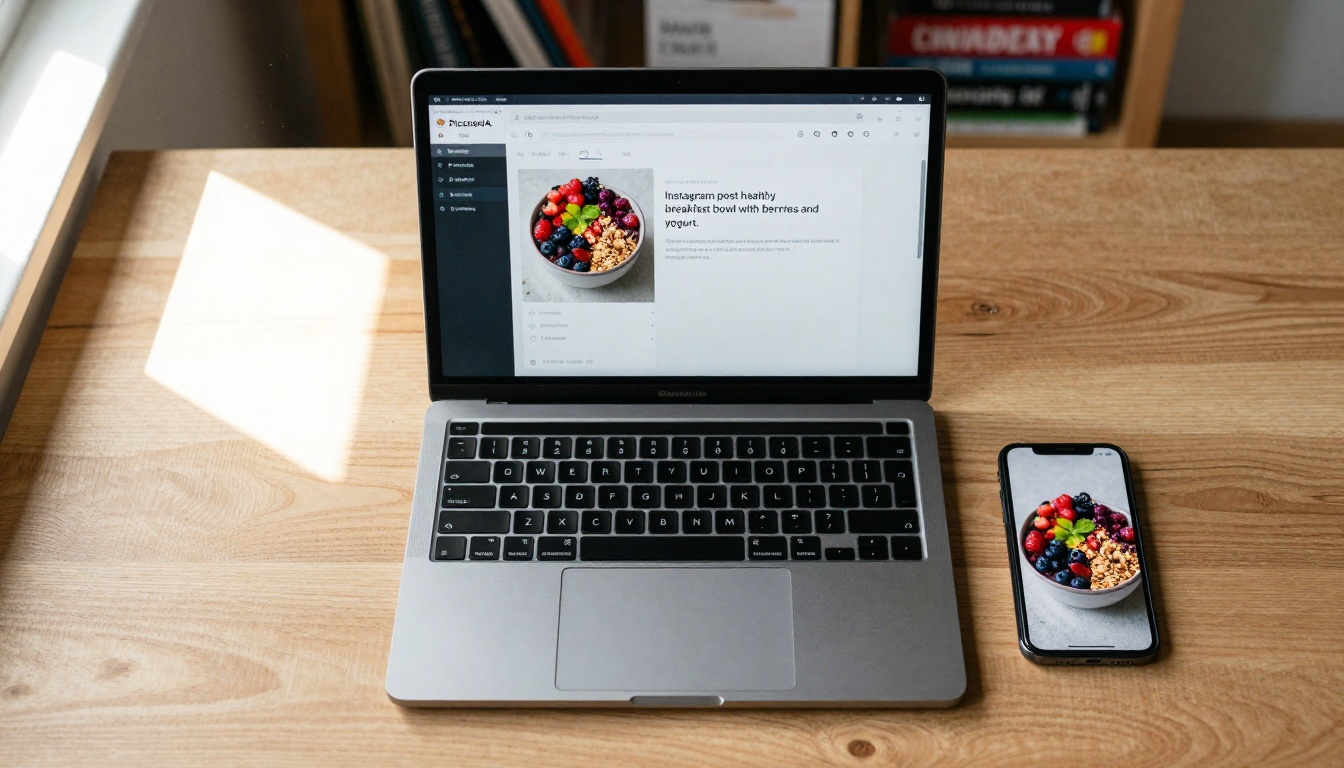
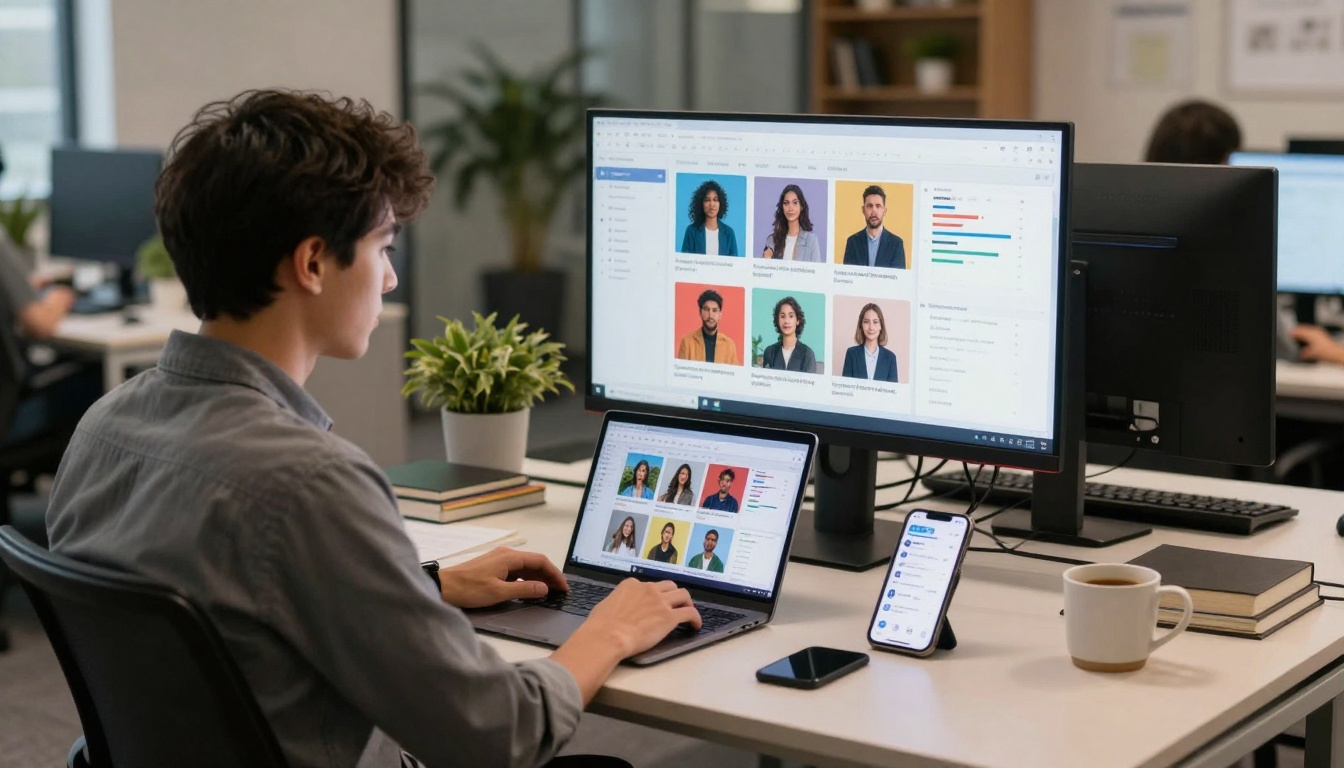
Caption: A minimalist workspace showing AI image generation in action - from prompt to finished Instagram post in minutes.
Why AI Images Dominate Social Media
Social media algorithms prioritize visual content. Posts with images receive 94% more views than text-only content. But there's a catch: the images need to be relevant, high-quality, and platform-appropriate.
💡 Platform-Specific Visual Rules:
Instagram: Square or vertical formats, vibrant colors, lifestyle focus
p-image excels at food photography, lifestyle shots, and product images - perfect for Instagram and Facebook. z-image-turbo handles graphics and banners with crisp text rendering. flux-schnell produces professional-grade images suitable for corporate platforms.
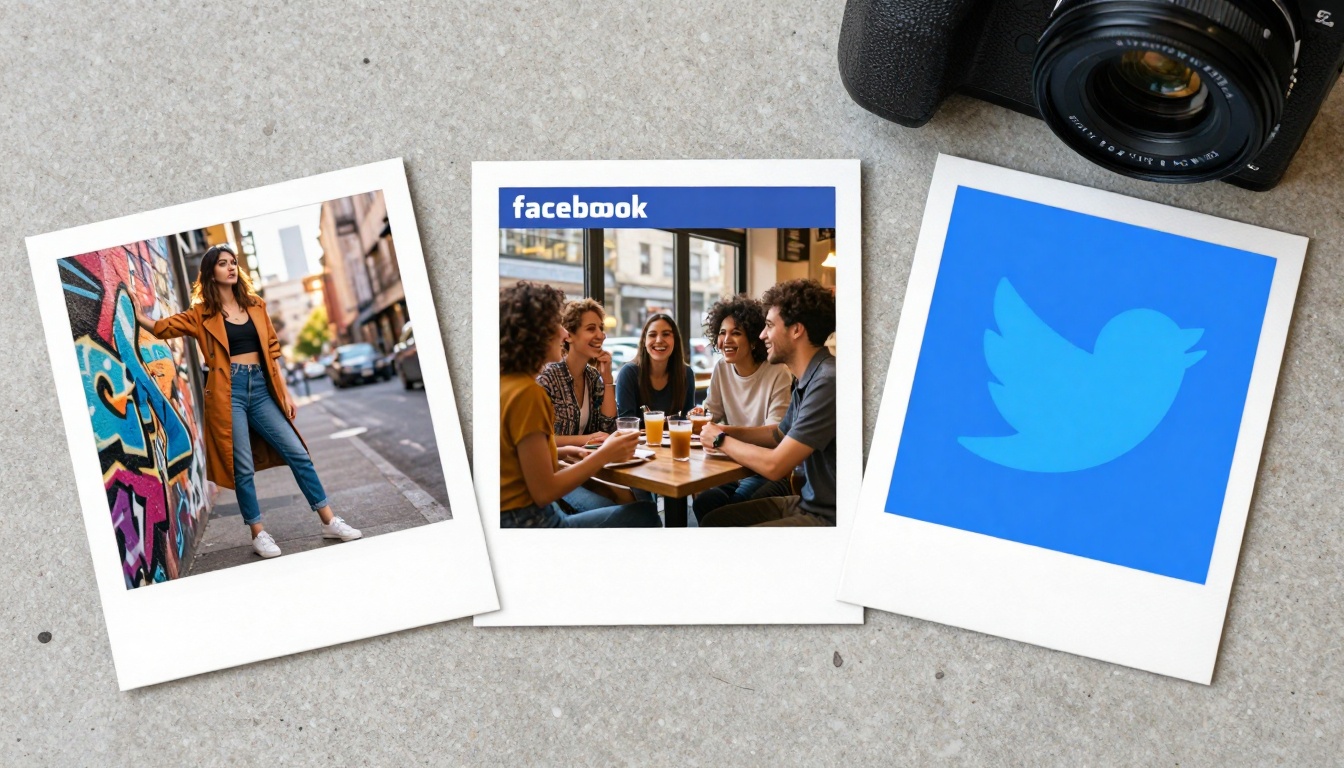
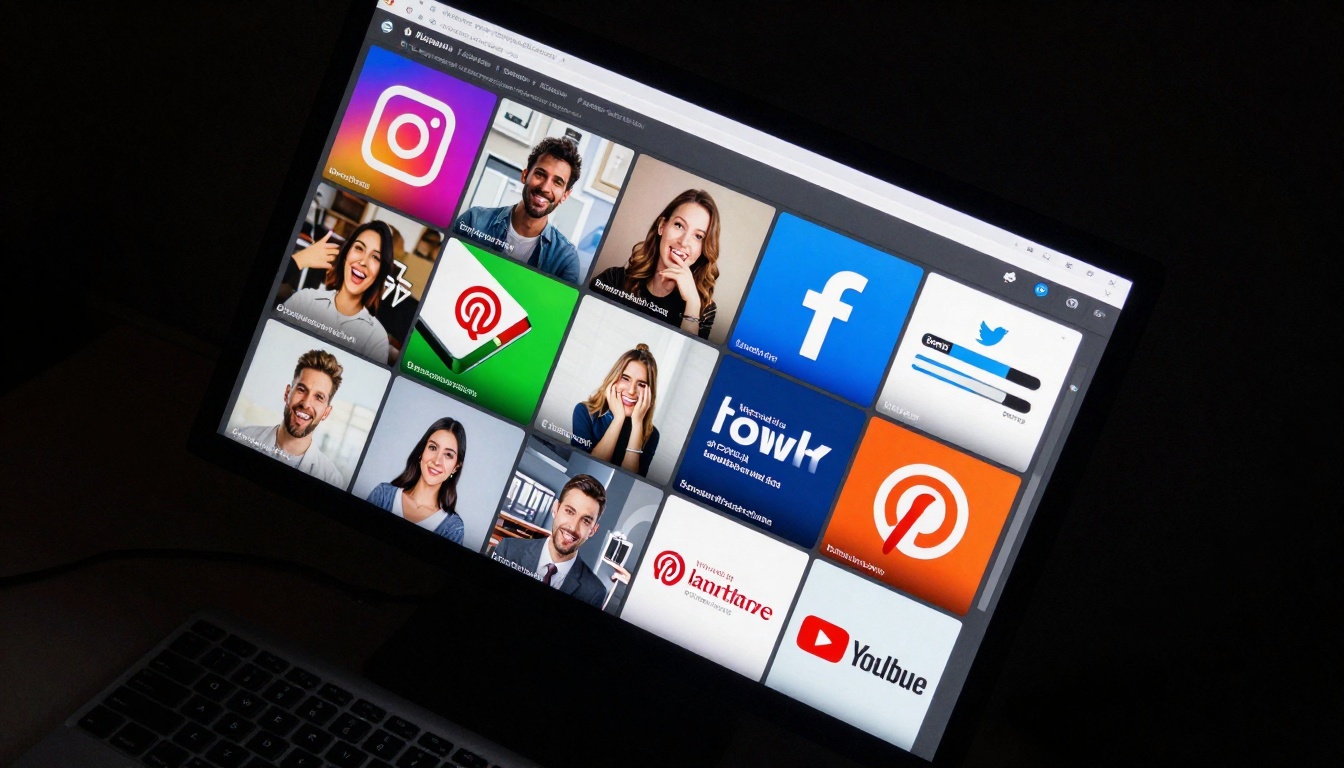
Caption: AI can generate platform-specific images simultaneously - Instagram squares, Facebook landscapes, and Twitter banners all at once.
Crafting Prompts That Work
Social media prompts need specificity. Generic descriptions produce generic results. Here's the formula:
"Professional food photography of avocado toast on wooden board, morning light through window, shallow depth of field, Instagram square format, vibrant colors, food blogger style"
Facebook Ad Example:
"Smiling woman aged 30-35 holding skincare product, natural studio lighting, clean white background, Facebook ad dimensions, product focus, professional photography"
YouTube Thumbnail Example:
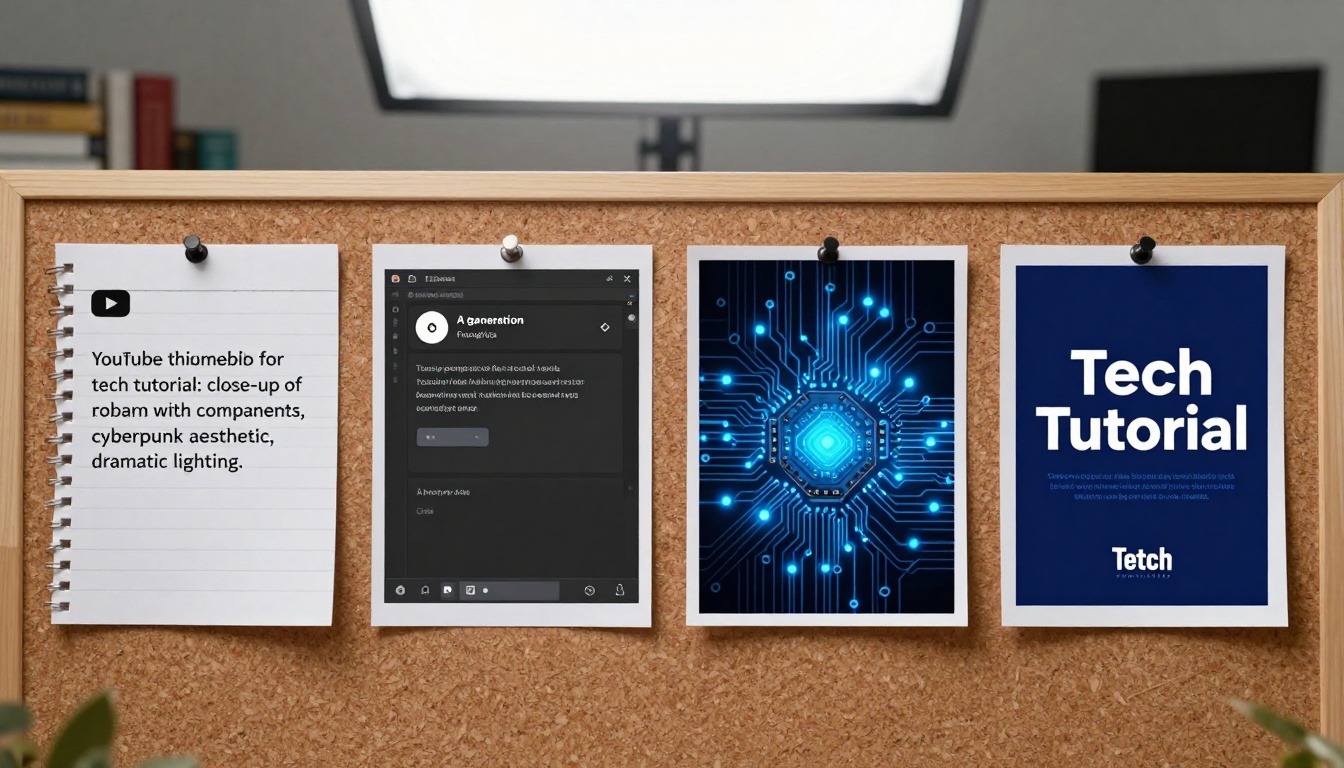
"Tech expert pointing at circuit board with glowing components, dramatic cyberpunk lighting, bold text overlay 'AI Explained', YouTube thumbnail 16:9, high contrast"
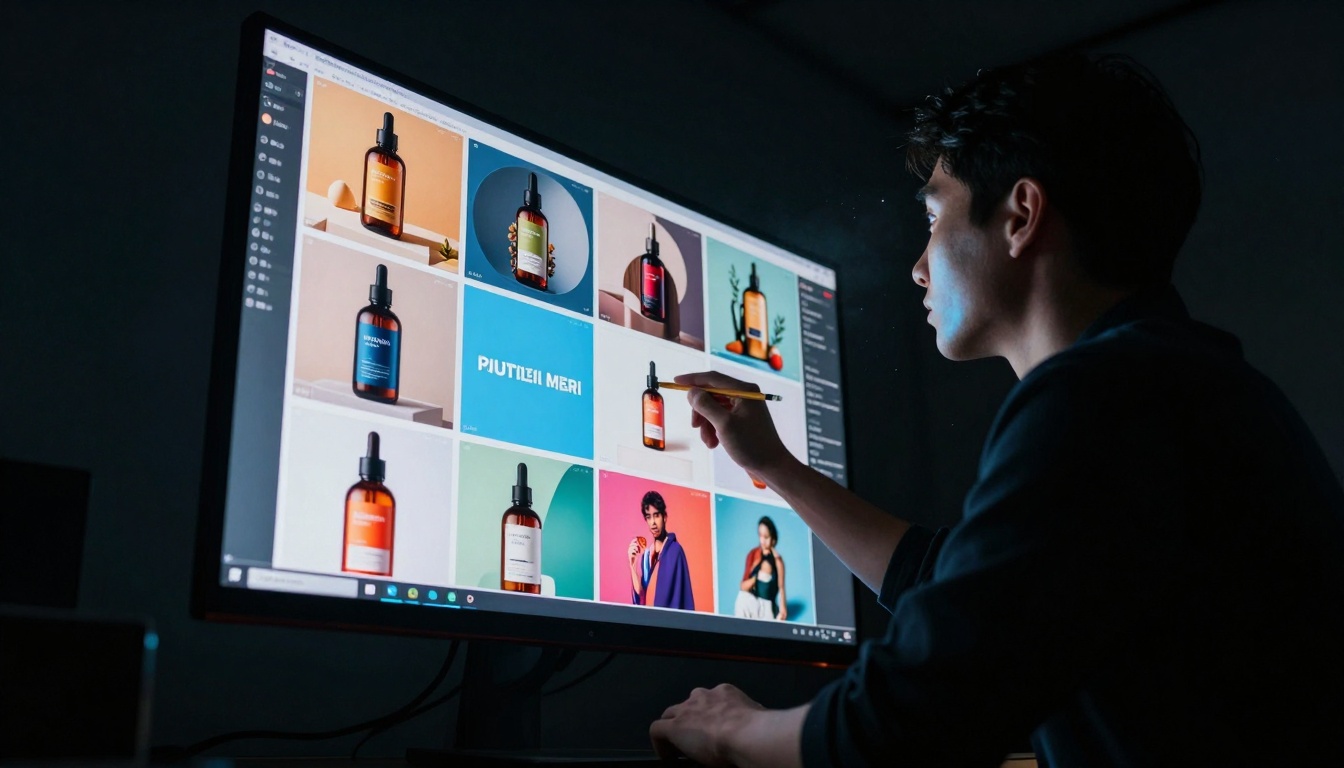
Caption: Reviewing multiple AI-generated options lets you select the perfect image for each social media post.
Batch Generation Workflow
Creating one image at a time wastes time. Smart social media managers generate batches:
List all needed images for the week/month
Group by platform and style
Write prompt templates for each group
Generate all at once using batch features
Review and select the best from each batch
Caption: Batch generation produces dozens of social media images simultaneously, saving hours of work.
How to Use p-image on PicassoIA
p-image is the fastest model for social media content. Here's exactly how to use it:
Instagram post of healthy breakfast: açai bowl with fresh berries, granola, edible flowers on marble table, morning light through window, food photography style, square format, vibrant colors
Step 3: Adjust Settings
Aspect Ratio: Select "1:1" for Instagram, "16:9" for YouTube
Seed: Leave empty for random variations
Prompt Upsampling: Enable for better quality
Step 4: Generate and Download
Click "Generate"
Wait 2-5 seconds
Download the image directly
Use immediately in social media scheduler
Pro Tip: Save successful prompts as templates. If "coffee shop Instagram post" works once, reuse the same structure with different details.
Caption: The progression from simple prompt to final social media post takes minutes, not hours.
Optimizing AI Images for Engagement
AI-generated images need slight optimization for maximum impact:
Color Correction: Social media platforms compress images. Boost saturation 10-15% before uploading.
Text Overlay: Add platform-specific text using Canva or similar tools. Keep text minimal and legible on mobile.
Brand Consistency: Use your brand colors in prompts. Example: "Product shot with [Your Brand Blue] background"
Platform Dimensions: Each platform has exact size requirements. Generate at the correct size from the start.
Platform
Optimal Dimensions
AI Setting
Instagram Post
1080x1080 px
1:1 aspect ratio
Instagram Story
1080x1920 px
9:16 aspect ratio
Facebook Feed
1200x630 px
1.91:1 aspect ratio
Twitter Header
1500x500 px
3:1 aspect ratio
YouTube Thumbnail
1280x720 px
16:9 aspect ratio
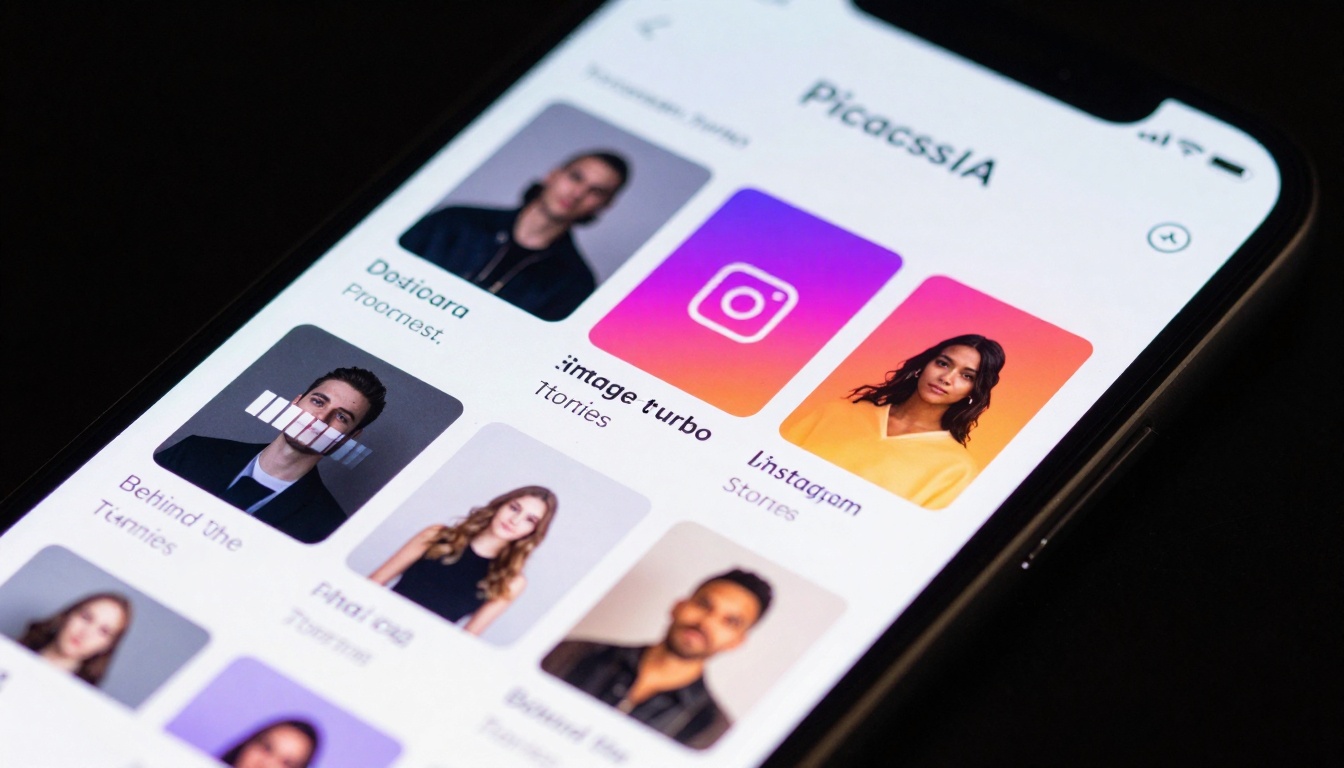
Caption: AI generates Instagram Stories templates in real-time, perfect for daily content needs.
Common Mistakes to Avoid
Too Vague: "Food picture" vs. "Overhead shot of pizza with melted cheese, wooden cutting board, rustic kitchen background"
Wrong Aspect Ratio: Instagram requires square (1:1), not landscape (16:9)
Over-Engineering: Simple prompts often work better than overly complex descriptions
Not Testing Variations: Generate 3-4 versions and choose the best
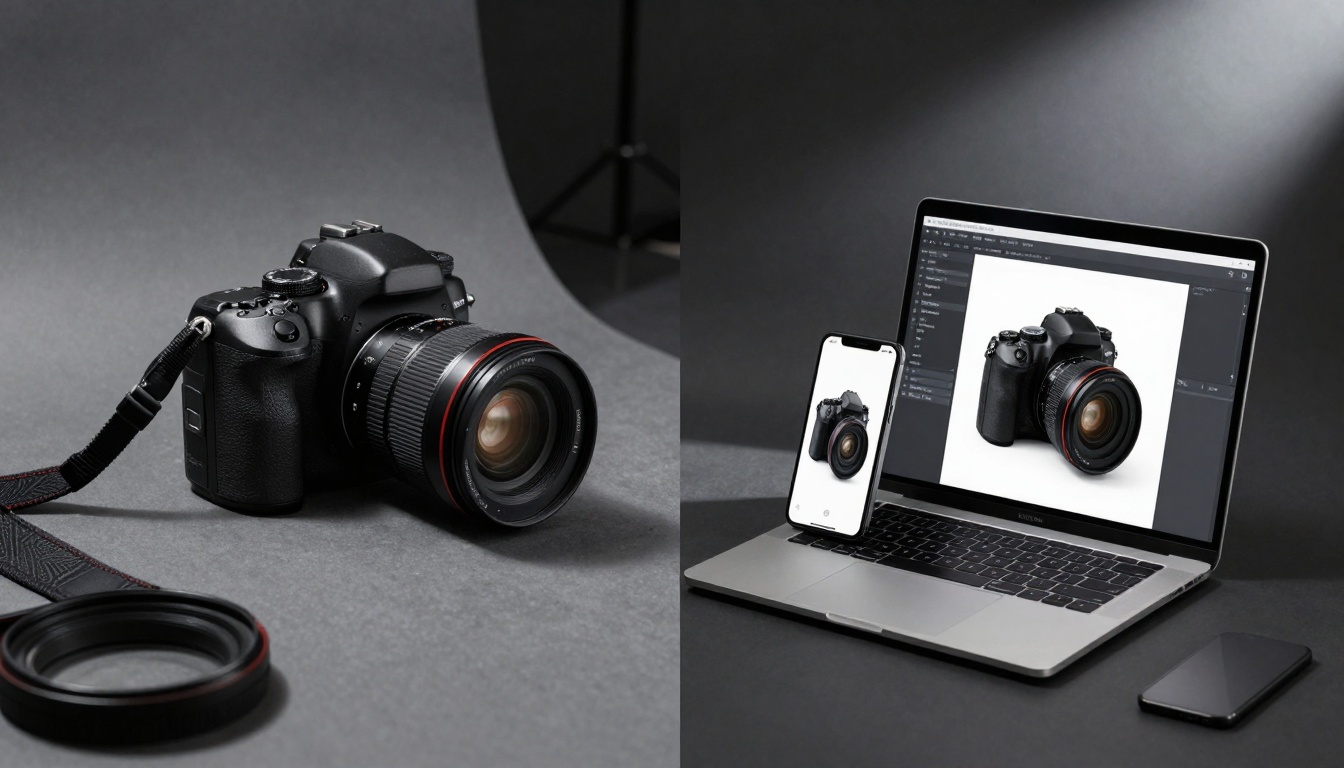
Caption: Traditional photography setups (left) vs AI generation (right) - same result, radically different time investment.
Integrating AI into Your Workflow
Morning Routine (10 minutes):
Check social media calendar for day's posts
Generate missing images using saved prompt templates
Add text/branding in editing app
Schedule posts
Weekly Planning (30 minutes):
Plan next week's content themes
Generate batch of 20-30 images
Organize by platform and date
Pre-schedule entire week
Campaign Preparation (1 hour):
Define campaign visual style
Create master prompt template
Generate 50+ variations
Select top 10-15 for campaign use
Caption: Complete social media workflow from AI generation to scheduling to analytics tracking.
Start Creating Today
The barrier to professional social media visuals has disappeared. You don't need design skills, photography equipment, or large budgets. With p-image, z-image-turbo, or flux-schnell on PicassoIA, you can generate exactly what you need in minutes.
Action Steps:
Choose one platform to focus on initially
Write 3-5 specific prompts for that platform
Generate test images using the links above
Schedule real posts with your AI-generated visuals
Track engagement and refine your approach
The time savings add up quickly. What used to take hours now takes minutes. What required professional help now requires only a clear description. The visual consistency your brand needs is suddenly achievable at scale.
Try creating your first batch of AI-generated social media images today. Start with p-image for Instagram posts, experiment with different prompts, and see how quickly you can build a visual library that would have taken weeks through traditional methods.