The financial barrier to AI image generation doesn't mean you're locked out of the creative process. While premium tools command subscription fees, multiple legitimate pathways exist for creating AI imagery at zero cost. These methods range from browser-based platforms requiring no installation to open-source models running on personal hardware, each with specific capabilities and limitations that determine what you can realistically achieve.
Platforms offer free tiers as strategic decisions, not charity. Customer acquisition drives initial free access, where limited functionality demonstrates capabilities while creating dependency. Data collection represents another motivation—your usage patterns, prompt preferences, and generated content contribute to model improvement. Community building establishes user bases that later convert to paying customers through demonstrated value. Research purposes allow academic and independent developers to test concepts without financial commitment.
Three primary business models support free access:
| Model Type | Primary Motivation | Typical Limitations |
|---|
| Freemium | Upsell conversion | Daily generation limits, watermarks, lower resolution |
| Open Source | Community contribution | Technical complexity, hardware requirements |
| Credit-based | User retention | Time-limited credits, slower generation queues |
Web interfaces eliminate installation barriers completely. Services like Craiyon (formerly DALL-E mini) provide immediate generation through simple text inputs, while DreamStudio offers limited free credits for Stable Diffusion experimentation. The key advantage remains accessibility—any device with internet connectivity becomes a creation tool.
💡 Pro tip: Clear browser cache before starting free sessions. Many platforms track usage through cookies and localStorage; fresh sessions sometimes reset perceived usage limits.
Most browser tools implement rate limiting preventing automated bulk generation. Expect 5-15 minute cooldowns between batches. Image resolution typically caps at 512×512 pixels for free tiers, with watermarking applied subtly in corners or as faint overlays. Some services restrict commercial use explicitly in their terms—always verify before incorporating generated content into monetized projects.
Open-Source Models: Local Control
Running models directly on your hardware provides unlimited generation once configured. Stable Diffusion variants through Automatic1111 WebUI or ComfyUI offer complete local control without external restrictions. The Flux model family provides commercial-grade output quality through open-source implementations, while SDXL (Stable Diffusion XL) delivers enhanced resolution capabilities.
Hardware requirements present the primary barrier:
- Minimum: 4GB VRAM GPU (GTX 1650/RX 570)
- Recommended: 8GB+ VRAM (RTX 3060/RX 6700 XT)
- Optimal: 12GB+ VRAM (RTX 4070/RX 7800 XT)
Local deployment involves technical complexity—Python environments, model downloads averaging 2-7GB each, and occasional dependency conflicts. Community guides through GitHub repositories and Discord servers provide step-by-step installation assistance. The trade-off: complete ownership of generated content, no usage limits, and privacy assurance since prompts and outputs never leave your system.
Free Credit Systems: Limited But Functional
Many commercial platforms allocate introductory credits for new users. Midjourney provides approximately 25 free generations through Discord, while Leonardo.ai offers daily token refreshes. Playground AI maintains a persistent free tier with generation limits. These systems operate on consumption economics—each image reduces your available balance until refresh cycles or payment.
Credit management strategies maximize limited resources:
- Batch similar concepts—generate variations simultaneously rather than individually
- Preview at lower quality—use quick generations to test concepts before committing credits to high-resolution outputs
- Schedule usage around resets—align creative sessions with daily/weekly credit refreshes
- Participate in reward programs—complete tutorials, share referrals, or engage communities for bonus credits
Mobile applications increasingly offer free AI generation through ad-supported models. These typically implement shorter cooldowns (30-60 seconds) between generations while displaying interstitial advertisements. Output quality varies significantly—expect compressed JPEGs rather than lossless PNG formats.
Quality vs Cost: What You Sacrifice
Free tiers implement deliberate quality limitations distinguishing them from paid offerings. Resolution reductions represent the most noticeable difference—where premium services generate 1024×1024 or higher, free versions typically output 512×512 or 768×768 images. Generation speed suffers through queued processing; free users wait behind paying customers in shared computational pools.
Artifact presence increases with free generation. Expect visible noise patterns, color banding in gradients, and occasional anatomical inconsistencies. Advanced features like inpainting (editing specific image regions), outpainting (extending canvas boundaries), and style transfer rarely appear in free offerings. Model variety remains restricted—while paid tiers access multiple specialized models, free users typically receive single general-purpose options.
The psychological cost involves patience management. Where paid generation completes in seconds, free alternatives may require minutes per image. Batch processing becomes impractical, forcing sequential rather than parallel workflow approaches.
Commercial Use Restrictions
Legal boundaries define what you can actually do with free AI images. Most platforms implement non-commercial clauses prohibiting monetization through sales, advertising, or incorporation into products. Some permit personal use and non-profit applications while blocking commercial redistribution.
Attribution requirements represent another common restriction. Free tiers may mandate platform credit when sharing generated content publicly. Modification limitations sometimes appear—you might generate content freely but require permission for significant edits or derivatives.
⚠️ Critical note: Terms of service changes occur frequently. Platform A allowing commercial use today might prohibit it tomorrow. Always verify current policies before committing to project timelines involving free AI content.
Open-source models provide the clearest commercial rights. Models released under permissive licenses (MIT, Apache 2.0) typically allow unlimited commercial use. However, training data origins matter—some models incorporate copyrighted materials with unclear licensing, creating potential downstream issues.
Getting Better Results Within Limits
Prompt engineering becomes essential with constrained resources. Where paid users can generate dozens of variations, free practitioners must optimize each attempt. Specific techniques improve free-tier outcomes:
- Detailed scene descriptions—instead of "a dog," specify "golden retriever sitting on wooden porch during sunset, volumetric lighting through trees, shallow depth of field"
- Style references—include "photorealistic," "cinematic lighting," "professional photography" to guide model behavior
- Negative prompts—explicitly exclude unwanted elements: "no blurry background, no distorted faces, no watermarks"
- Aspect ratio specifications—many free tools ignore aspect ratio unless explicitly stated: "--ar 16:9" or "wide landscape format"
Post-processing compensates for generation limitations. Free images often benefit from:
- Upscaling through free tools like Upscayl or Waifu2x
- Color correction in GIMP or Photopea (web-based Photoshop alternative)
- Artifact removal with Content-Aware Fill in free editors
- Resolution enhancement through AI upscalers with free tiers
Community collaboration provides another advantage. Platforms like Lexica and PromptBase share effective prompts specifically tested with free tools. Discord communities exchange generation parameters that work within particular limitations.
Current free AI image generation options fall into distinct categories with varying capabilities:
Browser-Only Platforms
Craiyon: Completely free, unlimited generations at 256×256 resolution. Slow generation (≈60 seconds) but no account required. Ideal for concept testing.
DreamStudio (Stable Diffusion): 100 free credits initially, then pay-per-generation model. Higher quality than Craiyon with 512×512 output. Requires account creation.
Playground AI: Daily free generations with 768×768 resolution. Implements waiting queues during peak hours. Maintains generation history.
Mobile Applications
Wonder: iOS/Android app with daily free generations. Ad-supported model with 30-second cooldowns. Outputs at 512×512 with noticeable compression.
StarryAI: Freemium mobile app with token-based system. Earn additional tokens through engagement activities. Provides basic editing tools.
Local/Open-Source Options
Stable Diffusion WebUI: Complete local control through Automatic1111 interface. Requires technical setup but unlimited generations thereafter. Active community support.
ComfyUI: Node-based visual interface for Stable Diffusion. Steeper learning curve but powerful workflow capabilities. Runs entirely locally.
Fooocus: Simplified one-click installer for Stable Diffusion. Reduced configuration complexity while maintaining local execution.
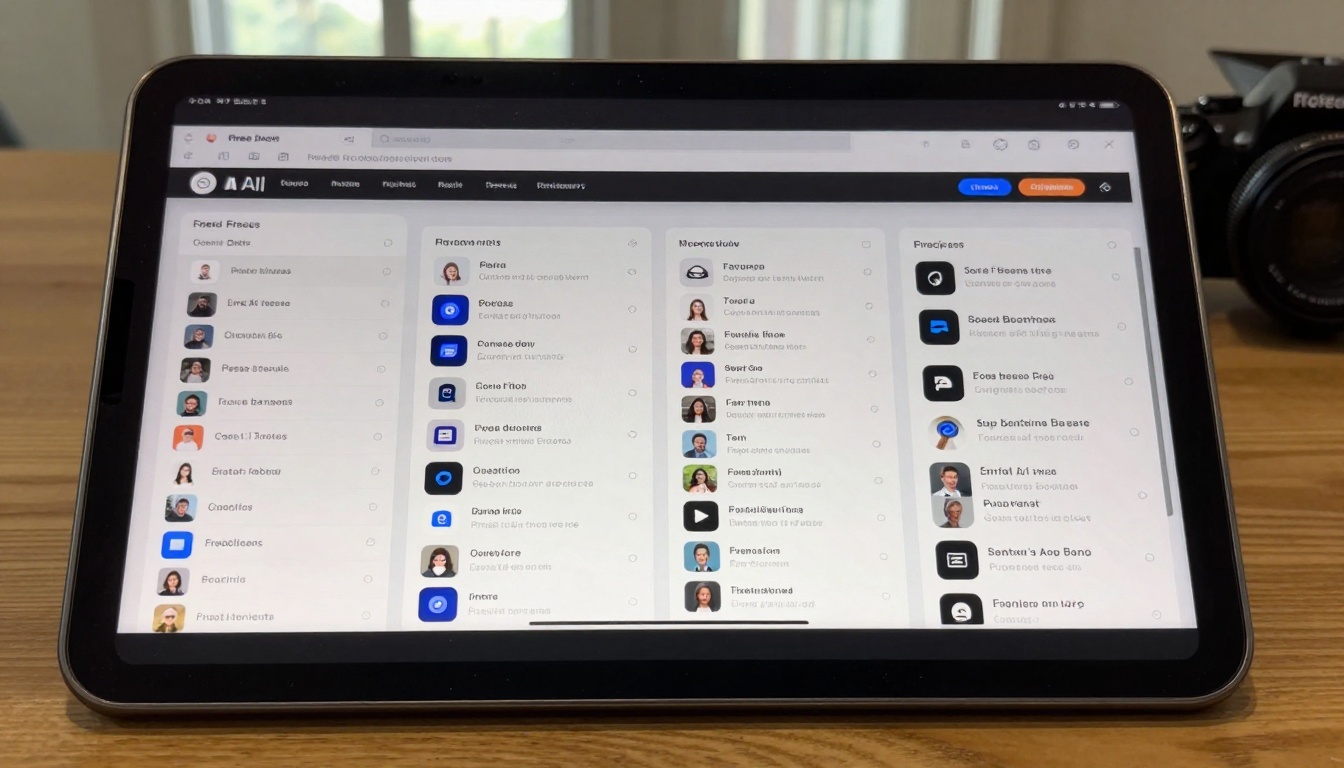
The PicassoIA platform hosts numerous AI models that can be explored through various free methods. While PicassoIA itself operates on credit-based systems, understanding these models helps identify which capabilities become accessible through alternative free pathways.
Several prominent models available on PicassoIA include:
These models represent the current state of AI image generation technology. While accessing them directly through PicassoIA may involve costs, their underlying architectures often have open-source implementations or community-adapted versions available through free channels.
Community Resources and Knowledge Sharing
Online communities provide invaluable support for free AI image generation. Reddit communities like r/StableDiffusion and r/aiArt share free tool discoveries, prompt techniques, and workaround solutions. Discord servers associated with major platforms offer real-time assistance and parameter sharing.
GitHub repositories host installation guides, troubleshooting documentation, and modified model versions optimized for free usage. YouTube tutorials demonstrate specific techniques for maximizing free tool capabilities, often including downloadable resource packs.
Key community contributions include:
- Colab notebooks: Free Google Colaboratory implementations running in cloud environments
- Model comparisons: Side-by-side evaluations of free versus paid output quality
- Prompt libraries: Curated collections of effective prompts for specific free tools
- Workflow optimizations: Step-by-step processes for achieving professional results within constraints
Practical Applications and Project Examples
Free AI image generation supports numerous real-world applications despite limitations. Concept visualization for personal projects becomes feasible—architects can generate building concepts, writers can create book cover mockups, game developers can prototype character designs. Educational materials benefit from custom imagery for presentations, study guides, and instructional content.
Social media content represents another practical application. Free tools generate sufficient quality for platform-optimized images (1080×1080 for Instagram, 1200×630 for Facebook). Blog illustrations and newsletter graphics can be produced within free tier constraints, especially when combined with basic post-processing.
Prototype development leverages free AI generation effectively. Product designers can visualize concepts before committing to professional illustration services. Marketing teams can test campaign imagery concepts without budget allocation. Personal art projects and creative experimentation thrive within free environments where financial risk disappears.
Moving Forward With Free AI Image Creation
The landscape of free AI image generation continues evolving rapidly. New platforms emerge monthly, each attempting different monetization strategies while offering initial free access. Open-source advancements steadily reduce hardware requirements, making local deployment increasingly accessible.
Skill development represents the most valuable investment when working within free constraints. Mastering prompt engineering, understanding model behaviors, and developing post-processing techniques transfer seamlessly to paid environments when budgets allow expansion. The creative process itself—conceptualization, iteration, refinement—remains identical regardless of tool cost.
Experimentation without financial pressure fosters innovation. Free tools encourage trying unconventional approaches, testing boundary conditions, and discovering personal style preferences. The absence of per-generation costs removes psychological barriers to exploration.
Consider beginning with browser-based platforms for immediate accessibility, then progressing to local deployment for unlimited experimentation. Engage community resources for troubleshooting and technique sharing. Most importantly, document successful approaches—what prompts work, which tools deliver specific outcomes, how limitations can be creatively circumvented.
The creative potential of AI image generation remains accessible regardless of budget. Constraints foster innovation, limitations encourage optimization, and free tools provide legitimate pathways to professional-quality outcomes through strategic approach and technical understanding. Start generating today with available resources, develop skills through practice, and build toward increasingly sophisticated creative capabilities.


