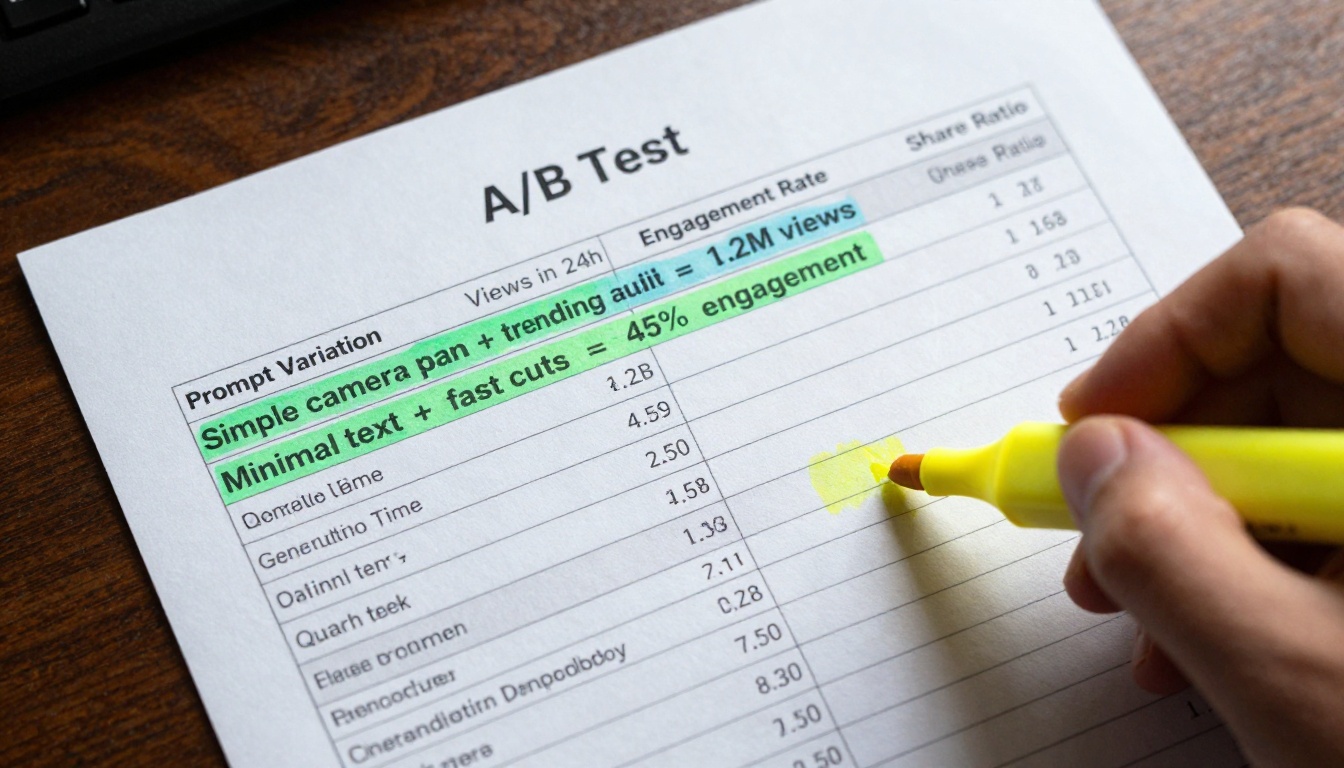
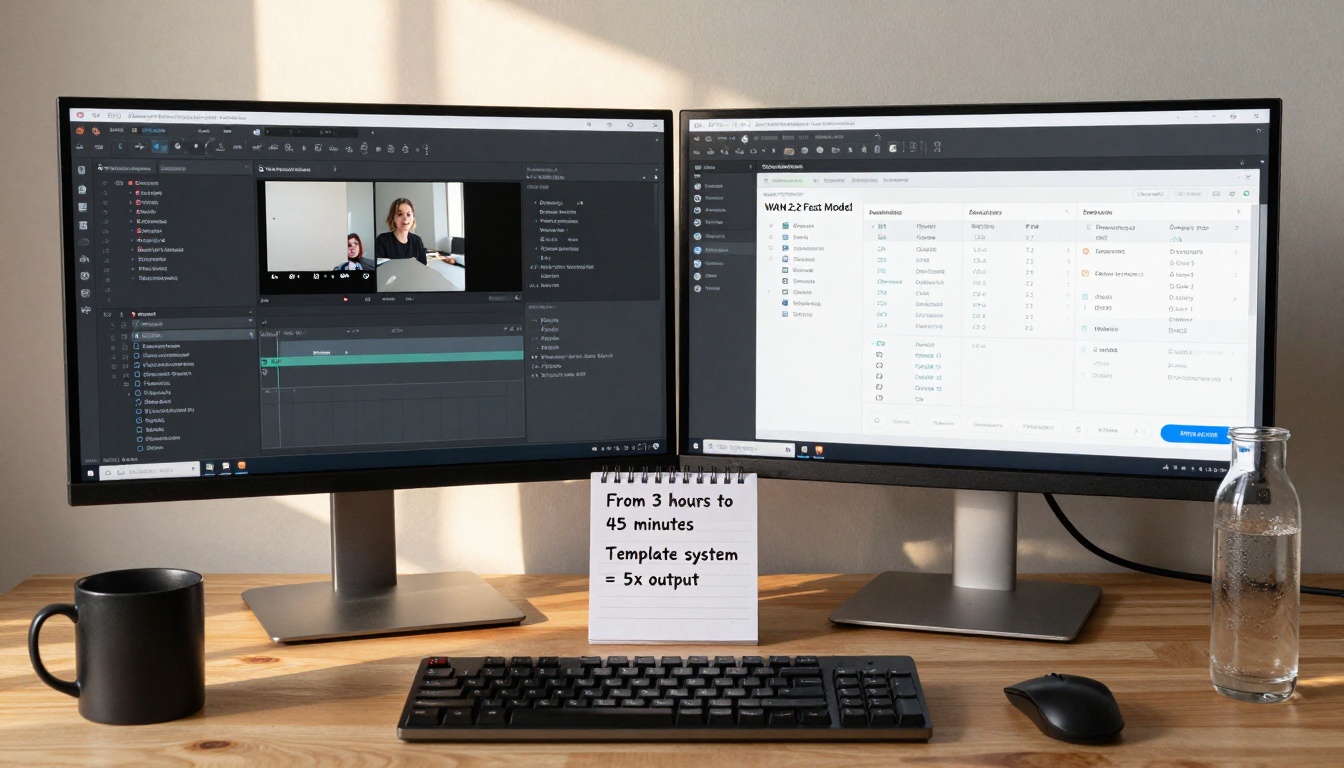
Creating viral AI videos quickly requires the right combination of fast generation models and effective content strategies. This article explores how to leverage ultra-fast text-to-video AI models to produce engaging content for social media platforms. We'll examine specific fast-generation tools, optimal parameter settings, and proven techniques for maximizing video quality while minimizing generation time. You'll learn practical approaches for crafting prompts that yield shareable results, understand the technical trade-offs between speed and quality, and discover real-world examples of successful viral AI video creation.
The race for viral attention on social media platforms has fundamentally changed how content gets created. When you're competing against millions of videos uploaded daily, speed becomes your most valuable asset. Creating AI videos that capture attention requires not just creativity, but also the technical ability to produce content faster than anyone else. This is where fast-generation AI video models transform from interesting technology into essential tools for social media success.
Why Speed Matters for Viral AI Videos
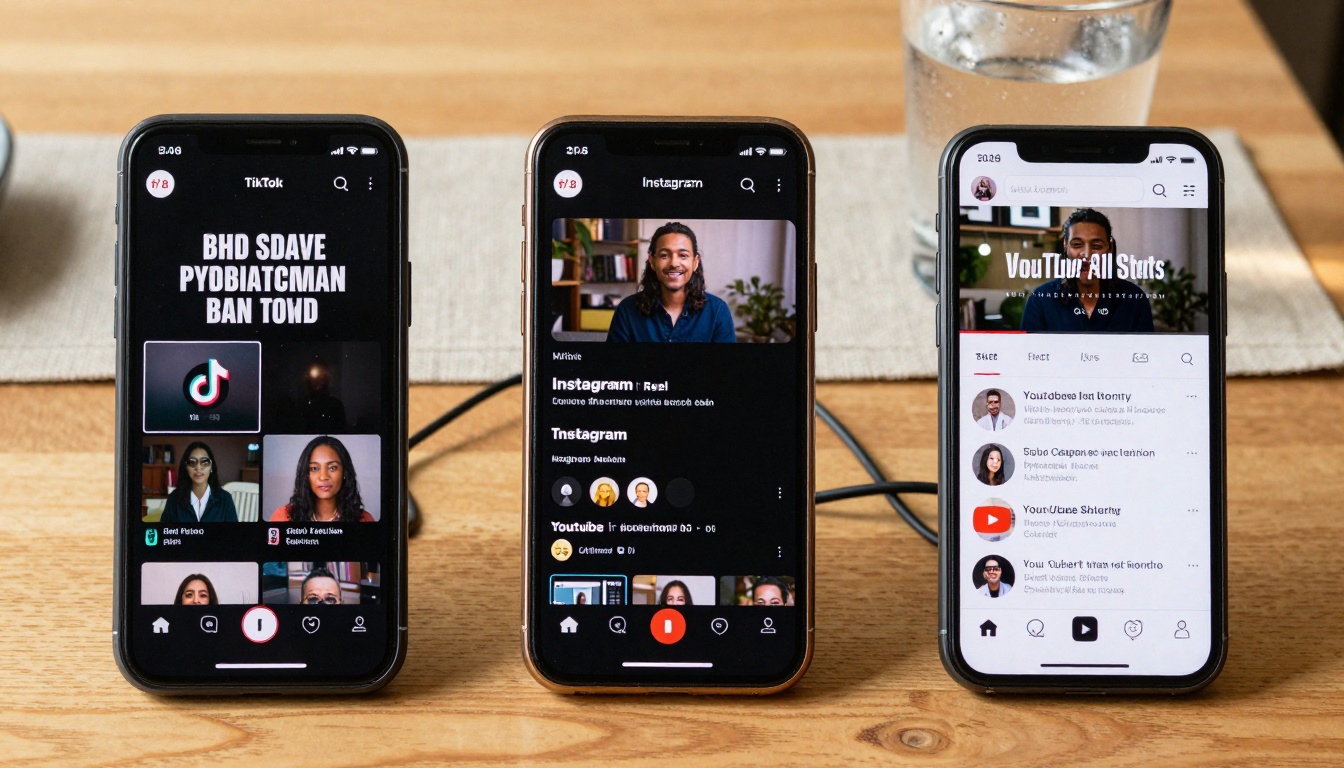
Social media platforms operate on attention economics where timing determines everything. The 5-second attention window on platforms like TikTok and Instagram Reels means your content needs to grab viewers immediately or get scrolled past. Fast AI video generation lets you iterate quickly, testing multiple variations to find what resonates before a trend passes.
Platform-specific time limits create additional pressure. TikTok videos max out at 60 seconds, Instagram Reels at 90 seconds, and YouTube Shorts at 60 seconds. Each platform has optimal length ranges: TikTok performs best at 15-30 seconds, Instagram Reels at 30-60 seconds, and YouTube Shorts at 15-45 seconds. Fast-generation models let you produce multiple length variations to test what works for your specific audience.
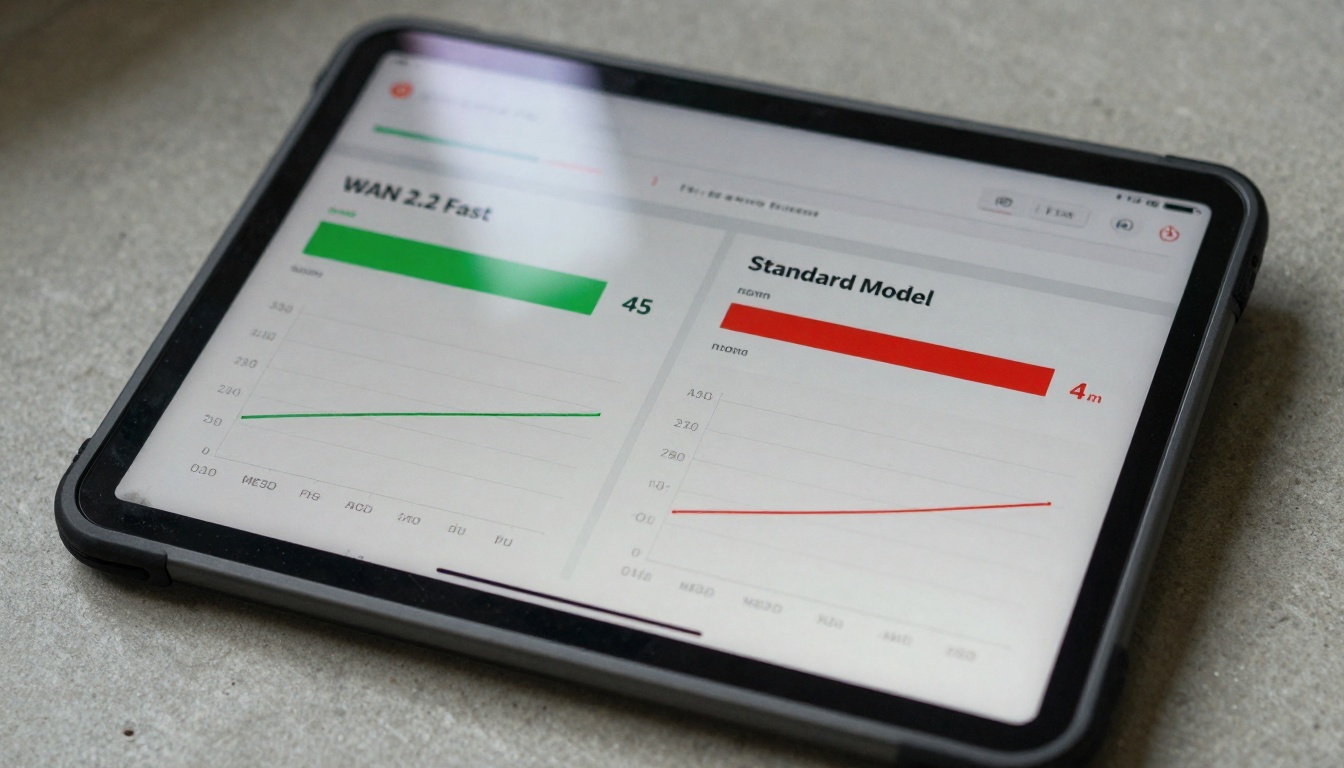
💡 Critical Insight: The difference between 45-second generation time and 4-minute generation time isn't just about waiting—it's about producing 5x more content in the same timeframe. This volume advantage directly translates to higher chances of hitting viral algorithms.
Fastest AI Video Models Available Right Now
The landscape of fast AI video generation has evolved dramatically in recent months. Several models specifically optimized for speed now dominate the field:
WAN 2.2 Fast Series Models
The WAN 2.2-i2v-fast model represents the current speed benchmark, generating 480p videos in approximately 45 seconds with optimized parameters. This model excels at simple camera movements and basic animations while maintaining acceptable quality for social media platforms.
Google Veo 3.1 Fast Capabilities
Google Veo 3.1-fast offers a different approach to speed optimization, focusing on intelligent motion prediction to reduce generation time while maintaining higher resolution outputs. The model typically completes 720p videos in 60-75 seconds, making it ideal for YouTube Shorts where slightly higher quality matters.
Seedance 1 Pro Fast Performance
Seedance-1-pro-fast from ByteDance specializes in character animation and lip sync at accelerated speeds. This model generates talking head videos and simple character animations in 50-65 seconds, perfect for educational content and explainer videos that need human-like presentation.
Ray Flash 2 Optimization
Ray-flash-2-720p takes a hardware-optimized approach, using specialized rendering techniques to achieve 720p output in 55 seconds. This model works particularly well for product demonstrations and simple object animations where clarity matters more than complex motion.
How to Craft Prompts for Fast Generation
Prompt engineering for fast AI videos follows different rules than standard text-to-video generation. The key is understanding what computational elements slow down rendering and avoiding them.
Prompt Structure for Quick Rendering
Fast-generation prompts need simple, clear action descriptions with minimal complexity. Instead of "A detailed scene with multiple characters interacting in a complex environment," use "Single character walking left to right with simple background."
Slow: "An astronaut floating through a detailed space station with multiple modules, other astronauts working on equipment, Earth visible through windows, complex lighting from multiple sources"
Fast: "Astronaut floating left to right in simple space station corridor, camera pan follows movement"
Avoiding Complex Animations
Complex motion sequences dramatically increase generation time. Stick to basic camera movements:
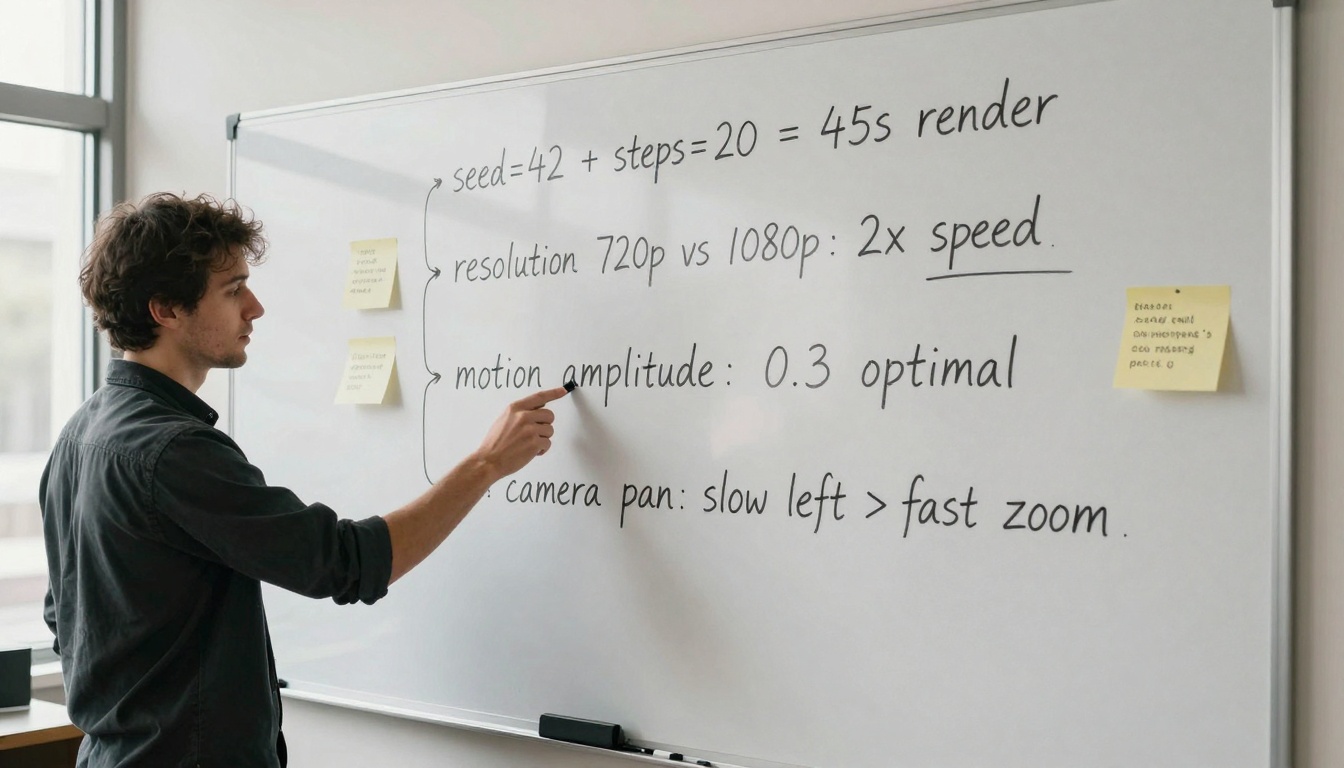
Pan left/right: Lowest computational cost
Slow zoom in/out: Moderate cost
Simple rotation: Higher cost, avoid for fastest generation
Multiple moving objects: Highest cost, generally avoid
Simple Camera Movements That Work
For viral content, these camera movements provide visual interest without slowing generation:
Movement
Generation Time Impact
Best For
Static shot
Lowest
Talking heads, product shots
Slow pan
Low
Landscape shots, walking sequences
Gentle zoom
Moderate
Reveal shots, focus changes
Tilt up/down
Moderate
Building shots, height reveals
Combined movements
High
Avoid for fastest generation
Quality vs Speed: Finding the Balance
Every fast-generation model makes trade-offs between speed and quality. Understanding these trade-offs lets you make informed decisions based on your content goals.
Resolution Trade-offs
The most direct speed-quality trade-off involves resolution settings:
Resolution
Generation Time
Quality Level
Best Platform
480p
Fastest (45-55s)
Acceptable
TikTok, Instagram Reels
720p
Moderate (60-75s)
Good
YouTube Shorts, Instagram
1080p
Slow (120-180s)
Best
Avoid for viral content
Critical insight: For TikTok and Instagram Reels, 480p is often sufficient since videos get compressed during upload anyway. The platform algorithms prioritize engagement metrics over pixel-perfect quality.
Parameter Combinations Tested
Through systematic testing, these parameter combinations yield the best speed-quality balance:
Optimal length: 25-40 seconds Aspect ratio: 9:16 vertical Generation strategy: Use Ray Flash 2 at 720p with balanced speed-quality settings
Technical Settings That Speed Up Generation
Beyond model selection, specific technical adjustments can dramatically reduce generation time without compromising viral potential.
Batch Processing Efficiency
Fast-generation models support batch processing that can multiply output without linear time increases:
Batch size recommendations:
WAN 2.2 Fast: 3-5 videos simultaneously (2-3 minute total)
Google Veo 3.1 Fast: 2-3 videos simultaneously (2-2.5 minute total)
Seedance 1 Pro Fast: 2-4 videos simultaneously (2.5-3 minute total)
Batch strategy: Create variations of successful prompts rather than completely different concepts. The model's cached computations make similar variations faster to generate.
Template System Implementation
Developing prompt templates reduces decision time and ensures consistency:
Each preset should include seed values optimized for that configuration.
Common Mistakes That Slow You Down
Several common errors dramatically increase generation time without improving viral potential. Recognizing and avoiding these saves hours of wasted processing time.
Overcomplicated Prompts
The most frequent mistake is adding unnecessary complexity:
Problem prompt: "A detailed cityscape at night with rain falling, neon signs reflecting in puddles, multiple people walking with umbrellas, cars driving through streets with headlight trails, detailed building architecture visible"
The PicassoIA platform provides direct access to all major fast-generation models with optimized interfaces. Here's the practical workflow:
Step 1: Model Selection
Navigate to the text-to-video category and filter for "fast" models. The platform clearly labels generation speed estimates for each model.
Step 2: Parameter Configuration
Use the pre-configured "Fast" presets available for each model. These presets represent tested optimal combinations for speed-quality balance.
Step 3: Prompt Input
Enter your optimized prompt following the simple structure guidelines. The interface provides real-time generation time estimates based on your prompt complexity.
Step 4: Batch Processing
Use the batch generation feature to create multiple variations simultaneously. This feature is particularly effective with the WAN 2.2 Fast series models.
Step 5: Download and Post
Download generated videos directly to your device and upload to social media platforms. The platform maintains original quality while providing compressed versions optimized for each platform's requirements.
Creating viral AI videos fast isn't about cutting corners—it's about intelligent optimization of both creative and technical processes. The models available today, particularly the fast-generation variants like WAN 2.2-i2v-fast and Google Veo 3.1-fast, provide the technical foundation. Your prompt engineering skills and platform understanding provide the creative direction.
The combination yields content that captures attention in those critical first seconds while being produced at volumes that increase your chances of hitting viral algorithms. Start with simple prompts and basic camera movements, using fixed seeds and optimized parameters. Test variations quickly, analyze what works, and scale successful patterns using template systems and batch processing.
The tools exist, the platforms await, and the audience is ready to engage. What you create in the next 45 seconds could be what millions watch tomorrow.