The digital content landscape has shifted dramatically with the rise of AI-generated avatars. What once required expensive photo shoots and professional models can now be achieved in seconds using sophisticated AI models. This technology has opened doors for content creators, marketers, and digital artists who need high-quality adult avatars without the logistical challenges of traditional production.

Creating realistic adult avatars requires understanding how AI interprets prompts, the technical capabilities of different models, and the ethical considerations involved in synthetic media. Whether you need avatars for advertising campaigns, social media content, or virtual presentations, the right approach can make the difference between generic outputs and truly professional results.
What Are AI Adult Avatars?
AI adult avatars are photorealistic or stylized digital representations of human adults created entirely by artificial intelligence. Unlike traditional 3D modeling or photo manipulation, these avatars are generated from text descriptions or reference images, allowing creators to specify everything from facial features and expressions to clothing and background environments.
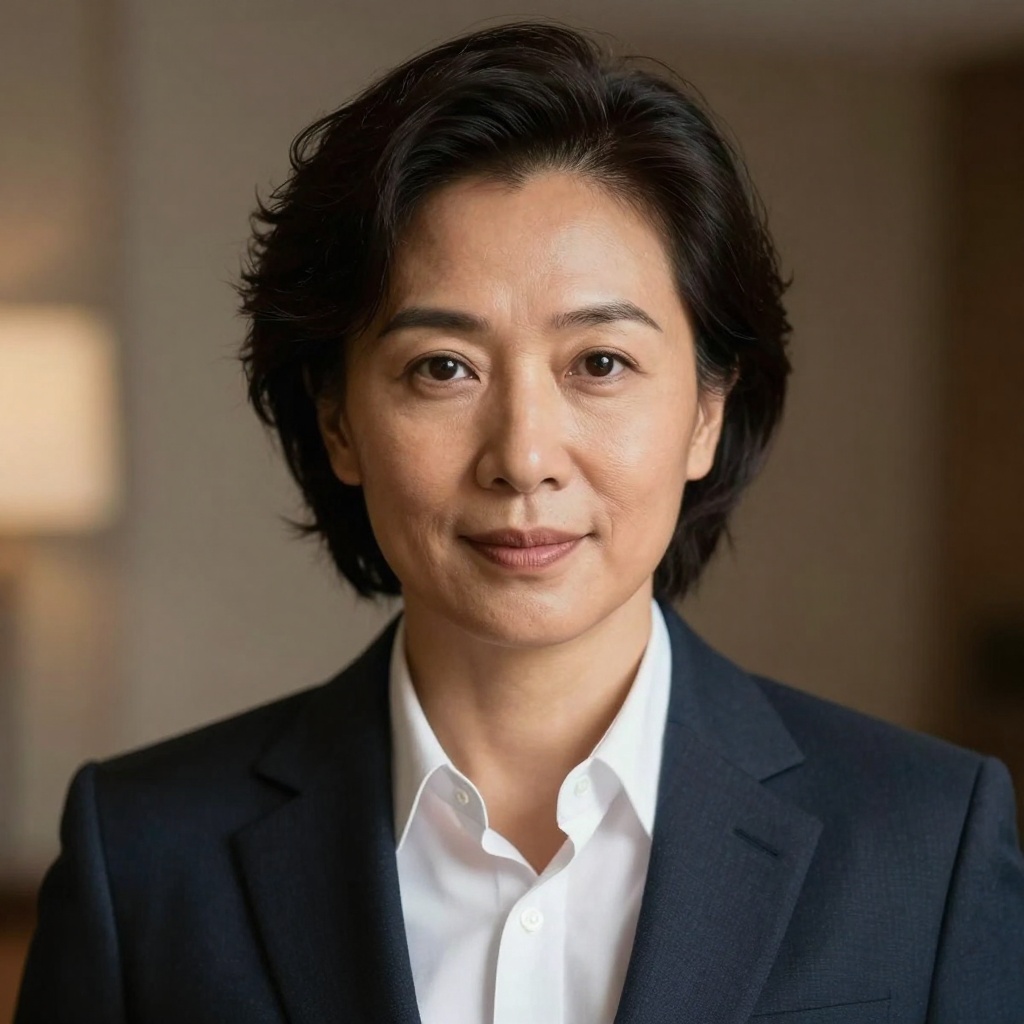
The technology behind these avatars leverages deep learning models trained on millions of images. These models understand human anatomy, lighting, perspective, and artistic styles well enough to create convincing results. The best AI avatar generators can produce images indistinguishable from professional photography.
Key characteristics of quality AI avatars:
- Anatomically accurate facial features and proportions
- Natural skin textures with appropriate lighting and shadows
- Realistic hair rendering with individual strand detail
- Convincing eye reflections and depth
- Proper clothing physics and fabric rendering
- Contextually appropriate backgrounds and environments
Why Use AI for Avatar Generation?
The traditional approach to creating adult avatars involves hiring models, booking studios, coordinating photography teams, and managing extensive post-production. This process is time-consuming, expensive, and inflexible. AI avatar generation changes everything.
Speed matters. What takes days or weeks through traditional channels happens in seconds with AI. Need to test five different expressions or ten outfit variations? Generate them all in minutes rather than organizing multiple photo sessions.
Cost efficiency transforms budgets. A single AI generation costs a fraction of what you'd pay for professional photography. For small businesses and independent creators, this accessibility levels the playing field against larger competitors with bigger marketing budgets.
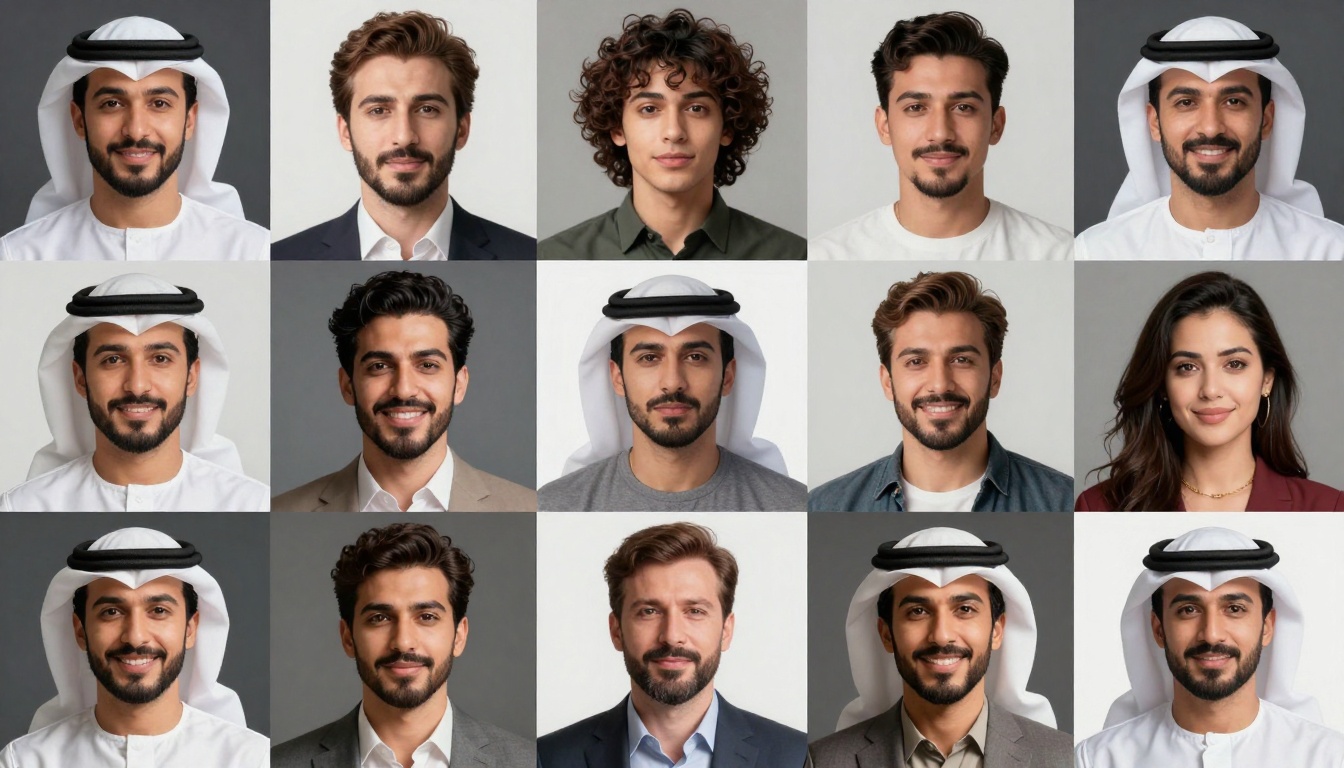
Creative freedom expands possibilities. Want your avatar in a specific environment that would be impossible or expensive to photograph? AI doesn't care. Need consistent avatars across dozens of images? AI maintains visual coherence better than scheduling multiple photo shoots.
Privacy concerns also drive adoption. Some content creators prefer not to use their real likeness online. AI avatars provide professional representation without exposing personal identity.
Techniques for Realistic Results
Creating convincing AI adult avatars requires more than typing random descriptions. The difference between amateur and professional results often comes down to prompt engineering and understanding model capabilities.
Prompt Structure That Works
Effective prompts follow a specific formula: subject description + style modifiers + technical quality terms + atmosphere/mood.
Start with detailed subject descriptions. Instead of "a woman," try "a woman in her thirties with shoulder-length auburn hair and green eyes, wearing a charcoal business suit." Specificity gives the AI concrete details to work with.
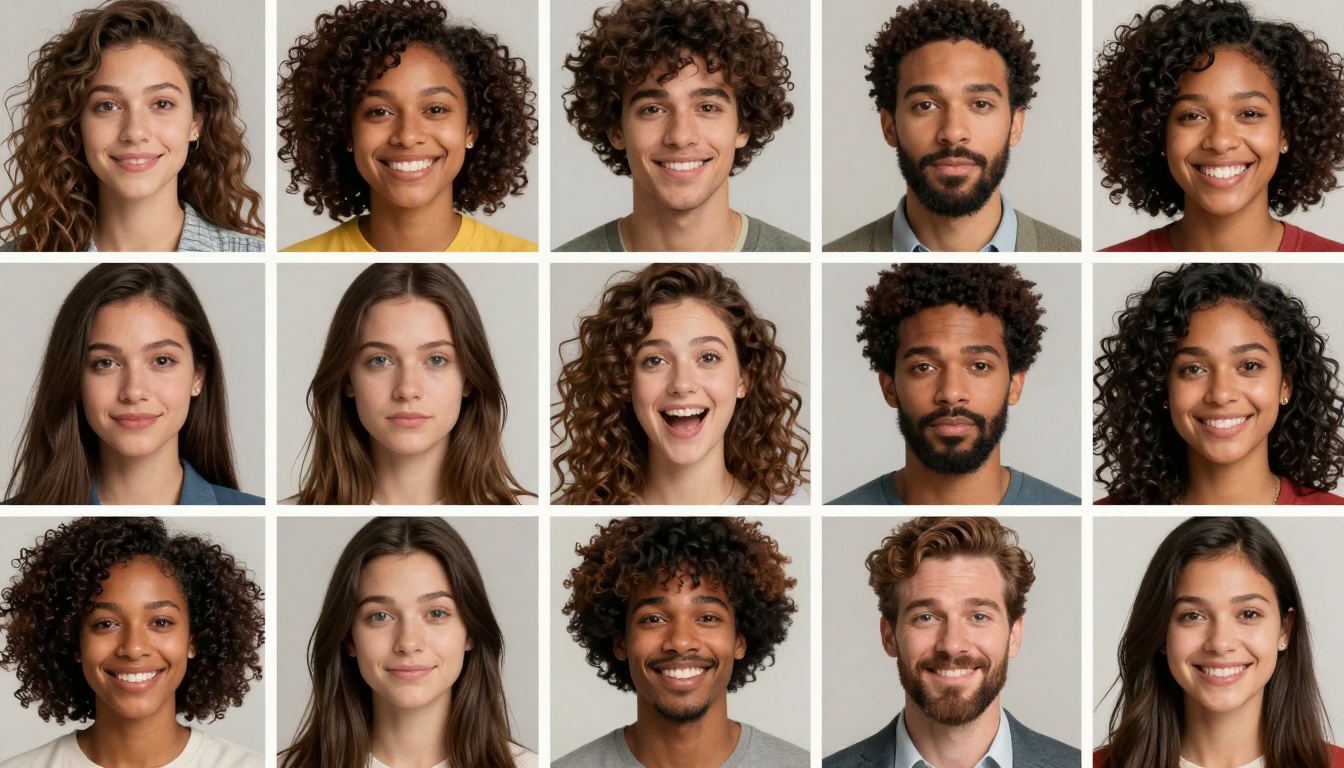
Add style modifiers that guide the visual approach. Terms like "professional photography," "studio lighting," "cinematic," or "editorial style" shape how the AI renders the image. These keywords trigger specific aesthetic patterns the model learned during training.
Technical quality descriptors push the model toward higher fidelity. Including phrases like "8k resolution," "photorealistic," "high detail," and "sharp focus" typically improves output quality. These terms signal to the model that you want maximum visual fidelity.
Atmosphere and mood descriptors complete the picture. "Warm lighting," "professional atmosphere," "sophisticated composition," or "vibrant colors" help the AI understand the emotional tone you're targeting.
Lighting and Composition
Lighting makes or breaks realism. Poor lighting in AI-generated images often reveals their synthetic nature. Specify lighting conditions explicitly in your prompts.
Natural lighting terms include "golden hour lighting," "soft window light," "overcast daylight," or "warm afternoon sun." Studio lighting options involve "three-point lighting," "key and fill setup," "dramatic side lighting," or "soft box illumination."
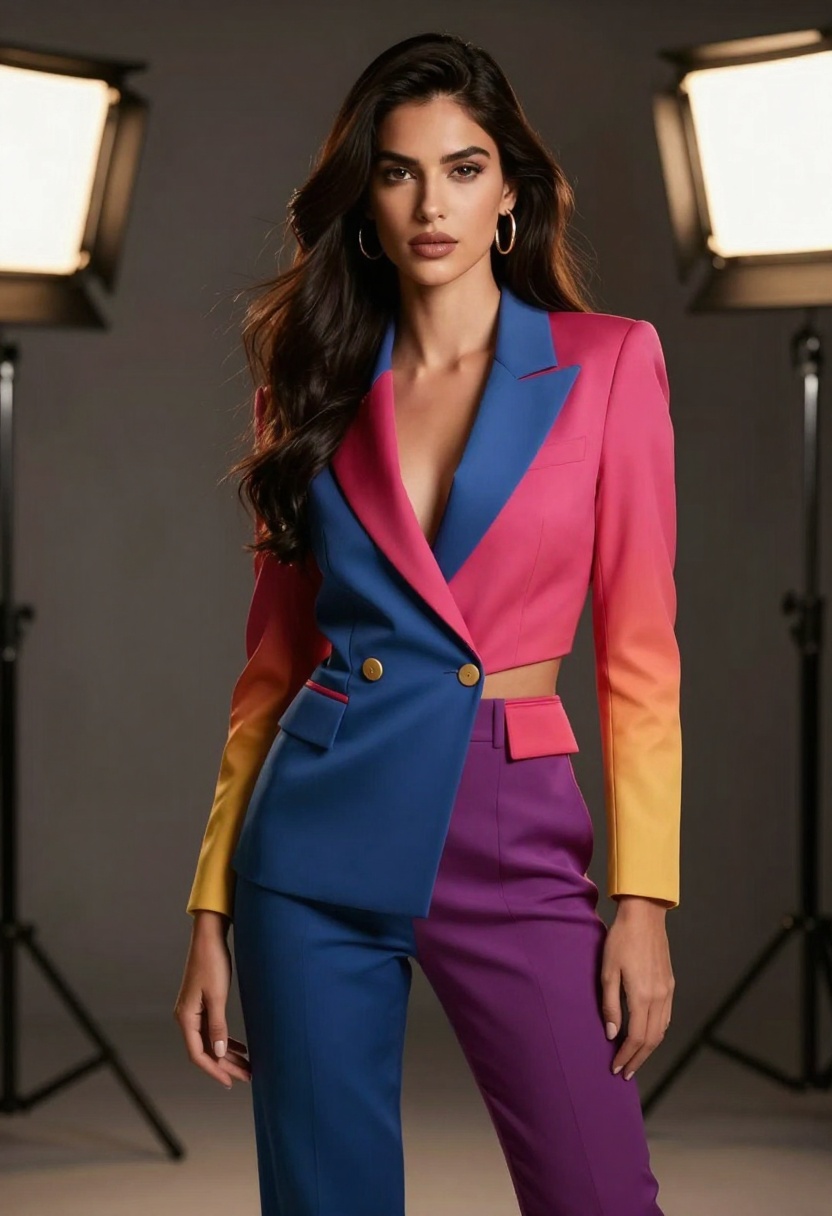
Composition guidance helps the AI frame shots properly. Reference photography terms like "rule of thirds," "shallow depth of field," "medium shot," "portrait orientation," or "environmental portrait" to control how the avatar is positioned and framed.
Iteration and Refinement
Professional results rarely come from the first generation. Treat each output as a starting point for refinement.
Generate multiple variations with slight prompt adjustments. Change one element at a time to see how it affects results. This systematic approach helps you learn which prompt components matter most for your specific needs.
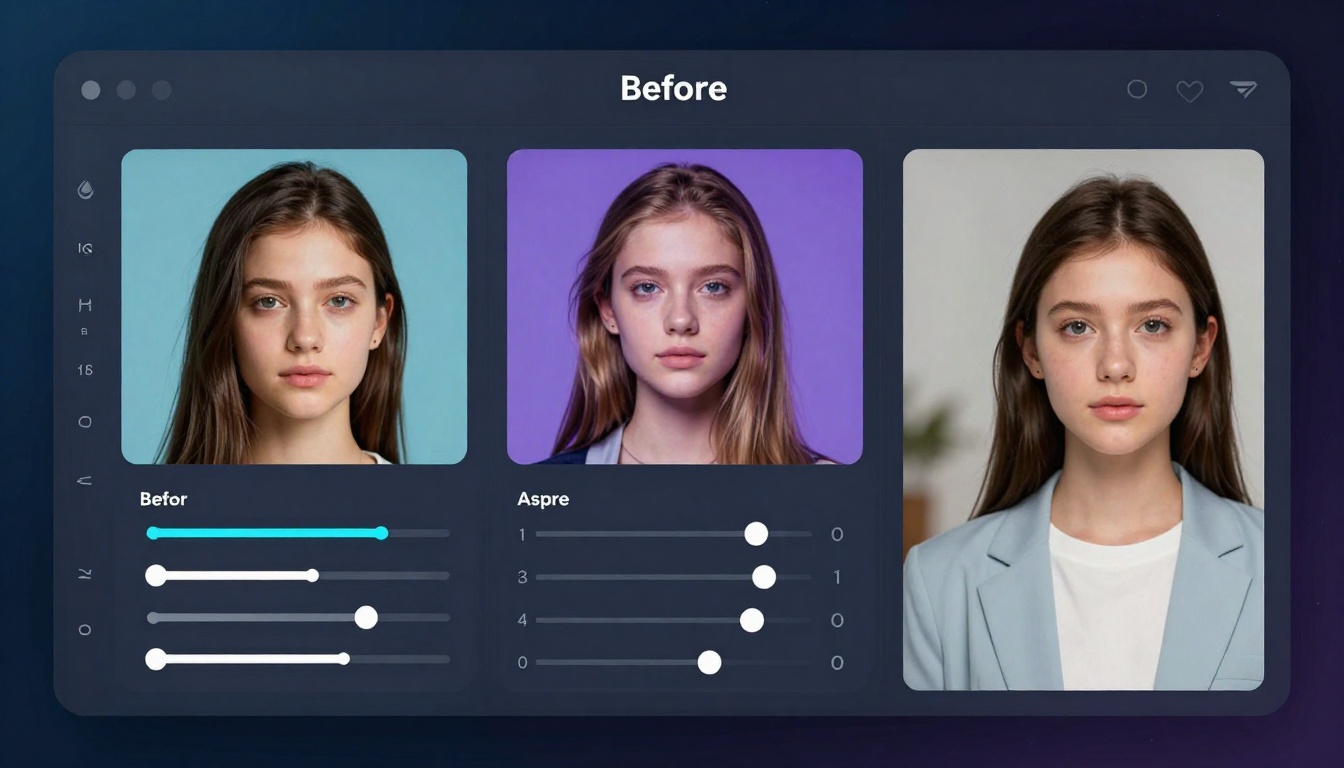
Use seed values when available. Seeds allow you to maintain consistency across generations while tweaking other parameters. This feature proves invaluable when you like most aspects of an image but want to adjust specific details.
Popular Use Cases
AI adult avatars serve diverse professional needs across multiple industries. Understanding common applications helps frame your own creative projects.
Marketing and Advertising
Product demonstrations benefit enormously. Instead of hiring models for every product variation, generate avatars that showcase items consistently. This approach works particularly well for fashion, accessories, beauty products, and lifestyle goods.
Brand ambassadors no longer require contracts with real people. AI avatars can represent your brand across campaigns, maintaining visual consistency while adapting to different contexts and messaging needs.
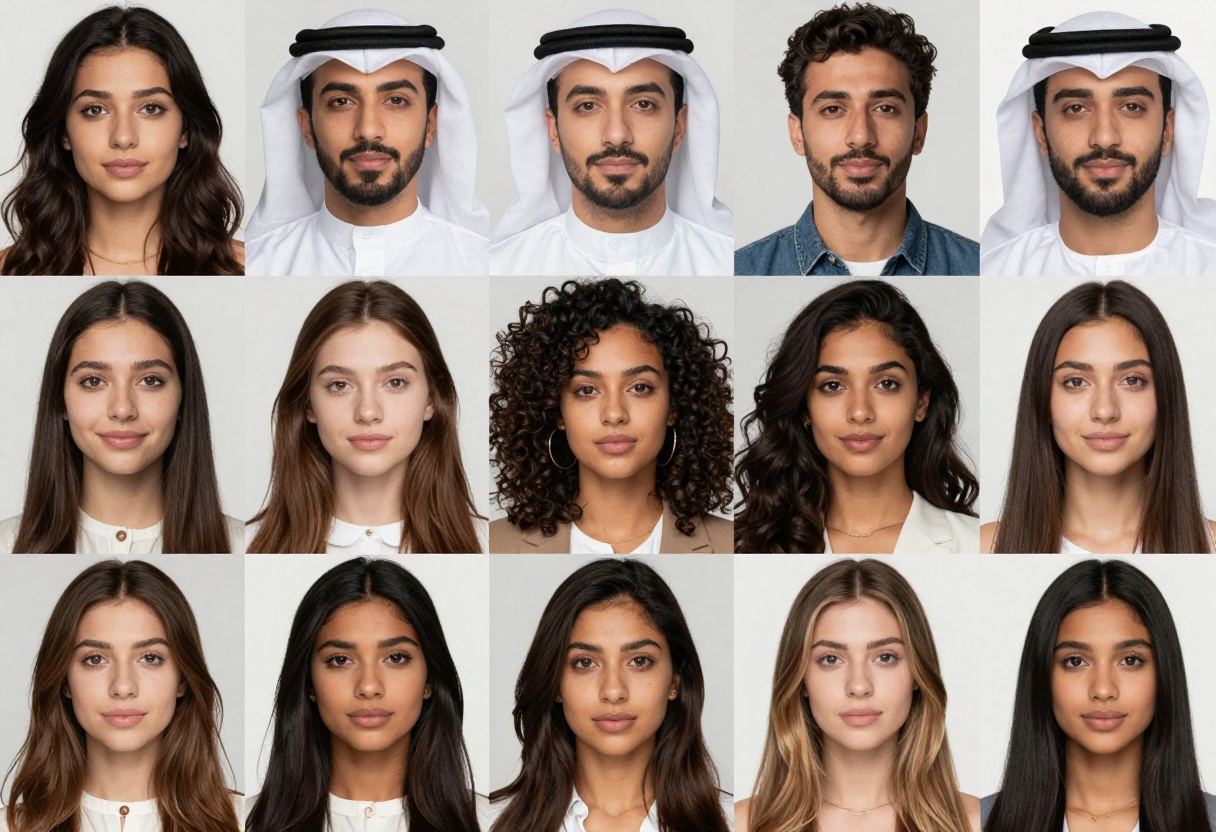
Social media marketing scales easily with AI avatars. Create profile pictures, post images, and story content without constant photo sessions. The ability to generate content on-demand keeps your feed fresh without production delays.
Content Creation
YouTube thumbnails and video content increasingly use AI avatars. Creators who prefer privacy or want consistent branding without appearing on camera find AI avatars solve both problems elegantly.
Blog headers, article illustrations, and featured images become easier to produce. Rather than searching stock photo libraries or commissioning custom photography, generate exactly what your content needs.
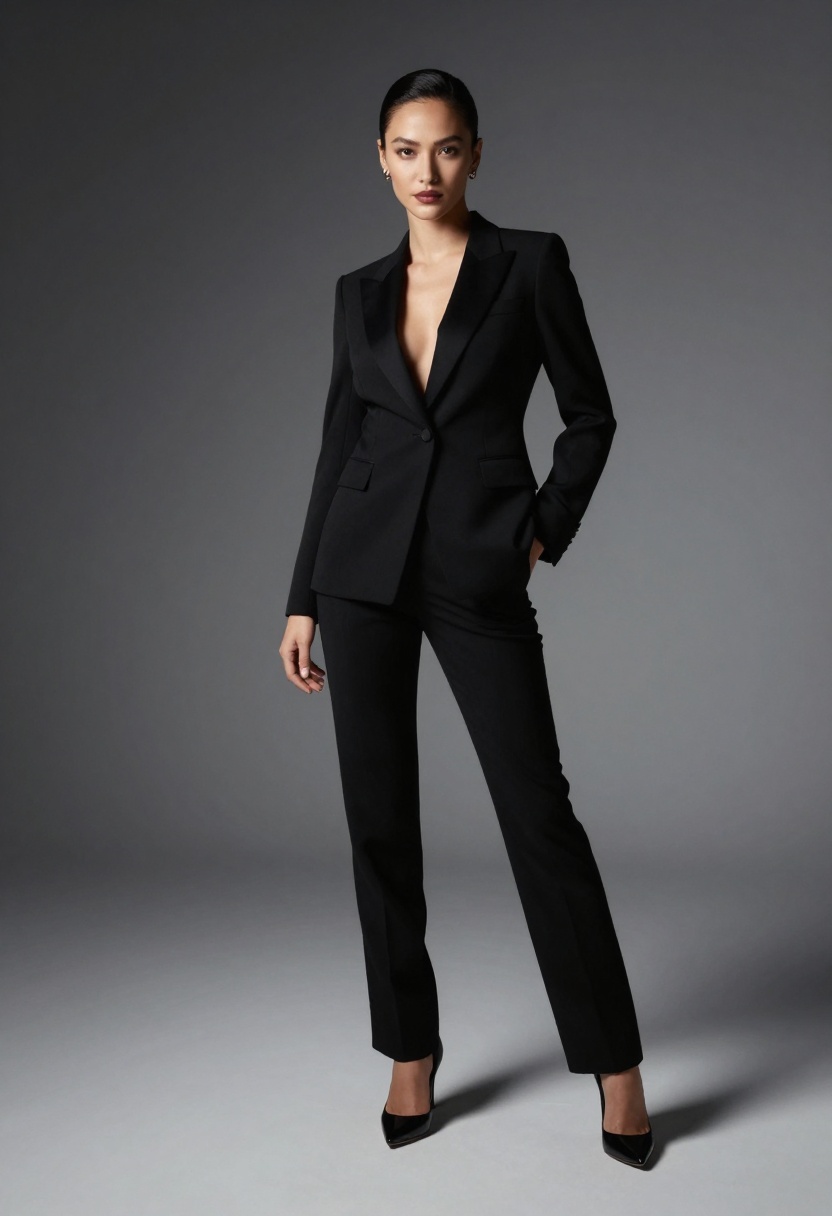
Educational materials and training documents benefit from custom avatars that represent diverse audiences. Generic stock photos often feel disconnected from your specific context. AI allows you to create avatars that match your actual demographic or represent specific scenarios authentically.
Virtual Influencers
The virtual influencer industry has exploded as brands realize synthetic personalities can engage audiences without the unpredictability of human influencers. AI avatars provide the foundation for these digital personalities.
Consistency remains their superpower. Real influencers age, change their appearance, face personal challenges, or switch interests. AI avatars stay on-brand indefinitely, posting content that aligns perfectly with marketing strategies.
Control over messaging eliminates controversy risks. While human influencers might make off-brand statements or get involved in scandals, AI avatars only communicate what you program them to say.
Professional Services
Corporate headshots for websites and business materials no longer require professional photography sessions. AI-generated headshots work perfectly for employee directories, about pages, team sections, and business cards.
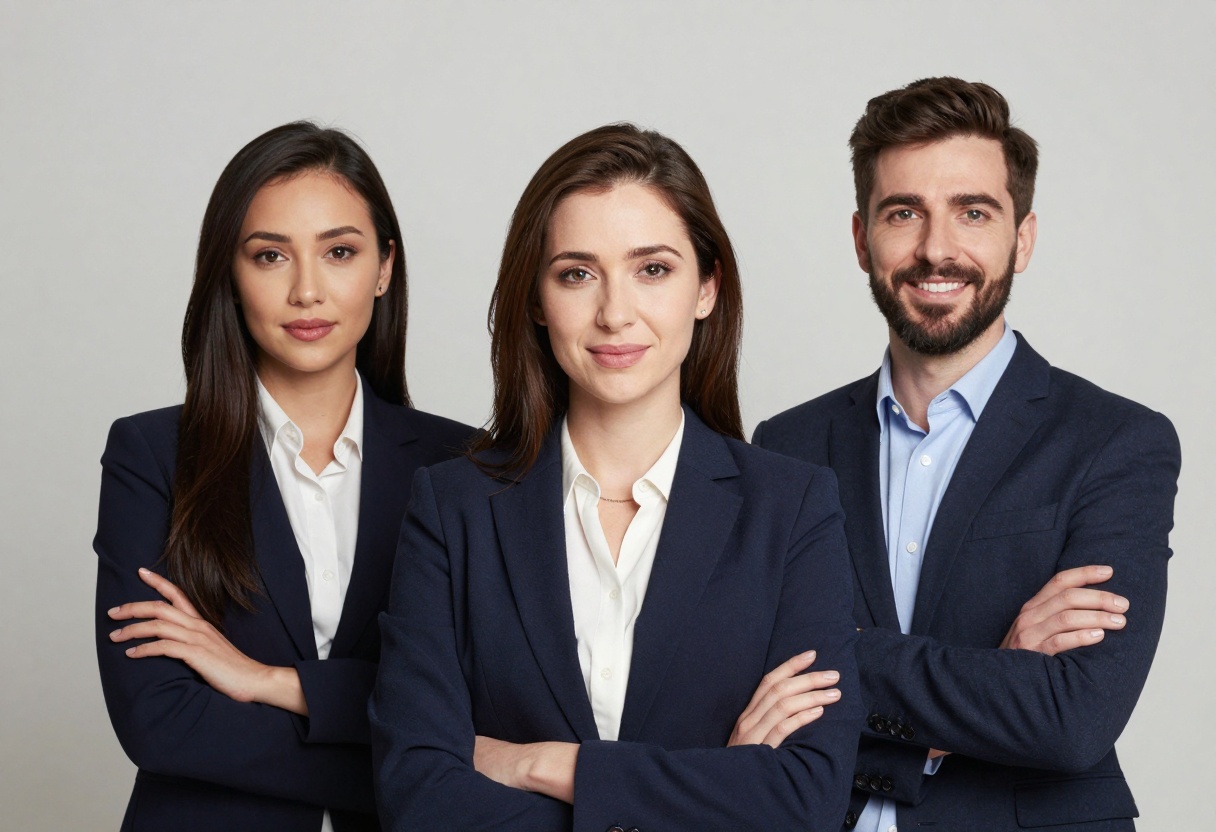
Client presentations and pitch decks benefit from custom visuals that match specific scenarios rather than generic stock imagery. This personalization makes presentations more engaging and relevant.
Ethical Considerations
Creating AI adult avatars comes with significant ethical responsibilities. As these tools become more powerful, the potential for misuse increases.
Transparency and Disclosure
Authenticity matters to audiences. When using AI avatars in contexts where people might assume they're real photographs, disclosure becomes essential. This transparency builds trust and prevents accusations of deception.
Different platforms and jurisdictions have varying requirements for disclosing synthetic media. Stay current with regulations in your target markets to ensure compliance.
Privacy and Consent
Never generate avatars that closely resemble real people without explicit permission. Even if technically legal in your jurisdiction, this practice raises serious ethical concerns.
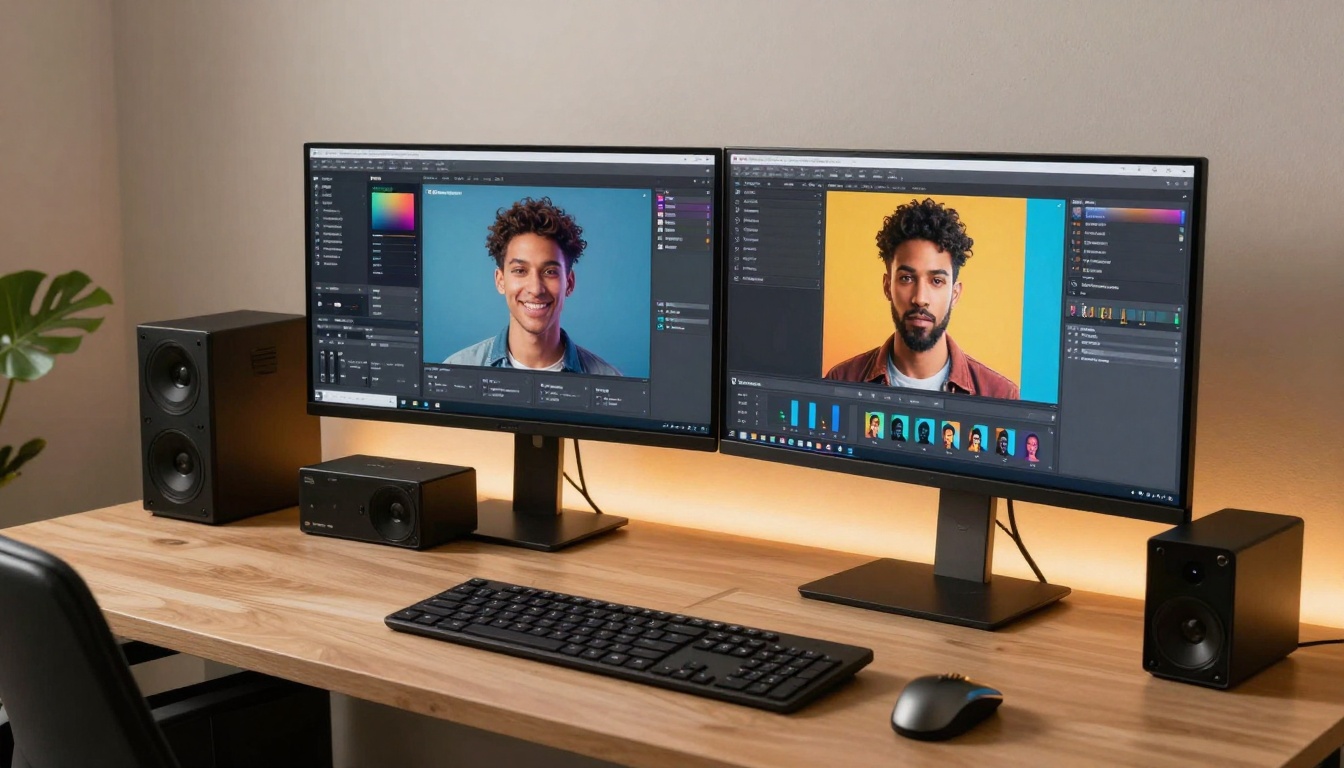
Training data for AI models often includes scraped internet images. While individual outputs don't directly copy source images, consider the ethical implications of systems built on data collected without clear consent.
Representation and Bias
AI models can perpetuate societal biases present in their training data. Be intentional about creating diverse, inclusive avatars that represent different ethnicities, body types, ages, and presentations.
Stereotypical representations harm real communities. Avoid generating avatars that reinforce negative stereotypes or reduce complex identities to caricatures.
Technical Considerations
Understanding the technical aspects of AI avatar generation helps you choose the right tools and optimize your workflow.
Resolution and Quality
Output resolution affects usability. Higher resolutions provide more detail and flexibility for different applications. A 512x512 image might work for a small profile picture but won't scale up for a billboard without noticeable artifacts.
Most modern AI models support multiple resolution options. Balance quality needs against generation time and cost. Not every application requires maximum resolution.
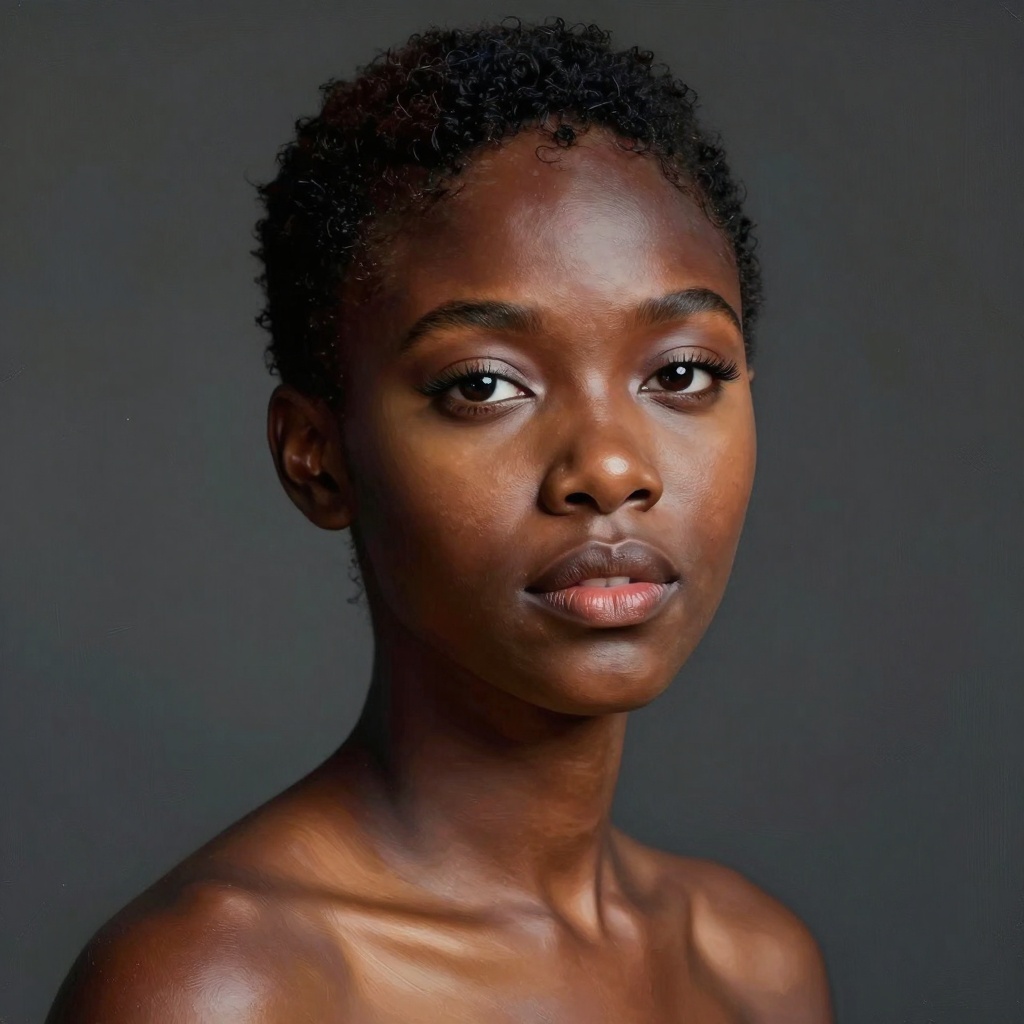
Post-processing can enhance AI outputs. Upscaling tools, color correction, and subtle editing help polish results for professional use. However, excessive manipulation defeats the efficiency purpose of AI generation.
Consistency Across Generations
Maintaining visual consistency across multiple images challenges many AI workflows. When creating a series of avatars meant to represent the same character, small variations can break immersion.
Seed control helps but doesn't guarantee identical results across substantially different prompts. Some platforms offer character reference features that help maintain consistency by using previous generations as visual anchors.
Batch Processing
For projects requiring numerous avatars, batch processing capabilities become critical. Manually generating dozens of individual images wastes time and resources.
Look for platforms that support queue systems, bulk generation, or API access for programmatic creation. These features scale your workflow from casual use to professional production.
How to Create AI Avatars on PicassoIA
PicassoIA offers powerful models specifically designed for creating and editing realistic adult avatars. The platform provides access to open-source models without restrictive content filters, giving creators the freedom they need for professional projects.
Recommended Models for Avatar Creation
p-image-edit excels at transforming and enhancing existing images. This model works perfectly when you have a base image and want to modify specific aspects while maintaining overall composition and quality.
The model processes edits in under a second, making it ideal for iterative workflows where you need to test multiple variations quickly. You can adjust facial features, change clothing, modify backgrounds, or enhance lighting without starting from scratch each time.
wan-2.2-image generates cinematic-quality images from text prompts alone. This model creates 2-megapixel images in just 3-4 seconds, supporting multiple aspect ratios for different use cases.
The model's strength lies in producing photorealistic results with dramatic lighting and professional composition. It's particularly effective for creating fashion-oriented avatars, editorial-style portraits, and artistic renderings.
Step-by-Step Tutorial: Creating Avatars with p-image-edit
Visit the p-image-edit model page on PicassoIA to get started.
Step 1: Prepare Your Reference Image
Upload a base image that roughly matches your desired avatar composition. This could be a previous AI generation, a stock photo, or any reference image. The model uses this as a foundation for edits.
Step 2: Write Your Edit Prompt
Describe the changes you want to make clearly. The model allows you to reference your uploaded images as "image 1," "image 2," etc. Be specific about what should change and what should stay the same.
Example prompt: "Transform image 1 into a professional business portrait, change the clothing to a navy blazer, add studio lighting, photorealistic, 8k quality"
Step 3: Configure Parameters
- Aspect Ratio: Choose from standard ratios or match your input image
- Turbo Mode: Keep enabled for most tasks (disable for complex edits)
- Seed: Leave blank for random results or set a specific value for reproducibility
- Safety Checker: Adjust based on your content requirements
Step 4: Generate and Refine
Click generate and wait approximately one second for results. Review the output and iterate if needed by adjusting your prompt or parameters.
The speed of this model makes experimentation practical. Test multiple variations to find the perfect result.
Using wan-2.2-image for Text-to-Avatar Generation
When you don't have a reference image and want to create avatars entirely from text descriptions, wan-2.2-image provides excellent results.
Navigate to the wan-2.2-image model page and craft your text prompt. Focus on describing:
- Physical appearance (age, features, expression)
- Clothing and styling details
- Lighting conditions and atmosphere
- Composition and framing
- Quality modifiers (photorealistic, 8k, cinematic)
Select your preferred aspect ratio based on final use. The model supports standard ratios from square (1:1) to ultrawide (21:9).
Set megapixels to 2 for maximum quality. Lower settings generate faster but with less detail.
Choose output format based on your workflow. JPEG works well for most applications, while PNG preserves maximum quality and WebP offers smaller file sizes.
Advanced Techniques
Once you've mastered basic avatar generation, several advanced techniques can elevate your results.
Multi-Image References
Some models support using multiple reference images simultaneously. This capability lets you combine elements from different sources.
For example, use one image for facial structure, another for lighting style, and a third for composition. The AI synthesizes these references into a cohesive result.
Style Transfer
Apply artistic styles to realistic avatars by incorporating style reference images or using specific style keywords in prompts.
Techniques like "in the style of fashion photography," "editorial portrait style," or "fine art photography" guide the AI toward specific aesthetic approaches.
Conditional Generation
Control specific aspects of generation by providing detailed conditional inputs. Some models allow masking, pose control, or facial expression specification.
These controls enable precise avatar creation where specific elements must match your vision exactly while allowing the AI freedom in other aspects.
Common Challenges and Solutions
Even experienced users encounter challenges when generating AI avatars. Recognizing common issues and their solutions saves time and frustration.
Uncanny Valley Problems
Symptom: Avatars look almost real but something feels "off," creating an unsettling effect.
Solution: Pay special attention to eyes, hands, and facial expressions. These areas most commonly trigger uncanny valley responses. Use prompts that emphasize natural, relaxed expressions rather than extreme poses or expressions.
Inconsistent Anatomy
Symptom: Proportions seem wrong, or body parts don't connect naturally.
Solution: Include anatomical accuracy keywords in prompts. Terms like "realistic proportions," "anatomically correct," and "natural body structure" help guide the model. Avoid extreme poses or unusual angles that challenge the model's understanding.
Artifacts and Distortions
Symptom: Strange textures, duplicated features, or distorted backgrounds.
Solution: Simplify your prompt if it's too complex. Sometimes asking for too many specific elements confuses the model. Generate at higher resolutions, as artifacts often appear more prominently in lower quality outputs.
Bland or Generic Results
Symptom: Technically correct but boring, lacking personality or visual interest.
Solution: Add specific character details, unique styling elements, or interesting lighting conditions. Generic prompts yield generic results. Include details like "confident expression," "unique fashion sense," or "dramatic rim lighting" to add visual interest.
Future of AI Avatar Generation
The technology behind AI avatars evolves rapidly. Current developments suggest exciting possibilities ahead.
Real-Time Generation
Emerging models can generate and modify avatars in real-time, enabling interactive applications. Imagine adjusting an avatar's expression, pose, or styling during a video call or live stream.
Video Avatar Animation
While static images dominate current use cases, video animation of AI avatars represents the next frontier. Models that can animate avatars with realistic movement, lip-sync, and expression changes are already in development.
Personalization Improvements
Future systems will better maintain character consistency across generations, allowing creators to develop recognizable avatar identities without manual consistency management.
Ethical Framework Development
As the technology matures, clearer ethical frameworks and industry standards will emerge. Expect regulations around disclosure, consent, and appropriate use to evolve alongside technical capabilities.
Getting Started Today
Creating professional AI adult avatars doesn't require technical expertise or expensive equipment. The tools available on platforms like PicassoIA make the technology accessible to anyone with creative vision.
Start with clear goals. Understand what you need avatars for, who your target audience is, and what quality standards matter for your application. This clarity guides prompt writing and model selection.
Experiment extensively. The best way to learn AI avatar generation is through hands-on experience. Generate dozens of variations, testing different prompts, parameters, and approaches.
Study successful examples from other creators. Analyze what makes certain AI avatars work better than others. Notice how professionals structure prompts, choose compositions, and handle lighting.
Build a library of effective prompts and techniques that work for your specific needs. Document what produces good results so you can replicate success consistently.
Stay current with model updates and new features. The AI generation landscape changes constantly. New models, techniques, and capabilities emerge regularly.
The combination of accessible tools, declining costs, and improving quality makes this the perfect time to explore AI avatar generation. Whether you're building a marketing campaign, creating content, or exploring creative possibilities, the technology offers unprecedented freedom to bring your vision to life without traditional production constraints.
Start creating today on PicassoIA and experience how AI avatars can transform your creative workflow.


