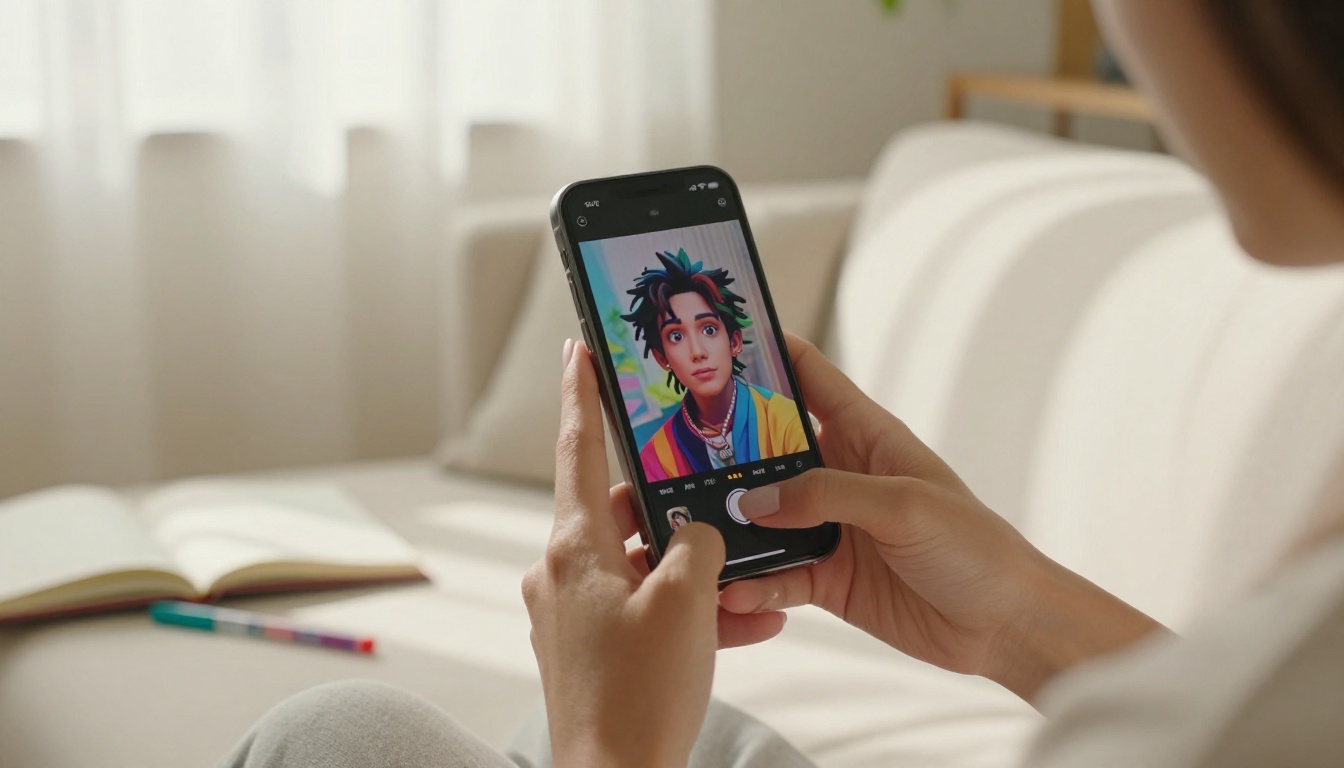
AI anime art is having a moment that shows no signs of stopping. Fans are waking up to feeds packed with stunning character portraits, dramatic action stills, and soft pastel dreamscapes, all created by people who cannot draw a single line by hand. The tools improved. The outputs got sharper and more emotionally resonant. And somewhere in 2025, AI-generated anime art stopped being a novelty and became a full-blown creative culture that spans every major platform and touches audiences who had never thought of themselves as artists.
Why AI Anime Art Took Over
The Numbers Don't Lie
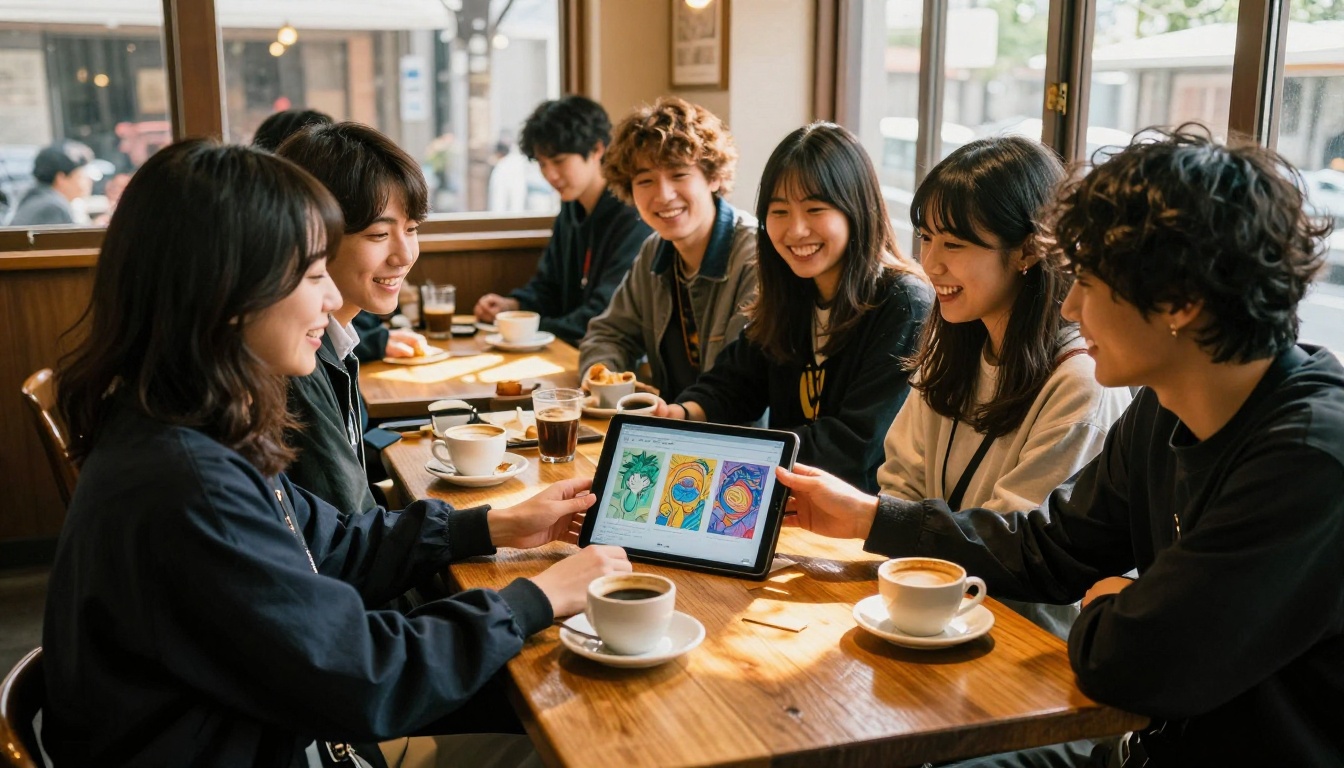
Posts tagged with AI anime, AI art character, and related terms routinely rack up hundreds of thousands of impressions on X, Instagram, TikTok, and Reddit. Dedicated subreddits like r/AIArt have seen anime-style content grow from a fringe category into the dominant posting format. On TikTok, side-by-side before-and-after videos showing a real photo turned into a vivid anime portrait collect millions of views with no promotional budget and no celebrity backing. Just the art itself.
The appetite is real and it is growing. Fans are not just looking at AI anime art anymore. They are making it, sharing it, and building entire online identities around their AI-generated characters.
💡 Why it spreads: AI anime art combines the accessibility of a simple text prompt with the emotional pull of a visual medium that already has decades of global fandom behind it. That is a powerful combination.
What New Models Changed
A year ago, AI-generated anime characters often showed telltale signs of their origin: slightly off anatomy, muddy backgrounds, and faces that looked almost right but not quite. The new generation of models has closed that gap substantially.
DreamShaper XL Turbo and SDXL changed the baseline for what the community expected. Then Flux Fast arrived and made high-fidelity generation accessible in seconds rather than minutes. The combination of speed, quality, and accessibility is what lit the fuse.
What actually changed is not just resolution. Modern models understand stylistic intent. When you prompt for "anime portrait, soft cel shading, vivid expressive eyes," the model now delivers that with precision, rather than producing a vague hybrid of styles that belongs to no specific visual tradition.
5 AI Anime Art Trends Right Now
These are the specific styles dominating feeds in 2027. If you have scrolled through any art community recently, you have seen all of them.
Hyper-Detailed Character Portraits
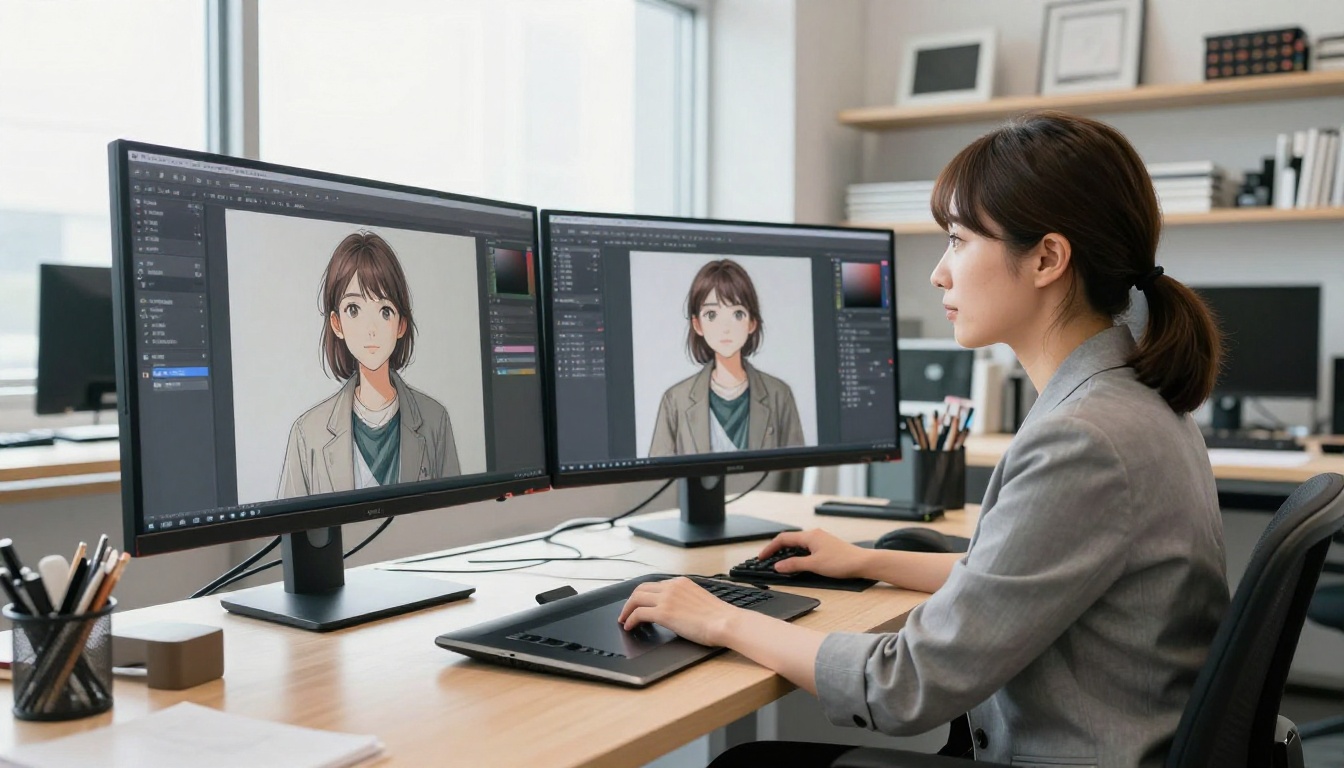
The most shared format by a wide margin. A single character, usually from the waist up or as a close-up bust, with extraordinary attention to facial features, hair movement, and clothing texture. The best examples have eyes that feel alive, layered hair with individual strand detail, and fabric that catches imaginary light convincingly.
What makes these shareable is the same thing that made professional character illustrations shareable before AI: a strong, expressive face. Fans respond to emotional resonance first and technical quality second.
What works in prompts for this trend:
- Describe the emotional state directly: "melancholic gaze," "determined expression," "quiet confidence"
- Specify lighting with precision: "soft rim light from left, warm amber fill from right"
- Include hair physics details: "long hair in motion, caught mid-flow by wind"
- Name a specific art style reference: "Makoto Shinkai color palette," "Studio Trigger line weight"
Cinematic Action Sequences
Still images that feel like they were lifted from the climactic frame of an anime film. Dynamic camera angles, motion blur on secondary elements, and dramatic lighting combine to create images with implied narrative. These posts often come with fictional context added in the caption: a name, a backstory, a dramatic line of dialogue.
The AI made the image, but the fan built the world around it. That combination of AI art plus original storytelling is its own emerging creative format, and it performs exceptionally well across every platform that rewards comment activity.
Flux Kontext Dev handles these particularly well, especially when the prompt specifies camera angle and atmospheric conditions together. Pairing this model with strong compositional language in the prompt, things like "low-angle looking up at the character against storm clouds," produces results that feel genuinely cinematic.
Pastel Dreamscapes
Soft, quiet scenes: a character sitting by a train window as rain streaks the glass, a girl standing in a flower field at golden hour, two figures on a rooftop watching city lights. The emotional register is contemplative and slightly melancholy in a comforting way. Think late-night solo study sessions, missed calls, and the specific feeling of a summer that is ending.
This aesthetic maps closely to what fans call slice-of-life anime, and it performs exceptionally well for saves and reposts. People do not just like it. They send it to specific people in their lives with no caption needed.
Real-to-Anime Conversions
The trend that brings in the broadest audience. Take a real photograph and convert it into an anime portrait while preserving the likeness, expression, and emotional core of the original. Done well, these are genuinely moving. A grandparent's portrait reimagined in a warm anime style. A childhood photo reinterpreted with soft cel shading. A couple's photo given a Studio Ghibli softness.
Qwen Image Edit Plus (Photo to Anime) is the model that makes this trend accessible without specialized knowledge. It handles likeness preservation better than most alternatives while still delivering a convincing stylistic shift that reads immediately as anime-influenced.
Crossover Character Redesigns
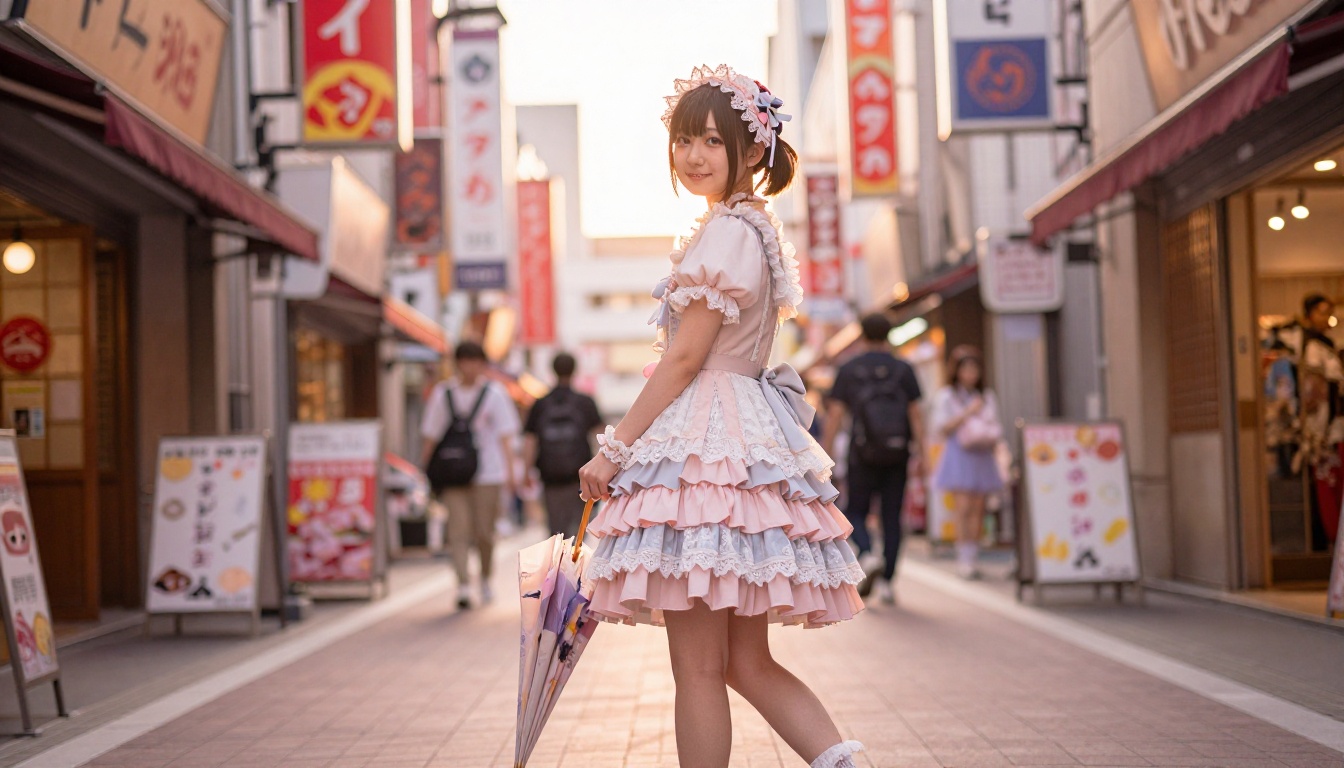
Take a character from one franchise and reimagine them in the visual language of another. A Marvel superhero rendered in Demon Slayer's aesthetic. A video game protagonist given the soft watercolor style of Your Name. These posts spark conversation, debate, and endless comment threads, which is exactly what social algorithms reward.
Flux Kontext Cartoonify handles stylistic crossovers efficiently, especially when used alongside a reference image of the source character. The model reads the source design and applies the requested style consistently, which is harder to achieve than it sounds.
Best AI Models for Anime Art
Not every model performs equally across all anime substyles. Here is how the main options compare for the five trends described above.
All of these models are available at picassoia.com/en/all-models.
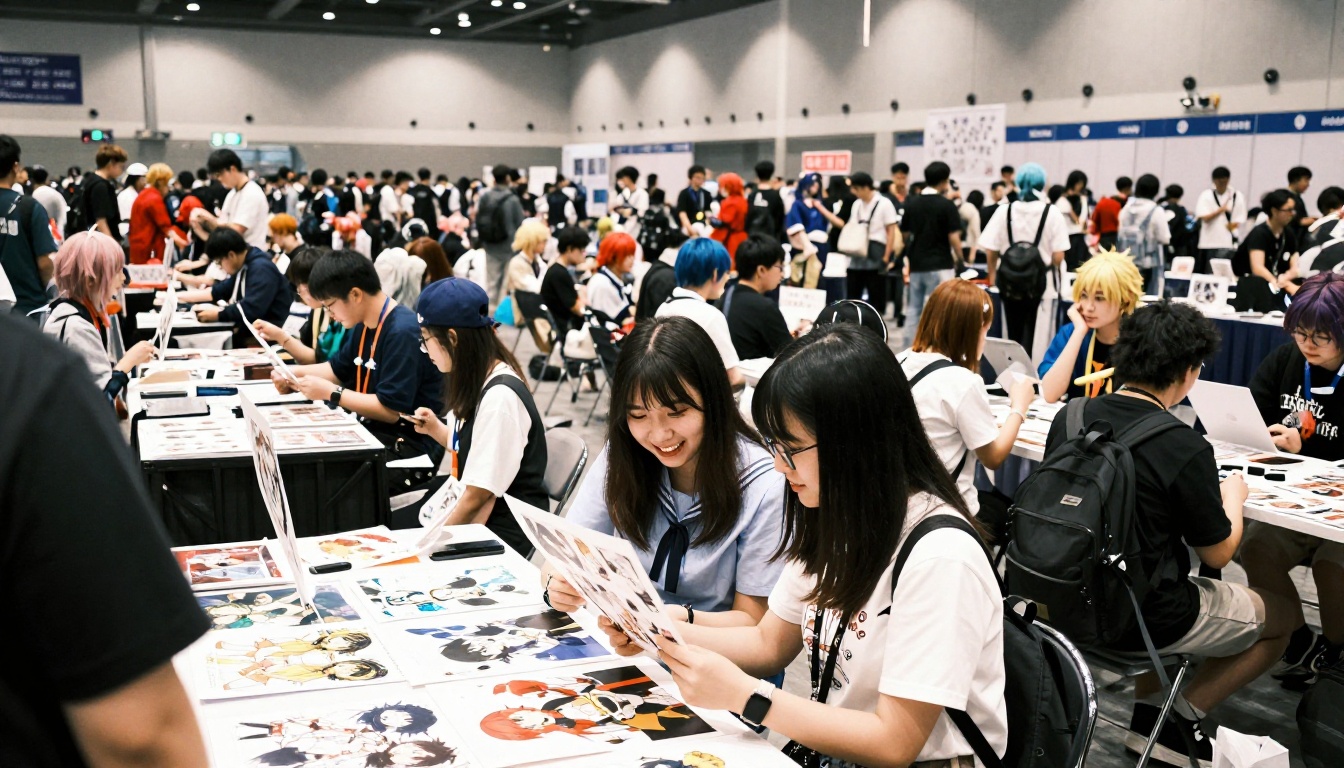
How to Use Photo-to-Anime on PicassoIA
Since the photo-to-anime conversion trend is the most accessible entry point for people new to AI art creation, here is the exact workflow from source photo to finished piece.
Step 1: Prepare your source photo
Use a clear, well-lit photo with a visible face. Outdoor natural light gives the best starting point because the model has accurate color information to work from. Avoid heavy filters or extreme shadows on the face, as both reduce the quality of the final conversion.
Step 2: Open the model
Go to Qwen Image Edit Plus (Photo to Anime) on PicassoIA. Upload your source photo using the image input field.
Step 3: Write your prompt
The prompt steers the stylistic output. Describe what you want the final image to look like, not just the subject. A strong prompt for this model:
"Anime portrait style, soft cel shading, large expressive eyes, detailed hair with individual strands, warm color palette, clean line art, Studio Ghibli inspired softness, high detail"
Step 4: Adjust parameters
- Prompt Strength: Higher values apply more stylistic shift. Start at 0.7 and adjust based on how much you want the original photo to show through.
- Steps: 30 to 40 produces a good balance of speed and detail.
Step 5: Iterate
Your first output is a starting point, not a final product. Small prompt adjustments, like changing the lighting description or specifying an emotion, create meaningfully different results. Run three to five variations before selecting the one to share.
💡 Pro tip: The model responds well to style references. Adding phrases like "Makoto Shinkai color grading" or "KyoAni lighting" steers the color temperature and shading approach in a specific direction without requiring any technical parameter knowledge.
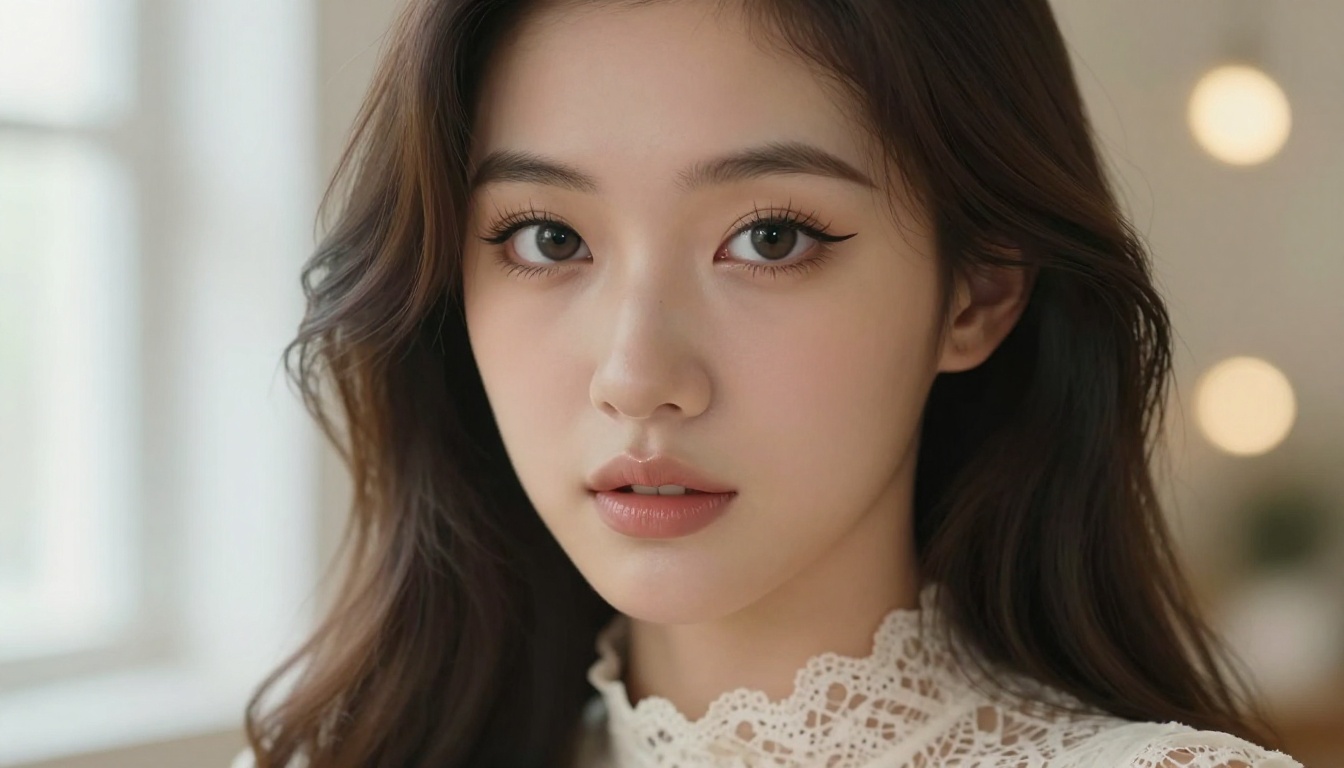
Prompting for Viral Results
Anatomy of a Strong Prompt
The difference between a forgettable output and a shareable one is almost always in the prompt. Here is how to structure prompts for maximum visual impact across the five trending styles.
A strong anime portrait prompt has four layers:
- Subject definition: Who is this character? What do they look like? Age, hair color and style, expression, and what they are wearing.
- Style specification: What visual style should the output use? Reference real directors, studios, or anime titles for precision.
- Lighting description: Specify the direction, warmth, and quality of light. "Soft diffused window light from the left" is more useful to the model than "nice lighting."
- Quality modifiers: Signal the resolution and detail level you want. "8k, high detail, sharp focus, vivid colors" consistently improves output quality.
Example prompt for a cinematic action piece:
"Young female warrior, silver armor with deep blue trim, long silver hair mid-flight, determined expression eyes narrowed in battle focus, dramatic low-angle shot looking up, volumetric light beams breaking through storm clouds, motion blur on hair and cloak, shallow depth of field, Demon Slayer visual style, 8k, sharp focus, cinematic, high contrast"
The Flux Pro Finetuned model is particularly responsive to layered prompts like this, delivering consistent anatomy and dramatic composition across multiple generations.
Common Mistakes to Avoid
Vague style descriptors produce vague outputs. "Anime style" is too broad. "Makoto Shinkai film still aesthetic with soft chromatic aberration and moody golden hour" is specific enough to guide the model toward a particular visual territory.
Overloading with conflicting instructions confuses the generation. Pick one dominant lighting style per prompt. Do not ask for "dramatic shadows" and "soft bright ambient light" in the same prompt. They pull against each other and the model compromises in ways that satisfy neither intent.
Ignoring composition is the most common mistake made by people new to AI anime art. Outputs that feel flat usually suffer from a lack of compositional direction in the prompt. Specify camera angle, focal point, and background detail, and the outputs will feel far more intentional and far more shareable.
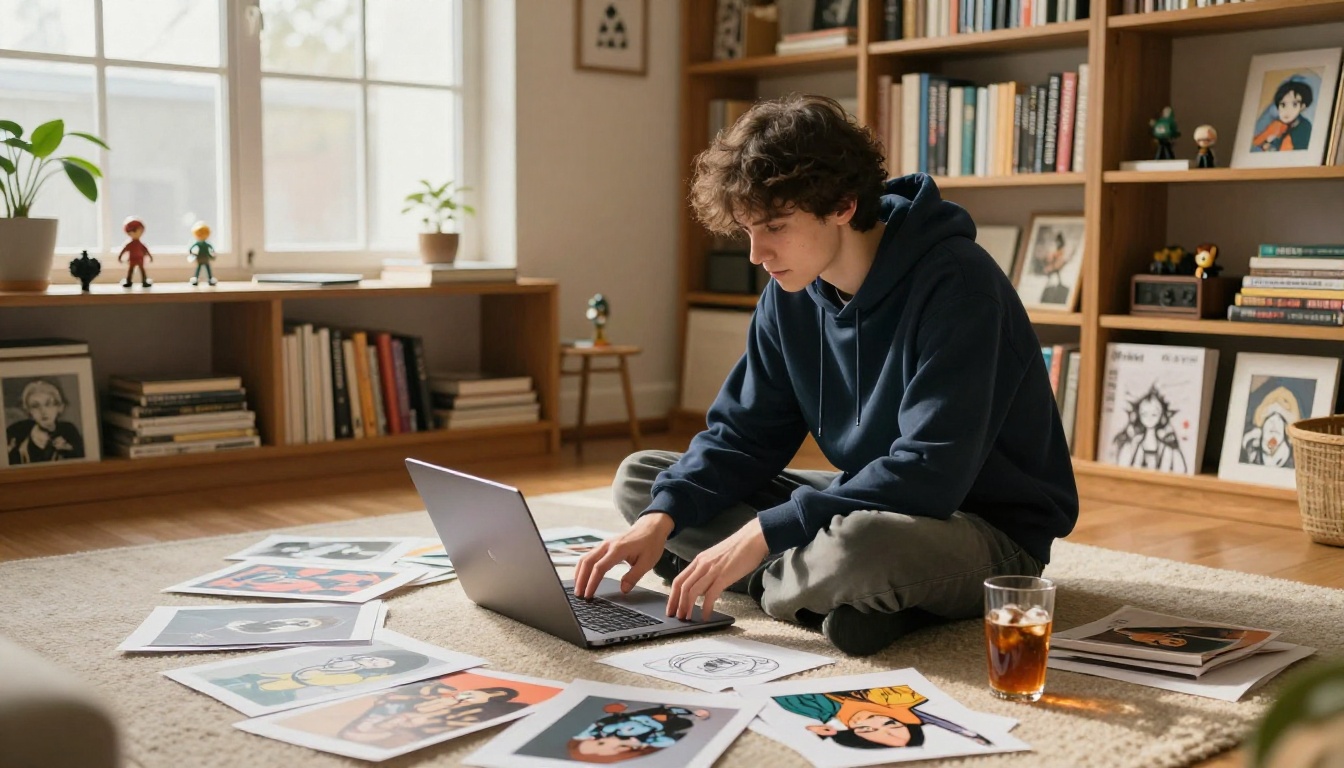
Where Fans Are Sharing AI Anime Art
The platforms with the most active AI anime art communities in 2027 each have different norms and different strengths worth knowing before you post.
X (formerly Twitter) remains the dominant platform for professional-grade AI anime art. The community around dedicated accounts creates genuine discovery for new creators. Thread format works well for showing multiple variations of a character or a progression from prompt to output. Replies from other creators give you real feedback quickly.
Reddit hosts the most technical discussion. Subreddits like r/AIArt and r/StableDiffusion reward depth. Sharing a strong image with a detailed breakdown of the prompt and model parameters used is the format that performs best here. The community gives feedback that actually improves your work rather than just validating it.
TikTok is where the before-and-after format dominates. A real photo on one side, the anime version on the other, with a trending audio track. These have the highest mass-market reach of any format by a significant margin.
Discord servers focused on specific models or aesthetics are where serious practitioners spend their time. Smaller and more focused than public platforms, these communities give targeted feedback and are where collaborations happen organically.
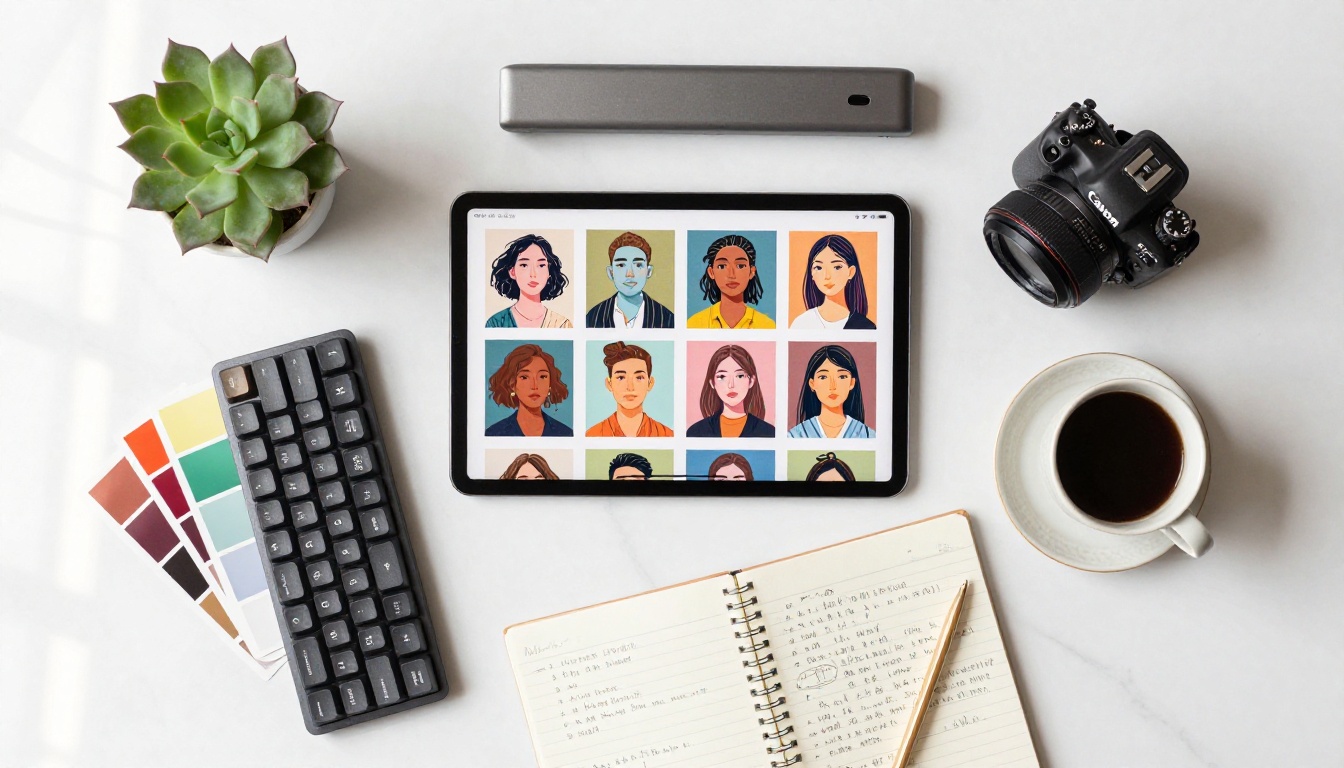
What Makes a Piece Go Viral
Studying the posts that actually spread reveals patterns beyond just technical quality.
Emotional specificity beats general beauty. An image that captures a precise, relatable emotional state, the feeling of waiting for someone who is late, or 3am when you cannot sleep, will outperform a technically perfect but emotionally neutral portrait. Fans share things that make them feel seen.
Character identity matters. Images that feel like the start of a larger story perform better than standalone portraits. Small details that imply history, a scar, a specific piece of clothing with wear marks, an expression that suggests something just happened, all of these invite the viewer to fill in the gaps. That imaginative participation is what converts a like into a repost and a caption comment.
The series format outperforms the single post. Fans who share multiple images of the same character over time build audiences faster than those who share unrelated individual pieces. The audience invests in the character, not just the image quality.
💡 Practical test: Before posting, ask whether someone could write a three-sentence story about the character in your image. If yes, it has enough implied personality to drive sharing.
SDXL is a strong choice for character consistency across multiple images. Its generations respond predictably to seed values, meaning you can set a consistent seed while varying poses and lighting to produce a character who looks like the same person across every image in a series.
Start Creating and See What Happens
The only thing stopping anyone from participating in these AI Anime Art Trends Fans Cannot Stop Sharing is not starting. PicassoIA has all the models described in this article available without installation, without complicated local setup, and without needing to own particular hardware. You open the model, type what you want to see, and the image appears.
Start with what is personal. A photo you love. A character concept you have had in your head for years. A specific scene from a song or a memory. The output will be imperfect the first time and substantially better by the fifth iteration. That is how it works for everyone.
The fans posting the AI anime art that thousands of people save right now started exactly where you are: curious, slightly uncertain, and with an image they wanted to see that did not exist yet. They made it. Now they share it, others save it, and the creative cycle repeats.
Head over to picassoia.com/en/all-models and pick the model that matches what you want to create. Flux 1.1 Pro is a reliable starting point for anyone who wants high-detail outputs from their first session. For photo conversions specifically, Qwen Image Edit Plus (Photo to Anime) delivers results that regularly surprise people who did not expect the likeness preservation to be this precise.
Your character is waiting to be created. The feed has room for what you make.


