AI art in 2026 has stopped being a novelty. It has become the default visual language for a growing number of creators, brands, and individual artists who need compelling imagery fast. This month, several trends have pulled ahead of the pack, reshaping what's getting generated, shared, and celebrated across every major platform. Whether you're creating portraits, landscapes, lifestyle scenes, or cinematic narratives, knowing what's resonating right now saves time and produces sharper results.
Photorealism Has Raised the Bar
The single biggest shift happening this month is in the quality floor for photorealistic output. Images that passed for "impressive AI work" six months ago now read as obviously artificial to trained eyes. The standard has moved, and the creators keeping up are using the right tools.
What Changed in Skin and Texture
The latest fine-tuned models are producing skin with actual depth: visible pore structure, subtle sebaceous variation, natural subsurface scattering. These are no longer the domain of long, technical prompts whispered only by experts. Models like Realistic Vision v5.1 have been specifically trained on human portraiture, which means the default output for a portrait prompt has jumped considerably. Guidance scale tuning between 3.5 and 7 gives you a useful range from loosely creative to technically precise, letting you calibrate the balance between the model's interpretation and your exact description.
The built-in negative prompt field on Realistic Vision v5.1 is worth using. A well-constructed negative prompt, excluding artifacts like "deformed iris, cgi, sketch, cartoon, blurry, extra limbs," consistently elevates the output. This is a capability you won't want to leave unused.
Why Portraits Are Still Dominating
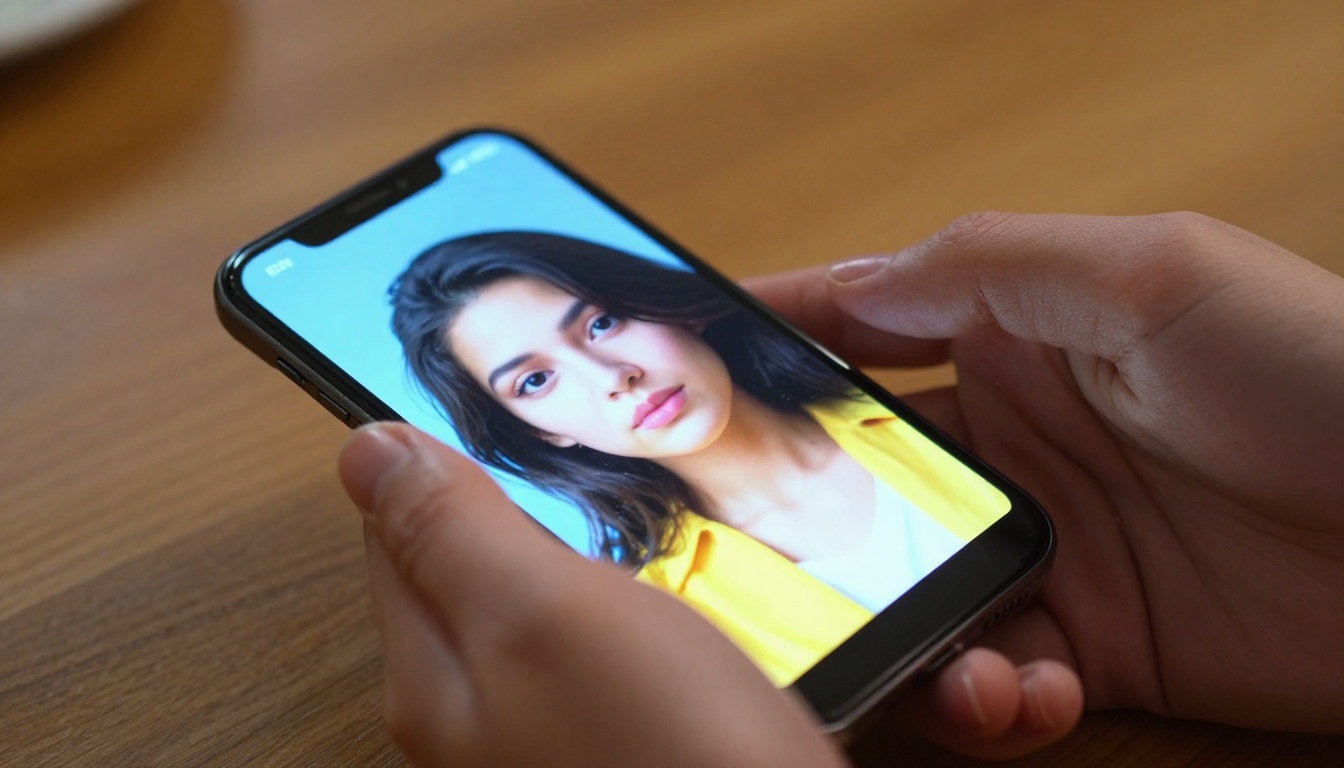
Faces connect. That's the simple reason portrait-style AI images consistently outperform abstract or environmental compositions for sharing and saving rates. This month, the dominant direction has pushed toward the "candid portrait": images that feel caught rather than constructed. Natural lighting sources, slight asymmetry in the pose, and casual wardrobe choices all contribute to the realism that audiences respond to instantly.
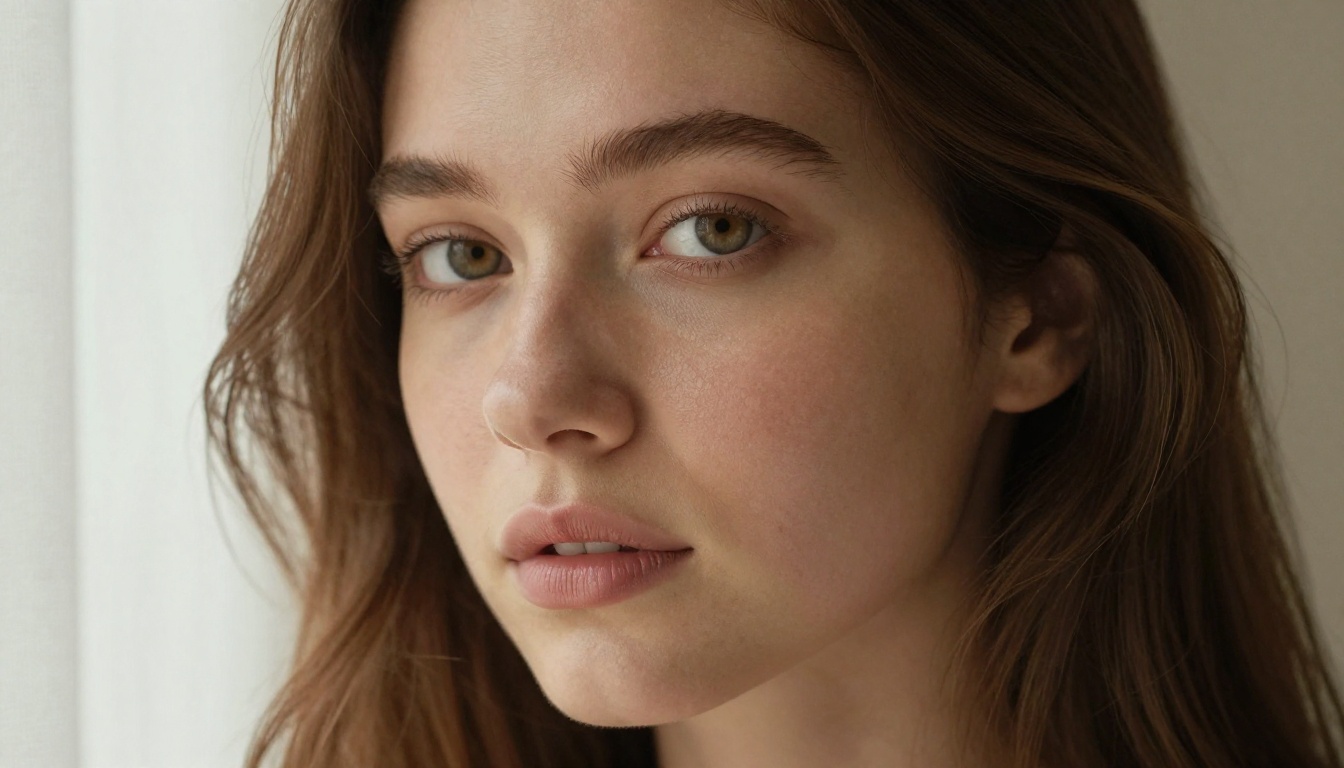
💡 Prompt tip: Add "visible pore structure, natural sebaceous variation, Kodak Portra 400 film grain, slight asymmetric pose" to any portrait prompt and watch the realism jump immediately.
Cinematic Landscapes Are Commanding Attention
Big, wide, dramatic. The cinematic landscape trend has been building for months, but this month it has solidified into a genuinely distinct aesthetic category that creators are producing and sharing at high volume.
The Golden Hour Obsession
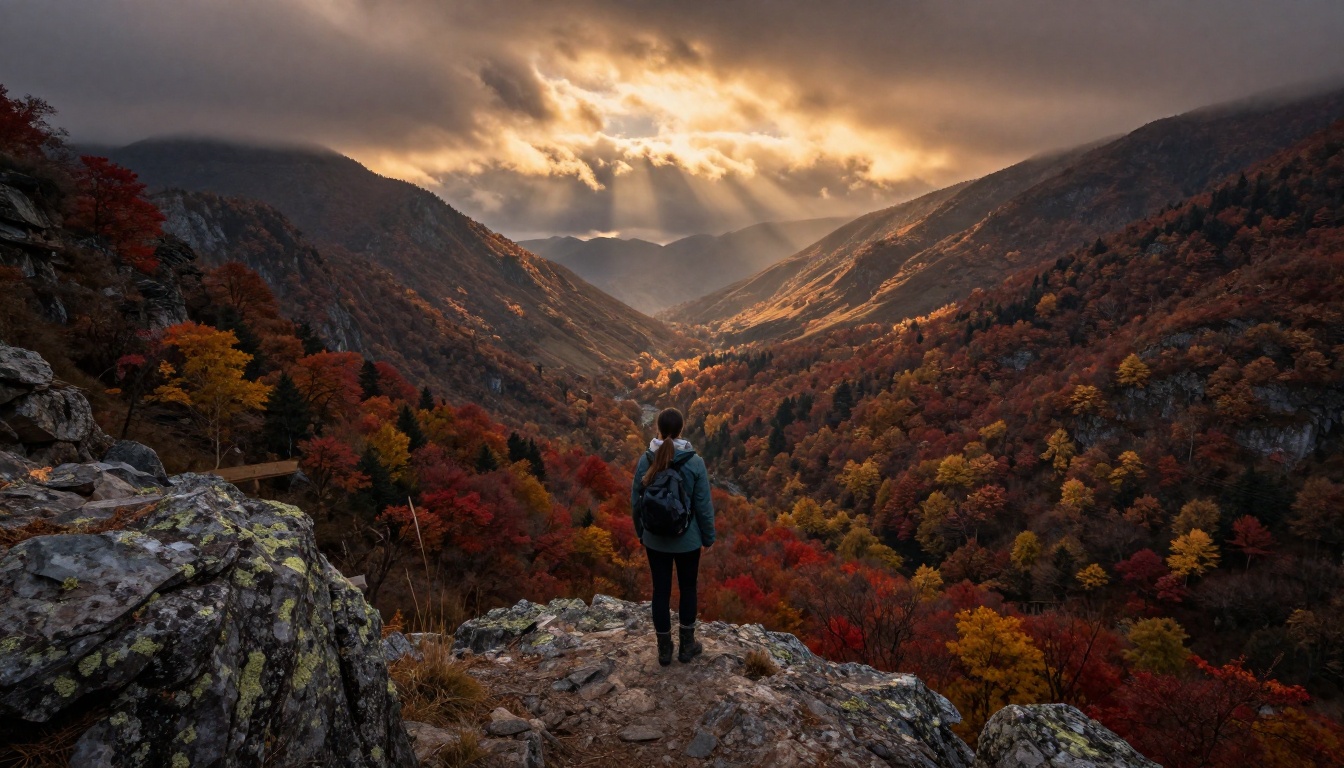
There's a reason every trending AI landscape right now seems to be shot at either dawn or dusk. Golden hour light is forgiving, dramatic, and emotionally legible. It creates instant mood without complex compositional work. When you pair this lighting condition with wide-angle compression and atmospheric haze in the valley, you get images that feel cinematic rather than synthetic. The warm amber tones contrasted against cool shadow regions in the mid-ground produce a visual tension that reads as real photography to most viewers.
Aerial and Low-Angle Perspectives
The current wave isn't just about light. It's about vantage points that feel inaccessible without expensive equipment. Aerial perspectives over wheat fields, forests, and coastal terrain are performing particularly well. Extreme low-angle shots that make ordinary landscapes feel monumental are close behind. Models like Flux Dev and Flux 1.1 Pro handle perspective-specific prompts with strong fidelity, especially when you specify the exact camera position and lens in your text.
The 12-billion parameter architecture of Flux Dev is particularly effective here because complex environmental compositions, with multiple distinct depth layers and varied texture surfaces, require the model to hold a lot of spatial information simultaneously. Lighter models collapse these compositions into muddy mid-ground.
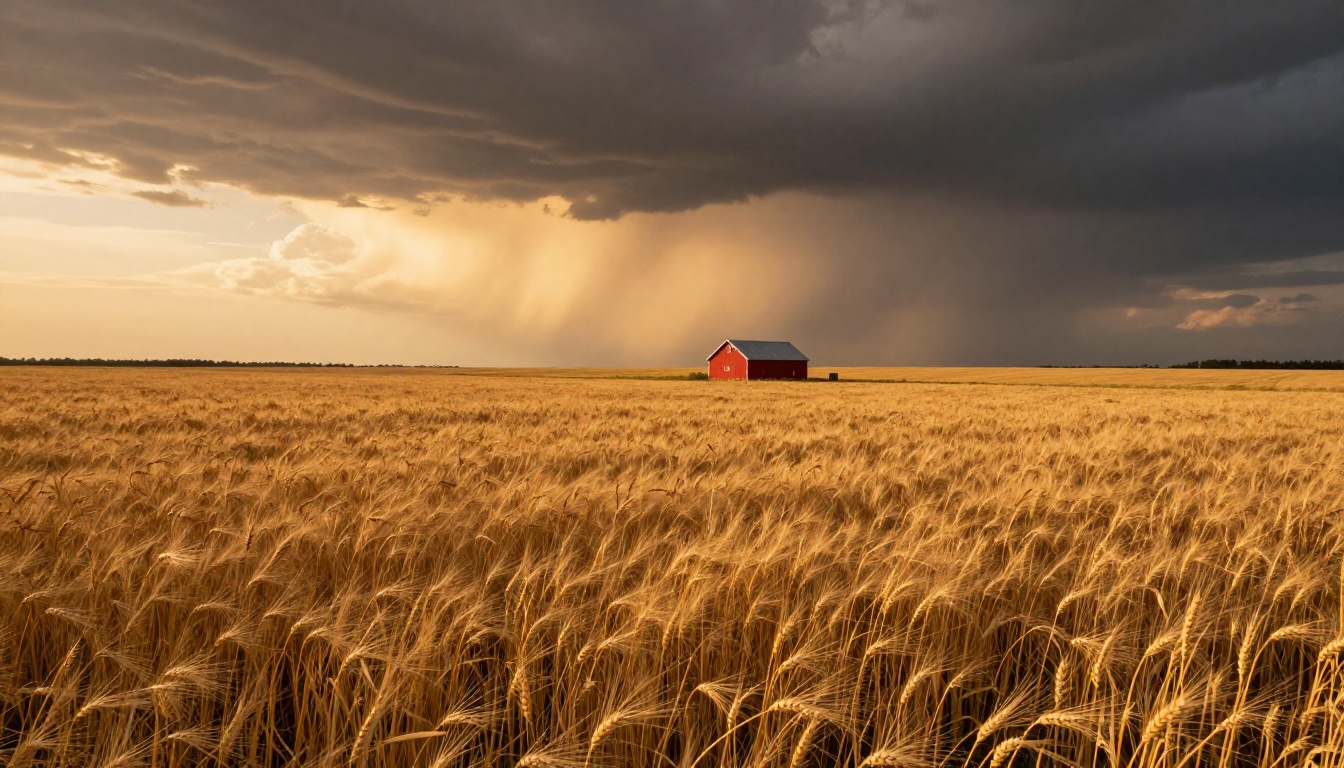
💡 Prompt tip: Specify "crepuscular rays, atmospheric haze, 28mm f/11 wide angle, Fuji Velvia 50 tone" for a cinematic landscape feel with rich saturated color.
Lifestyle and Glamour AI Photography
This is the category that often surprises people who've been watching AI art trends primarily from a technical angle. The demand for glamour, fashion, resort, and lifestyle imagery has been quietly exploding, and the quality has reached a point where it's genuinely competitive with commercial photography for many use cases.
The Resort and Travel Aesthetic
Infinity pools, tropical destinations, warm light, natural skin tone. These visual elements have become a dominant creative direction this month. The combination of aspirational subject matter and high realism makes these images particularly effective for travel content, lifestyle brands, and social creators building an aesthetic identity.
The trick to selling the illusion in these images is detail accumulation. Individual water droplets on skin, caustic light patterns on a pool floor, the texture of wet hair. When enough small details are right, the brain stops looking for errors and accepts the whole image as real.
Fashion Figures in Natural Settings
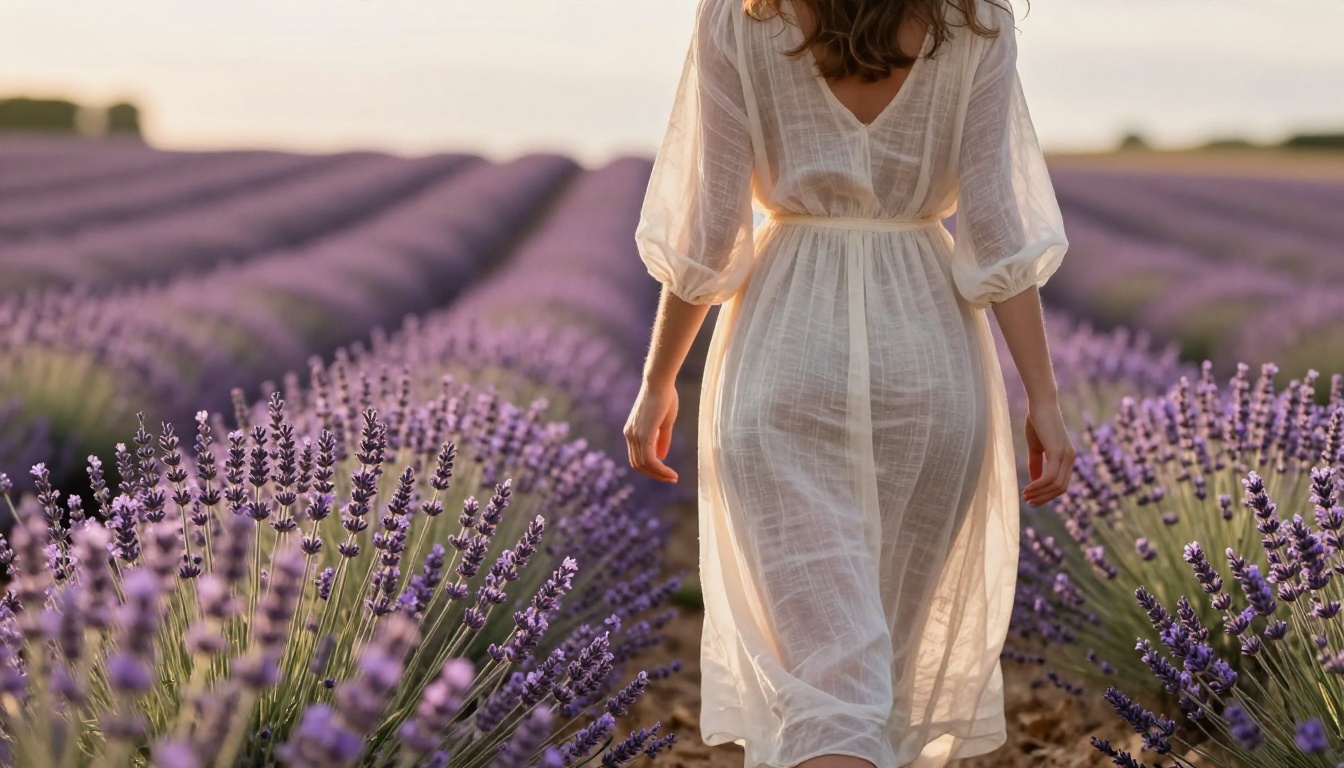
Rather than studio shots, the trend has moved toward subjects placed in natural environments: lavender fields, coastlines, mountain overlooks. The juxtaposition of precise fashion detail against wild or expansive backgrounds creates a visual tension that holds attention longer than either element would alone. Backlit afternoon sun creating a rim halo around a figure in motion through tall grass is one of the most-shared compositional approaches right now.
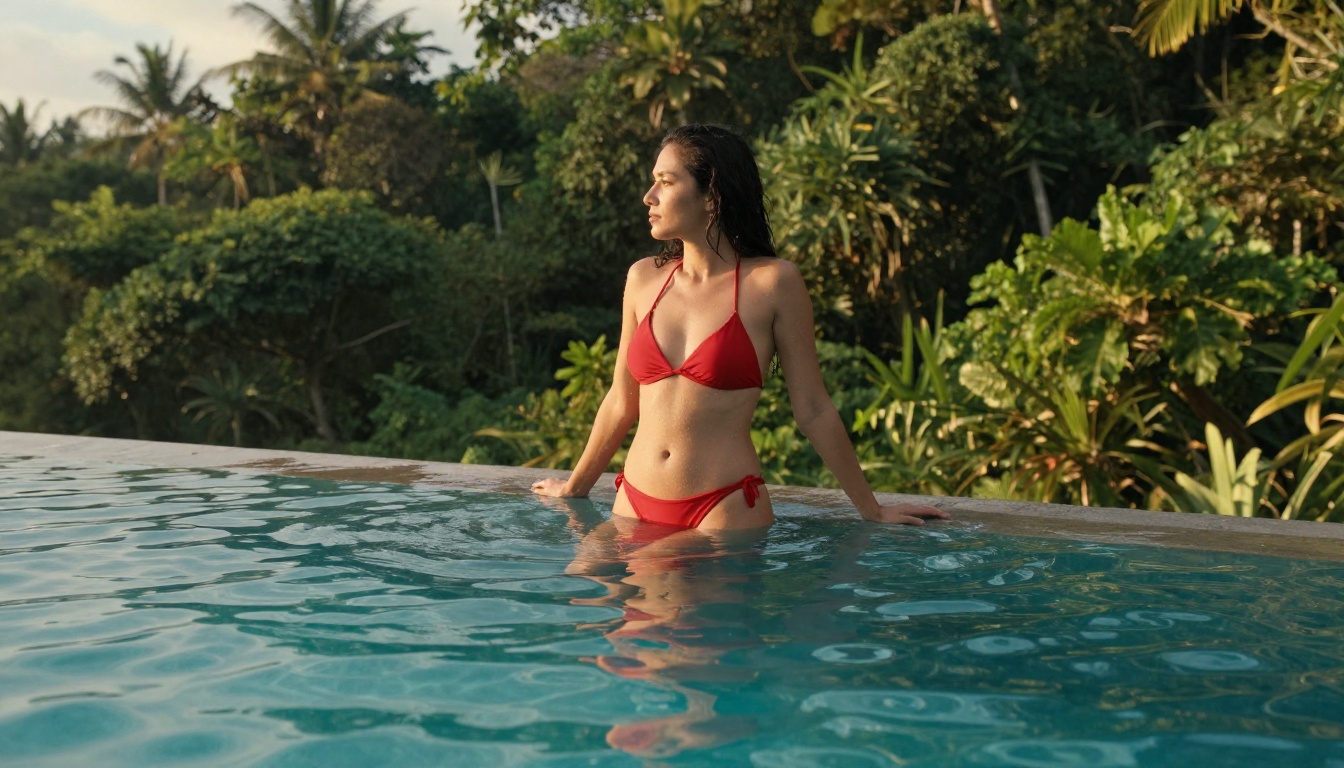
💡 Prompt tip: Add "caustic light patterns on pool floor, individual water droplets on skin, humid warm atmosphere" for resort and pool scenes that feel photographically real.
Street-Level and Documentary AI Photography
A quieter but rapidly growing trend involves images that feel caught in motion. Candid street photography, documentary-style crowds, people mid-conversation outside urban venues. The aesthetic is raw and human in a way that directly contrasts with the polished perfection of the portrait trend running parallel to it.
The Urban Environment as Subject
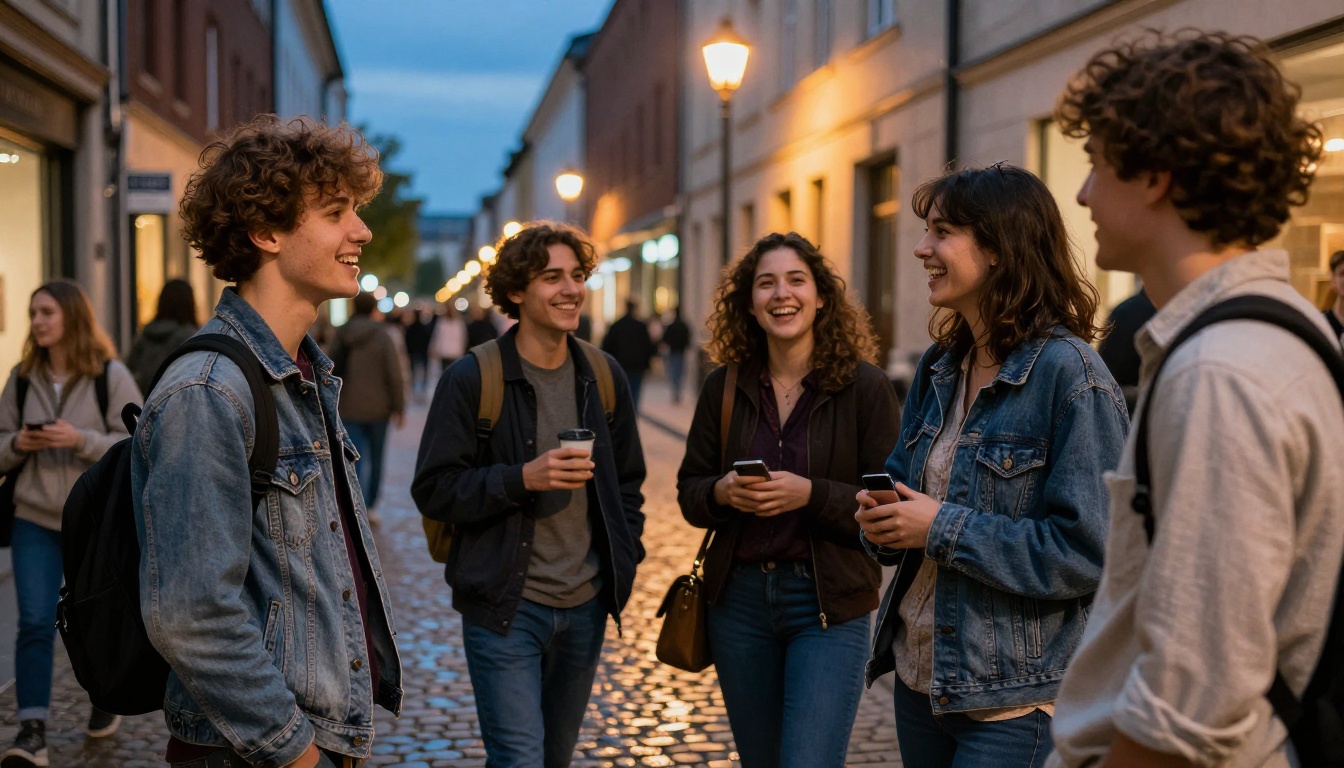
City streets, gallery openings, night markets. These environments are becoming popular backdrops precisely because they carry inherent narrative weight. A face in front of a gallery communicates something immediately. The location does half the storytelling work. Well-lit cobblestone streets with wet reflections, warm amber streetlights mixing with cool evening sky, the texture of layered clothing on diverse figures: this visual language has strong cultural resonance that AI models now reproduce well.
Authentic Imperfection on Purpose
Ironically, what makes this trend work is the deliberate inclusion of "imperfections": wet cobblestones with uneven reflections, motion blur on hands, candid expressions rather than composed smiles. These small details separate images that feel documentary from images that feel constructed. They signal to the viewer that something real was captured, not staged.
Specifying "35mm f/2.0 lens with natural vignette, motion blur on peripheral figures, natural candid expression" consistently produces more authentic-feeling street compositions.
The Creative Process Aesthetic
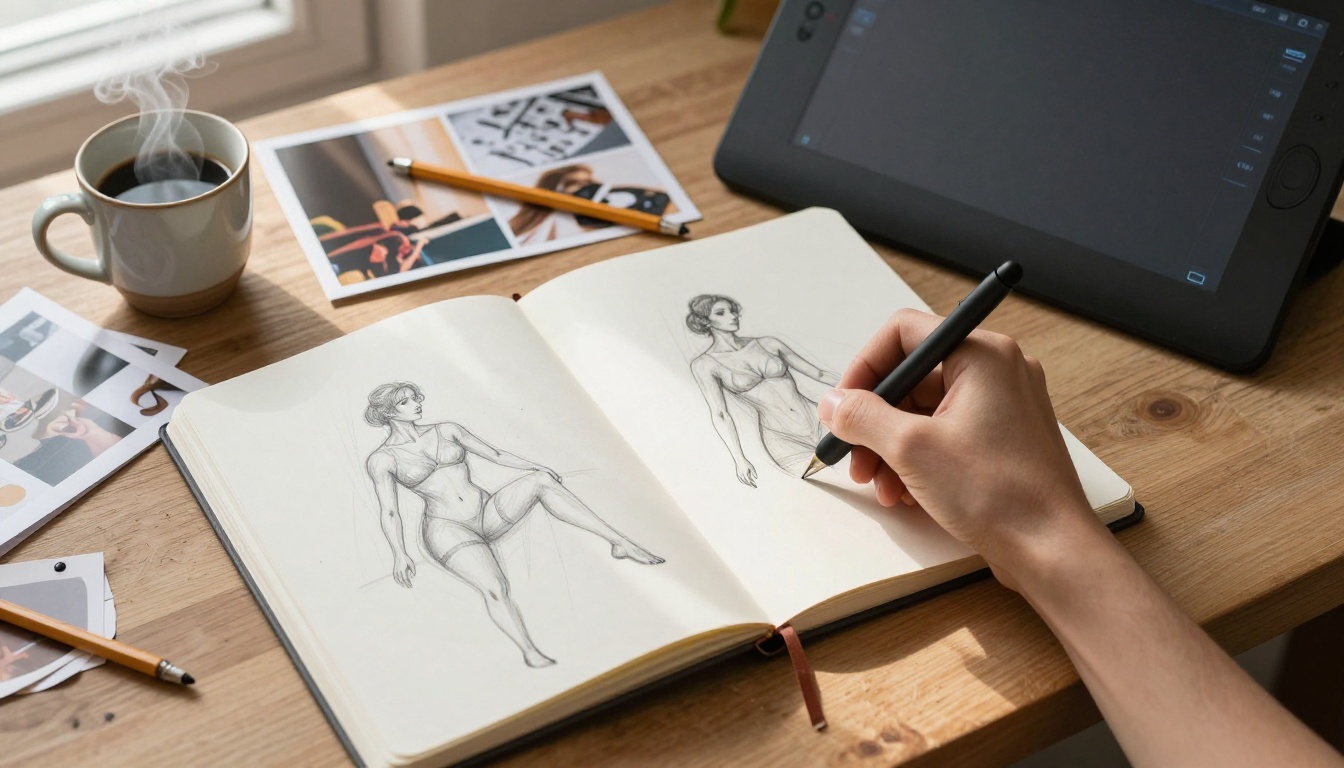
One of the most interesting meta-trends this month is images that depict creativity itself. Designer desks, sketchbooks, drawing tablets, reference photographs scattered on wooden surfaces. This aesthetic has performed consistently well across art communities and professional networks, partly because it appeals directly to the people most likely to be using AI image tools.
Process Photography as Content
The appeal here is aspirational and relatable simultaneously. These images say "someone is making something" without specifying exactly what. They work for creative agencies, freelance portfolios, editorial content, and tool marketing. Flat-lay composition has become its own micro-trend within this broader category: overhead shots of curated creative spaces with careful attention to texture contrast between paper, wood, ceramic, and metal surfaces.
Warmth and Morning Light
The consistent lighting choice in this category is warm morning window light. It communicates domesticity, focus, and intention. The soft directional shadows it casts across textured surfaces like open sketchbooks and wooden desks create dimensional interest without being dramatic. Combined with visible steam rising from a coffee mug, the composition signals the beginning of a creative session rather than its result.
Using Flux Dev on PicassoIA
Since photorealistic portraiture is the dominant story this month, walking through how to use Flux Dev specifically for this category is worth doing in detail.
Step 1: Write for Specificity
Flux Dev's 12-billion parameter architecture responds well to specificity. Don't write "woman portrait." Write: "RAW photo, close-up portrait of a woman with natural skin texture and visible pores, hazel eyes with detailed iris, warm window light from the left side, 85mm f/1.4 creamy bokeh, pale linen background, Kodak Portra 400 grain."
Step 2: Choose the Right Aspect Ratio
For portraits that feel current, use 4:5 (vertical) or 3:2 (horizontal). For cinematic landscapes, use 16:9 or 21:9. Flux Dev supports 11 aspect ratios natively, so there's no need to crop after generation.
Step 3: Tune Your Parameters
| Parameter | Recommended Setting | Effect |
|---|
| Inference Steps | 35-50 | Higher detail, slower generation |
| Guidance Scale | 3.0-3.5 | Balanced creativity vs prompt fidelity |
| Go Fast Mode | Off for final renders | Maximum quality output |
| Output Format | PNG or JPG at 95+ | Print and production-ready files |
| Megapixels | 1 | Full resolution output |
Step 4: Iterate with Img2Img
Once you have a result you like, upload it back in img2img mode. Set prompt_strength to 0.3-0.5 and adjust one specific element in your prompt. This is how you move from "good" to "exactly right" without rebuilding from scratch each time.
Step 5: Save Your Seed
When you find a composition that works, record the seed number. You can now modify prompt details and maintain the underlying structure of the image. This is essential for creating consistent character sets or product photography series across multiple outputs.
Which Model Fits Which Trend
Not every model handles every trend equally well. Here's a practical breakdown for this month's dominant aesthetics.
| Trend | Best Model | Why It Works |
|---|
| Photorealistic Portraits | Realistic Vision v5.1 | Fine-tuned for natural skin, hair, and facial structure |
| Cinematic Landscapes | Flux Dev | 12B params handle multi-depth environmental compositions |
| Fast Concept Drafting | Flux Schnell | Under 5 seconds per image, no usage caps, no watermarks |
| High-Fidelity Finals | Flux 1.1 Pro | Precise prompt adherence with image reference input |
| Lifestyle and Fashion | Realistic Vision v5.1 | Negative prompt control removes common body artifacts |
Flux Schnell deserves a special mention for iteration workflows. When you're in the drafting phase and need to run 30 variations before committing to a final direction, the 4-step generation at under 5 seconds per image is a serious advantage. No credit caps, no watermarks, and the quality is high enough to make meaningful creative decisions at speed.
The Prompt Craftsmanship Movement
Behind every trending image this month is a prompt someone spent real time on. The prompt craft community has matured considerably, and what separates a good AI image from one that circulates widely is no longer model quality alone. It's the specificity and intentionality of the input.
Lighting Literacy Is Non-Negotiable
The biggest separator between average and excellent prompts right now is lighting description. Not just "soft light" but "volumetric morning light from the left at 45 degrees, casting long shadows across a textured surface, slight fill light from a white reflector on the right." Specificity at this level communicates directly with the model in ways that produce dramatically different visual outcomes. Most creators are still writing three-word lighting descriptions. The ones getting shared are writing three sentences.
Camera Language as Creative Control
Specifying a lens (85mm vs 24mm), an aperture (f/1.4 vs f/11), and a film stock (Kodak Portra vs Fuji Velvia) isn't just aesthetic preference. These parameters carry compositional and tonal information that the model translates into real visual decisions. Specifying "85mm f/1.4" tells the model to compress the background and isolate the subject. Specifying "24mm f/11" tells it to keep everything in sharp focus across a wide field. This is the vocabulary of photography, and using it fluently is the difference between generic output and something specific.
💡 Power tip: Build a personal prompt library with lighting rigs, lens specs, and film stocks that consistently produce results you like. Reuse these components across different subjects. Your prompts will get faster and your output more consistent over time.
Visual Discoverability in 2026
AI-generated images are increasingly being searched directly, not just used as decorative content but as answers to visual queries. This month's top associated search terms in the AI art space include: generative AI images, text-to-image models, AI portrait generator, diffusion model output, AI photography style, photorealistic AI art, prompt engineering results, and AI image synthesis. Weaving these terms into image filenames, alt text, captions, and surrounding editorial copy amplifies organic reach without any technical complexity.
The platforms that are doing this well aren't just generating good images. They're building content around those images that gives them context, searchability, and longevity.
Action and Dynamic Motion Join the Wave
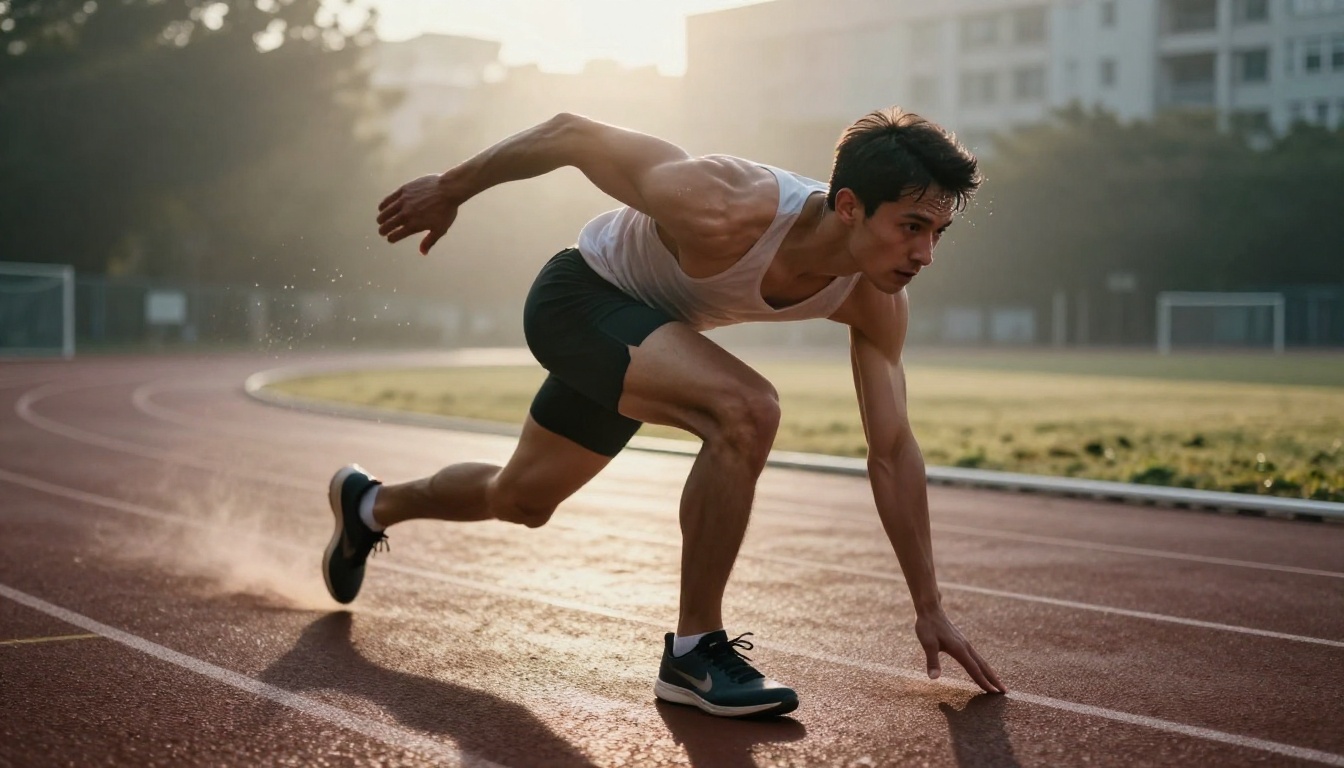
One category that's been climbing steadily in popularity is dynamic motion photography. Athletes in action, movement captured with intentional blur, bodies at the peak moment of physical effort. This aesthetic has historically been difficult for AI models because motion introduces complexity: figures in non-standard positions, environmental context that must read as "in motion" rather than simply "blurred."
The latest generations of diffusion models are handling this substantially better. Specifying "motion blur on limbs with sharp torso and face, 200mm f/2.8 telephoto compression, morning mist rising from wet asphalt track surface, rim light from rising sun creating silhouette halo" now produces results that are genuinely usable for sports content and fitness brands.
Create the Trends Yourself
Every image in this article was created from a text prompt. The trends described here aren't things to observe from a distance, they're things to produce. Flux Schnell lets you run dozens of variations in a single session at no cost, with no watermarks and no caps. Flux Dev handles the high-fidelity final renders when you've found the right direction. Realistic Vision v5.1 is where you go when a portrait has to hold up under close inspection, down to the skin texture and the iris detail.
Pick any trend from this article. Write a prompt that borrows the lighting and camera language described here. Run it on Flux 1.1 Pro for your final output. Adjust one thing. Run it again. That's the whole process.
The images dominating feeds this month didn't come from anywhere special. They came from people who sat down, typed something specific, and iterated until it was right. The tools are waiting.


