AI Bikini Generator: Put Anyone in a Bikini Using PicassoIA
Want to transform photos with AI bikini generation? This tutorial shows you exactly how to use PicassoIA's p-image-edit tool to create realistic bikini transformations. Unlike Grok and other platforms with strict content limits, PicassoIA offers unlimited generations for just $4/month using open-source models. See real before/after examples and copy the exact prompts that work.
The "put me in a bikini" AI trend exploded after Grok introduced its image generation features. Thousands of users started experimenting with AI to transform their photos, but many quickly ran into frustrating walls: content restrictions, daily limits, and premium pricing that made the feature feel out of reach.
If you've been searching for a way to create bikini transformations without those barriers, you're in the right place. PicassoIA's edit image tool uses open-source models that work differently from commercial platforms. You get unlimited generations for $4/month, and the results speak for themselves.
Why PicassoIA Works Better Than Grok
Before diving into the tutorial, let's address the elephant in the room. Why would you choose PicassoIA over Grok or other popular AI tools?
The answer comes down to three factors that matter most to users: freedom, cost, and reliability.
Feature
Grok
PicassoIA
Monthly Price
Premium tier required
$4/month
Generation Limits
Capped daily usage
Unlimited
Content Restrictions
Heavy moderation
Open-source models
Processing Speed
Variable
Sub-second editing
Privacy
Cloud processing
Private and secure
Grok relies on proprietary models with built-in safety filters. These filters often block legitimate creative requests, leaving users stuck. PicassoIA takes a different approach by offering access to open-source models that give you control over your creations.
The open-source advantage means you're not at the mercy of corporate content policies. Your creative vision stays intact.
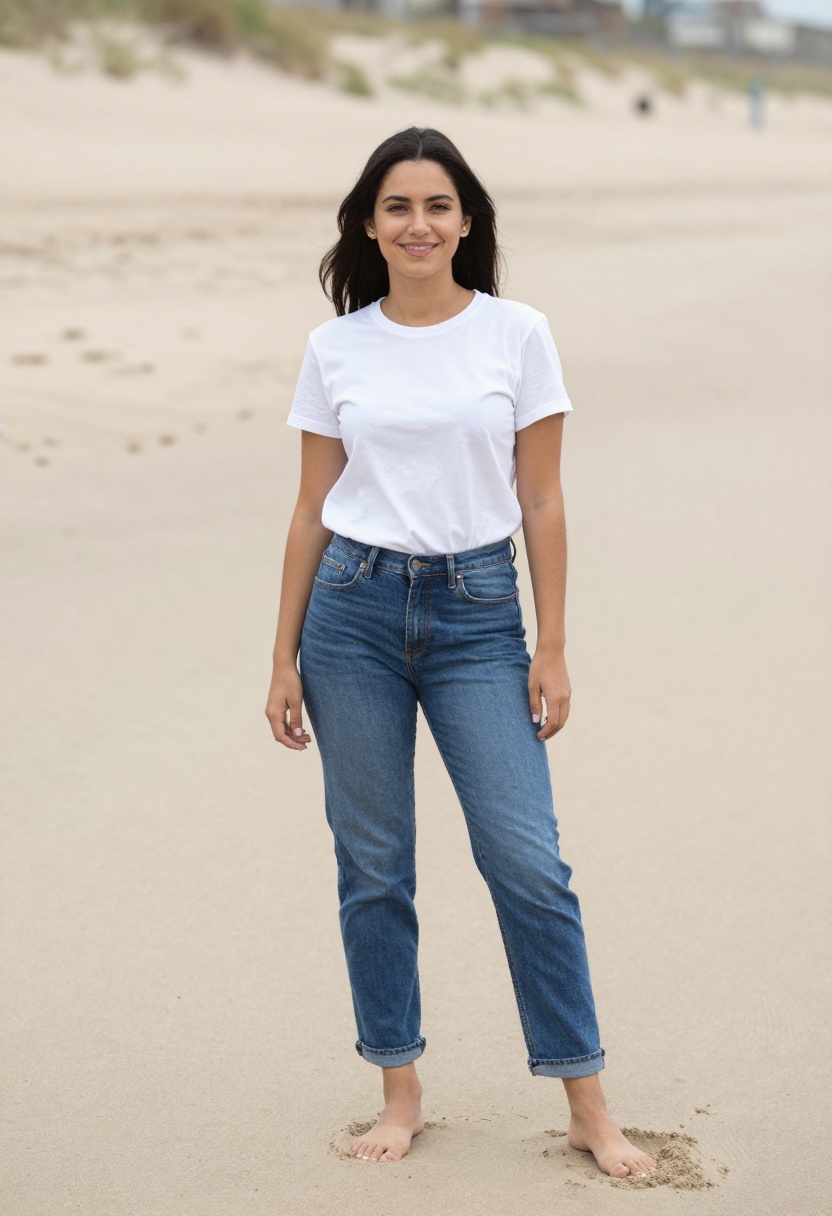
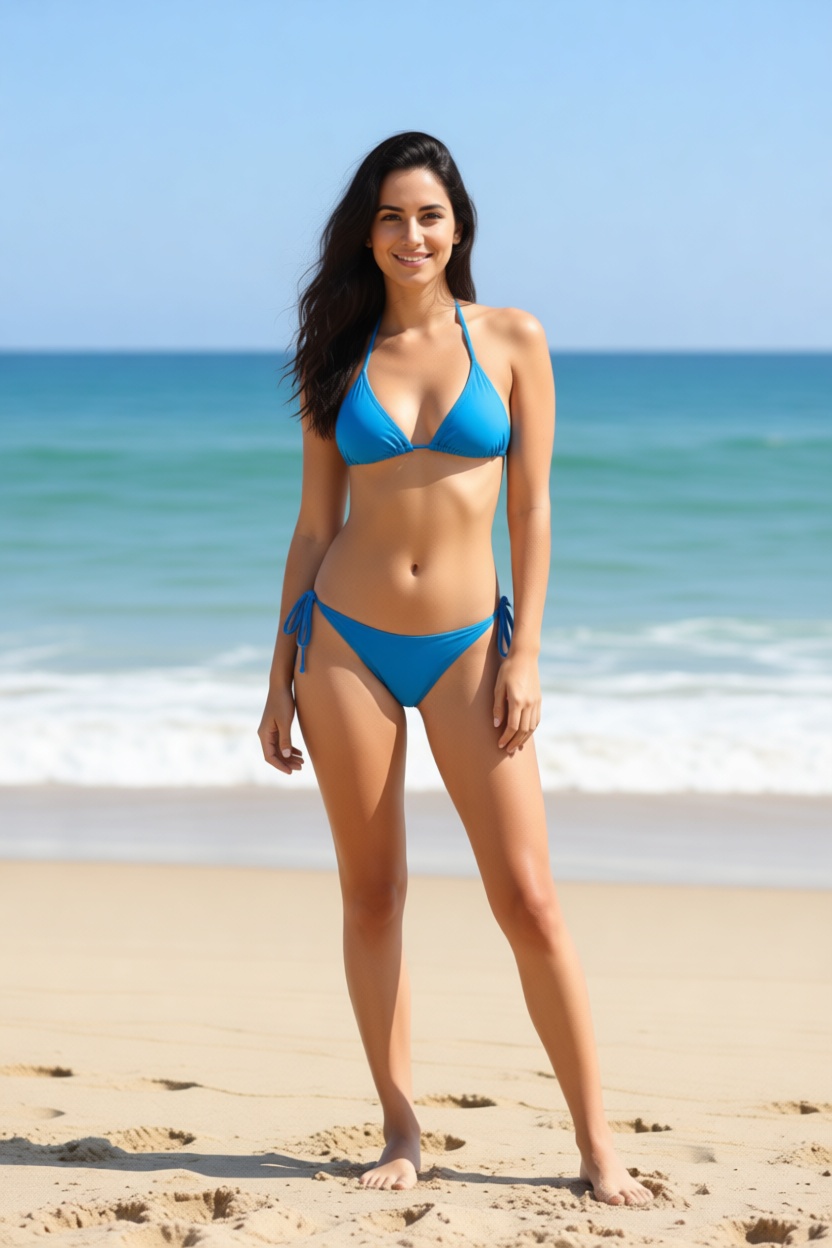
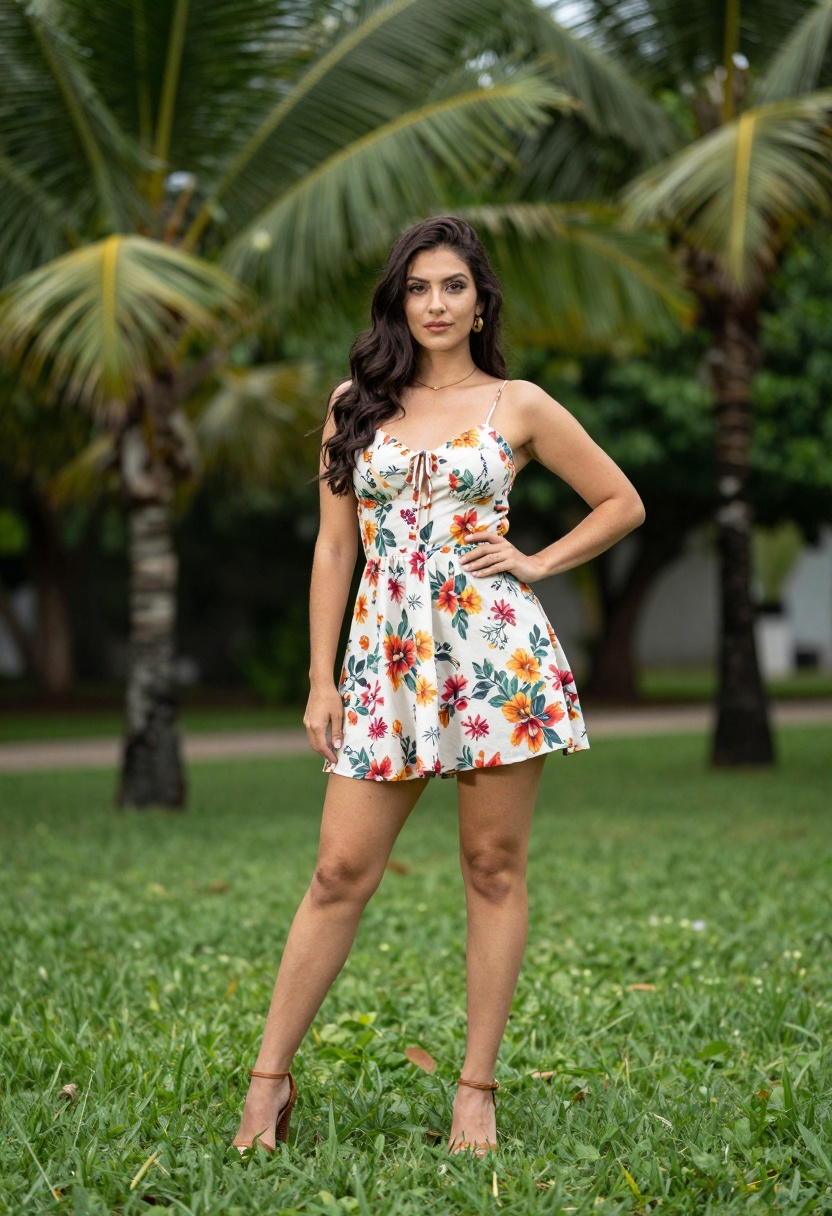
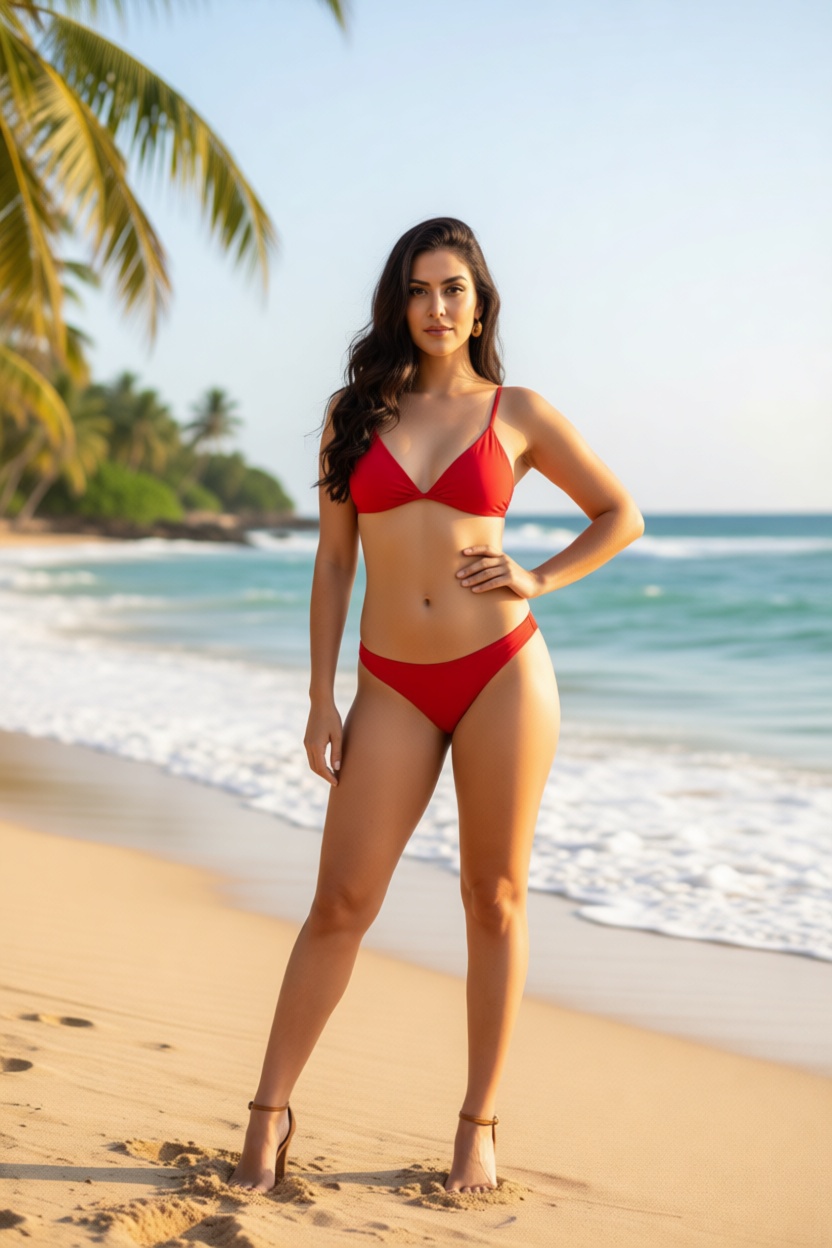
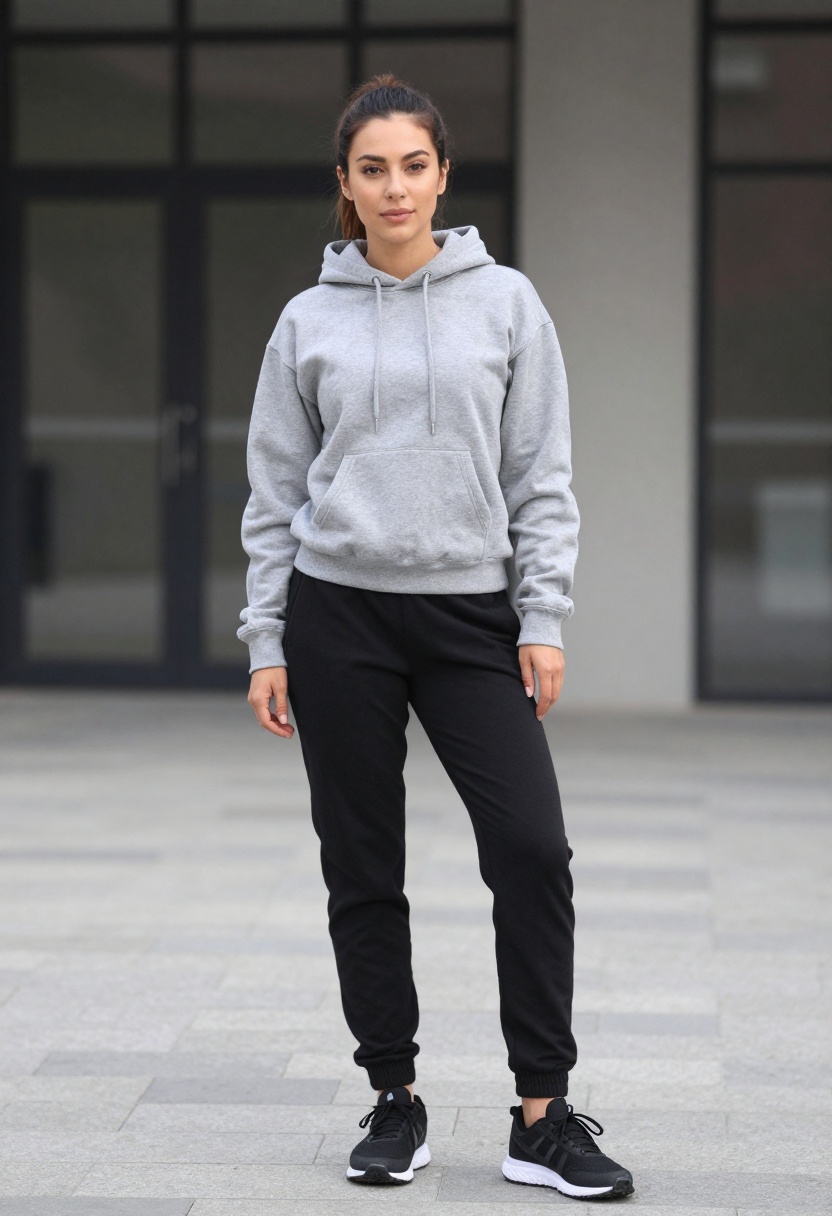
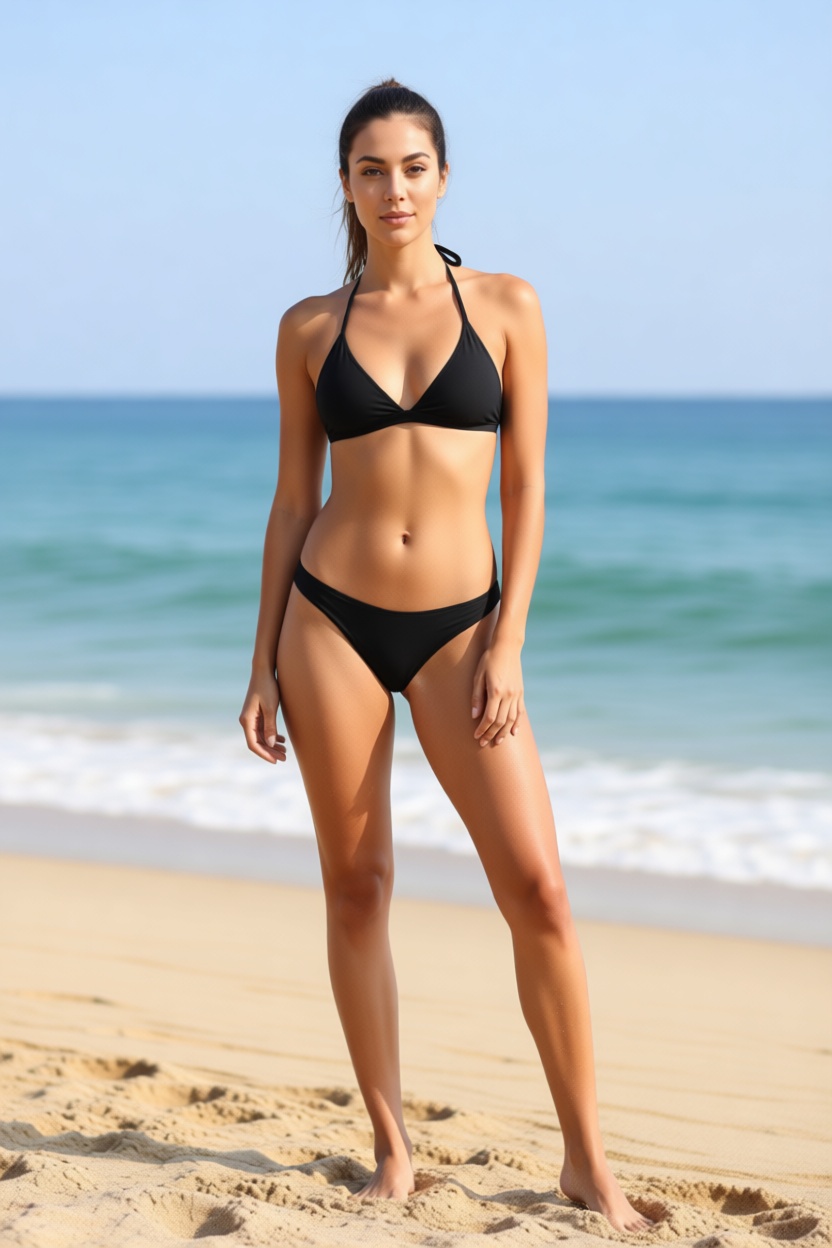
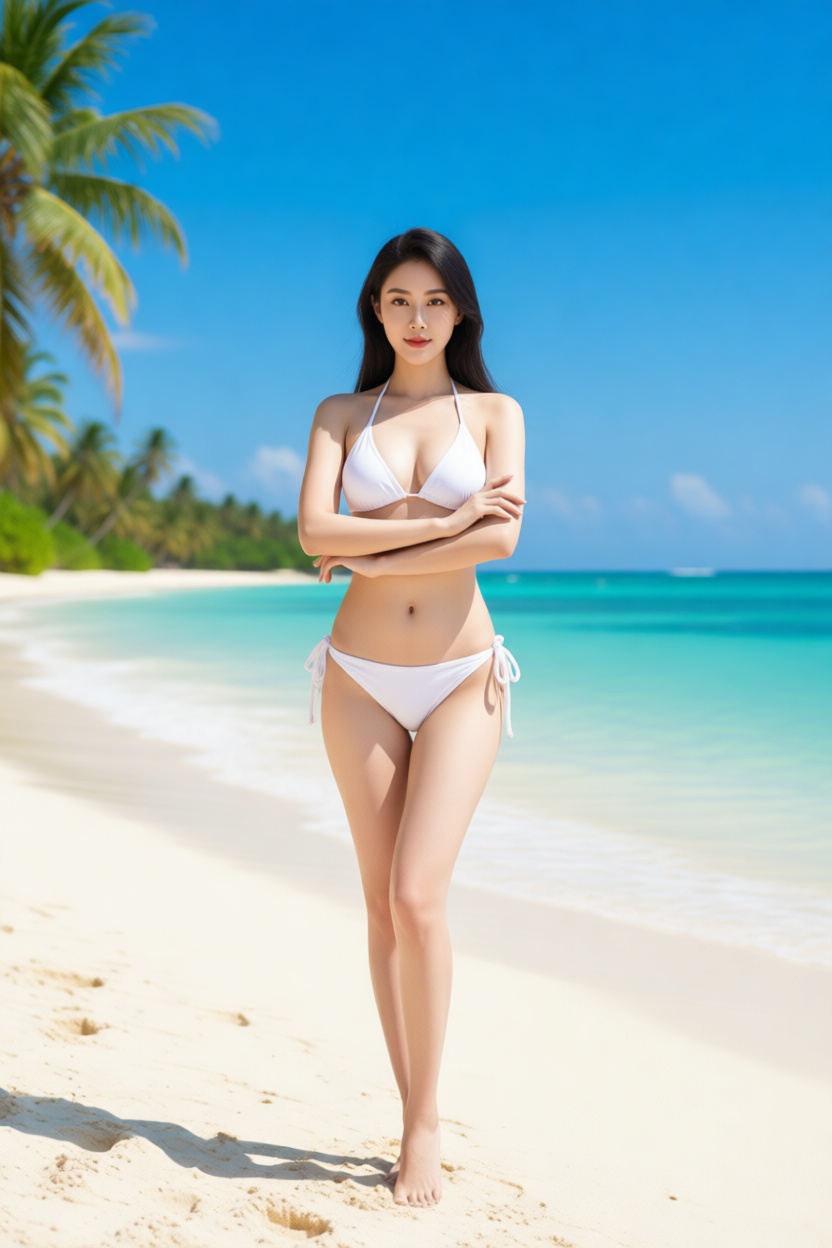
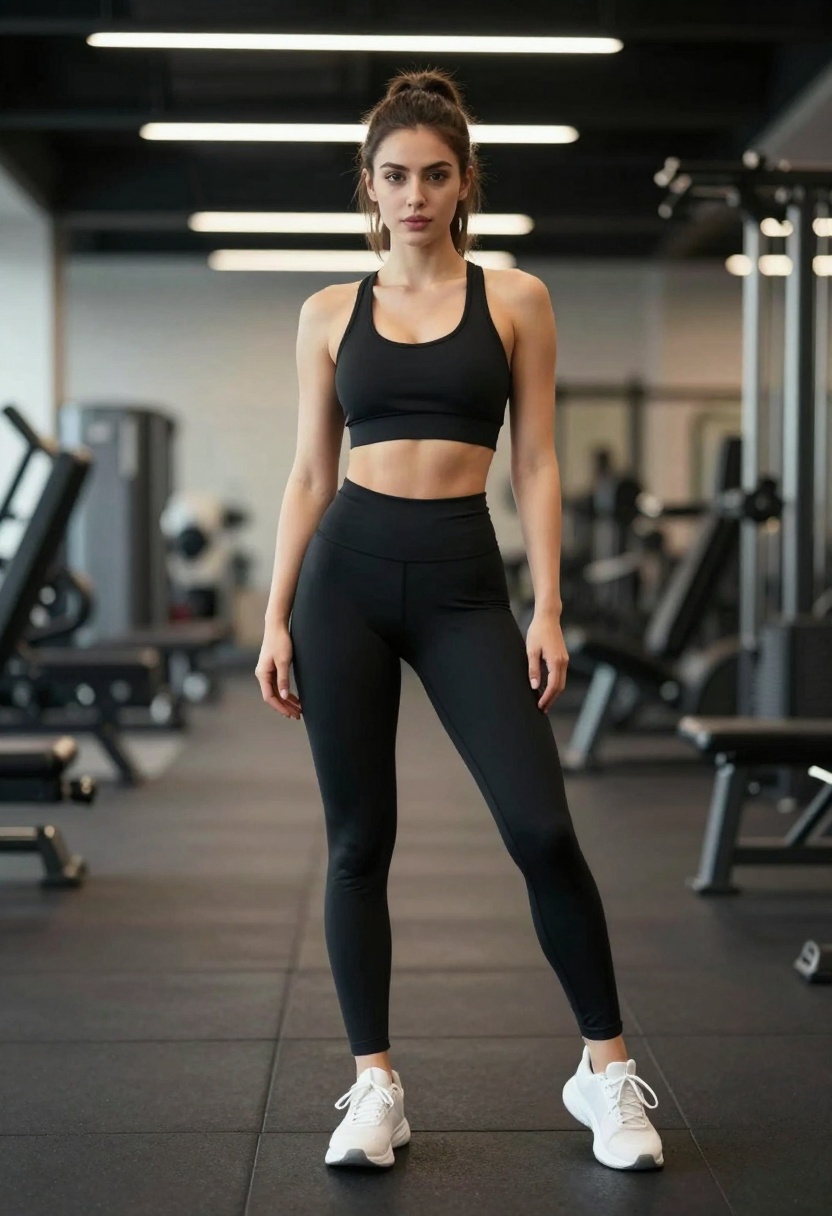
Let me show you actual transformations created with PicassoIA's p-image-edit tool. Each example below includes the original image, the transformed result, and the exact prompt used.
Prompt used: "Woman wearing black bikini on sandy beach, photorealistic, natural lighting, professional photography, ocean in background, relaxed confident pose"
Example 4: Office Wear to White Bikini
Before: Woman in business casual office outfit
After: White bikini on tropical beach
Prompt used: "Woman wearing white bikini on tropical beach, photorealistic, bright sunny day, professional photography, turquoise water background, elegant confident pose"
Example 5: Gym Outfit to Pink Bikini
Before: Woman in gym workout clothes
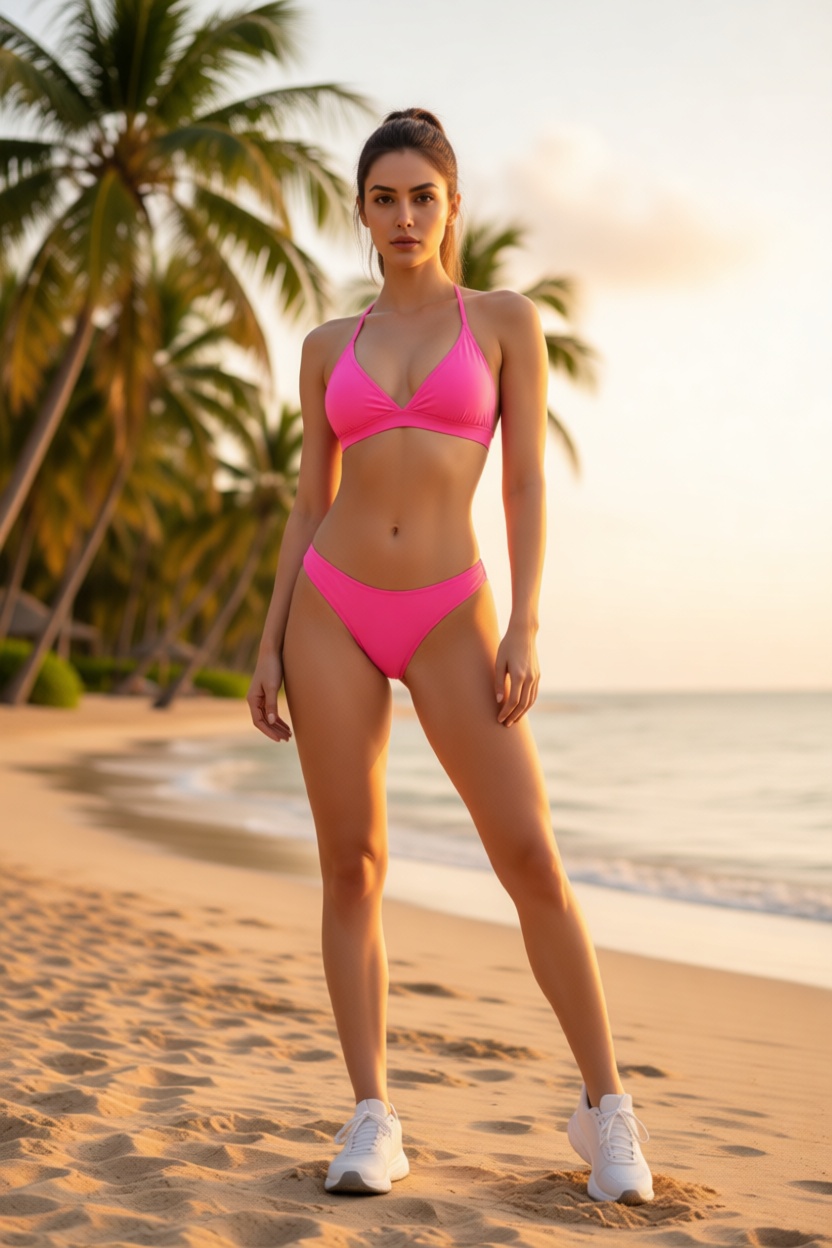
After: Pink bikini at beach resort
Prompt used: "Woman wearing pink bikini swimsuit, beach resort setting, photorealistic, warm golden hour lighting, professional photography, palm trees background, athletic confident pose"
Example 6: Casual Summer to Green Bikini
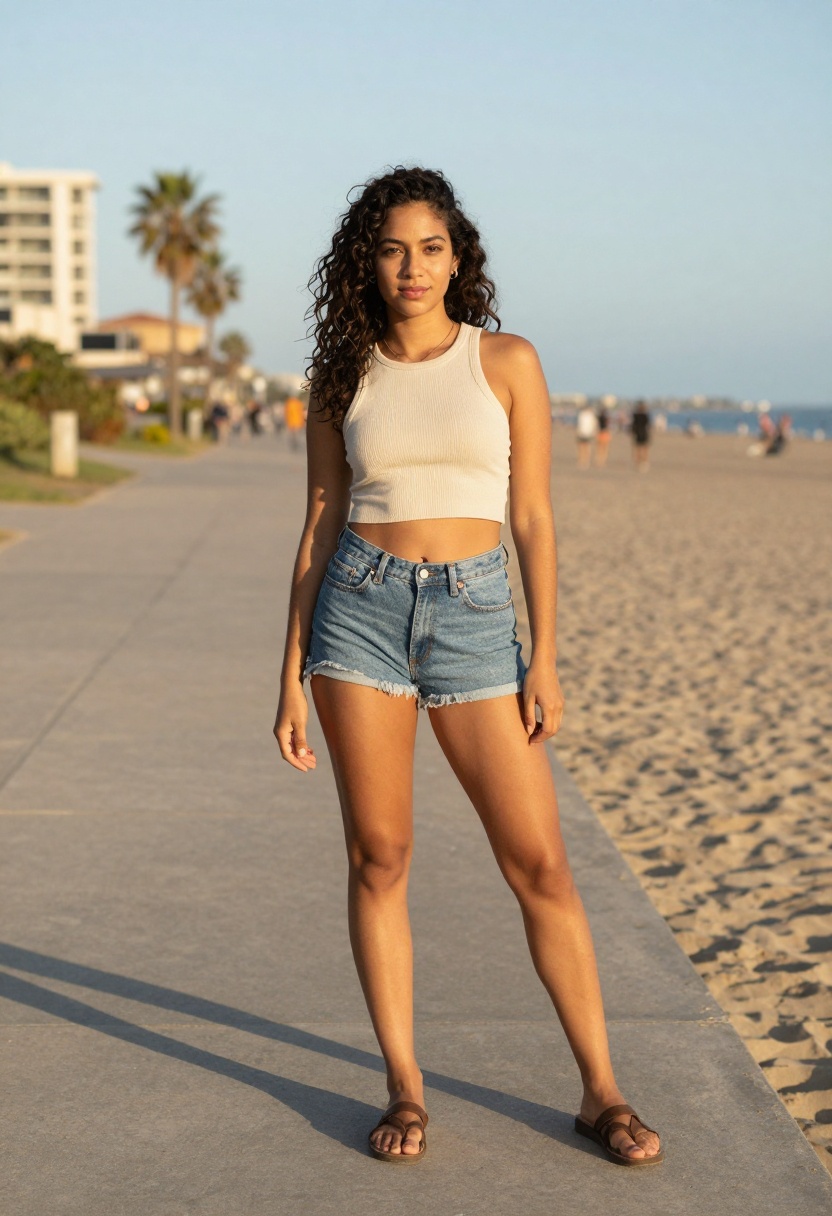
Before: Woman in tank top and denim shorts
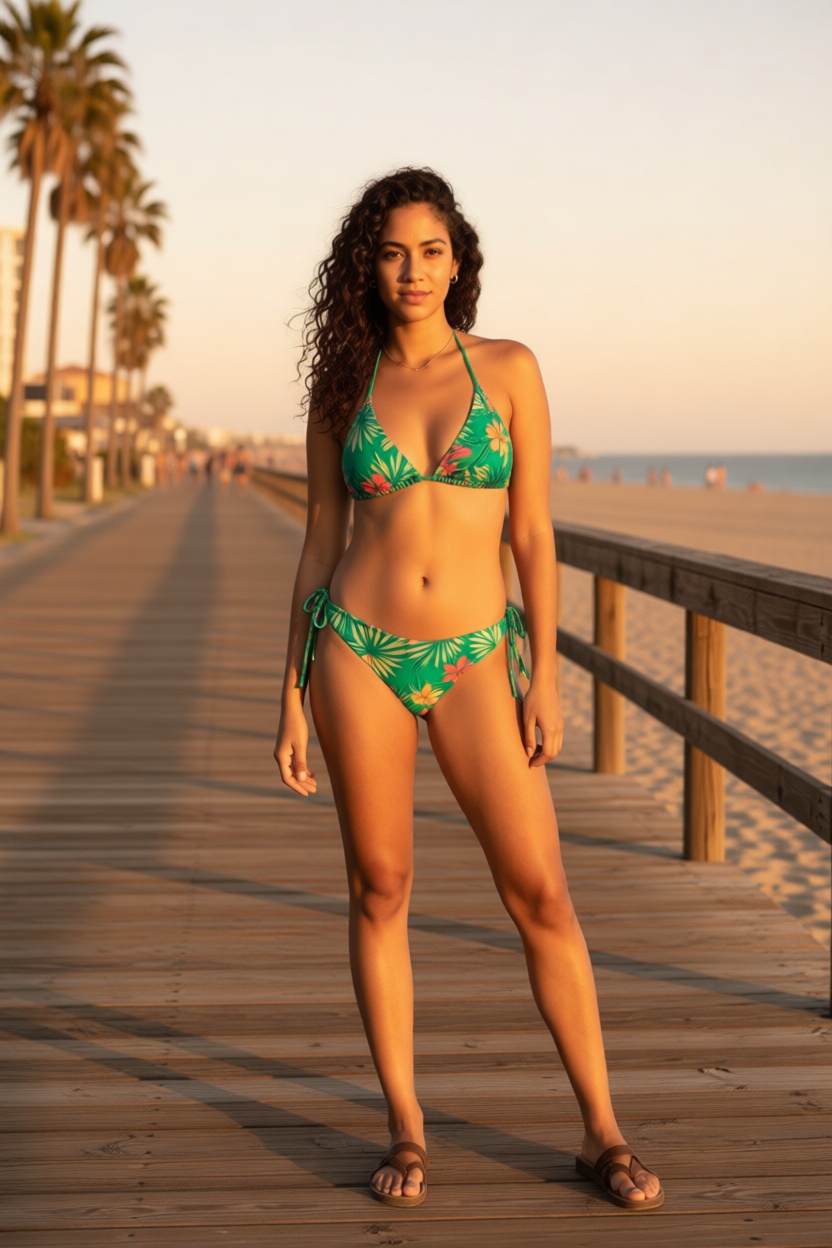
After: Green tropical print bikini
Prompt used: "Woman wearing green tropical print bikini, beach boardwalk setting, photorealistic, sunset golden hour lighting, professional photography, ocean view, summer vacation vibes"
Step-by-Step Tutorial: Using PicassoIA Edit Image
Ready to create your own transformations? Follow these steps to get started with the p-image-edit tool.
Step 1: Access the Tool
Go to PicassoIA Edit Image and create your account if you haven't already. The free tier lets you test the tool before committing to the $4/month plan.
Step 2: Upload Your Photo
Click the upload button and select the image you want to transform. For best results, choose photos with:
Clear, well-lit subjects
Full or three-quarter body shots
Simple backgrounds that won't compete with the transformation
High resolution source images
Step 3: Write Your Transformation Prompt
This is where the magic happens. The prompt tells the AI exactly what you want. Here's a template that works consistently:
"Woman wearing black bikini on beach, photorealistic, golden hour lighting, relaxed pose"
"Woman wearing white bikini, turquoise water background, photorealistic, bright sunny day"
"Woman wearing pink bikini at resort, photorealistic, palm trees, professional photography"
Step 4: Adjust Settings (Optional)
The p-image-edit tool offers several optional parameters:
Turbo Mode: Leave on for faster processing. Turn off for complex edits.
Aspect Ratio: Match input image works best for transformations.
Seed: Set a specific number if you want reproducible results.
Step 5: Generate and Download
Click generate and wait about 5-10 seconds. Once complete, download your transformed image directly to your device.
Tips for Getting the Best Results
After running hundreds of transformations, here are the patterns that produce the most realistic outputs:
Be specific about bikini style. "Blue triangle bikini" generates better results than just "bikini" because it gives the AI clear visual direction.
Include environmental context. Adding "beach background" or "poolside setting" helps the AI create coherent scenes rather than awkward cutouts.
Describe lighting conditions. Terms like "natural sunlight," "golden hour," and "bright sunny day" dramatically improve realism.
Match the pose to the setting. A confident beach pose looks natural. A stiff formal pose in a bikini looks odd.
Use high-quality source images. The AI can only work with what you give it. Blurry or low-resolution inputs produce blurry outputs.
Pricing That Actually Makes Sense
At $4/month, PicassoIA sits at a price point that removes the mental barrier of "is this worth it?" You're not paying per generation. You're not watching a counter tick down. You just create.
What you get with the subscription:
Unlimited bikini transformations and image edits
Access to all open-source models on the platform
Sub-second processing times on most generations
No content restrictions from proprietary filters
Private processing that respects your data
Compare this to Grok's premium tier, which costs more and still imposes daily caps. Or the frustration of hitting a content filter on your third attempt. PicassoIA solves these problems by design.
The bikini generator conversation often misses the bigger picture: open-source AI models represent a fundamental shift in who controls creative tools.
Commercial platforms like Grok use proprietary models. These companies decide what you can and cannot create. Their terms of service can change overnight. Features get restricted based on corporate liability concerns rather than user needs.
Open-source models flip this dynamic. The code is public. The training data approaches are documented. Communities contribute improvements. And most importantly, you're not subject to arbitrary content policies that treat adults like children.
PicassoIA gives you access to these open-source models through a clean interface. You get the power of community-driven AI development without needing to run models locally or configure complex environments.
Frequently Asked Questions
How long does each transformation take?
Most edits complete in under 10 seconds. The p-image-edit tool is optimized for speed, using turbo mode by default for faster processing.
Can I use any photo as input?
Yes, you can upload personal photos, stock images, or AI-generated images as your starting point. Higher quality inputs produce better outputs.
Are my images stored or shared?
PicassoIA processes images privately. Your creations aren't used for training or shared with third parties.
What if I don't like the first result?
Generate again with a modified prompt. Since you have unlimited generations, you can iterate until you get exactly what you want.
Does this work for all body types?
The AI handles various body types and poses. Results improve when the source image clearly shows the subject's figure.
Get Started Today
The AI bikini generator trend started with Grok, but it doesn't have to end there. PicassoIA offers a better experience at a fraction of the cost, with none of the frustrating restrictions.
Whether you're creating content for social media, testing creative concepts, or just having fun with AI image editing, the p-image-edit tool delivers consistent results.