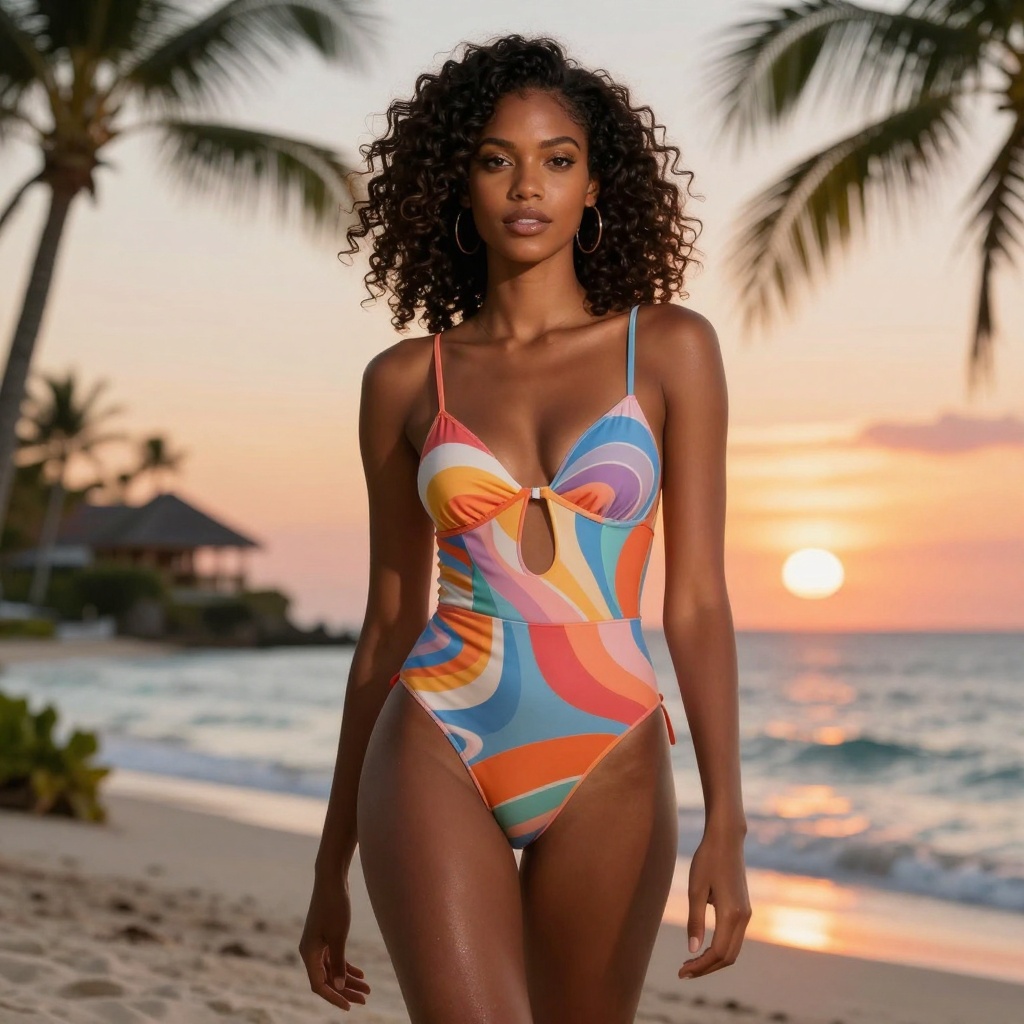
AI technology has opened new doors for adult content creators looking to generate professional bikini images quickly and affordably. In 2027, AI-powered image generators offer an alternative to expensive photoshoots, giving creators control over every detail from pose to lighting to background. This article explores how to use AI bikini generators effectively, focusing on PicassoIA's open-source models that don't restrict adult content.

Why AI Bikini Generators Matter
Traditional fashion photography requires models, photographers, locations, and expensive equipment. AI image generators eliminate these costs while offering unlimited creative possibilities. Content creators, fashion designers, and digital artists can now produce high-quality bikini images in seconds rather than days.
The technology has matured significantly. Modern AI models generate photorealistic results with natural skin tones, realistic fabrics, and believable lighting. These images can be used for social media content, marketing materials, digital art collections, or personal projects.
How AI Bikini Generators Work
AI image generators use deep learning models trained on millions of images to understand patterns in photography, fashion, and human anatomy. When you provide a text prompt describing what you want, the AI translates your words into visual elements.
The process typically involves:
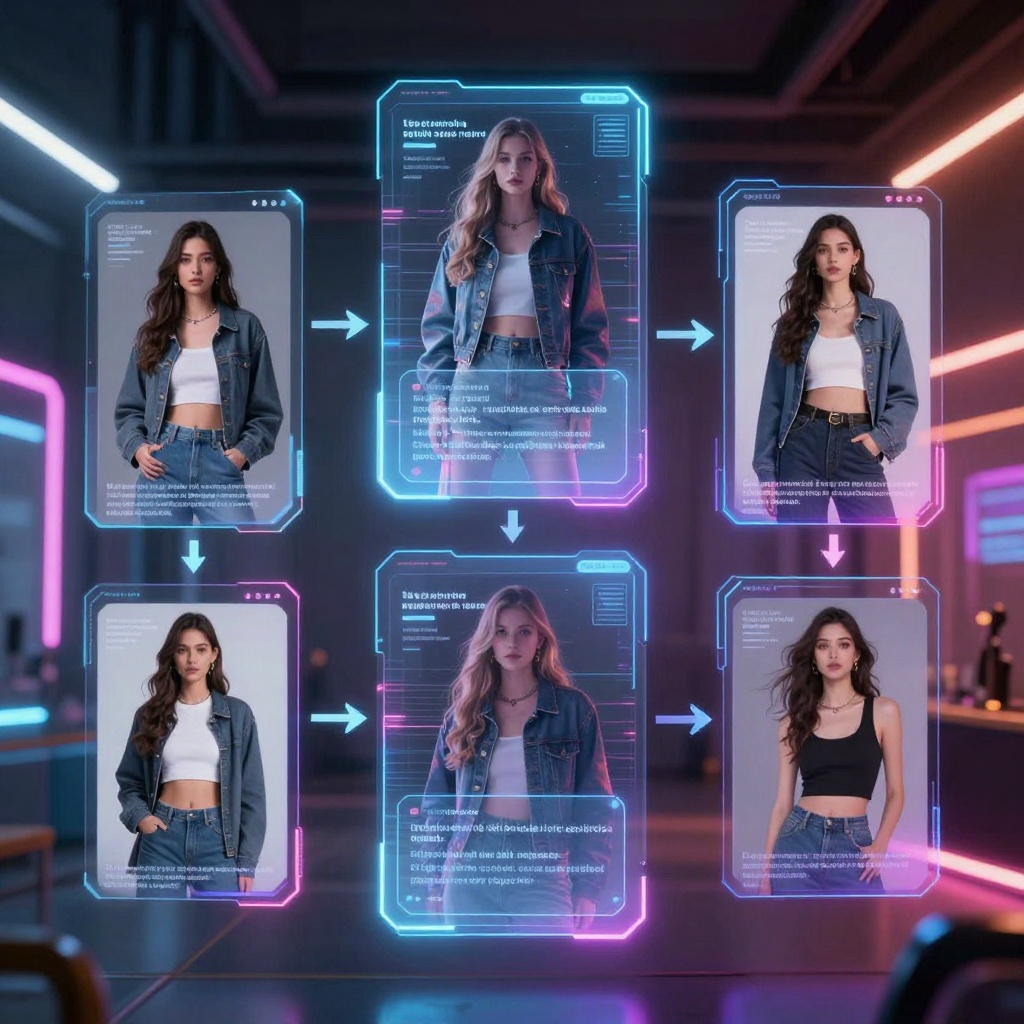
- Text prompt input describing the scene, model, pose, and style
- AI processing where the model interprets your description
- Image generation creating pixels based on learned patterns
- Output refinement adjusting quality, resolution, and format
The technology relies on sophisticated neural networks that can produce images ranging from artistic interpretations to photorealistic results that rival professional photography.
Why Choose PicassoIA for Adult Content
Many popular AI platforms heavily restrict adult content generation, making it impossible to create bikini or swimwear images. PicassoIA takes a different approach by offering open-source models without these limitations.
Models That Support Adult Content
| Model | Type | Best For |
|---|
| p-image-edit | Image Editing | Transforming and editing existing photos with AI |
| wan-2.2-image | Text-to-Image | Generating highly realistic images from descriptions |
| flux-dev | Text-to-Image | High-quality creative outputs with flexibility |
These models offer professional-grade results without the censorship found on mainstream platforms. You can create content that would be blocked elsewhere, making PicassoIA ideal for fashion designers, adult content creators, and artists who need creative freedom.
Writing Effective Prompts
The quality of your AI-generated images depends heavily on how you write your prompts. Vague descriptions produce generic results, while specific, detailed prompts yield professional-looking images.
Prompt Structure That Works
Your prompts should include several elements:
- Subject description - Details about the model, pose, and expression
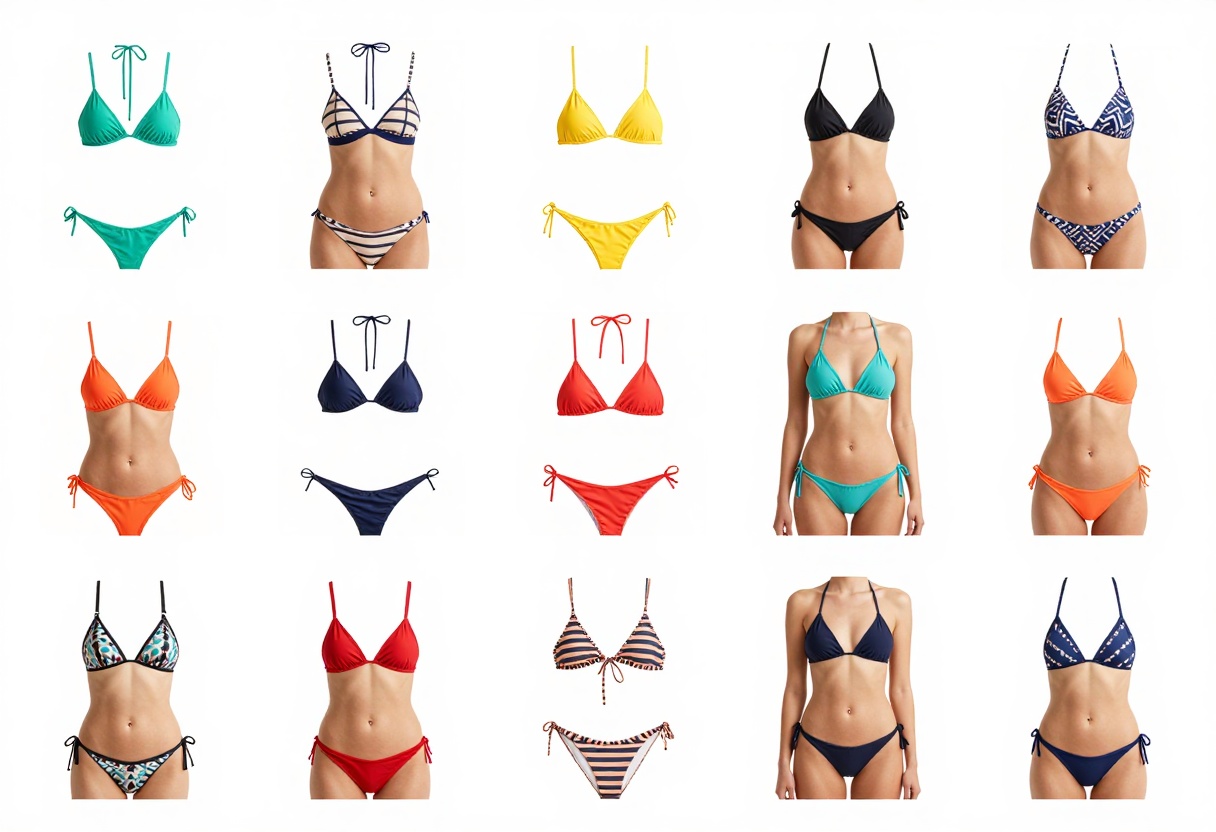
- Clothing details - Specific bikini style, color, and design
- Environment - Beach, pool, yacht, or studio setting
- Lighting - Golden hour, studio lighting, or natural sunlight
- Photography style - Professional, candid, editorial, or lifestyle
- Quality modifiers - Photorealistic, 8k, high detail, cinematic
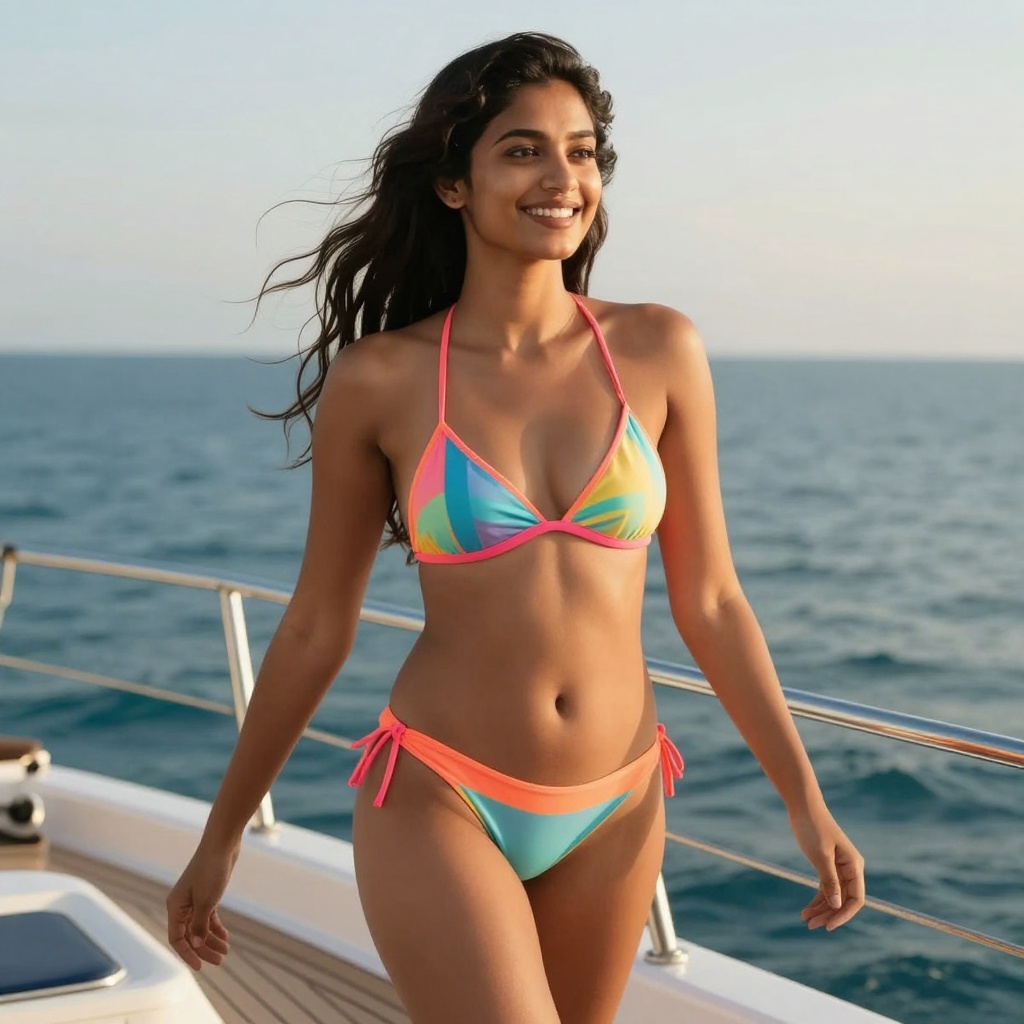
Example prompt: "Professional fashion model in elegant coral bikini on white sand beach, confident pose, sunset golden hour lighting, photorealistic, 8k ultra detail, shallow depth of field, professional photography style, turquoise ocean background"
Common Mistakes to Avoid
Many beginners make these errors when writing prompts:
- Being too vague: "woman in bikini on beach" lacks detail
- Overcomplicating: Trying to describe 15 different elements confuses the AI
- Ignoring style keywords: Missing words like "photorealistic" or "cinematic"
- Forgetting lighting: Lighting drastically affects mood and quality
- Not specifying resolution: Adding "8k" or "high detail" improves output
Start simple and add details gradually. Test different variations to see what works best for your specific needs.
Getting Started with PicassoIA
Creating your first AI bikini image on PicassoIA takes just a few minutes. The platform's interface is designed for both beginners and professionals.
Step-by-Step Process
1. Choose your model - Visit PicassoIA's collection and select a model like wan-2.2-image or p-image-edit
2. Write your prompt - Use the guidelines above to craft a detailed description
3. Adjust settings - Select aspect ratio (1:1 for Instagram, 16:9 for widescreen, 9:16 for stories)
4. Generate - Click the generate button and wait 3-5 seconds for results
5. Refine if needed - Tweak your prompt or settings and regenerate for better results
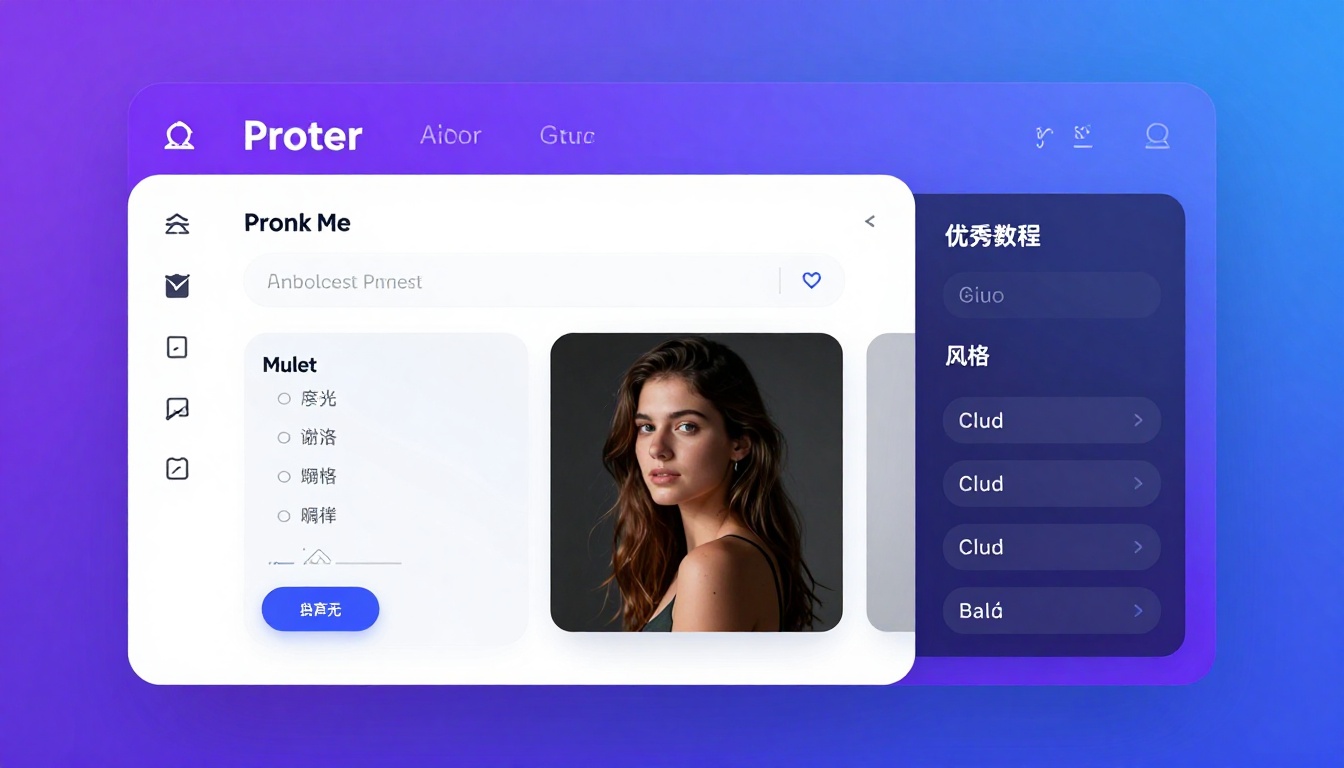
The platform handles all the technical complexity behind the scenes. You don't need coding knowledge or technical expertise to create professional results.
Choosing the Right Style
AI generators can produce images in various artistic styles. Selecting the right style depends on your intended use.
Photorealistic Style
This style mimics professional photography with accurate lighting, realistic skin tones, and natural-looking fabrics. Best for:
- Social media content that needs to look authentic
- Marketing materials for swimwear brands
- Portfolio images for models or photographers
- Content where viewers expect real photography
Prompt tip: Include keywords like "photorealistic," "professional photography," "8k resolution," and "high detail"
Artistic Interpretations
More stylized approaches can create unique, eye-catching visuals. These work well for:
- Creative projects and digital art
- Album covers or poster designs
- Fantasy or concept art
- Experimental fashion concepts
Prompt tip: Add style keywords like "oil painting," "watercolor," "anime style," or "digital art"
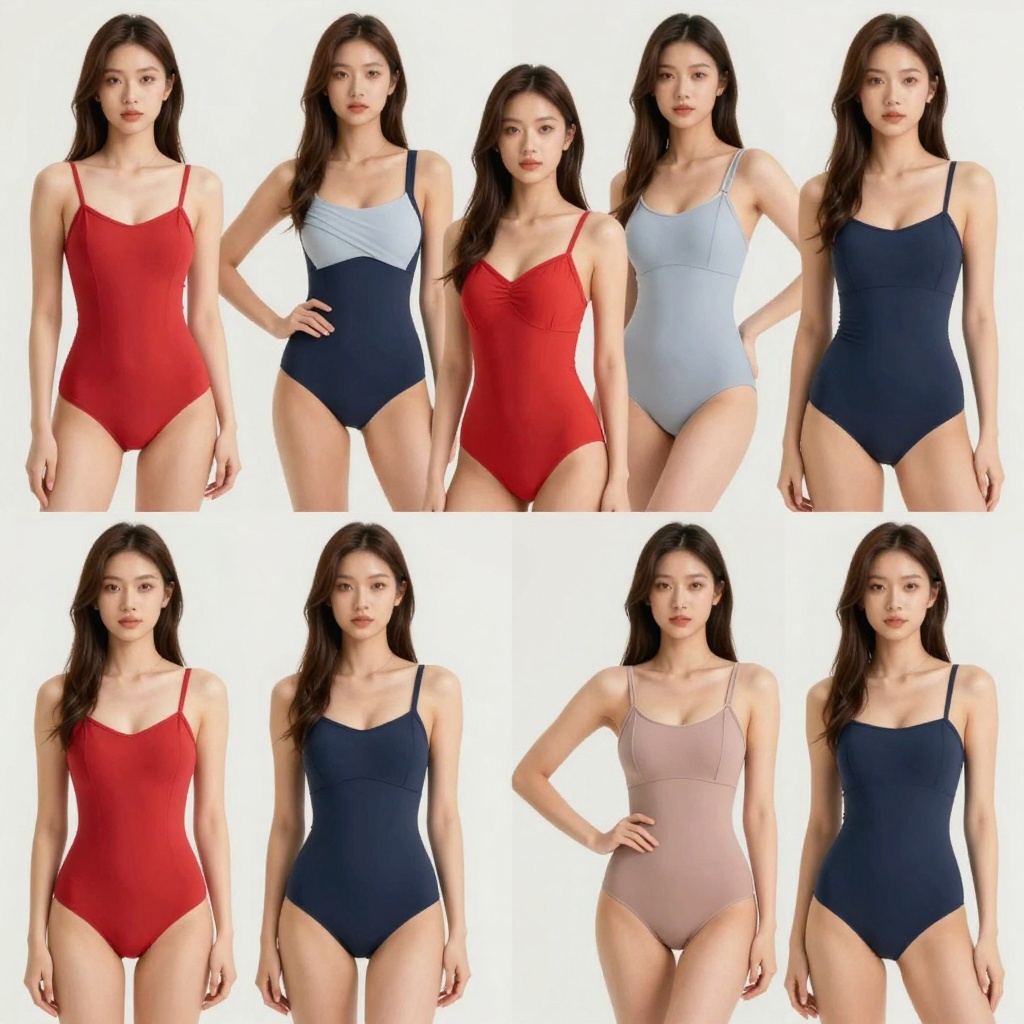
Creating Variety in Your Images
Generating multiple variations helps you find the perfect image. Small prompt changes can produce dramatically different results.
Pose Variations
Different poses communicate different moods:
- Standing confidently - Power, confidence, editorial fashion
- Sitting casually - Relaxed, approachable, lifestyle content
- Walking on beach - Movement, natural, candid style
- Lying on towel - Relaxation, vacation vibes
Background Options
Your choice of setting affects the entire image atmosphere:
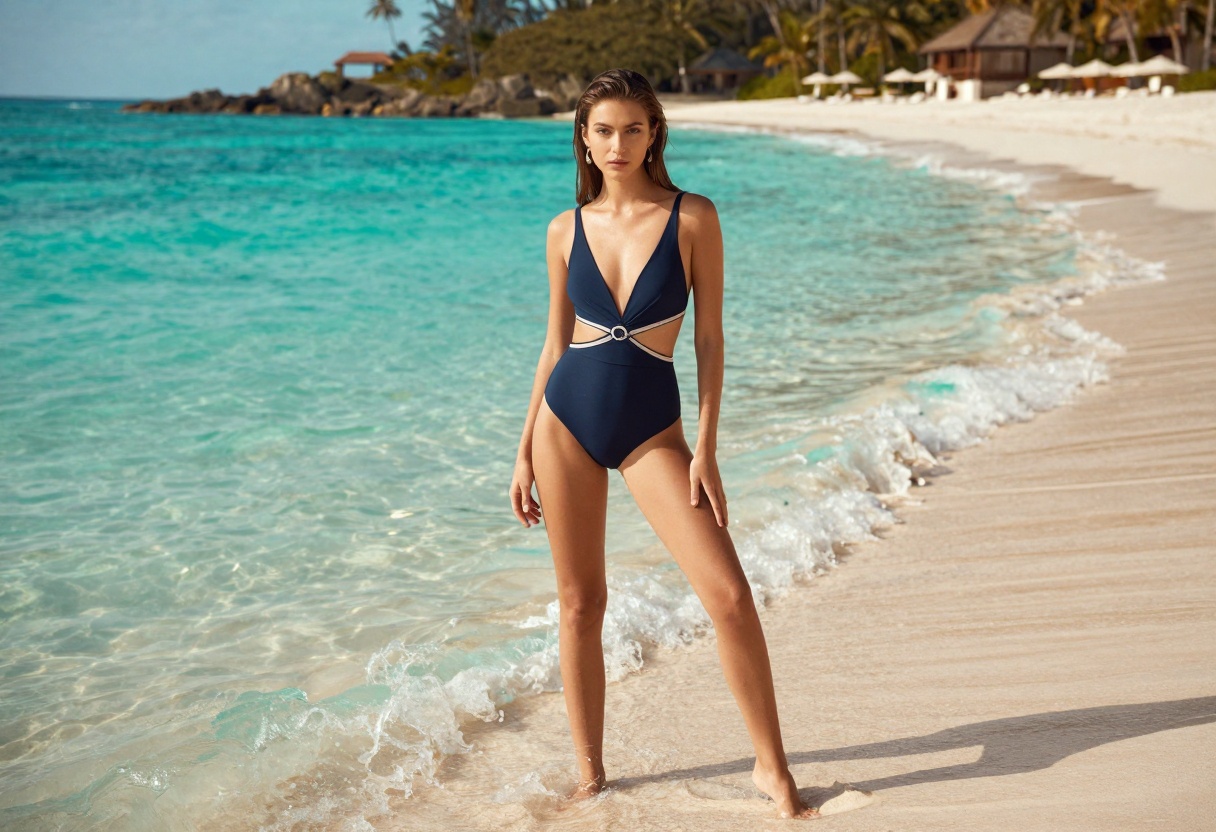
- Tropical beach - Classic summer vacation aesthetic
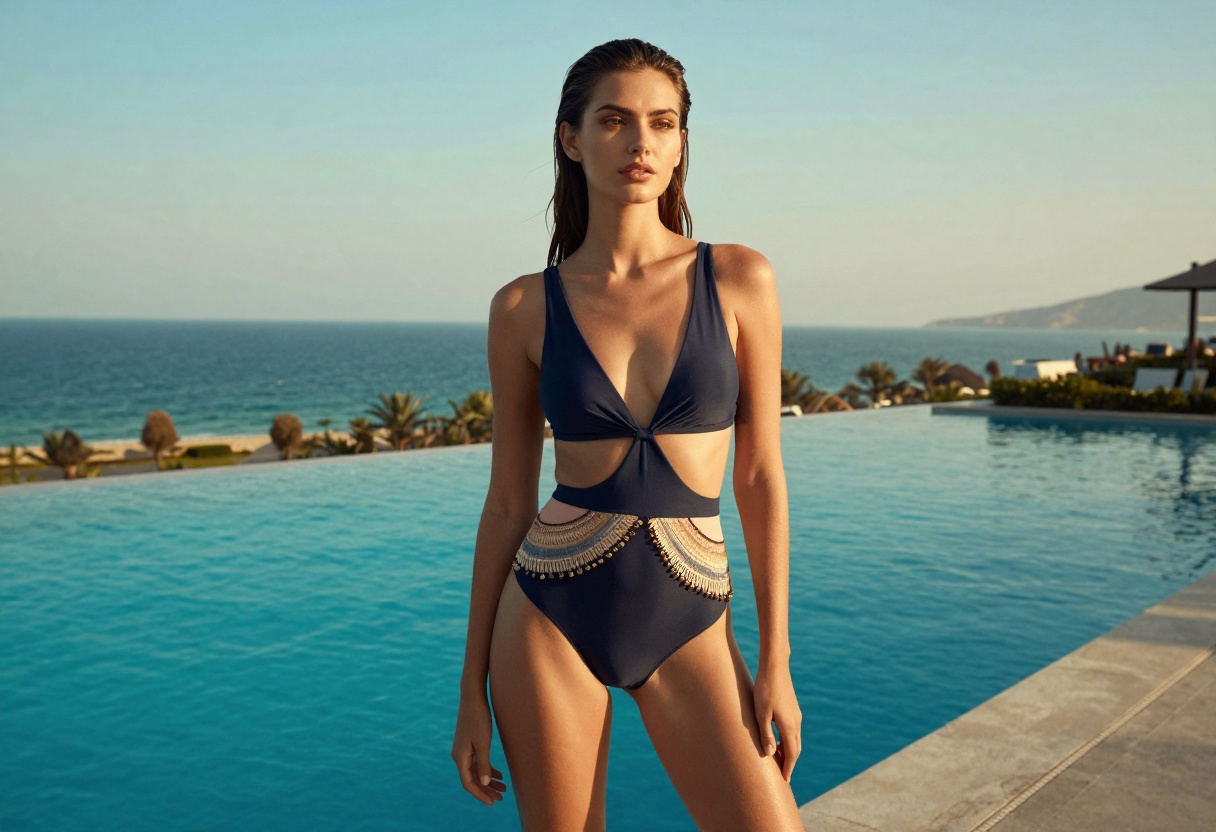
- Infinity pool - Luxury, high-end resort feeling
- Yacht deck - Exclusive, wealthy lifestyle
- Studio - Clean, professional product photography
- Rocky coastline - Dramatic, artistic composition
Technical Considerations
Understanding technical parameters helps you control your image quality and output format.
Resolution and Aspect Ratio
Higher resolution means more detail but longer generation times. Common options:
- 1:1 (Square) - Perfect for Instagram posts
- 16:9 (Landscape) - YouTube thumbnails, website headers
- 9:16 (Portrait) - Instagram Stories, TikTok, mobile content
- 3:2 or 4:3 - Standard photography ratios
Most generators support up to 4K or 8K resolution for professional use.
File Formats
Different formats serve different purposes:
- JPG - Smaller file size, best for web and social media
- PNG - Lossless quality, supports transparency
- WEBP - Modern format, excellent compression with quality
Choose based on where you'll use the images and whether you need transparency.
Privacy and Safety
When creating adult content, privacy matters. PicassoIA processes images without storing your data permanently, giving you control over your creations.
Best Practices
- Use only images you own or have permission to reference
- Avoid creating non-consensual content of real people
- Follow local laws regarding adult content
- Keep sensitive projects private until you're ready to share
The platform includes safety checkers that can be optionally disabled for legitimate adult content creation, giving professionals the flexibility they need.

Advanced Techniques
Once you're comfortable with basics, these advanced techniques can elevate your results.
Using Reference Images
Some models like p-image-edit allow you to upload reference images. This helps the AI understand:
- Specific poses you want to replicate
- Exact color schemes from inspiration photos
- Particular backgrounds or environments
- Styling details from existing images
Seed Values for Consistency
Using the same seed value produces similar results across generations. This is useful when you want to create a series of related images with consistent style and composition.
Negative Prompts
Telling the AI what to avoid can improve results. Examples:
- "No distorted proportions"
- "No blurry background"
- "No unnatural colors"
This helps eliminate common AI artifacts and ensures cleaner outputs.
Using p-image-edit on PicassoIA
The p-image-edit model is particularly powerful for adult content creation because it allows precise control through image editing rather than pure generation.
When to Use p-image-edit
This model excels at:
- Transforming existing photos into different styles
- Changing backgrounds while keeping the subject
- Adjusting clothing colors or designs
- Combining elements from multiple reference images
- Quick iterations on existing content
Tutorial: Creating with p-image-edit
Step 1: Visit the p-image-edit model page on PicassoIA
Step 2: Upload your reference image (if you have one) or start from scratch
Step 3: Write a clear prompt describing your desired edit or creation:
- Example: "Transform into elegant bikini fashion shoot, tropical beach background, golden hour lighting, professional photography style"
Step 4: Choose your aspect ratio based on your needs:
- Use "match_input_image" to keep the original proportions
- Select specific ratios like 1:1 for square or 16:9 for landscape
Step 5: Adjust optional parameters:
- Enable Turbo mode for faster results (recommended for most uses)
- Set a seed value if you want reproducible results
- Disable safety checker if creating legitimate adult content
Step 6: Click generate and wait 1-2 seconds for your edited image
Step 7: Download your result or refine with additional edits
The model processes incredibly fast, making it perfect for rapid iteration and experimentation.
Legal and Ethical Considerations
Creating AI-generated adult content comes with responsibilities. Always follow these guidelines:
What's Acceptable
- Creating original artistic content for personal or commercial use
- Fashion design and swimwear product visualization
- Marketing materials for legitimate businesses
- Adult entertainment content that follows platform rules
What's Not Acceptable
- Creating non-consensual images of real people
- Generating content depicting minors
- Violating copyright by recreating protected images
- Creating deceptive or fraudulent content
PicassoIA's models give you creative freedom, but that freedom comes with responsibility to use the technology ethically and legally.
The Future of AI Adult Content
AI image generation technology continues improving rapidly. In 2027, we're seeing:
- Better realism - Skin textures, fabric details, and lighting look increasingly natural
- Faster generation - Results in under 3 seconds instead of minutes
- Higher resolution - 8K and beyond becoming standard
- More control - Precise pose control, lighting direction, and style mixing
As models improve, the line between AI-generated and photographed content will continue blurring. This creates both opportunities and challenges for content creators.
The technology democratizes professional visual content creation, letting anyone with an idea produce high-quality results without expensive equipment or expertise.
Creating Content That Sells
If you're creating AI bikini images for commercial purposes, certain approaches work better than others.
What Audiences Respond To
Research shows viewers prefer:
- Natural poses over overtly posed or artificial-looking images
- Diverse backgrounds rather than repetitive beach scenes
- Realistic lighting that looks like professional photography
- Attention to detail in fabric textures, shadows, and reflections
Building a Portfolio
Create variety in your portfolio:
- Different poses and expressions
- Various settings and backgrounds
- Multiple lighting conditions (golden hour, studio, natural)
- Range of styles from editorial to lifestyle
This diversity keeps your content fresh and appeals to broader audiences.
Troubleshooting Common Issues
Even with advanced AI, you might encounter challenges. Here's how to solve them:
Problem: Unrealistic proportions
Solution: Add "anatomically correct" or "realistic proportions" to your prompt. Use reference images if available.
Problem: Blurry or low-quality output
Solution: Include quality keywords like "8k," "high detail," "sharp focus," and "professional photography"
Problem: Wrong style or mood
Solution: Be more specific about lighting, time of day, and photography style in your prompt
Problem: Repetitive results
Solution: Change your seed value or vary your prompt structure significantly
Problem: Safety checker blocking content
Solution: For legitimate adult content on PicassoIA, you can disable the safety checker in model settings
Maximizing Your Results
Getting the best possible images requires experimentation and iteration.
Testing Different Approaches
Don't settle for your first generation. Try:
- Varying your prompt structure and word choice
- Testing different aspect ratios for the same scene
- Generating 3-5 variations before choosing the best
- Combining successful elements from different attempts
Learning from Examples
Study successful AI-generated images to understand what works. Pay attention to:
- How others structure their prompts
- Which style keywords produce desired effects
- Common patterns in high-quality outputs
- Technical settings that yield consistent results
Building a Prompt Library
Save successful prompts for future use. Create categories like:
- Beach scenes
- Pool/resort settings
- Studio photography
- Artistic/editorial styles
This saves time and ensures you can reproduce successful results.
Getting Started Today
Creating professional AI bikini images doesn't require technical expertise or expensive software. PicassoIA's open-source models provide the tools, while your creativity and prompting skills determine the results.
Start with simple prompts and basic settings. As you gain experience, experiment with advanced techniques and parameters. The learning curve is gentle, but the creative possibilities are endless.
The technology puts professional-quality content creation in reach of anyone with an idea and an internet connection. Whether you're a content creator, fashion designer, digital artist, or entrepreneur, AI image generators open new creative and commercial opportunities.
Visit PicassoIA to start creating your first AI-generated bikini images today. The platform's unrestricted models give you the creative freedom other platforms deny, making it the ideal choice for adult content creators in 2027.


