An AI coloring book generator can turn one focused afternoon into fifty clean, printable pages, and those pages can become a paperback listed on Amazon. The market is real: adults color to unwind, parents want screen-free quiet time, and teachers always need fresh worksheets. What used to take weeks of hand inking now takes a handful of prompts and a sharp eye for flaws. This article shows which image models draw the cleanest black outlines, the prompt formula worth copying, how to size and check every page, and how to publish the finished book on Amazon KDP without a rejection email.
Why Coloring Books Still Sell
Open the coloring category on Amazon and you will see a crowded shelf. That is good news. A crowded shelf means buyers are already there, searching, comparing and clicking. The winners are rarely the prettiest books. They are the ones aimed at a clear reader with a clear theme: cozy cats for adults, dinosaurs for four-year-olds, mandalas for restless evenings.
Who Buys Them
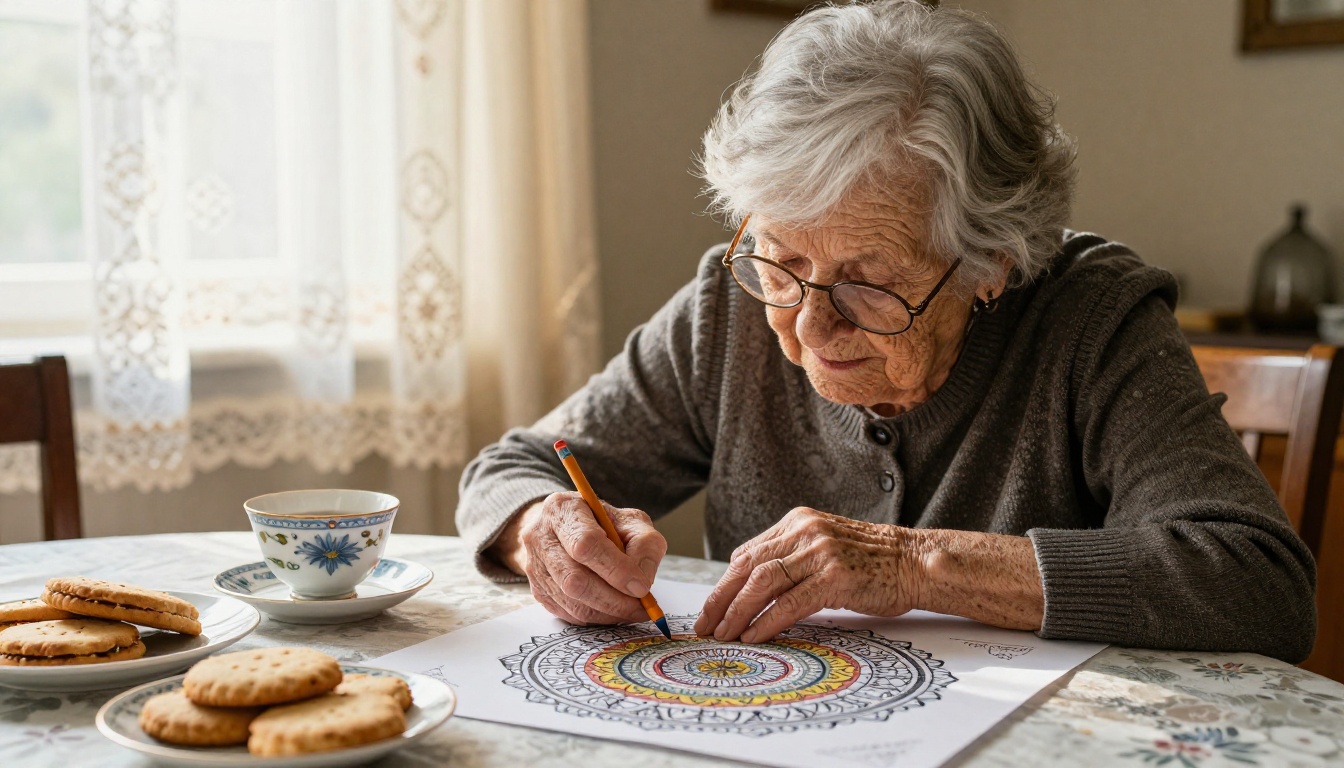
Three groups drive most of the sales:
- Adults who color to relax. They want intricate scenes, repeating patterns and plenty of fine detail.
- Parents and grandparents who need a quiet activity. They want big shapes and thick, forgiving outlines.
- Teachers and homeschoolers who build lessons around a topic. They want themed sets, such as ocean life or farm animals.
Each group wants a different page, so choose one before you generate anything. A book that tries to please all three pleases none of them, and the reviews will say so.
Why AI Fits the Work
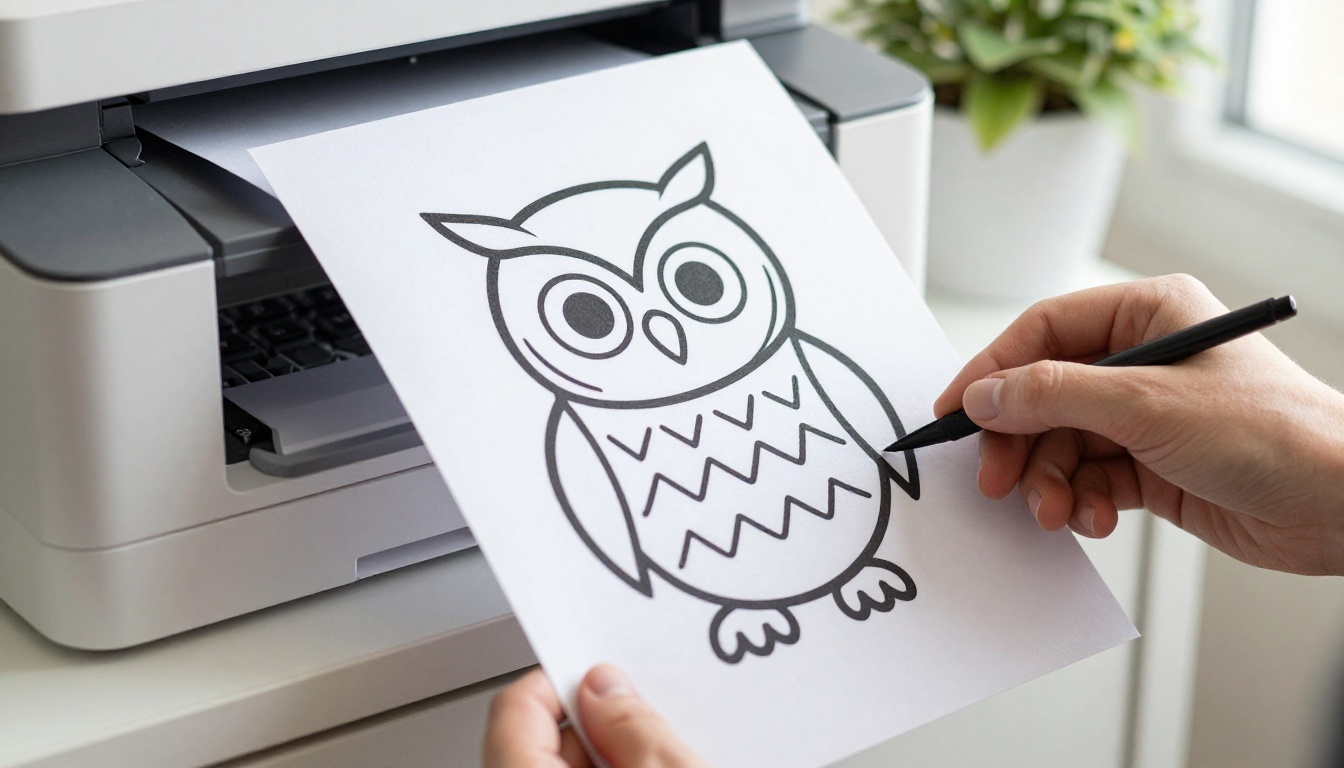
A coloring page is one of the easiest things an image model can draw: black lines on a white sheet, with no lighting, no skin and no depth to fake. That simplicity is why one person can now build a whole book alone, at a speed that used to need a studio.
| Task | By hand | With an image model |
|---|
| One finished page | Hours of sketching and inking | About a minute per attempt |
| A themed set of 40 | Weeks of steady work | One long afternoon |
| Style consistency | Depends on your drawing skill | Depends on your prompt wording |
| Final quality check | Quick glance | Still needs your own eyes |
💡 Tip: The model draws, but you decide. Treat every output as a draft. Your income depends on the pages you throw away, not only on the pages you keep.
Pick Models That Draw Clean Lines
A good coloring page has four traits: closed shapes so color does not leak, even line weight, a pure white background, and zero gray shading. Not every model respects those four rules, so test a few before you commit to one.
Best Models for Line Art
| Model | Why it suits coloring pages |
|---|
| Ideogram v4 Quality | Follows long, detailed prompts closely, so instructions like "no shading" tend to stick |
| Recraft v4.1 SVG | Produces vector art, so lines stay sharp at any print size |
| GPT Image 2 | Handles detailed written instructions well and draws friendly, kid-safe scenes |
| Seedream 4.5 | Outputs high-resolution images, handy for dense mandalas and busy garden scenes |
| PicassoIA Image | Built for unlimited text-to-image runs, ideal for testing dozens of prompts |
Run the same prompt through three of them and put the results side by side. One will usually draw cleaner lines for your theme, and that model becomes the default for the whole book.
Once the outlines exist, PicassoIA Image Editor Pro can remove a stray object or simplify a crowded corner by editing the image instead of redrawing it from zero.
Settings That Matter
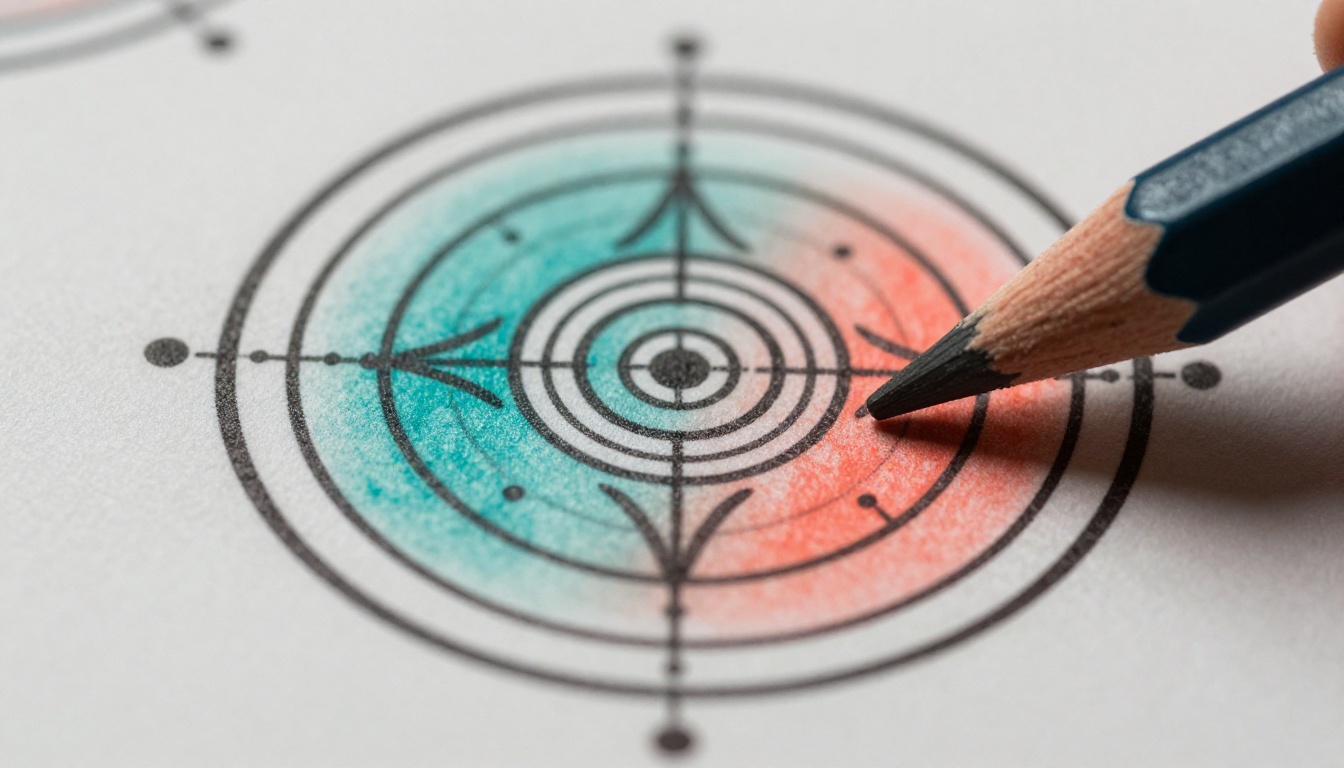
Print is less forgiving than a screen. A line that looks fine on a laptop can look fuzzy on paper, and a shape that looks roomy on screen can be too small for a pencil tip. Four settings do most of the work:
- Aspect ratio: pick a portrait shape. 3:4 is close to a letter-size sheet.
- Resolution: a letter page at 300 DPI needs 2550 by 3300 pixels. Most models output less, so plan an upscale step.
- Outputs per prompt: generate several options and keep only the best one.
- Detail level: thick outlines and few shapes for children, thin lines and dense patterns for adults.
How to Use Ideogram v4 on PicassoIA
Ideogram v4 Quality is a solid first choice for coloring pages because it follows detail-heavy prompts closely. Here is the full route from a blank prompt box to a page you can print.
Set Up the Prompt
- Open the Ideogram v4 Quality page on PicassoIA.
- Paste your prompt into the text box. Write the subject first, then add the style phrase from the formula in the next section.
- Choose a portrait aspect ratio close to 3:4.
- Raise the number of outputs as high as the page allows, so you can compare options side by side.
Pick the Best Output
- Zoom in to 100% and trace every line with your eyes. Look for gaps, broken curves and gray fills.
- Reject any page where two shapes merge into one blob, or where the model slipped in fake letters.
- Save the winner with a clear file name, such as
cats-03.png, so you can find it later.
- Repeat until your theme list is full.
💡 Tip: If the model keeps adding shading, move "no shading, no gray fill" to the start of the prompt. Words near the beginning tend to carry more weight.
Prompts That Make Printable Pages
The Base Formula
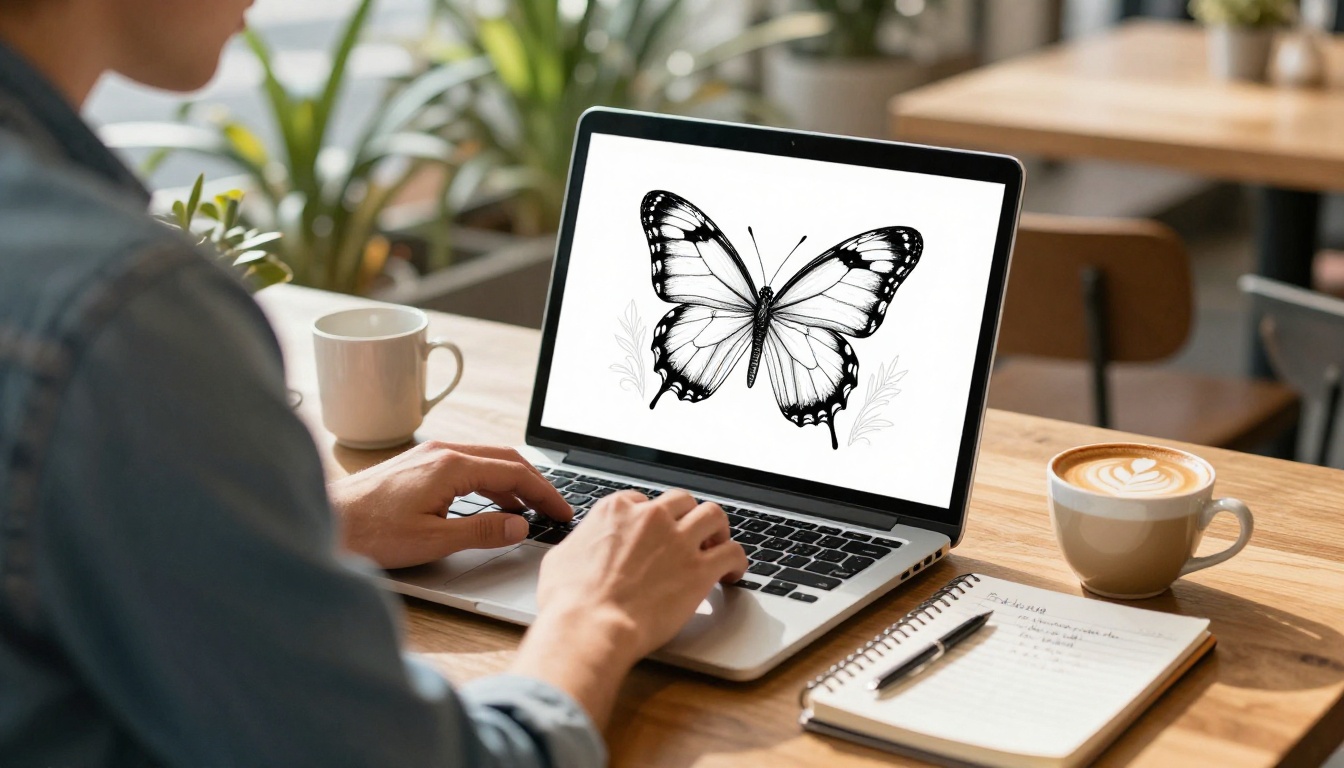
Every page prompt has two halves: what to draw and how to draw it. The second half never changes.
[Subject and scene], black line art coloring page, clean uniform outlines, pure white background, no shading, no gray fill, no text, closed shapes, large open areas to color
Swap the first half and paste the second half word for word. That is how forty pages end up looking like one product instead of forty experiments. A filled-in example looks like this:
A cottage garden with foxgloves, a hummingbird and a stone path, black line art coloring page, clean uniform outlines, pure white background, no shading, no gray fill, no text, closed shapes, large open areas to color
Then adjust for the reader. For children, add "thick outlines, simple shapes, very few details". For adults, add "intricate, fine detail, repeating patterns, delicate linework".
Theme Prompts to Copy
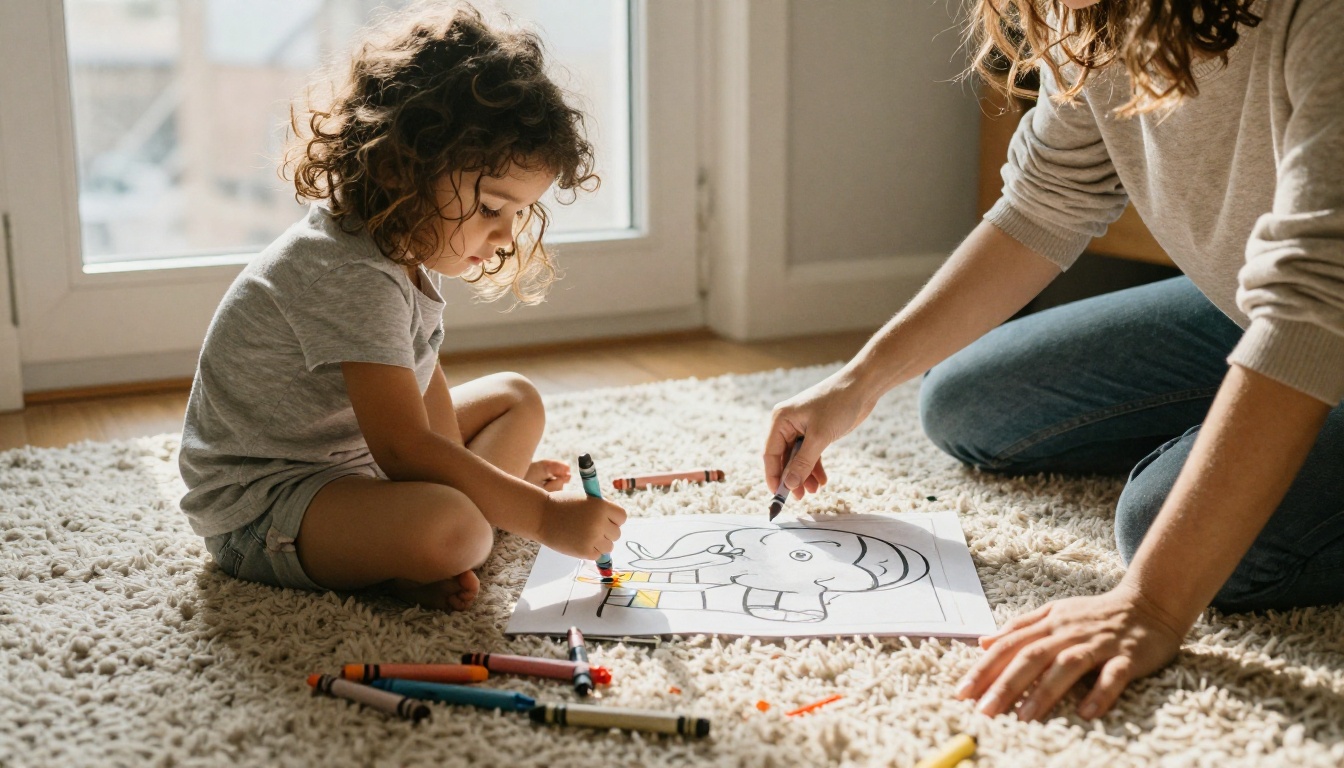
Use these as the "what to draw" half and keep the style half unchanged.
| Niche | Subject half of the prompt | Reader |
|---|
| Cozy cats | a sleeping cat on a window seat beside potted plants and a teacup | Adults |
| Cottage gardens | foxgloves, a hummingbird and a winding stone path | Adults |
| Mandalas | a symmetrical sunflower mandala with layered petal patterns | Adults |
| Ocean friends | a smiling sea turtle with fish and coral, thick outlines | Children |
| Farm animals | a friendly cow beside a red barn, very simple shapes | Toddlers |
| Dinosaurs | a friendly triceratops in a fern forest, bold lines | Children |
Write 40 to 60 subjects for one niche before you generate a single image. A planned list prevents repeats and shows you early if a theme runs out of ideas.
Keep Every Page Consistent
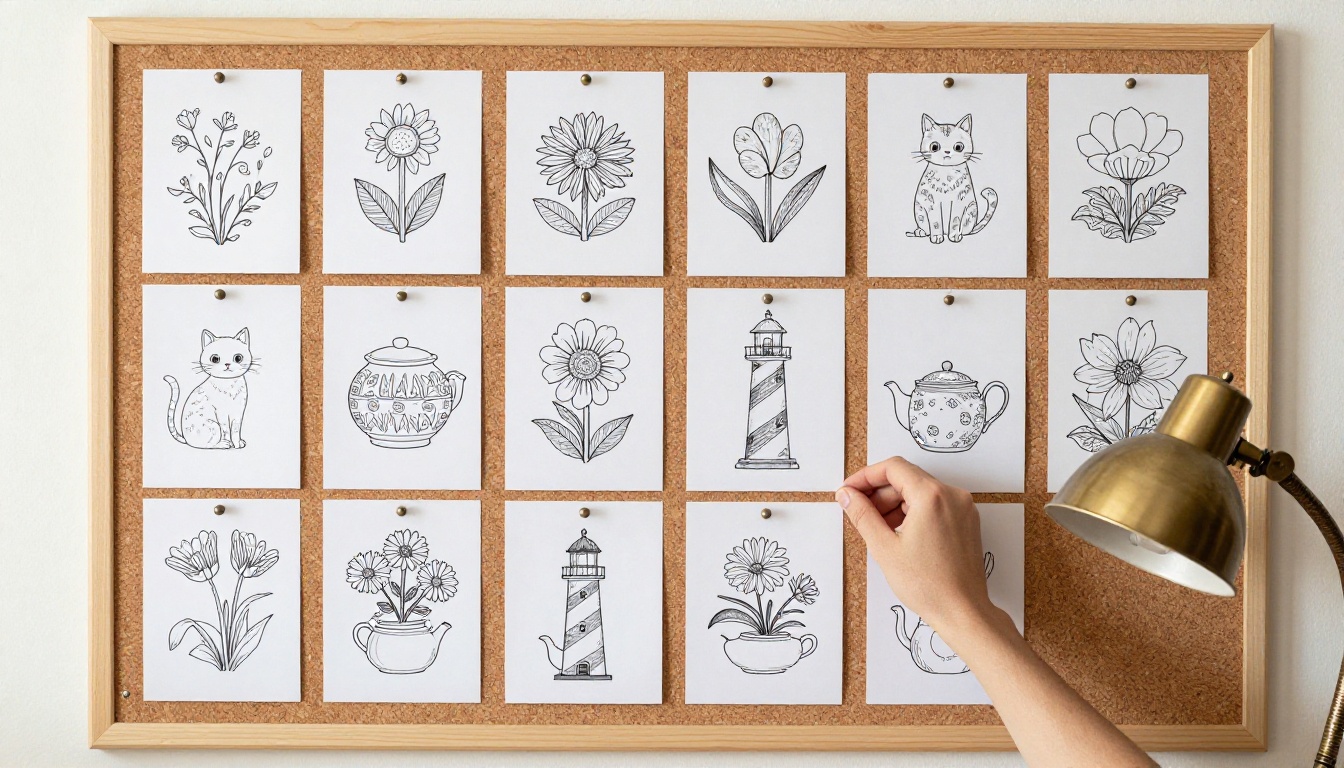
Lay your pages out in a grid on screen, or pin them to a wall, and squint. If one page looks heavier or lighter than the others, regenerate it. Match three things across the set: line thickness, level of detail and the amount of white space each page leaves.
Readers notice a mismatch faster than they notice a weak drawing. A book where every page feels like it belongs to the same hand earns better reviews than one with a few stunning pages and a lot of uneven ones.
Build the Interior of the Book
Page Count and Trim Size
Amazon KDP requires at least 24 pages for a paperback. Most coloring books land between 40 and 100 pages, and 8.5 by 11 inches is the most common trim size because it leaves generous room to color.
Print each design on one side only and leave the back page blank. Marker and gel pen ink soaks through, and a blank back protects the next drawing. It also means your page count doubles:
| Designs | Pages with blank backs | Good for |
|---|
| 30 | 60 | A low-risk first test |
| 40 | 80 | A standard adult or kids book |
| 50 | 100 | A premium, higher-priced book |
KDP asks for a wider inside margin as the page count grows, starting at 0.375 inch for short books. Keep every drawing at least half an inch from all edges and you stay safe at any length.
Clean Up and Upscale
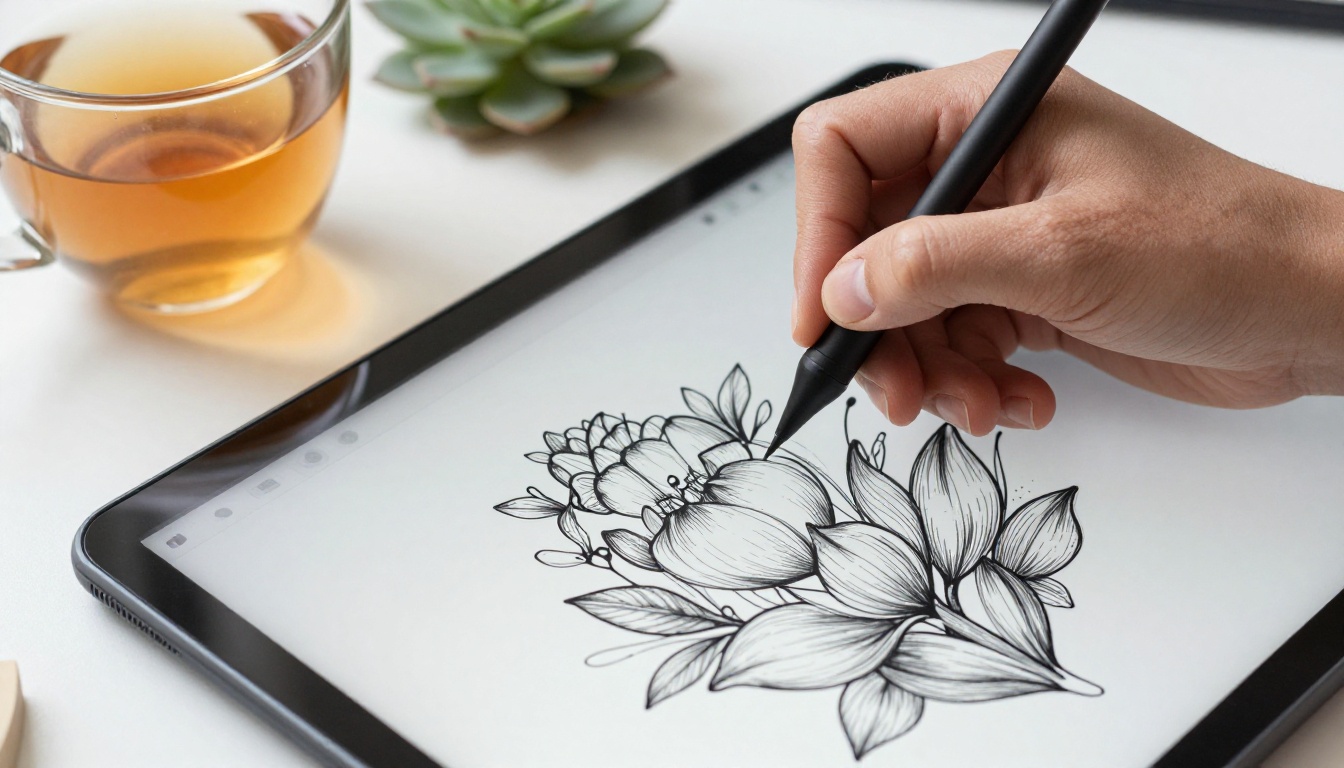
Open each winning page and fix the small flaws with a stylus or an eraser tool: a stray dot, a curve that never closes, a leaf that touches a petal. These tiny faults are the ones readers complain about in reviews.
Then bring the page up to print size with a sharp-edged upscaler such as Real ESRGAN, Clarity Pro Upscaler or Recraft Crisp Upscale. For large enlargements, Topaz Image Upscale is another option. Finish by converting each page to grayscale so no stray color survives into the print file.
Check Every Page
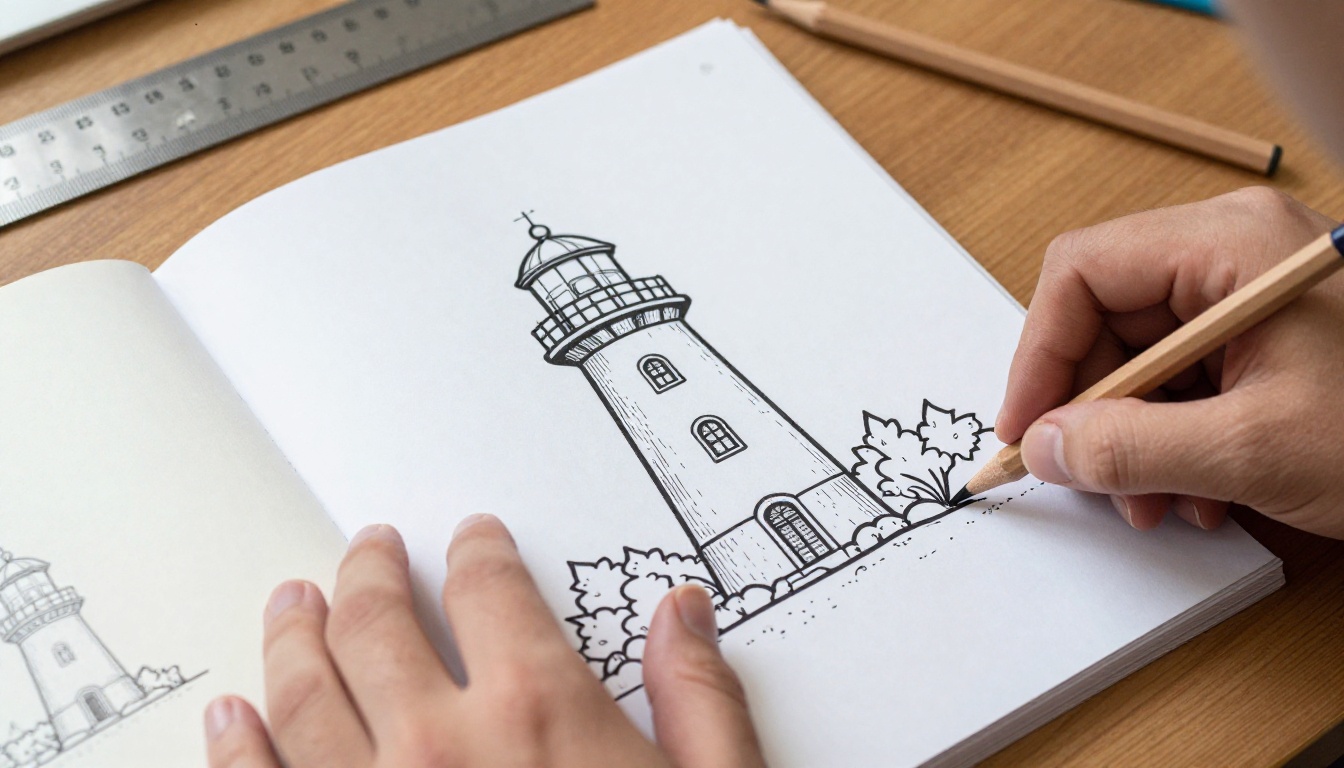
Order a printed proof copy before you publish. Holding the book shows you what a screen hides: lines too thin to color around, shapes too small for a pencil, art that creeps too close to the binding. Use this short checklist while you flip through:
- Every shape is closed, with no gaps in the outline
- No gray fills, smudges or tiny specks
- No letters or fake words hiding in the artwork
- Margins stay clear on all four sides
- Line weight feels the same from first page to last
Publish on Amazon KDP
Title, Subtitle and Front Jacket
Amazon's search bar decides who sees your book. Put the main search phrase in the title, name the reader in the subtitle, and say what is inside. A title built this way might read Cozy Cat Coloring Book for Adults: 50 Relaxing Pages of Cats, Plants and Tea. Pick your phrase from real Amazon autocomplete suggestions, not from a guess.
The front image is the thumbnail shoppers click, so show a bold, colored sample of one of your pages. The black-and-white interior stays plain, but the front can use full color. Remember that the Look Inside preview shows your first pages, so lead with your strongest designs.
Disclose the AI Use
When you publish, KDP asks whether the book contains AI-generated images. Answer honestly. Rights to purely machine-made art are still unsettled in many countries, so add real human work: choose and order the pages, write a short welcome note, add a "this book belongs to" page, and read each model's usage terms before you sell anything. If the rules matter to your business, check with a professional.
Price and Royalties
Paperback royalties are 60% of the list price minus the printing cost, and printing cost climbs with page count. Here is an illustrative example, not a quote: with a $9.99 list price and a $4.00 printing cost, 60% of $9.99 is about $5.99, which leaves roughly $1.99 per sale. Open the KDP price calculator with your real page count before you set the number.
Review takes up to 72 hours, so use the wait to start the second book. KDP also limits how many new titles you can publish per day, which is one more reason to spread launches out and give each book proper checking.
Mistakes That Sink New Books
- Gray shading. It prints as muddy blobs and ruins the white space people want to color.
- Open outlines. Color leaks across the page and frustrates the buyer.
- Near-duplicate pages. Forty slightly different owls feel like padding. Vary the subject, not only the pose.
- Fake text. Models invent letters. Remove every one before it reaches the print file.
- Skipping the proof copy. Margin and line problems only show on paper.
- Aiming at everyone. One book, one reader, one theme.
- Weak front image. A dull thumbnail loses the click before the pages ever get a chance.
💡 Tip: Read the three-star reviews of the top books in your niche. Complaints about thin lines, tiny shapes or repeated pages tell you exactly what to fix in yours.
Start Your First Book Today
Pick one reader, one theme and forty subjects. Open PicassoIA Image or Ideogram v4 Quality, paste the base formula, and generate your first page in under a minute. Then try the same prompt in Recraft v4.1 SVG and GPT Image 2 and compare which one draws the cleanest line for your niche.
The fastest way to improve is to experiment: change one word, regenerate, and look at what moved. Picasso IA puts all of these models in one place, so you can test, edit and upscale without switching tools. Browse every model at picassoia.com/en/all-models, create your own coloring pages today, and see how far a single afternoon of prompts can go.


