AI image generation has opened new creative possibilities for artists who want to bring fantasy characters to life. Fantasy female characters, in particular, have become a popular subject for AI-generated art, allowing creators to explore mythical worlds and ethereal aesthetics without traditional artistic skills.

Creating high-quality fantasy character art requires understanding both the technical aspects of AI generation and the artistic elements that make these images compelling. This means knowing how to write effective prompts, choose the right models, and refine your outputs.
Why Fantasy Characters Are Popular in AI Art
Fantasy-themed character generation has exploded in popularity because AI models excel at creating imaginative, otherworldly visuals. The flexibility of these tools allows artists to experiment with different styles, from photorealistic to painterly, without needing years of traditional training.
Several factors drive this trend. AI models trained on vast datasets can combine elements from mythology, games, and fantasy literature in novel ways. Artists can iterate quickly, testing different concepts and refining their vision in minutes rather than hours.
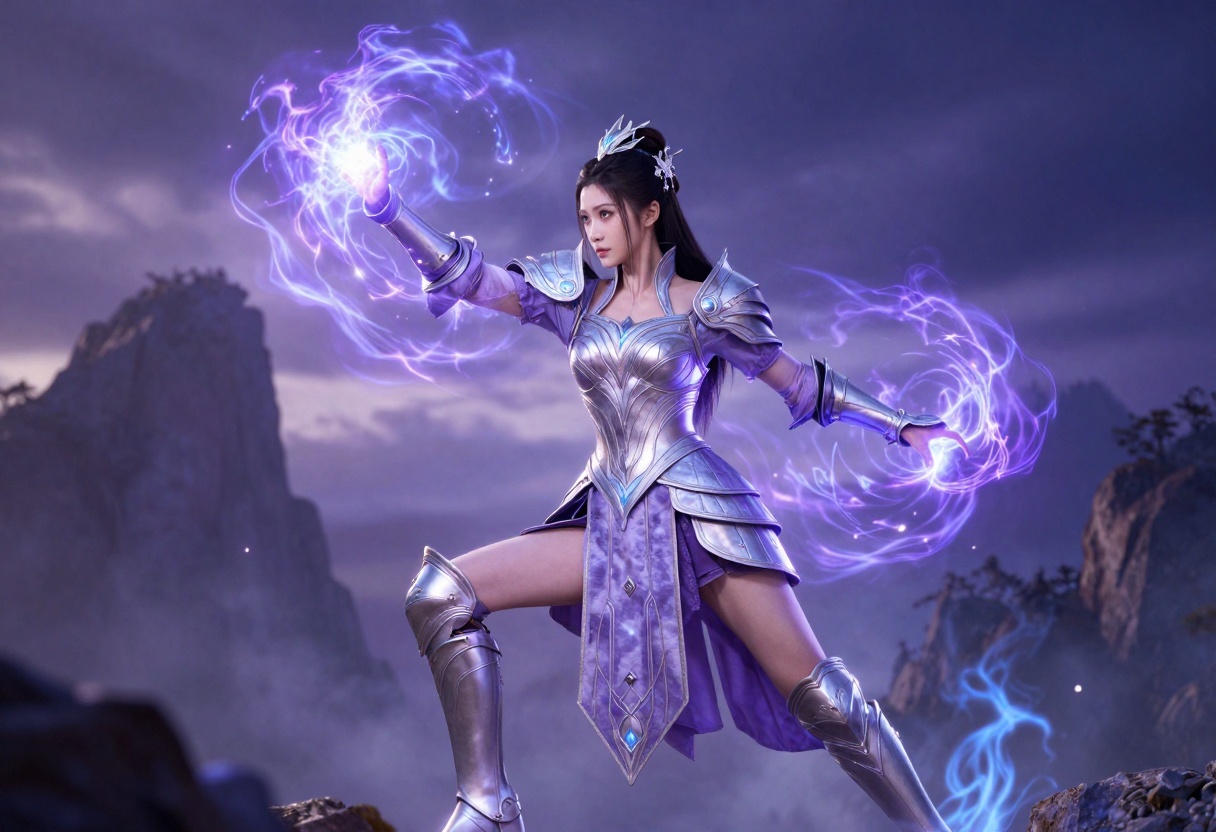
The creative freedom is particularly appealing for independent creators who want to develop characters for stories, games, or personal projects. With AI tools, you can visualize ideas that would otherwise remain abstract concepts.
Choosing the Right AI Models
Not all AI image generators handle fantasy content equally well. Some models are specifically designed for photorealism, while others excel at artistic or stylized outputs. For fantasy character creation, you want models that balance detail, creativity, and flexibility.
Open-source models have become the preferred choice for many creators because they don't impose strict content restrictions. These models allow for more creative freedom while still producing high-quality results.
PicassoIA offers several models that work exceptionally well for fantasy character generation. These include p-image-edit for editing and transforming existing images, and wan-2.2-image for creating cinematic, realistic fantasy characters from text prompts.
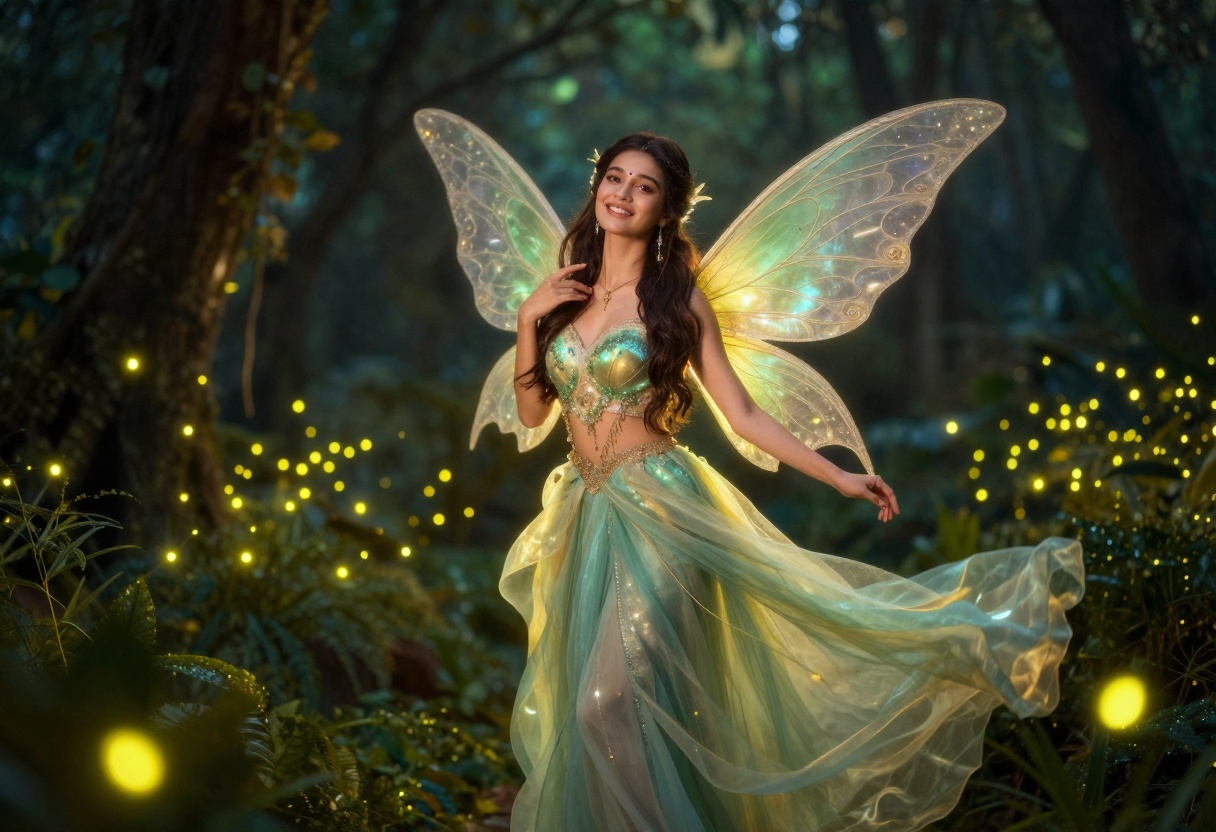
The advantage of using these open-source options is that they provide consistent quality without the limitations often found in commercial alternatives.
Writing Effective Prompts
Your prompt is everything in AI image generation. A well-crafted prompt can mean the difference between a generic output and something truly stunning. The key is being specific while leaving room for the AI to add creative interpretation.
Start with the core subject: what character are you creating? A sorceress, warrior, fairy, or goddess? Then add visual details like hair color, clothing style, and pose. Include environmental context such as forest, castle, or underwater setting.
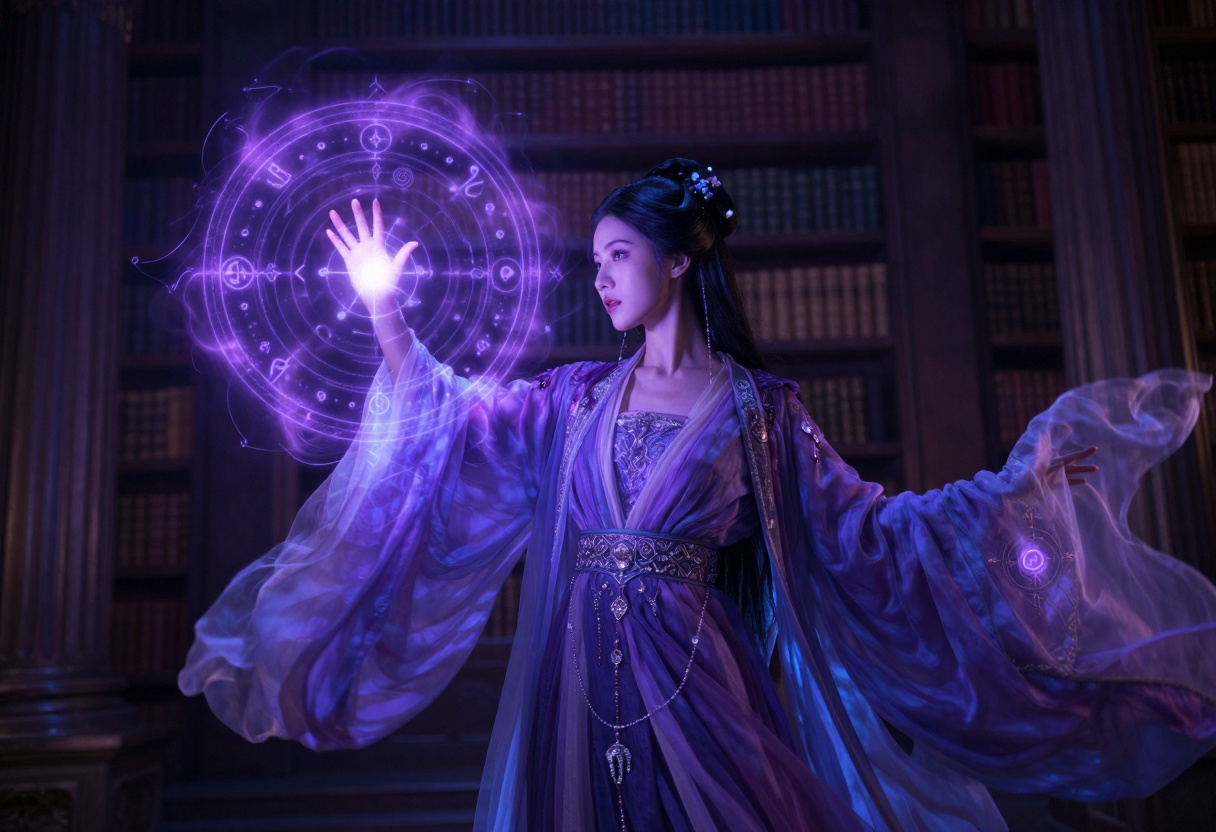
Style modifiers are crucial. Terms like "cinematic lighting," "photorealistic," "8k resolution," and "high detail" signal to the model the quality level you're aiming for. For fantasy subjects, adding "vibrant colors," "magical atmosphere," or "ethereal glow" can enhance the fantastical elements.
Here's an example structure:
- Subject: "Elegant elven princess"
- Details: "with ornate jewelry and flowing gown"
- Setting: "in enchanted forest palace"
- Style: "cinematic lighting, photorealistic, vibrant emerald and gold colors"
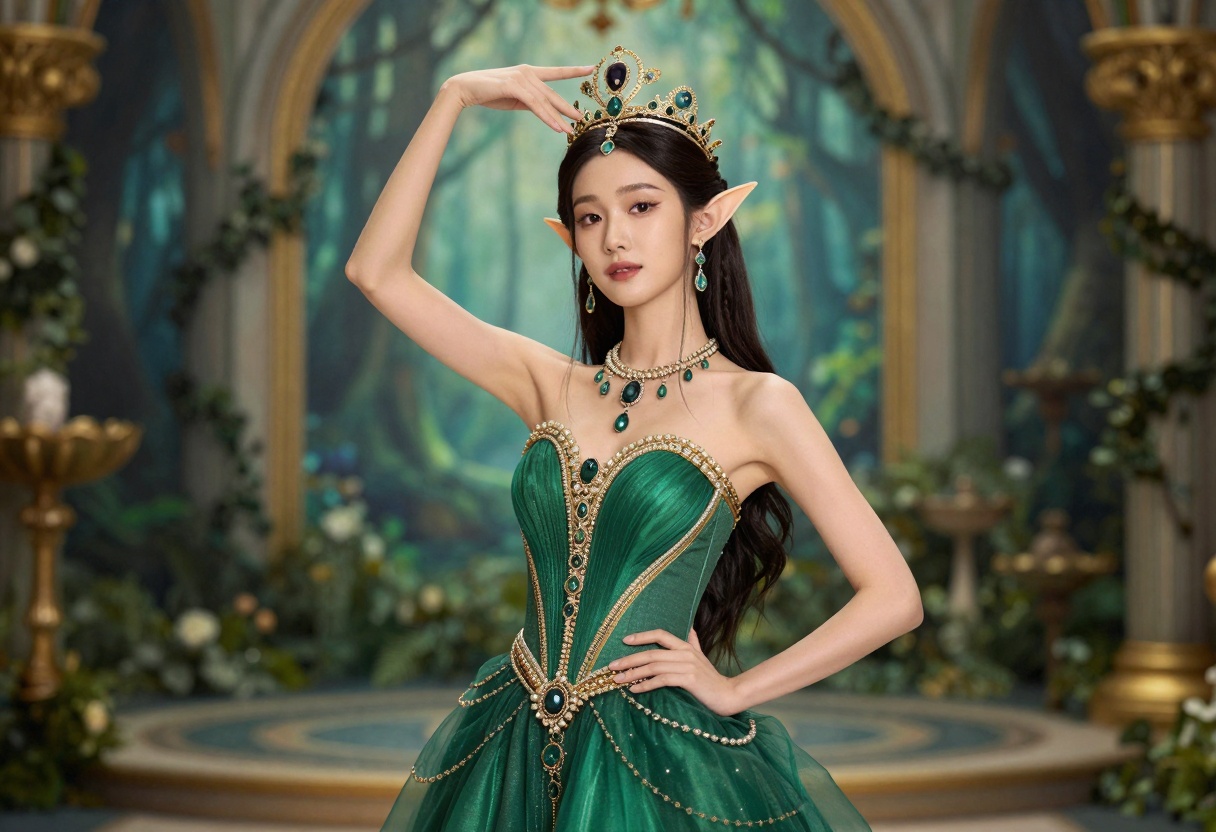
Experiment with different combinations to see what works best for your vision.
Popular Fantasy Character Types
Different fantasy archetypes require different prompting approaches. Understanding these archetypes helps you create more cohesive and compelling characters.
Elemental Characters
Fire, water, earth, and air themes create visually striking characters. For a fire character, incorporate terms like "flames," "embers," "glowing," and "phoenix wings." Water characters benefit from "flowing," "translucent," "aquatic," and "bioluminescent" descriptors.
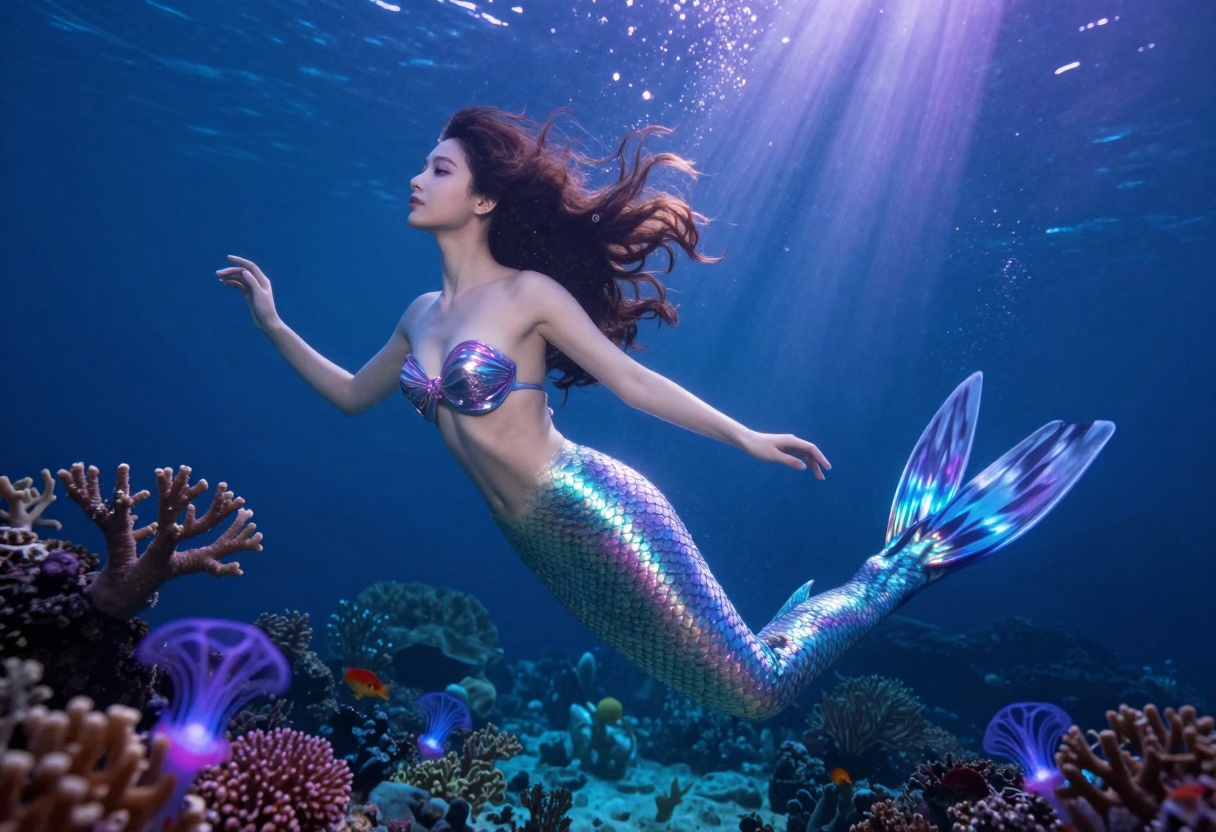
Each element has distinct color palettes. Fire uses reds and oranges, water uses blues and teals, earth uses greens and browns, and air uses whites and light blues. Stick to these associations for more believable results.
Dark Fantasy Characters
Gothic and dark fantasy aesthetics work particularly well with AI generation. Vampire queens, shadow sorceresses, and dark warriors benefit from moody lighting, deep colors, and dramatic poses.
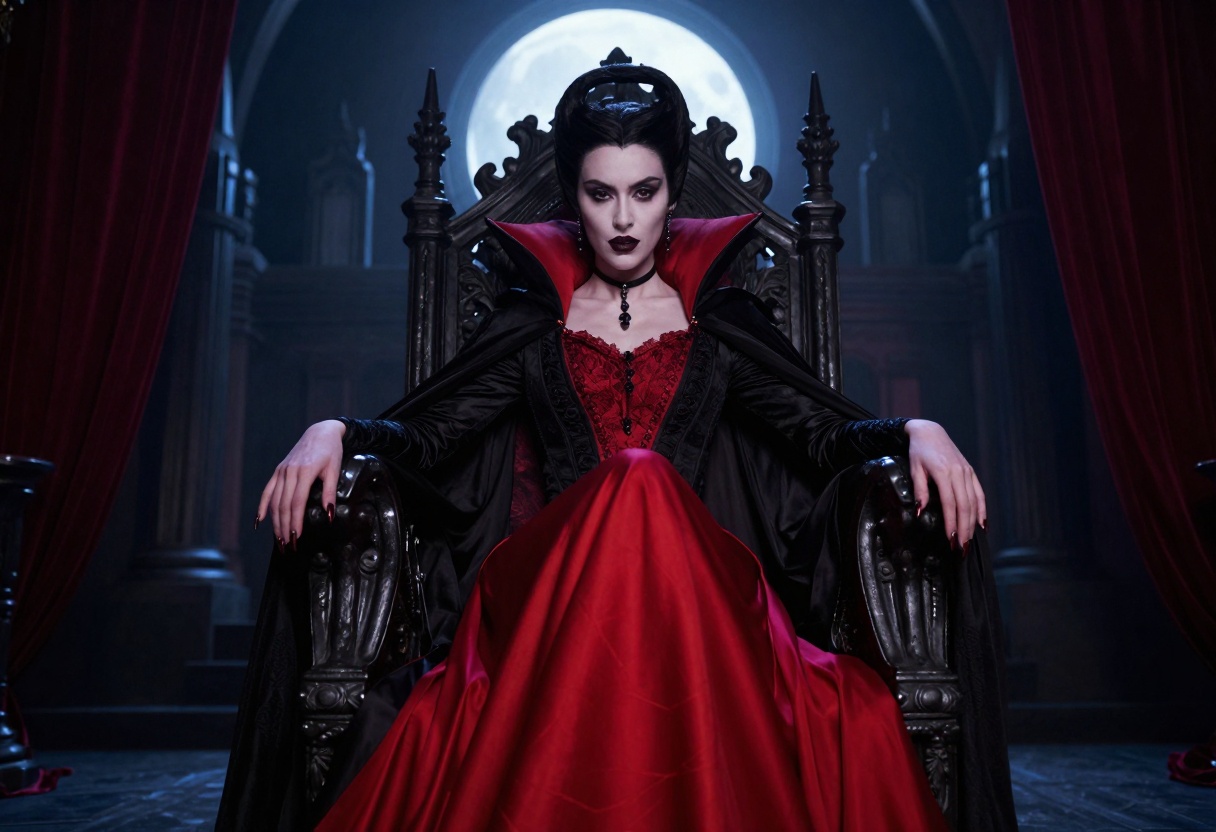
Keywords like "moonlit," "gothic," "dramatic shadows," and "mysterious atmosphere" help create the right mood. Combine these with architectural elements like castles, crypts, or ancient ruins.
Celestial and Divine Characters
Goddesses and celestial beings require a different approach. Think radiant, ethereal, and divine. Incorporate cosmic elements like stars, nebulae, and glowing auras.
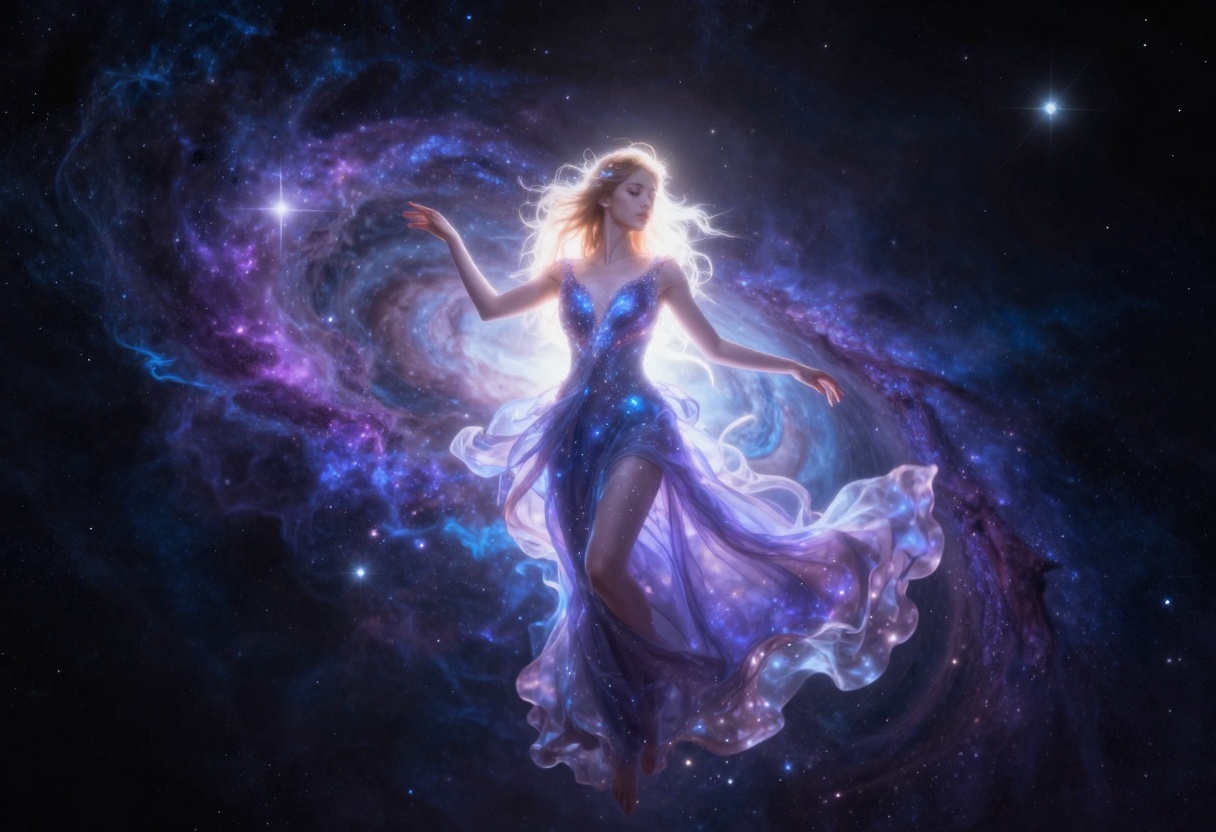
Color palettes should emphasize purples, blues, and golds with plenty of glow effects. The setting can range from cosmic voids to heavenly temples.
Advanced Techniques
Once you've mastered basic prompting, there are several advanced techniques that can elevate your fantasy character art.
Multi-Image References
Some models allow you to use reference images alongside your prompt. This is particularly useful when you have a specific pose, composition, or style in mind. You can combine multiple references to achieve unique results.
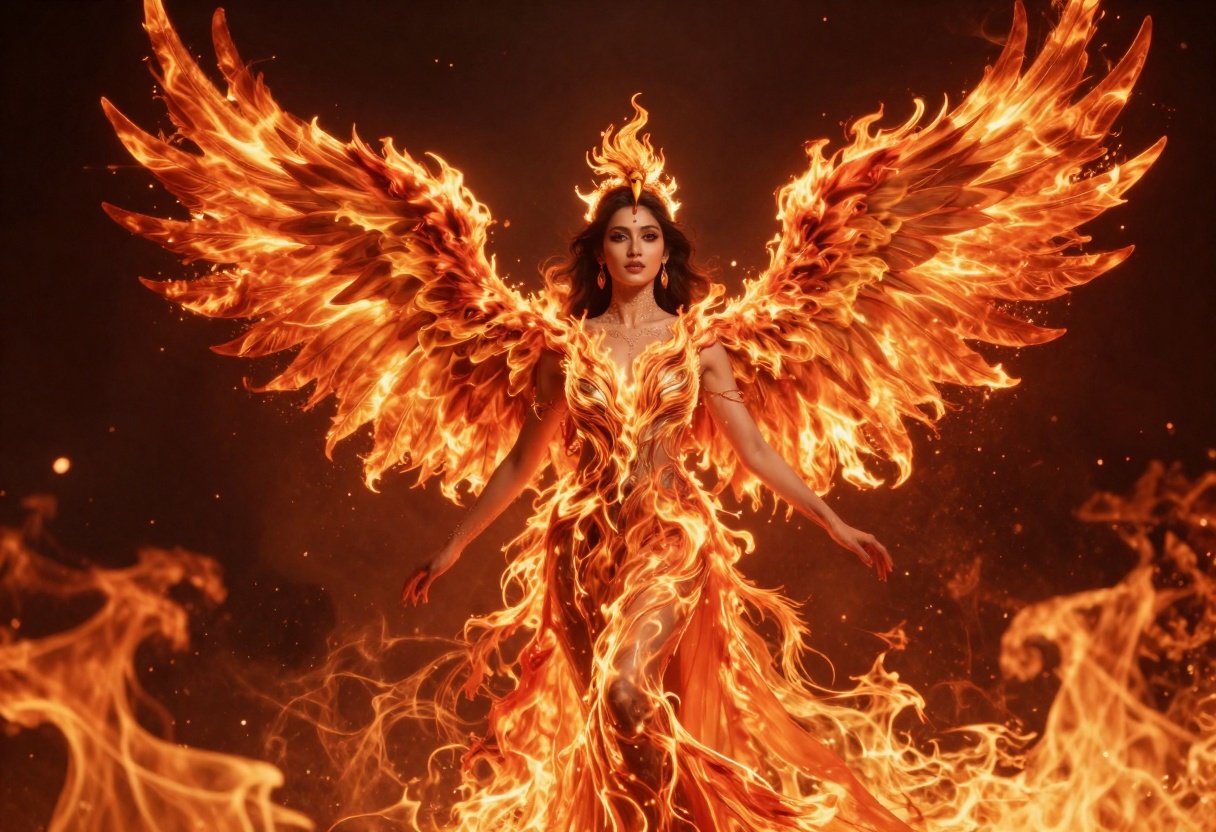
The p-image-edit model on PicassoIA excels at this. You can provide one or more images as references and describe the edits or transformations you want.
Aspect Ratio Selection
Different aspect ratios suit different purposes. 16:9 works well for landscape-oriented scenes and cinematic compositions. 9:16 is perfect for portrait-style character art and social media posts. 1:1 provides a balanced, versatile format.
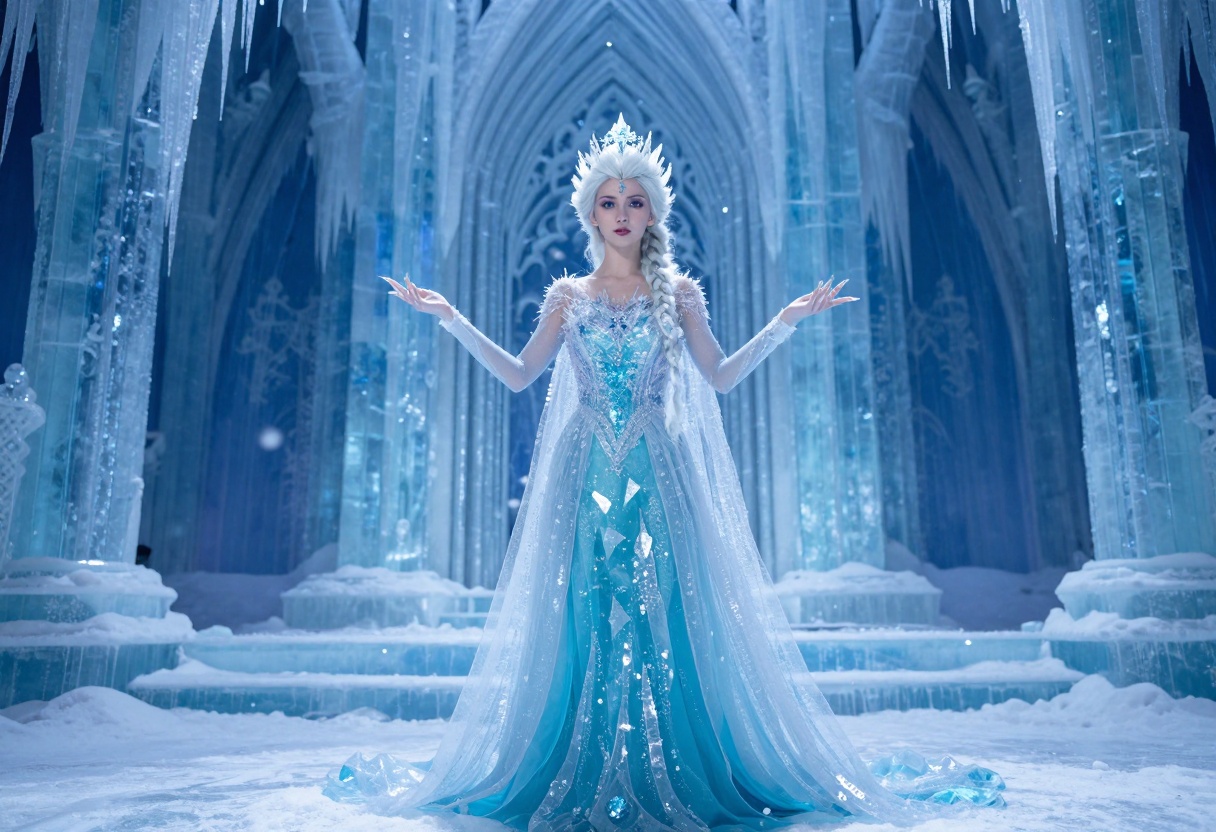
Choose your aspect ratio based on how you plan to use the image. Website banners benefit from wider ratios, while character portraits work better in vertical formats.
Iterative Refinement
Rarely does a single generation produce the perfect result. Plan to iterate. Generate multiple versions with slight prompt variations, then refine the most promising ones.
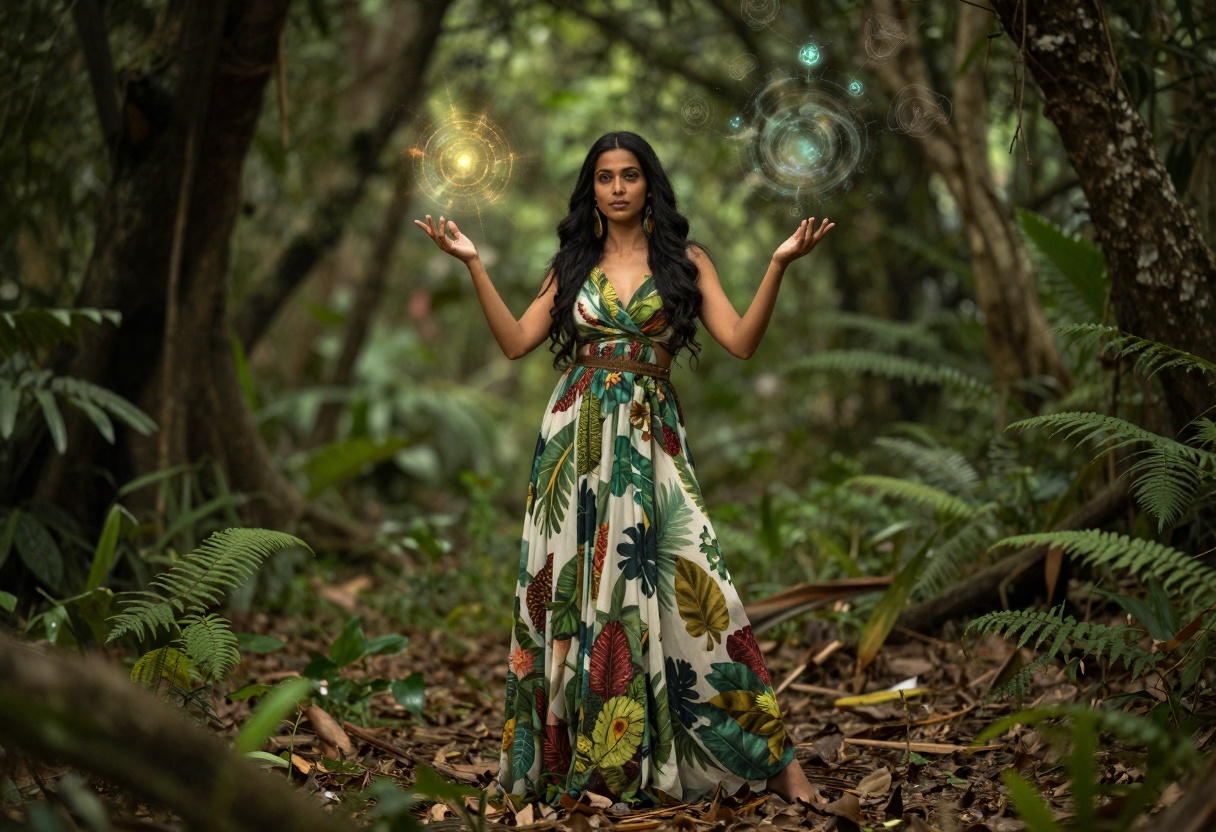
Keep notes on which prompts and settings produced the best results. This builds your personal library of effective techniques.
Color Theory for Fantasy Characters
Understanding color theory dramatically improves your fantasy character art. Colors convey emotion, power, and character traits.
Warm colors (reds, oranges, yellows) suggest energy, passion, and power. They work well for fire elementals, warriors, and assertive characters. Cool colors (blues, purples, greens) evoke calm, mystery, and magic. They suit ice characters, sorceresses, and ethereal beings.
Use complementary colors for dynamic compositions. A character in purple robes against a yellow-gold background creates visual interest. Analogous colors (colors next to each other on the color wheel) create harmonious, cohesive images.
For fantasy subjects, saturation matters. Highly saturated colors feel magical and otherworldly. Desaturated palettes create a more grounded, serious tone.
Lighting and Atmosphere
Lighting transforms a good image into a great one. Fantasy characters particularly benefit from dramatic, imaginative lighting setups.
Backlighting creates silhouettes and glowing edges, perfect for divine or powerful characters. Side lighting adds depth and drama. Soft, diffused lighting works for ethereal, gentle characters like fairies or elves.
Include lighting cues in your prompts. Terms like "golden hour lighting," "moonlit," "glowing aura," or "dramatic shadows" guide the AI toward specific lighting moods.
Atmospheric effects add depth. Fog, mist, magical particles, and light rays all contribute to the fantastical feeling. Don't overdo it—subtle atmosphere often works better than heavy effects.
Common Mistakes to Avoid
Even experienced users make mistakes when generating fantasy characters. Avoiding these pitfalls saves time and improves results.
Being too vague is the most common error. "Beautiful fantasy woman" gives the AI almost nothing to work with. Add specific details about appearance, setting, and style.
Overcomplicating prompts causes confusion. A 200-word prompt with contradictory elements produces muddled results. Keep prompts focused and coherent.
Ignoring style consistency happens when you mix incompatible style terms. Combining "photorealistic" with "cartoon" creates an identity crisis. Choose one dominant style and stick with it.
Neglecting composition is another issue. Think about what's happening in the frame. Is the character centered or off-center? What's the background? How much space surrounds the subject?
Creating Character Series
Many creators want to develop multiple related characters. This requires maintaining visual consistency across generations.
Develop a style template that you use for all characters in the series. This includes consistent lighting descriptions, color palettes, and quality modifiers. Change only the character-specific details.
Keep a prompt library with your proven formulas. When you find a prompt structure that works well, save it. Modify the character details but keep the underlying template.
For related characters, reference shared elements. If you're creating a group of sorceresses, they might all wear similar robes or use similar magical effects, just with different colors or details.
Using PicassoIA for Fantasy Character Creation
PicassoIA provides access to powerful, open-source models perfect for fantasy character generation. The platform offers both simplicity for beginners and advanced features for experienced creators.
The models available on PicassoIA don't impose restrictive content filters, allowing for genuine creative freedom. This makes it an ideal platform for fantasy and artistic content that might be limited elsewhere.
Recommended Models for Fantasy Characters
wan-2.2-image generates stunning cinematic images in seconds. It's particularly well-suited for photorealistic fantasy characters with vibrant colors and dramatic lighting. The model supports multiple aspect ratios and output formats, giving you flexibility for different projects.
p-image-edit excels at transforming and editing images. If you have a reference image or want to modify an existing character, this model provides fast, precise results. You can use it to adjust poses, change backgrounds, or add magical effects.
Both models process quickly, typically delivering results in under 10 seconds. This rapid turnaround lets you experiment freely without long wait times.
How to Use wan-2.2-image on PicassoIA
Here's a step-by-step tutorial for creating fantasy characters using the wan-2.2-image model.
Step 1: Access the Model Page
Visit the wan-2.2-image model page on PicassoIA. The interface is straightforward, with clearly labeled input fields.
Step 2: Write Your Prompt
In the prompt field, enter a detailed description of your fantasy character. Remember to include the subject, visual details, setting, and style modifiers.
Example prompt: "Mystical elven sorceress with flowing silver robes and glowing staff, casting spell in ancient forest temple, cinematic lighting, photorealistic, 8k detail, vibrant purple and blue magical energy, ethereal atmosphere"
Step 3: Configure Settings
Choose your preferred aspect ratio. Options include 1:1, 16:9, 9:16, 4:3, 3:4, and 21:9. For character portraits, 9:16 or 4:3 work well. For scene compositions, use 16:9 or 21:9.
Select the output format: JPG, PNG, or WEBP. JPG offers the smallest file size, while PNG provides the highest quality without compression artifacts.
Set output quality between 0 and 100. For most purposes, 80-90 provides excellent quality at reasonable file sizes.
The megapixels option lets you choose between 1 and 2 megapixel outputs. Higher resolution provides more detail but takes slightly longer to generate.
Step 4: Optional Advanced Settings
If you want reproducible results, set a seed value. Using the same seed with the same prompt generates the same image, useful for creating variations with minor prompt changes.
Enable juiced mode for even faster generation with additional optimizations. This works well for most prompts but can be disabled for very complex or detailed requests.
Step 5: Generate and Download
Click the generate button. The model typically processes your request in 3-4 seconds. Once complete, preview the result and download the image to your device.
If the result isn't quite what you wanted, adjust your prompt and generate again. Try modifying specific details, changing color descriptors, or adjusting the lighting terms.
Building Your Fantasy Portfolio
Creating a portfolio of fantasy character art demonstrates your skills and helps develop your personal style.
Diversity matters. Include different character types—warriors, sorceresses, celestial beings, dark fantasy figures, and elemental characters. Show range in both subject matter and style.
Quality over quantity always wins. Ten exceptional images beat fifty mediocre ones. Take time to refine your best generations, and only showcase work that truly represents your vision.
Tell stories with your characters. Even static images can suggest narrative. What is this character's role? What world do they inhabit? Viewers connect with images that hint at larger stories.
Document your process. Share the prompts, settings, and techniques that created your favorite images. This builds credibility and helps others learn.
Ethical Considerations
AI-generated art raises questions about authorship, originality, and creative expression. Being thoughtful about these issues makes you a more responsible creator.
Understand model training. The AI models you use were trained on datasets of existing images. While the outputs are novel combinations, they're influenced by this training data. Recognize this foundation even as you create original compositions.
Respect others' work. If you're inspired by another artist's style or character design, acknowledge that influence. Don't simply try to clone someone else's work.
Be transparent about using AI tools. There's no shame in AI-assisted creation. Many viewers appreciate knowing the techniques behind impressive images.
Consider your audience. Fantasy art exists on a spectrum from family-friendly to adult-oriented. Be clear about your content's nature so viewers can make informed choices about engaging with your work.
Future Trends in AI Fantasy Art
The field evolves rapidly. Staying aware of trends helps you remain relevant and creative.
Higher resolution models are coming. Soon, generating 4K or even 8K fantasy characters will be standard. This opens new possibilities for large-format prints and detailed character sheets.
Better prompt understanding means AI models will interpret increasingly complex requests. Natural language prompts will become more powerful, reducing the need for specific keyword formulas.
Real-time generation is on the horizon. Imagine adjusting prompts and seeing updates instantly, making the creative process more interactive and fluid.
3D capability integration will allow creation of characters in three-dimensional space, perfect for game development and virtual world building.
Practical Tips for Success
Some final advice for anyone serious about creating fantasy character art with AI.
Practice regularly. Like any skill, proficiency comes with repetition. Generate images frequently, experiment with different prompts, and learn from both successes and failures.
Study existing fantasy art, both traditional and digital. Understanding what makes compositions work, how colors interact, and what poses convey power or grace informs better prompts.
Join communities of AI artists. Share your work, get feedback, and learn from others' techniques. The AI art community is generally supportive and eager to exchange knowledge.
Keep evolving your style. Don't get stuck in comfortable patterns. Challenge yourself with new character types, unusual color schemes, or experimental compositions.
Save everything. You never know when a "failed" generation might inspire a future project. Maintain an organized library of your outputs and the prompts that created them.
Final Thoughts
AI-generated fantasy character art represents an exciting frontier where technology meets imagination. The tools available today make it possible for anyone to bring their fantasy visions to life, regardless of traditional artistic training.
Success comes from understanding both the technical aspects—prompting, model selection, parameter tuning—and the artistic fundamentals—composition, color, lighting, and storytelling. Combine these elements thoughtfully, and you can create stunning fantasy characters that capture viewers' imaginations.
The most important thing is to experiment fearlessly. AI tools remove many traditional barriers to creation. Take advantage of this freedom to explore ideas, test concepts, and develop your unique artistic voice.
Whether you're creating characters for personal enjoyment, storytelling projects, game development, or commercial work, the techniques covered here provide a solid foundation. The rest comes from practice, creativity, and your willingness to push boundaries.
Start creating, keep refining, and enjoy bringing your fantasy worlds to life.


