The AI features people are talking about in 2027 are not what anyone expected three years ago. The conversation used to be about chatbots answering questions. Today, it is about visual AI, voice AI, and creative AI that does in seconds what used to take professionals hours or require expensive equipment. This is not a passing trend. It is a full cultural shift in how people create, communicate, and express themselves, and it is happening right now across every social platform, creative community, and professional workflow.
What follows is a breakdown of the exact AI features people are obsessed with, why the obsession is so strong, and what makes each tool genuinely worth the attention it is getting.
The Image Generation Wave
Nothing captured mass attention faster than AI image generation. The ability to type a sentence and receive a photorealistic image in seconds is still surprising people who try it for the first time, even in 2027. The category has matured significantly, with several models now producing results that consistently pass for real photography.
Flux Pro: The Standard Everyone Compares Against
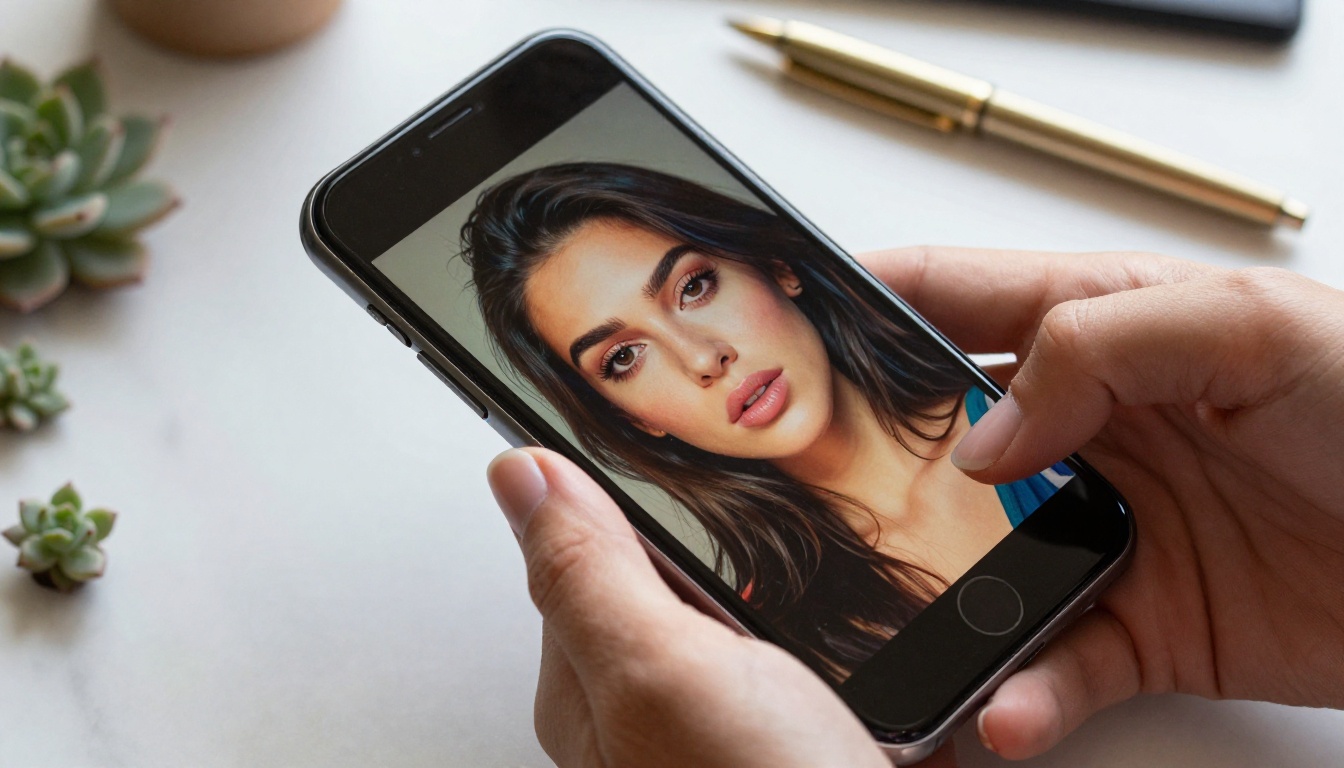
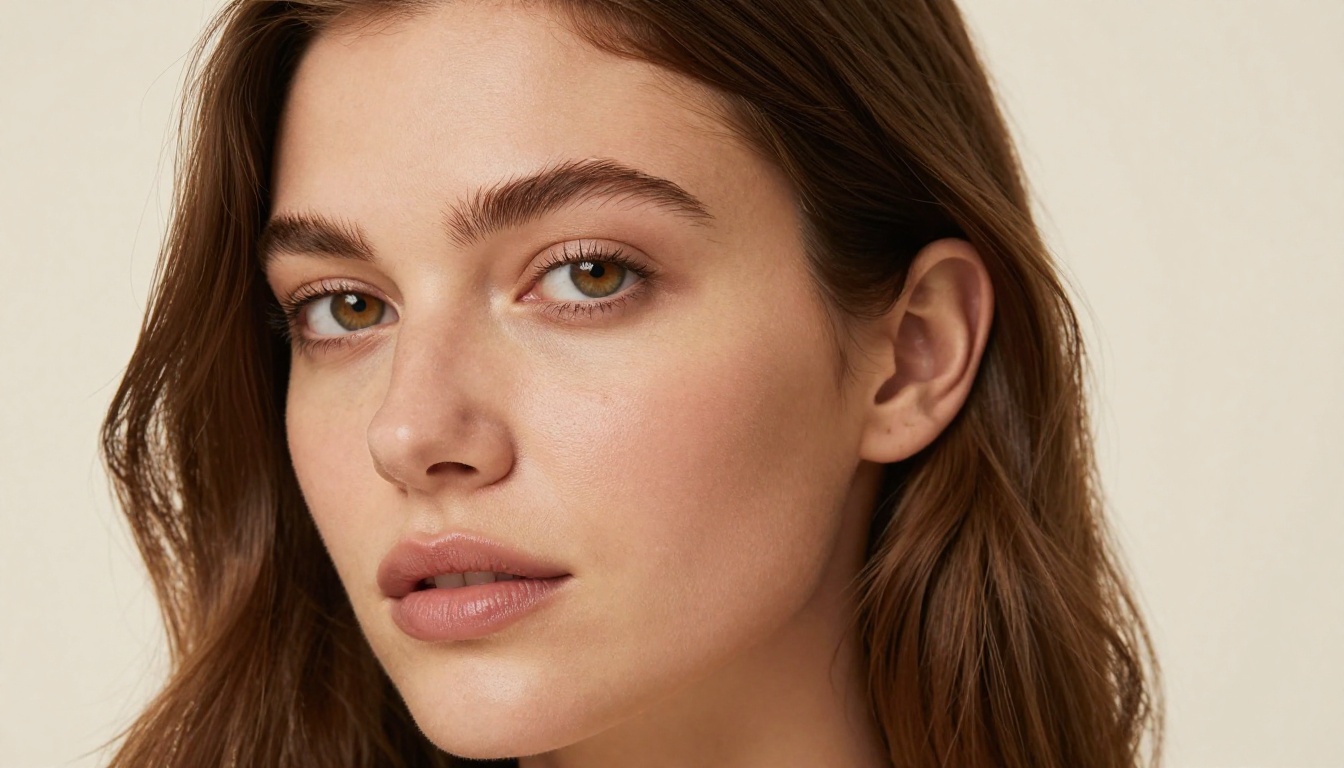
Flux Pro has become the reference model for image quality in 2027. Created by Black Forest Labs, it handles portrait lighting, skin texture, compositional balance, and photographic realism at a level that regularly stops people mid-scroll when they encounter outputs online.
The model's biggest strength is prompt fidelity. Ask for a woman in a red dress standing in front of a Parisian café at golden hour, and that is exactly what appears, including the bokeh, the brick texture on the wall, the correct color temperature of late afternoon sun, and the way fabric drapes naturally. Users who move from lower-quality models to Flux Pro for the first time consistently report the same reaction: shocked silence, then immediate re-generation to confirm it is real.
Why people are obsessed: The images look real. Not "real for AI" real. Just real.
Flux 1.1 Pro Ultra for Maximum Resolution
When resolution matters, Flux 1.1 Pro Ultra is the model people reach for. It generates images at resolutions that hold up in large print, making it a consistent choice among designers, photographers, and content teams who need outputs that survive real-world production demands.
The ultra version also shows improved handling of fine details: individual hair strands, fabric weave, architectural texture, and the precise rendering of eyes in portrait photography. These are the details that separate a convincing image from an obviously artificial one.
💡 Use ultra-high resolution models when outputs are destined for print campaigns, website hero sections, or any context where the image will be viewed at full size on a high-density display.
Ideogram V3: Text in Images Finally Works
For years, putting readable text inside AI-generated images was nearly impossible. Every model struggled with letters. Characters would merge, words would misspell themselves, fonts would collapse into visual noise. Ideogram V3 solved this problem, and the creative community noticed immediately.
Designers are using it to mock up posters, packaging concepts, and social ads without opening layout software. Marketing teams use it for rapid concept testing. The quality of text rendering inside complex scenes is genuinely better than anything available two years ago, and the use cases expand every week as people realize what becomes possible when text and imagery can coexist cleanly.
| Model | Strength | Best For |
|---|
| Flux Pro | Photorealism, portrait quality | People, landscapes, scenes |
| Flux 1.1 Pro Ultra | Maximum resolution output | Print, hero images, large format |
| Ideogram V3 | Text in images, typography | Posters, packaging, ads |
| SDXL | Versatile, fast iteration | Concepts, quick style exploration |
| Stable Diffusion 3.5 | Creative flexibility | Artistic looks, custom aesthetics |

Face Swap AI Has Gone Mainstream
Two years ago, face swap was a gimmick. The outputs were obvious fakes, and the use cases were limited to cheap novelty content. Today it is one of the most-used features on any AI platform, and the quality improvement has been dramatic enough to change that entirely.
Why Face Swap Went From Joke to Real Tool
The technical turning point came when models started preserving lighting consistency across the swap. Early face swap results looked fake because the lighting on the inserted face never matched the target scene. Modern face swap AI reads the light direction, color temperature, and shadow placement of the target image and adjusts the source face to match with high accuracy.
Content creators use it to place themselves into historical settings or cinematic scenes. Brands use it to adapt campaign imagery for different regional markets without reshooting. The results are clean enough to use professionally, which is what moved it from novelty to workflow tool.
Common professional use cases in 2027:
- Localization: Swapping model faces in campaign imagery for regional markets
- Creative content: Placing creators or characters into fantasy or historical scenarios
- Pre-production: Rapid casting visualization before committing to a full shoot
- Personal: Gifting personalized imagery to family members using meaningful photos
💡 For the cleanest face swap results, match source and target images in terms of facial angle and overall lighting direction. Front-facing, evenly lit photos produce the most accurate outputs.

The Voice AI Takeover
Voice AI accelerated in late 2025 and the obsession has only grown since. Three specific features are driving it: text-to-speech, voice cloning, and AI music generation. Each one removes a significant barrier that previously kept people from creating audio content.
Text-to-Speech That Sounds Human
The gap between AI voices and human voices has effectively closed for most listening contexts. Modern text-to-speech models capture breathing patterns, sentence rhythm, pacing variations, and emotional inflection with a naturalness that catches people off guard. Podcasters, video creators, and marketers are using it to generate full voiceovers without recording a single line.
The speed is what drives the obsession. Type 500 words, receive a professional voiceover in 10 seconds. No studio booking, no microphone setup, no audio editing. The workflow that used to require hours and equipment now requires only a text box and a few seconds of waiting.
Audiobook creators are using it for first drafts. YouTube creators are using it for narration when they do not want to record. Corporate training teams are using it to produce multilingual versions of the same content without hiring voice actors for each language.
AI Music Generation Changes Everything
The music creation category moved from "interesting experiment" to "daily creative tool" faster than almost any AI category. People who have never played an instrument are now generating original tracks from simple text descriptions, and the results are genuinely usable.
"Upbeat acoustic guitar track for a travel vlog, warm and optimistic, 90 seconds" produces something that fits that brief precisely and sounds like a professional production. Musicians use it for quick demos and reference tracks. Video editors use it to score footage without navigating licensing restrictions. Brands use it to generate custom background music for social content at zero cost per track.
The emotional response people report when they hear the first piece of music they generated is consistently one of the most striking reactions in the AI space. It feels creative in a way that image generation sometimes does not, perhaps because music is so tied to human emotion that hearing something personal you "made" hits differently.
How to Use Flux Pro on PicassoIA
Since Flux Pro is the model driving the most conversation right now, here is exactly how to use it effectively on PicassoIA. The platform makes the full Flux lineup accessible without any setup, API knowledge, or technical configuration.
Step 1: Select Your Model
Navigate to Flux Pro for the best balance of quality and speed. If you are iterating quickly through concept variations, Flux Dev generates faster with slightly lower fidelity, which is often fine for early-stage ideation. For maximum output resolution, switch to Flux 1.1 Pro Ultra.
Step 2: Write a Specific Prompt
Flux Pro rewards specificity more than most models. Vague prompts produce generic results. Specific prompts produce striking ones. The difference is significant.
Instead of: "a woman on a beach"
Write: "A woman with auburn hair sitting on white sand, facing the ocean, wearing a floral sundress, photographed from behind at a low angle, golden hour light, 35mm film grain, Kodak Portra 400 color palette"
Include: subject description, clothing or environment details, lighting conditions, camera angle, and photographic style. Every additional specific detail gives the model more precise direction.
Step 3: Set the Correct Aspect Ratio
- Social media square: 1:1
- Instagram portrait: 4:5 or 9:16
- Website header or banner: 16:9
- Print poster: 3:4
Flux Pro maintains consistent quality across all ratios, so choosing the right one at the start saves you from cropping or resizing later.
Step 4: Generate Multiple Variations
Generate at least 3 to 5 variations from the same prompt before changing anything. The model produces meaningfully different results each time, and one variation often stands clearly above the others. When you find a result you want to build on, note the seed value and use it with small prompt modifications to create coherent variations of a winning composition.
💡 When you need to change a specific element of an existing image without regenerating the whole scene, switch to Flux Kontext Pro. It allows targeted edits on existing images with remarkable precision.
Video AI Is Catching Up Fast
Image generation captured the first wave of attention, but video AI is closing the quality gap rapidly. The features generating the most excitement are text-to-video generation and lipsync, both of which crossed a quality threshold in 2025 that made them genuinely useful rather than merely impressive.
Text-to-Video: From Description to Footage
The ability to describe a video scene and receive actual footage is still new enough to feel extraordinary. The outputs in 2027 are not perfect, but they are good enough for social media content, concept visualization, pre-production storyboarding, and placeholder footage in early-stage projects.
Filmmakers and creators use text-to-video to visualize scenes before committing to production schedules. Marketing teams use it to create rough ad concepts that clients can evaluate before expensive shoots begin. The time saved in early creative stages is significant, and the ability to show a client something visual rather than describing it in a brief changes the quality of feedback dramatically.
What people are generating:
- Short social video loops from landscape or product descriptions
- Concept footage for pitch decks and investor presentations
- B-roll placeholders during video editing workflows
- Creative experimental content for platforms that reward high output volume
Lipsync That Actually Fools People
Lipsync AI has reached a quality level where most viewers cannot identify it as synthetic. A still photograph can be made to speak any text in any voice, with mouth movements, teeth visibility, and facial micro-expressions syncing naturally to the audio. The results are clean enough to use in final production.
The legitimate use cases are wide and growing. Video localization into multiple languages with accurate lip sync dramatically reduces the cost and complexity of international content distribution. Historical photographs being brought to life for educational content generates significant emotional engagement. Character animations for games, apps, and interactive content can be produced without full 3D rigging pipelines.

Photo Editing Without Any Skills
Two photo editing features are dominating in 2027: background removal and super resolution upscaling. Both deliver professional results instantly, and both have been adopted into workflows that previously required specialized software and trained operators.
Background Removal in One Click
What used to require a skilled Photoshop user, a graphics tablet, and 20 minutes of careful masking now takes one second. Modern background removal AI handles complex edges including flyaway hair, semi-transparent fabrics, fine jewelry, and detailed product textures with accuracy that regularly impresses professional retouchers seeing it for the first time.
The business impact has been significant. E-commerce teams that outsourced background removal as a line item in their photo production budget now handle it instantly and in-house. Product photographers shoot against any background and clean it up in post without additional processing time. The time savings across a catalog of hundreds or thousands of product images adds up fast.
Super Resolution Restores What Was Lost
Stable Diffusion 3.5 and dedicated super resolution models can take a low-resolution image and add genuine detail through AI inference, not just blur softening but actual synthesized texture, sharpness, and fine structure that makes the result look like it was captured at higher resolution originally.
People are using it to restore old family photographs and recover detail that film grain and time had degraded. Product photographers use it to upscale reference images for print. Designers use it to make small screenshots or low-resolution references usable in high-fidelity mockups.
The emotional dimension of restoring a meaningful old photograph is a consistent driver of word-of-mouth sharing. When someone restores a photograph of a grandparent and shows it to family members, the reaction is almost always immediate and strong. That kind of personal impact spreads a tool faster than any marketing.
Content Creators Are Moving Fastest
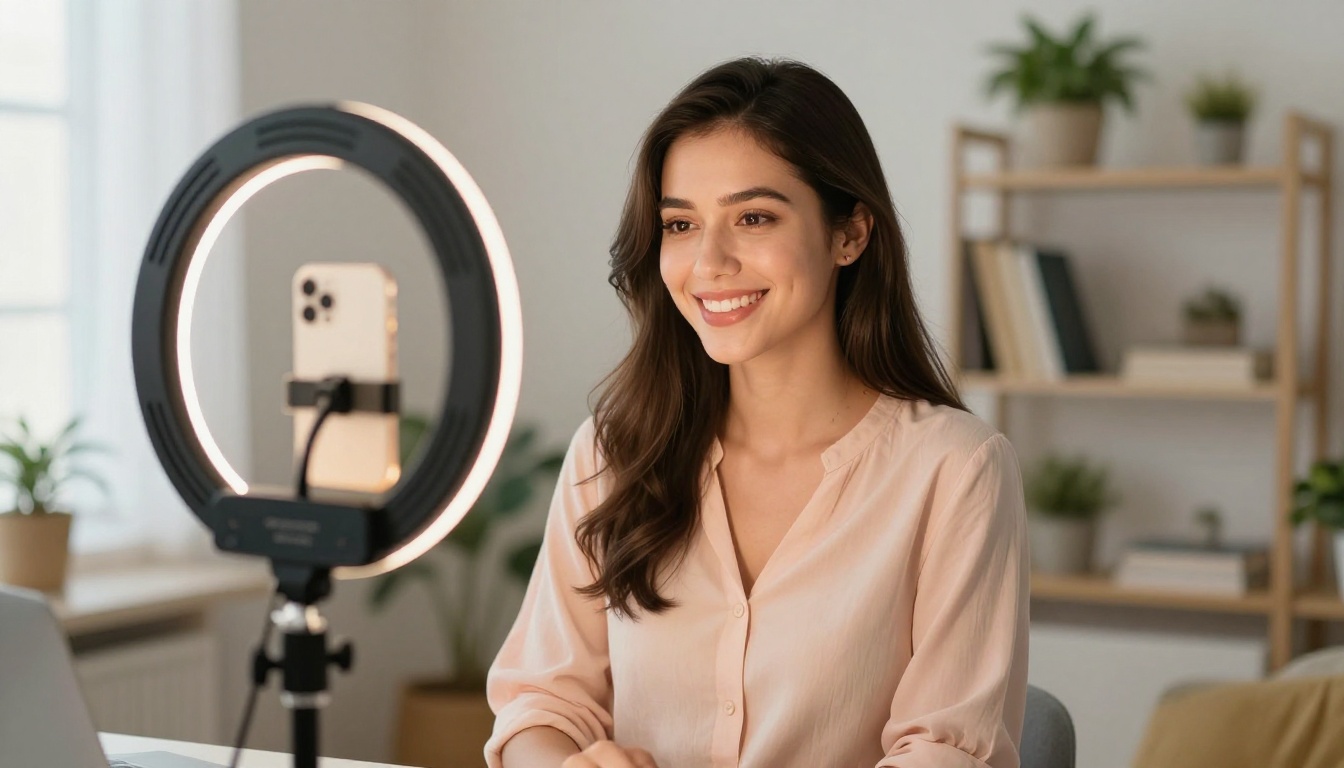
The people most visibly obsessed with AI features right now are content creators, and for a practical reason: these tools directly increase their output quality and speed without increasing their budget or team size.
A single creator in 2027 can produce a volume and quality of content that would have required a full production team two years ago. Custom images for every post, original background music for every video, voiceovers for multiple language versions, and thumbnail variations generated in seconds rather than hours.
The platforms that reward consistent, high-quality output at volume are the ones where AI-powered creators are pulling ahead of competitors who are not using these tools. The gap between AI-equipped creators and those working without it has become significant enough to be visible in growth metrics.
The Real Reason People Are Addicted
The deeper reason AI features have captured this level of sustained obsession is not about the technology itself. It is about the feeling they produce, specifically the feeling of creative capability where it did not exist before.
For most of human history, creating something visually beautiful required either trained artistic skill or significant budget to hire people who had it. AI tools removed both barriers simultaneously. A person with no design training and no production budget can now produce images, music, and video that would have cost thousands of dollars to commission from professionals five years ago.
That shift is genuinely significant. People are not just consuming creative output made by AI. They are becoming creative themselves, often for the first time in their adult lives. They are sharing their outputs, building audiences, developing new creative identities, and in many cases starting businesses around what they can now produce.
The obsession is not really with the AI. It is with the version of themselves that AI has made possible: the one that can create.
Start Creating on PicassoIA Right Now
Every feature described in this article is available on PicassoIA today. Text-to-image generation with over 90 models including Flux Pro, Flux 1.1 Pro Ultra, Ideogram V3, and Stable Diffusion 3.5. Video generation. Background removal. Super resolution. Face swap. Voice generation. Music creation. All in one platform, no setup required.
The people producing the most interesting creative content right now are not waiting for the technology to improve further. They are using what is available today and producing results that are already building audiences, landing clients, and opening professional opportunities.
Pick a model. Write your first prompt. Run it three times and pick the best result. That first image is usually the moment everything clicks.
The obsession starts with a single generation. Yours is one click away.


