The demand for AI-powered adult content creation has grown faster than almost any other segment of the generative AI market. Dozens of platforms now offer free tiers, open-source models, and browser-based generators that anyone can use without a credit card. But not all of these tools are equal. Some restrict your output so heavily that anything remotely suggestive gets blocked. Others produce mediocre-quality images that fall apart at anything resembling realistic human anatomy. A few, however, are genuinely excellent with generous free allowances and high-fidelity output. This article cuts through the noise and gives you an honest breakdown of the real landscape of adult AI image generation so you can pick the right platform from day one and start creating immediately.
What "NSFW AI" Actually Means in 2027
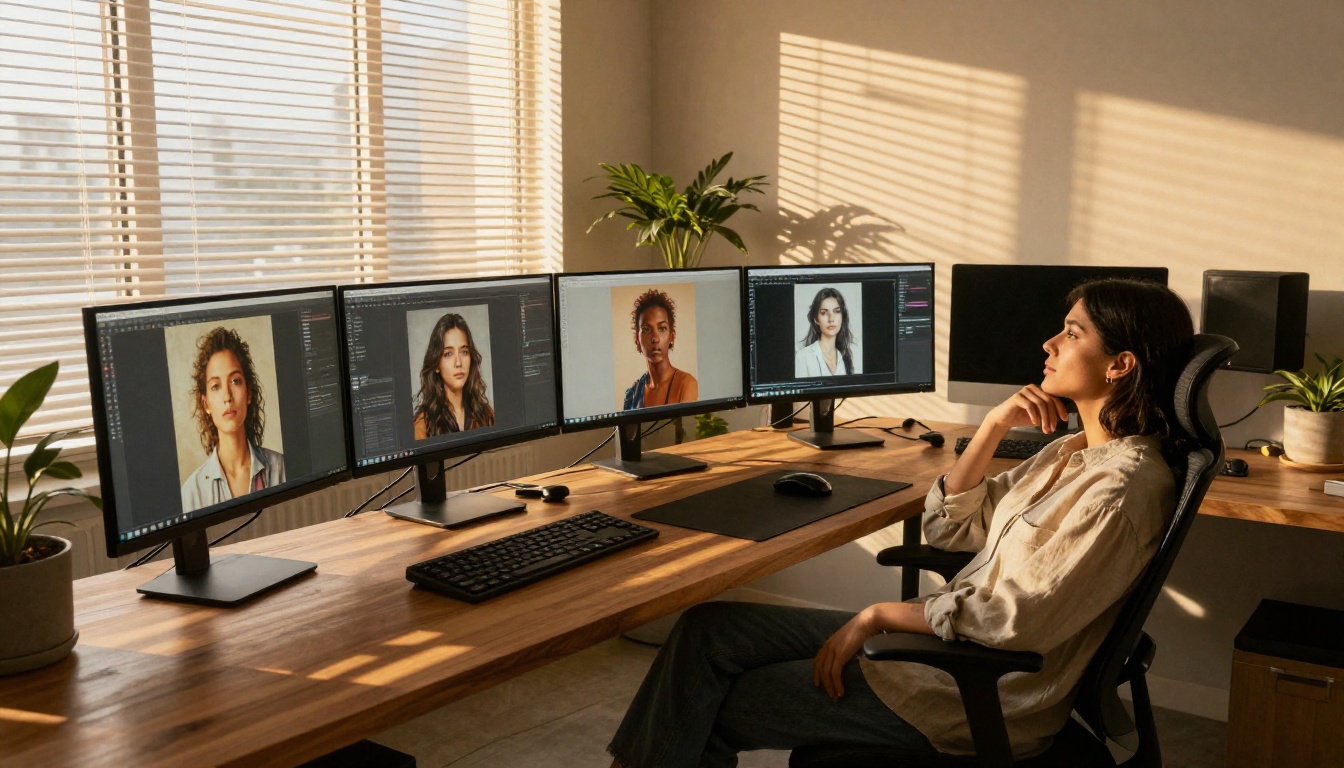
The term NSFW AI covers an enormous spectrum. On one end, you have glamour and artistic photography styles: suggestive poses, tasteful partial nudity, lingerie aesthetics, and fashion-forward sensuality. On the other, explicit pornographic content that most mainstream platforms actively filter and block.
The most creatively interesting space sits squarely in the middle. Most of today's best free AI tools operate in this zone, where you can generate:
- Artistic glamour images in the tradition of fine-art photography and editorial work
- Swimwear and lingerie-style portraits with photorealistic skin texture and lighting
- Implied nudity that focuses on composition and mood rather than graphic depictions
- Fashion-forward sensual imagery at the quality level of a high-end magazine shoot
- Boudoir-style photography with natural lighting and authentic human proportions
Understanding this distinction matters because it determines which platforms you can use freely, which will block your prompts on the first attempt, and which give you the broadest creative control without requiring a paid subscription.
The Censorship Spectrum
Different tools apply different levels of content filtering, and knowing where each platform sits saves you from wasting credits on dead-end prompts:
| Level | Description | Examples |
|---|
| Strict | Blocks anything suggestive | DALL-E via ChatGPT, Adobe Firefly |
| Moderate | Allows glamour, blocks explicit | Midjourney, most free tiers |
| Open | Allows artistic nudity | Flux Dev, SDXL via open platforms |
| Unrestricted | Full explicit content | Specialized adult platforms |
Most free AI image generators land in the moderate category. Open-tier models are typically available through platforms that host multiple models simultaneously, giving you far more flexibility without demanding a subscription.
Where the Real Freedom Lives
The secret most comparison articles skip: the model matters more than the platform. A permissive model running on a restrictive platform still gets blocked at the API level. But a permissive model on an open platform gives you near-complete creative control within the artistic nudity and glamour space.
This is why choosing a platform with access to many different models, including open-source ones with relaxed content policies, is the single highest-impact decision you can make for adult AI content creation. Model variety is your most valuable asset.

Here is an honest ranking of the platforms worth your time, evaluated on image quality, free tier generosity, and the range of adult-appropriate content you can actually create without paying.
PicassoIA: The Multi-Model Platform
PicassoIA stands apart because it gives you access to over 90 text-to-image models in a single interface. Instead of being locked into one model's content policy, you choose the model that fits your creative needs. That degree of flexibility is rare, especially on a free tier.
Models available for glamour and realistic human generation include:
- Flux Dev: High-quality, open-weights model from Black Forest Labs with no aggressive content blocking. The gold standard for realistic skin texture.
- Flux Schnell: The fastest version of Flux, ideal for rapid prompt iteration before committing credits to a final render.
- SDXL: The workhorse of open-source image generation, proven across millions of adult and glamour images.
- Realistic Vision v5.1: Purpose-built for photorealistic human portraits, extremely popular for glamour and boudoir work due to its warm, natural skin rendering.
- DreamShaper XL Turbo: Excellent blend of realism and creative stylization, faster than base SDXL with strong anatomical accuracy.
- RealVisXL v3.0 Turbo: High-resolution SDXL architecture with turbo speed, practical for iterating on prompts without burning through daily credits.
The platform also supports LoRA-powered generation through flux-dev-lora and SDXL Multi ControlNet LoRA, meaning you can apply style-specific fine-tunings on top of base models for even more targeted aesthetics.
💡 Tip: Test the same prompt across Flux Dev and Realistic Vision v5.1 before deciding. Flux tends toward cooler, more clinical photorealism. Realistic Vision produces warmer, softer skin tones that many creators prefer for glamour work.
Stable Diffusion Web UIs (Free, Self-Hosted)
Running Stable Diffusion locally through tools like AUTOMATIC1111 or ComfyUI is completely free and completely unrestricted once set up. The catch: you need a decent GPU (8GB VRAM minimum for SDXL-class models) and the patience to install Python dependencies. For non-technical users, this barrier is real. For those who get through it, this is the most powerful free option available with zero content restrictions.
Models like Stable Diffusion 3.5 Large and Stable Diffusion 3.5 Large Turbo are available with no content restrictions when run locally.
Other Notable Free Options
Several additional platforms offer limited free generation worth knowing about:
- Playground AI: Generous free daily limit, moderate content policy, solid glamour output
- Leonardo.ai: Free daily tokens with a token-per-generation model, high quality but strictly filtered
- Tensor.art: Community-focused with many fine-tuned models for realistic humans, though platform moderation varies
None of these match the model variety you get through PicassoIA, but they function as reliable backups when daily limits run out.
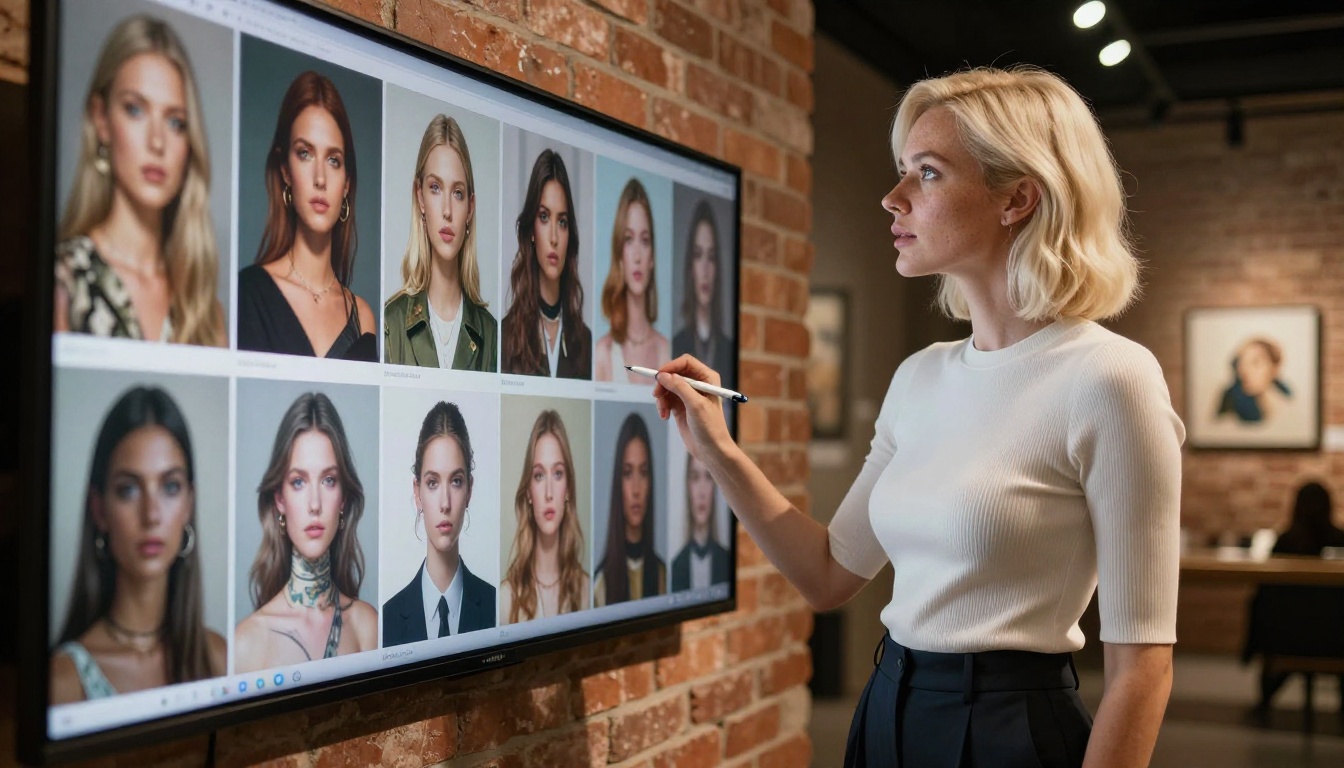
Three factors determine which tool is right for your workflow: model quality, content policy, and free tier structure. Here is how to think through each one honestly.
Free Tier Limits That Matter
"Free" means different things on different platforms. These are the specifics worth checking before committing time to any one tool:
| What to Check | Why It Matters |
|---|
| Daily generation limit | How many images you can create before hitting a wall |
| Queue priority | Do free users wait significantly longer? |
| Resolution cap | Are free generations limited to low resolution? |
| Watermarks | Does the platform brand your output? |
| Model access | Are premium models locked behind a paywall? |
PicassoIA's free tier gives access to the full model library without watermarks on generations, which is genuinely rare. Most competitors either limit you to their lowest-quality models or add visible branding to your output that makes it unusable for most purposes.
Image Quality vs. Speed
This is a real trade-off in adult AI generation. The highest-quality models, such as Flux 1.1 Pro Ultra and GPT Image 1.5, produce exceptional results but take longer and often cost more credits. Fast models like SDXL Lightning 4Step generate in seconds but with a noticeable reduction in anatomical accuracy and skin texture depth.
For adult content specifically, anatomical accuracy matters more than speed. Hands, fingers, and body proportions are where lower-quality models fail most visibly. Spend your free credits on models with strong human figure accuracy rather than burning them on speed-optimized versions.
NSFW Models Worth Knowing
The model you select is the most important decision in your entire workflow. Here is a breakdown of the top models for adult and glamour content, organized by what they do best.
Text-to-Image Models for Adults
Flux Dev is the current gold standard for free adult AI generation. It produces exceptionally realistic skin texture, handles complex lighting scenarios with accuracy, and has no built-in safety filter blocking suggestive or glamour content. The full Flux family from Black Forest Labs, including Flux 2 Pro, Flux 2 Max, and Flux 2 Dev, consistently tops quality benchmarks for photorealistic human figure generation.
Realistic Vision v5.1 was specifically fine-tuned on high-quality portrait and glamour photography data. It produces a distinctive warmth and softness in skin tones that many creators prefer over Flux's more clinical photorealism.
p-image from PrunAI delivers fast generation with surprisingly solid anatomical accuracy, making it a strong choice for initial concept generation before refining with a higher-quality model at the final stage.
Imagen 4 from Google brings a different strength: exceptional prompt adherence. When you write a detailed, specific prompt, Imagen 4 follows it more literally than most models, which matters when you are describing exact poses, compositions, or lighting setups.
The Role of LoRAs and Style Control
LoRA (Low-Rank Adaptation) fine-tunings let you steer a base model toward a very specific aesthetic without switching models entirely. For adult content creators, this opens up significant creative possibilities.
Through p-image-lora and flux-dev-lora, you can apply community-created fine-tunings that target:
- Specific lighting styles: studio glamour, natural sunlight, candlelit, golden hour
- Specific body aesthetic preferences and proportional styles
- Particular photography genres: editorial, boudoir, fine art, fashion
- Skin tone diversity and cultural aesthetic nuances that base models sometimes underrepresent
💡 Tip: LoRAs are weighted at generation time. Using a LoRA at 0.6-0.8 weight typically blends it with the base model's natural output far better than running it at full 1.0 weight, which can cause visual artifacts and over-stylization.
How to Create on PicassoIA
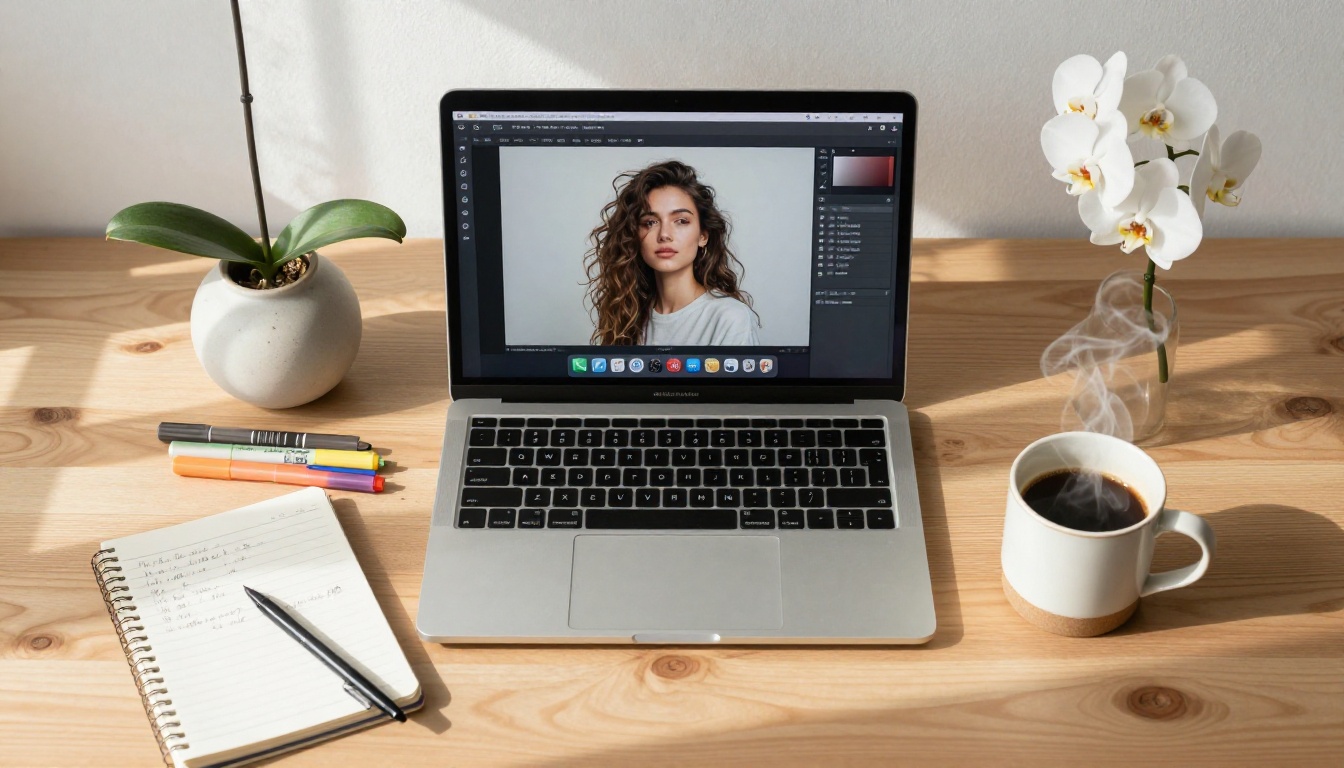
If you are new to PicassoIA, the workflow is straightforward. Here is exactly what to do to generate your first adult glamour image without confusion.
Setting Up Your First Generation
- Go to picassoia.com and create a free account
- Navigate to the Text-to-Image collection
- Select your model. For photorealistic human figures, start with Flux Dev or Realistic Vision v5.1
- Set the aspect ratio to 16:9 for cinematic compositions or 2:3 for portrait-style images
- Write your prompt in the text field and click generate
The interface requires no technical background. Most models produce results in 15 to 45 seconds. The model selector makes switching between options fast, so you can test the same prompt on multiple models quickly.
Prompt Writing That Actually Works
The prompt is where most beginners underinvest, and it shows. A weak prompt produces a flat, generic image. A strong prompt controls lighting, composition, mood, and subject detail all at once.
Weak prompt: beautiful woman, lingerie, bedroom
Strong prompt: close-up portrait of a woman in silk lingerie, warm candlelight from right side, 85mm f/1.4 bokeh background, soft shadow along collarbone, Kodak Portra 400 film grain, photorealistic skin texture with natural pores, relaxed confident expression, volumetric light from above
The difference is specific, visual information. The strong prompt tells the model what kind of photograph to simulate: the lighting direction, camera focal length, film stock, texture quality, and emotional tone.
Critical modifiers to add to adult glamour prompts:
- Lighting:
soft rim light from left, warm studio strobe, natural window light, golden hour backlight
- Camera specs:
85mm f/1.4, 35mm film, shallow depth of field, creamy bokeh background
- Texture detail:
photorealistic skin pores, natural hair texture, fabric sheen and drape
- Quality signals:
photorealistic, 8K, Kodak Portra 400, RAW photography, film grain
- Mood and expression:
confident, relaxed, editorial, intimate, candid
💡 Tip: Always describe what the image IS, not what it should avoid. Put unwanted elements in the negative prompt field, not the main prompt. Negative language in the main prompt often confuses the model.
Here is a direct, unfiltered comparison of the platforms most commonly used for adult AI content creation.
Feature Table Breakdown
| Platform | Free Model Count | NSFW Allowed | Resolution | Watermarks |
|---|
| PicassoIA | 90+ models | Artistic / Glamour | Up to 8K | No |
| Midjourney | 1 model | Limited | High | No |
| Leonardo.ai | Several | Filtered | Medium-High | Yes (free tier) |
| Playground AI | Several | Moderate | Medium | No |
| Local Stable Diffusion | Unlimited | Unrestricted | Unlimited | No |
What Free Actually Gets You
The free tier experience varies enormously between these platforms. On PicassoIA, free users access the same model library as paid subscribers, with daily generation limits that reset every 24 hours. You are never locked out of a model for not paying. You are simply limited in volume per day.
On Midjourney, free users are essentially cut off. The platform eliminated its free tier in 2023. What remains is a brief trial that expires quickly with no renewal path.
Leonardo.ai runs a token system where free users receive a daily token allotment. The problem is that higher-quality models cost significantly more tokens per generation, so you quickly face a choice between running out of daily credits or settling for lower-quality results.
For pure free-tier value in adult content creation, PicassoIA and locally-run Stable Diffusion are the clear winners. One requires a GPU setup, the other requires nothing but a browser.

Knowing how to stretch your free credits is as important as knowing which platform to use. These habits separate productive creators from frustrated beginners who burn through their daily limits with nothing usable to show for it.
Prompt Tips That Change Everything
- Batch your prompt variations before generating. Write five versions of a prompt, then generate them in sequence. This is far more efficient than generating, tweaking, and generating again in an improvised loop.
- Save your best working prompts in a text file. Once you find a lighting description or camera setting combination that consistently delivers, reuse it as a template rather than reinventing it every session.
- Use the seed parameter when available. A fixed seed lets you iterate on prompt wording while keeping the same basic composition, so you can isolate and change one element at a time.
- Start with a fast model, finish with a quality model. Use Flux Schnell or SDXL Lightning 4Step to validate your prompt concept quickly, then switch to Flux Dev or Flux 1.1 Pro Ultra for the final high-quality render.
- Generate multiple images per run. If the platform allows batch generation, always request 2-4 images per prompt rather than one. This uses the same credit cost on some platforms while giving you more options to select from.
When to Upgrade
Free tiers are excellent for learning the craft and casual creation. If you find yourself consistently hitting daily limits or needing features like inpainting, outpainting, or super-resolution upscaling, a paid plan becomes a practical investment rather than a luxury.
On PicassoIA, paid tiers unlock face swap AI, image editing and inpainting, and super-resolution (2x to 4x upscaling) that genuinely expand what you can create. These are not marketing additions. Inpainting lets you fix anatomical issues in specific areas without regenerating the whole image. Super-resolution turns a concept render into a print-ready asset.
💡 Tip: Before upgrading, check whether the platform offers individual credit purchases for specific premium features. Buying super-resolution credits separately often costs less than upgrading to a full paid tier if you only need that one capability occasionally.
Other AI Capabilities Worth Knowing
Text-to-image is the foundation, but the full toolkit available to adult content creators goes considerably further than a single generation step.
Image editing through inpainting lets you fix specific regions of an image without regenerating the whole composition. If a hand looks anatomically off, or if you want to adjust a specific clothing detail, inpaint just that area. This is one of the most practical tools for refining adult AI images because anatomical accuracy issues can be corrected surgically rather than requiring a costly complete regeneration.
Flux Kontext Pro takes editing further with text-based image modification. You describe what to change in natural language and the model executes it without manual masking. This is particularly useful for adjusting clothing, backgrounds, or lighting in existing images.
Super-resolution takes a 512x512 generated image and upscales it to 2048x2048 or higher while preserving skin texture detail and adding additional realism at the pixel level. For creators who want to use their AI images in print or at large digital display sizes, this is not optional. It is essential.
Background removal isolates your subject from a generated background, making it easy to place them into new environments or use them as compositing elements.
Face swap AI lets you apply a reference face onto a generated figure with realistic blending, which opens up a range of creative possibilities for consistent character identity across multiple images.
Start Creating Your Own AI Art Today
The barrier to creating high-quality adult AI images has never been lower. You do not need expensive software, a professional photography setup, or a background in graphic design. What you need is a platform with the right models, a well-crafted prompt, and twenty minutes to experiment.
PicassoIA is the best starting point for most creators because it combines the largest free model library with a clean browser interface, no watermarks on free-tier generations, and immediate access to specialized tools like LoRA-powered generation, inpainting, and super-resolution, all in one place.
Whether you want to create artistic glamour portraits, suggestive fashion-style editorial imagery, or simply push the limits of what photorealistic AI image generation can achieve, the tools are already there and waiting.
Try it now: Open PicassoIA's text-to-image collection and run your first generation with Flux Dev. Use one of the prompt formulas from this article as your starting point: add specific lighting, a focal length, a film stock reference, and a mood descriptor. Your first result will likely surprise you with what is possible for free.


