Something shifted quietly in the world of AI image generation. Not loudly, not with a press conference. Just silently, the technology got good enough, accessible enough, and real enough that adults everywhere started noticing. If you've been watching the space, you already know what happened. If you haven't, here's what you missed.
The barriers that once existed between you and high-quality adult AI imagery have been dismantled one by one. No Python environment. No cloud GPU rental. No six-figure training budget. Just a browser, a prompt, and models that produce photorealistic results rivaling professional photography.
This isn't about shock value. This is about creative freedom, personal expression, and finally having tools that match the imagination of adults who want more than stock photos and filtered content.

What Changed in 2025
The technical walls came down
A few years ago, generating anything remotely adult-oriented with AI required substantial technical skill. You needed to run Stable Diffusion locally, manage VRAM limits, install custom LoRAs, tweak samplers, and debug configuration files. The average person had zero chance without spending hours in forums before producing a single usable image.
That changed when cloud-based platforms started offering one-click access to these same models. No installation. No driver conflicts. No hardware requirements beyond whatever device you're already reading this on. The infrastructure moved off your desk and onto a server, and suddenly everyone had access.
The quality became undeniable
Early AI-generated images had obvious tells. The fingers were wrong. The lighting looked flat. The skin looked plastic and over-smoothed. Anyone could spot the AI origin within seconds.
Today, models like Flux 1.1 Pro Ultra and Realistic Vision v5.1 produce imagery with natural skin texture, correct proportions, cinematic lighting, and photographic depth-of-field that genuinely challenges the human eye. The quality gap between AI and professional photography narrowed to the point where most viewers can no longer tell the difference at a glance.
Platform access opened up
Specialized platforms stepped into the space that mainstream services would not fill, creating dedicated environments where adults can generate content within appropriate frameworks. The result is a tiered ecosystem where the tools that matter most are now available to anyone willing to use them.

The Models Behind It All
Not all text-to-image models produce equal results when photorealistic adult content is the goal. Some are built for precision. Others prioritize speed. A few hit both without compromise.
Flux: the current benchmark
The Flux family from Black Forest Labs has become the default reference point for realistic human generation. The architecture handles skin tones, facial expressions, and body proportions with a consistency that earlier diffusion models struggled to maintain across a full image.
Flux 1.1 Pro Ultra is particularly strong for high-resolution outputs where fine detail matters. If you need pores, individual hair strands, fabric texture, and natural lighting all working together coherently in a single frame, this is the model to use. Its ultra-high-resolution output mode produces images that hold up to close inspection without visible artifacting.
Flux 2 Pro pushes prompt adherence further. You ask for a specific pose, lighting condition, or outfit detail and it delivers without the guesswork that plagues less capable models. Complex multi-element scenes that used to require multiple regeneration attempts now resolve reliably on the first or second try.
Flux Dev offers a practical balance of quality and speed for iterating on ideas before committing to a final high-resolution generation. Many creators use Flux Dev for concept testing, then switch to Flux 1.1 Pro Ultra for the final output.
Realistic Vision and SDXL
Before the Flux era, Realistic Vision v5.1 was the go-to for photorealistic human imagery and it still holds up well, particularly for full-body compositions with natural skin tones and believable everyday environments. Its outputs have a distinct warm photographic character that some creators prefer over the cooler, more clinical precision of newer models.
SDXL remains relevant as a base architecture for customization. Its broad LoRA support allows for fine-tuned control over artistic style, body type, and aesthetic direction that off-the-shelf models cannot match.
The newer players worth knowing
GPT Image 1.5 brings strong prompt comprehension to image generation. It handles nuanced, multi-element descriptions with a fidelity that reflects sophisticated language understanding, making it particularly good for complex scenes where everything needs to relate correctly.
Imagen 4 demonstrates that major labs take photorealism seriously. Its color rendering and natural light simulation are standout features, particularly in outdoor scenes with complex natural lighting.
Stable Diffusion 3.5 Large offers a capable open-architecture option with strong community support and a large library of fine-tuned variants for specific aesthetic directions.

What Adults Are Actually Creating
The range of content adults generate with these tools is broader than most people assume. It spans creative, commercial, and personal categories.
Glamour and fashion photography
A significant portion of adult AI usage falls into tasteful glamour territory: editorial-style portraits, beach and poolside photography, lingerie campaigns, boudoir imagery. This is aesthetically beautiful content that sits in the same visual space as mainstream fashion photography.
The ability to specify exact lighting conditions, precise outfit details, and specific environments gives creators photographic control that would cost thousands of dollars to replicate with a real shoot. A creator who previously needed a photographer, a studio, and a model for a single set of images can now produce an entire portfolio in an afternoon.
Artistic and fine art styles
Not everything needs to be photorealistic. Many users are drawn to high-fashion editorial aesthetics, film grain styles, or specific decade-era photography looks. Ideogram V3 Quality and Seedream 4 both offer distinctive aesthetic sensibilities that set outputs apart from purely photographic results, allowing for more stylized and artistic directions.
Character development for creative projects
Writers, game developers, and content creators use these tools to visualize characters. A romance novelist who wants reference imagery for their protagonist. A game designer building a character bible with consistent visual identity. A creator developing a recurring persona across platforms.
The ability to generate the same character from multiple angles, in different outfits, and across varied settings is something that previously required a full illustration budget or hiring multiple freelancers.

How to Use Flux 1.1 Pro Ultra for Adult Imagery
Flux 1.1 Pro Ultra is currently the strongest choice for photorealistic results with adult subject matter. Here is a practical process for getting the most out of it.
Step 1: Start with a precise subject description
Begin with the most important element: who is in the image. Be specific about age range, physical features, expression, and pose. Vague prompts produce vague results every time.
Weak: "a beautiful woman"
Strong: "a woman in her late twenties, soft natural makeup, seated cross-legged on a white linen sofa, relaxed smile, looking directly at camera, loose dark hair over one shoulder"
The model rewards specificity. Every concrete detail anchors the generation closer to your intent and reduces randomness in the output.
Step 2: Define environment and lighting precisely
This is where most users leave quality on the table. Lighting is the single biggest factor separating mediocre AI results from professional-quality outputs.
Always specify:
- Light source location: from the left, from behind, overhead, rim-lit
- Light quality: soft diffused, hard directional, golden hour warmth, overcast softness
- Environment: bedroom, balcony, studio, outdoor natural setting
- Time of day and atmosphere: morning, blue hour, bright midday
💡 Phrases like "volumetric morning light from the left," "Rembrandt lighting from above," or "soft backlit silhouette at dusk" consistently produce more cinematic results than generic terms like "nice lighting" or "well-lit."
Step 3: Append technical photography specs
Always add these to your prompt for consistently high-quality photorealistic results:
- Film stock:
Kodak Portra 400 film grain
- Camera and lens:
85mm f/1.8 for portraits, 35mm f/2.0 for environmental shots
- Style control:
--style raw to prevent over-processing or artistic softening
- Negative qualifiers:
no CGI, no illustration, no cartoon, no digital art
- Quality target:
photorealistic 8K, natural skin texture
Step 4: Iterate with intention
Generate three to four variations of any prompt before deciding the approach does not work. The same prompt produces slightly different outputs on each run due to the stochastic nature of diffusion. Seed locking, available in the generation settings, lets you preserve a composition you like while adjusting individual elements.

Prompt Patterns That Actually Deliver
The difference between a mediocre generation and a stunning one is almost always in the prompt construction. Here is what actually moves the needle.
Describe texture, not just appearance
"Smooth skin" tells the model nothing useful. "Natural skin texture with subtle pores visible across the cheekbones, faint freckles across the nose bridge, warm undertone from the ambient light" tells it everything it needs.
The same logic applies to surfaces, fabrics, and environments. Instead of "a nice bedroom," write "white linen bedsheets with natural wrinkles catching morning light, warm maple hardwood floors, soft amber bedside lamp glow on the wall behind."
Camera language converts directly to visual output
AI models trained on photographic datasets respond precisely to real photography terminology:
| Photography Term | Visual Effect |
|---|
| 85mm f/1.8 | Subject sharp, background creamy bokeh |
| 35mm f/2.0 | Environmental context preserved with slight perspective |
| 105mm macro | Extreme close-up skin and texture detail |
| Low-angle shot | Subject appears larger, more commanding |
| Aerial overhead | Unique top-down perspective, full environment visible |
| Rembrandt lighting | Classic triangle shadow on cheek, dramatic depth |
What to cut from your prompts
Over-description hurts as much as under-description. Loading 40 adjectives into a single clause creates competing instructions that produce visual noise and inconsistent outputs.
Cut: generic quality stacks like "ultra detailed, hyper realistic, award winning, stunning, breathtaking." These are now effectively noise tokens.
Keep: specific, concrete, visual descriptions with real-world referents like material names, location names, and photography terms.
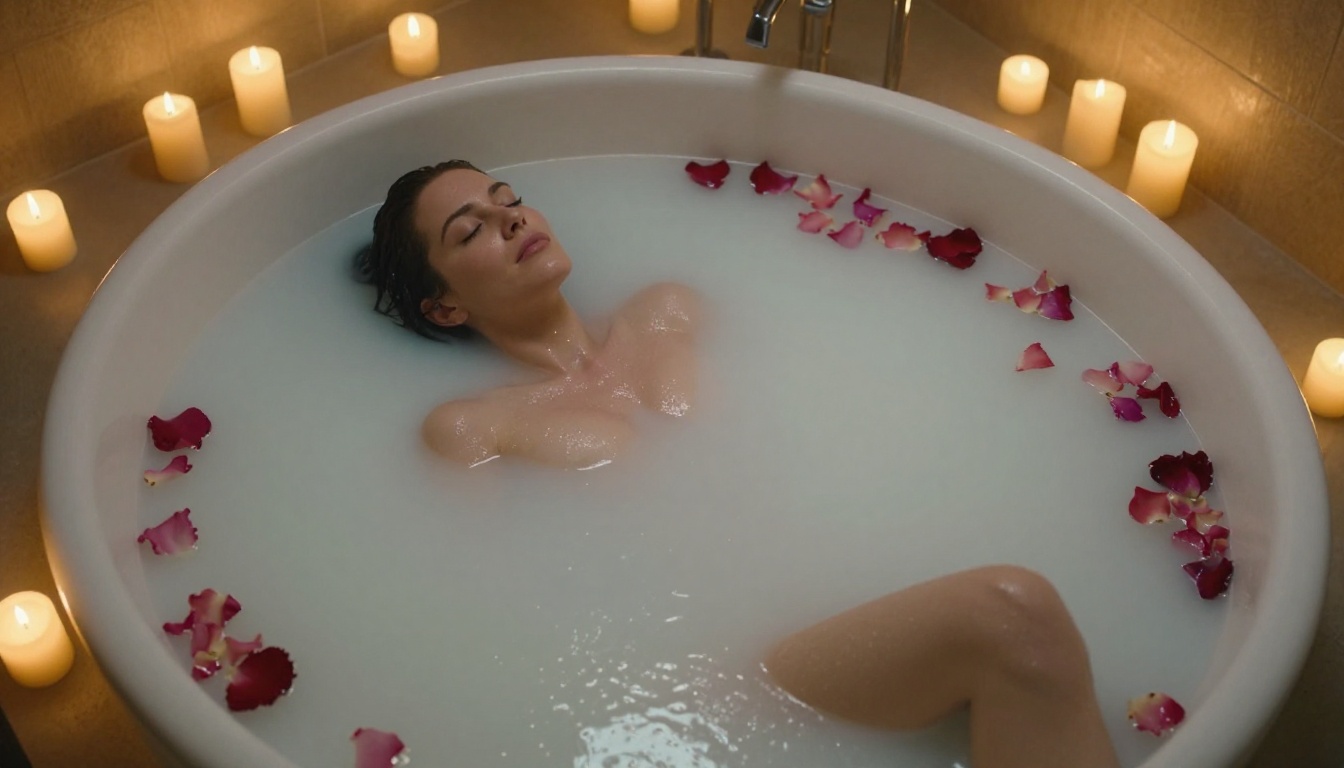
Model Comparison at a Glance
Choosing the right model depends entirely on what you are optimizing for. Here is how the major options compare across the dimensions that matter for adult content creation:
| Model | Best For | Speed | Realism | Prompt Adherence |
|---|
| Flux 1.1 Pro Ultra | Max resolution, fine detail | Medium | ★★★★★ | ★★★★★ |
| Flux 2 Pro | Complex multi-element scenes | Medium | ★★★★★ | ★★★★★ |
| Realistic Vision v5.1 | Full-body shots, warm tone | Fast | ★★★★☆ | ★★★★☆ |
| GPT Image 1.5 | Nuanced scenes, text in image | Medium | ★★★★☆ | ★★★★★ |
| Imagen 4 | Color accuracy, outdoor light | Medium | ★★★★☆ | ★★★★☆ |
| SDXL | Custom style via LoRA | Fast | ★★★☆☆ | ★★★☆☆ |
| Flux Dev | Fast concept iteration | Fast | ★★★★☆ | ★★★★☆ |
💡 Start with Flux 1.1 Pro Ultra for any serious final output. Use Flux Dev or SDXL for rapid concept exploration when speed matters more than polish.

Your creative output, your rights
One thing separating dedicated adult AI platforms from mainstream services is the data handling philosophy. When you generate imagery on a platform built for this purpose, the default assumption is that your creative work belongs to you, not to a public training dataset.
This matters significantly for creators working commercially. Always verify platform terms around image storage and deletion policies, whether outputs feed back into model training, and commercial licensing rights for generated images.
The accessibility reality
Until recently, even technically capable users had to navigate waitlists, invite-only access, or verification friction that slowed everything down. Today, the barrier to entry for quality adult AI generation is lower than it has ever been in the history of the technology.
A platform offering 91 text-to-image models does not require you to be a researcher or an early adopter. It requires you to type a prompt and click generate. The democratization of this technology means independent creators, small studios, and individual users now have access to generation quality that previously existed only inside well-funded AI labs.
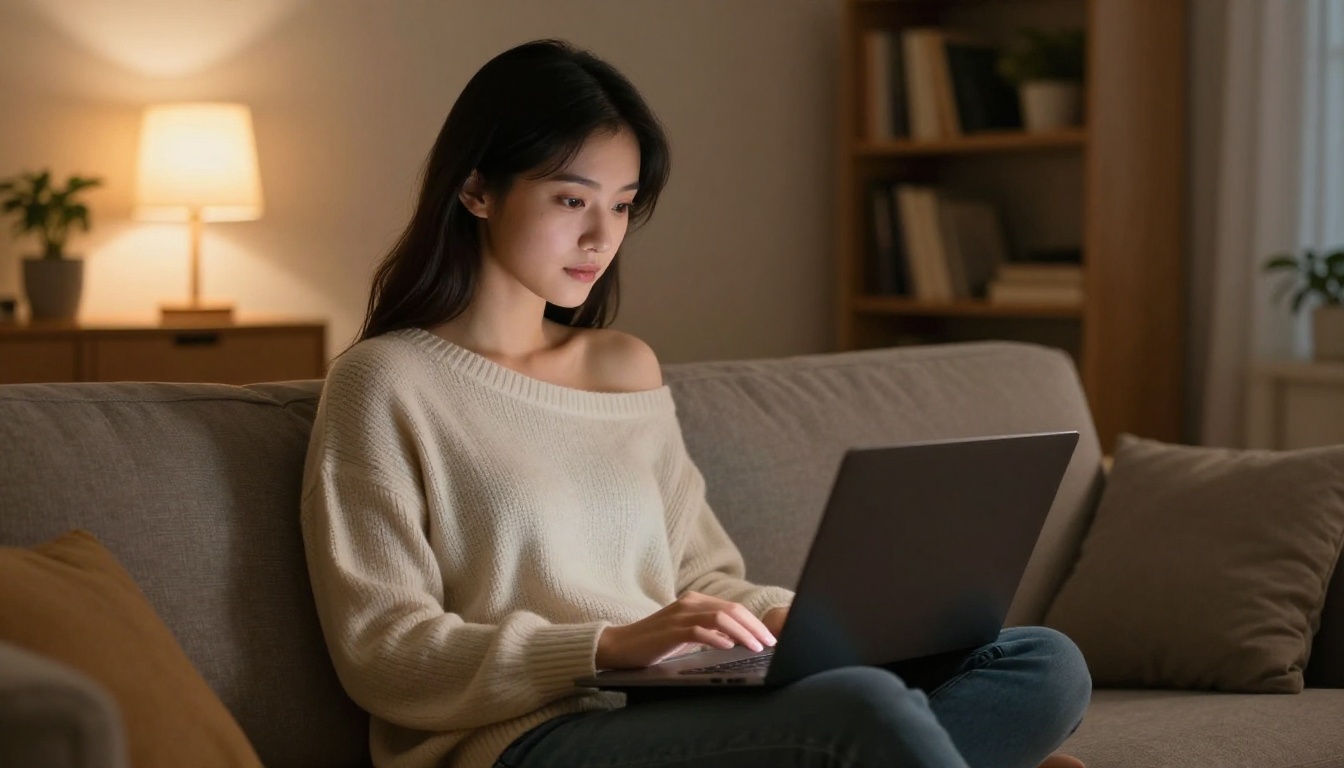
3 Mistakes Beginners Make Consistently
Treating the prompt like a search query
"Sexy woman in bikini on beach" will produce mediocre results every single time. The model is not a search engine returning matching images from a database. It is a visual translator that converts language into pixels. Feed it vivid, specific, descriptive language and it will respond accordingly.
Ignoring the background
Backgrounds anchor the image in physical reality. A subject floating in front of a blurred nothing background looks disconnected and artificial no matter how good the subject rendering is. Even a simple specific background description like "sun-lit stone terrace with potted olive trees, whitewashed wall behind, afternoon shadow pattern on warm stone floor" adds realism and visual context that elevates the entire composition.
Not using aspect ratio intentionally
Most platforms default to square crops. For fashion and editorial work, 16:9 creates a cinematic widescreen feel that immediately reads as professional. For portrait work, 3:4 or 9:16 mirrors standard photography framing. Choosing your ratio before generating, not as an afterthought, saves multiple iterations and produces images that feel purposeful rather than arbitrarily cropped.
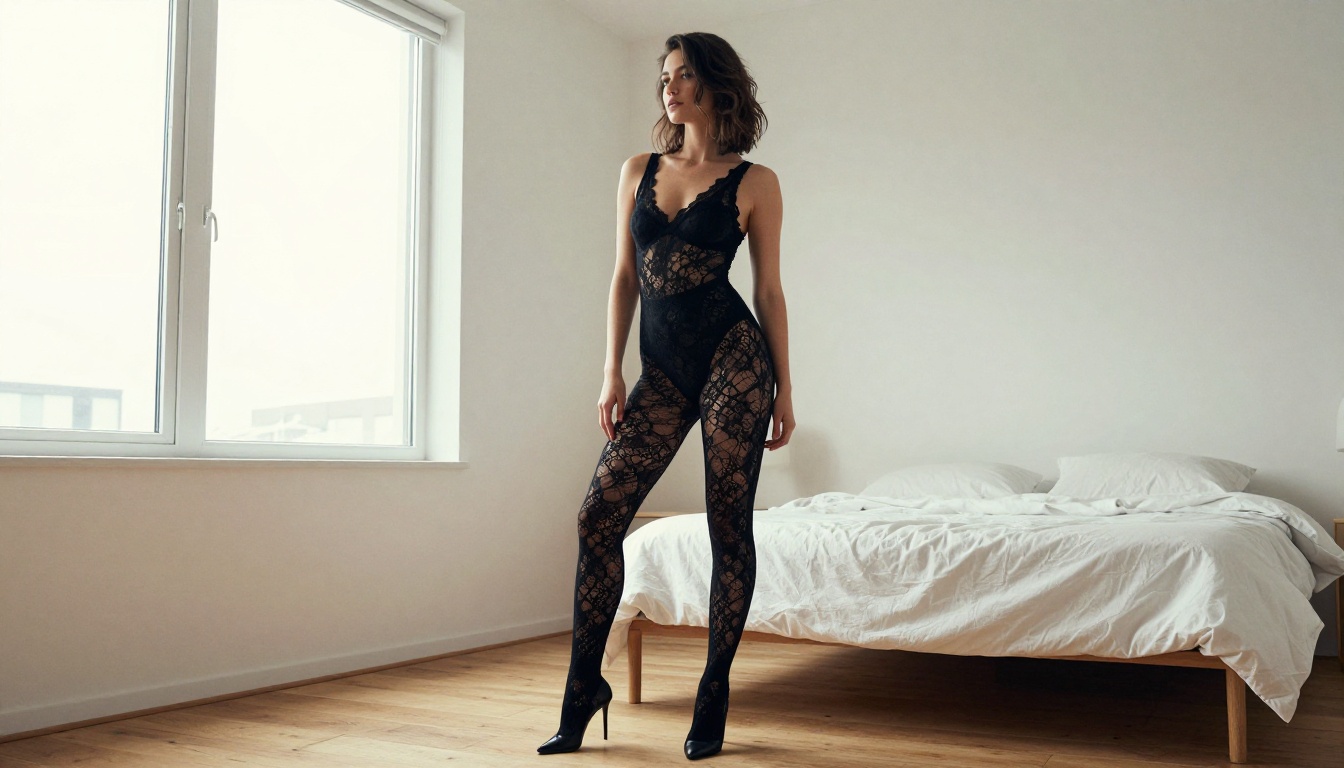
Start Creating Right Now
The technology caught up. The access caught up. The quality caught up. The only variable left is whether you take the first step.
Picasso IA puts Flux 1.1 Pro Ultra, Flux 2 Pro, Realistic Vision v5.1, GPT Image 1.5, Imagen 4, and over 86 other text-to-image models in one place, with no complicated setup and no waitlists standing between you and the first generation.
Whether the goal is editorial-style glamour photography, character references for a creative project, or personal artistic imagery, the platform gives direct access to the same generation quality that professionals rely on. The models do not care about your technical background. They respond to good prompts, and now you know how to write them.
Take what you just read about prompt structure, lighting language, and model selection, apply it to your first generation, and see what happens. The first result is always surprising. After ten, you start developing intuition. After fifty, you develop a style.
Open Flux 1.1 Pro Ultra on Picasso IA and start with a prompt that describes exactly what you want to see. Be specific. Be detailed. The model is listening.


