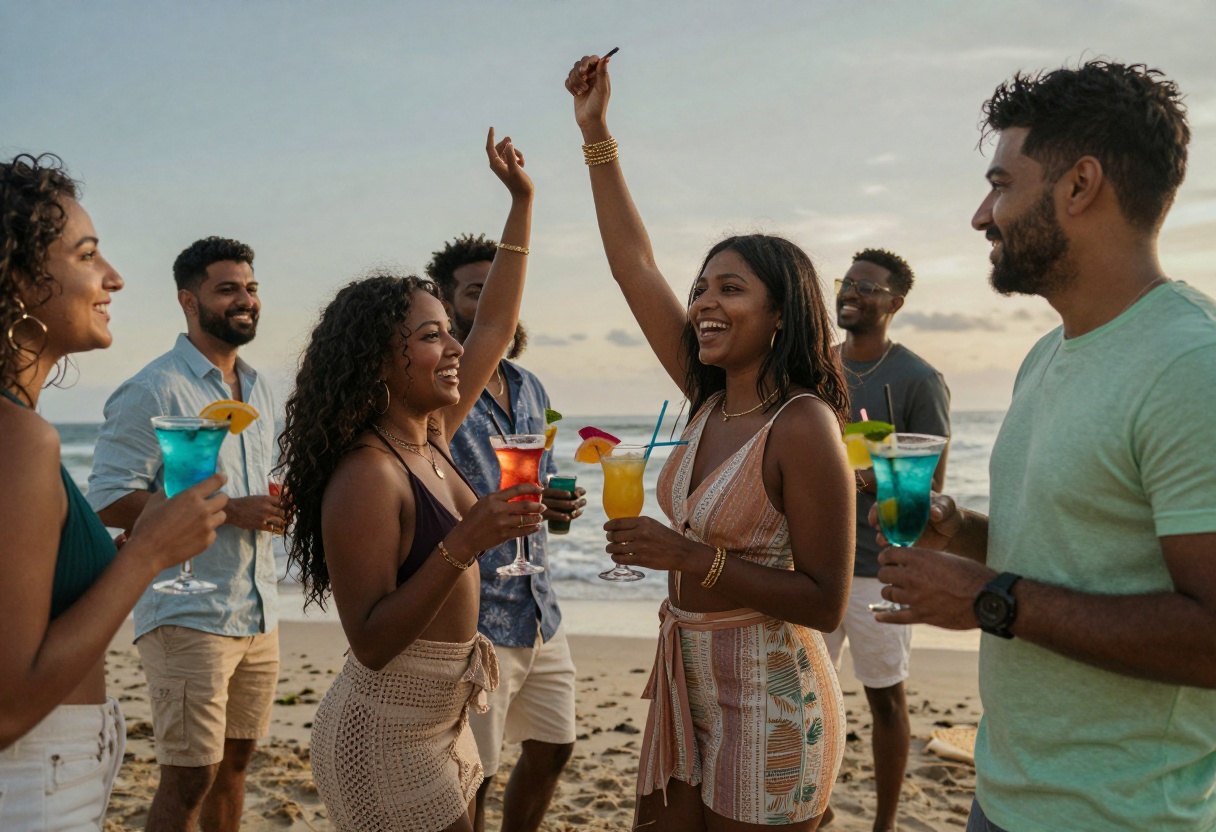
AI for Adults: Create Stunning Beach Photography with Open-Source Models
Discover how AI technology is revolutionizing beach photography and lifestyle content creation. Learn about open-source models available on PicassoIA that give creators complete freedom to generate professional-quality images and videos without restrictions. Whether you're a content creator, photographer, or digital artist, this guide shows you how to harness the power of AI for realistic beach scenes and summer visuals.
AI technology has transformed how we create visual content, opening new possibilities for photographers, content creators, and digital artists. Beach photography and lifestyle content, which traditionally required expensive photo shoots and professional models, can now be generated with remarkable realism using AI tools.
The rise of open-source AI models has been particularly exciting for creators who want unrestricted access to powerful generation tools. Unlike mainstream platforms with strict content filters, open-source models give you the creative freedom to produce exactly what you envision.
Why Open-Source AI Models Matter for Creators
Traditional AI image generators often come with heavy restrictions. Many platforms automatically filter or block content based on vague guidelines, leaving creators frustrated when their perfectly legitimate projects get rejected. Open-source models solve this problem by giving you direct control over the generation process.
Open-source models offer several key advantages:
Complete creative freedom without arbitrary content filters
Privacy-focused generation without data collection
Professional-quality results comparable to paid services
Flexibility to fine-tune parameters for your specific needs
Cost-effective solution for high-volume content creation
PicassoIA embraces this philosophy by offering access to cutting-edge open-source models that don't impose unnecessary restrictions on your creative vision.
Creating Realistic Beach Photography with AI
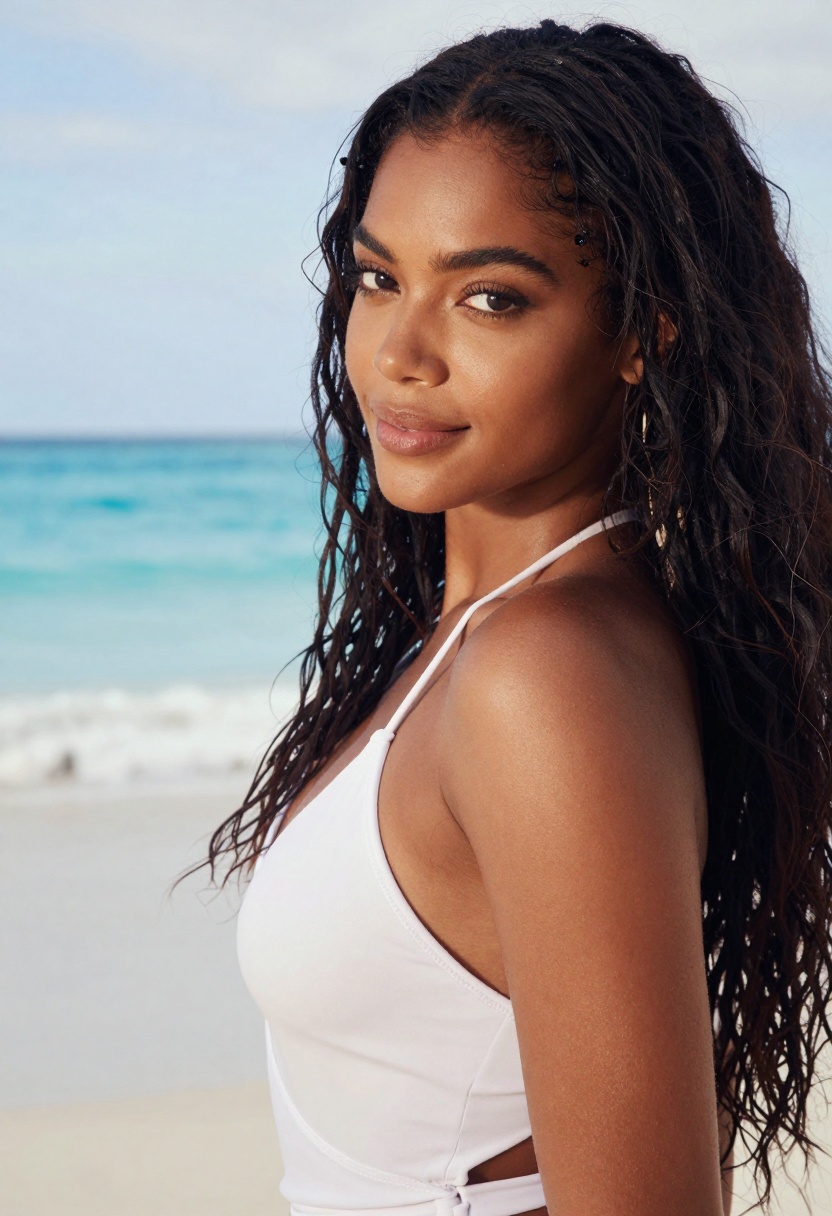
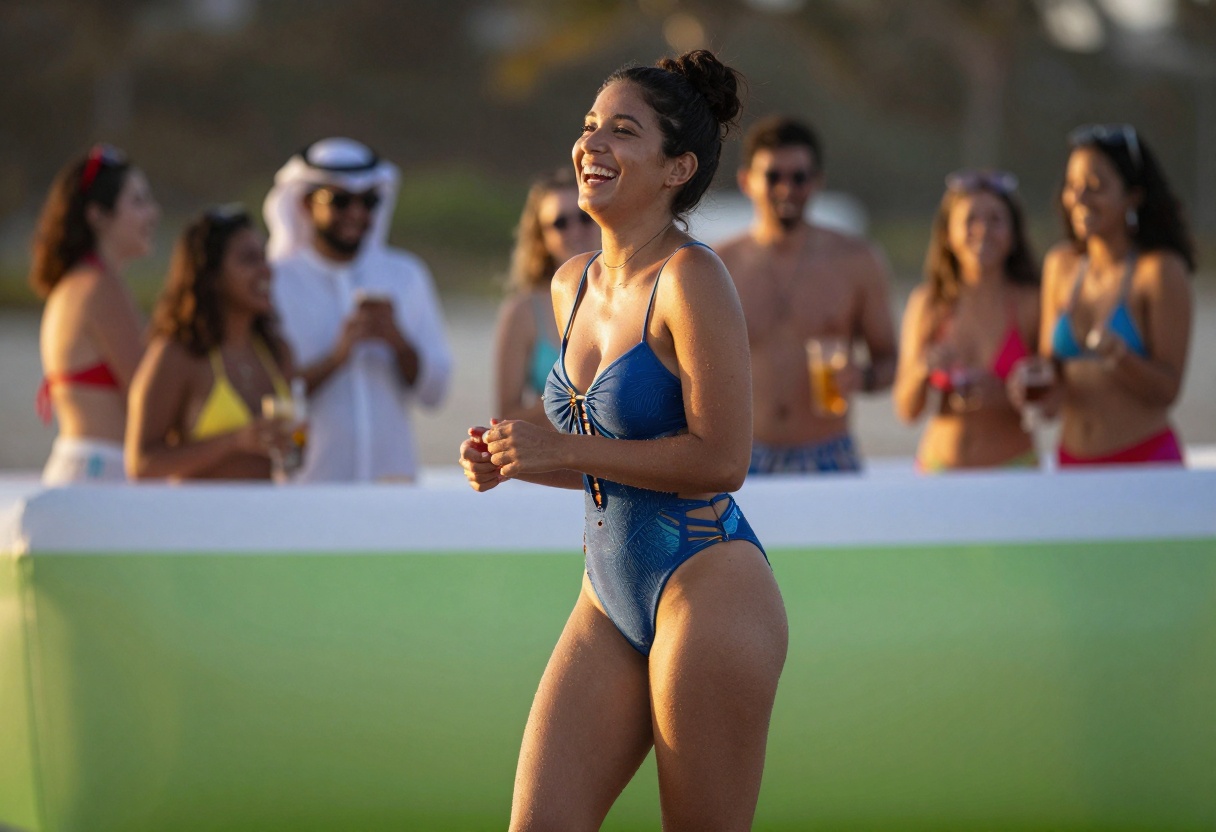
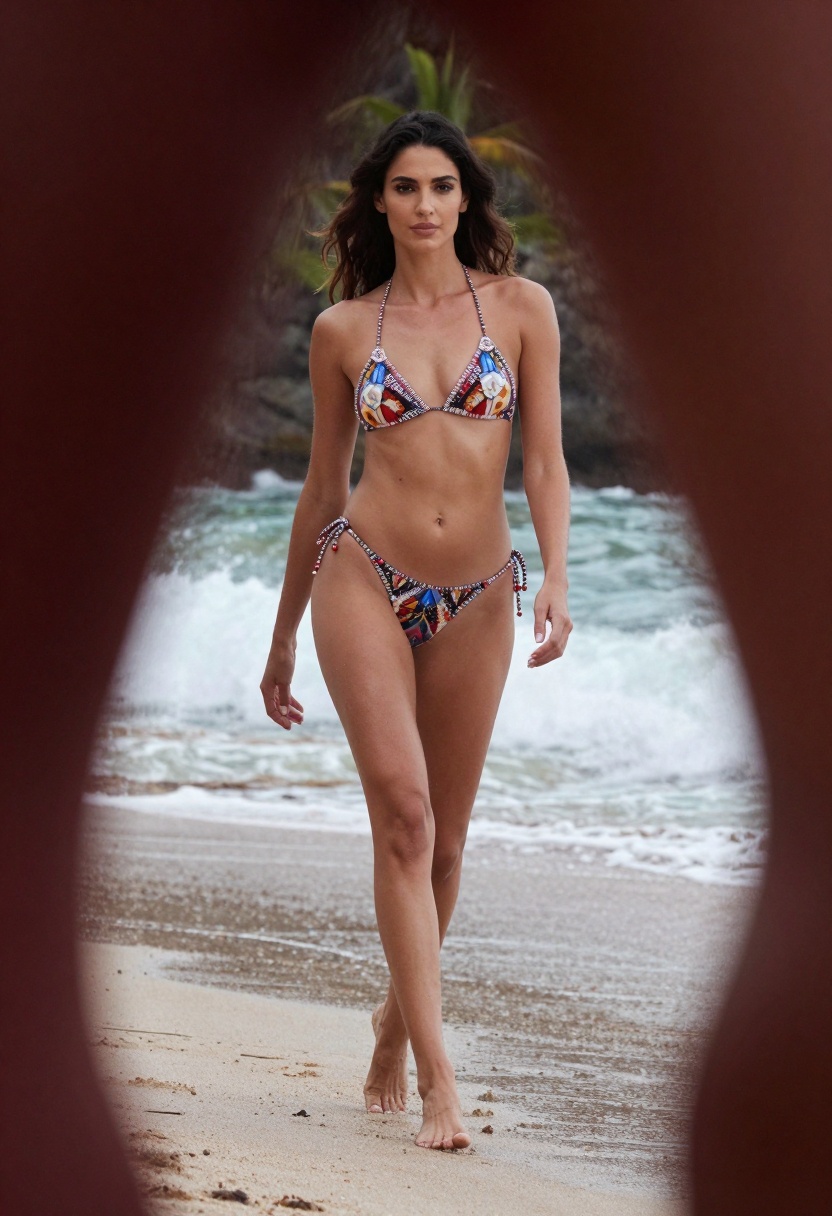
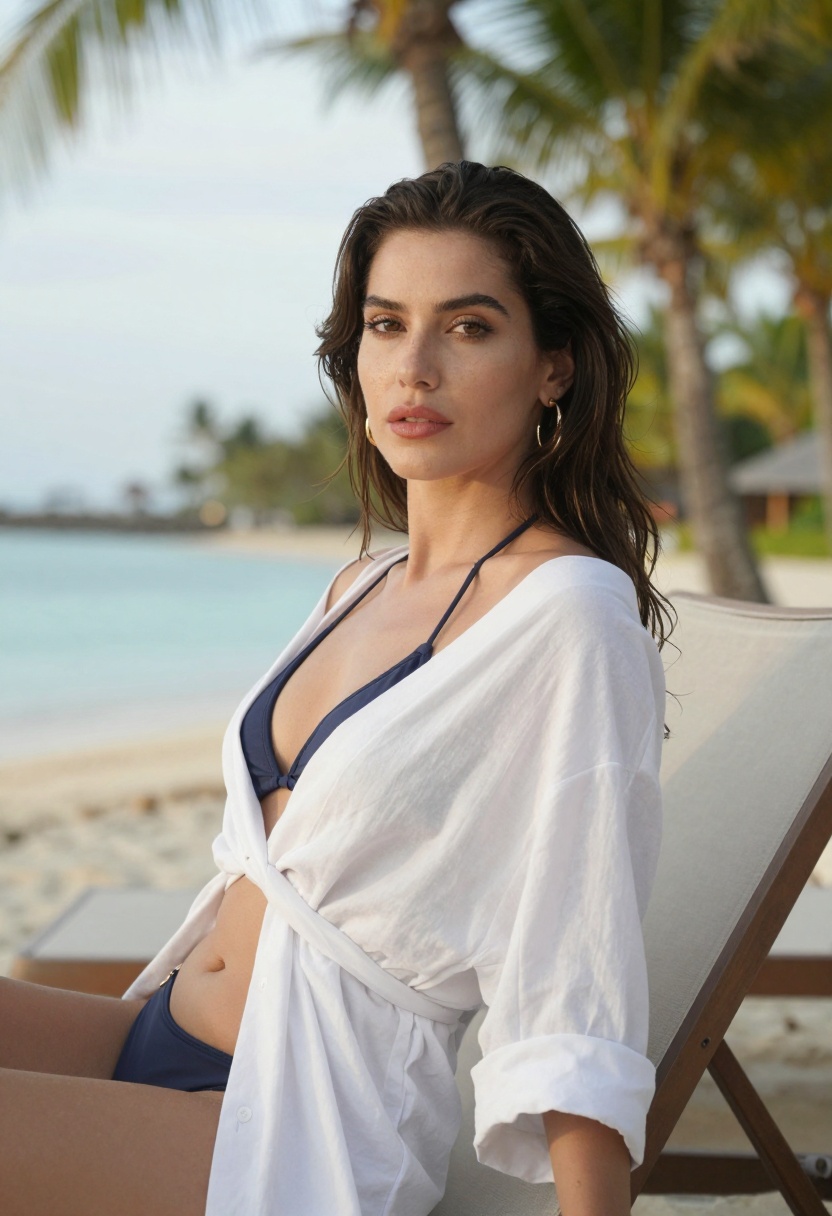
Beach photography has always been popular for lifestyle content, social media, and commercial projects. AI makes it possible to generate stunning beach scenes without organizing elaborate photo shoots. The quality has reached a point where AI-generated images are virtually indistinguishable from traditional photography.
When creating beach photography with AI, several elements contribute to realistic results:
Lighting and atmosphere play a crucial role. Natural sunlight, golden hour warmth, and realistic shadows make images feel authentic. AI models trained on professional photography understand these nuances and can replicate them convincingly.
Composition and posing separate amateur content from professional work. Modern AI models have learned from millions of high-quality photos, so they understand natural body language, flattering angles, and compelling framing.
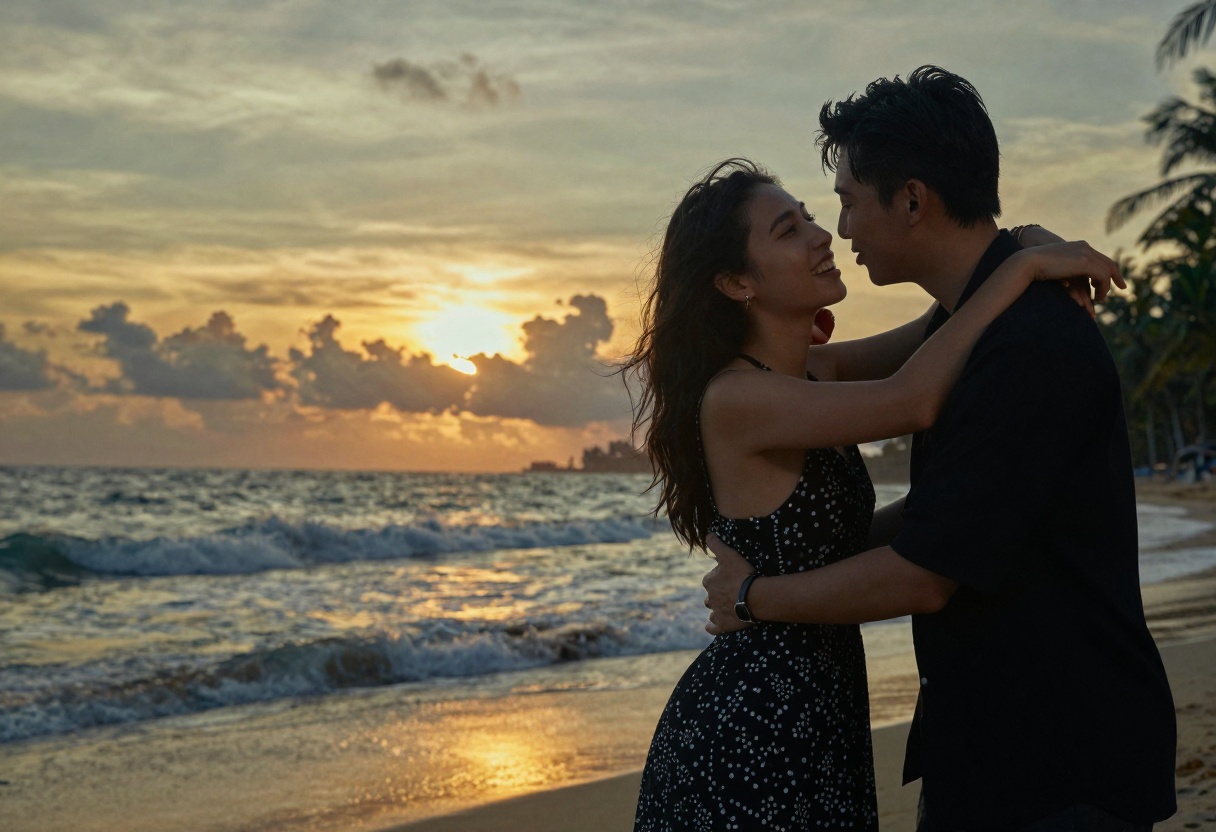
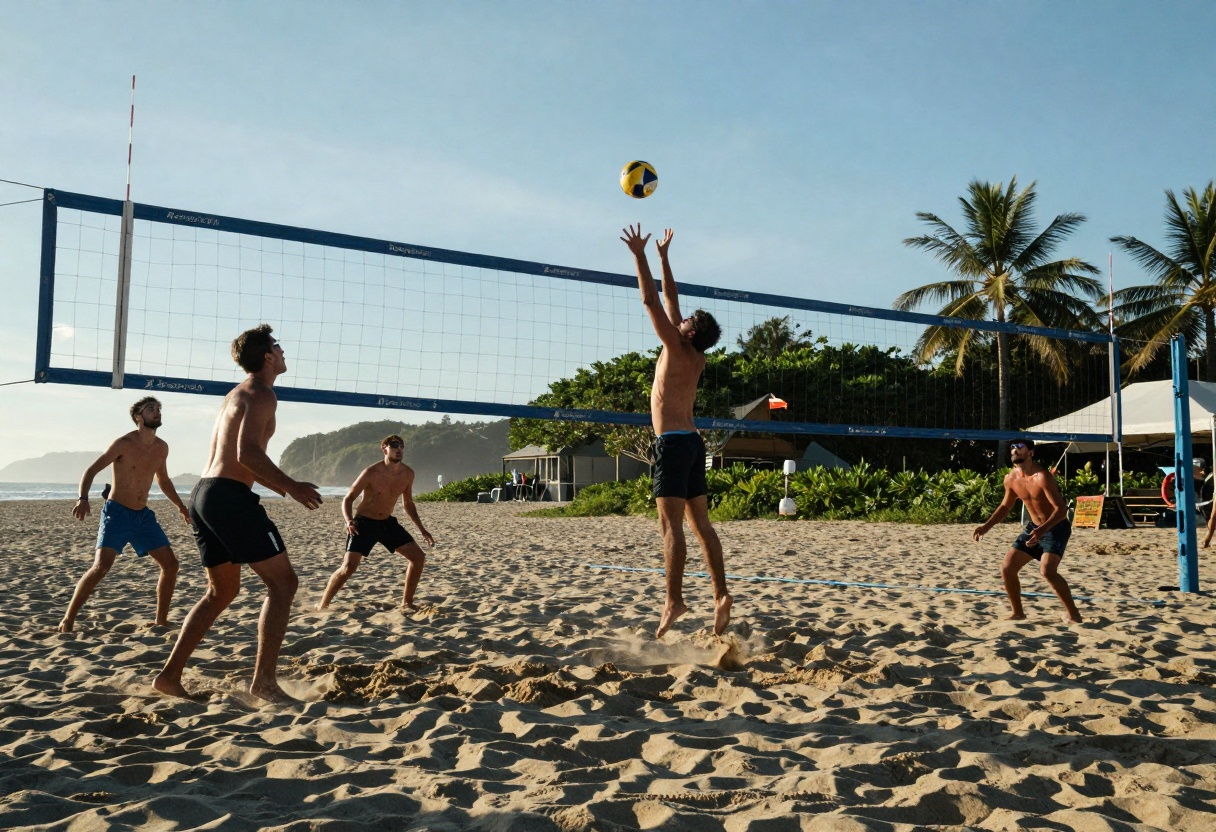
Environmental details add believability. Realistic water movement, sand textures, beach vegetation, and atmospheric elements like spray or mist create depth and authenticity. The best AI models capture these subtle details that make images feel real.
The Power of AI Image Editing
One of the most practical applications of AI for creators is the ability to edit existing images quickly. Rather than starting from scratch, you can transform photos you already have into entirely new compositions.
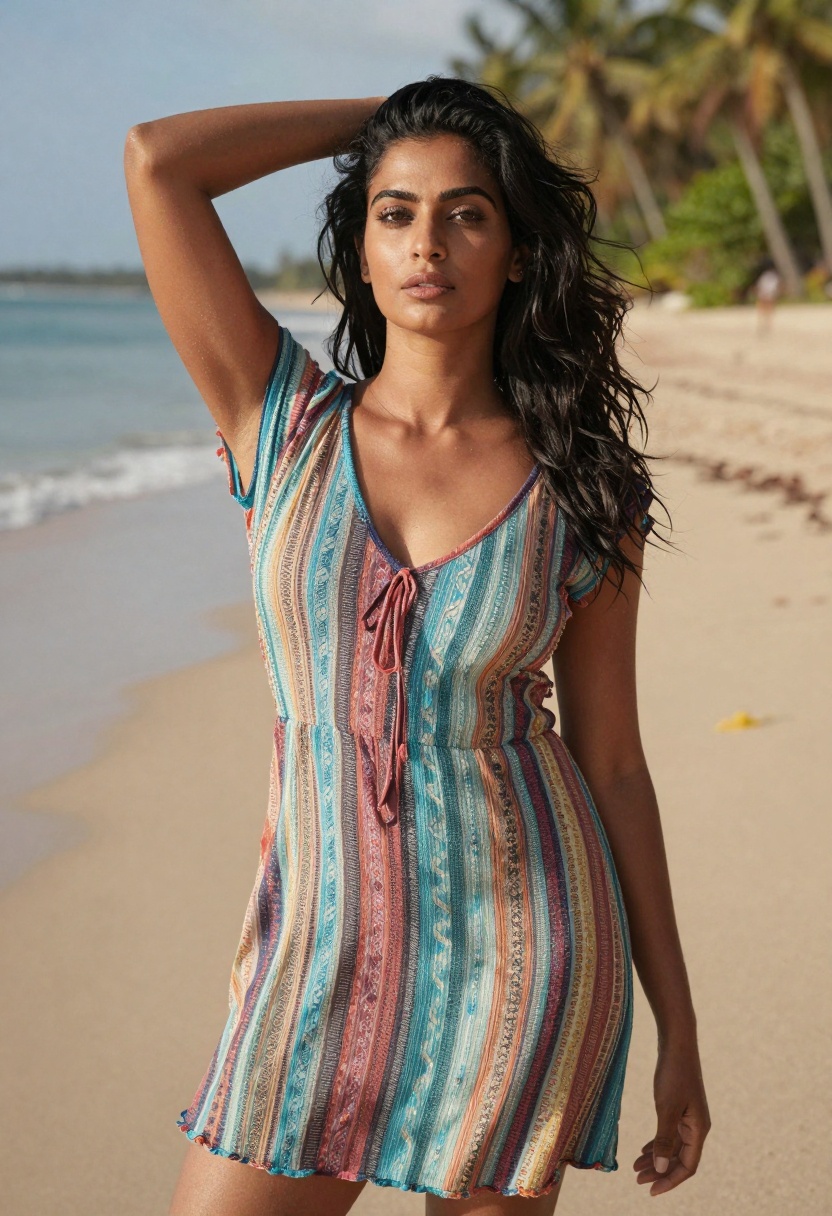
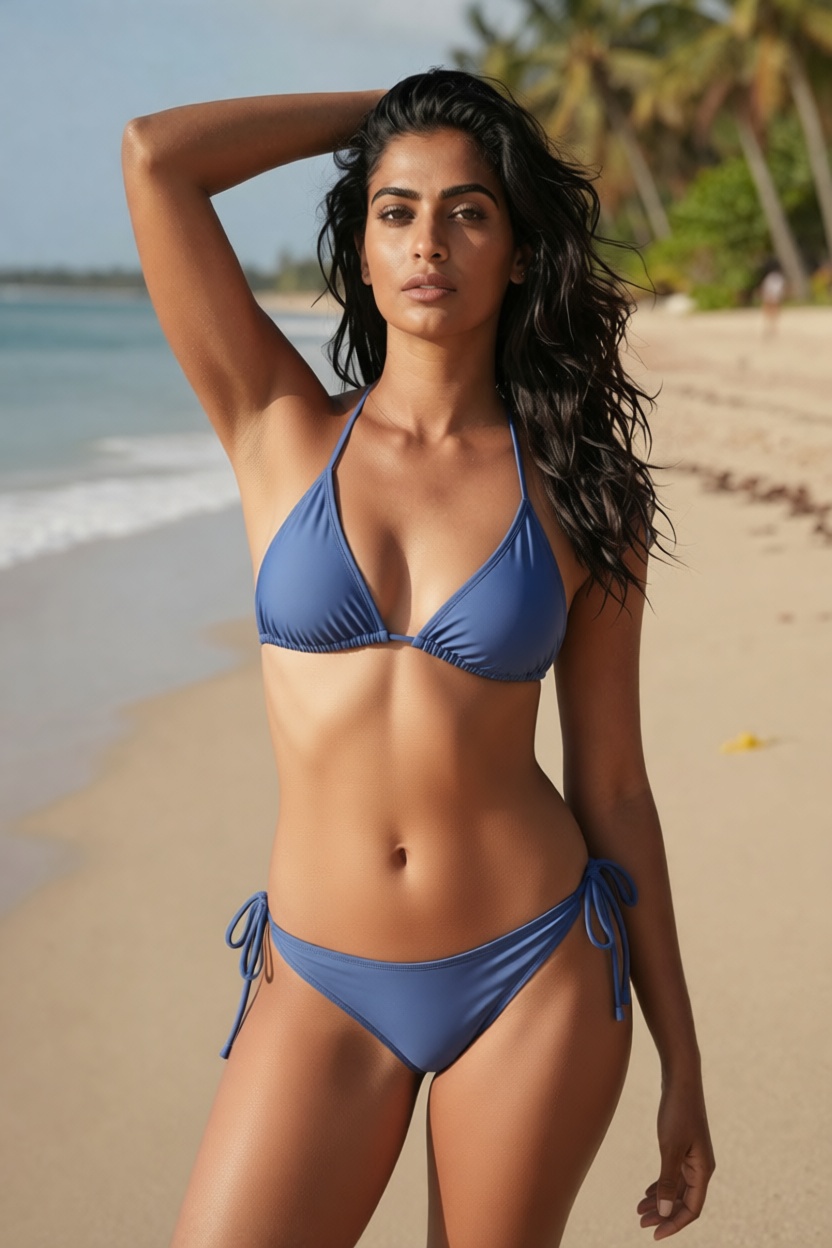
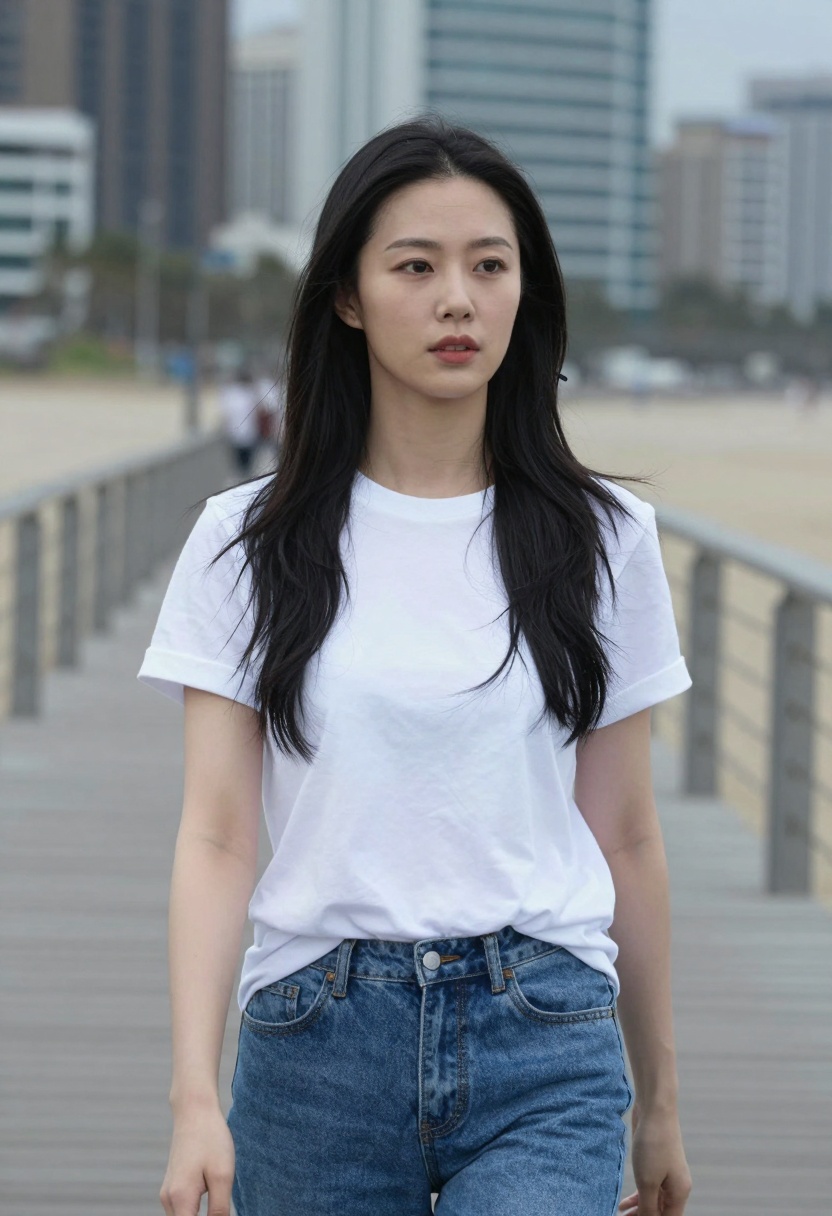
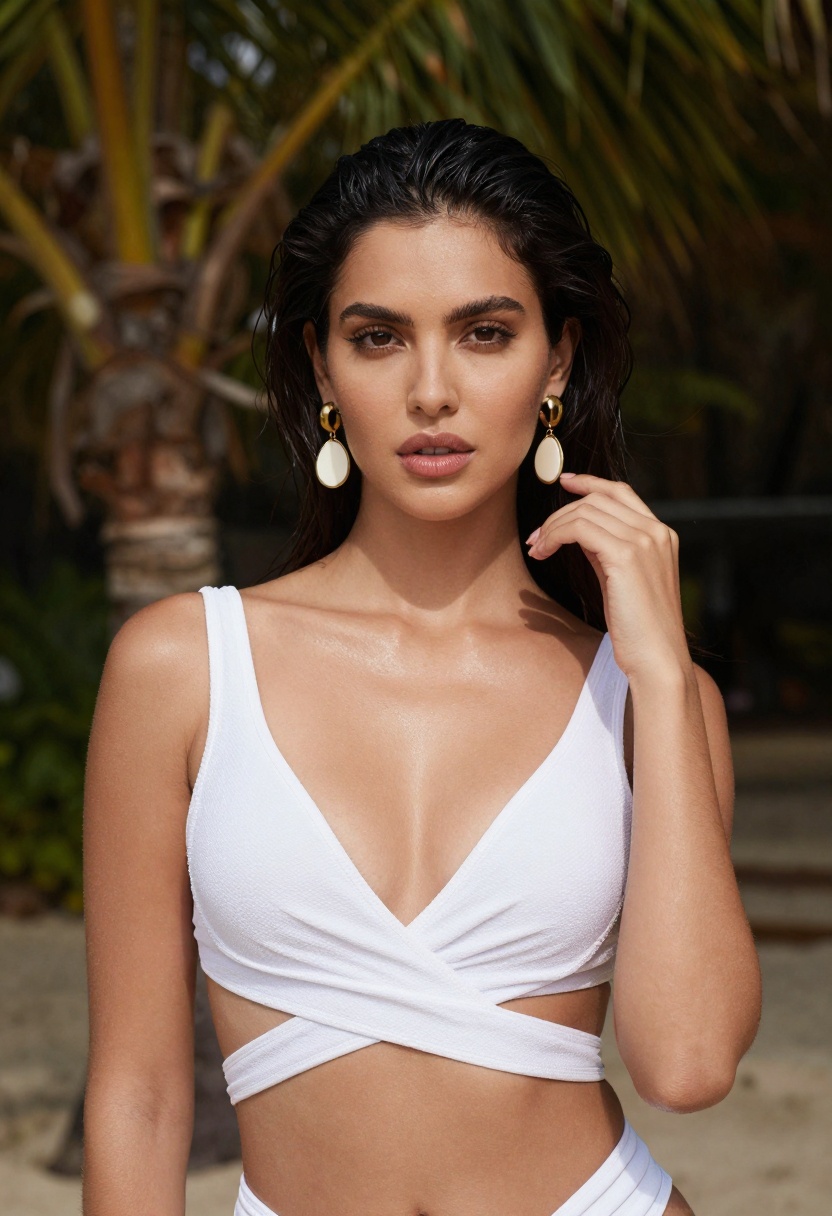
Consider this example: you have a photo of someone in casual clothing at the beach, but you need a summer swimwear shot for your project. Traditional editing would require complex masking, painting, and potentially hiring a designer. With AI editing tools, you can transform the outfit in seconds while maintaining natural proportions and lighting.
Before transformation:
After AI transformation:
The transformation preserves facial features, body proportions, and environmental lighting while completely changing the outfit. This capability is invaluable for content creators who need to produce variations quickly or adapt existing photos for new purposes.
Another example demonstrates how versatile these tools can be:
Original photo:
After transformation:
These transformations happen in seconds and require no manual editing skills. The AI understands context, maintains realistic proportions, and applies appropriate lighting and shadows automatically.
Understanding AI Video Generation
Static images are impressive, but AI video generation takes content creation to another level. Modern AI models can animate still images into short video clips with natural movement and realistic motion.
Video generation works by analyzing the composition of an image and intelligently adding motion. The AI understands which elements should move (hair, water, fabric) and which should remain stable (background structures, horizon line). This creates convincing animations that look like they were captured on camera.
Key applications for AI video include:
Social media content that captures attention better than static images
Website headers and landing pages with dynamic visuals
Product presentations with movement and life
Marketing materials that stand out in crowded feeds
Portfolio pieces that demonstrate versatility
The technology has advanced to where videos maintain consistent quality throughout the clip, with smooth transitions and natural-looking movement. Hair flows realistically in the breeze, water moves convincingly, and subjects maintain proper proportions frame to frame.
Choosing the Right AI Model for Your Project
Different AI models excel at different tasks. Understanding which tool to use for each project saves time and produces better results. PicassoIA offers several open-source models specifically designed for unrestricted content creation.
Best Models for Beach and Lifestyle Content
prunaai-wan-2.2-image generates highly realistic images from text descriptions. This model excels at creating photorealistic beach scenes, lifestyle content, and summer photography. It understands natural lighting, realistic skin tones, and authentic environmental details.
p-image-edit transforms and edits your existing images with advanced AI capabilities. Perfect for quick outfit changes, background swaps, or style transformations while maintaining the original composition and quality.
Wan 2.2 I2v Fast converts static images into dynamic videos with smooth animations. This model creates natural movement, making it ideal for bringing beach photography to life with realistic motion.
These models share important characteristics that make them valuable for professional work:
No content restrictions that interfere with creative vision
High-quality output comparable to commercial photography
Fast generation typically completing in seconds
Customizable parameters for fine control over results
Privacy-focused processing without data retention
Crafting Effective Prompts for Beach Photography
The quality of AI-generated images depends heavily on how you describe what you want. Effective prompts include specific details about composition, lighting, mood, and technical aspects.
Strong prompts typically include:
Subject description - Who or what is the main focus
Setting details - Specific location characteristics
Lighting information - Time of day, light quality, atmosphere
Mood and style - The emotional tone you want to convey
Technical specifications - Photography style, composition type
Example of a basic prompt:
"Woman on beach"
Example of an effective prompt:
"Professional beach photography, beautiful woman in elegant swimwear, confident pose, tropical paradise setting with turquoise water and white sand, golden hour lighting, cinematic composition, photorealistic, warm tones, shallow depth of field"
The difference is dramatic. Specific prompts give the AI clear direction, resulting in images that match your vision more closely.
Technical Considerations for Professional Results
Creating professional-quality AI content requires attention to technical details beyond just the prompt. Understanding these factors helps you consistently achieve high-quality results.
Resolution and aspect ratio determine where you can use your generated content. Standard options include:
1:1 (square) - Perfect for Instagram posts and profile images
16:9 (widescreen) - Ideal for video thumbnails and website headers
9:16 (vertical) - Optimized for Stories, Reels, and TikTok
3:2 or 4:3 - Traditional photography ratios for prints
Output format affects file size and quality. JPEG works well for most applications with good compression. PNG preserves maximum quality but creates larger files. WEBP offers excellent compression with high quality, perfect for web use.
Seed values allow you to reproduce specific results. When you generate an image you like, note the seed number. Using the same seed with the same prompt produces consistent results, letting you create variations on successful outputs.
Building a Content Creation Workflow
Successful creators develop efficient workflows that maximize AI tools while maintaining quality control. Here's a practical approach that works for most projects.
Step 1: Concept development
Start by clearly defining what you need. Create a brief description of the project, intended use, and desired aesthetic. This clarity helps you write better prompts and choose appropriate models.
Step 2: Initial generation
Create several variations exploring different approaches. Generate multiple options rather than trying to perfect a single image immediately. This gives you choices and helps you understand what works.
Step 3: Refinement
Select your strongest results and create refined versions. Adjust prompts based on what worked in earlier generations. Fine-tune parameters like lighting, composition, or mood.
Step 4: Enhancement
Use editing tools to make final adjustments if needed. AI editing models can modify specific aspects while preserving overall quality. Transform elements, adjust colors, or refine details.
Step 5: Format optimization
Export in appropriate formats and resolutions for your intended use. Optimize file sizes for web delivery or maintain maximum quality for print applications.
This systematic approach reduces wasted time and produces more consistent results. Most importantly, it helps you learn what works, making each project faster than the last.
Privacy and Ethical Considerations
When using AI to generate content featuring people, privacy and ethical considerations become important. Responsible creators follow certain guidelines to ensure their work respects both legal boundaries and ethical standards.
Privacy protections include:
Never attempting to recreate specific real individuals without explicit consent
Avoiding generation of content that could be mistaken for real photos of specific people
Being transparent about AI-generated content when appropriate
Respecting image rights and attribution where applicable
Open-source models on PicassoIA process everything locally without retaining your data. Your creative work remains private, and you maintain full ownership of generated content.
Ethical content creation means:
Producing content responsibly within legal boundaries
Avoiding misleading or deceptive uses of AI-generated imagery
Respecting platform guidelines where you publish content
Being honest about your creative process when asked
The flexibility of open-source models comes with responsibility. Use these powerful tools to create authentic content that serves legitimate creative, commercial, or artistic purposes.
Commercial Applications and Opportunities
AI-generated beach and lifestyle content opens numerous commercial opportunities for creators, businesses, and marketers. The professional quality and production speed create advantages traditional photography can't match.
Content creators use AI to maintain consistent posting schedules without constant photo shoots. Generate fresh content for social media, blogs, and websites quickly. Create themed collections and seasonal content on demand.
Marketing professionals leverage AI for ad campaigns, promotional materials, and brand content. Test multiple visual approaches quickly before committing to expensive traditional shoots. Produce location-specific content without travel costs.
E-commerce businesses generate product lifestyle shots showing items in aspirational settings. Create beach scenes, vacation vibes, or summer themes for seasonal campaigns without logistical challenges.
Digital artists combine traditional skills with AI capabilities to expand their offerings. Offer clients faster turnaround times, more options, and competitive pricing while maintaining artistic vision.
The key advantage is speed and cost-effectiveness. Traditional beach photography requires location scouting, model hiring, equipment rental, travel costs, and post-production editing. AI reduces this to minutes at a fraction of the cost while achieving comparable quality.
How to Use wan-2.2-image on PicassoIA
Ready to create your own professional beach photography? Let's walk through using one of the most powerful models available on PicassoIA.
wan-2.2-image delivers high-quality cinematic visuals in seconds. This model creates detailed 2-megapixel images from text prompts, perfect for beach photography, lifestyle content, and summer visuals.
Step 1: Access the Model
Visit the wan-2.2-image page on PicassoIA. The interface is straightforward and designed for both beginners and professionals.
Step 2: Write Your Prompt
In the prompt field, describe the image you want to create. Be specific about composition, lighting, mood, and style.
Example prompt:
"Professional beach photography, woman in elegant swimwear walking along tropical shoreline, turquoise water, white sand beach, golden hour lighting, cinematic composition, photorealistic, 8k quality, warm tones, shallow depth of field"
Step 3: Configure Settings
The model offers several customization options:
Aspect Ratio - Choose from 1:1, 16:9, 9:16, 4:3, 3:4, or 21:9 depending on where you'll use the image. For Instagram posts use 1:1, for YouTube thumbnails choose 16:9, and for Stories select 9:16.
Output Format - Select JPG for standard use, PNG for maximum quality, or WEBP for optimized web delivery.
Output Quality - Adjust from 0-100. Higher values produce better quality but larger files. Use 80-90 for most applications, 100 for print work.
Megapixels - Choose 1 or 2 megapixels. Higher resolution provides more detail and flexibility for cropping or enlargement.
Seed - Leave blank for random results, or enter a specific number to reproduce previous successful generations.
Juiced Mode - Enable for faster processing with slight optimizations. Leave off for maximum quality on complex prompts.
Step 4: Generate Your Image
Click the generate button and wait a few seconds. The model typically completes in 3-4 seconds, producing a high-quality image ready for immediate use.
Step 5: Download and Use
Once generation completes, download your image in the format you selected. The file is ready for social media, websites, marketing materials, or any other application.
Pro Tips for Best Results
Be specific about lighting. Phrases like "golden hour," "soft morning light," or "dramatic sunset lighting" help the AI create appropriate atmosphere.
Describe the mood you want. Words like "confident," "relaxed," "energetic," or "romantic" guide the emotional tone of the image.
Include technical details. Terms like "shallow depth of field," "wide angle," or "close-up portrait" help achieve specific photographic effects.
Experiment with different approaches. Generate multiple variations with slightly different prompts to see what works best for your project.
Save successful seeds. When you generate something you love, note the seed number to create similar results later.
The Future of AI Content Creation
AI technology continues advancing rapidly, with new capabilities emerging regularly. The tools available today represent just the beginning of what's possible in creative content generation.
Upcoming developments include:
Higher resolution outputs approaching professional camera quality
Improved motion generation for more complex video animations
Better consistency across multiple generated images
Enhanced control over specific elements like facial features or poses
Faster processing enabling real-time generation
Open-source models will likely lead these advances. The collaborative nature of open-source development means improvements happen faster and become accessible to everyone rather than being locked behind expensive commercial services.
For creators, this means your investment in learning AI tools today pays dividends as capabilities expand. The fundamental skills of prompt writing, parameter adjustment, and creative direction remain valuable even as specific tools evolve.
Getting Started with Your First Project
The best way to understand AI content creation is to start experimenting. Here's a simple first project that demonstrates the core capabilities:
Project: Create a beach lifestyle gallery
Generate three different beach scenes - Morning yoga, afternoon relaxation, evening sunset
Experiment with different prompts - See how word choice affects results
Try various aspect ratios - Create versions for different social platforms
Test the editing function - Transform one of your images with the p-image-edit model
Generate a video - Animate your favorite static image using Wan 2.2 I2v Fast
This project gives you hands-on experience with the major functions while producing a useful collection of content. Take notes on what works, save successful prompts, and build your understanding of how these tools respond to different inputs.
Final Thoughts
AI has democratized professional-quality content creation. Tools that once required expensive equipment, professional skills, and significant time investment are now accessible to anyone with creative vision. Open-source models on PicassoIA take this further by removing arbitrary restrictions and giving you complete creative freedom.
Beach photography and lifestyle content represent just one application of this technology. The same principles and tools work for countless other creative projects, from commercial photography to digital art to marketing materials.
The key is getting started. Choose a project that excites you, experiment with the available models, and learn through hands-on creation. Every generation teaches you something about how these tools work and how to get better results.
The future of content creation is here. These tools don't replace human creativity but amplify it, letting you produce more content faster while maintaining professional quality. Whether you're a solo creator building a brand, a business needing marketing materials, or an artist exploring new mediums, AI opens possibilities that simply didn't exist before.
Ready to start creating? Visit PicassoIA and explore the open-source models available. Generate your first beach scene, experiment with editing, and discover what's possible when creativity meets cutting-edge AI technology.