Every author who has stared at a blank Canva template at 2am, trying to make something that looks remotely professional, knows the frustration. Book cover design used to require hiring someone. Now it does not.
AI image generators have reached a level of quality where indie authors are producing covers that sit comfortably alongside traditionally published titles. The gap is closing fast, and the authors who figure this out early gain a real advantage in discoverability, click-through rates, and ultimately, sales.
This article breaks down exactly how to use AI for making book covers, which tools perform best by genre, how to handle typography, and what it takes to go from a generated image to a print-ready file.
Why Book Covers Still Win or Lose Sales
The 3-Second Rule on Amazon
Browse-and-buy behavior on Amazon and other retail platforms is ruthlessly fast. A reader scrolling search results spends an average of two to three seconds deciding whether a cover deserves a closer look. That thumbnail, often displayed at 160 by 256 pixels, is doing all the heavy lifting before a single word of your blurb gets read.
Covers that fail this test share recognizable problems: muddy colors, generic stock-photo backgrounds, mismatched typography, or a tone that does not match the genre. Readers have trained pattern recognition for genre signals, even if they could not consciously articulate the rules. A romance cover that reads like a thriller, or a thriller with the warm tones of a beach read, confuses buyers and kills click-through.
What Readers Actually Notice
Readers respond to mood first, subject second, text third. The emotional register of a cover, whether it reads as dangerous, romantic, hopeful, or unsettling, lands before the eye consciously processes the figures or title text.
This means a stunning AI-generated scene that nails the right atmospheric cues for your genre does more for your click-through rate than perfect typography on a mediocre image. Get the mood right and you are most of the way there. The good news: mood is exactly what modern AI image generators are exceptional at capturing, when you learn to prompt for it specifically.

What AI Can Actually Do for Your Cover
Speed That Would Shock Your Designer
A professional book cover designer charges between $300 and $1,500 for a single cover, with a turnaround of one to three weeks. An AI image generator produces a high-resolution result in under 60 seconds. You can run 20 concept variations before your morning coffee gets cold.
That speed changes the creative process entirely. Instead of committing to a creative brief upfront and waiting days for revisions, you iterate rapidly through ideas, find what clicks visually, and refine from there. Authors who have adopted this workflow report that the cover design phase, which once felt like a bottleneck that cost money and time, now takes an afternoon rather than a month.
The financial side is equally stark. Most AI image platforms charge a fraction of what a single designer revision costs. For an author releasing two or three titles per year, the savings compound significantly.
Genre Visual Codes Are Now Accessible to Anyone
Before AI, hitting genre-specific visual conventions required either a skilled designer who knew those conventions or expensive licensed stock photography. Romance needed that specific quality of golden light and body language. Fantasy required sprawling landscapes or armored figures against impossible skies. Thrillers demanded a particular brand of urban darkness.
AI models trained on millions of images have absorbed all of those conventions. A well-written prompt produces results that immediately read as belonging to the correct genre, because the model has internalized what readers of that genre expect to see. The visual shorthand that took professional designers years to develop is now accessible through a text prompt.
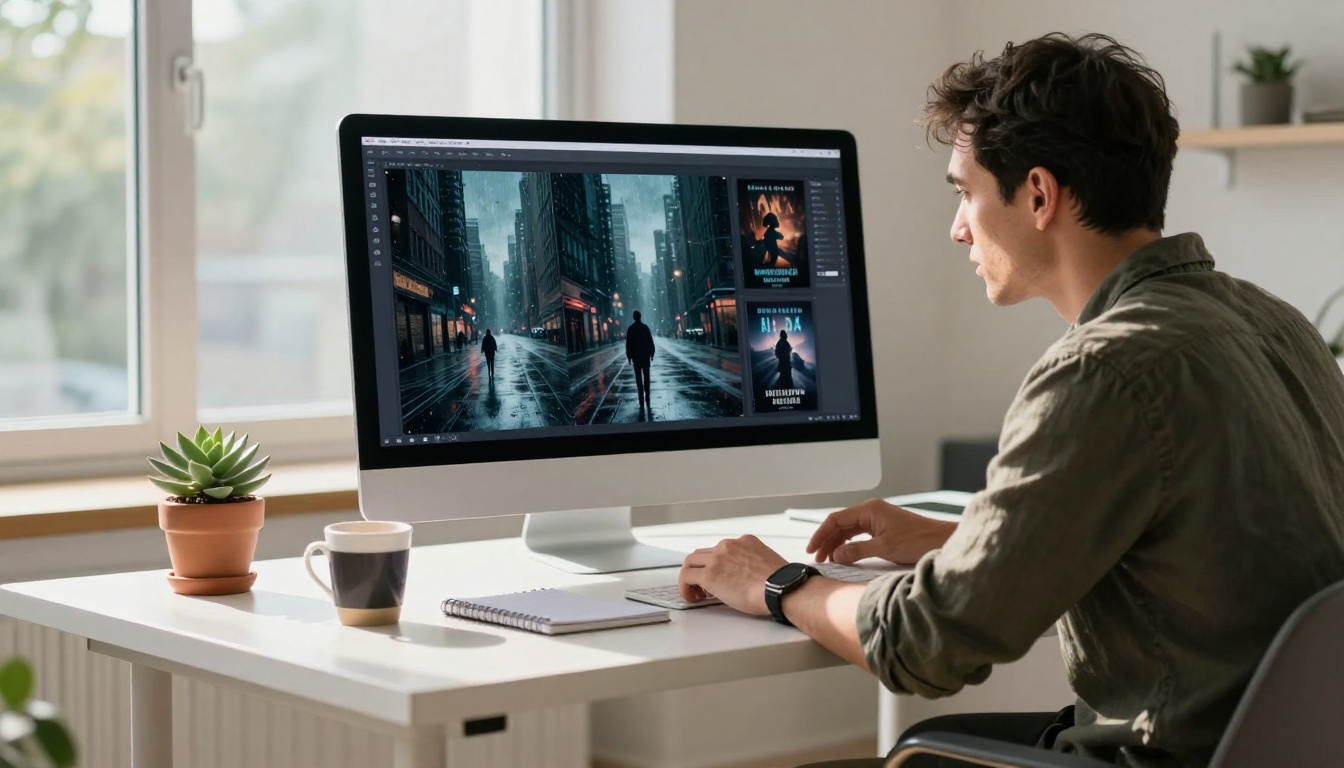
Choosing the Right AI Model for Your Genre
The model matters. Different AI image generators have different strengths, and matching the right tool to your genre saves time and produces better results from the first prompt. Here is what works.
Romance and Contemporary Fiction
Romance covers live and die on warmth, light, and emotional presence. You need skin tones that look real, golden hour lighting that feels cinematic, and the ability to depict figures with genuine emotional weight. Glossy, artificial-looking results do not work here: romance readers are visually sophisticated and will reject a cover that feels manufactured.
RealVisXL v3.0 Turbo is a strong starting point. It was built specifically for photorealism and handles human subjects with far fewer of the uncanny valley problems that affect other models. For a more cinematic, 4K-quality result with dramatic compositions, Dreamina 3.1 produces the warm tonal palette that romance readers recognize immediately.
💡 Include specific lighting descriptions in your prompts: "golden hour, volumetric light from the right, warm amber tones, shallow depth of field." The difference between a generic prompt and a lighting-specific prompt is the difference between a stock photo and a cover.

Fantasy and Science Fiction
Fantasy covers are where AI image generation genuinely shines. The scope of landscapes, the mythic creature design, sweeping vistas over impossible architecture: these are things that would cost thousands with a traditional illustrator. AI removes that barrier entirely.
Flux Krea Dev is particularly well-suited for fantasy because it was specifically built to eliminate the telltale "AI look," producing results with the texture and compositional weight of actual photography or high-end digital painting. Pair it with precise prompts describing light sources, atmosphere, and figure placement, and the results are consistently strong.
For faster iteration during the concept phase, SDXL Lightning 4Step generates results in seconds and is excellent for exploring compositions quickly before committing to a final generation with a more powerful model.
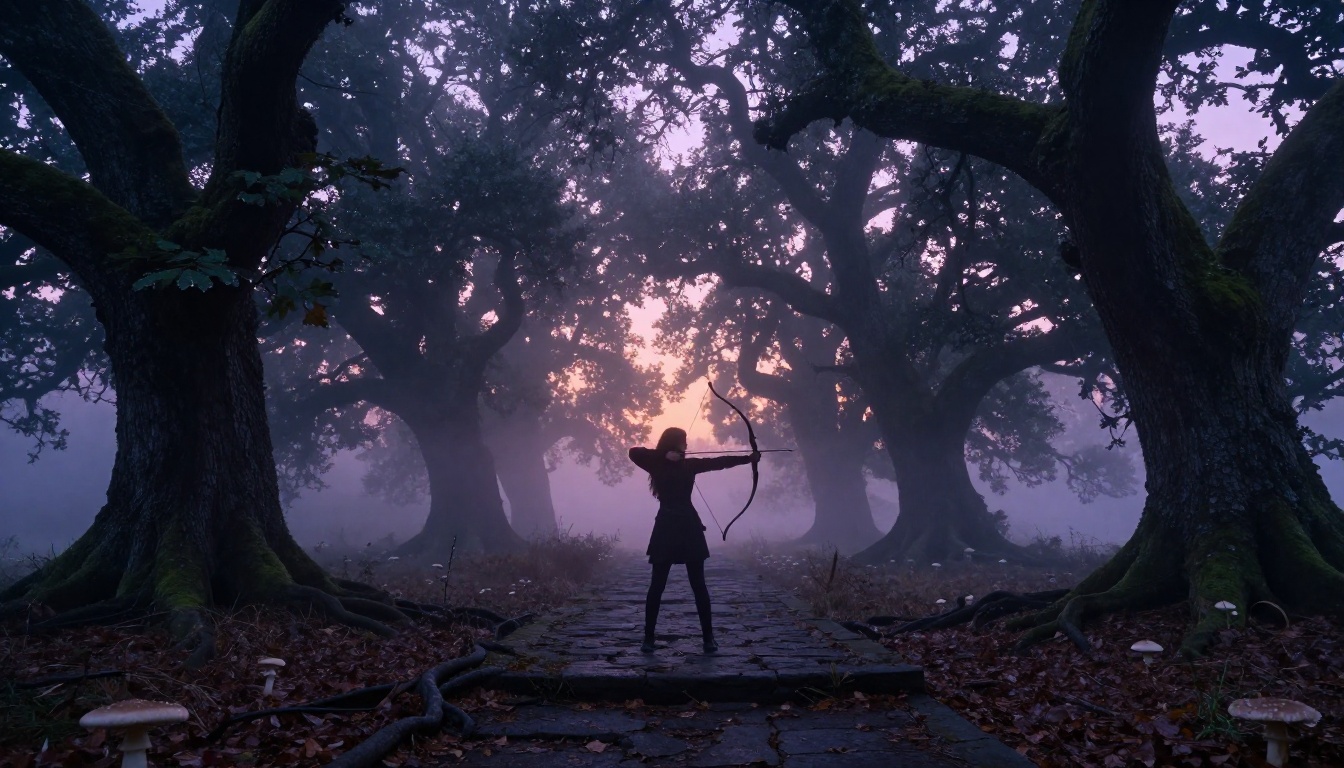
Thriller and Crime
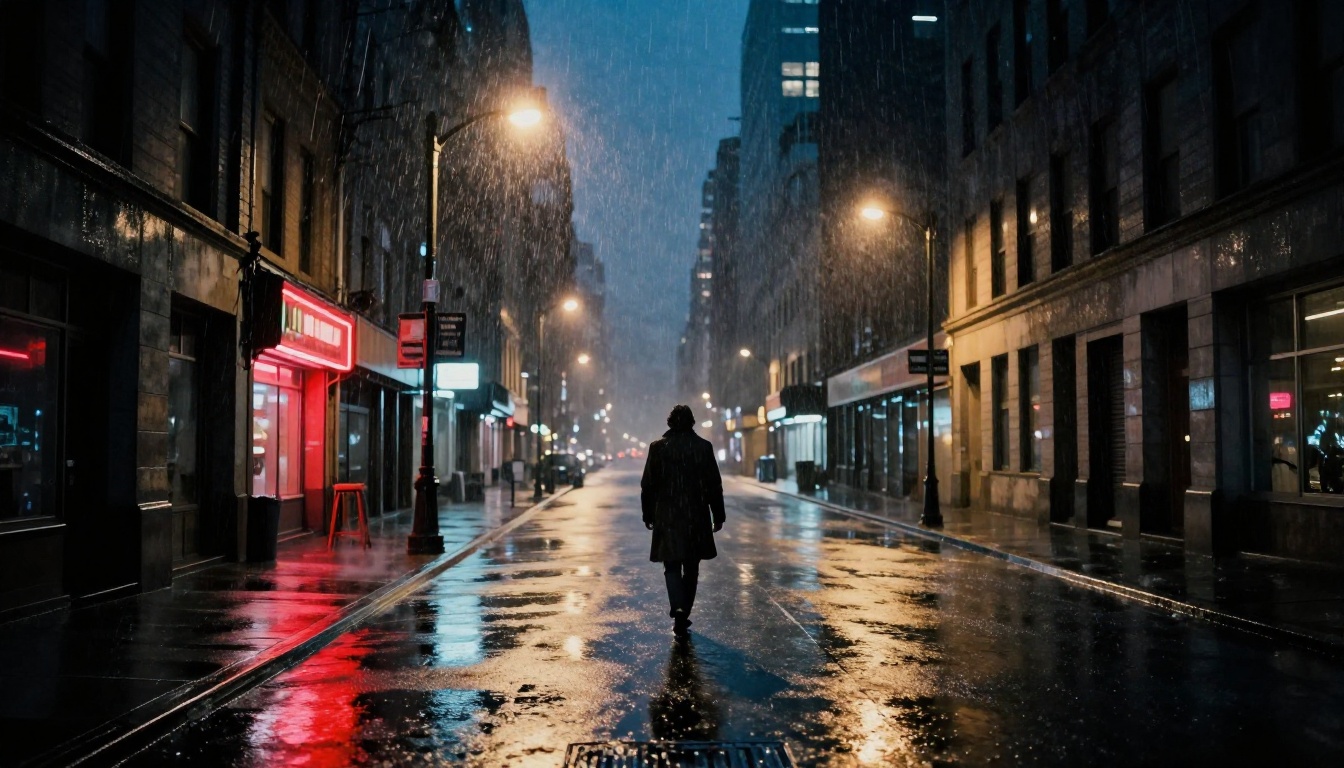
Thriller covers demand atmosphere over prettiness. Rain-slicked streets, long shadows, isolated figures, the weight of threat in an otherwise empty frame. These compositional techniques require both precision in prompting and a model that handles dark, high-contrast scenes without losing detail in the shadows.
GPT Image 2 handles darkness and shadow detail well and follows complex compositional prompts reliably. For the gritty, grain-heavy aesthetic that suits hardboiled crime fiction, Stable Diffusion 3 gives you direct stylistic control that other models apply automatically, letting you dial in exactly how grim the result reads.
💡 Add "film noir, Ilford HP5 grain, split-tone blue and amber, long shadows, 28mm wide angle, low perspective" to any urban scene prompt. The shift in atmosphere is immediate and dramatic.
Non-Fiction and Memoir
Non-fiction covers follow a different logic. The visual language here skews toward cleanliness, symbolism, and bold negative space rather than dramatic scenes. A single well-chosen object, a compelling portrait, an abstract texture: these carry more weight than a busy composition that works for fiction.
Wan 2.7 Image Pro generates natively at 4K, which gives you the clean fine detail that non-fiction covers require, particularly for product photography-style shots or close-up textures. For conceptual abstract visuals, Ideogram v3 Turbo is worth testing: it has unusually strong ability to follow conceptual prompts while maintaining visual coherence.
How to Use Flux Krea Dev on PicassoIA
Flux Krea Dev is one of the most reliable models on the platform for book cover imagery. It was built specifically to produce results that do not look like AI, which is exactly what you want for a cover that needs to compete on a retail shelf. Here is a practical workflow.
Step 1: Describe the Scene, Not the Cover
This is the single most important shift in thinking for authors new to AI image generation. Do not write "a fantasy book cover with a dragon." Write the actual scene you want to capture: where is the camera, what time of day, what is the light doing, what is the figure's posture, what textures surround them.
Weak prompt: fantasy book cover with a warrior
Strong prompt: Low angle shot of a female warrior standing at the crest of a cliff at dawn, volcanic mountains visible in the distance, armor catching the first pale light, mist in the valley below, 35mm lens, f/4, natural morning light from the right, Kodak Portra 400 grain, photorealistic --ar 2:3
The second prompt gives the model information about camera position, lens, lighting direction, atmosphere, and film stock. That is what produces a result with compositional integrity rather than a competent but generic illustration.
Step 2: Control Mood with Lighting Keywords
Lighting is the single largest driver of emotional tone in an image. Learning to name lighting conditions precisely is the fastest way to improve your results.
| Lighting Type | Emotional Effect | Good For |
|---|
| Golden hour | Warmth, romance, nostalgia | Romance, literary fiction |
| Overcast diffused | Cool, tense, melancholy | Psychological thriller |
| Volumetric fog | Mysterious, ancient, vast | Fantasy, horror |
| Hard midday | Harsh, unforgiving, exposed | Western, crime |
| Candlelight | Intimate, historical, secret | Historical fiction, gothic |
| Blue hour | Quiet, wistful, transitional | Literary, memoir |
Step 3: Refine Until It Sells
Run three to five variations of each prompt, changing small variables between each: camera angle, time of day, figure position in frame. Keep the results with the strongest compositional bones. You are not looking for the finished cover at this stage. You are looking for the image that makes you immediately feel the book's emotional register.
Once you have that base image, use Flux Kontext Fast to make targeted adjustments: add a specific object to the scene, shift the light temperature, or remove an element that does not serve the composition. This is faster than regenerating from scratch and preserves the overall structure that is working.

Getting Typography Right
Accurate, stylistically appropriate text remains one of the harder challenges for AI image generation. Most models either refuse to render text, render it incorrectly, or produce something that looks close but on inspection is scrambled. There are ways around this.
AI Models That Actually Render Text
Riverflow 2.0 Pro was specifically built around font and text control. It is the strongest option when you want to test how a title looks within the composition before adding it manually. Include the exact text in quotes within your prompt, specify font style ("condensed bold italic, bronze metallic, art deco"), and the model follows it with notable accuracy compared to general-purpose generators.
Ideogram v3 Turbo also has strong text rendering and works particularly well for non-fiction covers where clean, bold typography is central to the visual rather than overlaid on top of it.
When to Add Text Manually
The practical recommendation for most authors: use AI to get the imagery exactly right, then add title and author name text manually in Canva, Affinity Publisher, or Adobe InDesign. This gives you precise control over font selection, kerning, tracking, and typographic hierarchy that no AI model currently matches.
Genre-appropriate typography choices:
- Romance: Script or thin serif, often in gold or warm white
- Thriller: Bold condensed sans-serif, maximum contrast
- Fantasy: Display serif or custom lettering, often distressed or textured
- Literary Fiction: Clean, quiet typefaces with substantial breathing room
- Non-Fiction: Strong sans-serif, large and immediately legible at thumbnail size
From AI Image to Print-Ready File
Resolution Basics for Print and Digital
A Kindle cover requires a minimum of 1600 x 2560 pixels. Print-on-demand through IngramSpark or KDP Print requires at least 300 DPI at the final trim size. A standard 6x9 inch paperback at 300 DPI means your source image needs to be at least 1800 x 2700 pixels.
Most AI generators at maximum settings produce images between 1024 and 2048 pixels on the longest side. This is often not enough for print without upscaling. Wan 2.7 Image Pro generates natively at 4K and sidesteps this problem entirely. For covers generated at lower resolutions, the PicassoIA super-resolution tools can upscale with detail preservation, bringing images to print-ready quality without visible degradation.
Color Space: The Step Most Authors Skip
Digital images use RGB color space. Print uses CMYK. Sending an RGB file to a print-on-demand service without conversion produces color shifts that cannot be corrected after printing. Reds often become less saturated. Deep blues can shift noticeably toward purple.
The fix: after finalizing your cover in a layout application, export a CMYK proof and compare it directly to the RGB version. Make color corrections before submitting your print file. For ebook and Kindle covers only, RGB is correct and no conversion is needed.
What You Could Have on Your Shelf
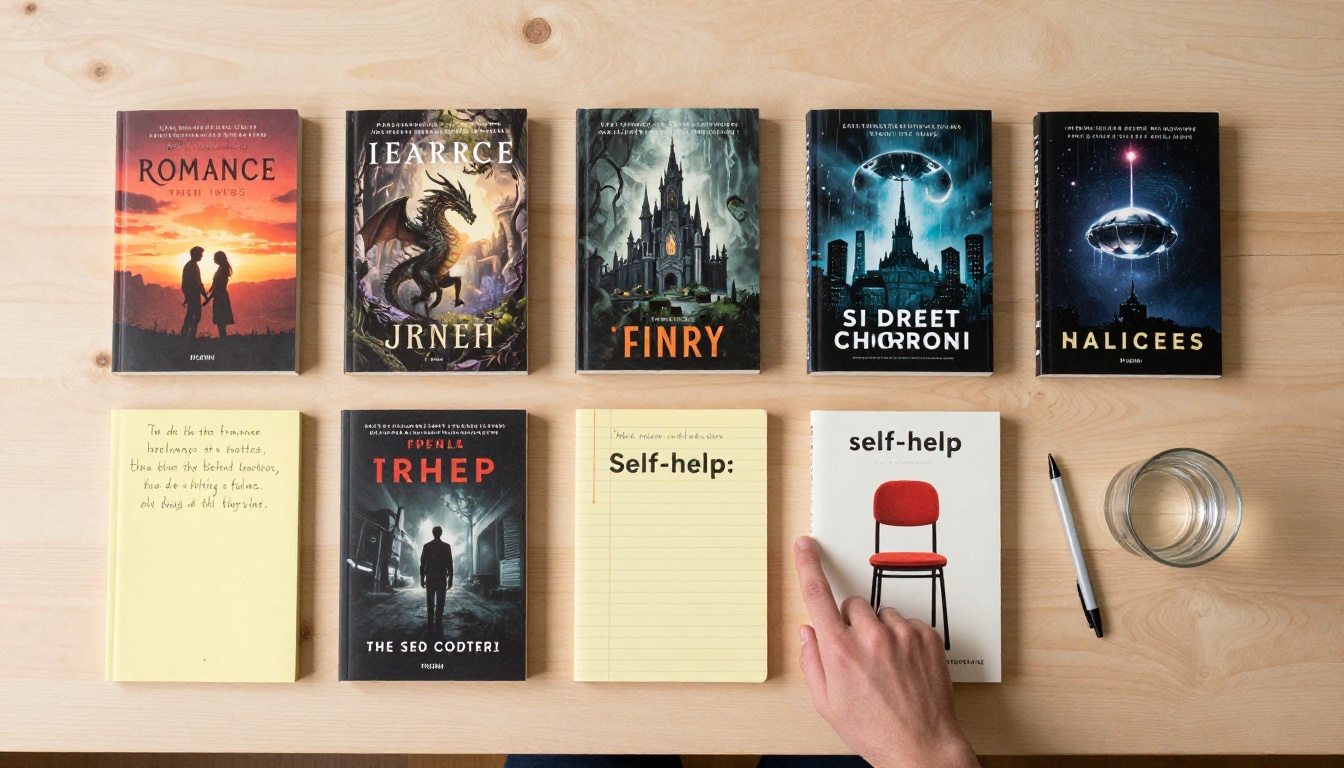
The comparison between authors using AI for their covers and those working with outdated approaches is becoming visible in the market. The former produce multiple covers per year with consistent quality and predictable cost. The latter either overspend on individual designs or undersell their work with visuals that cannot compete at thumbnail scale on a crowded results page.
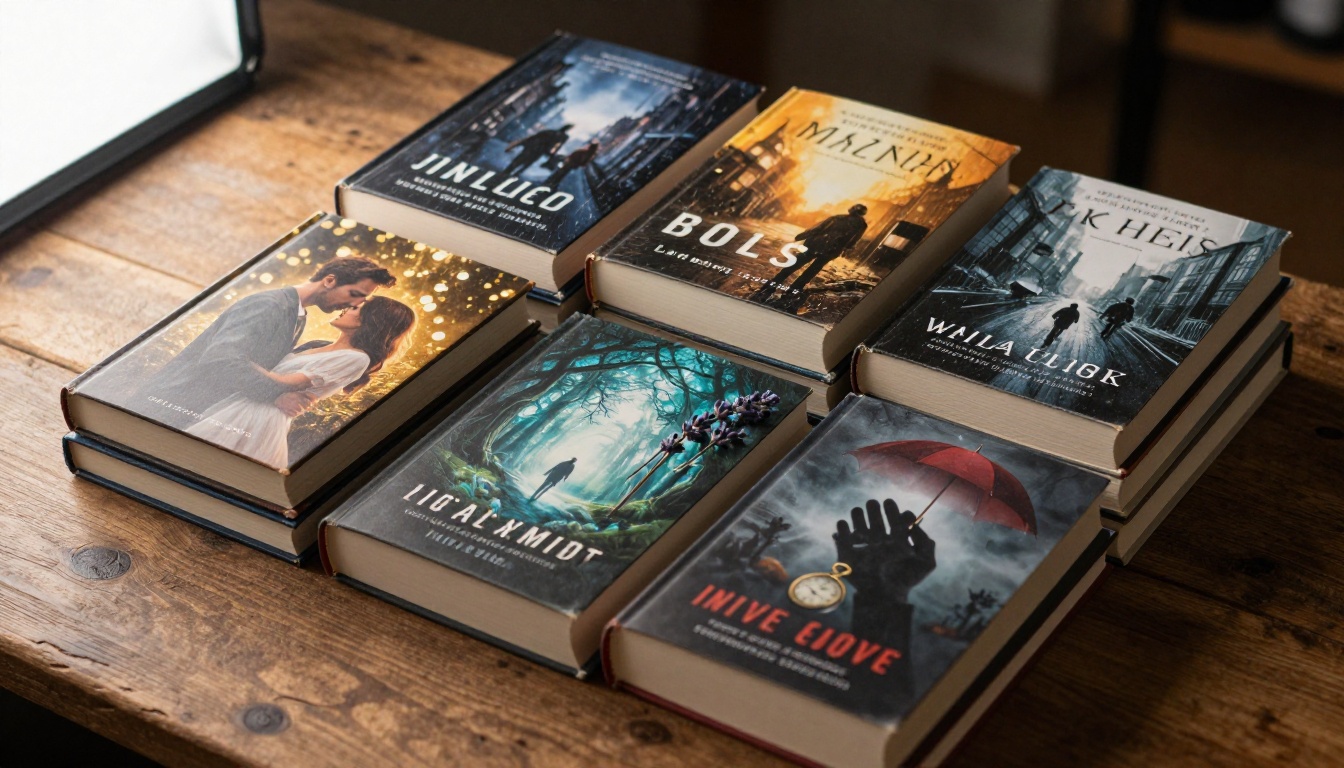
The workflow described here is not complicated. It requires practice with prompt writing. The first five or ten attempts will feel frustrating, and the gap between what you imagine and what the model produces will be visible. By the twentieth prompt, that gap narrows considerably. By the fiftieth, you will be generating strong, usable imagery in one or two attempts.

Start Creating Your Covers Today
PicassoIA gives you access to every model mentioned in this article, from Flux Krea Dev for photorealistic scenes to Riverflow 2.0 Pro for covers with embedded typography, all in one platform without juggling separate accounts.
Start with your genre. Write a scene prompt rather than a cover description. Describe the light, the camera angle, the atmosphere, the mood. Run several variations. Pick the strongest composition and refine from there. Finish with your title text added manually in whatever layout tool you prefer.
Your readers will see a cover that competes with the best titles in your category. They will never know which tool made it possible.


