You found a winning product. The supplier is ready. Your Shopify store looks solid. But the ads? They are the reason your launch gets delayed by a week, sometimes two. You are waiting on a freelancer, wrestling with Canva, or paying for a product photoshoot that costs more than your first month of ad spend. AI for dropshippers making ads fast is not a trend. It is the most practical shift in ecommerce marketing right now, and the dropshippers who adopt it early are scaling while everyone else is still waiting on revisions.
This is not about using AI to replace creativity. It is about removing the parts of ad production that eat your time without adding value, so you can focus on what actually moves the needle: testing, optimizing, and scaling.
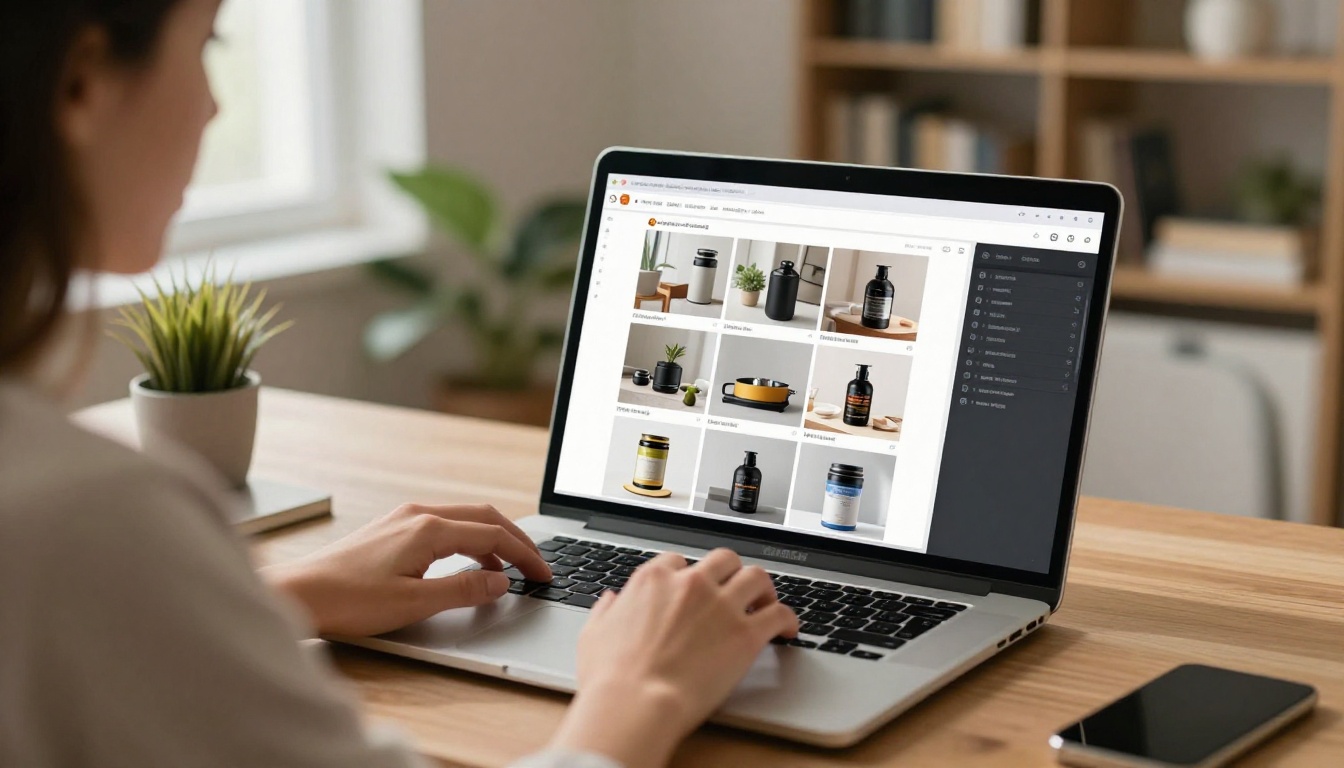
Why Your Ad Creative Is the Real Bottleneck
Most dropshippers obsess over product research and supplier negotiations. The creative side gets treated as an afterthought, something you throw together the night before launch. That is a mistake that compounds over time.
The real cost of slow production
When it takes you four days to produce five ad variations, you lose four days of data. Your competitor running 20 variations in the same time period is collecting insights, cutting losers, and scaling winners while you are still in production mode.
The math is simple:
| Approach | Ad variations per week | Data collected |
|---|
| Manual (freelancer/Canva) | 3 to 5 | Minimal |
| AI-assisted workflow | 20 to 40 | Actionable |
Beyond speed, there is the budget problem. A single product photography session can cost $300 to $800. A decent design freelancer charges $25 to $75 per creative. For a dropshipping store testing five products simultaneously, those costs add up before you have made a single sale.
What shoppers stop and click on
High-converting dropshipping ads share a few visual patterns. They show the product in context, not floating on a white background. They use real-looking lifestyle imagery that feels native to the feed. They communicate the benefit visually in under two seconds.
💡 The three-second rule: if a potential customer cannot understand what the product does and why they want it within three seconds of seeing your ad, the creative is failing you regardless of your targeting or copy.
AI image generation now makes it possible to produce that kind of content without a photoshoot, without a stylist, and without a studio.
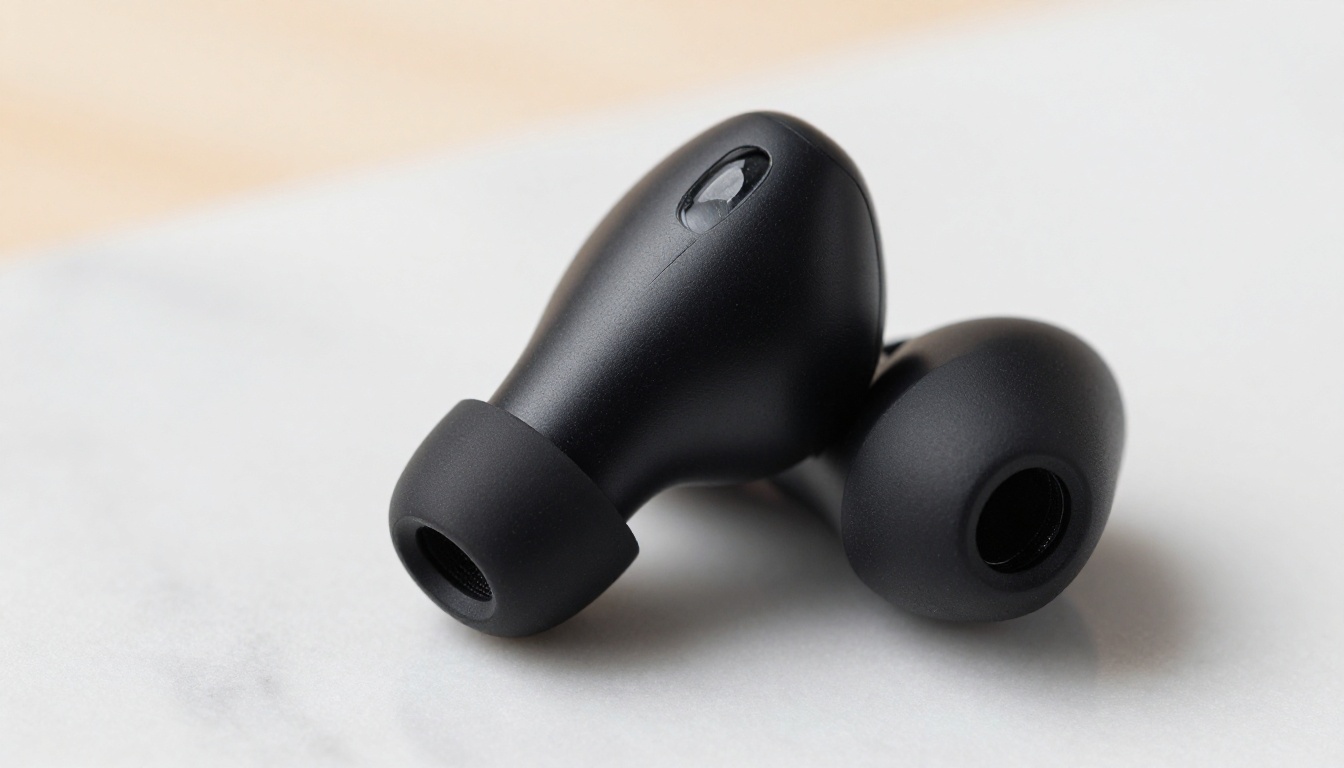
Not every AI tool adds value for a dropshipping workflow. The ones that matter are focused on three problems: generating product imagery, editing existing product photos, and creating lifestyle context around plain product shots.
Generate product images without a photoshoot
Text-to-image models have gotten good enough that you can describe a product scene and receive a photorealistic result that passes for real photography. Models like Flux Pro and Flux Kontext Fast let you describe exactly what you need and get it in seconds.
The workflow looks like this:
- Start with your supplier's product photo (usually plain white background)
- Use a product-specific model to reframe the image with context
- Add shadows, backgrounds, and lifestyle elements
- Export and launch
Remove backgrounds and swap scenes
Background removal used to require Photoshop skills. Now Product Cutout handles it in one click with precision that rivals manual masking. Once the background is gone, you can drop the product into any scene you generate.
Generate Background takes it further by letting you create entirely new backgrounds from text prompts. A product that came from a supplier on a grey floor can be placed on a marble countertop, a beach, or a kitchen shelf in seconds.
Add text overlays that don't look cheap
Ideogram v2 and Ideogram v3 Turbo are the standout models for generating images that incorporate readable, well-designed text. For dropshipping ads that need price callouts, limited-time offers, or short feature bullets baked into the image, these models produce clean typographic results that other generators struggle with.
How to Use Product Packshot on PicassoIA
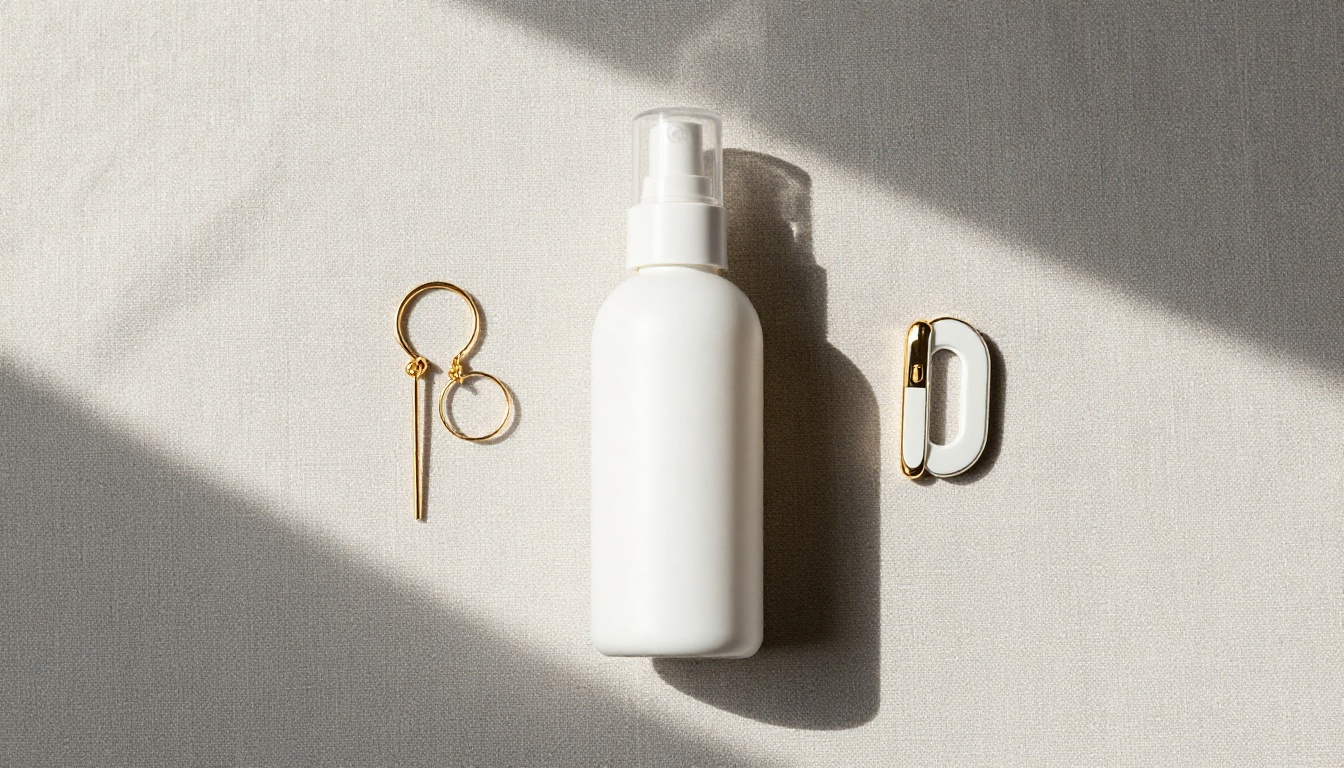
PicassoIA has a set of tools built specifically for product photography that makes this workflow genuinely fast. The Product Packshot model is one of the most practical for dropshippers because it takes a raw product image and generates a polished, studio-quality packshot automatically.
Step-by-step for instant pro photos
Step 1: Upload your raw supplier product image to PicassoIA. A plain white background image works perfectly as input.
Step 2: Open Product Packshot and select your desired output style. Options include clean white studio, gradient backgrounds, and contextual settings.
Step 3: Set the output orientation. For Facebook and Instagram feed ads, use square or 4:3. For Stories and TikTok, use 9:16.
Step 4: Generate and review. Product Packshot typically needs only one or two attempts to produce ad-ready quality.
Step 5: Use Product Shadow to add a realistic drop shadow beneath the product. This single addition makes the image look three-dimensional and professional instead of cut-and-paste.
Tips for getting the best results
- Input image quality matters. The cleaner your starting product image, the better the output. Request a high-resolution image from your supplier before you start.
- Batch process your catalog. Once you have the workflow down, process 10 products in the time it would take to edit one manually.
- Combine models. Use Product Cutout first, then Product Shadow, then Generate Background for maximum control over the final result.
💡 The Product Packshot model is purpose-built for ecommerce. Unlike general text-to-image models, it is trained specifically on product photography conventions, which means results are immediately usable in ad campaigns without additional editing.
Background Swaps and Scene Control
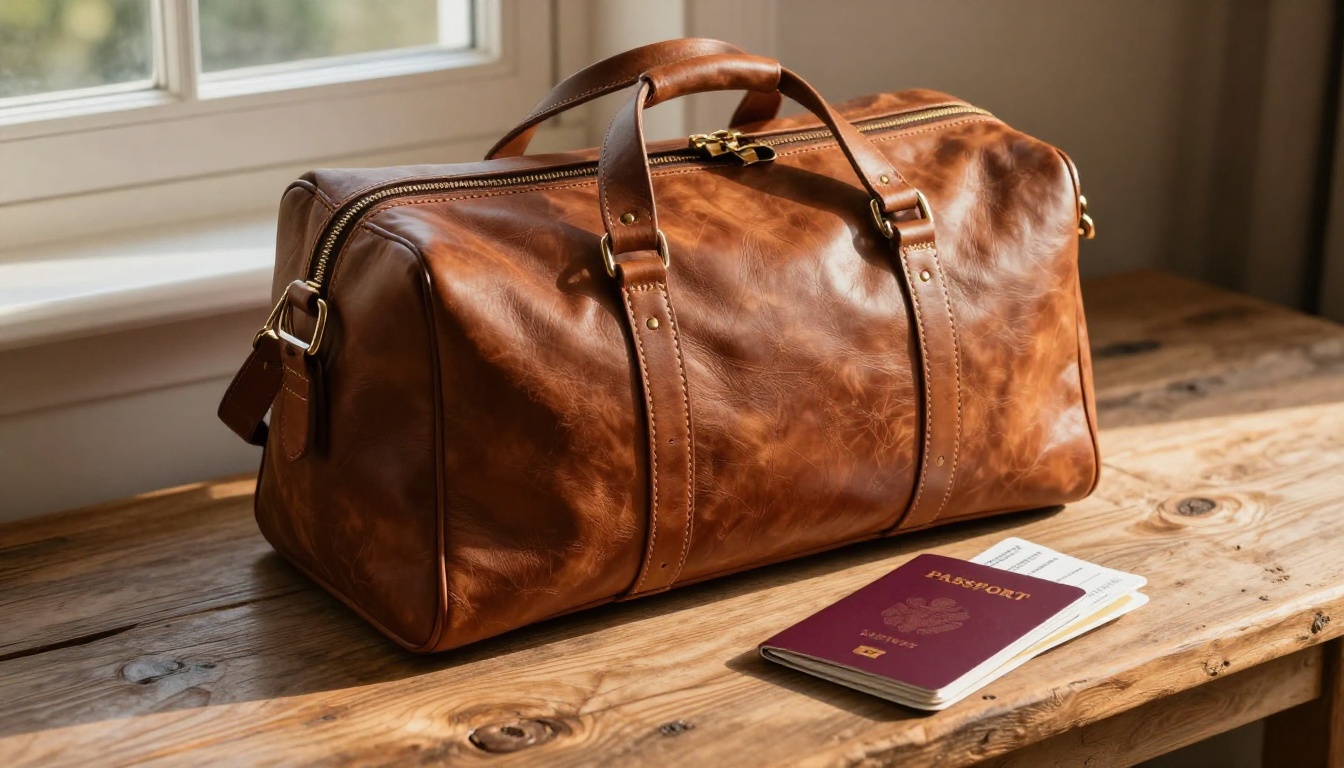
The biggest visual upgrade you can make to a dropshipping ad is putting your product somewhere that makes sense. A smartwatch on a granite countertop next to a cup of coffee says something different than the same watch on a plain white background. Context creates desire.
Using Generate Background for lifestyle shots
Generate Background accepts a product image with a transparent background and generates a contextually appropriate scene around it. You describe the setting in a text prompt: "modern kitchen counter, morning light, marble surface, coffee maker in background" and the model creates a photorealistic environment that makes your product look like it belongs there.
This is particularly powerful for home goods, beauty products, and kitchen accessories where lifestyle context is a strong purchase driver.
Flux Kontext Fast for context editing
Flux Kontext Fast goes a step further. Rather than replacing the background after the fact, it allows you to edit the entire image context with natural language instructions. You can change the season, the location, the lighting mood, and even add or remove elements from the scene.
For A/B testing ad creatives, this is incredibly efficient. Take one strong base image and generate four variations: summer beach setting, urban apartment, outdoor market, and minimalist studio. Four ad creatives from one source image in under ten minutes.
Making Facebook and TikTok Ads Faster
The two dominant paid channels for dropshipping have different creative requirements, and AI tools can serve both without rebuilding your workflow from scratch.
What format wins on Facebook
Facebook and Instagram feed ads reward clear, high-contrast imagery with an obvious focal point. The product needs to be immediately visible and the visual hierarchy needs to guide the eye from product to benefit to action.
Best formats for Facebook:
- Static images: Still the highest-volume format for dropshipping. Use Flux Fast for rapid variations of the same concept.
- Carousel ads: Generate multiple product angles or colorways using Flux Kontext Dev to maintain visual consistency across cards.
- Collection ads: The cover image matters most. Use GPT Image 1 for high-fidelity lifestyle covers that set the scene.
💡 Facebook's algorithm rewards creative diversity. Running 10 to 15 ad creatives per ad set gives the algorithm more material to work with, and AI generation makes hitting that number realistic for a solo operator.
TikTok-ready content without a studio
TikTok ad creatives need to feel native. Overly polished studio imagery often underperforms against content that looks like it was captured naturally. The irony is that AI models like RealVisXL v3.0 Turbo produce imagery so naturally detailed that it reads as authentic rather than artificial.
For TikTok static and spark ads, prioritize:
- 9:16 vertical ratio (generate in portrait orientation from the start)
- Natural lighting over studio perfection
- Human presence in the scene when possible (someone holding or using the product)
- Minimal text in the image itself (save the copy for captions and overlays)
Batch Production: More Ads, Less Time
The real speed gain from AI is not about making one image faster. It is about making 30 images in the time it used to take to make three. Batch production changes how you think about creative testing.
How to set up a repeatable workflow
A repeatable AI ad production workflow looks like this:
- Product intake: Collect 2 to 3 raw product images from your supplier
- Background removal: Run all images through Product Cutout
- Base shots: Generate 3 to 4 packshot variations per product with Product Packshot
- Scene variations: Use Generate Background to create 4 to 6 lifestyle contexts per product
- Text variants: Where copy needs to be baked in, use Ideogram v2 Turbo for a version with a price or feature callout
- Upload and tag: Organize by product and creative type in your ad platform
This workflow produces 15 to 20 ad-ready creatives per product. With traditional methods, that same output would take a day or more.
Reusing winning visuals
When a creative wins on Facebook, do not just scale the budget. Use that winning image as an input for Flux Kontext Fast to generate contextual variations that preserve what is working while introducing enough newness to extend the creative's lifespan.
💡 The best use of AI in an ad workflow is not starting from scratch every time. It is taking what already works and multiplying it. A proven winning creative is your most valuable input.
What Makes a Dropshipping Ad Actually Convert
Speed matters, but the final creative still needs to do its job. Quantity without quality is just noise. Here is what separates creatives that convert from ones that drain budget.
Color, contrast, and context rules
The three visual levers that drive click-through rate are color, contrast, and context. All three can be precisely controlled through AI generation.
Color: Warm tones outperform cool tones for lifestyle and fashion products. Cool tones work better for tech and productivity tools. Match your palette to the emotional register of the product category.
Contrast: Your product needs to visually pop against its background. Product Shadow adds the dimensional depth that separates the product from its environment, increasing visual contrast without looking forced.
Context: The background and surrounding elements tell a story. A supplement bottle next to a gym bag, a water bottle at a running track, a skincare product on a bathroom vanity. These contextual signals activate desire more effectively than plain product shots.
The 3-second test
Before launching any creative, apply this filter:
- Can a stranger identify the product in under 2 seconds?
- Is the visual benefit (what it does) clear without reading copy?
- Does the image feel like it belongs in the feed where it will appear?
If the answer to any of these is no, regenerate with adjusted parameters before spending a dollar on traffic.
Common fixable issues and AI solutions:
The Right Models for Every Stage
Different moments in the ad production process call for different tools. Here is a clear breakdown:
Scale Your Creative Output Now
The dropshipping operators pulling ahead right now are not the ones with bigger budgets or better suppliers. They are the ones who can test faster. Faster testing means faster learning. Faster learning means faster scaling.
AI image tools on PicassoIA remove the creative production bottleneck that has historically been the reason most dropshippers fail to iterate quickly enough. You no longer need a design team, a photographer, or a three-day turnaround on a set of ad creatives. You need a clear understanding of what you want the image to communicate, and the right tool for the job.
The models are ready. The workflow is straightforward. The only thing left is to start.
Pick one product you are currently testing. Upload your best supplier image to PicassoIA and run it through Product Packshot. Then take that result and generate four lifestyle variations with Generate Background. You will have five launch-ready creatives in under fifteen minutes.
That is the real advantage of AI for dropshippers making ads fast. Not the technology itself, but what it gives back: time to test, budget to scale, and the creative volume to find what actually converts.


