Short clips are the highest-leverage asset a fitness creator can produce. Not long-form tutorials. Not blog posts. Not email newsletters. A 15-to-45-second clip showing one exercise, one transformation, or one bold statement is what drives followers, clients, and revenue in 2027. The problem is production: filming, trimming, adding captions, choosing music, color grading, exporting for three different platforms. That pipeline used to eat 6 to 8 hours per video. With AI for fitness creators making short clips, that number drops to under 30 minutes.
Why Short Clips Won the Fitness Internet
The fitness niche has always been visual, but the rise of short-form video on TikTok, Instagram Reels, and YouTube Shorts forced a fundamental shift. Volume beats perfection. A creator who posts six clips per week consistently outperforms one who posts a single polished video per month, regardless of production quality differences.
The 15-second attention window
Fitness audiences decide whether to stay or scroll within the first two seconds. A compelling opening rep, a transformation side-by-side, or a bold on-screen claim buys attention. Everything else is secondary. AI video generation lets you test multiple hook variations of the same clip in the time it would take to film one.
Platforms that reward volume
| Platform | Optimal Clip Length | Posts Per Week (Top Creators) |
|---|
| TikTok | 15 to 30 seconds | 7 to 14 |
| Instagram Reels | 7 to 15 seconds | 5 to 10 |
| YouTube Shorts | 30 to 60 seconds | 3 to 7 |
Posting that consistently requires a production system, not just talent. AI builds that system.
What AI Actually Does for Video
AI video tools in 2027 do not just apply filters. They generate entire motion sequences from a text description or a still photo. You describe what you want, the model produces a clip, and you post it. That is the core workflow that is saving creators hours every single day.
From prompt to clip in minutes
Text-to-video models like Kling v2.6 and Veo 3 accept a written description and output a finished video clip. Write "fitness trainer demonstrating a dumbbell curl in a sunny gym, cinematic slow motion" and the model renders it. No camera. No lighting setup. No editing software.
For fitness creators, this opens up three specific use cases:
- Content when you cannot film: Bad lighting day, sick, traveling with no equipment.
- Testing hooks without committing: Generate five different openers for the same topic and pick the best performing one.
- Scaling topic coverage: Cover every exercise variation you teach without filming each one individually.
Image-to-video for workout footage
If you already have great photos from a gym session, image-to-video models breathe motion into them. Wan 2.7 I2V takes a still image and animates the subject with realistic movement. A static deadlift photo becomes a dynamic clip with visible muscle engagement and motion.
The Best AI Video Models for Fitness Clips
Not all models perform equally for fitness content. High-motion subjects like weight training, running, and yoga need models with strong physics understanding and smooth temporal consistency across frames.
Kling v2.6 for cinematic motion
Kling v2.6 from Kwaivgi generates cinematic 1080p videos from text prompts. It handles fast movement exceptionally well, making it ideal for dynamic exercises like box jumps, burpees, and sprint sequences. The model maintains body proportions across frames, which is critical for fitness content where anatomical accuracy matters.
Tip: Describe muscle groups in your prompt for better anatomical realism. "Quadriceps engaged, shoulders back, controlled descent" produces noticeably better results than generic descriptions.
Veo 3 for audio-native clips
Veo 3 by Google generates video with native synchronized audio. For fitness creators, this means ambient gym sounds, breathing cues, and motivational background tracks baked directly into the clip. It removes an entire post-production step.
Seedance 1.5 Pro for HD output
Seedance 1.5 Pro by ByteDance pairs high-definition video output with built-in audio generation. It handles complex lighting scenarios well, which matters for outdoor fitness content and mixed-light gym environments.
A quick model comparison
How to Use Kling v2.6 on PicassoIA
Kling v2.6 is one of the most reliable text-to-video models for fitness content. Here is the exact workflow to get a publish-ready clip in under 15 minutes.
Step 1: Write a specific video prompt
Be specific about the exercise, environment, camera angle, and mood.
Example prompt: "Female personal trainer performing barbell Romanian deadlifts in a well-lit commercial gym, close-up on form from side angle, slow motion at the hip hinge, professional athletic wear, cinematic lighting"
Structure your prompt as: [Subject] + [Exercise] + [Environment] + [Camera angle] + [Style/Mood]
Step 2: Set your parameters
On PicassoIA, when you open Kling v2.6, configure these settings for fitness clips:
- Duration: 5 seconds for social clips, 10 seconds for technique demos
- Aspect ratio: 9:16 for Reels and TikTok, 16:9 for YouTube
- Camera motion: Static for form breakdowns, tracking for dynamic movements
Step 3: Review and regenerate
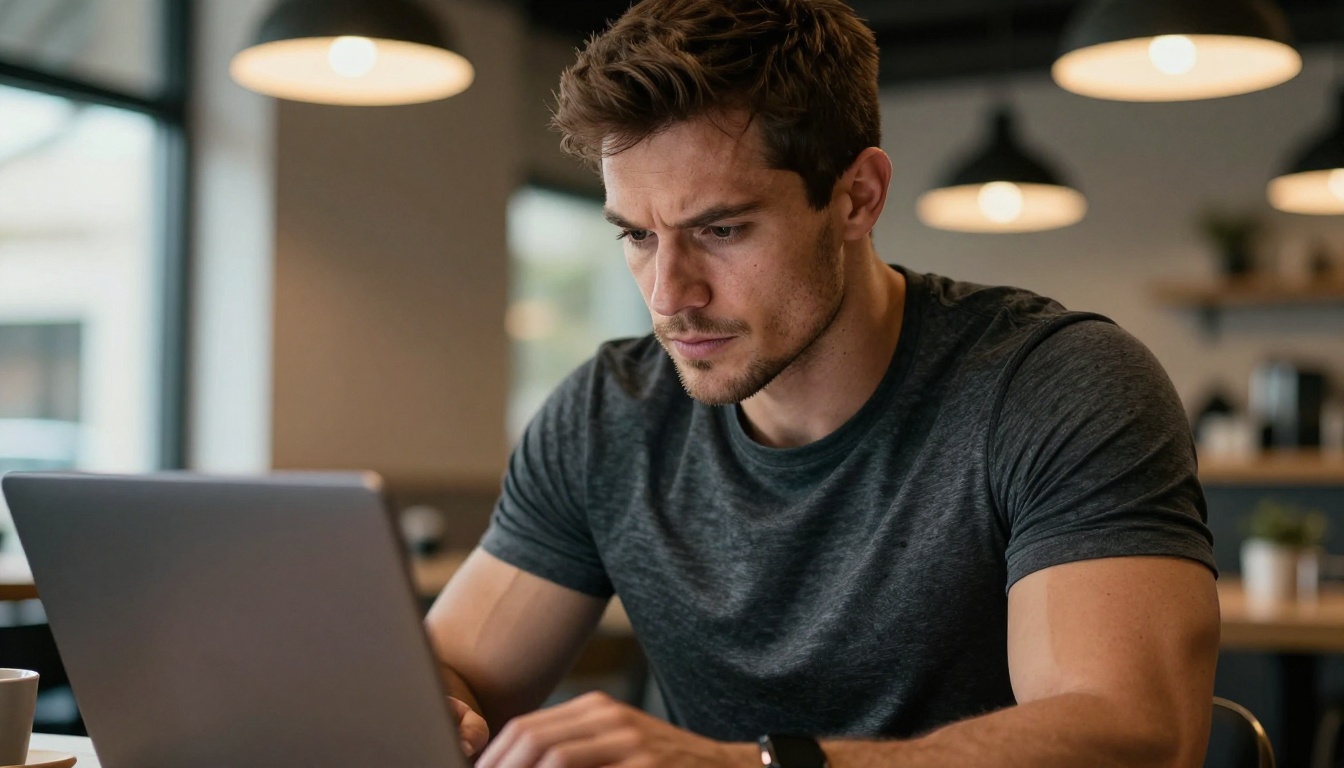
AI video is probabilistic. The first output may have slight anatomical inconsistencies. Run the model two to three times and select the best output. Most fitness creators find their ideal clip on the second or third attempt.
Tip: If hands or feet look unnatural, a common artifact in AI video, rewrite your prompt to keep those body parts out of frame or use a tighter crop angle.
Step 4: Polish with AI enhancement
Upload your generated clip to Video Upscale by Topaz Labs directly on PicassoIA. It sharpens motion details and outputs at 4K or 120fps, giving your AI-generated footage broadcast-quality resolution without any manual work.
Turning Workout Photos into Video
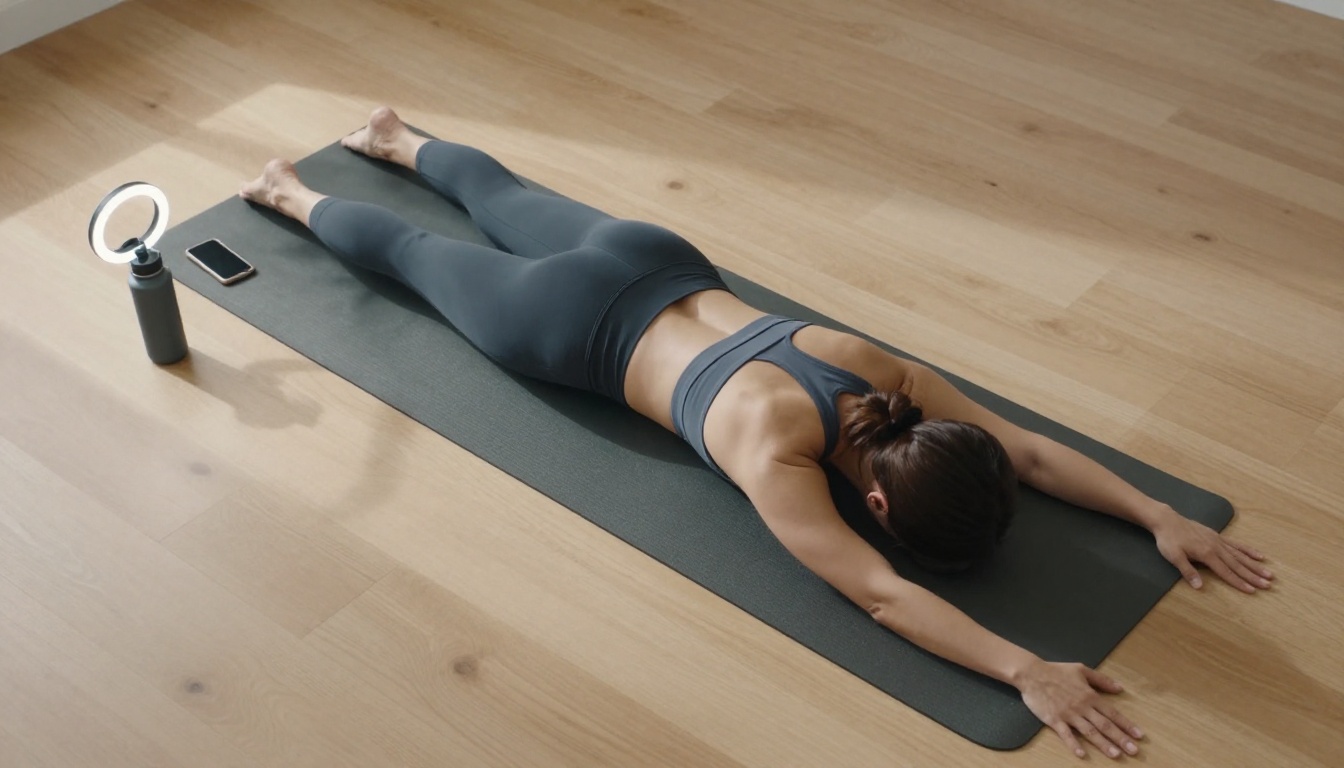
Most fitness creators already have a library of high-quality gym photos sitting on their phones. AI image-to-video models turn that static archive into an active content pipeline.
The image-to-video workflow
- Select a strong still image with a clear subject and good lighting
- Write a motion prompt describing what you want to happen in the clip
- Run it through Wan 2.7 I2V or Kling v2.1
- Export the clip and add captions or overlay text in your preferred app
The resulting video preserves the original photo's look, lighting, and subject while adding realistic motion that feels authentic to how that movement actually looks.
Wan 2.7 I2V for athletes
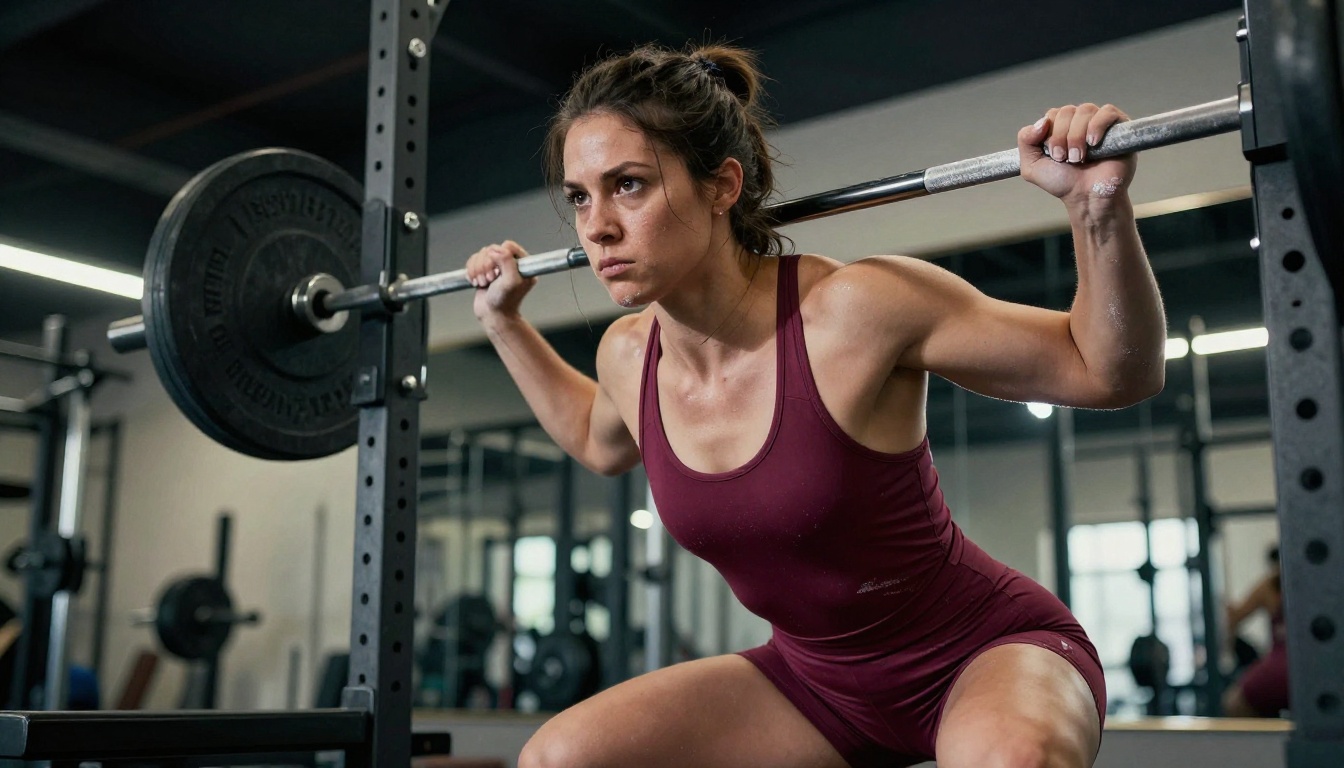
Wan 2.7 I2V is particularly strong at animating athletic subjects because it understands body mechanics at a deep level. It does not just add random movement. It infers the natural continuation of a physical pose. A photo of someone mid-squat becomes a clip of them completing the rep with anatomically correct form.
Best input photos for image-to-video conversion:
- Mid-movement shots: Better motion inference than static standing poses
- Clear depth separation: Subject clearly distinguishable from the background
- Natural lighting: Avoids compression artifacts in the output video
- Single subject in frame: Produces noticeably cleaner results than group shots
Short clip production is not only about the video itself. Audio, visual polish, and clean backgrounds all contribute to a clip's performance on social platforms.
Upscaling your footage
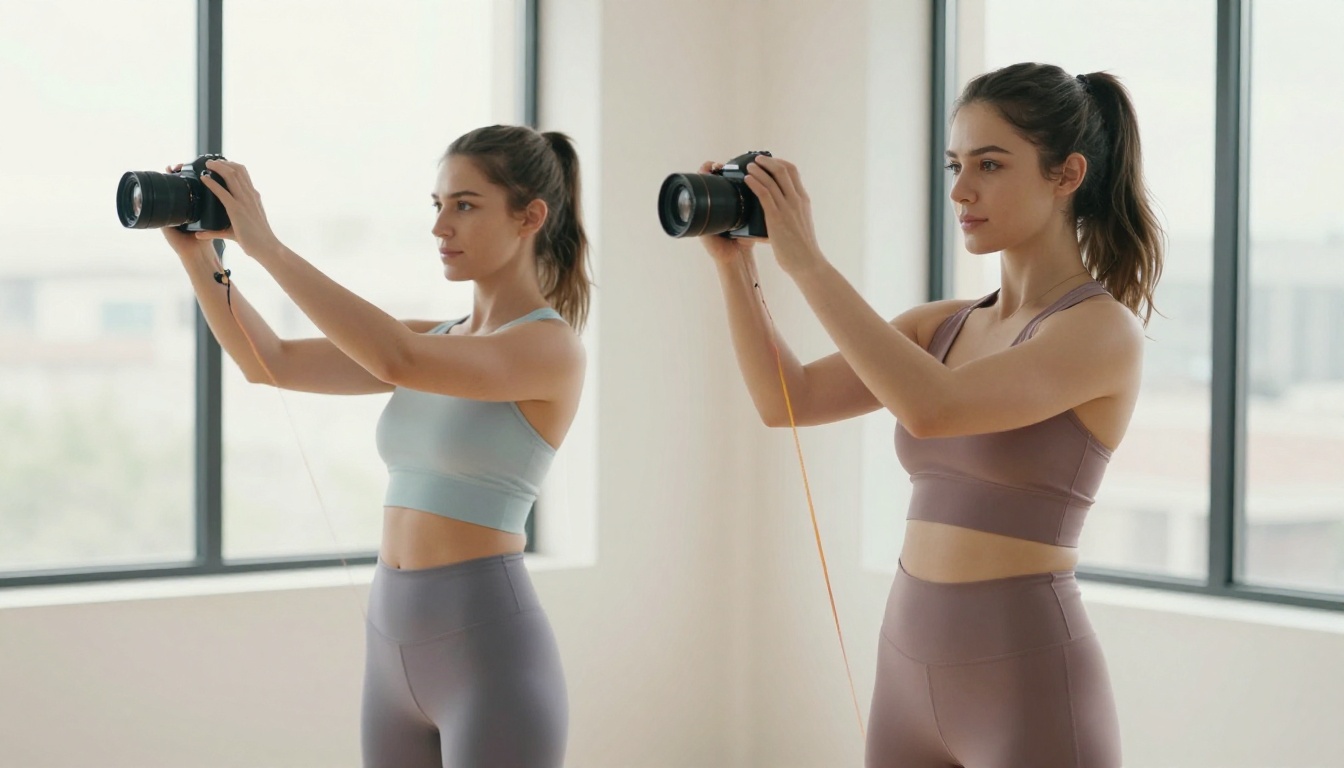
Whether you generate AI video or film on a smartphone, Video Upscale by Topaz Labs converts your footage to 4K with improved frame rates. Slightly soft or shaky gym clips become sharp, professional-quality content. The model is especially effective at recovering fine detail in high-motion sequences like jumps, sprints, and barbell movements.
Runway's Upscale v1 is a strong alternative when you want 4K upscaling with a faster turnaround time.
Background removal for clean cuts
Removing a busy gym background to place yourself against a clean backdrop is standard practice in high-performing fitness content. PicassoIA's background removal tool processes video frame-by-frame and delivers clean cutouts without manual rotoscoping. Pair it with a solid color or branded background and your clips look studio-produced regardless of where you actually filmed.
Tip: A neutral matte background in your brand's primary color converts generic workout clips into recognizable branded content that builds recall across platforms.
5 Content Ideas AI Can Produce Today
You do not need to overthink what to create. These five formats perform consistently in the fitness niche and AI handles each one without issue.
- Form breakdown clips: "Side-by-side of correct vs. incorrect squat depth, gym setting, slow motion comparison, split-screen format"
- Motivational visual stories: Sunrise workout clips with atmospheric golden lighting, no narration required
- Exercise variation reels: Show five different squat variations back to back, each 3 seconds long
- Photo-to-motion content: A still starting position animating into the first rep using Wan 2.7 I2V
- Environment showcases: Walk-through of a home gym, outdoor training space, or boutique fitness studio
Tip: Batch your prompts. Write 10 to 15 prompts in one session, run them in parallel, and wake up to a full week's worth of clips ready for captions and posting.
Your Production Speed, Multiplied
The fitness creators gaining the most traction right now are not the ones with the best cameras. They are the ones with the best systems. AI for fitness creators making short clips is that system: consistent output, zero production bottlenecks, and the ability to test creative directions without the risk of wasted filming time.
Every model mentioned in this article is available directly on PicassoIA, with no extra subscriptions to juggle and no software to install on your computer. Pick one exercise topic you have been meaning to cover, open Kling v2.6 or Veo 3, write a prompt, and have your first AI-generated fitness clip ready within 10 minutes.
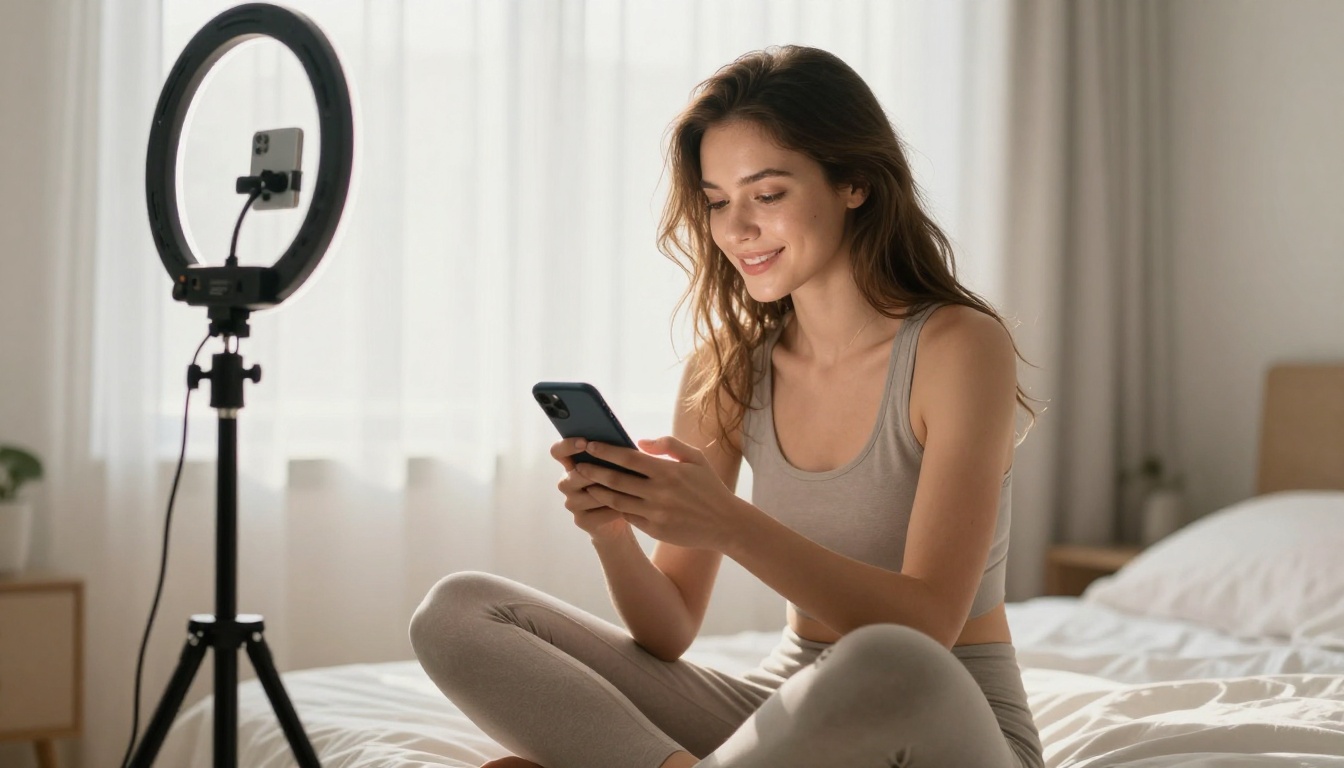
The gap between creators who use AI and those who do not is widening every month. The ones who adopt these tools early build a volume and speed advantage that compounds over time. Start with one clip. See what the tools can do for your content. The output will speak for itself.