Kids today are growing up in a world where AI generates images, answers questions, reads stories aloud, and composes music in seconds. The tools exist. The real question parents and teachers face isn't "should kids use AI?" but "which AI tools are actually safe, and where do you even start?" This article breaks it down with specific, tested tools, honest safety advice, and practical ways to make AI a positive part of your child's creative life.
Why Now Is the Right Time
AI tools have changed dramatically in the past two years. They're faster, cheaper to access, and far more capable than anything kids touched in classrooms before. But what's most significant for families is that many platforms now offer simpler interfaces, content filters, and free tiers that make this genuinely accessible.
Children who interact with AI early aren't just playing around. Research from Harvard's Center on the Developing Child consistently shows that creative tool use builds problem-solving skills, language development, and self-confidence. AI is the newest creative tool, the way calculators once were for math class.
What Makes an AI Tool Kid-Safe?
Not every AI tool is appropriate for children. When evaluating any platform, look for:
- No data collection on minors: The platform must not store or sell personal data
- Content filters: Output should be moderated for violence, adult content, and dangerous instructions
- No account required (or parent-approved accounts only for under-13s)
- Transparent output: Kids should see exactly what the AI is doing and why
- No manipulative design: No dark patterns that push in-app purchases or addictive loops
💡 Quick rule: If you wouldn't let your child talk to a stranger who behaved like this app, it's probably not a kid-safe AI tool.
3 Questions to Ask Before Starting
Before handing your child any AI tool, run through these three:
- Who sees the data? Read the privacy policy. If it's collecting chat history and you can't delete it, that's a red flag.
- Can I see everything they're doing? Supervision matters, especially for first-time users under 12.
- Does this tool do something my child actually wants? AI tools work best when they're tied to a real interest, whether art, writing, music, or science.
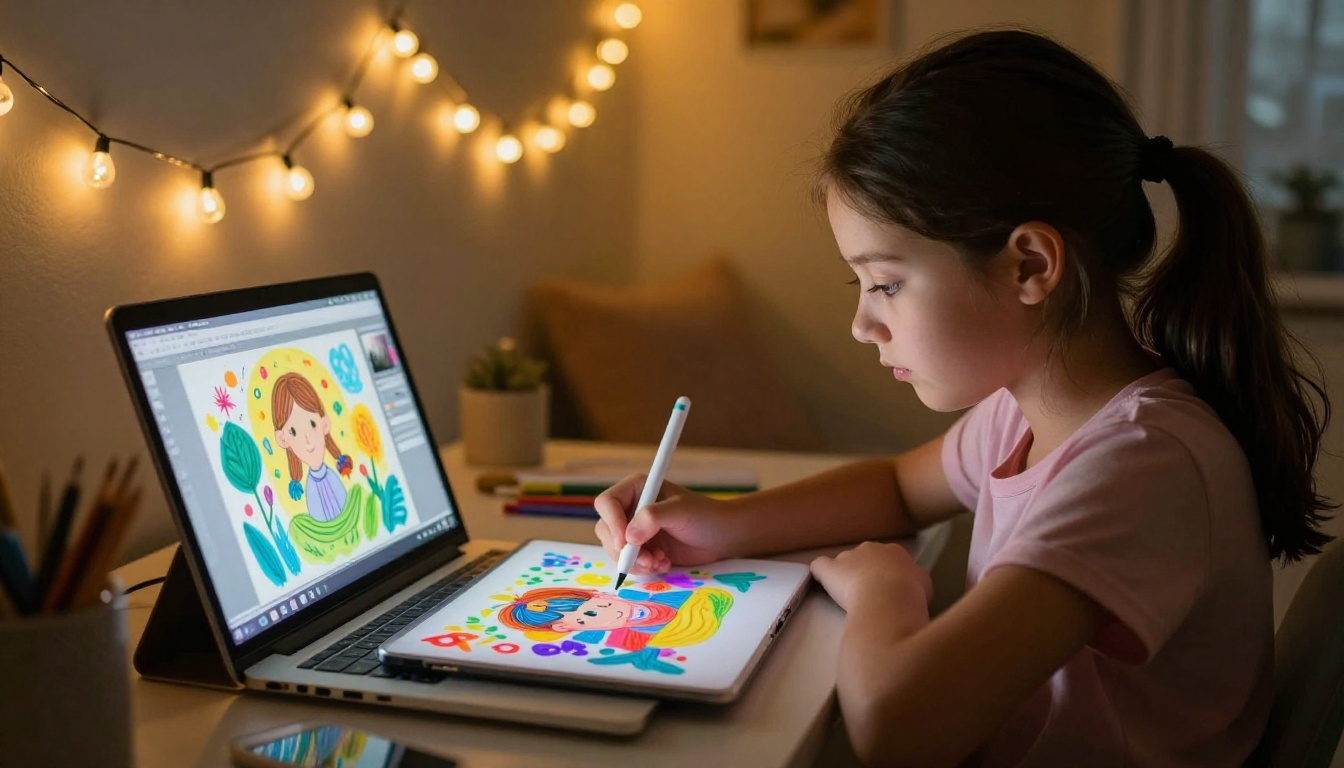
Nothing hooks a child on AI faster than typing a sentence and watching it turn into an image. AI image generation is the most immediately satisfying entry point for most kids because the feedback is instant and visual.
The basic idea: your child types a description, "a purple dragon surfing on a rainbow," and within seconds an image appears. Kids naturally want to refine it, change the details, try something weirder. This process builds descriptive language skills, creative thinking, and iterative problem-solving without feeling like schoolwork.
From a Text Prompt to a Full Illustration
The secret to getting great results as a beginner is in the prompt, the text description you give the AI. Here's a simple formula that works well for kids:
| Element | Example |
|---|
| Main subject | "a friendly robot" |
| Setting/background | "in a forest with glowing mushrooms" |
| Style or mood | "colorful, bright, cheerful" |
| Extra detail | "holding a tiny flower, smiling" |
Combined: "A friendly robot in a forest with glowing mushrooms, colorful and bright, holding a tiny flower and smiling."
That single sentence produces a detailed, expressive image. Kids quickly figure out that the more specific they are, the better the result, which is itself a valuable writing lesson.
How to Create Your First AI Image
PicassoIA's text-to-image section gives kids access to over 90 different image models, from realistic photography styles to painterly and illustrated looks. Here's a simple starting approach for beginners:
- Go to picassoia.com and open the text-to-image section
- Pick a beginner-friendly model (the platform labels which ones are fastest and most accessible)
- Type a description in plain language, no technical jargon needed
- Hit generate and see what appears
- Try variations with different descriptions to see how the AI interprets different words
💡 Parent tip: Do the first image together. Let your child dictate the description while you type. Then swap and let them type the next one. It turns into a surprisingly fun collaborative activity.
AI Chatbots That Help with Homework

AI chatbots have become genuinely useful homework companions when used correctly. The critical phrase is used correctly. A chatbot that just gives your child every answer isn't helpful. A chatbot that explains concepts, asks follow-up questions, and helps your child think through problems is a completely different kind of tool.
The best AI chatbots for kids are the ones that explain simply without condescending, and that ask clarifying questions pushing a child to think rather than just receive.
The Best Beginner-Friendly AI Chatbots
PicassoIA's large language model section gives access to several AI chatbots that work well for younger users:
- GPT-4o Mini: Fast, accurate, and handles questions across math, science, and history well. Gives clear explanations at various reading levels.
- Claude 3.5 Haiku: Known for thoughtful, careful responses. Tends to explain its reasoning, which helps kids grasp why something is true, not just what the answer is.
- Gemini 3 Flash: Google's fastest AI model, great for quick factual lookups and explanations. Handles a wide range of school subjects with ease.
- Llama 4 Scout Instruct: An open-source model from Meta. Very capable for general homework questions, especially for older children tackling more complex topics.
| Chatbot | Best For | Speed |
|---|
| GPT-4o Mini | Math, science, general Q&A | Very fast |
| Claude 3.5 Haiku | Explanations, writing feedback | Fast |
| Gemini 3 Flash | Quick facts, multiple subjects | Fastest |
| Llama 4 Scout | Complex topics, older kids | Fast |
How to Set Limits That Stick
AI chatbots work best as thinking tools, not answer machines. Set these ground rules before your child starts:
- Ask for explanations, not answers: "Explain how photosynthesis works" is better than "What is photosynthesis?" The former produces a usable response your child can actually absorb.
- No copy-paste into homework: AI writes differently than children. Teachers notice. More importantly, your child doesn't retain anything from the exercise.
- Check the answers together: AI can be wrong. Building the habit of verifying information is a genuinely valuable skill for life.
- Time limits apply: 20 minutes of focused AI-assisted study beats 2 hours of passive browsing every time.
AI Storytelling for Creative Minds
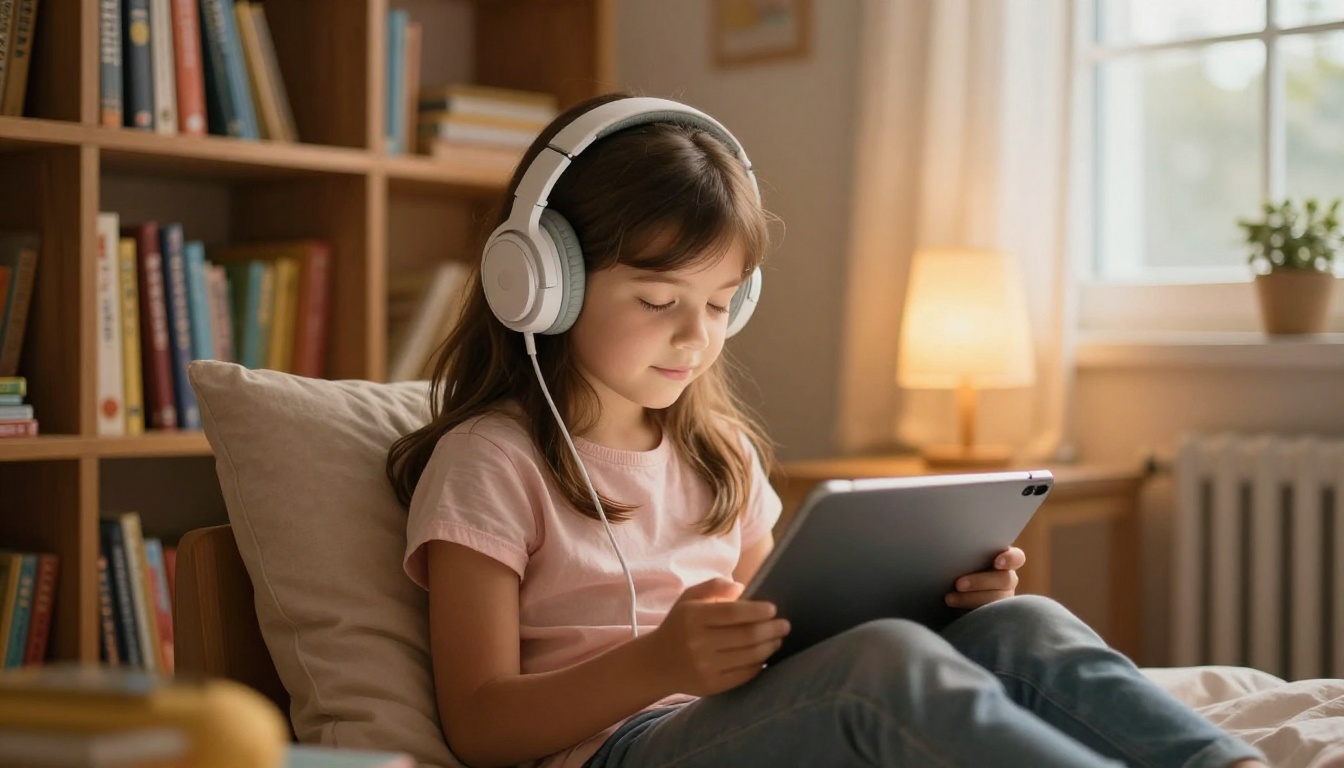
Children who love stories have an immediate use for AI: they can create stories that speak, with characters that sound like real people, in dozens of different voices and languages. This combination of text generation and text-to-speech is one of the most captivating experiences available to kids today.
The workflow is simple. Write or generate a short story with an AI chatbot, then feed it into a text-to-speech model to hear it narrated. Kids who resist writing suddenly produce multiple chapters because they want to hear how their story sounds when spoken aloud.
Stories That Speak Out Loud
PicassoIA's text-to-speech section offers several tools that work beautifully for children's content:
- ElevenLabs V3: Produces remarkably natural-sounding speech with emotional range. Great for narrating adventure stories where tone carries the drama.
- Flash v2.5: The fastest option for getting stories narrated instantly. Works in 32 languages, which makes it especially useful for multilingual families.
- Gemini 3.1 Flash TTS: Offers 30 different voices across 70+ languages. Kids love choosing a voice that fits their story's main character.
- Speech 2.8 Turbo: Natural-sounding voiceover output, great for longer stories that need consistent narration throughout.
💡 Fun project: Let your child write a 5-sentence story, generate an AI illustration for it using PicassoIA's image tools, then narrate it using one of the voice models above. The result is a complete mini audiobook they built themselves.
Write a Story Together in 5 Minutes
Here's a simple process for a first storytelling session with kids aged 7 to 12:
- Ask your child: "What should our story be about?" (Let them choose, dinosaurs, space, a talking pizza, anything goes)
- Open GPT-4o Mini and type: "Write a short 3-paragraph story for a 9-year-old about [their idea]. Make it funny and exciting."
- Read the result together. Let your child change anything they don't like.
- Copy the final story into ElevenLabs V3 and choose a voice.
- Press play and listen together.
The whole process takes under 10 minutes. Kids almost always want to do it again immediately.

AI Music Without Playing an Instrument
One area of AI that consistently surprises parents: music generation. Kids who have never touched a piano can now describe music and hear something original play back within seconds. "A fast, happy adventure theme with drums and flutes" becomes a real audio track almost instantly.
AI music tools are still evolving, but several platforms already let young users create background music for videos, stories, or just for fun. The creative act of deciding what a piece of music should feel like, before a single note plays, is a genuine musical exercise in emotional reasoning and expression.
PicassoIA's AI music generation section includes models that produce original tracks directly from text descriptions. A 10-year-old making music for their homemade video is not a distant possibility, it's something that's genuinely available right now at no cost.
💡 Classroom idea: Have students create a short AI music track to represent a historical event they're studying. The analysis of "what does this event sound like?" is surprisingly rich critical thinking wrapped in a creative challenge.
5 Rules Every Kid Should Know About AI
Before children use any AI tool on their own, these five rules are worth making explicit, not as warnings, but as practical skills:
1. AI can be wrong. It sounds confident even when it's incorrect. Always check important facts from a second source.
2. Don't share personal information. Name, school, address, phone number: none of this belongs in an AI chat, ever.
3. AI doesn't remember you the way a friend does. It doesn't have feelings, and it's not a friend. That's not sad, it's just important context.
4. What you create with AI is partly yours, partly not. Submitting AI-generated content as your own school work is dishonest and usually detectable by teachers.
5. If something feels wrong, close it and tell an adult. If an AI ever says something uncomfortable or strange, that's not normal. Trusted adults need to know about it.
How to Use AI Safely as a Family

The biggest factor in whether AI helps or harms children isn't the tool itself. It's whether a trusted adult is involved in how the child uses it.
Children whose parents actively participate in their AI use show better judgment about when to trust AI output, better awareness of AI limitations, and more creative approaches to using these tools for genuine problems. This isn't parental opinion, it reflects consistently what child development researchers observe.
Parental Controls Worth Setting Up
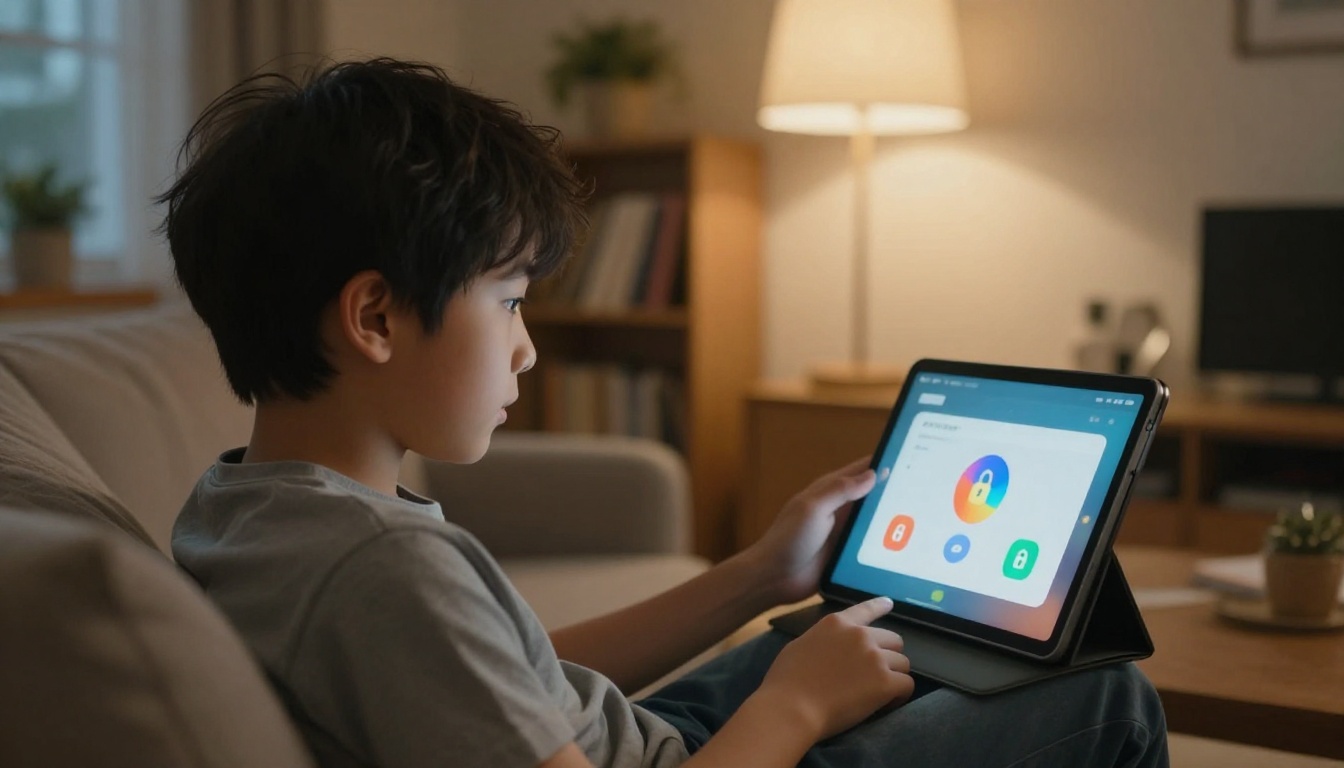
For families where kids use AI independently, a few technical measures make a real difference:
- Browser-level content filters: Tools like Google SafeSearch, or family DNS services such as CleanBrowsing, add an extra layer of protection regardless of which site a child visits
- Parent-linked accounts: Where platforms allow it, connect your account to your child's so you can review activity logs
- Device time limits: Both iOS Screen Time and Android Family Link let you set daily limits per app or category
- Bookmarked approved tools: Keep a parent-curated list of approved AI tools bookmarked so kids start from a known, safe place rather than searching independently
Screen Time Rules That Actually Work
Research on children and screen time consistently finds that what children do on screens matters more than how long they spend there. 30 minutes of creative AI storytelling is fundamentally different from 30 minutes of passive scrolling.
Practical rules that hold up in real family life:
- AI time counts as screen time, but creative AI work (making images, writing stories, composing music) is categorically different from passive consumption
- Set a project target, not a duration: "You can use AI until you've made one complete piece of artwork" works better than "you get 20 minutes"
- Do an AI project together at least once a week so you stay current on what your child is actually using and how they're using it
Start Creating Something Today
The tools described in this article aren't predictions about the future. They're available right now, today, for free or very low cost. PicassoIA brings together image generation, AI chatbots, text-to-speech storytelling, music creation, and more in one place, without requiring your child to create a different account for every tool they want to try.
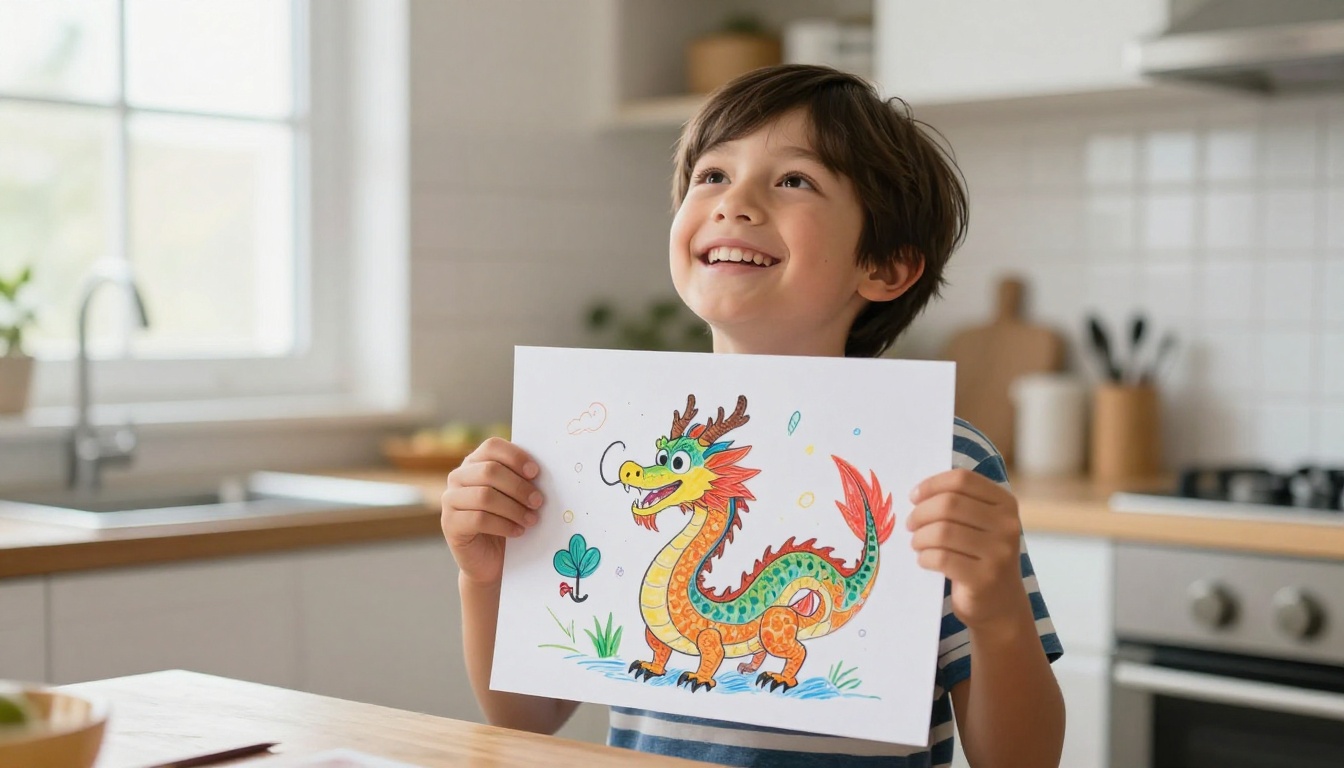
Start with one project. A dragon illustration. A funny three-paragraph story. A homework explanation from Claude 3.5 Haiku that actually makes sense to a 10-year-old. Pick the thing your child is already curious about and let that be the starting point.
Children who get comfortable with these tools today, who get good at prompting, who think critically about AI output, and who use AI to power their creativity, carry those skills forward in ways that genuinely matter. And it all starts with a single funny prompt about a dragon surfing a rainbow.
Try it at picassoia.com and see what your child creates first.


