Why AI Models Matter for Marketing
Marketing teams are drowning in content demands. Social media posts, email campaigns, product photos, ad creatives—the list never ends. AI models offer a way out, but picking the wrong one wastes time and budget. The key is matching the model to your actual workflow, not chasing the latest hype.
Different AI models excel at different tasks. Some create photorealistic images in seconds. Others generate videos or write copy. The best marketing teams use multiple models strategically, combining their strengths to produce better work faster.

Text-to-Image Models for Visual Content
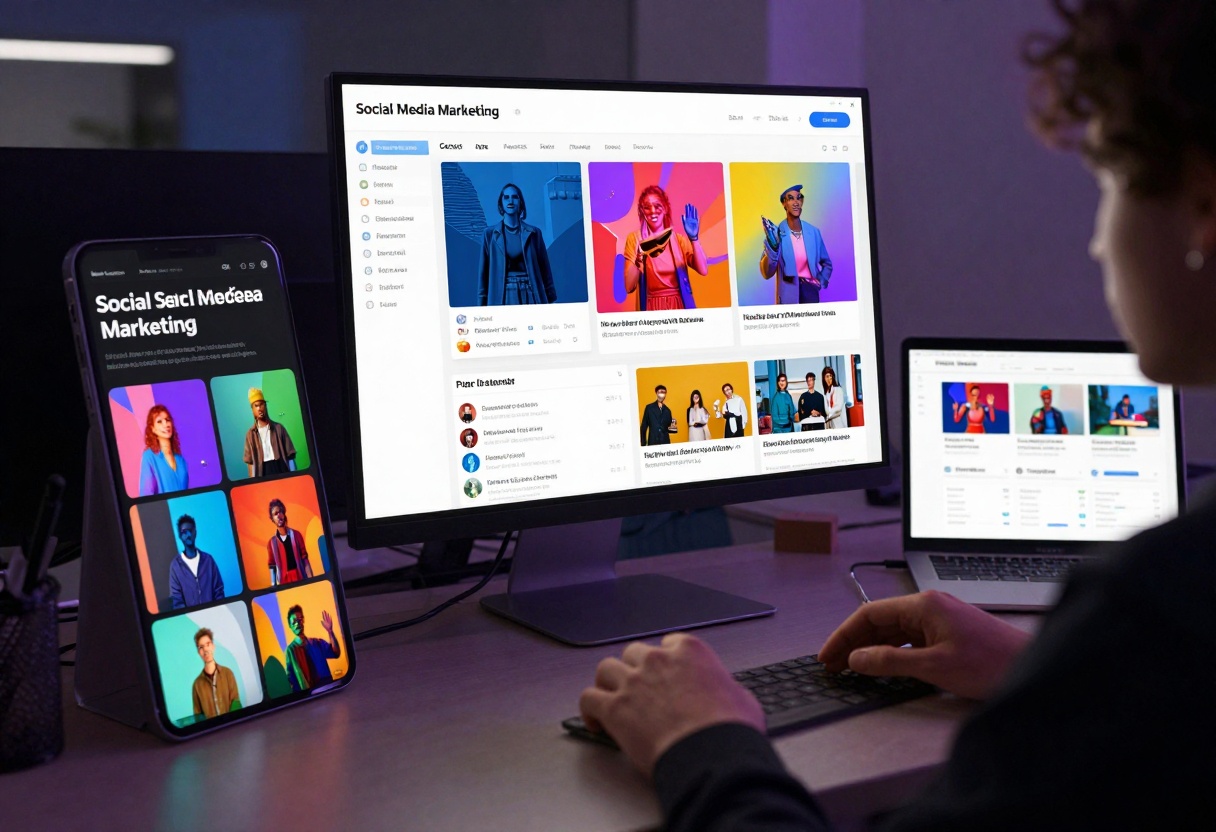
Text-to-image models have become essential for marketing teams. These models turn written descriptions into images, saving hours of stock photo hunting or designer back-and-forth.
The main advantage is speed. Need a hero image for a blog post? Type your idea, hit generate, and you have options in under a minute. Need product mockups in different colors? Generate variations instantly instead of setting up new photo shoots.
Quality varies significantly between models. Some produce artistic, stylized outputs perfect for social media. Others focus on photorealism for product marketing. Consider what your brand needs before choosing.
Practical Applications
Marketing teams use text-to-image models for:
- Social media graphics: Generate attention-grabbing visuals for posts and stories
- Email headers: Create custom images that match campaign themes
- Blog illustrations: Add relevant visuals without stock photo licensing headaches
- Ad creative testing: Quickly produce multiple variations for A/B testing
- Concept visualization: Show clients ideas before expensive photo shoots
The cost savings add up quickly. A single designer might spend half a day creating variations. AI models do it in minutes, freeing your team to focus on strategy and refinement.
Video Generation Models
Video content drives engagement, but production costs often limit what marketing teams can create. AI video generation models change this equation by automating parts of the process.
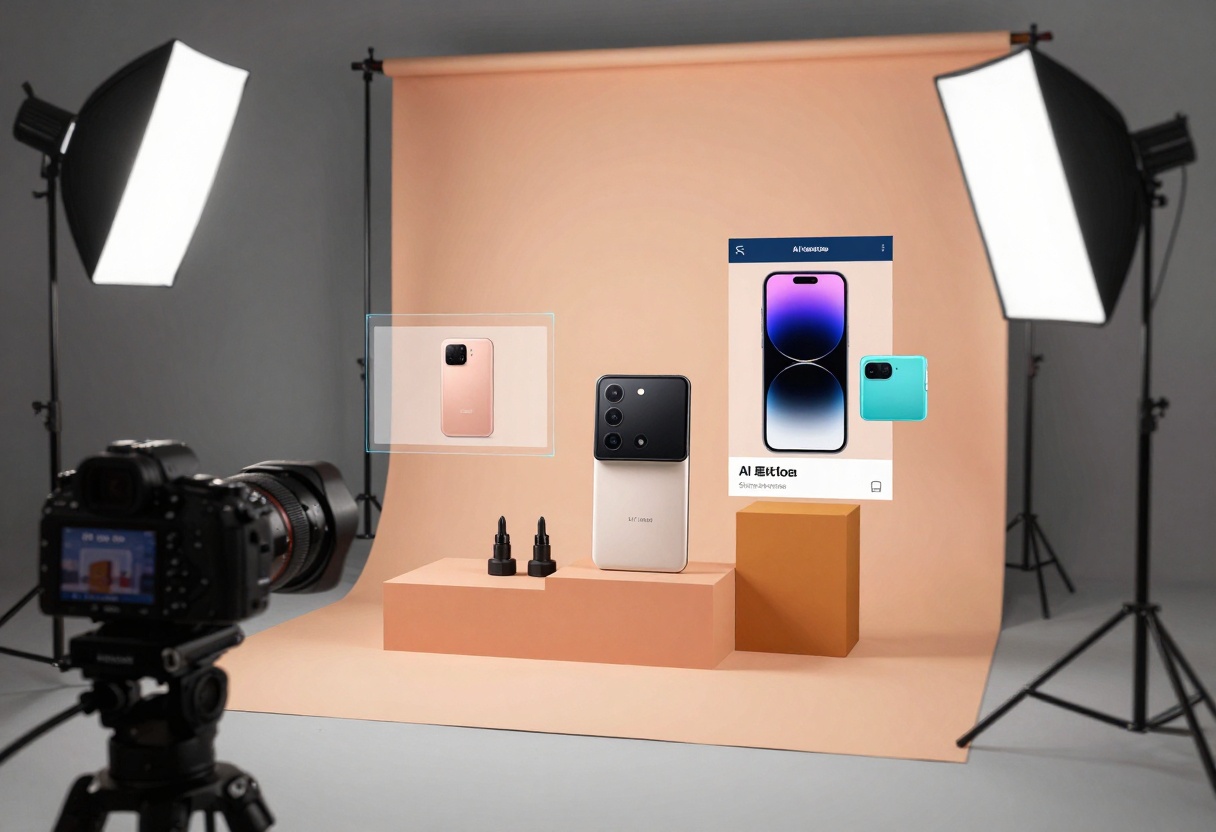
These models work in two main ways. Some turn text descriptions directly into video clips. Others animate existing images, adding motion to static visuals. Both approaches save production time and budget.
The quality has improved dramatically in recent months. Early models produced shaky, low-resolution clips. Current versions create smooth, professional-looking footage suitable for social media, ads, and even some broadcast applications.
When Video Models Make Sense
Video generation works best for:
- Product demonstrations showing features from different angles
- Social media content where movement catches attention
- Explainer videos illustrating concepts
- Background footage for presentations
- Quick animations for email campaigns
The technology still has limits. Complex scenes with multiple actors or precise choreography remain challenging. But for straightforward marketing needs—product reveals, animated graphics, simple demos—current models deliver real value.
Language Models for Copy and Strategy
Large language models help marketing teams with writing, research, and strategic planning. These AI systems understand context, generate coherent text, and even analyze data to inform decisions.
The applications extend far beyond basic copywriting. Smart teams use language models to brainstorm campaign concepts, analyze competitor messaging, draft multiple content variations, and even predict which approaches might resonate with specific audiences.
The real power comes from iteration. Instead of one round of copy from a writer, you can generate dozens of options, refine the best ones, and test multiple approaches. This doesn't replace human creativity but amplifies it.
Copy That Converts
Marketing teams apply language models to:
- Email subject lines: Generate and test variations to improve open rates
- Ad copy: Create multiple versions optimized for different platforms
- Product descriptions: Scale content production across large catalogs
- Social media captions: Maintain consistent voice across channels
- Blog outlines: Structure content faster and identify key points
The efficiency gains are measurable. Teams report cutting copywriting time by 40-60% while maintaining or improving quality. The key is using AI for first drafts and variations, then applying human judgment for final polish.
Not all AI models perform equally. Marketing teams need to evaluate options based on specific criteria that matter for their workflows.
Speed affects how quickly you can iterate. Some models generate results in seconds, others take minutes. This matters when you're testing multiple concepts or working under deadline.
Quality varies across different output types. A model that excels at product photography might struggle with abstract concepts. Test models with your actual use cases before committing.
Cost structures differ significantly. Some models charge per generation, others by compute time. Calculate your expected usage to find the most economical option.
Consistency determines how well a model matches your brand guidelines across multiple generations. This becomes critical when you're creating series of related assets.
Evaluation Framework
| Criteria | What to Test | Why It Matters |
|---|
| Output Quality | Generate 10-20 samples with your typical prompts | Ensures the model handles your specific needs |
| Speed | Measure average generation time for different tasks | Affects workflow efficiency and iteration cycles |
| Prompt Sensitivity | Test how small prompt changes affect output | Reveals how much control you'll have |
| Brand Consistency | Generate multiple assets in series | Determines if you can maintain visual identity |
| Edge Cases | Test unusual or challenging scenarios | Shows model reliability and limitations |
Document your findings with actual examples. What works for another company might not fit your needs. Build your own performance baseline.

Workflow Integration Strategies
The best AI model means nothing if your team can't use it efficiently. Integration determines whether AI becomes a productivity booster or just another tool that collects dust.
Start small. Pick one repetitive task—maybe social media graphics or email headers—and focus on mastering AI for that specific use case. Once the team builds confidence, expand to other applications.
Create clear guidelines for when to use AI versus traditional methods. AI excels at generating variations and handling volume, but human creativity still wins for original concepts and brand strategy. Define these boundaries explicitly.
Building an AI-First Marketing Stack
Successful integration follows a pattern:
- Identify bottlenecks: Where does your team spend time on repetitive creative tasks?
- Match models to tasks: Don't force one model to do everything
- Establish quality standards: Define what "good enough" looks like for different applications
- Create prompt libraries: Save and refine prompts that work well
- Train the team: Invest time in helping everyone use the tools effectively
The teams seeing the best results treat AI as a creative partner, not a replacement. They use it to explore more options faster, then apply human judgment to select and refine the best outputs.

Measuring ROI from AI Models
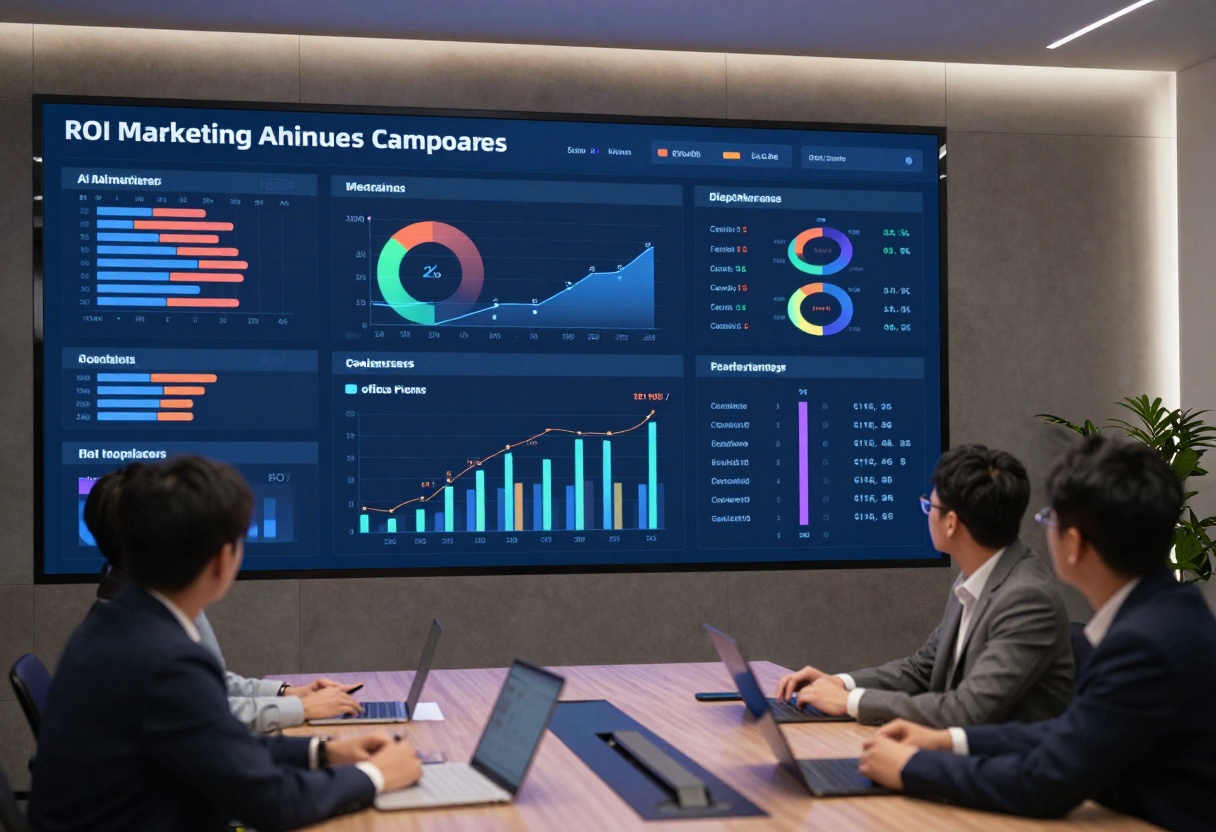
Marketing leaders need hard numbers to justify AI investments. ROI measurement requires tracking both time savings and output quality improvements.
Calculate time savings by comparing tasks before and after AI adoption. If creating five email header variations took four hours and now takes 30 minutes, that's quantifiable value. Multiply those savings across your team and campaigns.
Track quality metrics that matter for your business. Do AI-generated social posts drive more engagement? Do ad variations created with AI perform better in A/B tests? These performance indicators justify continued investment.
Key Metrics to Monitor
Efficiency Gains:
- Time saved per creative task
- Number of variations produced per hour
- Reduction in outsourcing costs
- Increase in content output volume
Quality Indicators:
- Engagement rates on AI-assisted content
- Conversion rates from AI-generated assets
- Client or stakeholder satisfaction scores
- Brand consistency metrics
Team Impact:
- Designer time freed for strategic work
- Reduction in revision cycles
- Faster campaign launches
- Improved team morale (less repetitive work)
Most marketing teams report 30-50% time savings on content creation after AI adoption. The exact numbers depend on your starting point and how well you integrate the tools.
Common Pitfalls and Solutions
Even experienced marketing teams make mistakes when adopting AI. Understanding these common pitfalls helps you avoid wasted time and budget.
Pitfall #1: Expecting perfect outputs on the first try. AI models require prompt refinement. Your first attempts might miss the mark, but iteration improves results dramatically.
Solution: Build a prompt library. When you get good results, save the exact prompt for future use. Refine it over time as you learn what works.
Pitfall #2: Using AI for everything. Some tasks genuinely need human creativity and judgment. Forcing AI into the wrong applications wastes time and frustrates teams.
Solution: Create a decision framework. Define which tasks AI handles well and which require human-first approaches. Review this framework quarterly as technology improves.
Pitfall #3: Ignoring brand consistency. Generating assets without clear guidelines produces inconsistent results that damage brand identity.
Solution: Develop AI-specific brand guidelines. Include example prompts, style references, and quality standards. Make these accessible to everyone using AI tools.
Training Your Team
The biggest barrier is often human, not technical. Some team members resist AI, fearing it threatens their jobs. Others embrace it too enthusiastically, producing low-quality work at high volume.
Address these concerns directly:
- For skeptics: Show how AI handles tedious tasks, freeing them for creative work they enjoy
- For enthusiasts: Emphasize that AI outputs are starting points, not finished products
- For everyone: Invest in proper training so people feel confident using the tools
Regular training sessions help. Dedicate time monthly to share what's working, troubleshoot problems, and explore new capabilities. This keeps skills sharp and encourages experimentation.

Future-Proofing Your AI Strategy
AI technology evolves quickly. What works today might be obsolete in six months. Future-proofing means building flexibility into your approach while maintaining stability in execution.
Stay model-agnostic when possible. Don't build entire workflows around one specific model. Instead, focus on processes and standards that work across multiple tools. This makes switching or adding models easier as better options emerge.
Monitor emerging capabilities without constantly chasing new releases. Set a quarterly review cycle to evaluate new models and features. This provides structure without creating constant disruption.
Building Adaptability
Smart marketing teams prepare for change by:
- Documenting processes: Write down how you use AI so new tools can slot in easily
- Maintaining backups: Keep traditional workflows available for when AI isn't appropriate
- Testing continuously: Allocate a small budget for experimenting with new models
- Sharing learnings: Create internal channels where team members discuss what's working
- Staying educated: Follow AI developments but filter the noise from genuine innovations
The goal is balance. Move quickly enough to capture advantages, but not so fast you destabilize working processes. Marketing still requires strategic thinking, brand understanding, and human creativity. AI amplifies these strengths rather than replacing them.

Practical Tutorial: Using Nano-Banana-Pro for Marketing
Let's walk through a real example using nano-banana-pro, a powerful text-to-image model particularly suited for marketing applications. This model combines speed, quality, and flexibility—exactly what marketing teams need.
Nano-banana-pro excels at creating professional visuals for campaigns, social media, and email marketing. It supports reference images, multiple aspect ratios, and high resolutions up to 4K. These features make it versatile for different marketing channels.
The model also includes adjustable safety filters, important when creating brand-appropriate content. You can fine-tune outputs to match your specific quality standards and brand guidelines.
Step-by-Step: Creating Marketing Visuals
Step 1: Access the Model
Navigate to nano-banana-pro on PicassoIA. You'll find the interface organized clearly with all parameters visible.
Step 2: Write Your Prompt
The prompt field is your most powerful tool. Be specific about what you want. Instead of "a product photo," try "professional product photography of eco-friendly water bottle on marble surface, soft natural lighting, minimalist composition, high-end catalog style."
Good prompts include:
- Subject: What's the main focus?
- Style: Photorealistic, artistic, minimalist?
- Composition: How should elements be arranged?
- Lighting: Natural, studio, dramatic?
- Mood: Professional, playful, luxurious?
Step 3: Configure Settings
Choose your aspect ratio based on where the image will be used:
- 1:1 for Instagram posts and profile images
- 16:9 for YouTube thumbnails and presentations
- 4:5 for Instagram stories and Pinterest
- 3:2 for blog headers and website banners
Select resolution based on your needs. Use 2K for web and social media, 4K for print or high-quality digital displays.
Step 4: Optional Reference Images
Upload reference images if you want the output to match a specific style or composition. This works well for maintaining brand consistency or creating variations of existing assets. You can add up to 14 reference images.
Step 5: Adjust Safety Filters
Set the safety filter level based on your brand requirements:
- block_only_high: Most permissive, suitable for creative campaigns
- block_medium_and_above: Balanced approach for most brands
- block_low_and_above: Strictest filtering for conservative brands
Step 6: Generate and Refine
Click generate and wait for your image. The process typically takes 10-30 seconds depending on resolution and complexity. Review the output and refine your prompt if needed. Small changes often produce significantly different results.
Marketing-Specific Tips
When using nano-banana-pro for marketing campaigns:
- Create templates: Save prompts that work well for different campaign types
- Test variations: Generate multiple versions to find what resonates
- Match brand colors: Reference your brand palette in prompts
- Consider context: Think about where the image appears and optimize accordingly
- Iterate quickly: Don't spend hours perfecting one image—generate options and pick the best
The model's speed lets you explore creative directions you might not have time for with traditional methods. Use this to your advantage by testing bold ideas and unconventional approaches.

Making the Right Choice for Your Team
Choosing AI models for marketing comes down to matching capabilities with your specific needs. No single model does everything perfectly, so most successful teams use multiple tools strategically.
Start by auditing your current workflows. Where does your team spend the most time on repetitive tasks? These areas offer the biggest opportunities for AI to make an impact. Focus there first rather than trying to transform everything at once.
Consider your budget realistically. Some models are free or low-cost, others require significant investment. Calculate the value of time saved against the cost of the tools. Factor in training time and integration work too.
Test before committing. Most AI platforms offer trials or pay-as-you-go options. Generate actual outputs you'd use in campaigns. Show them to stakeholders and clients. Get real feedback before scaling up.
Your Action Plan
Here's a practical roadmap for getting started:
- Week 1-2: Research and select 2-3 models to test based on your priority use cases
- Week 3-4: Run pilot projects with small teams, document what works and what doesn't
- Week 5-6: Develop initial guidelines and train broader team
- Week 7-8: Scale to production use with monitoring and refinement
- Month 3+: Review performance, adjust processes, explore additional applications
The teams seeing the best results treat AI adoption as an ongoing process, not a one-time project. They continuously refine their approach based on results and new capabilities.
AI models have moved from experimental to essential for marketing teams. The question isn't whether to adopt them, but how to use them strategically. Start small, focus on clear value, and build from there. Your team's creative capacity will grow significantly with the right tools and approach.
Ready to boost your marketing team's productivity? Visit PicassoIA to explore the latest AI models for creative work.


