Self-publishing is no longer a side door into the industry. In 2024, indie authors sold over 300 million ebook copies on Amazon alone, and the difference between a book that reaches page one and one that sits invisible usually comes down to a single asset: the cover. Hiring a professional designer runs $200 to $2,000 per project. Freelancer quality is unpredictable. AI for writers who need cover images has flipped that equation, giving any author with a text prompt the ability to produce photorealistic, commercially viable cover art in seconds.

Why Your Cover Is a Sales Mechanism
The 3-Second Rule Readers Apply
Readers browsing Amazon or Goodreads spend roughly three seconds deciding whether to click a title. In that window, the cover does all the work. The typography, color palette, and main image signal genre, tone, and production quality before a single word of the blurb gets read.
A cover that looks self-made loses the sale. Not because readers consciously dismiss it, but because visual polish creates trust. When a cover matches the professional standard of traditionally published titles in the same genre, the reader's brain categorizes the book as credible and worth the money.
💡 The standard: If your cover cannot sit next to three traditionally published titles in the same genre and hold its own visually, it needs work.
What Professional Covers Actually Cost
| Designer Type | Average Cost | Turnaround | Revision Rounds |
|---|
| Freelancer (Fiverr) | $50–$300 | 3–7 days | 1–3 |
| Mid-tier designer | $300–$800 | 1–2 weeks | 3–5 |
| Top-tier specialist | $800–$2,000+ | 2–4 weeks | Unlimited |
| AI image generator | $0–$30/mo | Seconds | Unlimited |
For a series author producing 4–6 books per year, the economics of AI are not subtle. Beyond cost, speed and iteration capability matter more. You can test 20 cover concepts before committing to one direction, all in a single afternoon.
What AI Image Generation Really Does
From Words to Visuals in Seconds
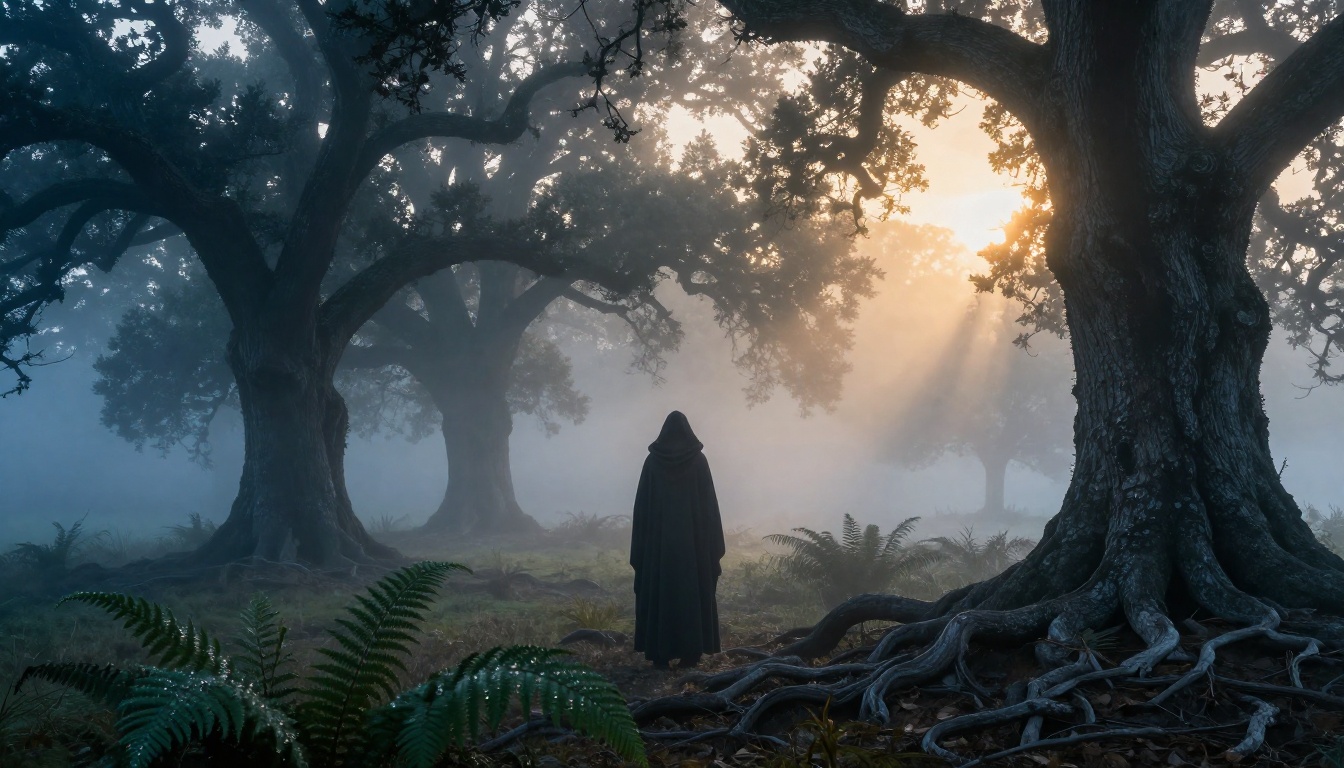
Modern AI image models are not clip-art generators. They are trained on hundreds of millions of images and have absorbed the visual language of photography, painting, illustration, and design. When you write a detailed prompt describing a fog-covered medieval forest with a hooded figure at dusk, the model draws on everything it has absorbed about lighting, composition, mood, and realism to build that image from scratch.
The variable that matters most is your prompt quality. Vague prompts produce generic results. Specific, detailed prompts that describe lighting direction, camera lens, texture, mood, and genre conventions produce results that look intentional and professionally executed.
Photorealism vs. Illustration
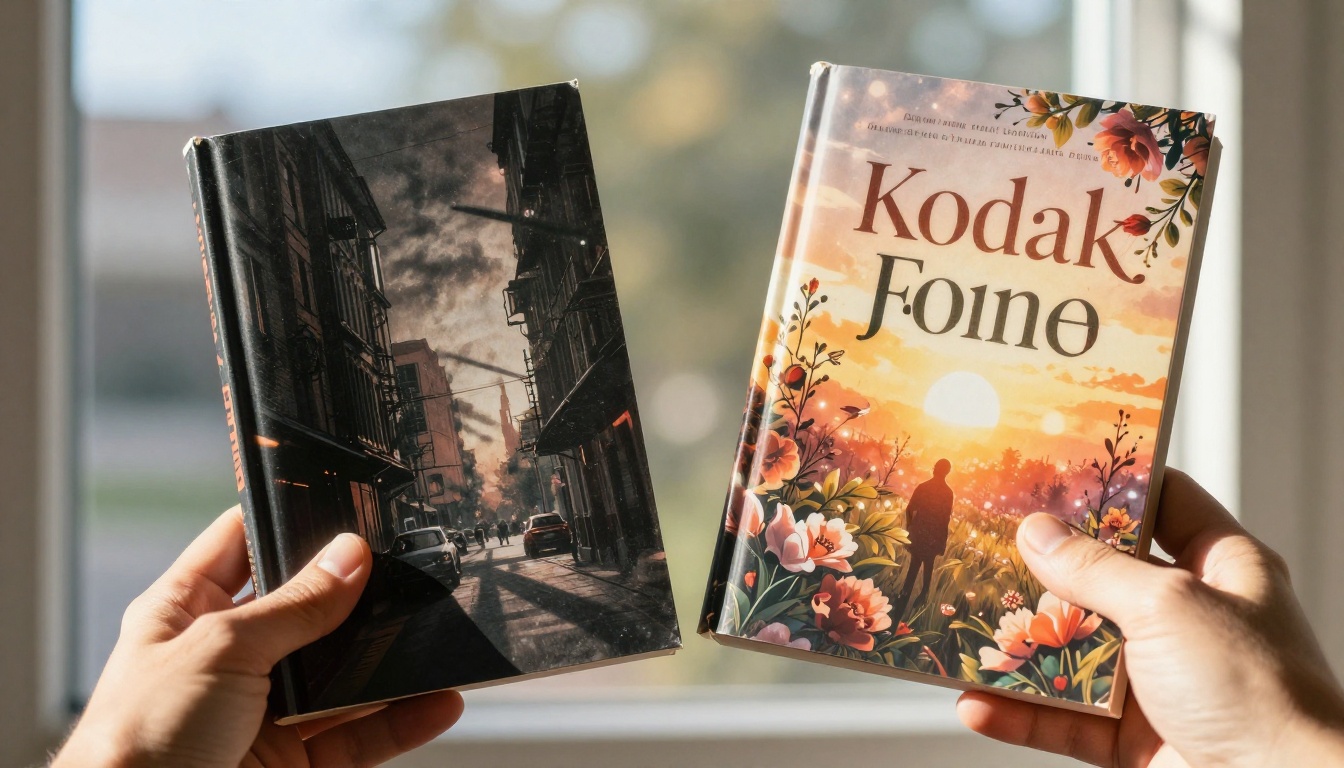
Two visual schools dominate book cover design: photographic realism (common in romance, thriller, and literary fiction) and illustrated or painterly styles (dominant in fantasy, sci-fi, and young adult). AI models handle both with equal capability.
For romance and thrillers, prompts specifying RAW photography, camera lenses, Kodak film grain, and natural lighting produce results that look like licensed stock photography. For fantasy, removing those photographic modifiers and adding oil painting texture, dramatic concept art, or dark fantasy illustration shifts the output toward the genre's established visual conventions.
Picking the Right Model for Your Cover
Not all AI models produce the same results. Two models stand out for writers who need high-quality cover imagery at different stages of their workflow.
Flux Dev for High-Fidelity Results
Flux Dev is a 12-billion parameter model built for maximum image fidelity. At 1 megapixel output with 28–50 denoising steps, it produces covers with sharp detail, accurate lighting, and natural texture that holds up at print resolution. Its img2img mode is particularly useful: start from a reference image (a rough sketch, a mood board photo, or an existing cover) and have the model rebuild it into polished cover art using your prompt.
Where Flux Dev performs best:
- Portrait covers with realistic human subjects
- Atmospheric scene covers (forests, urban environments, ocean settings)
- Covers requiring precise lighting control and skin or fabric texture accuracy
- Series covers where visual consistency matters across multiple books
Flux Schnell for Rapid Concept Testing
Flux Schnell trades some fidelity for speed, generating images in under 5 seconds using only 4 denoising steps. For writers in the concept phase, testing 20 different cover directions before committing to a final, this is the right tool. On PicassoIA it runs with no credit caps, meaning you can iterate as aggressively as the creative process demands.
When Flux Schnell is the better choice:
- Early concept exploration (testing genre fits, color palettes, compositions)
- Rapid prompt testing before committing to Flux Dev for the final output
- Low-stakes assets like social media mockups and newsletter headers
Side-by-Side Model Comparison
| Feature | Flux Dev | Flux Schnell |
|---|
| Generation speed | ~10–20 seconds | ~3–5 seconds |
| Image quality | Maximum fidelity | Fast, clean output |
| Best use case | Final cover renders | Concept exploration |
| Img2img support | Yes | No |
| Seed control | Yes | Yes |
| Aspect ratios available | 11 | 11 |
Writing Prompts That Produce Sellable Covers
The 5-Part Prompt Structure
Strong cover prompts follow the same architecture every time:
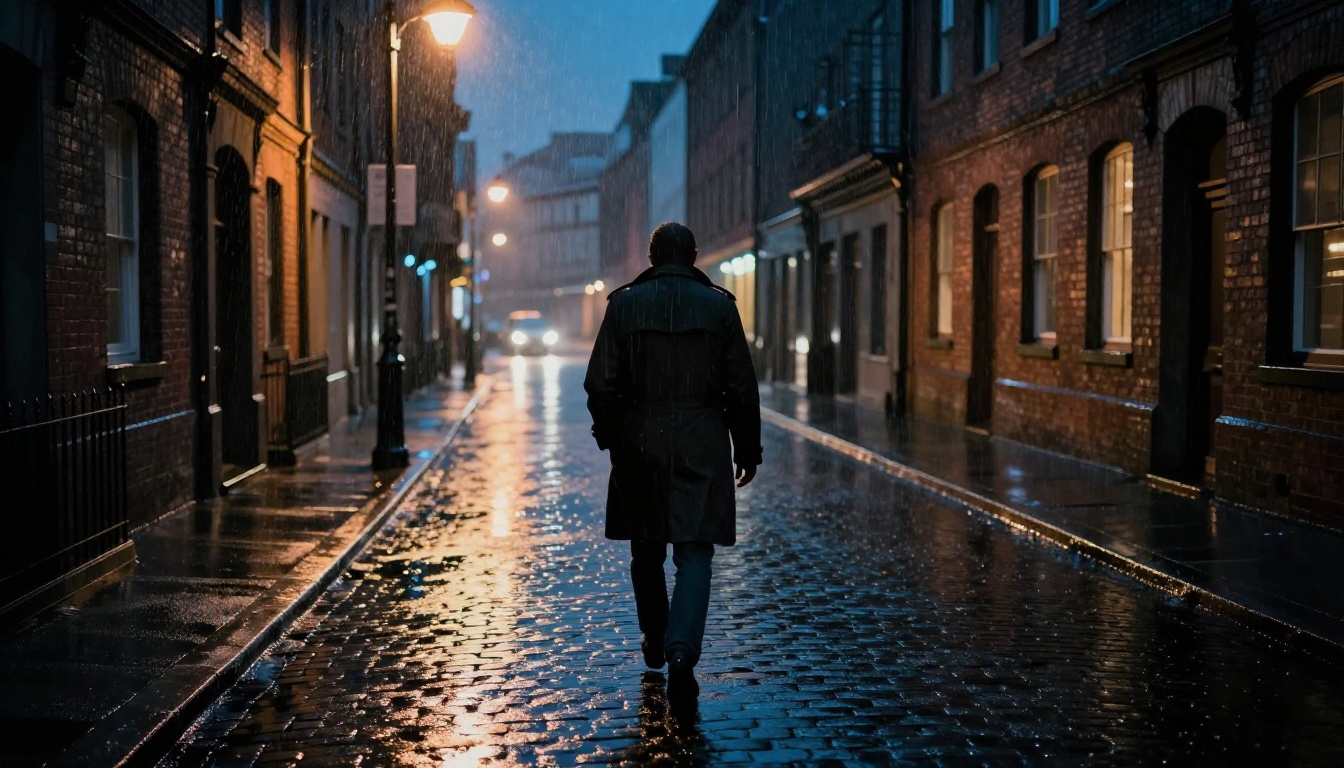
- Subject: Who or what is the central element? (A cloaked woman standing at a forest edge)
- Environment: Where are they? (Ancient misty forest at dawn, silver-blue light between oaks)
- Lighting: Specific direction and quality (Volumetric golden light from upper right, soft shadow on left)
- Camera: Lens, angle, depth of field (85mm f/1.8 lens, low angle, shallow bokeh background)
- Style modifiers: Film type, texture, realism cues (Kodak Portra 400, photorealistic RAW 8K)
Combine all five and your prompt becomes a cinematographer's shot brief rather than a vague description. The model responds to specificity in a very literal way.
Genre Visual Formulas
| Genre | Main Visual Elements | Lighting Style | Mood |
|---|
| Fantasy | Cloaked figures, forests, castles, mist | Cool blues with warm accent | Mysterious, epic |
| Romance | Couples, sunsets, coastlines, florals | Warm golden backlighting | Intimate, warm |
| Thriller | Urban night, shadows, lone figures | Cold blue streetlight, noir | Tense, dark |
| Self-Help | Clean desks, coffee, notebooks | Soft north window light | Calm, aspirational |
| Sci-Fi | Space, stark environments, tech | Harsh directional rim light | Stark, vast |
Common Prompt Mistakes
- Being vague about lighting: "Good lighting" tells the model nothing. "Volumetric morning light from the left, long golden rays across the floor" is specific and produces controlled results.
- Skipping camera specs: Without lens and aperture details, the model defaults to generic compositions. Specifying 85mm f/1.4 produces the portrait-style depth of field that dominates romance and thriller covers.
- Ignoring genre conventions: Look at the top 20 covers in your category on Amazon. Note the color palette, lighting style, and composition patterns. Those patterns exist because they signal genre to readers instantly.

How to Use Flux Dev on PicassoIA
Flux Dev on PicassoIA is the most direct path to print-ready cover imagery without any design software. Here is the exact workflow:
Step 1: Set Your Aspect Ratio
Book covers are portrait orientation. In the Flux Dev interface on PicassoIA, select 2:3 or 9:16 for standard ebook and paperback proportions. For a promotional banner or social header, switch to 16:9.
💡 For KDP: Amazon recommends a minimum of 625 x 1000 pixels at 72 DPI for ebooks. Flux Dev's 1-megapixel output meets that threshold easily. For print paperbacks, use PicassoIA's super-resolution tool to upscale 2x or 4x for full print-quality dimensions.
Step 2: Write Your Cover Prompt
Use the 5-part structure above. Here is a sample for a fantasy romance cover:
"A young woman with copper hair and a silver gown standing at the edge of a moonlit lake, ancient stone ruins partially submerged behind her, soft teal bioluminescent water glow reflecting on her dress fabric, full moon high in the sky creating silver rim light on her silhouette, 85mm f/1.8 lens medium close shot, shallow depth of field with distant ruins softly blurred, Kodak Portra 400 film grain, photorealistic RAW 8K"
Step 3: Adjust Inference Steps
For concept drafts, leave steps at the default 28. For the final cover render, push to 40–50. At higher steps, fine details improve noticeably: hair strands render more accurately, fabric textures sharpen, and water reflections gain depth.
Step 4: Lock Your Seed
Once you generate an image that works, note the seed number. You can now vary the prompt slightly and regenerate with the same seed to maintain visual consistency across a series. Change the time of day, the character's outfit color, or the background season while keeping the overall composition stable.
Step 5: Export and Add Typography
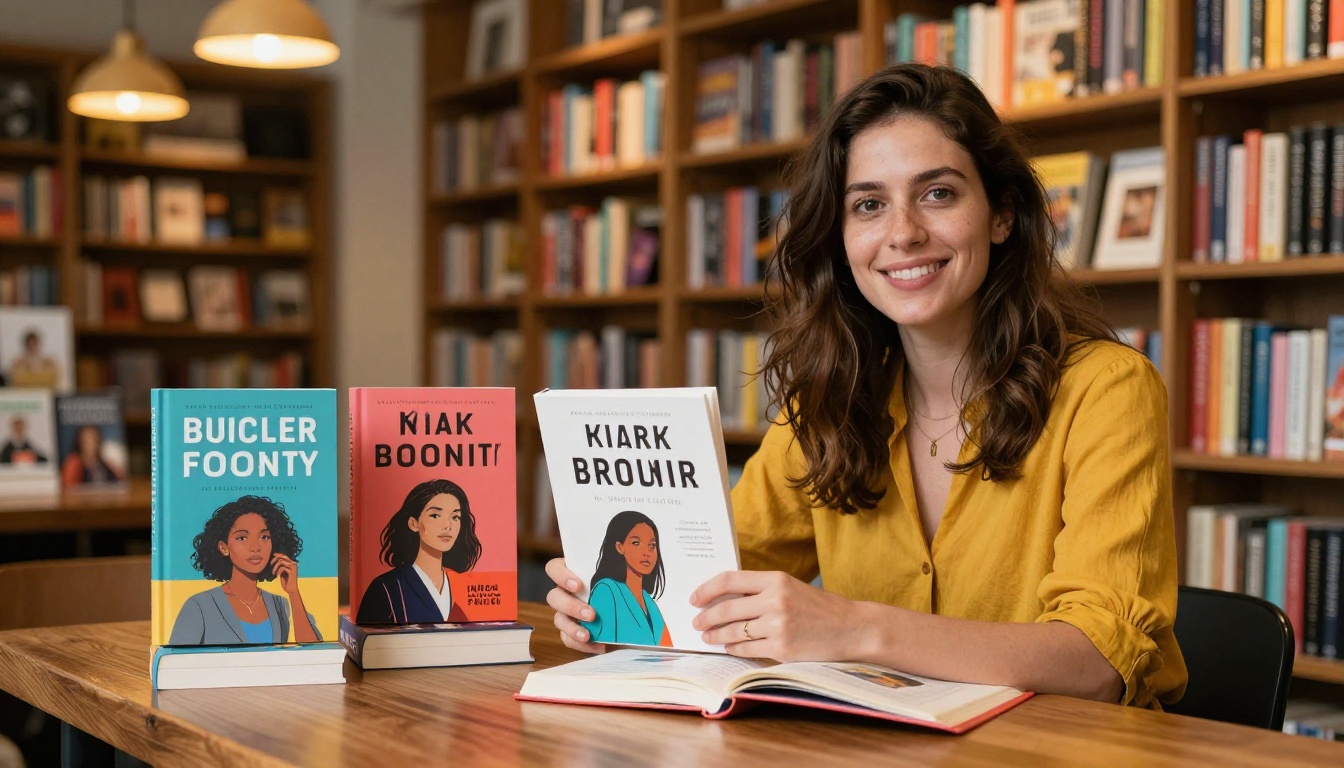
Download your image as PNG at maximum quality. Open it in Canva, Adobe Express, or any design tool to add your title and author name. The AI provides the background image; you provide the text that makes it a cover.
Genre-by-Genre Breakdown
Fantasy and Sci-Fi
These genres depend on atmosphere and scale. Effective prompts emphasize environmental grandeur (vast mountain ranges, alien skies, ancient cities) and atmospheric lighting (bioluminescent glow, aurora, starfields). When a human figure appears, it is typically small relative to the environment, reinforcing the sense of a vast world the reader is about to enter.
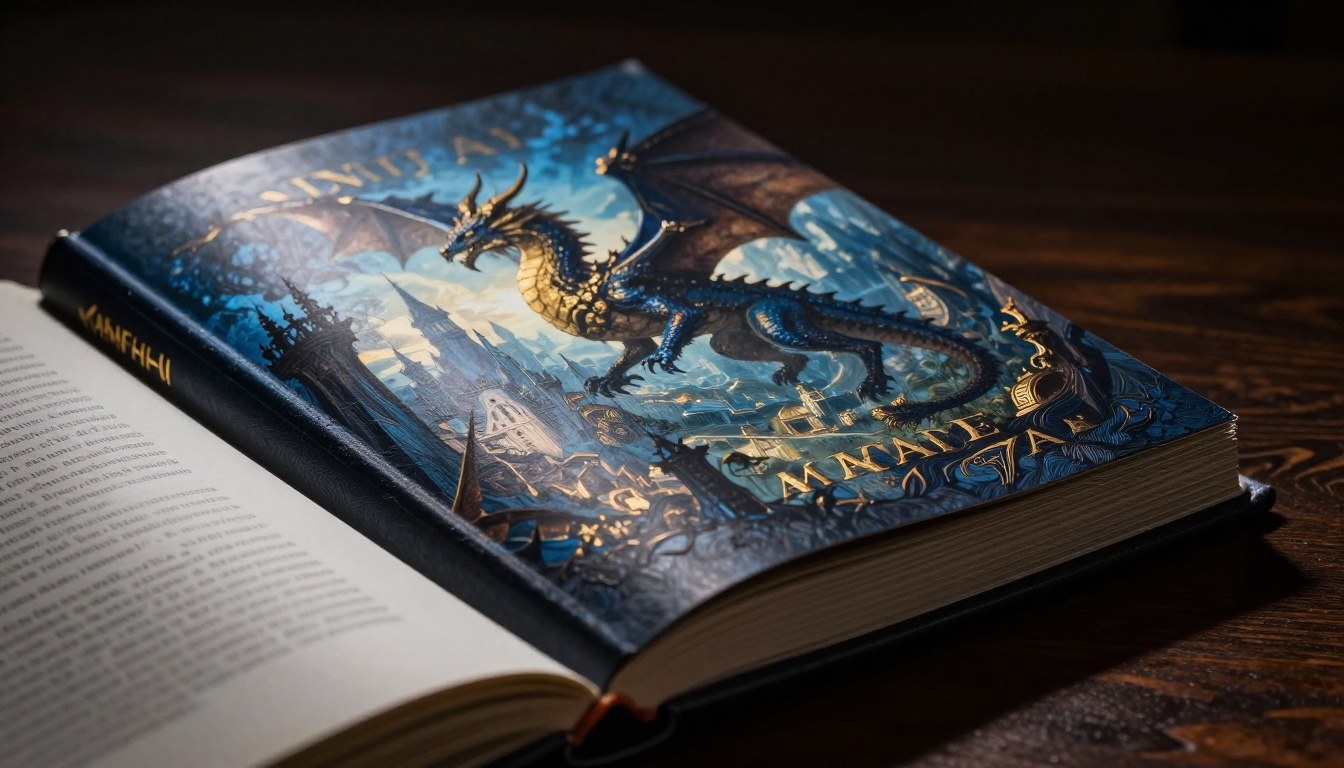
Strong fantasy prompt terms: misty, ancient, vast, moonlit, bioluminescent, stone ruins, cloaked figure, silver light, deep shadow
Romance
Romance covers live and die on emotional warmth. The color palette should lean into golds, roses, and warm ambers. When subjects are present (often a couple), they should convey proximity and longing rather than static posing. Sunset and coastal locations are genre staples because they immediately signal warmth and intimacy to readers scanning a results page.
Strong romance prompt terms: golden sunset, coastal cliff, warm backlighting, flowing fabric, intimate proximity, rose and amber palette
Thriller and Mystery
Cold, dark, and tense. Urban night environments, single isolated figures, rain-wet streets, and harsh lamppost light are the visual vocabulary of this genre. Contrast should be high and shadows deep. The viewer should feel a flicker of unease looking at the image, which is exactly the emotional state a strong thriller cover should produce before a single word is read.
Strong thriller prompt terms: noir, rain-wet asphalt, amber streetlight, shadowy figure, high contrast, deep shadows, cold blue tones
Non-Fiction and Self-Help
Minimal, clean, and aspirational. These covers do not rely on dramatic scenes. Instead, they use carefully composed still-life arrangements: a coffee cup on a clean desk, an open notebook, warm natural light. The visual message is calm competence, not drama. The reader should feel capable and motivated just from the image before the title even registers.
Strong non-fiction prompt terms: flat lay, clean oak desk, soft north window light, minimal composition, warm neutrals, visible paper texture

From Raw Image to Finished Cover
Adding Title Text Over AI Art
The AI generates the background. The typography is your decision, and it matters as much as the image itself.
- Contrast first: Your title must be readable at 80x130px thumbnail size. Use light text on a dark area of the image, or dark text on a clear zone deliberately left open in the prompt composition.
- Two fonts maximum: A display font for the title, a clean sans-serif for the author name.
- Size hierarchy: Title comes first, then subtitle if any, then author name. Never let the author name compete with the title in size unless you are already a household name in your genre.
💡 When writing your prompt, you can intentionally leave compositional space for typography. Add phrases like "clear sky area in upper third" or "dark shadow zone at bottom" to create natural zones where text will sit without competing with the main subject.
Upscaling for Print
AI image generators produce web-resolution output by default. For print (paperback or hardcover), higher resolution is required. PicassoIA's super-resolution tools can upscale your cover image 2x or 4x without visible quality loss, taking a sharp AI-generated image from web-ready to print-ready in a single processing step.
Start Generating Your First Cover Now
The barrier to professional-looking book covers is lower now than it has ever been. With a detailed prompt, the right model, and fifteen minutes, any author can produce cover art that holds its own against traditionally published titles in the same genre.
Flux Dev on PicassoIA is where to start for high-fidelity work. Use Flux Schnell when you want to test ten visual directions fast before committing to a final render. Both run directly in the browser, no software to install, no credit counters to watch, and no watermarks on the files you download.
Write your first cover prompt today. Describe your genre, your scene, your protagonist. Be specific about the light source, the camera lens, the atmosphere. See what comes back. The only thing standing between your book and a cover that sells is the precision and intention you put into the prompt.


