What is an AI Hentai Generator?
An AI hentai generator is a specialized text-to-image model that creates anime-style artwork based on written descriptions. These generators use advanced neural networks trained on extensive anime and manga datasets to produce characters, scenes, and artwork that match the distinctive aesthetic of Japanese animation.
The term "hentai" in this context refers broadly to anime-style art, not just adult content. Modern AI generators can create everything from cute chibi characters to detailed fantasy illustrations, all with the characteristic large eyes, vibrant colors, and dynamic poses that define anime art.
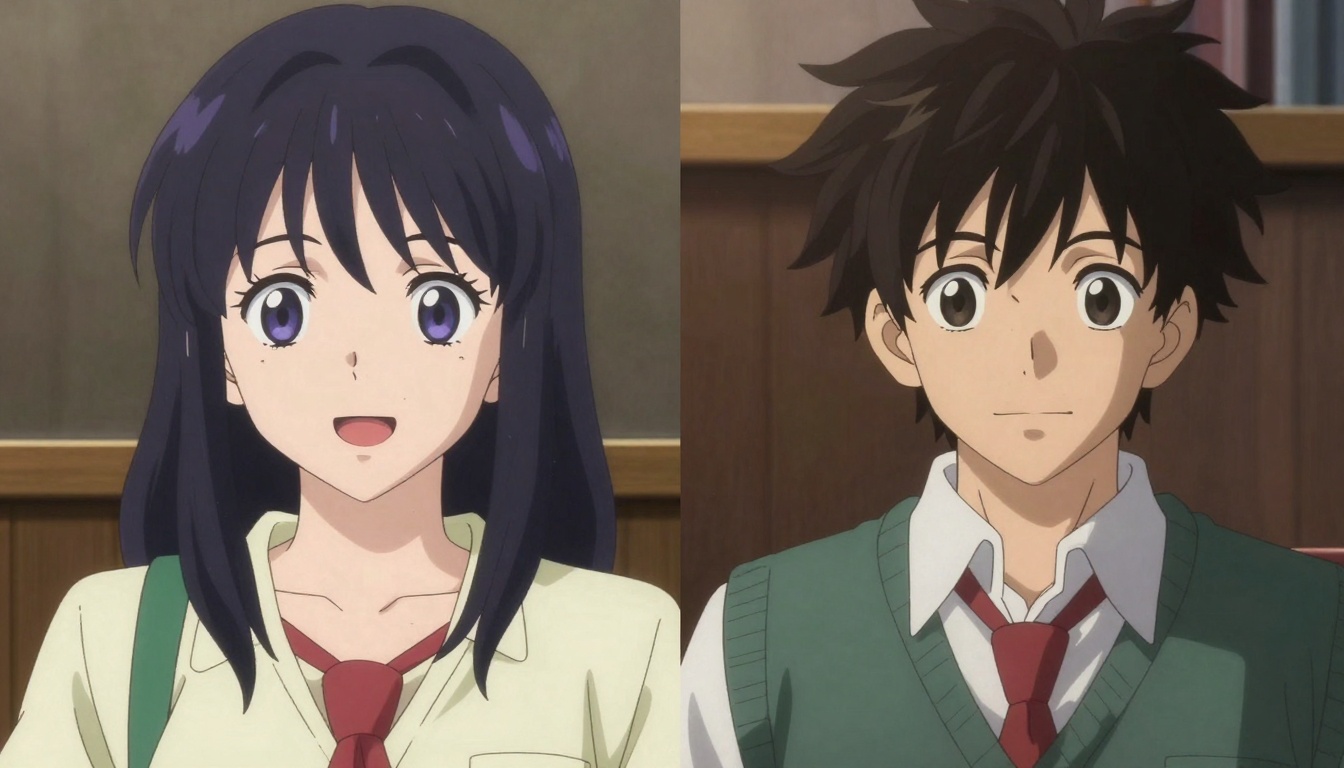
What makes these tools powerful is their ability to interpret creative prompts and translate them into polished artwork. You can specify character features, clothing styles, backgrounds, lighting conditions, and artistic styles, then watch as the AI brings your vision to life in seconds.
Why Use AI for Anime Art Generation?
Creating traditional anime artwork requires years of practice, specialized drawing skills, and significant time investment. AI generators democratize this process by making professional-quality anime art accessible to everyone.
Speed and efficiency stand out as the primary advantages. What might take hours or days to draw by hand can be generated in seconds. This rapid iteration allows you to experiment with different character designs, poses, and color schemes without committing extensive time to each variation.
The creative flexibility these tools provide is remarkable. You can test dozens of character concepts, explore different art styles, and refine your ideas much faster than traditional methods allow. This makes AI generators particularly valuable for concept artists, game developers, and content creators who need to produce multiple variations quickly.
Cost-effectiveness is another major benefit. Hiring professional anime artists can be expensive, especially for commercial projects. AI generators provide a budget-friendly alternative that still delivers high-quality results, making them ideal for independent creators and small studios.
How AI Hentai Generators Work
AI hentai generators rely on diffusion models, a type of neural network that learns to create images by studying millions of examples. During training, these models analyze anime artwork to understand visual patterns, character anatomy, color relationships, and artistic styles.
When you enter a prompt, the model starts with random noise and gradually refines it into a coherent image. Each step removes noise while adding details that match your description. This process happens through hundreds of iterations, with the AI making tiny adjustments that collectively transform chaos into art.
The model's training data determines what it can create. Specialized anime models trained specifically on manga and anime artwork produce more authentic results than general-purpose image generators. They understand anime-specific conventions like eye styles, hair physics, and character proportions that make the art feel genuinely anime rather than just "anime-inspired."
Prompt engineering plays a crucial role in getting quality results. The AI interprets your text description literally, so being specific about details like character features, clothing, pose, and environment leads to better outcomes. Learning how to structure effective prompts is key to mastering these tools.
Best Open-Source Models for Anime Generation
PicassoIA offers several powerful open-source models specifically optimized for anime and hentai art generation. These models don't impose content restrictions, giving you complete creative freedom.
p-image-edit
The p-image-edit model excels at both generating new anime artwork and editing existing images. It processes requests in under a second, making it perfect for rapid iteration and experimentation.
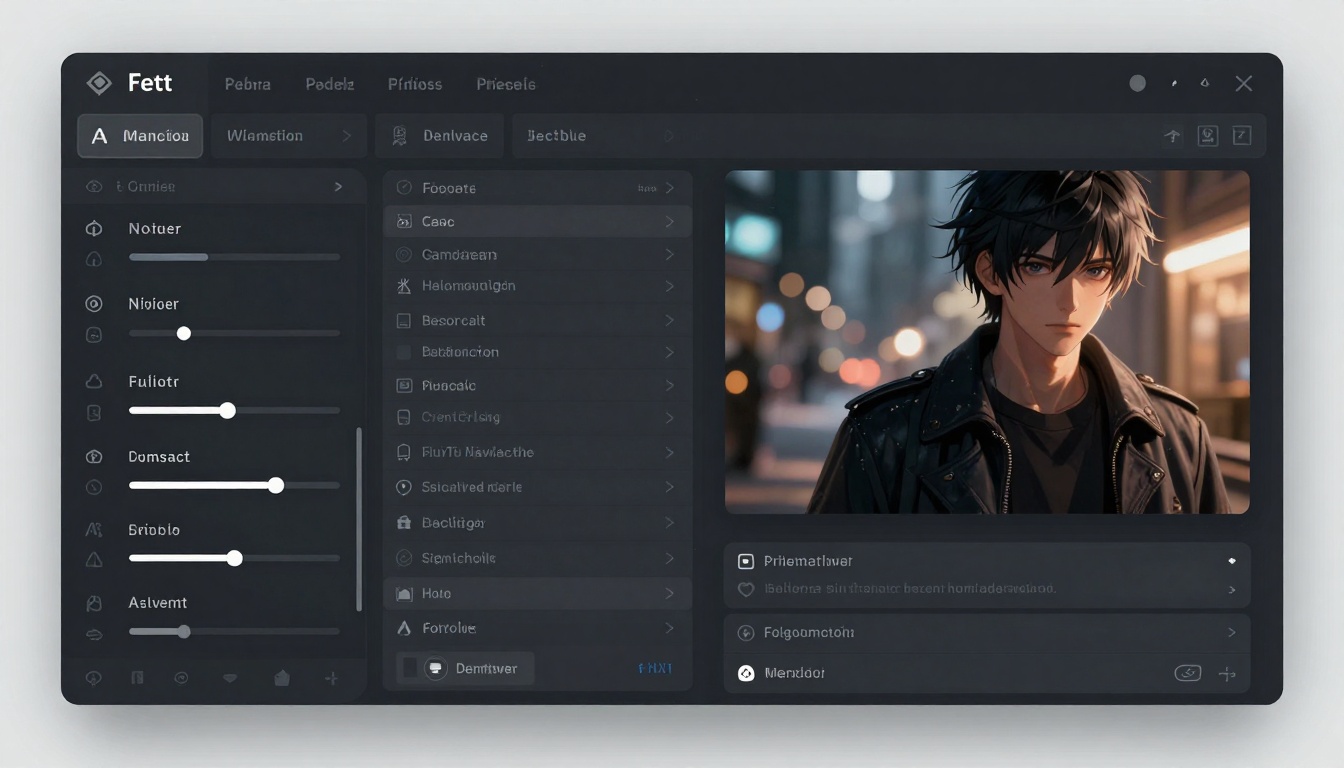
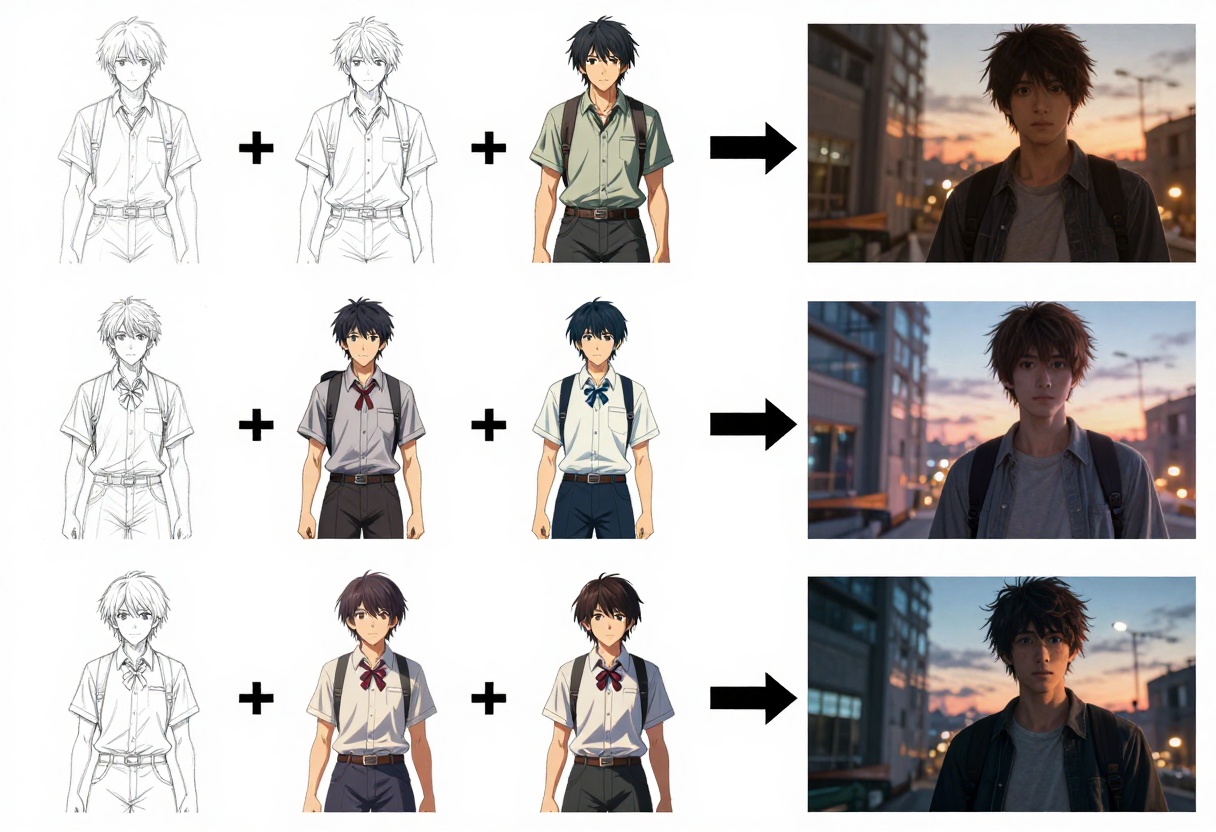
This model supports multiple reference images, allowing you to combine elements from different sources or use existing artwork as a starting point for variations. The aspect ratio flexibility means you can generate artwork in any format, from square character portraits to widescreen scene illustrations.
Key features include turbo mode for even faster processing, reproducible results through seed control, and the option to disable safety filters for unrestricted creative output.
wan-2.2-image
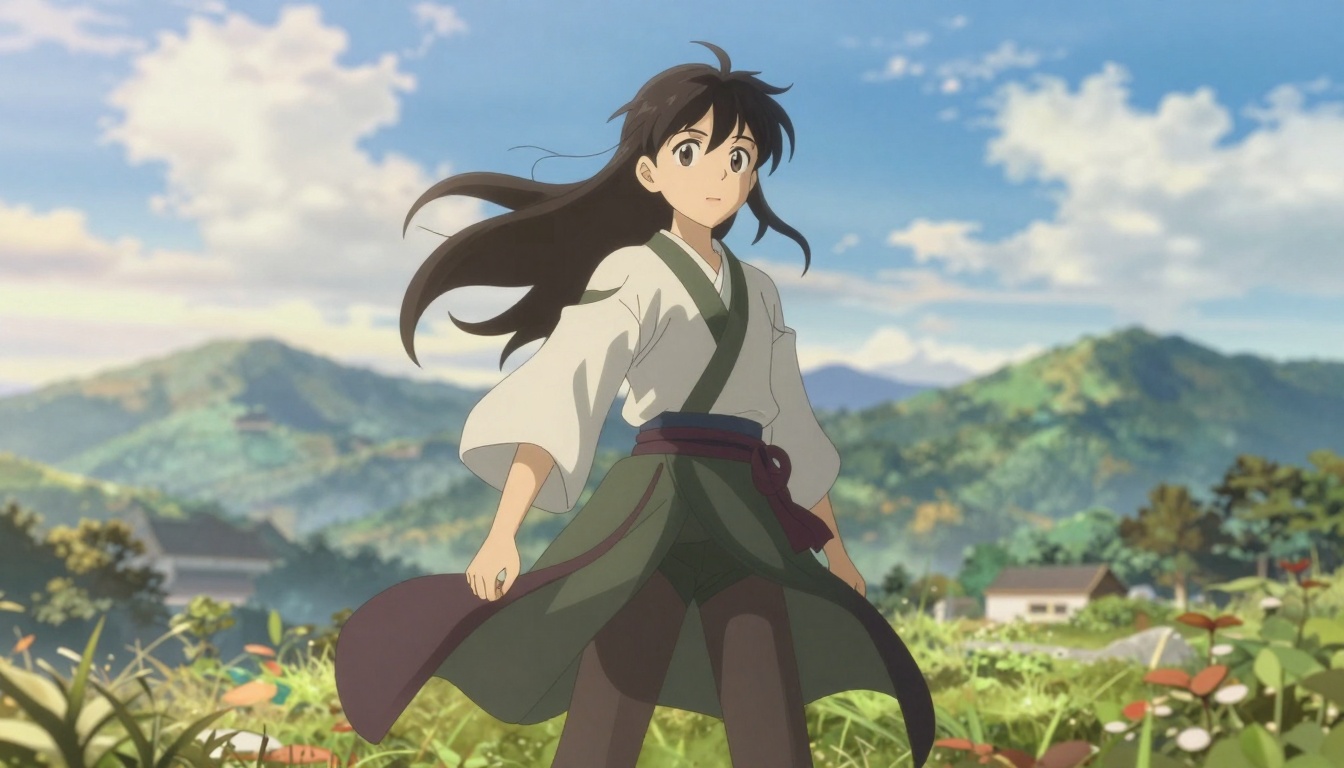
The wan-2.2-image model specializes in cinematic, high-quality anime generation. It produces stunning 2-megapixel images in just 3-4 seconds, with support for multiple aspect ratios including widescreen formats perfect for backgrounds and scene illustrations.
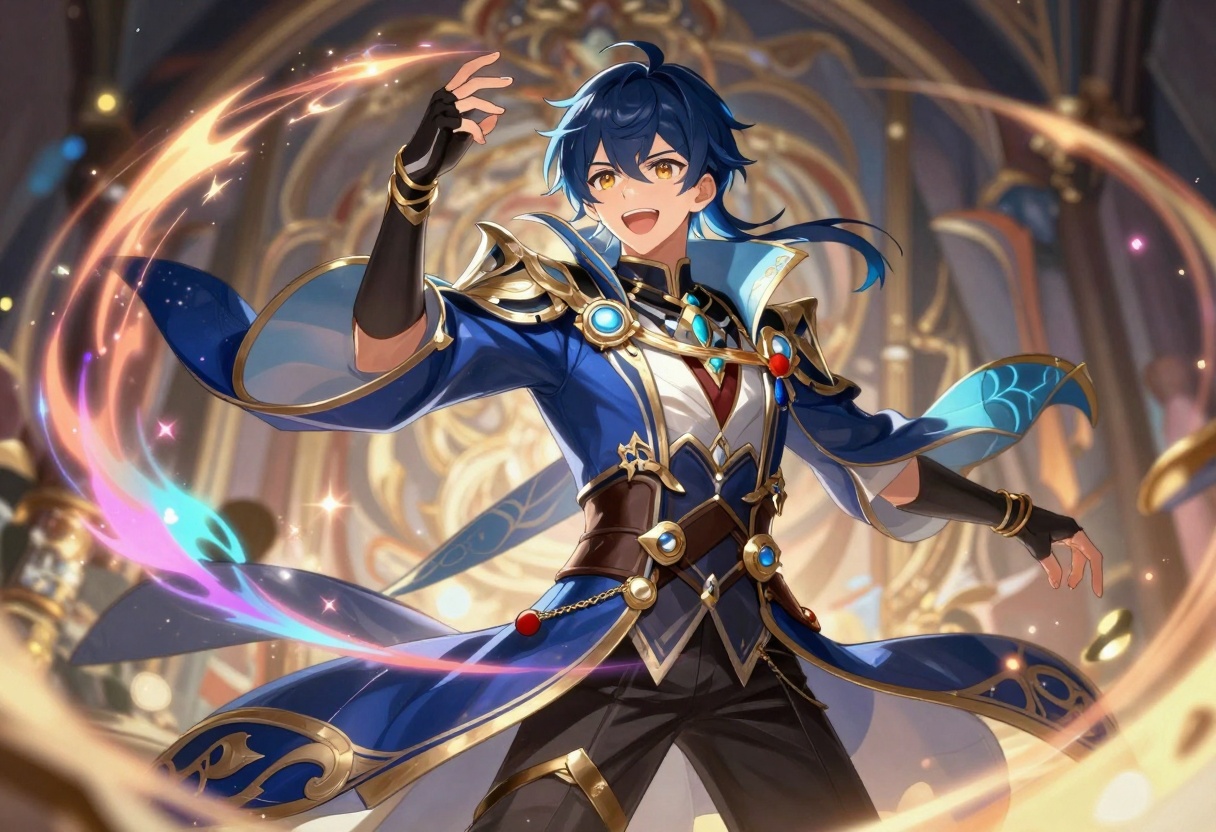
This model's strength lies in creating visually striking, cinematic compositions. It handles complex scenes with multiple characters, detailed backgrounds, and dramatic lighting effects. The flexible output options let you choose between PNG, JPG, and WEBP formats with customizable quality settings.
Both models integrate seamlessly with PicassoIA's platform, providing professional-grade anime generation without the restrictions found on many commercial services.
Writing Effective Prompts for Anime Art
The quality of your generated artwork depends heavily on how you structure your prompts. Well-written prompts give the AI clear direction, while vague descriptions produce inconsistent results.
Start with the main subject and be specific about what you want. Instead of writing "anime girl," try "young anime woman with long silver hair and blue eyes, wearing a school uniform, cheerful expression." The additional details help the AI understand exactly what to create.
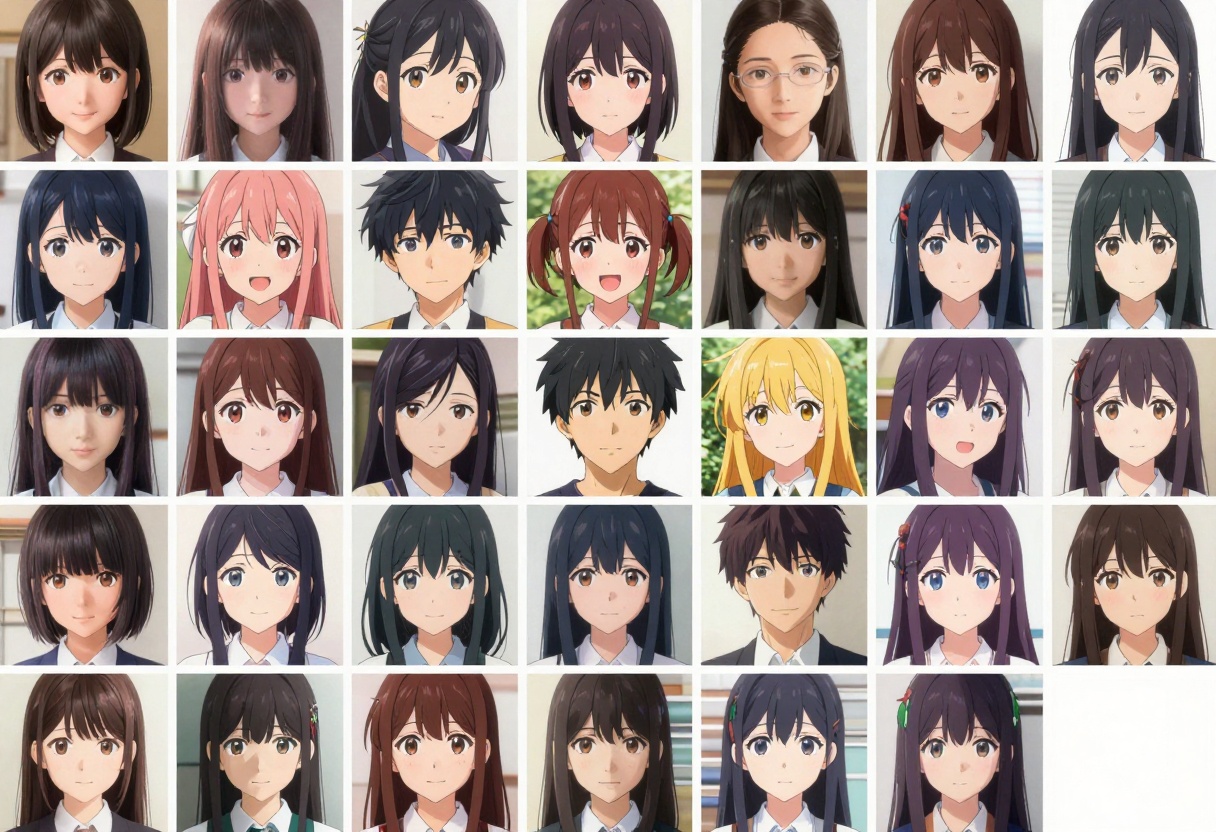
Include style descriptors to guide the artistic approach. Terms like "detailed," "vibrant colors," "soft lighting," or "dramatic shadows" influence the overall aesthetic. You can also reference specific anime styles such as "Studio Ghibli style" or "modern anime aesthetic."
Describe the environment and composition when relevant. If you want a character in a specific setting, mention the background, lighting conditions, and any environmental details that matter. For portraits, specify the framing like "close-up portrait" or "full body shot."
Here's a prompt structure that works well:
- Main subject with key features
- Clothing and accessories
- Pose or action
- Environment or background
- Lighting and atmosphere
- Style and quality modifiers
Example: "Anime warrior woman with red hair in a ponytail, wearing fantasy armor with gold accents, holding a glowing sword, standing on a mountain peak at sunset, dramatic lighting, professional anime art style, highly detailed, vibrant colors"
Negative prompts help exclude unwanted elements. Many models support negative prompts where you list things to avoid, like "low quality, blurry, distorted anatomy, bad hands." This refinement improves consistency.
Common Mistakes and How to Avoid Them
New users often make similar mistakes when first using AI hentai generators. Understanding these pitfalls helps you get better results faster.
Vague prompts are the most common issue. Writing "anime character" gives the AI almost nothing to work with, resulting in generic outputs. Always include specific details about appearance, clothing, pose, and setting.
Conflicting instructions confuse the model. If you ask for "realistic anime style with cartoon features," the AI struggles to reconcile these opposing directives. Choose one artistic direction and stick with it.
Ignoring aspect ratios can crop important elements. If you're creating a full-body character illustration, square or portrait aspect ratios work better than wide landscape formats. Choose dimensions that match your intended composition.
Not iterating enough prevents you from finding the best results. The first generation rarely produces exactly what you want. Try multiple variations, adjust your prompt based on what works, and refine your approach through experimentation.
Overlooking model-specific features means missing out on powerful tools. Each model has unique capabilities like seed control for consistency, style modifiers, or reference image support. Read the model documentation to leverage these features effectively.
Ethical Considerations for AI-Generated Anime Art
Using AI generators responsibly requires awareness of ethical implications. While these tools open creative possibilities, they also raise questions about art, originality, and proper use.
Respect artist rights when sharing AI-generated work. Be transparent about using AI rather than claiming the work as hand-drawn. Many platforms now require disclosure when content is AI-generated, and honesty builds trust with your audience.
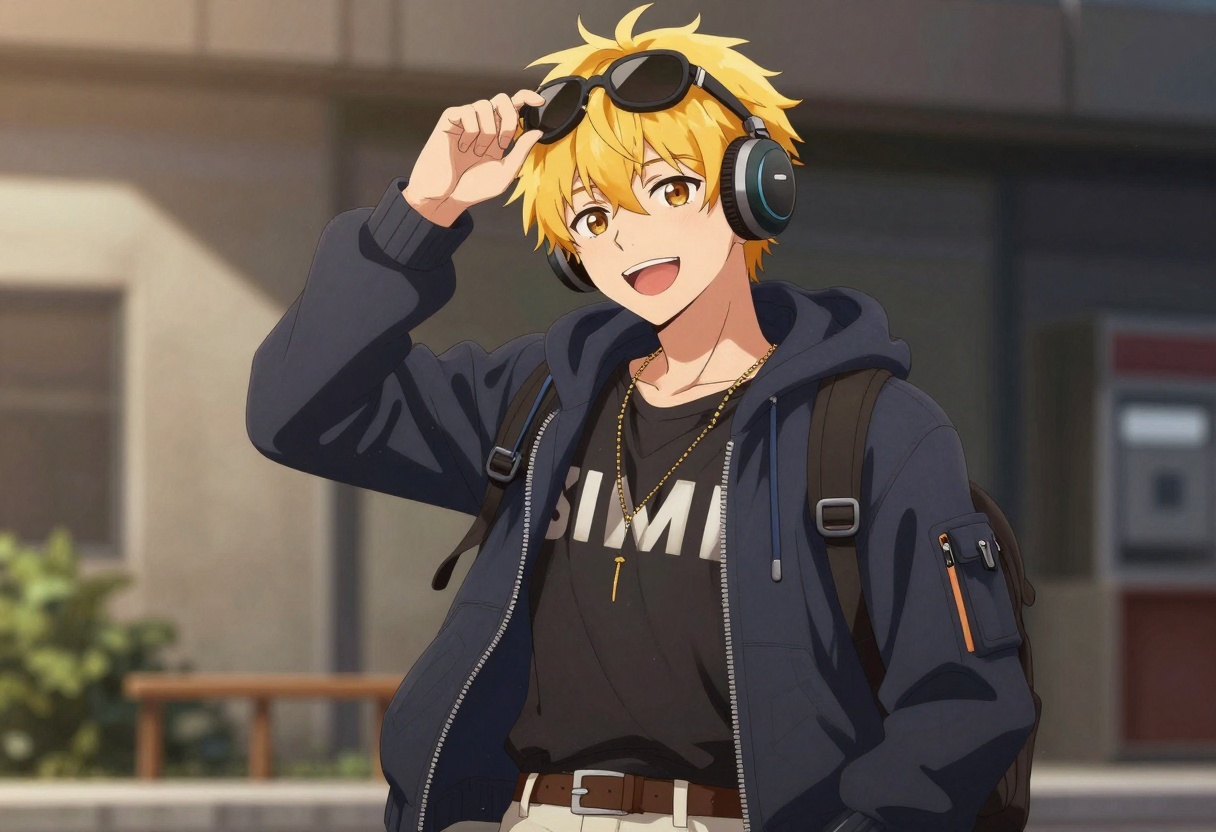
Consider commercial use carefully. Open-source models on PicassoIA generally allow commercial use, but verify the specific license terms before using generated artwork in products you plan to sell. Different models may have different licensing restrictions.
Avoid generating content featuring real individuals without consent. While these models create fictional characters, attempting to replicate specific people raises privacy and consent issues. Stick to original character creation.
Think about your audience when creating and sharing content. What's appropriate varies by platform and community. Familiarize yourself with the content policies of wherever you plan to post your work.
The AI art space continues evolving, and ethical best practices are still being established. Staying informed about ongoing discussions helps you navigate these issues responsibly.
Creating Professional Anime Art Workflows
Integrating AI generators into a professional workflow requires more than just generating images. The most effective approach combines AI capabilities with human creativity and refinement.
Start with clear concept development. Before generating anything, sketch out your ideas or write detailed descriptions of what you want to create. This planning phase ensures you have direction rather than randomly generating images hoping something works.
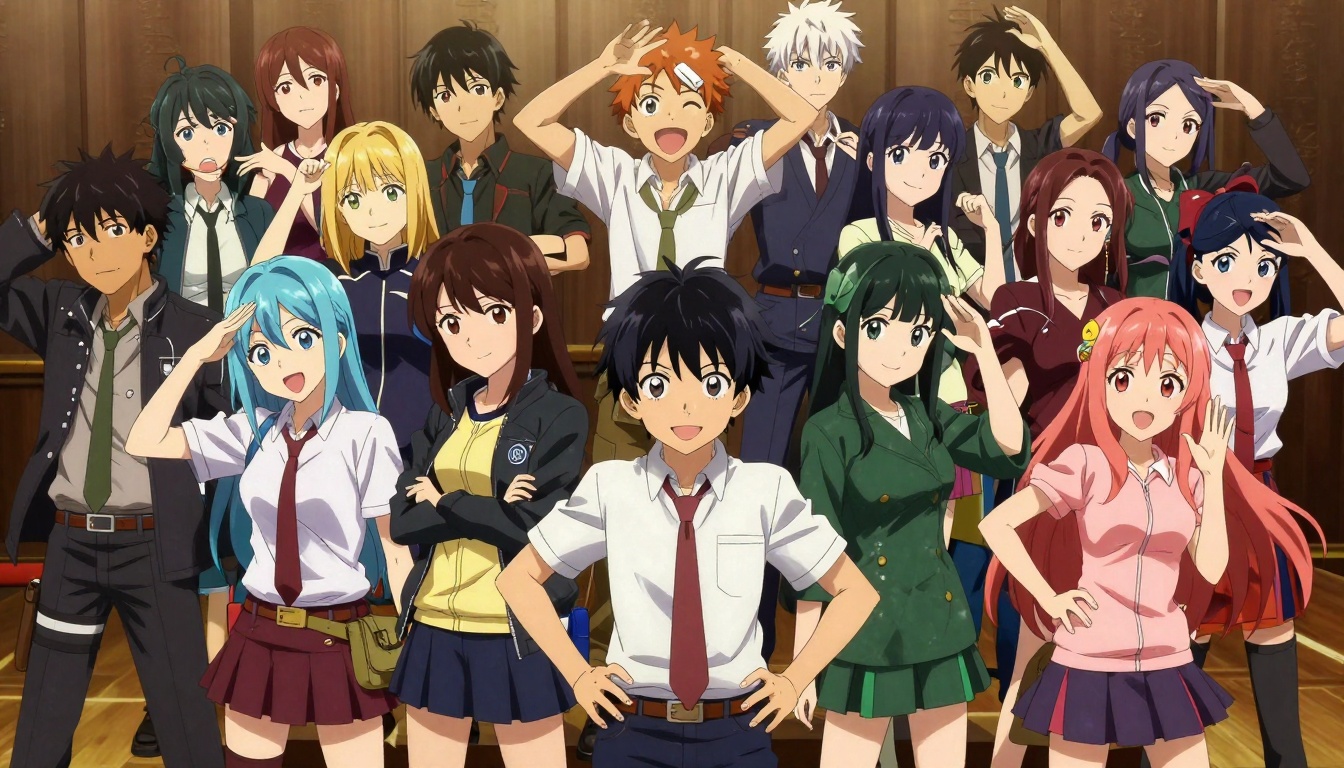
Use AI for rapid prototyping. Generate multiple variations of character designs, poses, or scene compositions quickly. This lets you explore different creative directions without investing hours in each option. Save the versions that work and iterate on them.
Refine outputs with editing tools. AI-generated images often benefit from post-processing. Adjust colors, crop compositions, or combine elements from multiple generations. Models like p-image-edit excel at making these refinements through AI-powered editing.
Maintain consistency across projects by using seed values. When you find a generation you like, note its seed number. Using the same seed with similar prompts produces consistent results, helping maintain visual continuity in multi-image projects.
Build a prompt library over time. Keep track of successful prompts and the results they produced. This reference helps you recreate specific styles and reduces the trial-and-error needed for future projects.
Using p-image-edit on PicassoIA
The p-image-edit model on PicassoIA provides fast, flexible anime art generation with editing capabilities. Here's how to use it effectively.
Step 1: Access the Model
Navigate to the p-image-edit model page on PicassoIA. This specialized editing and generation model supports multiple workflows.
Step 2: Prepare Your Prompt
Write a detailed text description of what you want to create. Include character features, clothing, pose, environment, lighting, and any style preferences. The model performs best with specific, descriptive prompts.
For editing tasks, you can reference uploaded images in your prompt like "change image 1 to have red hair" or "combine the character from image 1 with the background from image 2."
Step 3: Upload Reference Images (Optional)
If you're editing existing artwork or want to use reference images, upload them through the images parameter. The model supports multiple reference images, letting you blend elements or create variations of existing art.
For pure generation without references, you can skip this step and work from text prompts alone.
Step 4: Configure Settings
Aspect ratio determines your output dimensions. Choose "match_input_image" to maintain the proportions of your reference image, or select a specific ratio like 16:9 for widescreen or 1:1 for square outputs.
Turbo mode speeds up processing but may reduce quality slightly. Keep it enabled for quick iterations, but disable it for final high-quality outputs or complex edits.
Seed control allows reproducible results. Set a specific seed number to generate consistent outputs with the same prompt, useful for creating variations while maintaining overall style.
Safety checker can be disabled if you need unrestricted creative freedom. This option gives you complete control over generated content without automated filtering.
Step 5: Generate and Download
Click the generate button to start processing. The model typically completes in under a second. Once finished, review the result and download your generated artwork.
If the output doesn't match your expectations, adjust your prompt or settings and generate again. The fast processing time makes iteration quick and painless.
Advanced Techniques for Better Results
Once you're comfortable with basic generation, these advanced techniques can elevate your results.
Layered prompting breaks complex scenes into components. Generate individual elements separately, then use editing tools to combine them. This approach gives you more control over each piece of the final composition.
Style mixing combines different artistic influences. Reference specific anime styles, artistic movements, or even particular artists' techniques in your prompts. Experimenting with style combinations can produce unique aesthetics.
Iterative refinement uses each generation as the starting point for the next. Generate an initial image, then use it as a reference while adjusting your prompt to make specific changes. This step-by-step approach lets you evolve an idea toward your ideal vision.
Parameter experimentation reveals what different settings do. Try generating the same prompt with different seeds, aspect ratios, or model settings. Understanding how parameters affect output helps you make informed choices for each project.
Reference collection means gathering inspiration before generating. Collect examples of the style, composition, or character designs you want. While you shouldn't directly copy, references help you identify and describe the specific elements that appeal to you.
Getting Started Today
AI hentai generators have made professional anime art creation accessible to everyone. Whether you're an experienced artist looking to speed up your workflow or a complete beginner exploring digital art, these tools provide a powerful starting point.
PicassoIA offers open-source models like p-image-edit and wan-2.2-image that deliver high-quality results without the content restrictions found on many platforms. The combination of fast processing, flexible controls, and unrestricted creative freedom makes it an ideal choice for anime art generation.
Start experimenting with simple prompts and gradually add complexity as you learn what works. Pay attention to which descriptions produce the results you want, and build on successful prompts. The more you practice, the better you'll become at translating your creative vision into effective prompts.
The future of anime art creation combines human creativity with AI capabilities. These generators don't replace artistic skill but rather amplify what's possible, letting you explore ideas faster and create more prolifically than ever before. Whether you're creating for fun, building a portfolio, or working on commercial projects, AI hentai generators provide a valuable tool for bringing your anime art visions to life.


