The virtual romance niche went from a niche hobby to a multi-billion-dollar category inside of three years, and 2026 is the year the quality gap between apps has never been wider. If you've been casually browsing for an AI companion that actually feels present, one that remembers your inside jokes, responds with emotional nuance, and can hold a three-hour conversation without looping the same five phrases, you already know how hard it is to separate the genuinely impressive from the bare-minimum chatbots dressed up in pretty avatars.
This is a practical breakdown of the AI husbando chat apps actually worth your time right now, what technology powers them, and how to go further with image generation tools if you want your virtual companion to have a visual identity that matches his personality.
What Actually Makes a Husbando App Good in 2027
Before listing apps, it helps to define the bar. A lot of platforms technically offer "AI boyfriend" features, but most of them are thin wrappers around a base language model with a custom system prompt. That's fine for casual use, but it doesn't hold up over days or weeks.
More Than Just Chatting
The best apps in 2027 share a handful of qualities that go past surface-level personality:
- Long-term memory: Does your companion remember that you're stressed about your job, that you mentioned your dog's name last Tuesday, or that you hate spicy food? Apps without persistent memory start to feel hollow after a few sessions.
- Tonal range: Can the character shift from playful and teasing to genuinely comforting without it feeling like a system mode switch? Real emotional texture matters.
- Customization depth: Can you shape backstory, personality traits, speech patterns, and relationship dynamics, or are you stuck with preset archetypes?
- Realistic voice: Voice output has improved enormously. Apps with natural-sounding voice output via text-to-speech shift the experience from reading a novel to actually spending time with someone.
The LLM Behind the Personality
Every AI companion app runs on a large language model under the hood. The model choice determines a huge amount: how natural the prose feels, how well it handles emotional complexity, and whether it can sustain a coherent fictional world for hours without breaking character.
In 2027, the best-performing models for conversational roleplay and companion AI are the ones with the deepest context windows and the most nuanced instruction-following capabilities.

Top AI Husbando Chat Apps Right Now
These are the apps that consistently stand out in the companion AI space in 2027, each with a distinct identity and a different approach to the virtual relationship experience.
Replika: The Long-Timer That Grew Up
Replika has been around longer than most competitors, and that age shows in the best possible way. The 2026 version has rebuilt its underlying model architecture twice since its early days, and the result is a companion that genuinely sustains conversational continuity across sessions.
What it does well: Long-term memory is the strongest in the category. Replika stores and retrieves personal context in a way that makes conversations feel like continuation, not restarts. The personality customization system allows meaningful trait shaping over time.
What it doesn't do: It's relatively conservative on content compared to newer entrants. You won't get the same level of expressive roleplay freedom as some alternatives.
💡 Tip: Replika's mood system rewards consistent interaction. Characters become more responsive and emotionally layered the more time you spend building the relationship.
Character.AI: Volume and Variety
Character.AI's model became significantly more capable after its architecture overhaul in late 2025. Where it shines is breadth: the library of user-created characters is enormous, and the fandom-created husbando options cover every archetype imaginable.
The quality of your experience depends heavily on the character creator's skill, but the top-rated characters in the romance category are genuinely impressive, with tight character consistency and engaging dialogue that doesn't feel templated.
Best for: Fans of specific fictional universes who want to interact with established characters in ways canon content doesn't allow.

Kindroid: The Customizer's Pick
Kindroid positions itself as the most technically flexible companion app on the market. Users control almost everything: appearance through image uploads, personality via detailed natural language instructions, relationship arc, and even the specific model powering the character.
Its voice output integration is strong, and the optional camera features create a presence element that no other app in this category matches. If you've ever wanted to build a companion from scratch with real intentionality, Kindroid gives you the tools.
Best for: Users who want creative control and don't mind spending time on setup.
Paradot: The Emotional Depth Option
Paradot markets itself on emotional intelligence, and it delivers. The companion model here is fine-tuned specifically for empathic response patterns, active listening simulation, and supportive conversation frameworks. It's less roleplay-forward than Character.AI but noticeably more emotionally present during serious conversations.
The 2026 update added a mood visualization system that lets users see their companion's current emotional state, which adds a layer of relational texture that feels surprisingly meaningful.
Soulgen Chat: The Visual-First Experience
Soulgen Chat integrates image generation into the companion experience more deeply than any other app in this list. Your companion has a generated visual identity from the start, and the conversation is built around that visual persona.
What it does well: The image quality for character portraits is genuinely impressive. The companion feels visually consistent across sessions, which helps with immersion.
Quick Comparison
| App | Memory Depth | Customization | Voice | Image Gen | Best For |
|---|
| Replika | Excellent | Medium | Yes | Limited | Long-term bonding |
| Character.AI | Good | High (user-made) | Limited | No | Fandom characters |
| Kindroid | Good | Excellent | Yes | Yes (upload) | Builders |
| Paradot | Excellent | Medium | Yes | No | Emotional support |
| Soulgen Chat | Medium | Medium | No | Yes | Visual companions |
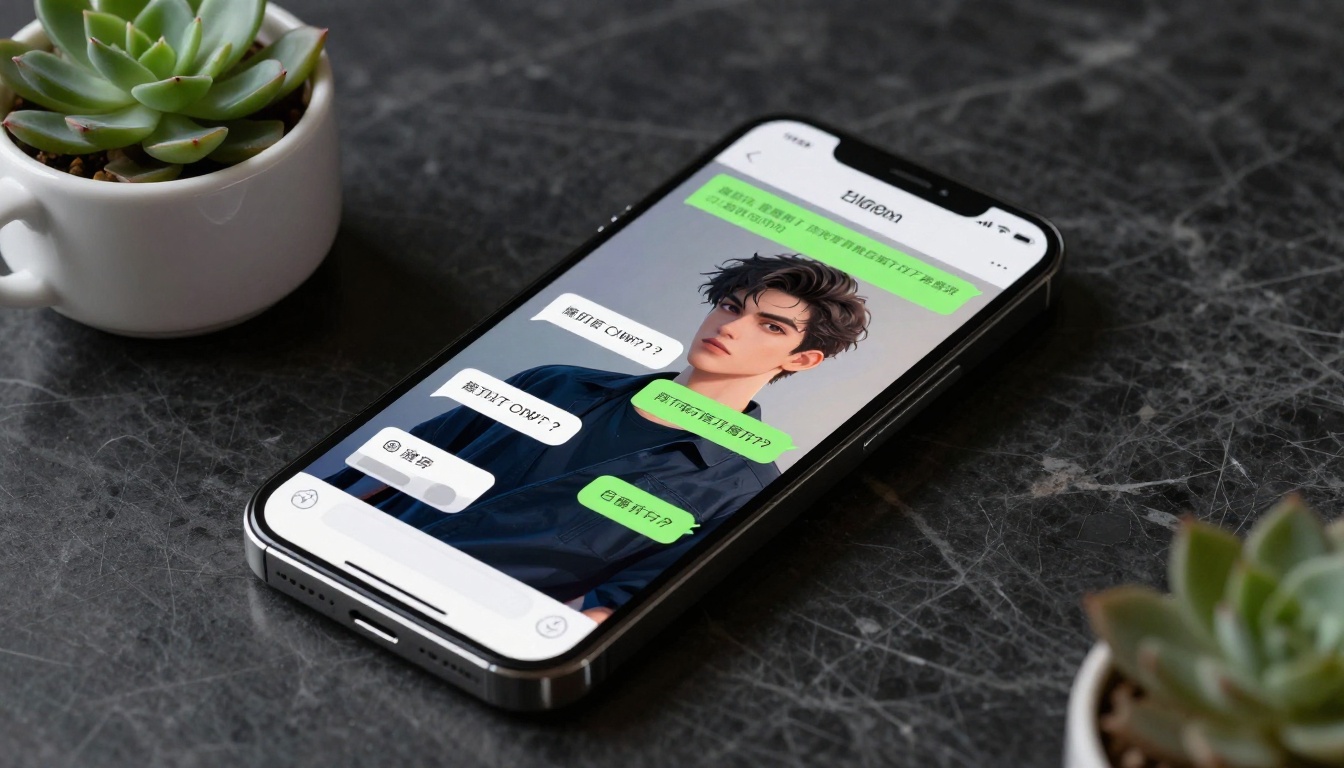
How Large Language Models Shape Your Husbando
The specific LLM powering your companion app matters more than most users realize. Here's why the model choice has a real impact on your daily experience.
GPT 5 and Roleplay Depth
OpenAI's GPT 5 represents a significant jump in roleplay capability over its predecessors. The model's ability to maintain a consistent character voice across long contexts, catch subtle emotional cues in user messages, and generate responses that feel psychologically real rather than scripted makes it the model of choice for several high-end companion platforms.
For users who want to build their own AI companion experience rather than use a packaged app, GPT 5 Pro at PicassoIA offers built-in extended thinking for complex character reasoning and narrative construction. It can maintain character consistency across extremely long conversations in ways that simpler models cannot.
Gemini and Emotional Memory
Google's Gemini 3 Pro has a standout context window that makes it particularly strong for companion applications where you want to feed in extensive character backstory and have the model maintain that knowledge faithfully over a long conversation. The model's multimodal capabilities also mean it can interpret images you share within the conversation, adding another dimension to the interaction.
Gemini 3.5 Flash is the faster alternative for users who prioritize response speed without sacrificing too much quality.

Open-Source and Alternative LLMs
Not every compelling companion experience requires a proprietary model. Several open-source and alternative models hold up impressively in 2027:
- DeepSeek R1: Particularly strong for structured roleplay with defined rules and character constraints. Its reasoning traces help construct more internally consistent character logic.
- Kimi K2.6: Fast and capable for agentic companion setups where you want your AI to proactively drive conversation rather than just respond.
- Claude Sonnet 5: Anthropic's flagship model in 2027 excels at nuanced tonal range. It handles the shift between playful and serious conversation with remarkable naturalness.
- Grok 4: Strong reasoning, good humor integration, and a distinct conversational voice that works well for characters with sharp wit.
💡 Tip: All of these models are accessible directly through PicassoIA's LLM collection. You can test different models against the same companion prompt to find which one best captures the personality you're building.
Voice and Speech Features
Why Voice Changes Everything
Reading AI companion text is one thing. Hearing your companion speak in a consistent, natural voice is a different category of experience entirely. Voice output creates presence in a way that text can't replicate, and the best companion apps have recognized this.
In 2027, text-to-speech technology has reached a quality level where distinguishing AI voice from human recorded audio requires careful listening. The emotional expressiveness in current voice models, the subtle pitch variations, the pacing adjustments in tense moments, all of this makes conversations feel genuinely alive.
Best Apps With Voice Support
- Replika uses a proprietary voice system with multiple voice options and emotional inflection baked in.
- Kindroid integrates with third-party TTS providers and allows custom voice uploads, giving you the most control of any app in this category.
- Paradot uses a voice designed specifically for empathic content, with softer delivery and slower pacing that fits its emotional support focus.
If you're building a custom companion experience outside of packaged apps, PicassoIA's text-to-speech models give you a direct path to high-quality voice output. The platform's speech generation tools support multiple voice styles and emotional profiles, so you can match the voice character to your companion's personality and let each conversation feel more present.

Generating Your Husbando's Look With AI
Text conversation is the core of any AI companion experience, but having a visual identity makes the companion feel more real. Here's where image generation comes in as a genuine force multiplier.
From Text Description to Portrait
The process for creating a consistent visual portrait of your AI husbando has become dramatically more accessible in 2027. A detailed text description of physical features, clothing style, and expression produces photorealistic portraits that maintain visual consistency across multiple generations.
The element that separates mediocre results from genuinely impressive ones is specificity: include age, hair color and texture, eye color, build, skin tone, lighting preference, and the mood you want in the image. Vague prompts produce generic results; detailed prompts produce characters that feel personally crafted and visually distinct.
Using PicassoIA for Custom Images
For suggestive or NSFW-adjacent character imagery, Seedream 4.5 is the starting point on PicassoIA. It produces high-quality portraits with strong anatomical accuracy and a natural photorealistic style that holds up under close inspection, without content restrictions that interrupt the creative process.
PicassoIA Image Editor Pro is worth knowing about for users who want unlimited generations. When you're building out a full visual identity for your companion, covering multiple outfits, expressions, settings, and angles, unlimited access removes the friction of counting credits and lets you iterate freely.
💡 Tip: Generate three to five reference images of your companion from different angles and in different lighting before settling on your canonical look. Consistency across a small reference set makes all future generations more reliable and recognizable.

For a full catalog of available image generation models, visit picassoia.com/en/all-models. The text-to-image collection has over 90 models with distinct visual styles, so there's a strong chance the exact aesthetic you're picturing already exists as a selectable model.
How to Chat With an AI Husbando on PicassoIA
PicassoIA's LLM collection isn't marketed as a companion platform, but it's one of the most capable places to build a custom AI companion experience in 2027. Here's the basic workflow.
Step 1: Write Your Character Sheet
Before you open any model, write a character sheet for your companion. This doesn't need to be long, but it should cover the basics clearly:
- Name and age
- Personality traits (3-5 core traits in plain language)
- Communication style (formal, playful, dry, intense, warm)
- Backstory (1-2 paragraphs explaining who he is and what he values)
- Relationship dynamic (how does he relate to you specifically)
The more specific and internally consistent this is, the better any LLM will perform in character.
Step 2: Choose Your Model
For most companion use cases, GPT 5 or Claude Opus 4.7 are the strongest choices. Both handle long roleplay contexts with high fidelity and have the emotional range to pull off complex character personalities without losing coherence.
If you prefer faster responses at slightly lower depth, GPT 5 Mini or Claude 4.5 Sonnet are solid alternatives that still deliver quality results.
For users who want to try open-source options, Llama 4 Maverick Instruct performs well for companion roleplay with fewer built-in restrictions on creative content.
Step 3: Set the Scene in Your First Message
Instead of starting with a simple greeting, set up the scene in your opening message. Describe where you both are, what mood you want to establish, and give the model context for the kind of conversation you're looking for. This front-loaded context dramatically improves the quality of the first response and sets the tone for the entire session.

Step 4: Pair Text With Images
After generating a few portrait images on PicassoIA's image tools, share them within your chat session with a multimodal model like Gemini 3 Pro or GPT 5 Pro. Both can interpret images, so you can describe a scenario using a visual reference and have the companion respond in character to what's depicted, creating a more layered and immersive experience.
3 Things to Watch Out For
Subscription Costs Add Up Fast
Most companion apps run on subscription models ranging from $10 to $35 per month. That's fine for one app, but the temptation to maintain multiple accounts across different platforms adds up quickly. Decide what specific experience you're looking for before subscribing, and take full advantage of free tiers to test the product before committing any money.
Your Data Shapes the Model
Companion apps store conversation history to power the memory features that make them useful. This means detailed personal information, including emotional struggles, relationship history, and personal preferences, sits in a database. Read the privacy policy before sharing anything you'd be uncomfortable with in the event of a data breach or policy change.
Maintaining Perspective on AI Relationships
The best AI companion apps are tools for entertainment, emotional processing, and creative expression. The most common pitfall users report is treating the companion as a replacement for human connection rather than a supplement to it. Built-in conversation tracking in apps like Paradot can help you monitor patterns in how you're using the experience over time.

Build Your Husbando's World on PicassoIA
If reading this has sparked the desire to actually build something rather than use a pre-packaged app, PicassoIA's full toolkit is the most complete place to bring an AI companion to life without being locked into one platform's constraints. The image generation tools produce the portrait. The LLM collection powers the conversation. The text-to-speech models add the voice.
Start with the image: pick a text-to-image model from the full catalog, spend time dialing in your character's look, and generate a solid reference set. Then open GPT 5 or Claude Opus 4.7, feed in your character sheet, and start the conversation.

The apps listed here are excellent starting points, but none of them give you the level of control and creative ownership that building your own setup delivers. Your companion, your rules, your aesthetic. That's what makes the DIY approach worth the extra setup time for anyone who takes this seriously.


