The hunt for a reliable AI husbando generator has become surprisingly serious. What started as a niche corner of character creation has turned into active communities sharing prompt templates, saved model configurations, and curated output galleries. After looking at what gets shared, saved, and recommended most consistently across these fan spaces, some clear patterns emerge about what actually works, and which tools keep earning real loyalty.
What Fans Are Really Looking For
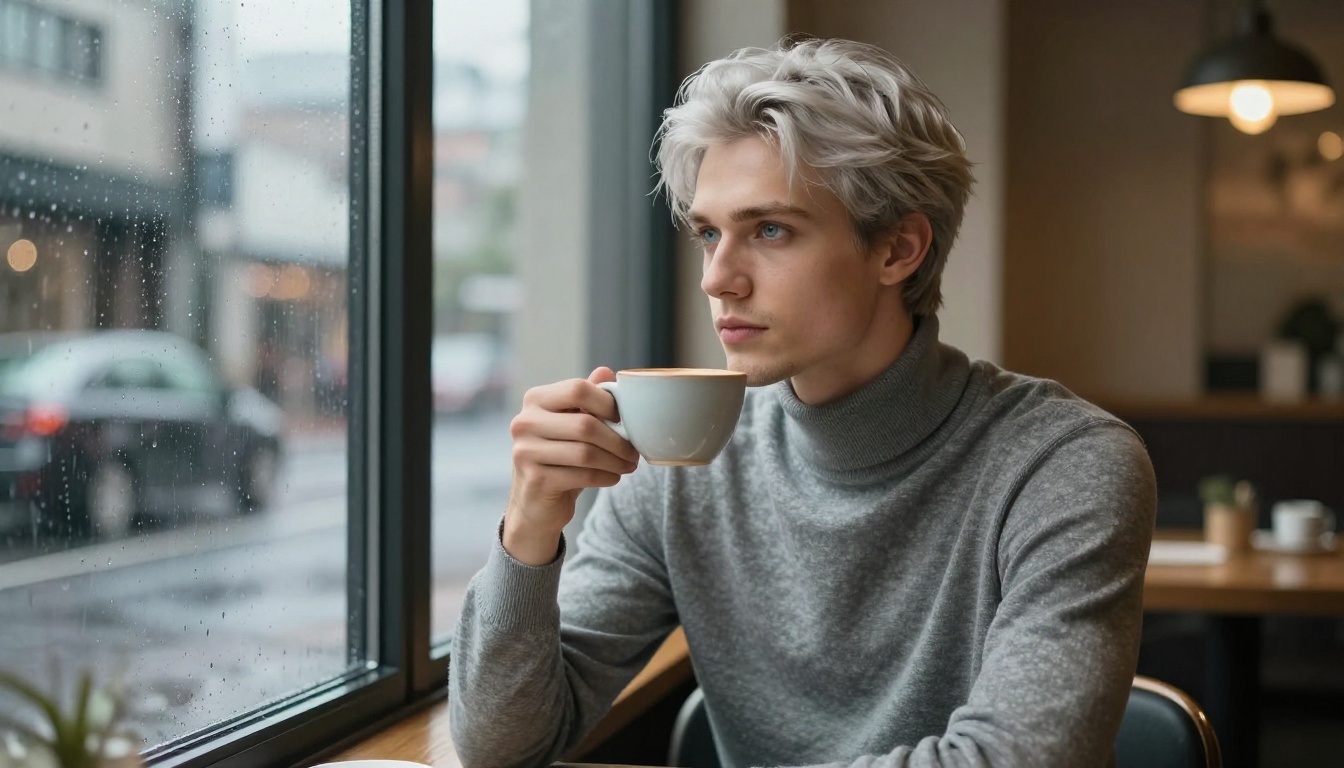
The gap between what people expect from an AI husbando generator and what most tools deliver tends to be wide. The tools that earn genuine community loyalty share specific qualities that are worth understanding before diving into which models to use.
Photorealism Beats Illustrated Anime
This surprises some newcomers to the space: the most celebrated outputs in husbando creator communities are almost universally photorealistic, not illustrated. Fans want a character who could theoretically be a real person, rendered with film-quality lighting, real skin texture, and cinematic depth of field. The ideal sits in a precise zone: anime-influenced facial structure and emotional expressiveness, but rendered with photographic authenticity.
This is why models like FLUX Pro Finetuned dominate fan recommendations. FLUX's handling of facial detail, and particularly eyes, achieves that balance between idealized and believable that earlier diffusion models struggled to reach consistently.
Customization That Actually Goes Deep
A generator offering three preset face types will not earn community trust. Fans want to describe a specific character in text and have the model actually follow that description: a particular shade of steel-blue eyes, the way hair falls across the forehead, the precise degree of softness versus definition in the jawline. Prompt adherence is the core metric that separates tools fans return to from ones they abandon.
This is also why the fan preference skews strongly toward text-to-image models over dedicated character apps. A raw model that follows detailed prompts faithfully gives creators more control than a polished app built around a limited customization interface.
Consistency Across Multiple Generations
The third recurring request is harder to achieve and arguably the most valuable: getting the same character to look like themselves across multiple images. Fans building character portfolios, reference sheets, or companion collections need consistency. One great image is not enough if the next generation produces a completely different face.
This is where platforms with LoRA support and fine-tuning earn their reputation. Character consistency is the ceiling that separates casual experimentation from serious creative work.
The Generators That Keep Showing Up
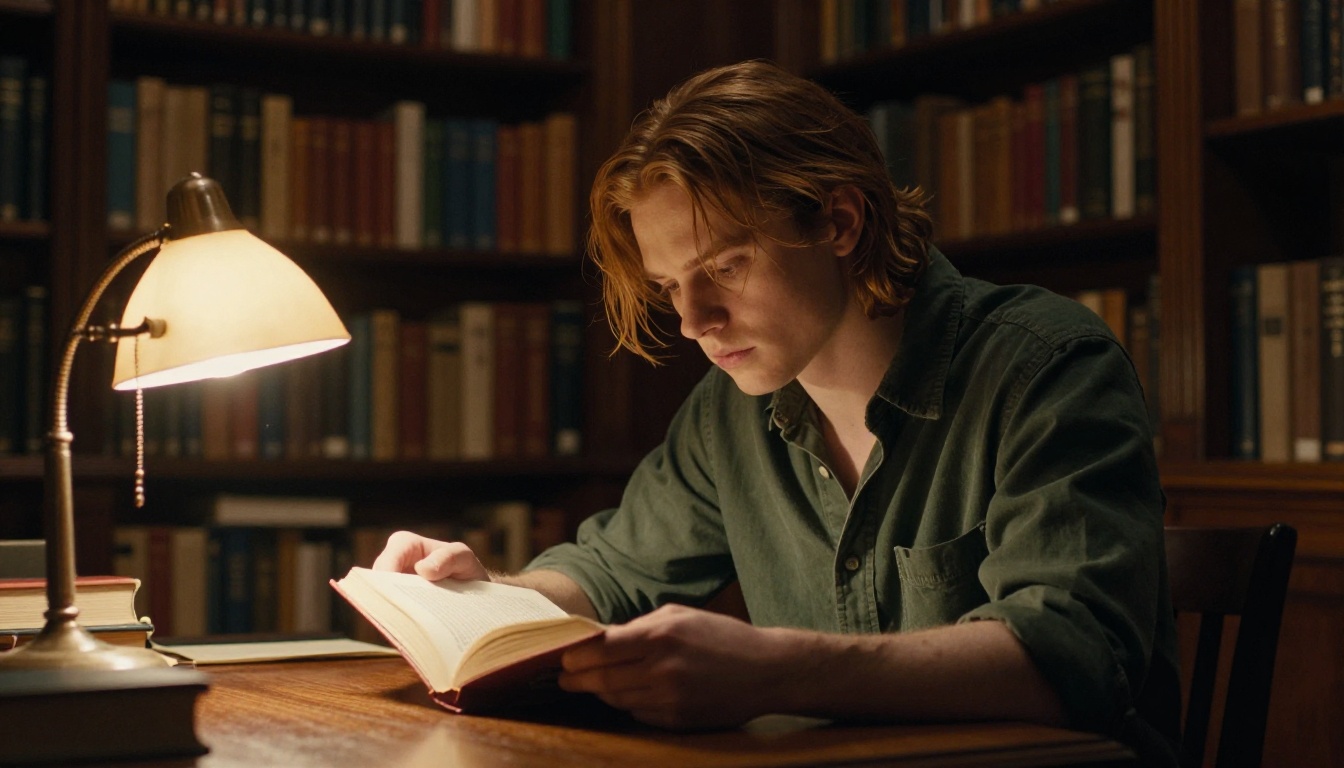
These specific tools appear across community recommendation threads, usually with example images and refined prompt templates attached. They have earned their reputation through actual sustained use, not marketing.
Flux-Based Generators: The Community Standard
FLUX Redux Dev and FLUX Kontext Fast are the tools that come up most reliably in serious character creation discussions. FLUX's architecture handles the fine detail of faces, particularly eyes, skin texture, and hair rendering, in a way that consistently lands on the right side of the realistic-versus-uncanny line.
FLUX Fill Pro extends this with inpainting capability, which matters significantly for character refinement workflows. If you have a face you love but want to revise the background or adjust the character's clothing without regenerating the whole image, Fill Pro makes that possible without sacrificing the facial consistency you have already established.
FLUX 2 Klein 9B is another option that fans use specifically when they want LoRA training capability, building character-specific fine-tuned models from their best outputs to push consistency even further.
💡 FLUX tip: Adding "consistent facial features" alongside explicit physical descriptors in your prompt meaningfully reduces drift between generations and gets you closer to repeatable character identity without fine-tuning.
Seedream 4.5: The Soft Aesthetic Champion
Seedream 4.5 from ByteDance has developed genuine loyalty in husbando creator communities for one specific reason: it naturally produces what fans describe as the soft masculine aesthetic. Clean skin, luminous eyes, slightly idealized facial geometry that reads as warm and approachable rather than sharp and cold.
The model sits in a sweet spot between photorealistic and romanticized, which happens to be exactly what a significant portion of the husbando creation community is after. It does not try to be a photography simulator. It produces images that feel emotionally resonant, and that quality is hard to replicate by prompting alone on models not tuned for it.
Seedream 5 Pro builds on this foundation with sharper detail resolution and improved prompt adherence. Fans who want precise control over specific physical features tend to prefer it, while those who value the particular soft quality of 4.5 often stay with the older model. Both reward testing with your character concept before committing to one.
Dreamina 3.1: Full-Body Coherence
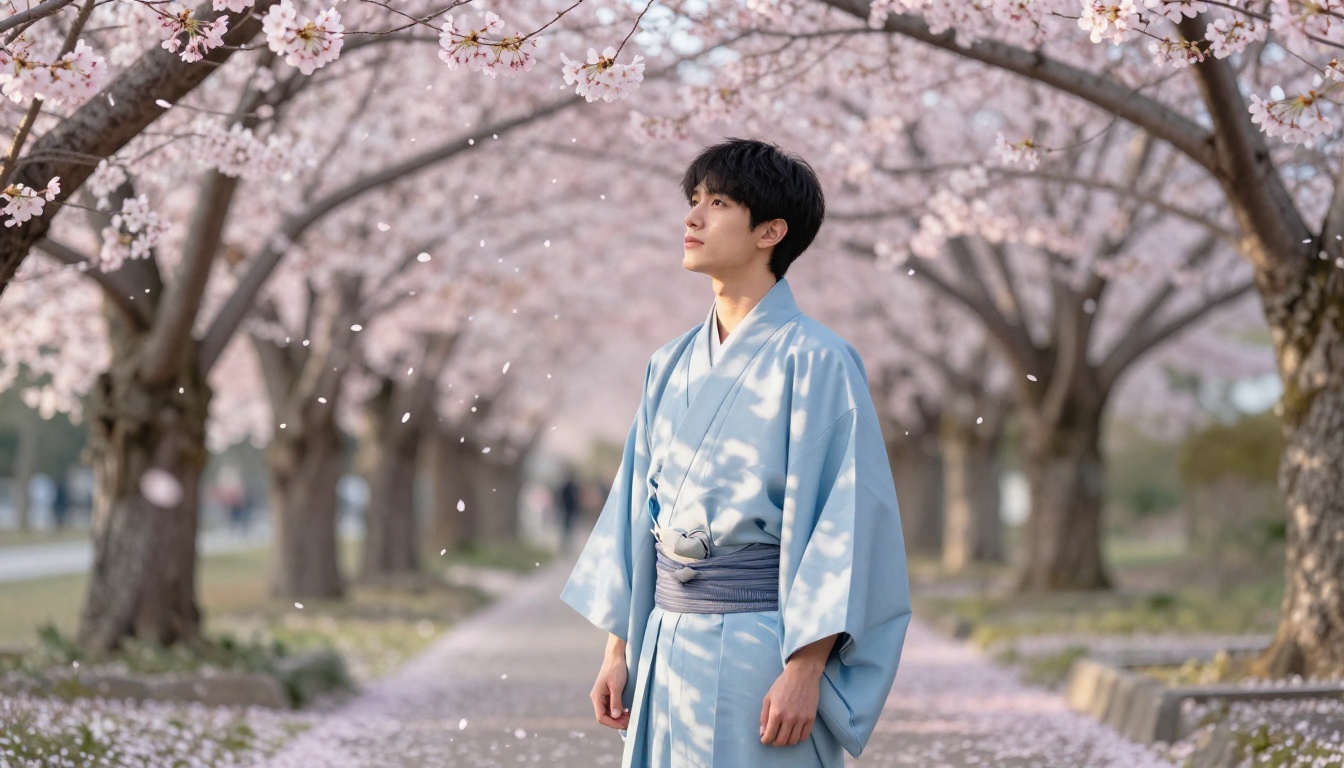
Dreamina 3.1 has been gaining community mentions recently, particularly from fans who want to generate full-body character shots rather than portraits. Its strength is in how it handles clothing and background integration: the character feels grounded in their environment rather than composited into it, which matters enormously for reference sheets and scene-based character images.
The PicassoIA Advantage
The reason fan discussion circles back to PicassoIA is not a single killer model. It is access to the full range of the best text-to-image options available, all within one interface. For character creators who cycle between models based on what a specific prompt needs, that breadth is genuinely valuable in a way that single-model platforms cannot match.
91 Models, One Workflow
Having 91 text-to-image models available means you can run the same character prompt through Reve 2.1, Hunyuan Image 2.1, and Wan 2.7 Image Pro to see which one interprets your concept closest to what you envisioned, all without switching platforms or learning new interfaces.
This also means you can match models to aesthetic needs. Some models handle particular facial types with more sensitivity than others. Some are better at specific environmental atmospheres. Routing different character concepts to the models best suited to them is a creative workflow advantage that compounds over time.
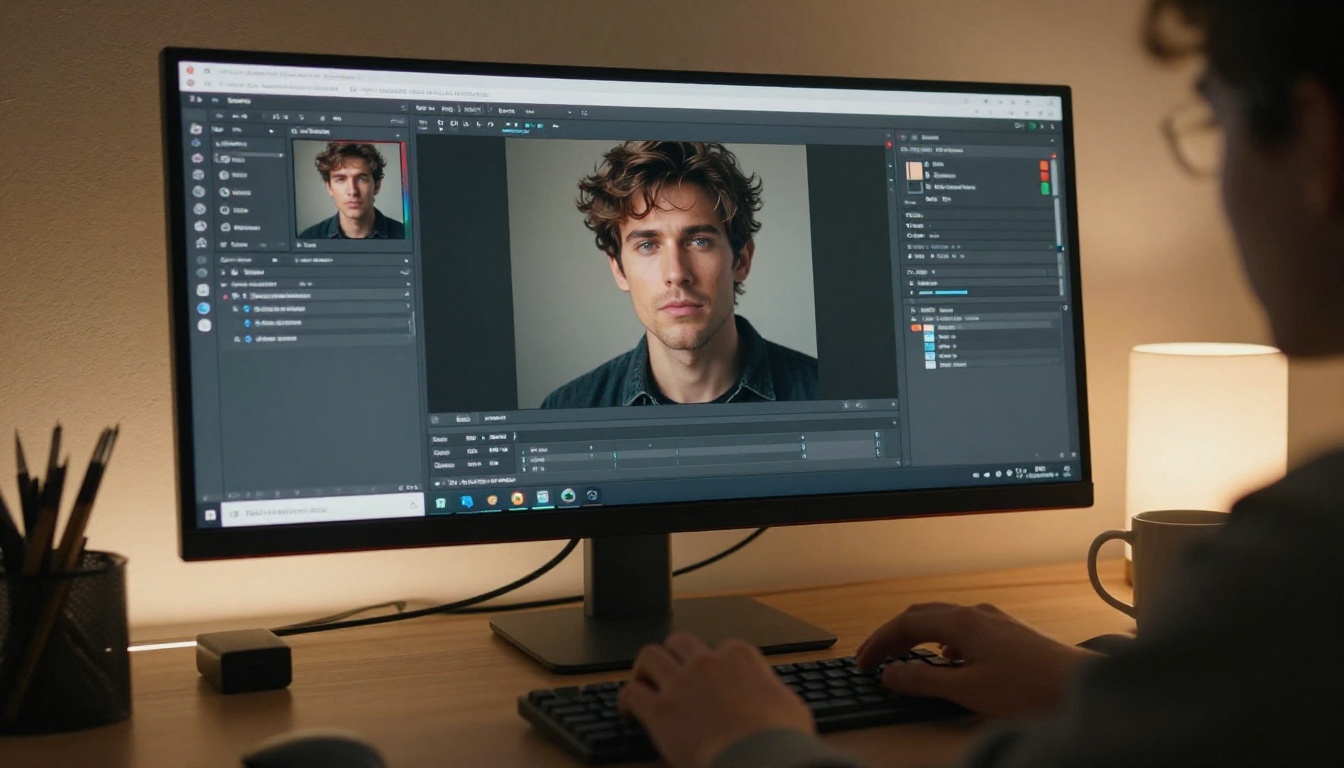
How to Use PicassoIA for Your Character
The workflow that fans describe as most productive follows a clear sequence:
Step 1: Start with FLUX Pro Finetuned or Seedream 4.5 based on whether you want hyper-realism or soft idealism. Write a detailed face prompt first covering hair, eyes, jaw, skin tone, and any distinguishing features.
Step 2: Add setting and lighting with the same level of detail you gave the face. "Morning light in a Tokyo cafe, rain on the window, overcast diffused illumination" produces a fundamentally different emotional read than "golden hour on a city rooftop." The environment is character context, not background noise.
Step 3: Include camera and lens specifics. Phrases like "85mm f/1.8 portrait lens" and "Kodak Portra 400 film grain" give the model enough technical vocabulary to produce cinematic output rather than a flat render with no mood.
Step 4: Refine with PicassoIA Image Editor Pro. Once you have a face you want to keep, use the editor to adjust the background, fix small details, or update clothing. This protects the character face you have worked to establish without requiring a full regeneration.
The Ideogram Character Option
Ideogram Character shows up in discussions from fans who prioritize distinctive visual identity over pure photorealism. Its outputs feel designed in a way that gives characters a strong signature look, which some fans find more emotionally meaningful than outputs that could belong to any face.
Ideogram v4 Quality handles high-fidelity follow-up iterations well once you have established that initial identity, making it a strong pairing for refining toward a polished result.
Prompt Strategies That Work
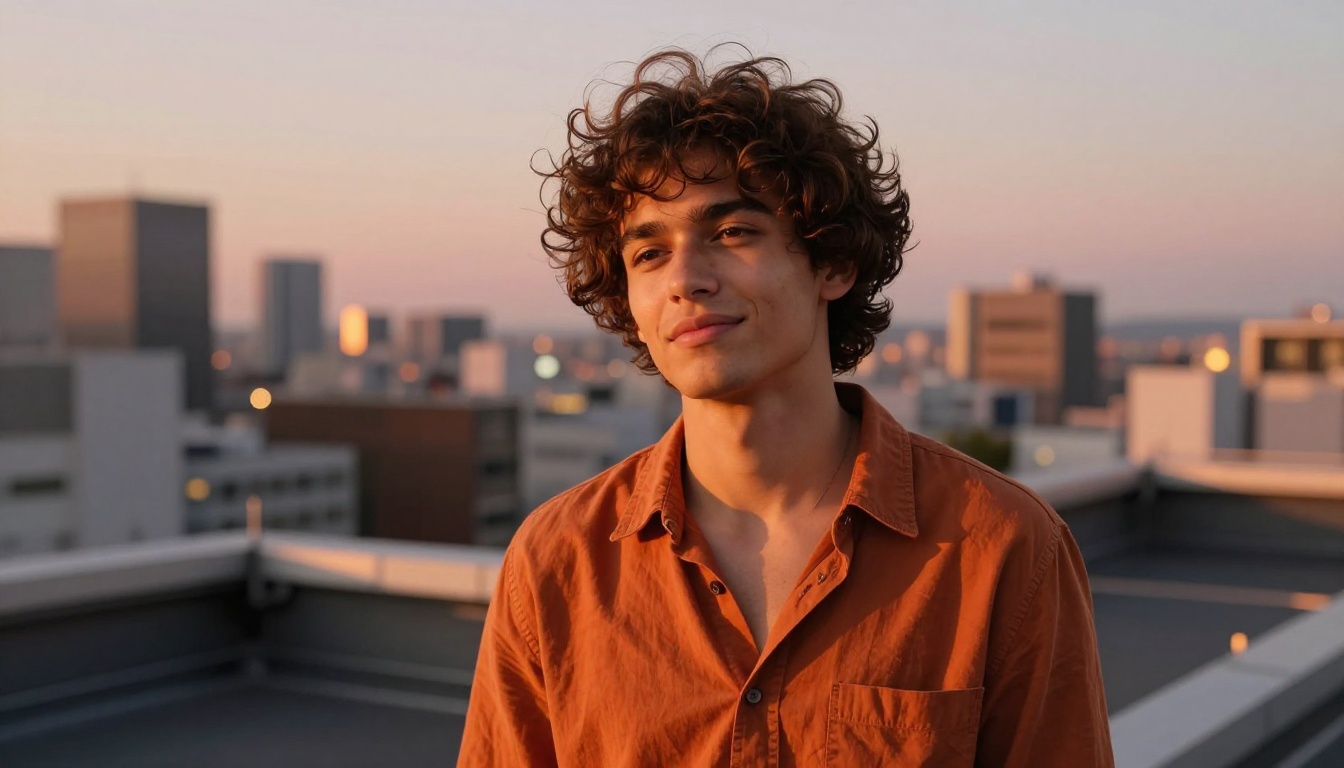
The gap between a generic result and something a fan actually saves comes down almost entirely to how the prompt is written. These strategies show up repeatedly in the communities producing the best results.
Build the Face First
Every experienced AI husbando creator follows some version of the face-first approach. The face is the emotional core of any character, and everything else should support it. Build the face in detail, then let setting, lighting, and clothing serve that foundation.
A strong face prompt covers:
- Hair: exact color, texture, length, and how it falls naturally on the forehead and around the ears
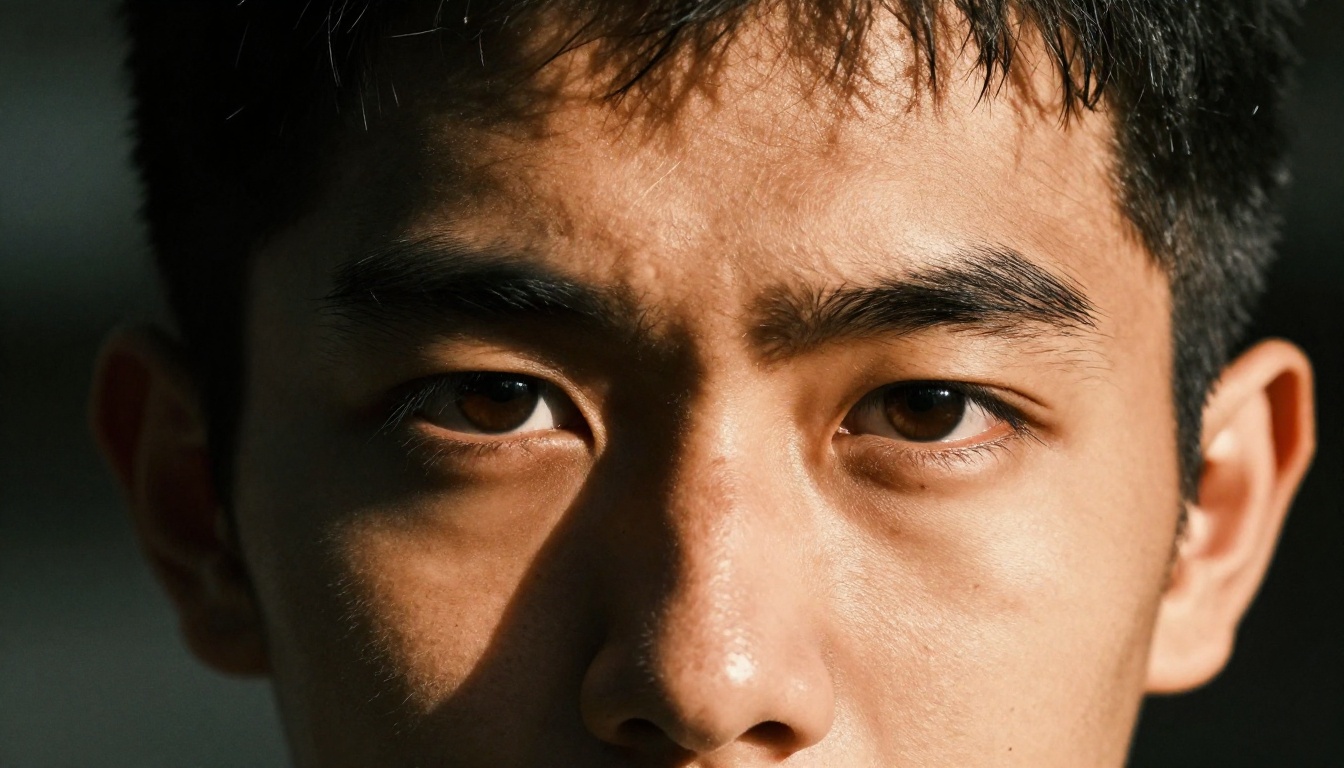
- Eyes: specific shade, limbal ring quality, catchlight character
- Jaw and cheekbones: defined or soft, narrow or strong, angular or rounded
- Skin: tone, texture, warmth or coolness, any distinguishing marks or features
- Expression: what the face is doing emotionally, not just a neutral pose
Vague descriptors like "handsome man with dark hair" produce generic results. Specific descriptors like "dark brown waves falling loosely across the forehead with natural texture, slight fade at the sides" produce a face that reads as a specific individual.
Make the Setting Do Character Work
The setting is not atmosphere. It is character context. Where a character exists reveals who they are emotionally, and the best prompt writers understand this without having to think about it.
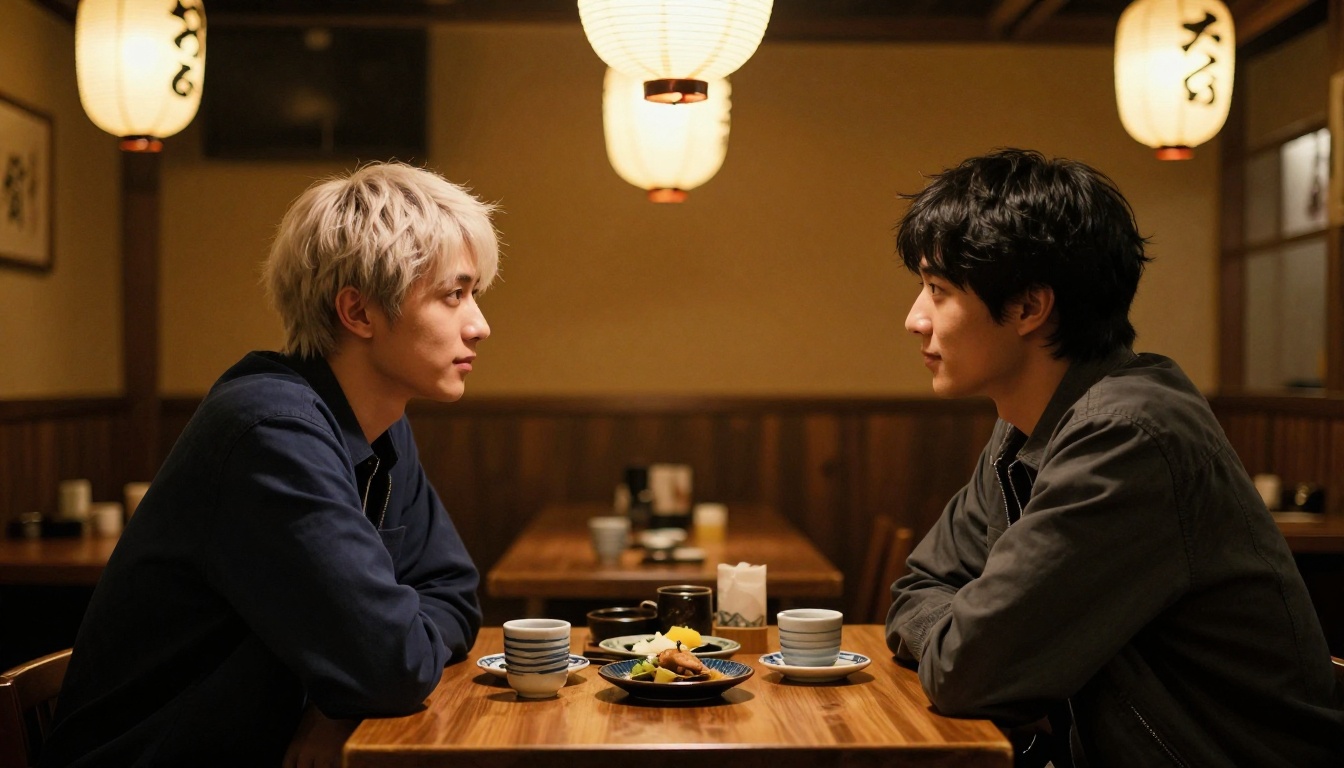
A reserved, intellectual character placed in a rain-lit Tokyo cafe reads completely differently from the same face placed at a sunlit outdoor market or a rooftop at dusk. The environment carries emotional information that saves description in the character prompt itself.
💡 Setting tip: Think about what your husbando was doing in the moment just before the image was captured, and where. That specificity of situation makes the generated output feel like a real moment rather than a posed reference image.
Use the Photo to Anime LoRA for Style Range
The Photo to Anime LoRA is an underused tool in the husbando creator community. It takes a photorealistic character portrait and shifts it toward a more stylized aesthetic without losing the underlying face identity, which is exactly what fans who want to develop a character across multiple visual registers need.
Generate the base character photorealistically to establish the face, then run it through the Photo to Anime LoRA at different strength levels to find the style mix that suits your character's personality. The face stays recognizable across both registers.
LLMs That Add the Companion Layer
Many fans do not stop at the visual character. They build interactive companion experiences by pairing their generated character visuals with large language model interactions. The image becomes character documentation, and the LLM is briefed on that character's appearance, voice, personality, and emotional range.
Chat Models That Work Best for Character Roleplay
Not all LLMs perform equally well at maintaining a consistent character voice across long interactions. The ones that get recommended in companion AI communities tend to prioritize instruction-following precision and emotional nuance over raw reasoning speed.
| Model | Key Strength | Best Use Case |
|---|
| GPT 5 | Emotional range, narrative depth | Long-form companion dialogue |
| Claude Sonnet 4.6 | Character adherence, voice consistency | Maintaining personality across sessions |
| Gemini 3.5 Flash | Speed with strong quality output | Quick daily companion sessions |
| DeepSeek v3.1 | Creative fiction writing | Narrative and story-driven roleplay |
| Llama 4 Maverick | Free access | Getting started without commitment |
Combining Image and Text Into One Experience
The workflow fans describe as most satisfying combines the image generator and LLM in sequence. First, generate the character visually through enough iterations to feel confident in the face and aesthetic. Then write a detailed character description that references that visual directly: how they look, how they move, the specific details of their face and clothing that make them them.
Feed that description into the LLM as a system prompt. The model now has a specific visual reference to draw from when generating dialogue and emotional responses. The more specific the character you have built visually, the more grounded and believable the companion interaction becomes. The image is not decoration. It is character documentation.
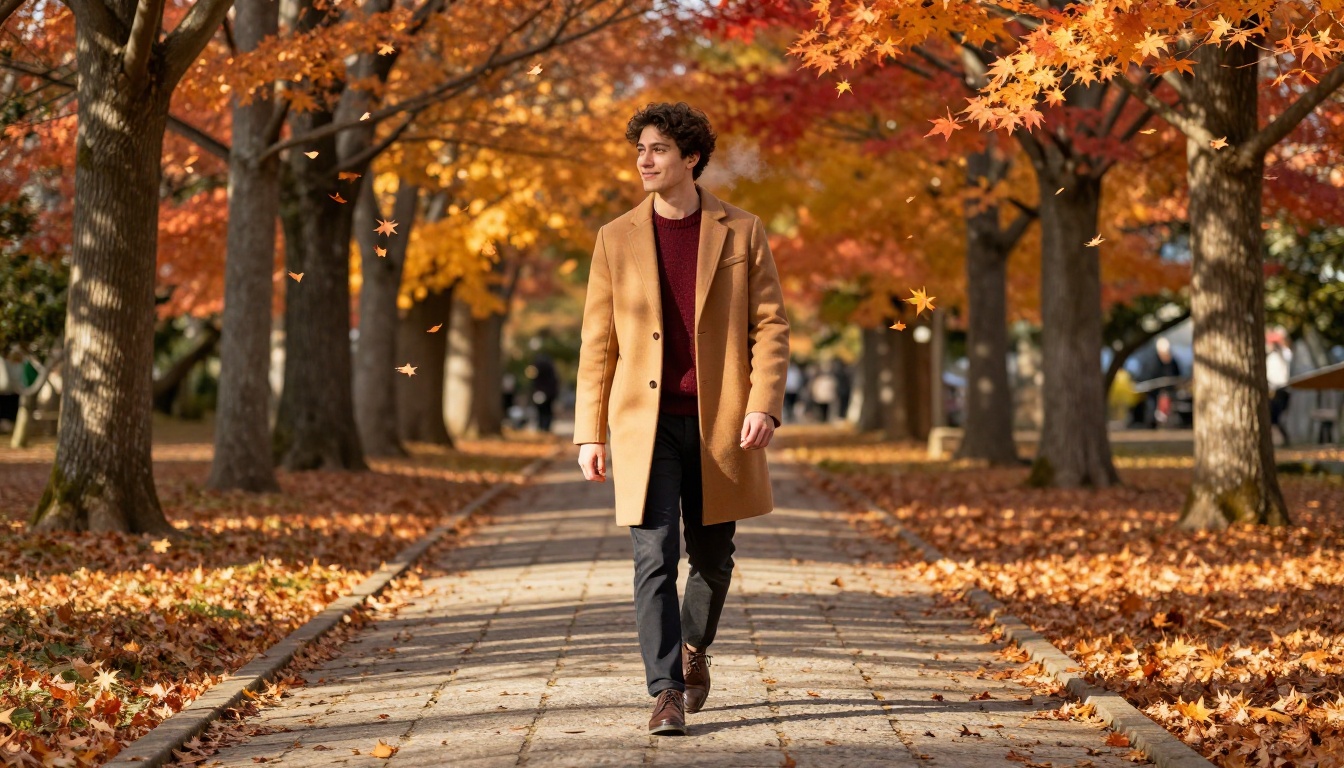
Model Comparison for Husbando Creation
Here is how the main text-to-image options on PicassoIA stack up for the specific needs of husbando character creation:
What the Best Results Have in Common
The AI husbando generators that fans actually recommend share a consistent underlying philosophy: specificity over convenience. The tools that earn long-term loyalty reward the effort you put into prompts, follow detailed instructions rather than defaulting to an average interpretation, and give creators enough control to iterate toward something genuinely personal.
The fans who produce the most memorable results treat character creation as a process, not a transaction. They generate many drafts, identify the specific qualities they want to carry forward, and build systematically toward a character that feels like it has a history and a personality that extends beyond the frame.
That process is significantly easier when you have access to the right models in one place. Whether you start with Seedream 4.5 for its soft emotional quality or go detailed with FLUX Pro Finetuned, then pair your visual character with Claude Sonnet 4.6 for the companion interaction layer, the character you have in mind is already more specific than a generic tool will give you credit for.
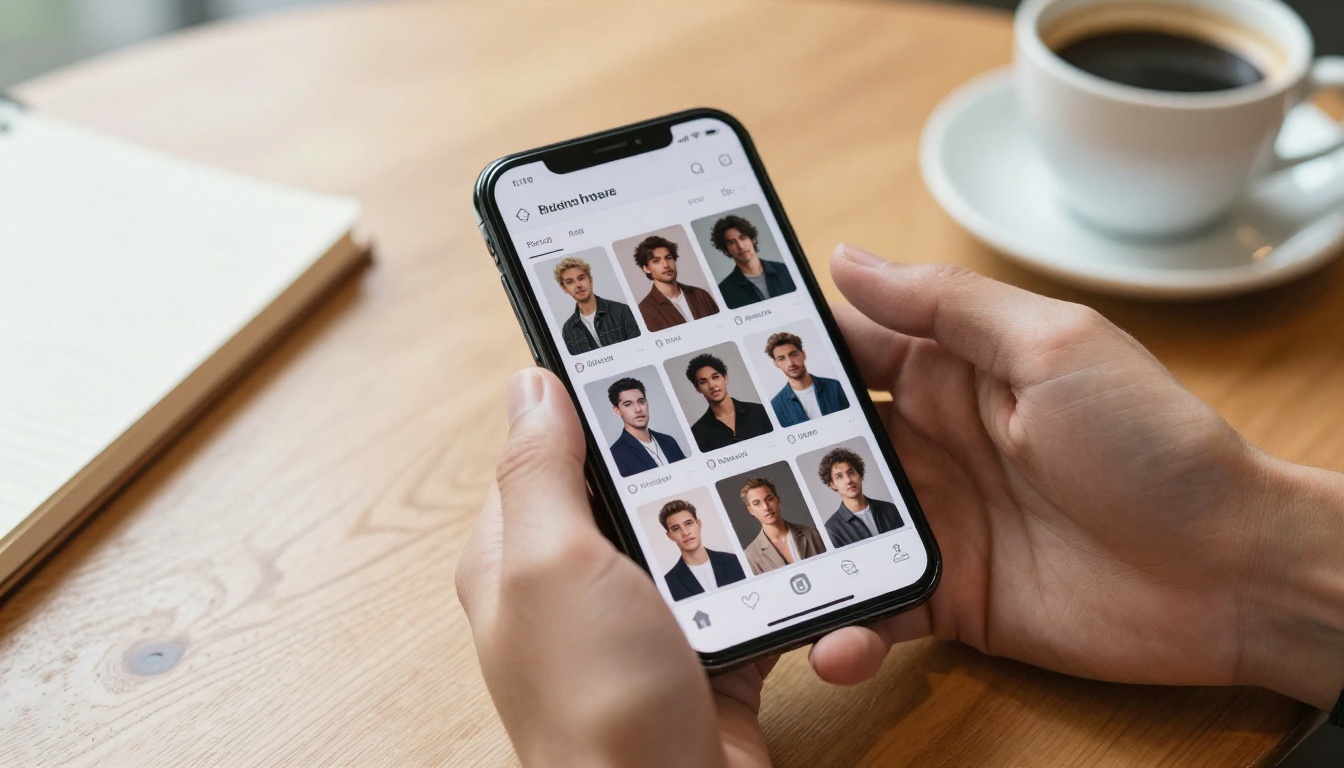
Write the details down. Run the prompt. See what comes back, and refine from there. That is the workflow every fan recommendation in these communities ultimately describes, just with different models at the center. Start exploring the full model library at picassoia.com/en/all-models and find the one that matches the character you are already imagining.


