Remember the first time you tried using "professional" software and spent two hours just trying to find the export button? AI tools shouldn't feel like that. The best AI image and video tools for beginners aren't about mastering complex interfaces—they're about getting excited results quickly, feeling that creative spark, and actually enjoying the process. This isn't about becoming a technical expert overnight; it's about finding tools that match how real people create in real life.

💡 The secret most beginners miss: You don't need to learn every advanced feature. The most enjoyable tools give you 80% of the value with 20% of the effort.
Traditional design software follows a logic pattern: menu → submenu → option → parameter → preview → adjust → repeat. Beginner-friendly AI tools work differently: idea → simple input → immediate visual feedback → tweak → share. The difference isn't just technical—it's psychological.
Three characteristics of tools beginners actually enjoy:
- Instant gratification: You type something, you see something within seconds
- Minimal decision fatigue: Fewer sliders, toggles, and technical terms
- Shareable results: Output that looks good enough to show friends immediately
The tools that get this right understand something fundamental: beginners want to create, not configure.
Text-to-Image Tools That Feel Like Playing, Not Programming
Stable Diffusion: The Familiar Starting Point
When beginners search for "AI image generator," Stable Diffusion often comes up first—and for good reason. It's the model name people recognize, like Photoshop for digital art or Word for documents. The familiarity matters because it reduces that initial "what am I looking at?" anxiety.
What beginners get right with Stable Diffusion:
- Straightforward text prompts work immediately
- The "negative prompt" field teaches you what not to want
- Results have that recognizable AI-art style people expect
The psychological advantage: you're using the tool everyone talks about. When your cousin asks "what AI did you use for that cool picture?" and you say "Stable Diffusion," they nod knowingly. That social validation matters more than technical purists admit.
GPT Image 1.5: For ChatGPT Users Feeling Adventurous
If you're already comfortable chatting with AI, GPT Image 1.5 feels like opening a new tab in a familiar browser. The interface logic matches what ChatGPT users expect: conversational prompts, iterative refinement, and that reassuring OpenAI branding.
Why this works for absolute beginners:
- No separate account or learning curve if you use ChatGPT
- The "conversation" metaphor makes prompting feel natural
- It understands context from your chat history

💡 The conversation trick: Instead of thinking "I need to write a perfect prompt," think "I'm describing what I want to a helpful friend." GPT Image 1.5 excels at this conversational approach.
Turbo Models: When Patience Isn't Your Virtue
Let's be honest—waiting 45 seconds for an image feels like eternity when you're excited. That's where turbo models change the beginner experience completely.
z-image-turbo delivers images so fast you barely have time to second-guess your prompt. The speed creates a different psychological dynamic: rapid experimentation. Type something weird, get immediate feedback, laugh, try something else. It turns AI generation from a solemn creative process into playful exploration.
Other speed demons beginners love:
The speed benefit table:
| Model | Typical Wait | Beginner Advantage |
|---|
| Standard models | 30-60 seconds | Time to doubt your prompt |
| Turbo models | 5-15 seconds | Maintains creative momentum |
| Ultra-fast | 2-5 seconds | Feels like instant magic |
That last column matters. When the gap between idea and visualization shrinks, creativity flows differently.
Image Editing That Doesn't Require Photoshop PTSD
p-image-edit: The "Fix This" Button
Traditional image editing involves layers, masks, brushes, and menus that hide what you need. p-image-edit works on a simpler principle: show it what you have, tell it what you want, get the result.
Real beginner scenarios where this works:
- "Make the background less distracting"
- "Add more sunlight to this portrait"
- "Remove that weird object in the corner"
- "Make it look more professional"
The interface asks for images and a description of changes—no technical terms, no dropdown menus with confusing options. It's editing through conversation, which matches how beginners naturally think about photo fixes.

Video Generation That Doesn't Feel Like Film School
The TikTok Generation's Entry Point
If you've scrolled through TikTok or Instagram Reels, you've already trained your brain for short-form video aesthetics. Beginner video tools that match this mental model work better because they're building on existing visual literacy.
Veo 3.1 understands the language of social video: quick cuts, trending styles, immediate impact. When beginners describe what they want—"a fun product demo," "a travel montage," "a birthday greeting"—it generates within that familiar short-video framework.
Why video tools need different beginner psychology:
- Time investment feels bigger (waiting 2 minutes vs 15 seconds)
- More can go wrong (weird motions, awkward transitions)
- The "is this working?" anxiety lasts longer during generation
Tools that address these psychological hurdles succeed with beginners.
Sora 2 Pro: When You Want That "Movie" Feeling
Some beginners don't want TikTok-style clips—they want to feel like they're directing miniature films. Sora 2 Pro delivers that cinematic sensation without requiring storyboarding skills.
The cinematic shortcuts beginners use:
- "Slow motion sunrise over mountains"
- "Tracking shot following a character"
- "Close-up with shallow depth of field"
- "Golden hour lighting throughout"
These are director terms beginners have absorbed from movies and YouTube. Tools that understand this vocabulary make users feel competent immediately.
Real People, Real Use Cases (Not Tech Demos)
Couples Planning Dream Vacations
Sarah and Mark sit on their sofa scrolling through AI-generated travel images every Sunday evening. They're not graphic designers—they're dreamers. The tool they use needs to understand "beach resort with infinity pool" and "mountain cabin with fireplace," not require technical specifications.
Their workflow:
- Describe their fantasy destination
- Generate 4-5 options
- Save favorites to a shared album
- Refine based on what excites them
The enjoyment comes from the shared imagination, not the technical achievement.

Parents and Kids Creating Together
Emily's 5-year-old daughter describes unicorns with rainbow wings. Emily types the description, they watch the image generate together, and her daughter squeals with delight. The tool here serves intergenerational creativity, not pixel-perfect rendering.
Why this works for families:
- Immediate visual translation of child's imagination
- No "mommy needs to figure out the settings" delay
- Results colorful and exaggerated enough to delight kids
The technical quality matters less than the speed and vividness.
Small Business Owners Solving Real Problems
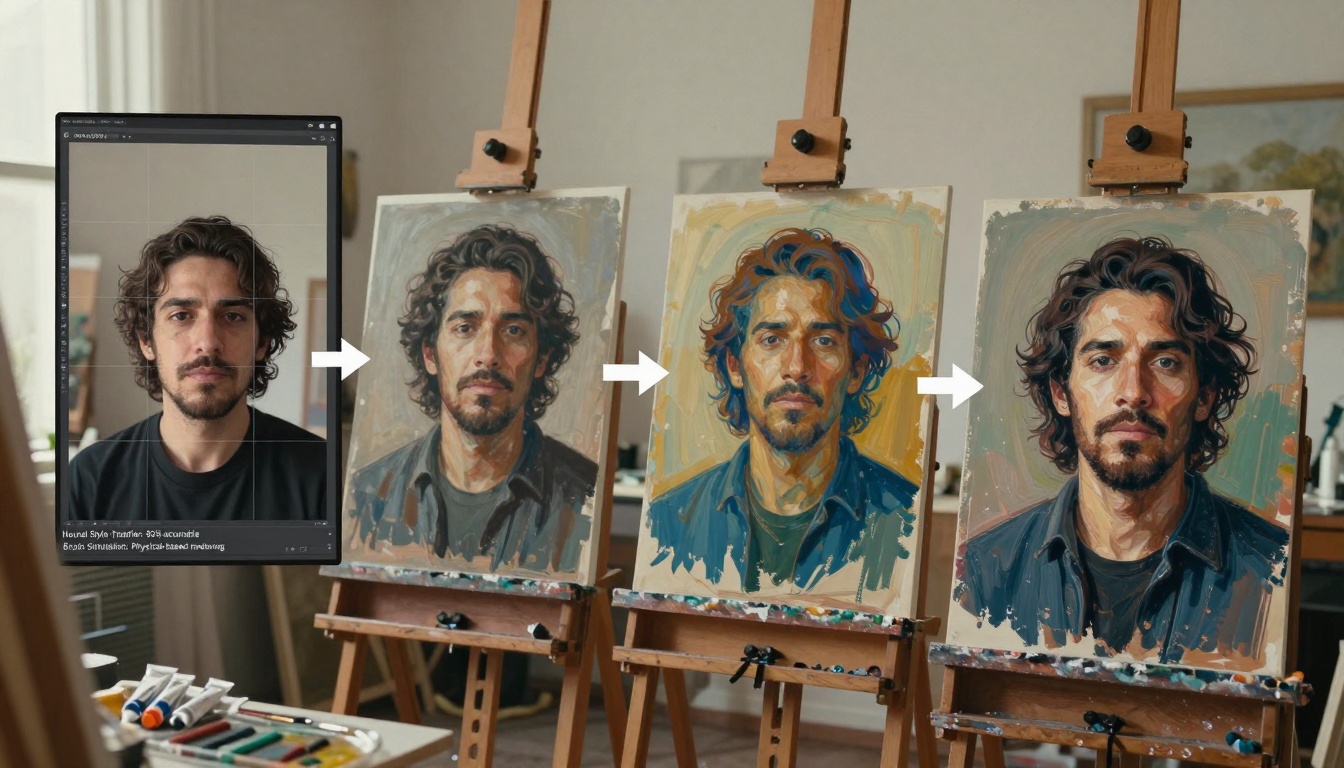
Carlos runs a bakery. He needs packaging design ideas by tomorrow morning's supplier meeting. He doesn't have time for design software tutorials—he needs "artisanal bread packaging, brown paper, elegant font" translated into visual options immediately.
Business beginner priorities:
- Speed-to-visual: Idea to mockup in minutes
- Presentation-ready: Good enough for client meetings
- Iteration friendly: Quick variations for comparison
Tools that prioritize these business realities over artistic perfection win with this audience.
Retirees Visualizing Next Chapters
Frank and Martha are planning their retirement home renovation. They have Pinterest boards, magazine clippings, and vague ideas. They need tools that understand "sunroom with lots of plants" and "kitchen with farmhouse sink" without requiring 3D modeling skills.
The senior advantage with AI tools:
- No previous software baggage (they're not "unlearning" Photoshop)
- Patience for conversation-style interfaces
- Appreciation for technology that feels helpful, not intimidating
The Beginner Mindset Shift (What Actually Matters)
From "Getting It Right" to "Getting Something"
Advanced users optimize for perfection. Beginners optimize for progress. The mental shift that makes AI tools enjoyable:
Before: "I need the perfect prompt to get the perfect result"
After: "Let me try this and see what happens"
This experimental mindset thrives with tools that give rapid, varied results. When each attempt takes seconds rather than minutes, curiosity outweighs caution.
The Joy of "Good Enough"
Professional designers chase pixel perfection. Beginners discover the freedom of "good enough for what I need." That birthday card image doesn't need museum-quality lighting—it needs to make your sister smile. That business mockup doesn't need Pantone-certified colors—it needs to show the investor the concept.
Tools that celebrate "good enough":
- Default settings that produce shareable results
- One-click style adjustments instead of granular controls
- Output optimized for screens, not print
Social Validation Over Technical Validation
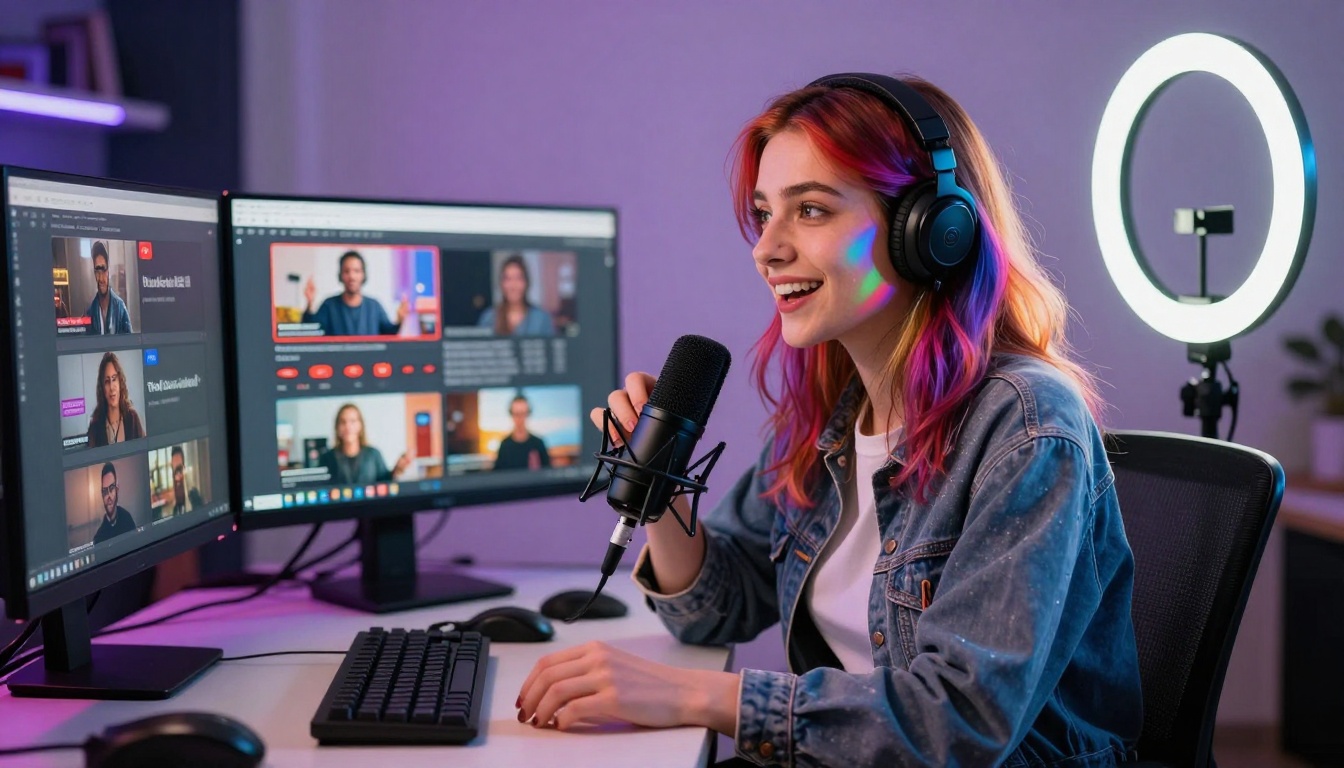
Beginners don't judge results by technical metrics (resolution, color accuracy, prompt adherence). They judge by social metrics: "Will my friends like this?" "Can I post this online?" "Does this communicate what I want?"
Tools that optimize for social shareability—right dimensions for Instagram, visually striking even on small screens, immediately understandable—align with beginner priorities.
Practical Starting Points (Not Overwhelming Lists)
Your First 30 Minutes With AI Images
- Pick one model only: Stable Diffusion or GPT Image 1.5
- Describe something simple: "Cat wearing a hat" or "colorful abstract background"
- Generate 3-4 variations: Don't tweak prompts yet—just see different outputs
- Pick your favorite: Notice what you like about it
- Ask for something similar: "More like the third one but with..."
This progression builds confidence through small wins.
When to Switch Models
Stick with your first model until you feel one of these:
One model mastery gives you the confidence to explore others.
Your First AI Video Attempt
- Start with movement description: "Waves crashing on rocks" or "leaves falling slowly"
- Keep it short: 3-5 second clips first
- Expect some weirdness: Early AI videos have quirks—that's part of the fun
- Refine with adjectives: Add "cinematic" or "slow motion" or "vibrant colors"

Common Beginner Hurdles (And How to Skip Them)
"My Images Look Generic"
The fix: Add specific, sensory details. Instead of "beach sunset," try "empty beach at sunset with one set of footprints in wet sand, pink and orange sky reflecting on water, seagull flying in distance."
Why it works: AI tools excel at concrete details but struggle with vague concepts.
"Everything Has That AI Look"
The fix: Request specific photographic styles. Add "shot on 35mm film with grain" or "professional product photography with studio lighting" or "documentary style with natural light."
Why it works: You're giving the tool aesthetic direction, not just subject description.
"Videos Get Weird Halfway Through"
The fix: Keep scenes simple and durations short initially. "Panning shot across mountain range" works better than "complex narrative with multiple scene changes."
Why it works: Current AI video tools handle consistent motion better than complex sequencing.
"I Don't Know What Parameters Mean"
The solution: Ignore them. Seriously. Most beginner-friendly tools have intelligent defaults. The "guidance scale" and "sampling steps" can wait until you're curious about them, not required from day one.
Progressive Disclosure Interfaces
The best beginner tools reveal complexity gradually:
Day 1: Basic prompt field → generate
Week 1: Style selector appears → experiment
Month 1: Advanced parameters available → explore if curious
This respects your learning pace instead of demanding upfront expertise.
Community Examples You Can Steal
Tools with shared galleries of user creations serve as implicit tutorials. Seeing "beach sunset — shot on Portra 400 film" next to the generated image teaches you more than any manual.

What Actually Creates Enjoyment (The Human Factors)
The "Aha!" Moment Frequency
Tools that deliver satisfying results frequently keep beginners engaged. If you get one great image every ten tries, frustration builds. If you get something interesting every two or three tries, curiosity fuels continued experimentation.
Social Shareability Built In
When tools make it easy to download, share, or post directly to social platforms, they acknowledge the real end goal: showing people what you created.
The Learning That Feels Like Discovery
Technical tutorials feel like work. Discovering "oh, if I add 'volumetric lighting' I get that cool light beam effect" feels like unlocking a secret. Tools that enable this discovery-through-play maintain enjoyment.
Try Creating Your First Image Today
The tools exist. The barriers are psychological, not technical. Pick one model from this article—maybe z-image-turbo for speed or GPT Image 1.5 for familiarity.
Describe something from your day: your morning coffee, your dog's silly pose, the view from your window. Generate it. See what appears. That moment—between your idea and the visual result—contains the enjoyment beginners actually experience with AI tools.
Then share it with someone. Notice their reaction. That social connection—not the technical achievement—is what makes these tools worth returning to. The best AI tools for beginners understand this fundamental truth: people create to connect, not to perfect.


