Something shifted in AI image generation around late 2025, and by the time 2026 arrived, the tools that once felt experimental had become genuinely production-ready. The images coming out of the top models today are not just better than two years ago; they are categorically different in how they handle light, texture, human anatomy, and scene complexity. If you last checked on the state of AI image generation six months ago, you have some catching up to do.
This article breaks down what actually changed in 2026, which models moved the needle, where the technology still struggles, and how you can start generating at this new quality level right now.
Before 2026: The Baseline Everyone Forgets
It is easy to look at today's results and assume the progress was always this linear. It was not.
Resolution Was a Privilege
In 2023 and 2024, consistently generating 1080p-quality photorealistic images required expensive API access, careful prompt crafting, and often post-processing through separate upscaling models. The average text-to-image result at the affordable tier looked soft, lacked micro-detail, and required multiple retries to get something presentable.
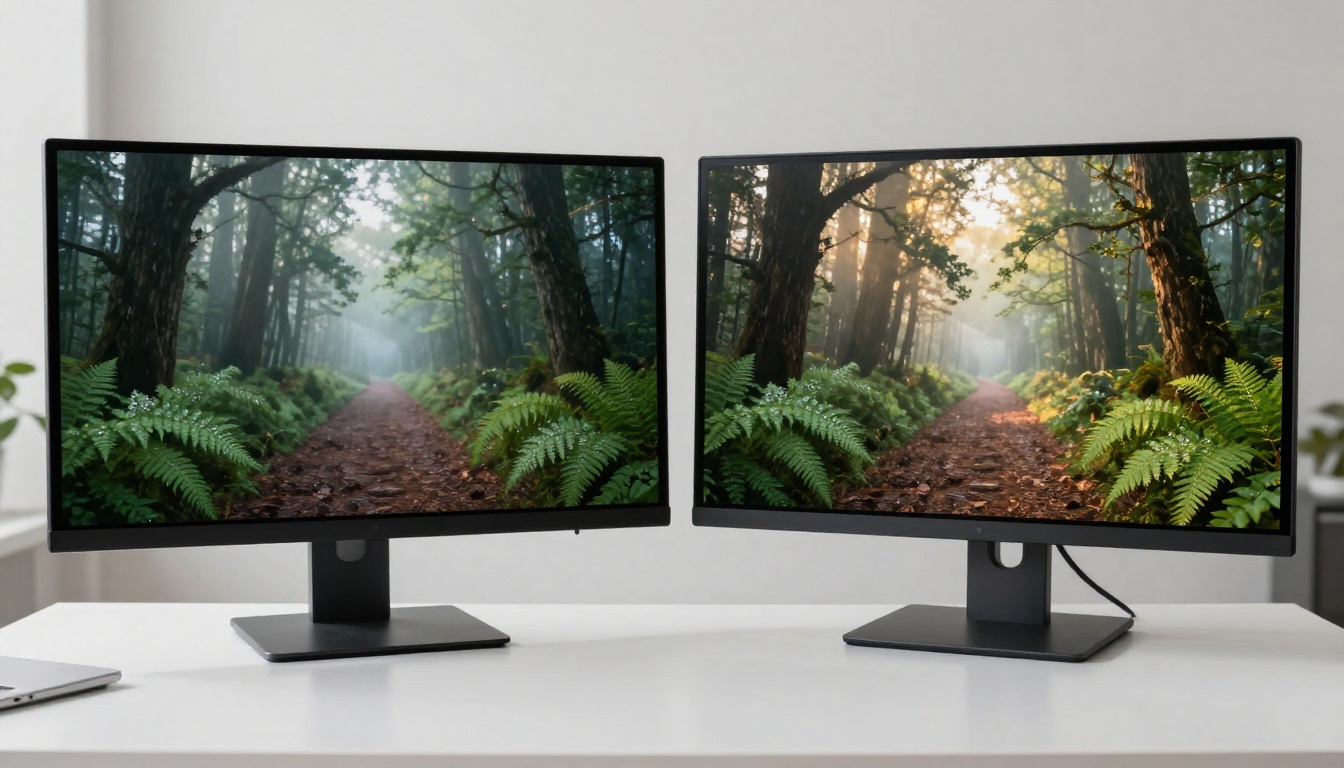
The gap between what was technically possible and what was practically accessible was enormous. You could get stunning results, but only if you knew exactly which settings to use, had access to the right hardware or API tier, and were willing to spend time on iteration. Most creators were not doing any of that.
Open Source vs. Closed Source Changed Roles
In 2024, the narrative was simple: closed source models from OpenAI had better quality, while open source models offered more control and customization. That split has since blurred considerably.
Stable Diffusion 3 brought the open source side significantly closer to closed-source quality. Meanwhile, closed source platforms started integrating fine-tuning through LoRA-style approaches. The walls between "control" and "quality" started to come down, which set the stage for everything that followed in 2026.
What 2026 Actually Delivered
The real story of 2026 is not one breakthrough. It is several overlapping improvements that arrived within months of each other and collectively raised the floor for what "acceptable" output means.
GPT Image 2 Changed the Baseline
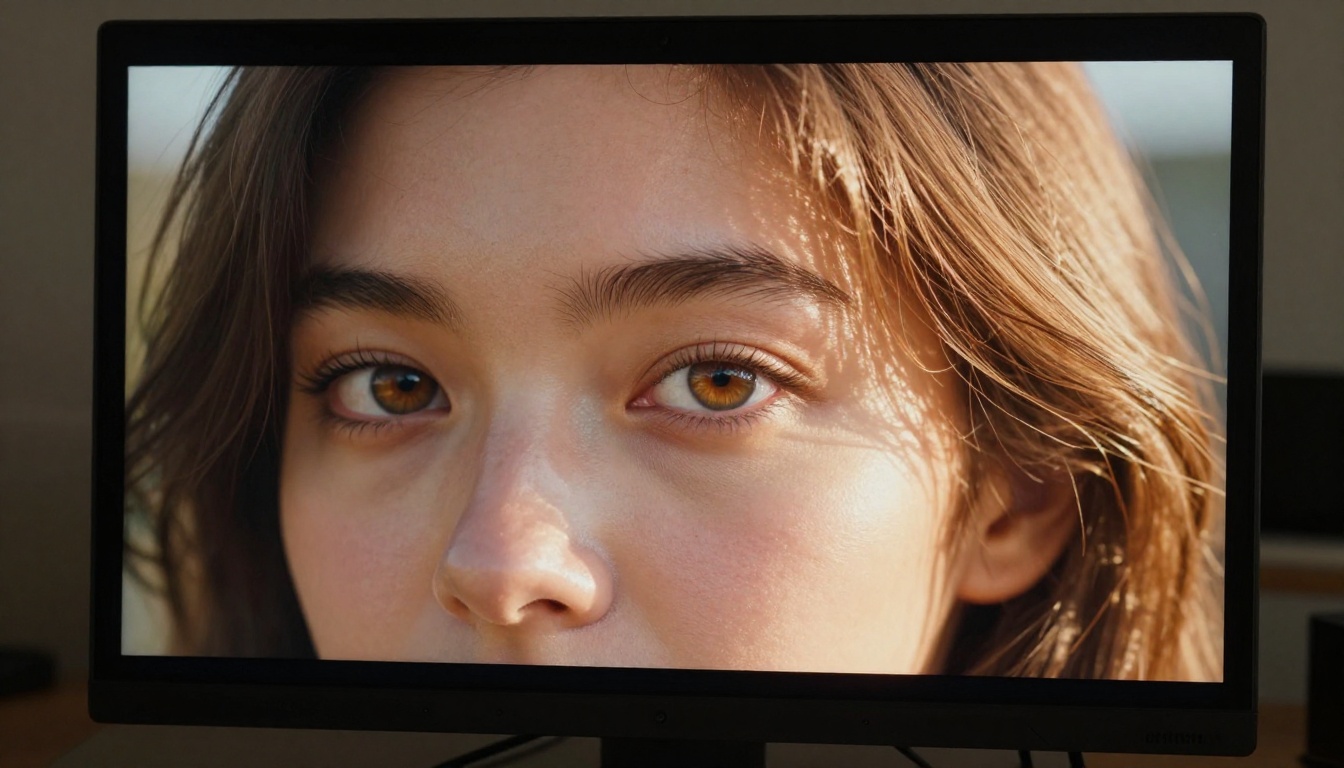
GPT Image 2 arrived with a different philosophy than its predecessor. Instead of focusing on raw creative novelty, it optimized for instruction-following accuracy and photorealism in a way that made it feel less like a creative tool and more like a production asset generator. Ask it for a product photo against a white background with a specific shadow angle, and it delivers. Ask it for a portrait with a particular lighting setup, and the result is measurably closer to what you described.
This reliability was the breakthrough, not resolution or style range. When a model does what you actually described instead of what it interprets your description to mean, workflows change completely.
💡 GPT Image 2 responds particularly well to photography-specific language. Reference lens types, f-stop, ISO, and lighting direction in your prompts for significantly more controlled results.
Seedream 4.5 and the 4K Standard
Seedream 4.5 from ByteDance established 4K as a realistic output expectation rather than a premium feature. The model generates images at resolutions where individual pores, fabric weaves, and surface textures are visible without upscaling. For photographers, product designers, and marketing teams, this removed an entire step from the post-processing pipeline.
What makes Seedream 4.5 particularly notable is how it handles complex scenes. Multi-subject compositions with realistic depth-of-field rendering, accurate shadow casting across multiple objects, and coherent lighting from a single source across the whole frame were historically unreliable in text-to-image models. Seedream 4.5 gets this right far more consistently than anything available in 2024.
Wan 2.7 Raises the Bar on Detail
Wan 2.7 Image Pro from Wan Video set a new standard for micro-detail rendering in AI-generated images. The model handles surface textures in a way that feels genuinely physical. Stone, fabric, skin, and metal all behave differently under light in Wan 2.7 outputs, which had been a significant weakness in previous-generation models that tended to apply a uniform sheen to surfaces regardless of material type.
The standard Wan 2.7 Image model delivers 2K output with similar quality characteristics but faster generation speed, making it more suitable for iterative workflows where you need multiple variations quickly.

Hunyuan Image 2.1 Nails Realism
Hunyuan Image 2.1 from Tencent approaches realism from a different angle than Western models. Where GPT Image 2 optimizes for instruction precision and Seedream 4.5 for raw resolution, Hunyuan Image 2.1 focuses heavily on human subjects: natural skin tones, realistic body proportions, and facial expressions that do not look frozen or artificial.
For content categories involving people, portraits, and lifestyle imagery, Hunyuan Image 2.1 is performing at a level that competes directly with studio photography at a fraction of the cost. The model also handles diverse skin tones with notably less bias than earlier models, which represents a real step forward in practical usability.
Prompting in 2026 Is Different
One of the less-discussed changes from 2025 to 2026 is how much easier prompting has become. Not because people got better at it, but because the models got better at interpreting natural language.
Less Work, Better Results
The prompt engineering discipline that developed between 2022 and 2024, with its modifier lists, negative prompts, and elaborate syntax tricks, is becoming less necessary with the current generation of models. Reve Create and GPT Image 2 both respond well to conversational descriptions rather than keyword-stuffed prompts.
This is not to say prompting skill has zero value. Knowing how to describe lighting, composition, and atmosphere in specific terms still produces measurably better results. But the floor for "acceptable output with minimal effort" has risen dramatically. A one-sentence description that would have produced mediocre results in 2023 now produces something genuinely usable.
Style Without Extra Words
Earlier models required explicit style modifiers to avoid defaulting to a generic aesthetic: "photorealistic, 8K, cinematic, Kodak Portra" and so on. Current top models like Fibo and Recraft 20B have internalized a broader range of aesthetics and apply them contextually based on the subject matter. Describe a product and you get product photography. Describe a landscape and you get something that reads as landscape photography, not a painted illustration.
This contextual style inference is one of the quieter but more impactful shifts in 2026. It means AI image generation is becoming genuinely accessible to people who do not have a background in either photography or prompt engineering.
LoRA Fine-Tuning for Everyone
If 2024 was the year LoRA became popular with power users, 2026 is the year it became practical for anyone. The combination of faster training times, lower computational requirements, and better documentation has made custom model fine-tuning a realistic option for small studios and individual creators.
What Custom Training Means Now
LoRA fine-tuning lets you train a model on a specific visual style, subject, or brand identity and then apply that style to any generated output. In practice, this means a product brand can train a model on 20 to 30 reference photos and then generate consistent marketing imagery without re-describing the product aesthetic in every single prompt.

The cost and time barrier that made this impractical in 2024 has dropped significantly. What once required a powerful GPU and hours of training can now run in minutes through cloud-based pipelines.
Flux 2 Klein LoRA Models
The Flux 2 Klein 9B Base LoRA and Flux 2 Klein 4B Base LoRA from Black Forest Labs represent the current standard for LoRA-based customization. The 9B variant offers more style fidelity at the cost of generation speed, while the 4B model strikes a better balance for iterative workflows.
Both models support training on small datasets (as few as 15 to 20 images), produce consistent outputs that closely match training data style, and integrate with existing workflow tools without requiring significant technical setup. Flux Redux Dev adds image variation capability on top of this, allowing you to generate multiple interpretations of a reference image while maintaining style consistency.
💡 For LoRA training, curate your training images carefully. Diversity in angle and lighting within your training set produces more flexible LoRA behavior than images that are too similar to each other.
The Real Gaps Between Models
With so many strong options now available, the choice between models is not about finding "the best" in absolute terms. It is about matching the model's strengths to your specific use case.
| Model | Best For | Output Resolution | Speed |
|---|
| GPT Image 2 | Instruction-precise outputs | Up to 4K | Medium |
| Seedream 4.5 | 4K photorealism, complex scenes | 4K | Medium |
| Wan 2.7 Image Pro | Micro-detail, surface textures | 4K | Slower |
| Hunyuan Image 2.1 | Human subjects, portraits | 2K | Fast |
| Flux 2 Klein 9B LoRA | Custom style fine-tuning | Up to 4K | Slow |
| Recraft 20B | Contextual style inference | Variable | Fast |
Speed vs. Quality Trade-offs
The fastest models in 2026, including Flux Schnell LoRA, are not the highest quality. This trade-off has always existed, but the gap has narrowed. Fast models in 2026 produce output that would have been considered high quality in 2024. If you need volume, the fast-tier models are now genuinely viable for production work in ways they simply were not two years ago.
Output Consistency Still Varies
Where models still diverge significantly is in output consistency. Run the same prompt 10 times across any model and you will get noticeably different results each time. Some of this variation is desirable for creative work, but for production workflows requiring visual consistency across a batch of images, it remains a meaningful limitation.
Models like Qwen Image Edit Plus address this partly through edit-mode workflows where you start with a reference image and modify it rather than generating from scratch each time. This approach produces more consistent results because the model has a visual anchor to work from.
What's Still Not Fixed
Progress in 2026 has been real and significant. But the honest picture requires acknowledging where text-to-image generation still reliably fails.
Hands, Text, and Fine Details
Hands remain the most commonly cited failure point in AI image generation, and 2026 has not fully solved this. All current models produce hands with occasional anatomical errors: extra fingers, fused knuckles, or implausible joint angles. The error rate has dropped compared to 2023, but it has not reached the reliability level of faces or fabric.
Legible text within images is similarly unreliable. Most models produce text that looks typographically plausible from a distance but falls apart on close inspection. Generating images where specific words or sentences must be readable and accurate is still not a reliable workflow with any current model.
Cross-Image Character Consistency
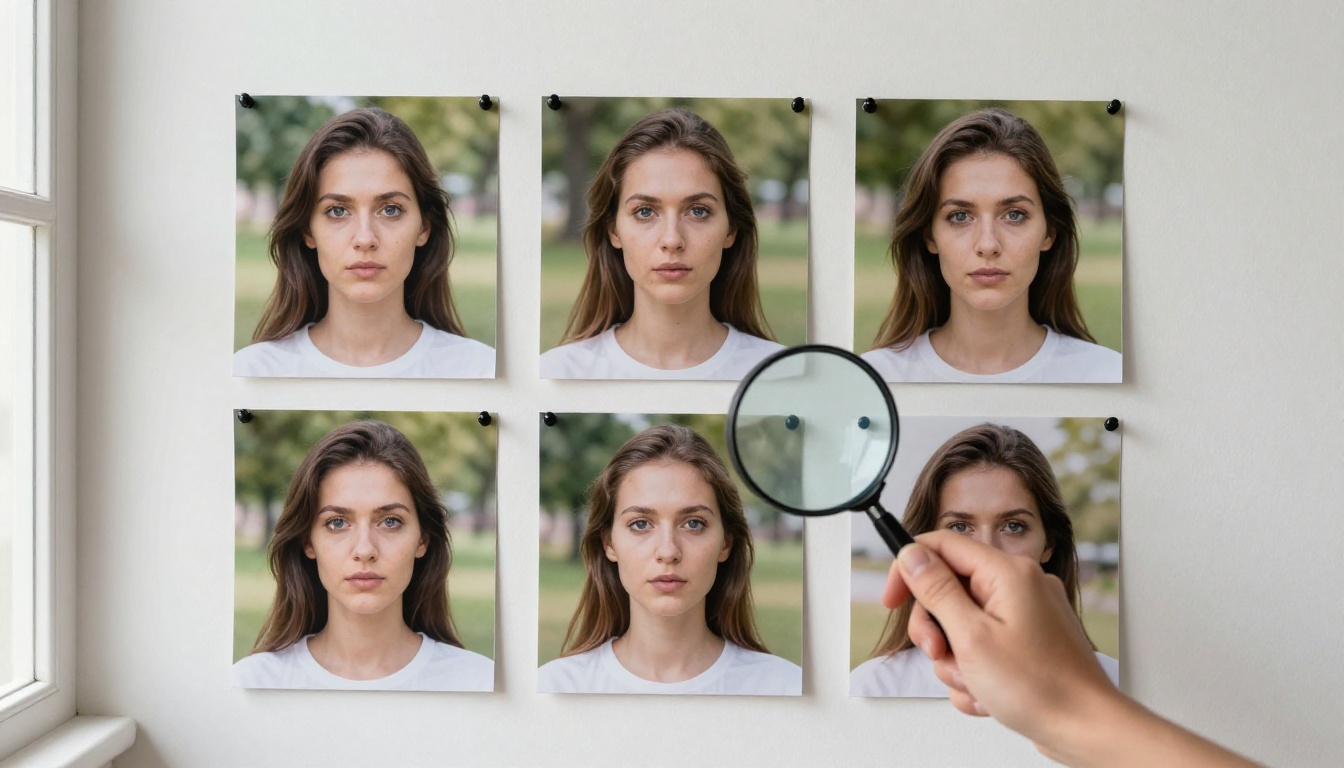
The hardest unsolved problem in 2026 is character consistency across multiple generated images. If you need the same person appearing in ten different scenes, you currently have no reliable way to guarantee that person looks the same in each one without significant post-processing or image-to-image editing workflows.
Qwen Image Edit and similar edit-mode models help by letting you keep a reference character and change only the environment, but even this approach produces drift across multiple iterations. This is the problem that the next generation of models is most actively working to solve.
How to Generate at This Level Right Now
You do not need to set up local infrastructure or manage API tokens from multiple providers to access all of these models. All of the models discussed in this article are available directly through PicassoIA.
The platform gives you access to over 90 text-to-image models through a single interface, so you can test GPT Image 2, Seedream 4.5, Wan 2.7 Image Pro, and Hunyuan Image 2.1 side by side with the same prompt to see which one suits your specific use case. Beyond text-to-image, you will also find tools for background removal, super-resolution upscaling, image editing with text prompts, and LoRA fine-tuning, all accessible without switching platforms or managing separate accounts.
Here is a straightforward starting workflow:
- Pick a model based on your content type. For portraits and human subjects, start with Hunyuan Image 2.1. For complex scenes or product photography, try Seedream 4.5 or Wan 2.7 Image Pro.
- Write a descriptive prompt using photography language: mention lighting direction, camera angle, subject distance, and any material or texture details that matter to the shot.
- Generate 3 to 5 variations before deciding on a direction. Variation between generations is a feature, not a bug. The second or third result is often stronger than the first.
- Iterate through editing using Qwen Image Edit Plus if you want to refine a specific image rather than re-generating from scratch.
- Apply LoRA if you need stylistic consistency across a batch. Flux 2 Klein 9B Base LoRA is the current standard for this workflow.
The Part Worth Paying Attention To
AI image generation in 2026 is not a novelty anymore. The output quality from models like GPT Image 2, Seedream 4.5, and Wan 2.7 Image Pro is production-grade for a growing list of use cases. The technology still has real limitations, particularly around consistency and fine detail, but those limitations are shrinking with each model release.
The most important shift is accessibility. What required significant expertise and resources in 2024 is now achievable by anyone with a clear idea and a well-written description. The ceiling has risen, but so has the floor.
If you have not tested the current generation of models, now is the time to start. Pick one image you need for a project, write a focused description, and run it through three or four of the models available on PicassoIA. The results will tell you more than any comparison article can.


